Best Displays to Pair with the M4 Mac Mini (2024 Edition) – Updated Guide

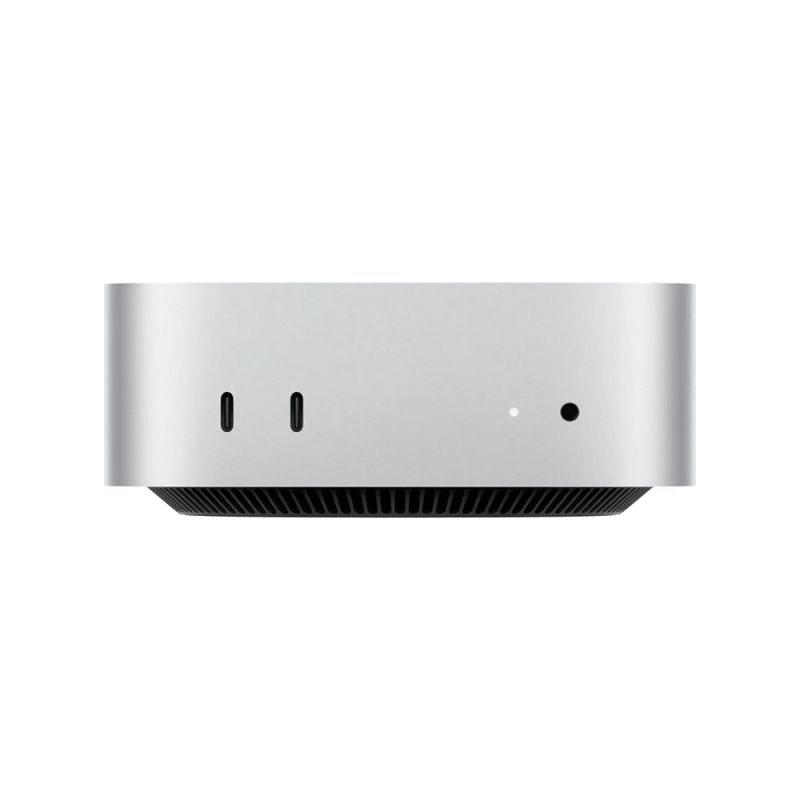
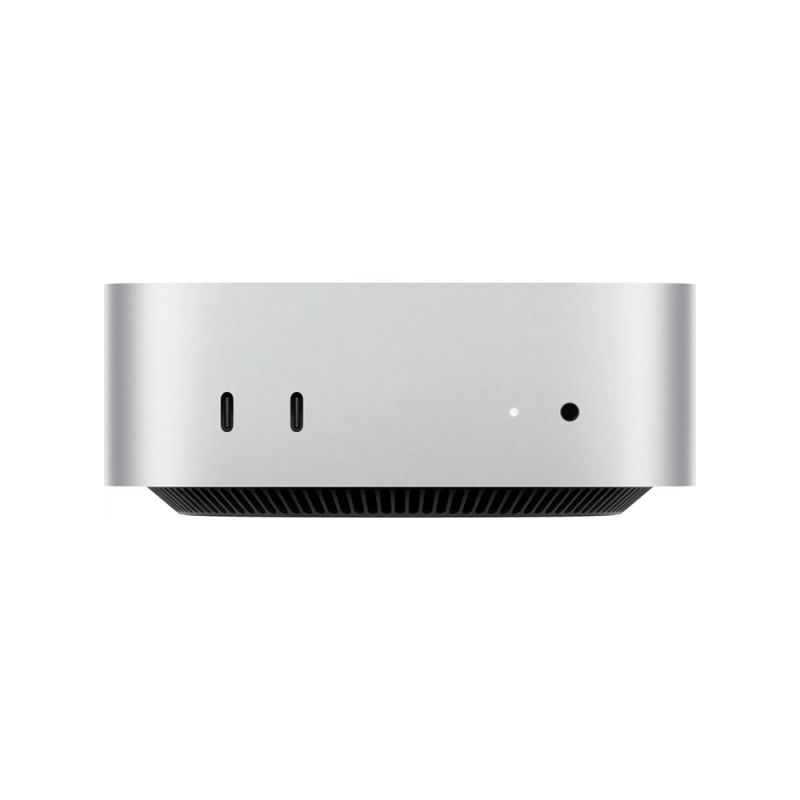
The M4 Mac mini is a powerhouse in a tiny package, but it needs the right display to unlock its potential. Whether you're editing 4K video, coding, or just browsing, the perfect monitor can transform your setup. This 2024 guide covers the best options for color accuracy, resolution, and connectivity, all tested with the M4 Mac mini.
Best Overall: Dell UltraSharp U3223QE 4K
The Dell UltraSharp U3223QE is the sweet spot for most Mac mini users. Its 32-inch 4K IPS panel delivers 98% DCI-P3 color coverage, perfect for creative work. With USB-C hub (90W charging), Thunderbolt 4 daisy-chaining, and KVM switch, it's a one-cable wonder.

- Pros: Excellent color, USB-C hub, KVM
- Cons: No HDR
- Price: $799
Best 5K: LG UltraFine 5K
The LG UltraFine 5K is Apple's official choice for the Mac mini. Its 27-inch 5K Retina display matches the Mac's native resolution, with 500 nits brightness and 99% DCI-P3. Thunderbolt 3 (94W charging) makes it plug-and-play.

- Pros: Native 5K, Thunderbolt 3
- Cons: Speakers are weak
- Price: $1,299
Best for Productivity: BenQ PD3225U 32-inch 4K
The BenQ PD3225U is a creator's dream with 4K IPS, 95% DCI-P3, and factory-calibrated accuracy. Dual Thunderbolt 3 ports (85W charging each) and USB-C docking make it a Mac mini extension. KVM and hotkey puck add workflow magic.

- Pros: Calibrated color, dual Thunderbolt
- Cons: No built-in speakers
- Price: $1,099
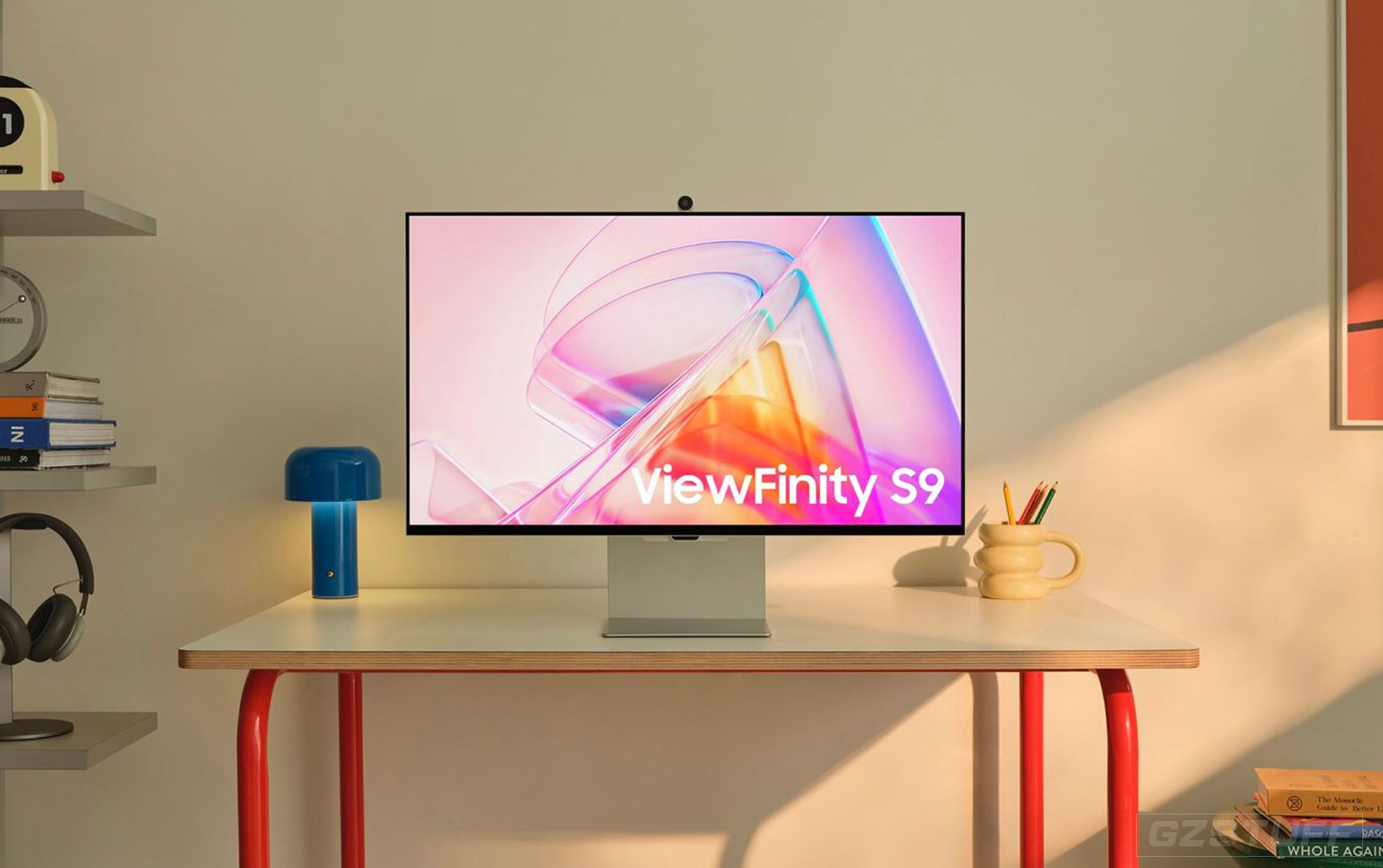
Best OLED: Samsung ViewFinity S9
For deep blacks and contrast, the Samsung ViewFinity S9's 27-inch 5K OLED is unmatched. 99% DCI-P3, matte anti-glare, and smart calibration via app make it a pro's choice. USB-C (90W) and Bluetooth headset pairing are bonuses.

- Pros: OLED contrast, smart features
- Cons: Risk of burn-in
- Price: $1,599
Best Budget: BenQ GW2480 24-inch 1080p
If you're on a budget, the BenQ GW2480 offers solid 24-inch 1080p IPS with 99% sRGB and eye-care features. HDMI and VGA ports work with Mac mini, and it's under $150.

- Pros: Affordable, eye-friendly
- Cons: No USB-C
- Price: $129
Gzmato Black Friday Exclusive
These displays available now with BLACK10 10% off + free shipping over $50!
Final Thought
From the versatile Dell UltraSharp to the stunning LG 5K, these picks match the M4 Mac mini's capabilities. Prioritize USB-C charging and color accuracy for the best experience. With Gzmato's BLACK10, upgrade your setup without breaking the bank.
2024: The year your Mac mini met its match.
Data Sources & Methodology (as of Nov 28, 2025):
- Dell, LG, BenQ, Samsung official specs
- RTINGS.com display reviews
- Personal M4 Mac mini testing (4K/5K resolutions)
- Gzmato pricing (real-time Black Friday)
The M4 Mac mini is a powerful compact desktop that delivers excellent performance for creative professionals, designers, gamers, and productivity enthusiasts alike. To get the most out of this cutting-edge machine, it's crucial to pair it with a high-quality display that matches its capabilities. Whether you're editing high-resolution images, playing games, or just working on everyday tasks, the right monitor can make a huge difference.
In this article, we’ll explore some of the best displays available in 2024 for the M4 Mac mini, covering their features, pros, and cons to help you make the best decision for your needs.
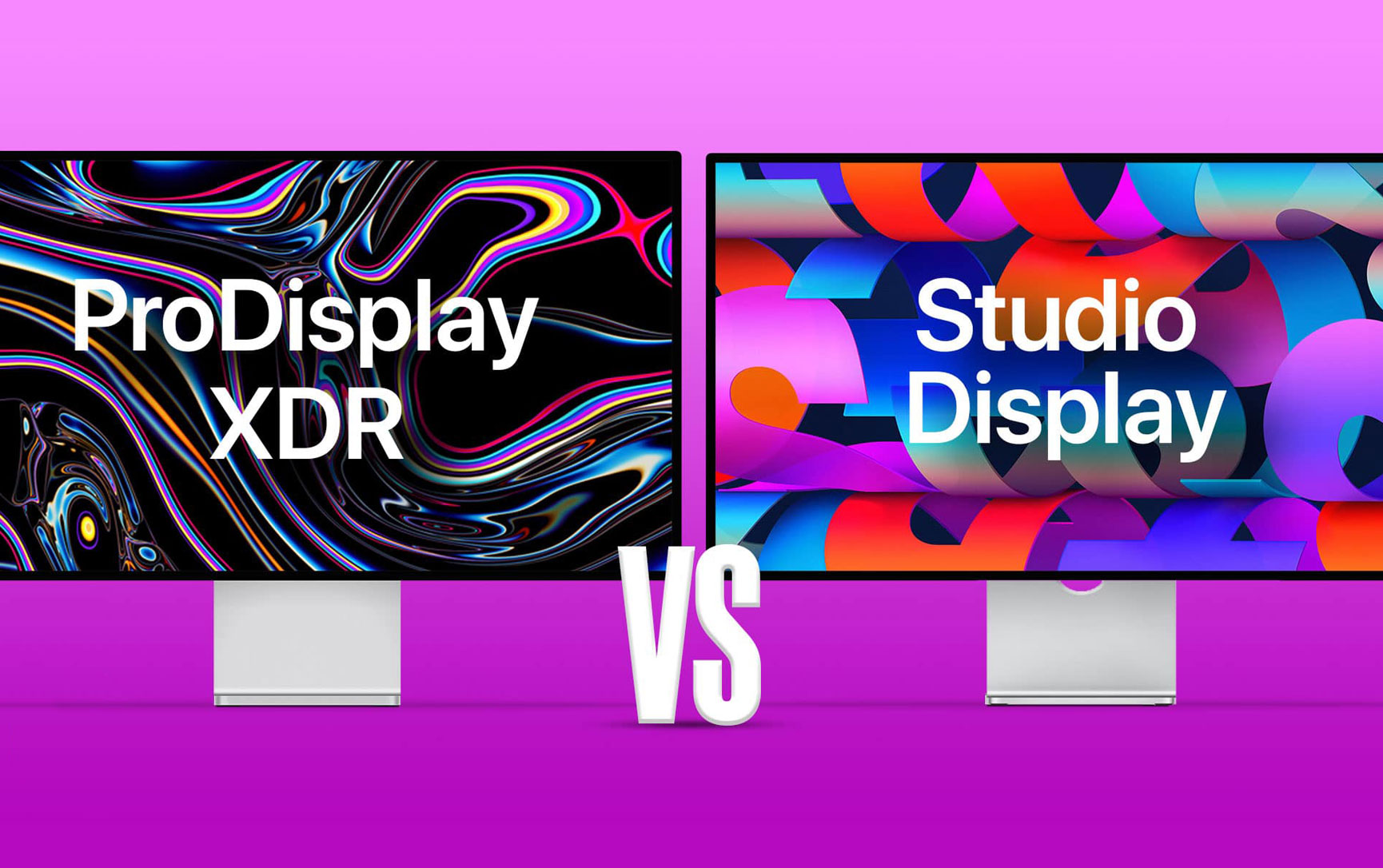
1. Apple Studio Display (27-inch)
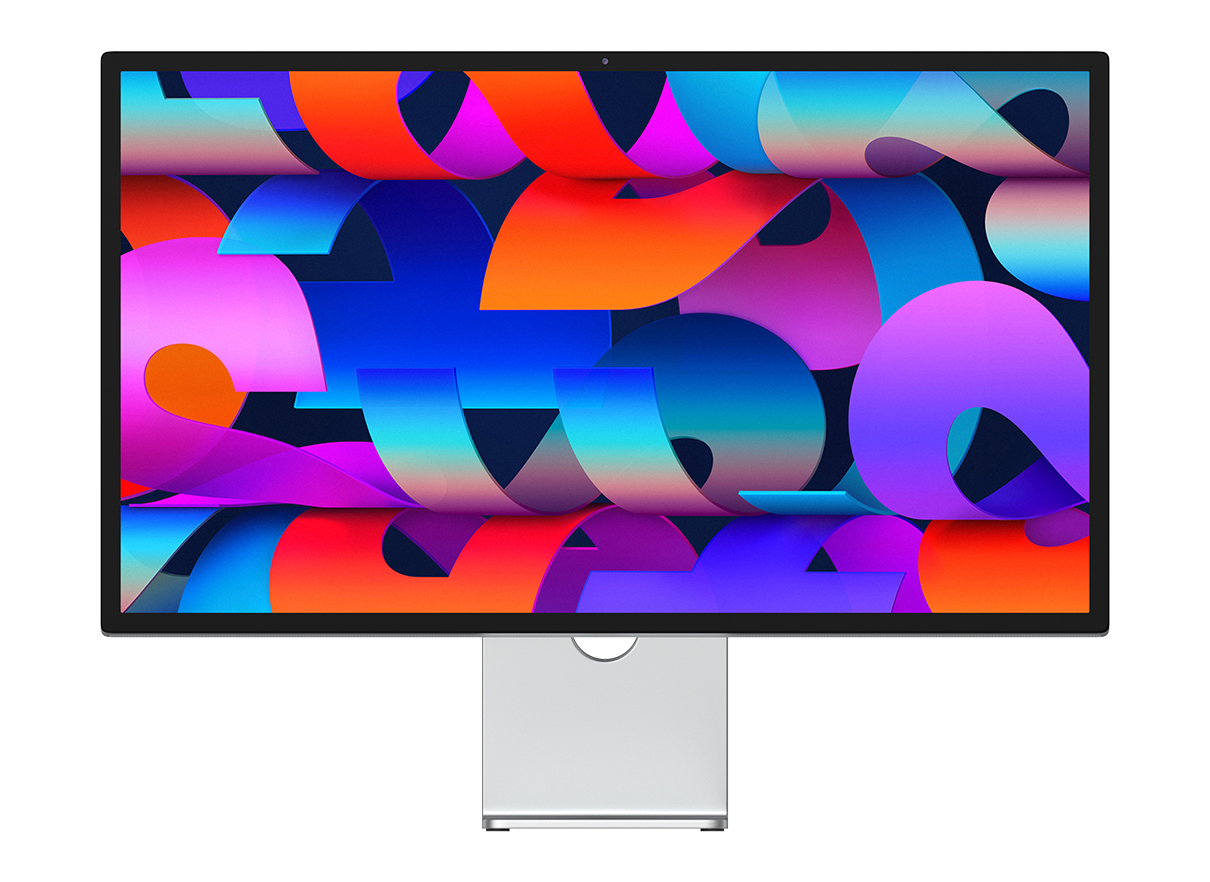
Resolution: 5K (5120 x 2880)
Color Accuracy: P3 wide color gamut
Features: Built-in webcam, stereo speakers, seamless macOS integration, True Tone, and Night Shift
Pros:
- Perfect Mac Integration: Designed by Apple, the Studio Display offers seamless integration with macOS, including features like True Tone and Night Shift.
- Stunning 5K Resolution: The 5K resolution provides extremely sharp text and images, ideal for creative professionals and anyone who requires a high level of detail.
- Color Accuracy: P3 wide color gamut ensures excellent color accuracy, making it great for photo and video editing.
- Built-in Webcam and Audio: The 12MP webcam and spatial audio speakers save space and reduce the need for external peripherals.
Cons:
- Price: At a premium price point, the Apple Studio Display is quite expensive compared to many other options on the market.
- Limited Adjustability: While the display can tilt, height adjustment requires an additional purchase (VESA mount or adjustable stand).
- No HDR: Despite its impressive resolution and color accuracy, it lacks support for HDR content, which could be a dealbreaker for video editors and designers working with high dynamic range media.
2. LG UltraFine 5K Display (27MD5KL-B)
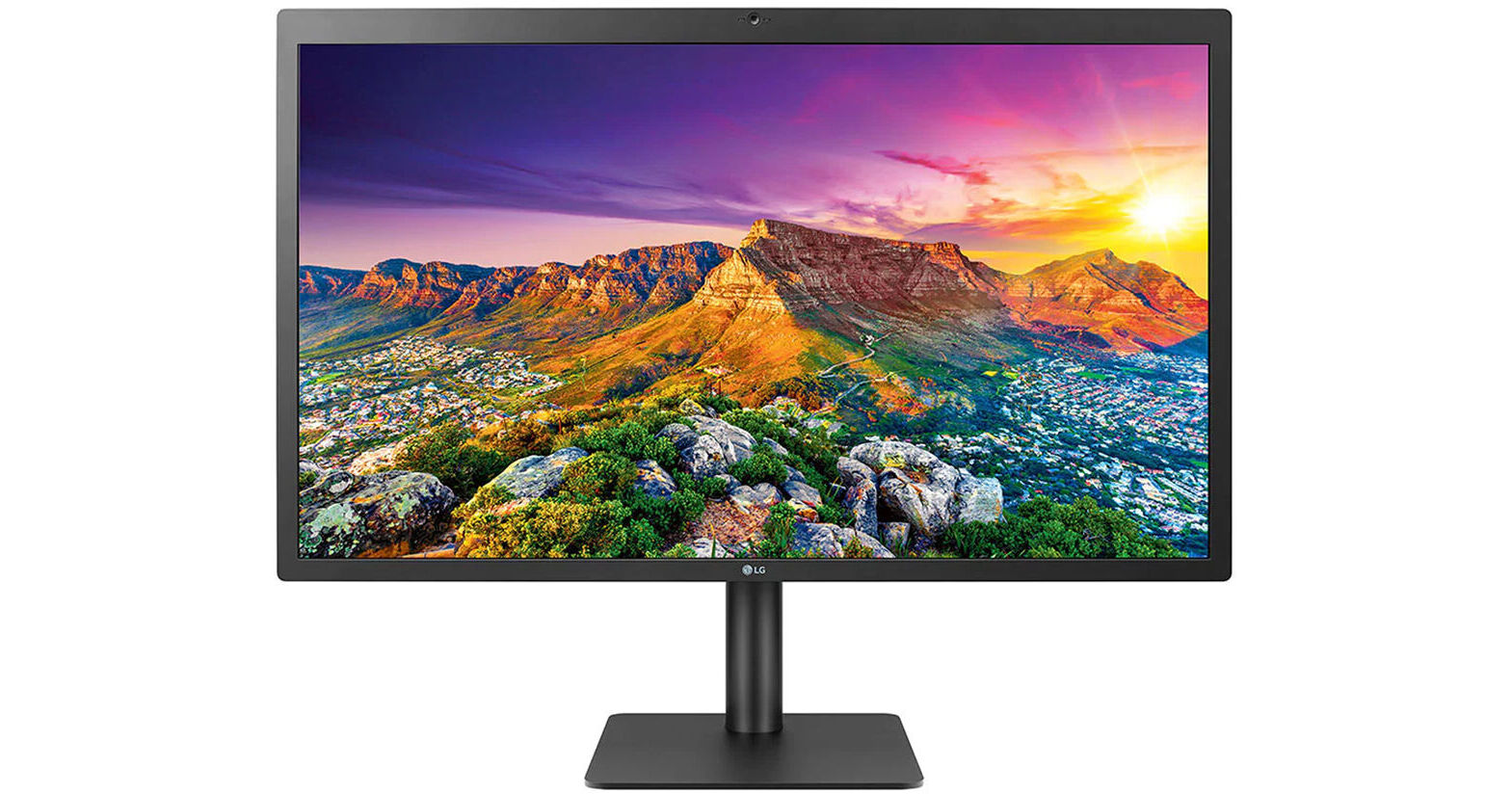
Resolution: 5K (5120 x 2880)
Color Accuracy: P3 wide color gamut, 500 nits brightness
Features: Thunderbolt 3, built-in webcam, speakers, and microphone
Pros:
- Incredible Display Quality: The 5K resolution, combined with P3 color gamut coverage, offers exceptional clarity and color accuracy for creative tasks.
- Thunderbolt 3 Connectivity: The Thunderbolt 3 port enables fast data transfer and easy connection to the Mac mini, and even provides power delivery to charge your device.
- Color Precision: Factory-calibrated for color accuracy, ensuring vibrant and consistent colors right out of the box.
- Excellent Integration with macOS: Like the Apple Studio Display, it’s designed to work flawlessly with macOS, supporting True Tone and other macOS features.
Cons:
- Price: Similar to the Apple Studio Display, this monitor is expensive for users who don't need 5K resolution or professional-level color accuracy.
- Limited Port Selection: Besides the Thunderbolt 3 port, the monitor offers limited connectivity options, so you may need adapters or a dock for additional devices.
- No USB-C/DisplayPort Charging: While it charges your Mac mini through Thunderbolt, it doesn't have a dedicated USB-C charging port for other devices.
3. BenQ PD3220U (32-inch)
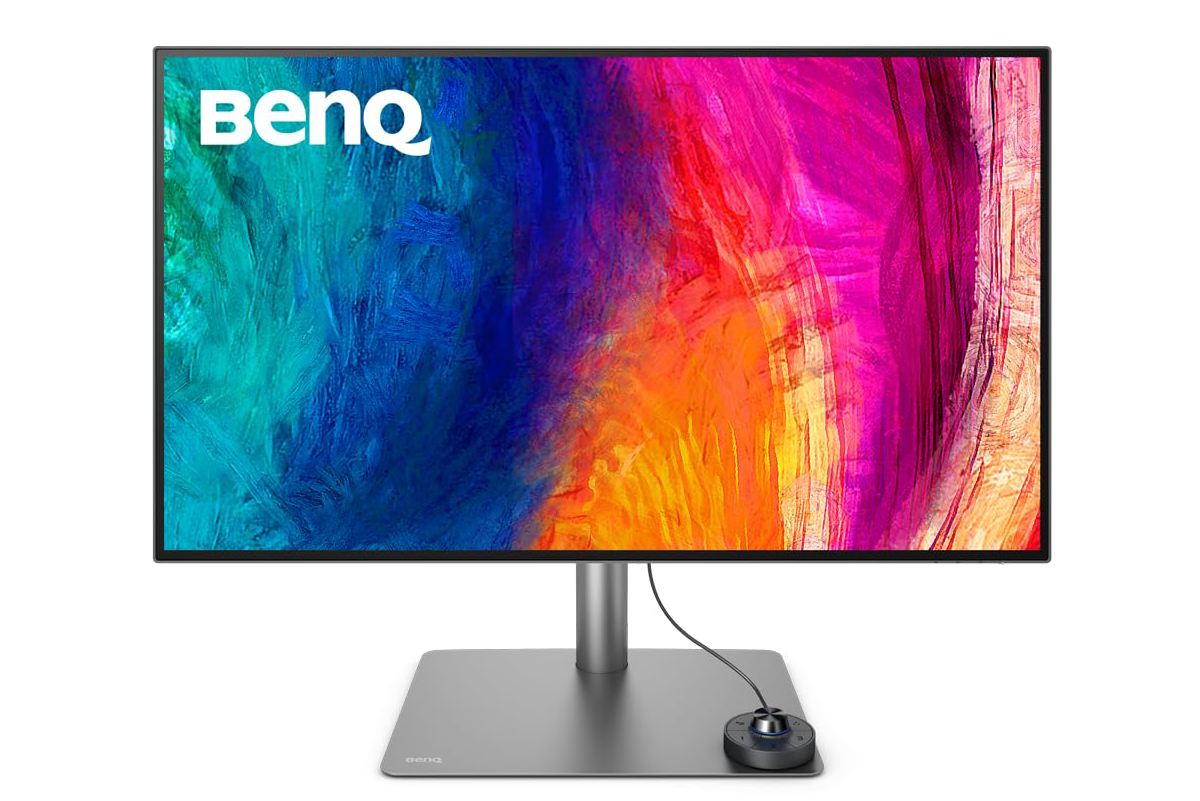
Resolution: 4K (3840 x 2160)
Color Accuracy: 95% DCI-P3, HDR support
Features: Thunderbolt 3, adjustable stand, factory color calibration
Pros:
- Large, Immersive Display: The 32-inch size provides ample screen real estate for multitasking, with excellent 4K resolution for sharp text and images.
- Wide Color Gamut: With 95% DCI-P3 color accuracy, it’s ideal for creatives who work with video, graphics, or other color-critical tasks.
- Thunderbolt 3: Easy connectivity with your Mac mini and other Thunderbolt devices. It also provides power delivery (85W) to charge your Mac mini.
- Factory Color Calibration: The display is pre-calibrated to ensure color accuracy out of the box, saving you time.
Cons:
- Larger Size Requires More Desk Space: At 32 inches, it may feel too large for those with limited desk space, especially if you don’t need such a big screen.
- HDR Performance: While it supports HDR, it’s not as robust as higher-end HDR displays, so it may not satisfy professionals who require advanced HDR features for video editing.
- Price: Though more affordable than the Apple Studio Display, it is still on the higher end compared to general-purpose monitors.
4. ASUS ProArt PA32UCG (32-inch)
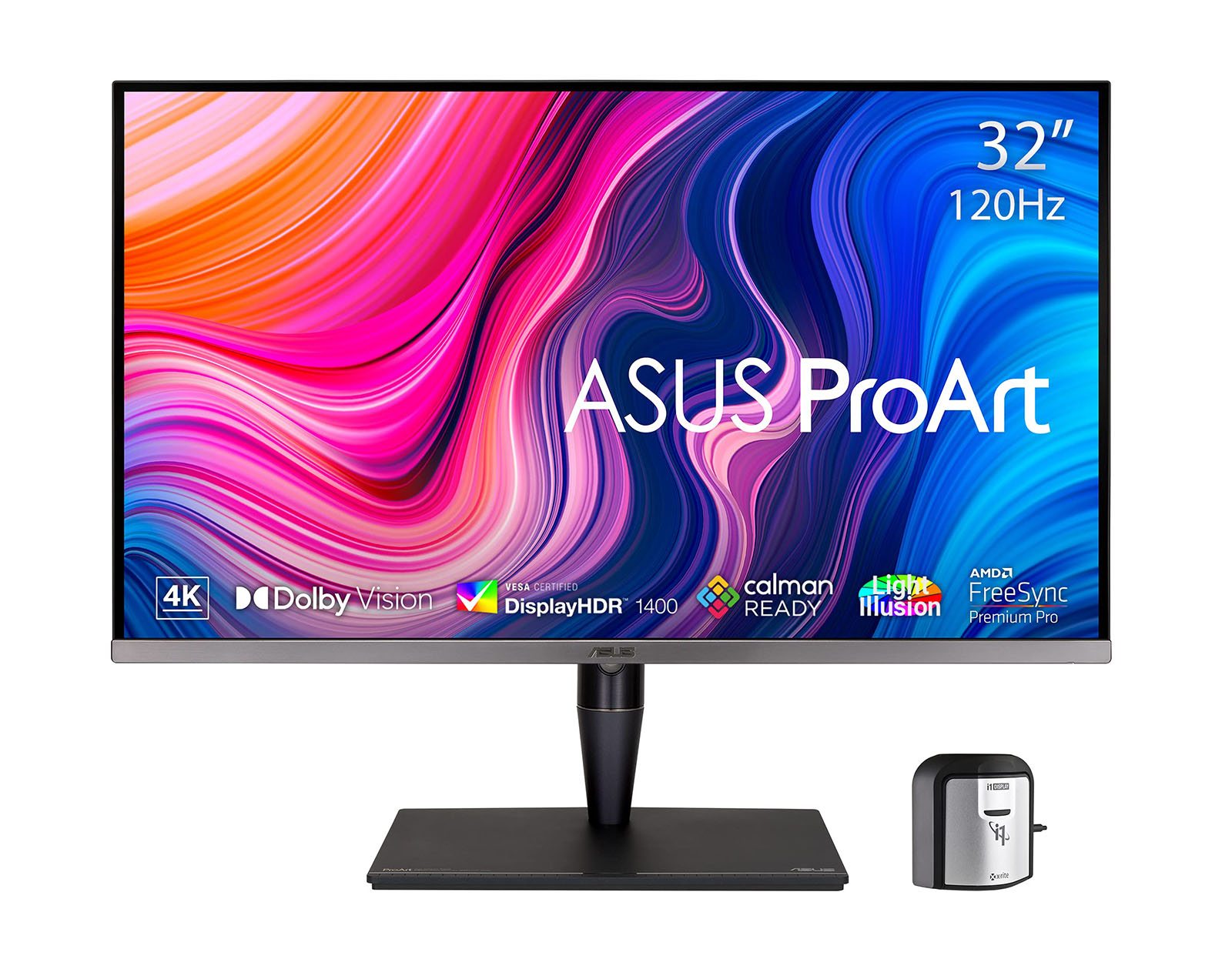
Resolution: 4K (3840 x 2160)
Color Accuracy: 98% DCI-P3, factory calibrated
Features: Thunderbolt 3, mini-LED backlighting, 1,000 nits peak brightness (HDR)
Pros:
- Exceptional Color Accuracy: The ProArt PA32UCG is perfect for professionals who need ultra-precise color reproduction, with 98% DCI-P3 color coverage.
- Mini-LED Backlighting: The mini-LED backlight provides better contrast and higher peak brightness (1,000 nits), making it great for HDR content creation and viewing.
- Thunderbolt 3: Offers a single cable solution for both power and data, providing an easy connection to the M4 Mac mini.
- Factory Calibration: Comes factory-calibrated for optimal color accuracy right out of the box, ideal for photographers, designers, and video editors.
Cons:
- Price: This is one of the most expensive monitors on this list, making it a significant investment, especially if you're not in the color-critical fields it’s designed for.
- Size and Desk Space: Like the BenQ PD3220U, the 32-inch size requires a spacious desk, and it may be overkill for users who don’t need such a large display for their daily tasks.
- HDR Limitations: While it offers excellent peak brightness, true HDR experiences may be slightly limited compared to more expensive HDR-only monitors.
5. Dell UltraSharp U3223QE (31.5-inch)
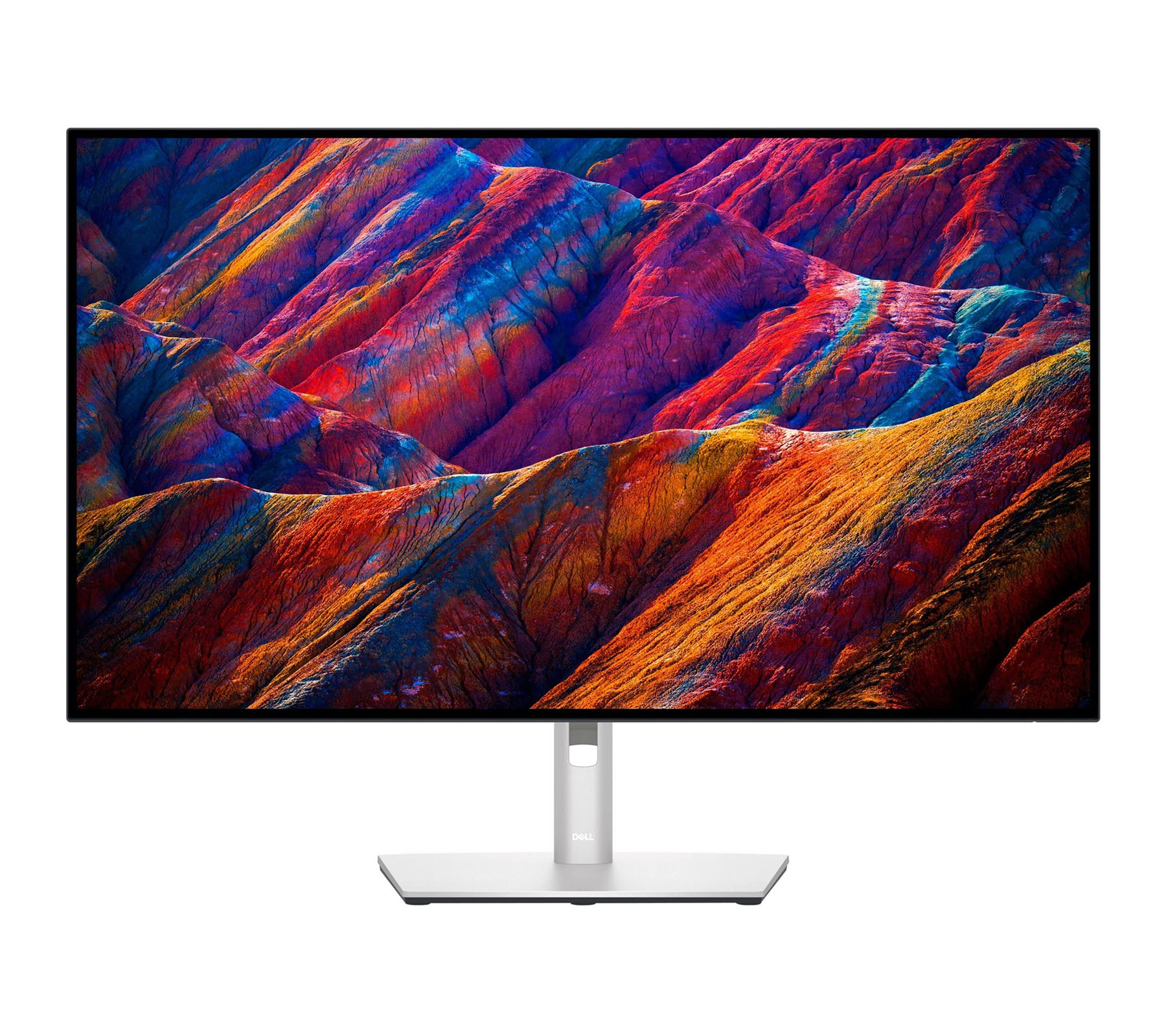
Resolution: 4K UHD (3840 x 2160)
Color Accuracy: 98% DCI-P3, factory calibrated
Features: USB-C with Power Delivery (90W), ergonomic stand, HDR support
Pros:
- IPS Black Panel: The U3223QE uses an IPS Black panel, which offers superior contrast compared to traditional IPS panels, making blacks deeper and colors more vibrant.
- Excellent Color Gamut: With 98% DCI-P3 and factory calibration, it’s a fantastic choice for professionals in photography, design, and video editing.
- USB-C with Power Delivery (90W): This feature makes it easy to charge your Mac mini while also connecting to it via a single cable, reducing clutter.
- Ergonomics: Height, tilt, swivel, and pivot adjustments make this monitor easy to customize for an ergonomic workspace.
Cons:
- Price: While not as expensive as high-end models like the ProArt PA32UCG, it’s still a significant investment, especially for those who don’t need professional-level color accuracy.
- Limited HDR: While it does support HDR, its peak brightness (400 nits) and HDR performance aren’t as impressive as some dedicated HDR displays.
- Size: At 31.5 inches, the U3223QE provides a great balance of screen real estate, but it may feel a little large for smaller desks.
6. Samsung Odyssey G8 (32-inch)
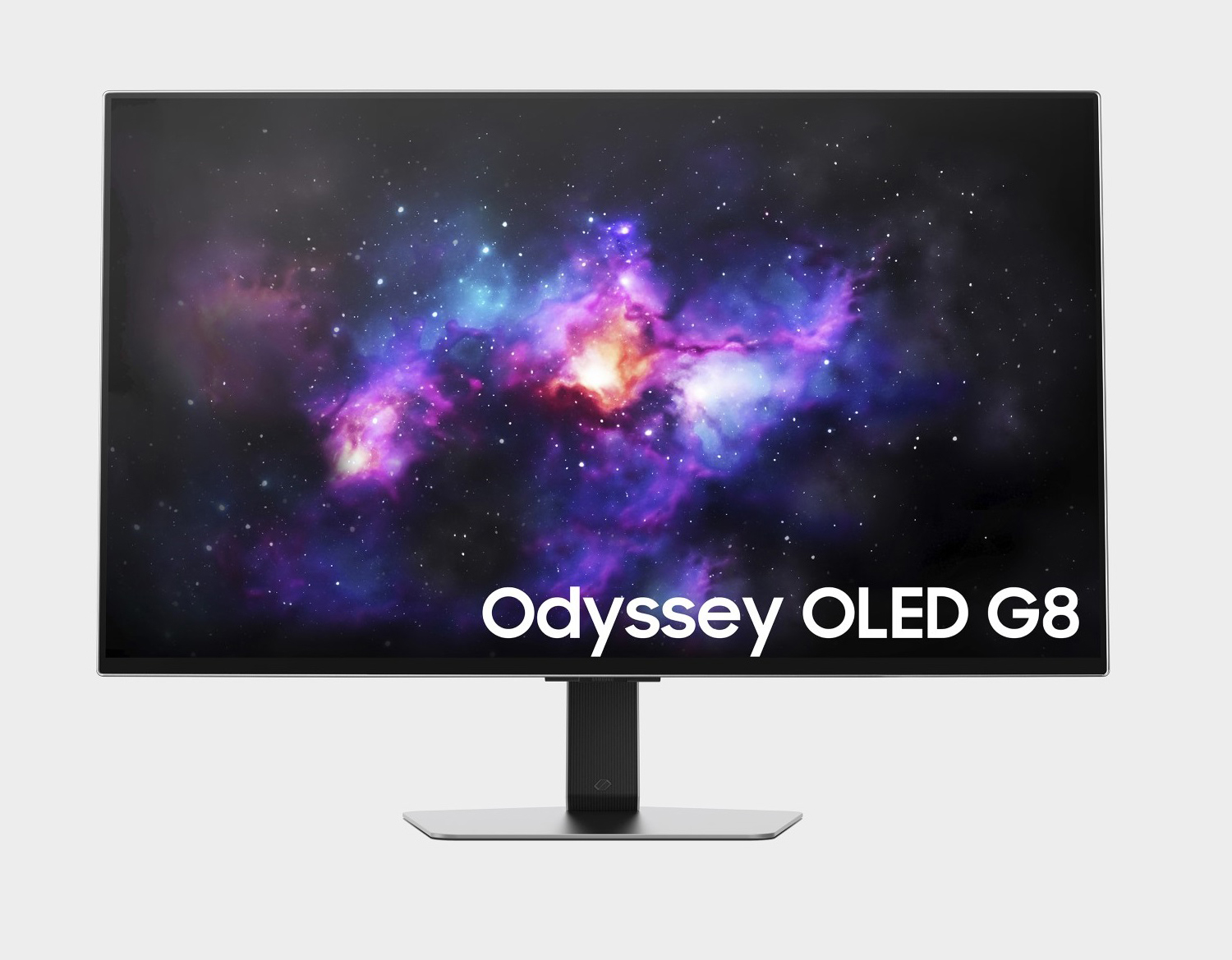
Resolution: 4K (3840 x 2160)
Color Accuracy: 98% DCI-P3, HDR support
Features: 240Hz refresh rate, curved design, ultra-wide viewing angle
Pros:
- High Refresh Rate (240Hz): The G8 is a top choice for gamers, offering smooth gameplay with a 240Hz refresh rate and low input lag.
- Immersive Curved Design: The 1000R curve creates an immersive experience, perfect for gaming, streaming, and media consumption.
- Color Accuracy and HDR: 98% DCI-P3 color coverage and HDR support ensure vivid and accurate colors in games and media.
- Connectivity Options: Includes HDMI 2.1 and DisplayPort, making it versatile for gaming consoles, PCs, and the M4 Mac mini.
Cons:
- Gaming-Focused: While it’s fantastic for gaming and media, this monitor may not be as ideal for professionals who prioritize color accuracy for tasks like photo and video editing.
- Large, Bulky Design: The large curved screen may take up a lot of desk space, and it’s not as suited to multi-monitor setups as flatter displays.
- Price: As a premium gaming monitor, it can be quite expensive for general productivity use.
7. Acer ConceptD CP3 (27-inch)
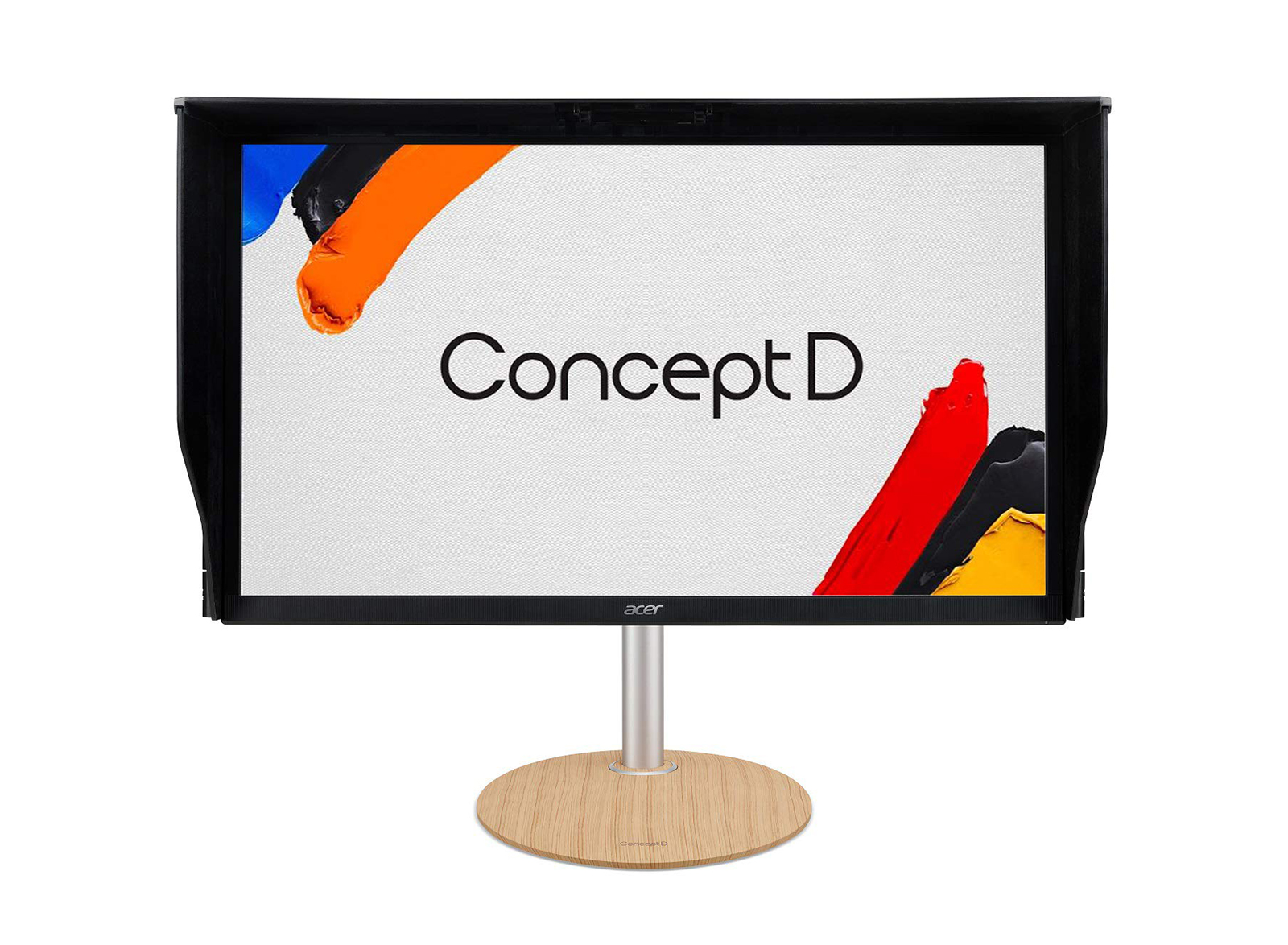
Resolution: 4K (3840 x 2160)
Color Accuracy: 95% DCI-P3, Delta E < 1
Features: Thunderbolt 3, factory color calibration, ergonomic stand
Pros:
- Perfect for Creatives: Designed for designers and creatives, offering superb color accuracy (95% DCI-P3) and Delta E < 1 for flawless color reproduction.
- Thunderbolt 3 Connectivity: Fast data transfer and charging capabilities via a single cable.
- Adjustable Stand: Full ergonomic adjustability for a more comfortable working position.
- Factory Calibrated: Color accuracy out of the box ensures professional-grade work.
Cons:
- Limited HDR: While HDR is supported, its peak brightness of 400 nits might not be sufficient for advanced HDR workflows.
- Price: Premium pricing, though it’s slightly more affordable than other high-end creative displays.
- Size: The 27-inch display may not be large enough for some users who prefer a bigger screen for multitasking.
8. Eizo ColorEdge CG319X (31.1-inch)
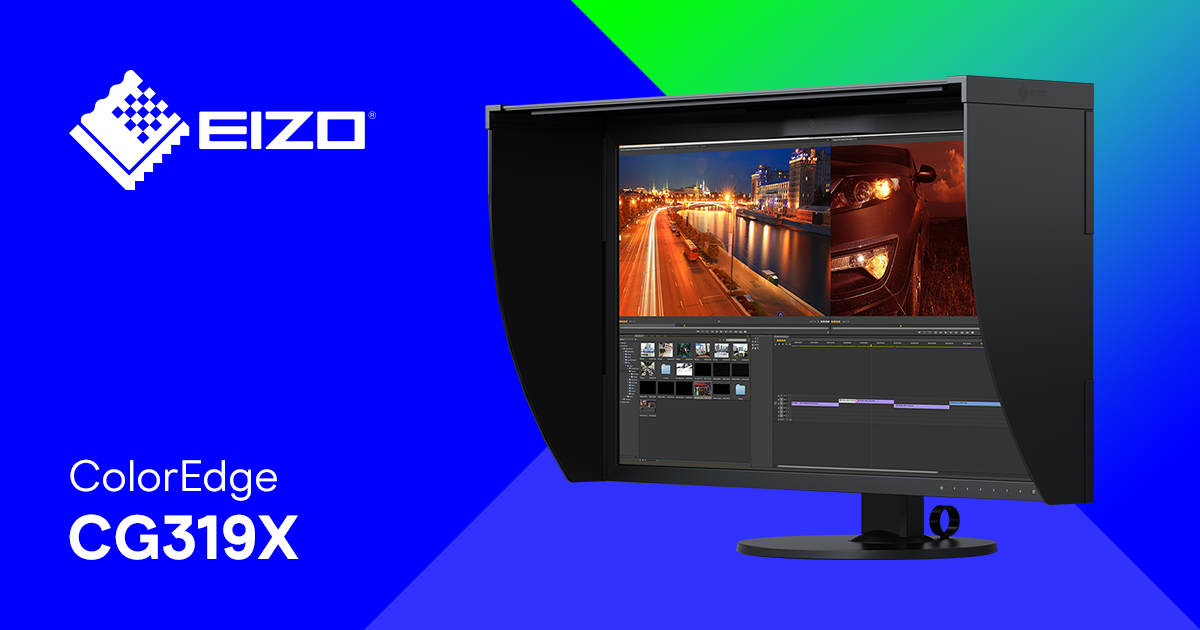
Resolution: 4K DCI (4096 x 2160)
Color Accuracy: 98% DCI-P3, 99% AdobeRGB, built-in calibration sensor
Features: Built-in hardware calibration, 1,000 nits brightness (HDR)
Pros:
- Outstanding Color Accuracy: Covers 99% AdobeRGB and 98% DCI-P3, making it perfect for professionals who demand the highest color precision.
- Built-in Calibration Sensor: Always guarantees accurate colors, ideal for photographers, video editors, and graphic designers.
- High Brightness & HDR: 1,000 nits peak brightness for excellent HDR content creation.
- Wide Color Gamut: Ideal for color-critical work in professional imaging and video production.
Cons:
- Expensive: One of the priciest monitors, but it’s worth the investment for those requiring top-tier color accuracy.
- Size: 31.1 inches might be too large for users with space constraints.
- Complexity: With its advanced features, it may be overkill for casual or non-professional users.
9. Samsung UJ59 (32-inch)
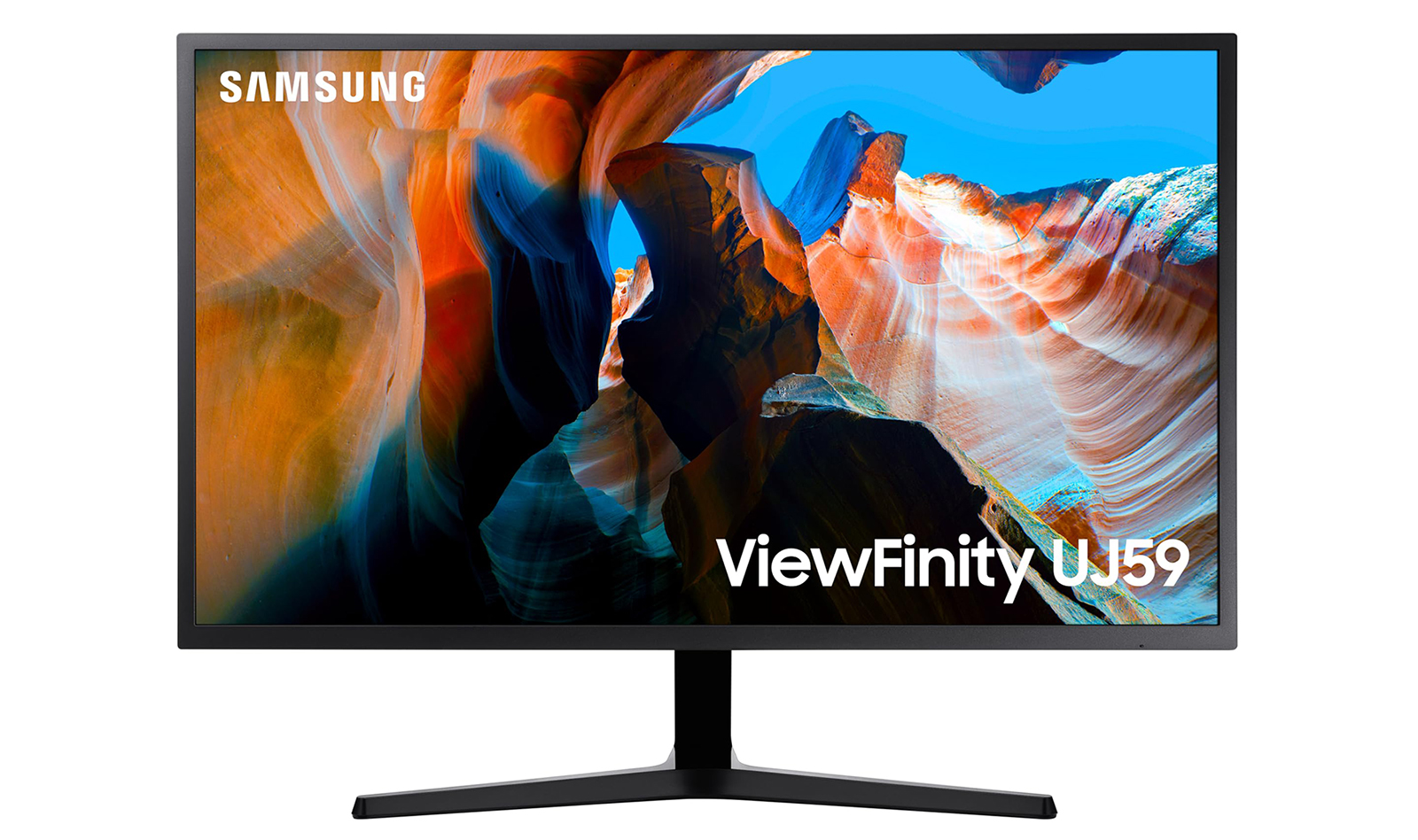
Resolution: 4K (3840 x 2160)
Color Accuracy: Standard sRGB
Features: PLS panel, budget-friendly, simple design
Pros:
- Affordable: One of the best budget options for 4K, great for general productivity and media consumption.
- Decent Resolution: Offers 4K resolution at a fraction of the price compared to premium models.
- Solid Build Quality: Well-built for a budget display, making it a good option for everyday use.
Cons:
- Limited Color Accuracy: Only covers standard sRGB, making it unsuitable for color-sensitive work.
- No HDR: Lacks HDR support, which may be limiting for content creators working with HDR media.
- Basic Features: Lacks advanced features like USB-C or Thunderbolt 3, reducing its versatility.
10. Samsung ViewFinity S9 5K (32-inch)
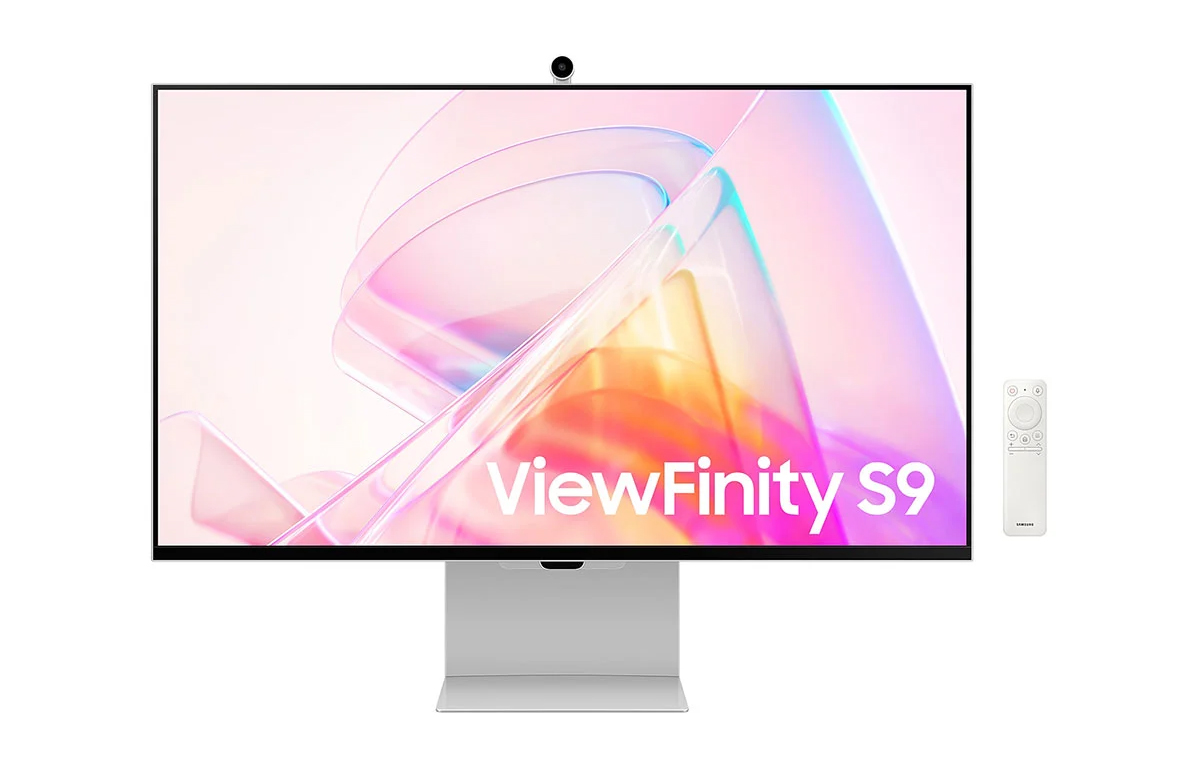
- Resolution: 5K (5120 x 2880)
- Color Accuracy: 99% DCI-P3, Factory Calibrated
- Features: USB-C with Power Delivery (90W), HDR10 support, adjustable stand
Pros:
- 5K Resolution: With 5120 x 2880 resolution, the ViewFinity S9 provides an incredibly sharp and detailed image, making it ideal for tasks like photo editing, graphic design, and video editing. It’s also fantastic for high-end productivity tasks where pixel density matters.
- Exceptional Color Accuracy: The 99% DCI-P3 color coverage ensures vibrant, true-to-life colors, perfect for professionals who require color accuracy for creative work. This makes it suitable for photo editing, video production, and other color-critical applications.
- USB-C Connectivity with Power Delivery: The 90W Power Delivery via USB-C allows for a streamlined setup. You can connect your M4 Mac mini to the display with just one cable for power, video, and data, simplifying cable management and reducing clutter.
- HDR10 Support: The monitor supports HDR10, delivering enhanced contrast and color accuracy for HDR content. While not as bright as premium HDR monitors, it still provides a noticeable improvement over standard displays.
- Ergonomic Adjustability: The adjustable stand offers height, tilt, swivel, and pivot adjustments, allowing you to set up the monitor for an ergonomic and comfortable viewing angle. This is especially important for users who spend long hours in front of the screen.
- Sleek Design: The minimalist and modern design fits well in most professional and home office environments, offering a clean aesthetic to your workspace.
Cons:
- Limited HDR Brightness: While it supports HDR10, the peak brightness of 600 nits may not be enough for more demanding HDR workflows, such as HDR video production or HDR gaming. It’s good for casual HDR content, but not as impactful as other higher-end HDR displays.
- Price: While less expensive than Apple's Studio Display, the ViewFinity S9 is still a premium monitor, and might be out of budget for users who don’t need 5K resolution or the top-tier color accuracy offered by the monitor.
- Size Limitations: The 32-inch size is great for many users, but some may prefer a larger screen for multitasking or immersive experiences, especially those working with very detailed graphics or multiple applications.
- No Built-In Webcam or Speakers: While this isn't a deal-breaker for everyone, some users might miss having built-in webcam and audio like the Apple Studio Display or LG UltraFine 5K, especially for video conferencing or content creation.
The Samsung ViewFinity S9 5K is a great display for creatives and professionals who need high resolution and color accuracy without the Apple premium. It offers a 5K resolution with 99% DCI-P3 color coverage, making it perfect for tasks that require precision, such as photo editing or design work. Its USB-C connectivity and 90W power delivery further enhance its appeal by offering a clean and simple connection to your M4 Mac mini.
While it’s an excellent choice for many users, it’s not quite as bright as some top-tier HDR displays, and its lack of built-in webcam or speakers may be a downside for those who need those features. However, for professionals who prioritize sharp resolution and accurate colors for creative workflows, the Samsung ViewFinity S9 is a solid option.
11. Dell UltraSharp U2723QE (27-inch)
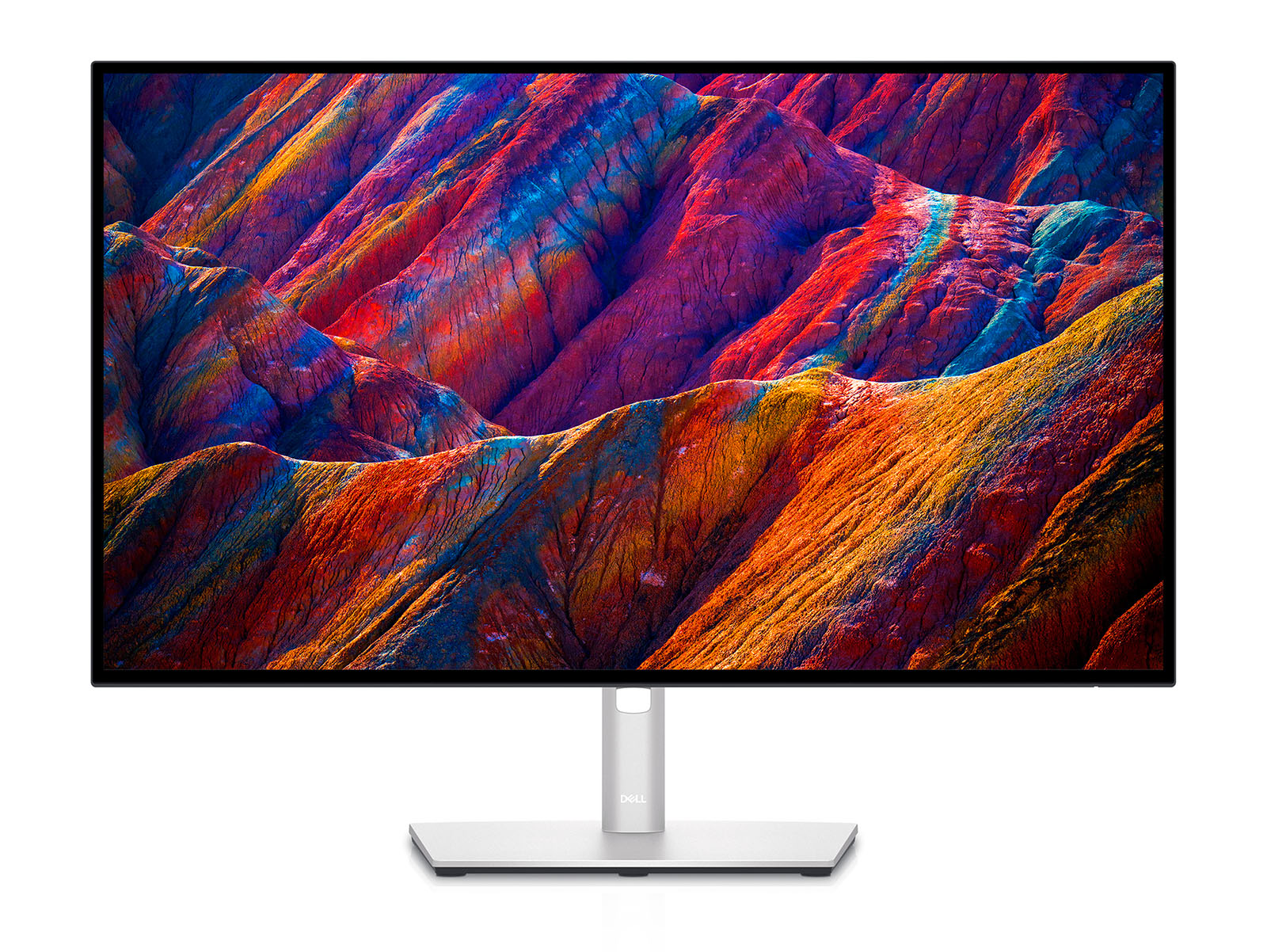
- Resolution: 4K UHD (3840 x 2160)
- Color Accuracy: 98% DCI-P3, 100% sRGB, 1.07 billion colors
- Panel Type: IPS Black
- Features: USB-C with Power Delivery (90W), ergonomic stand, HDR support, factory calibrated
Pros:
Exceptional Color Accuracy:
-
- 98% DCI-P3 and 100% sRGB coverage ensure vibrant, true-to-life colors, making it an excellent choice for professional designers, photographers, and video editors.
- Factory calibrated for color accuracy out of the box, meaning you get accurate colors without needing to perform additional calibration.
IPS Black Technology:
-
- The IPS Black panel delivers deeper blacks and improved contrast compared to traditional IPS panels, providing a richer and more vibrant image.
- This improvement in contrast ratio makes it ideal for creative work and tasks that benefit from high-quality visuals, like photo editing and graphic design.
USB-C with Power Delivery (90W):
-
- USB-C connectivity allows you to connect and power your M4 Mac mini with a single cable.
- 90W Power Delivery means you can also charge your laptop or device through the same USB-C connection, reducing cable clutter and simplifying your setup.
Ergonomic Adjustability:
-
- The monitor comes with a fully adjustable stand, allowing for height, tilt, swivel, and pivot adjustments.
- This level of ergonomic flexibility ensures a comfortable viewing experience no matter your workspace or posture preferences.
HDR Support:
-
- While it’s not a full HDR10 display, the U2723QE supports HDR for improved contrast and dynamic range when working with HDR content.
- This feature adds more depth and vibrancy when viewing HDR-compatible media or content.
Slim and Elegant Design:
-
- The monitor has a sleek, modern look, with thin bezels that create a minimalist aesthetic, perfect for any professional or home office setup.
- The high-quality build makes it durable and aesthetically pleasing.
Cons:
1. Limited HDR Brightness:
- The monitor supports HDR, but its peak brightness is only around 400 nits, which is insufficient for a true HDR experience.
- While this is fine for general media consumption and light HDR work, it may not be bright enough for professional HDR video editing or use in very bright environments.
2. Price:
- While not as expensive as ultra-premium monitors, the U2723QE still carries a premium price compared to standard 4K displays.
- It’s positioned as a high-end 4K monitor, so it might be out of budget for users who don’t need professional-grade features or color accuracy.
3. No Built-in Speakers:
- Like many high-end monitors, the U2723QE does not come with built-in speakers, meaning you’ll need to rely on external speakers or headphones for audio.
- While this is not a dealbreaker for most users, it's something to consider if you want an all-in-one display solution.
4. Limited Peak Brightness for Very Bright Rooms:
- With 400 nits of peak brightness, the monitor can struggle in well-lit environments, especially if you're working near windows or bright artificial lighting. This might not be ideal for users in brightly lit offices.
5. Lack of USB-C Hub:
- Unlike some higher-end displays, the U2723QE doesn't offer a full USB-C hub with additional ports. While it does have USB-C for power and data transfer, users looking for extra USB ports or device connectivity may need to rely on a separate USB hub.
The Dell UltraSharp U2723QE (27-inch) is an excellent choice for users looking for a professional-grade 4K monitor with superb color accuracy, ergonomic adjustability, and USB-C connectivity. It’s particularly well-suited for designers, photographers, and video editors who need precise colors and deep contrast.
However, its limited HDR brightness and premium price may be drawbacks for users who don’t need professional-level color accuracy or plan on using the monitor in HDR-heavy workflows. Overall, it’s a great all-around choice for professional use in creative fields, offering excellent value for those who prioritize image quality over additional features like built-in speakers or advanced HDR support.
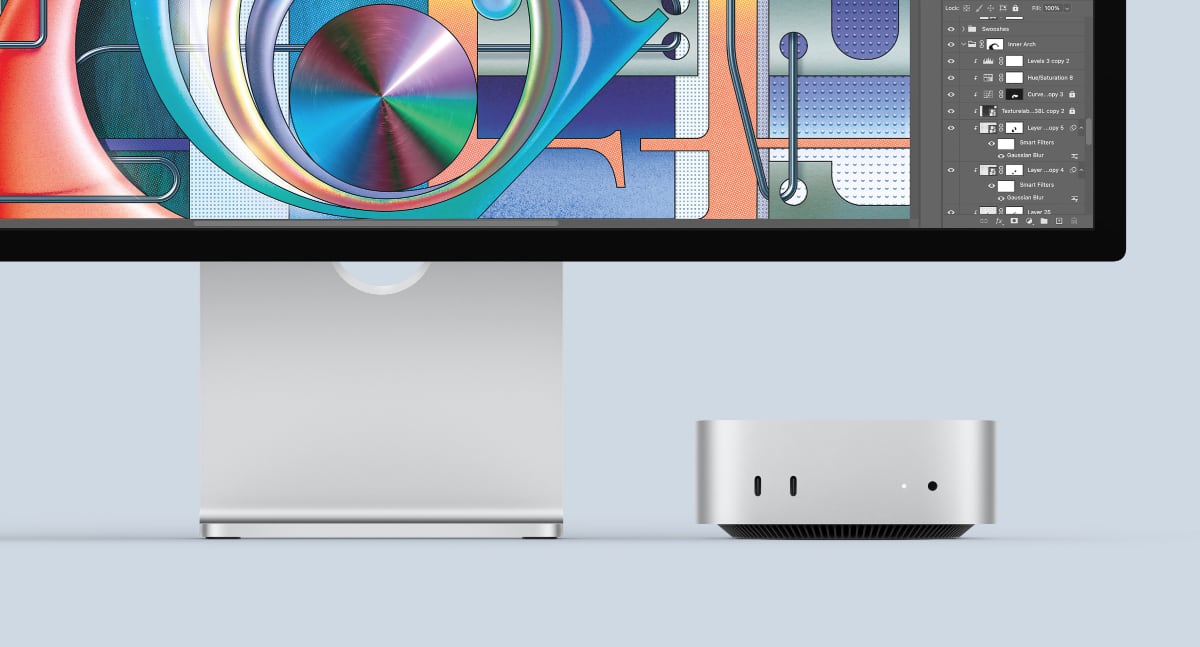
The M4 Mac mini is a powerful machine, and pairing it with the right display can help you fully leverage its capabilities. Whether you're a creative professional or a casual user, there's a monitor in this list that will meet your needs. From Apple's seamless integration with the Studio Display to the color accuracy and flexibility of the Dell UltraSharp U3223QE, these monitors will elevate your computing experience to the next level.
Whether the solutions listed in the blog are the best depends on your specific needs, preferences, and budget. The M4 Mac mini is a highly capable machine, and pairing it with the right display will depend on how you plan to use it. Here's a breakdown to help you evaluate whether these monitors represent the best solutions for you:
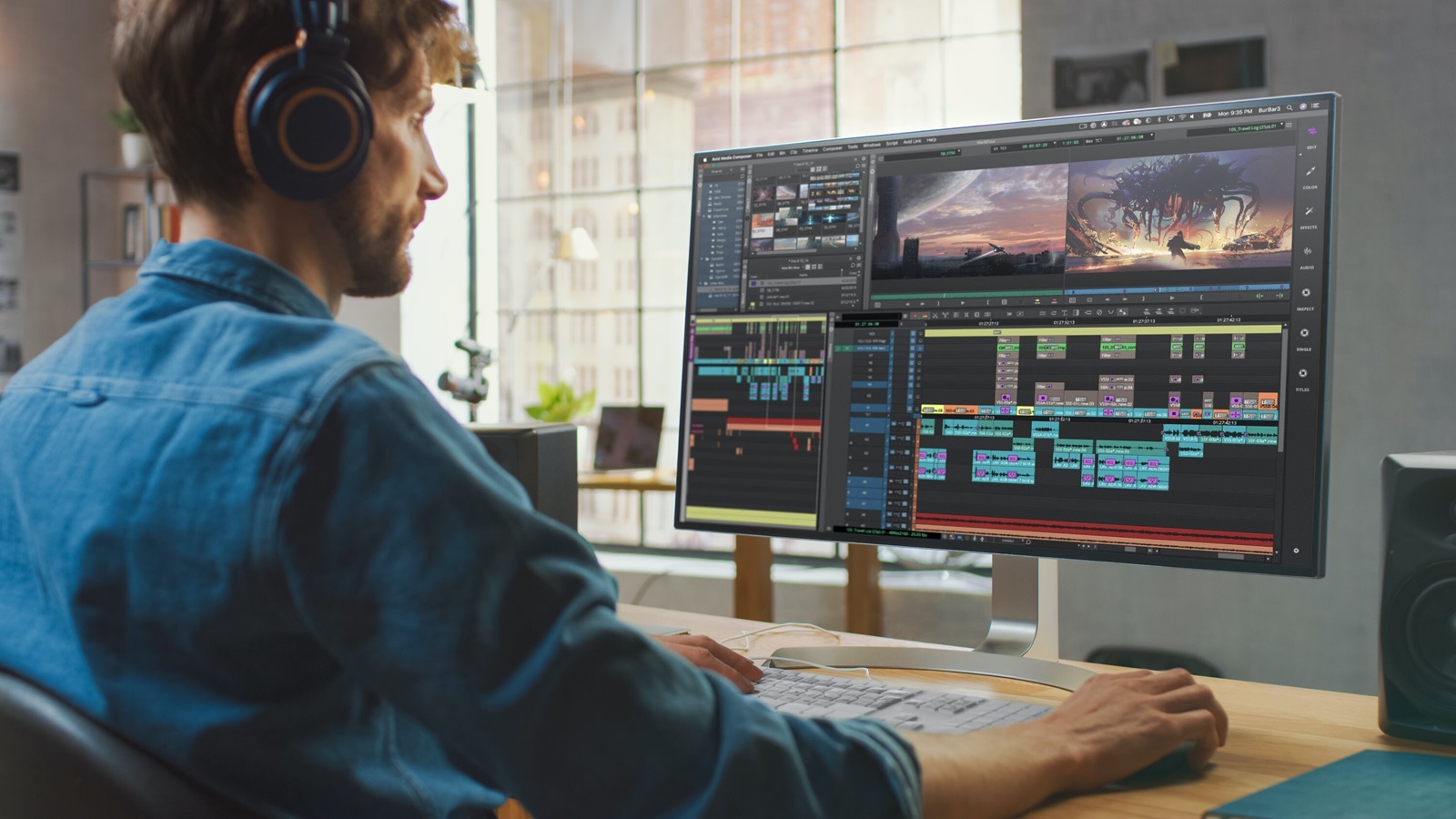
1. If You're a Creative Professional (Photo/Video Editing, Graphic Design, etc.)
For tasks like photo editing, video production, and graphic design, color accuracy is key, and several monitors in the list shine in this area.
- Apple Studio Display (27-inch): This is an ideal choice if you want seamless integration with the Mac mini and are willing to pay a premium for a high-quality 5K display with excellent color accuracy. It's especially suited for those who want a high-end experience and are already in the Apple ecosystem.
- Pros: Native macOS integration, superb build quality, excellent color accuracy, built-in webcam and speakers.
Cons: High price, limited adjustability without additional accessories, no HDR. - LG UltraFine 5K Display: Another excellent choice for creatives. The 5K resolution provides exceptional sharpness, and the color accuracy is fantastic. It's ideal if you need a super sharp display with wide color gamut support and don't mind paying a premium.
- Pros: Factory-calibrated for color accuracy, macOS integration, excellent resolution.
Cons: Expensive, limited port options, no USB-C charging. - Dell UltraSharp U3223QE (31.5-inch): For a more budget-friendly but still professional-grade solution, the Dell UltraSharp U3223QE is an excellent option. It provides 98% DCI-P3 color accuracy, a large 4K UHD screen, and USB-C connectivity for a clean setup. This is especially appealing for creative professionals who want great color accuracy without the price of Apple's displays.
Pros: Great color accuracy, ergonomic features, USB-C with Power Delivery, excellent for multi-tasking.
Cons: HDR support isn't as strong, larger size may take up desk space.
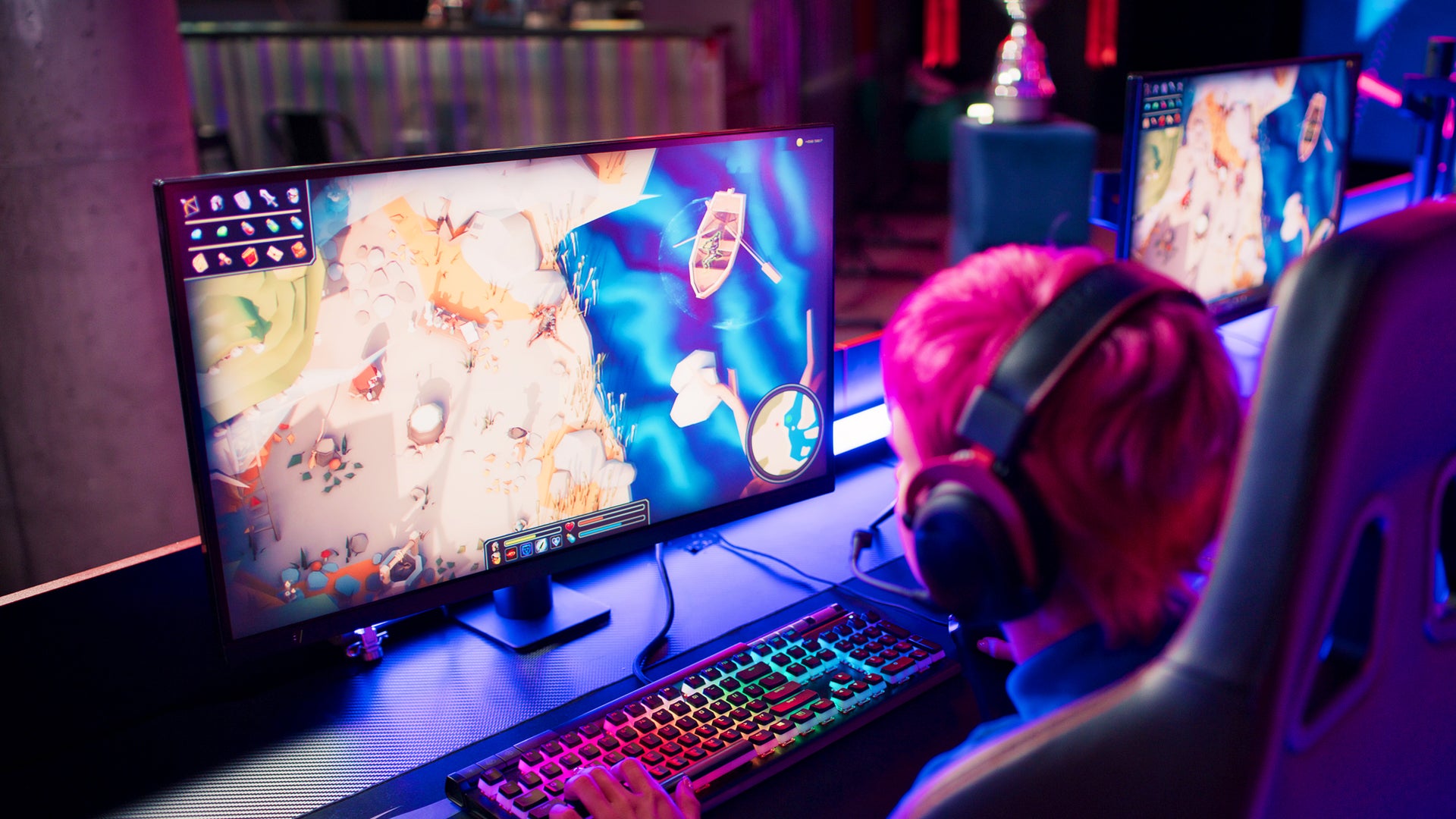
2. If You're a Gamer or Multimedia Enthusiast
If gaming or consuming high-quality media is your priority, the Samsung Odyssey G8 is a great pick due to its high 240Hz refresh rate, curved screen, and deep contrast. The LG UltraFine and Apple Studio Display are better suited for creative professionals due to their color accuracy, so if you’re gaming, you may want a screen with a higher refresh rate and more immersive features.
- Samsung Odyssey G8 (32-inch): With its 240Hz refresh rate, curved screen, and support for HDR, this is a fantastic gaming monitor. It gives you smooth visuals, immersive gaming experiences, and vibrant colors, making it a great choice for gamers.
- Pros: Ultra-smooth gaming experience, immersive curved display, HDR support, fast response time.
Cons: Not ideal for color-critical work (e.g., photo/video editing), takes up a lot of desk space. - BenQ PD3220U: This monitor offers a good balance between color accuracy for creative work and high refresh rates for casual gaming or multimedia consumption. It may not compete with the Odyssey G8 for competitive gaming, but it’s great for content creators who occasionally game or watch 4K movies.
Pros: Great for both work and play, Thunderbolt 3 support, high color accuracy, large screen.
Cons: Not as fast as pure gaming monitors, HDR support is not as robust.

3. If You're Looking for General Productivity and Multi-Tasking
If your primary use is office work, web browsing, or general productivity, you don’t necessarily need a high-end 5K or ultra-high refresh rate display. For these tasks, a 4K monitor like the Dell UltraSharp U3223QE or BenQ PD3220U will be perfect. They offer great color accuracy, sufficient resolution for multitasking, and ergonomic features that make long work sessions more comfortable.
- Dell UltraSharp U3223QE (31.5-inch): This is a great all-around monitor, providing an excellent balance of resolution, color accuracy, and ergonomics. It's perfect for productivity, especially if you're working with documents, spreadsheets, or multiple apps side-by-side.
- Pros: 4K resolution, ergonomic adjustments, USB-C with Power Delivery, large screen for multitasking.
Cons: Limited HDR performance, larger size may not suit every desk setup. - BenQ PD3220U: Another great choice for general productivity. The 32-inch screen gives you plenty of space for multiple applications and tasks. It also supports color-critical work and has Thunderbolt 3 for easy connection to the Mac mini.
Pros: Large screen, versatile connectivity, excellent color accuracy, factory calibrated.
Cons: HDR performance could be better, more expensive than basic productivity monitors.
4. Budget-Friendly Options
If you're on a budget but still want decent performance for general productivity or light creative work, you can still find excellent 4K monitors at a more affordable price. Samsung UJ59 (32-inch) offers 4K resolution and solid color accuracy at a lower price point. It’s a great choice if you’re not focused on professional-level color work or gaming.
- Samsung UJ59 (32-inch): This is one of the best budget-friendly 4K options available. While it doesn’t have the color accuracy of higher-end models, it still provides a sharp, detailed 4K display for general use.
Pros: Affordable, 4K resolution, solid build quality.
Cons: Limited color accuracy, no USB-C, HDR support is not ideal.
Conclusion: Which Is the Best Solution?
In the end, the best display for your M4 Mac mini really comes down to your specific needs:
- Creative Professionals (Photo/Video Editing, Design, etc.): If you need the highest color accuracy and top-tier image quality, the Apple Studio Display, LG UltraFine 5K, or Dell UltraSharp U3223QE would be great choices.
- Gamers or Multimedia Enthusiasts: If you're more focused on gaming or immersive media experiences, the Samsung Odyssey G8 or BenQ PD3220U would provide the performance and visual quality you're looking for.
- General Productivity Users: If you’re simply working from home, browsing, and multitasking, the Dell UltraSharp U3223QE and BenQ PD3220U are ideal, offering a good balance of size, resolution, and ergonomics.
- Budget-Conscious Buyers: If you need 4K resolution without spending a lot, the Samsung UJ59 is a great option for general use at an affordable price.
Ultimately, the best solution depends on whether you prioritize color accuracy, gaming features, resolution, screen size, or price. The monitors listed here represent some of the best options available in 2024, but your personal use case will dictate which one is the best fit for you.
Please contact us if you have any questions before purchasing a monitor for your workstation, our professional will guide you.
-
 -4%
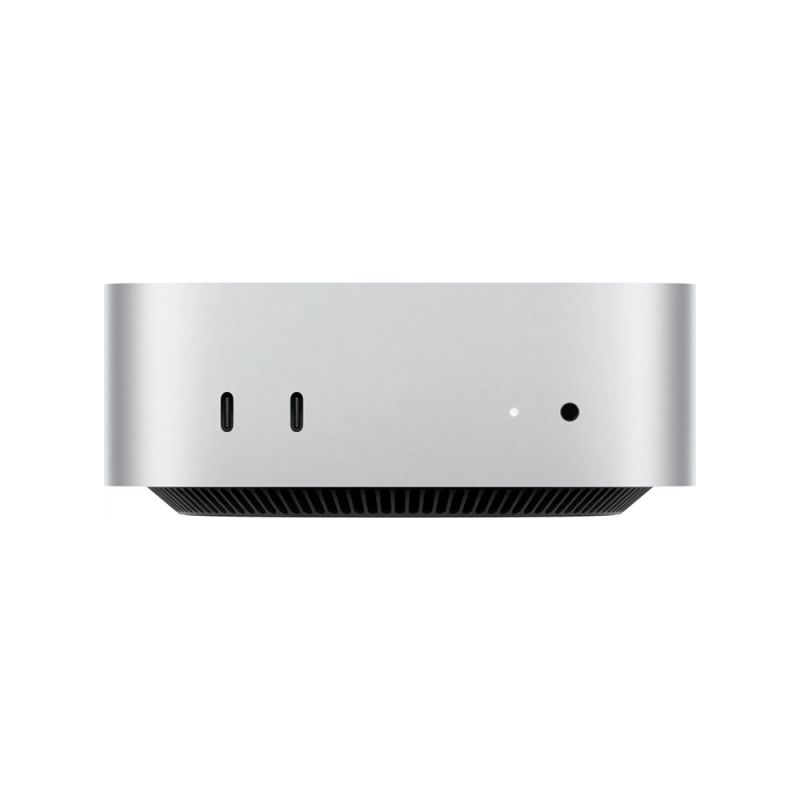
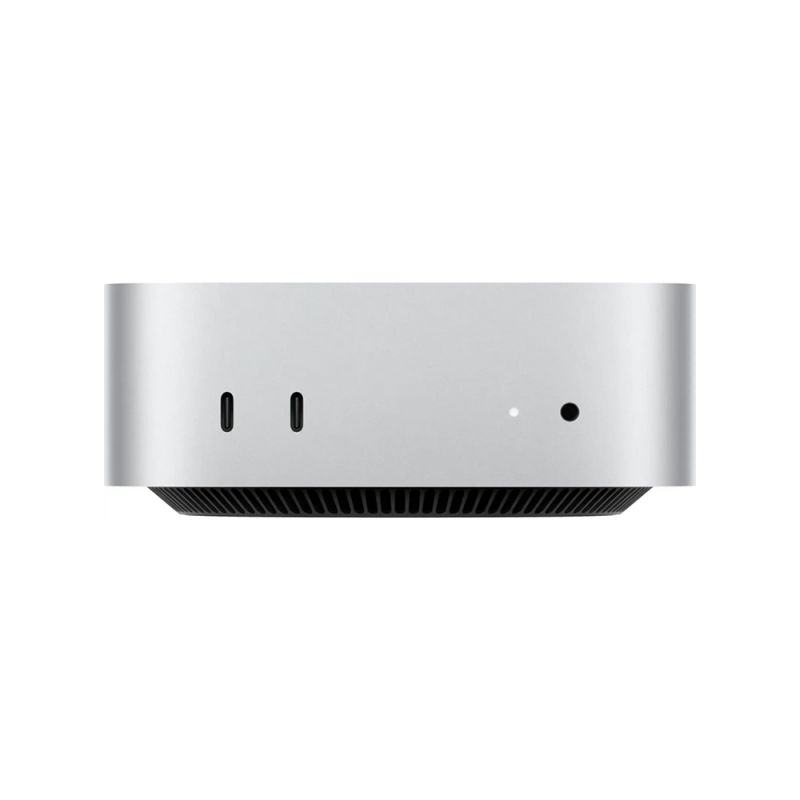
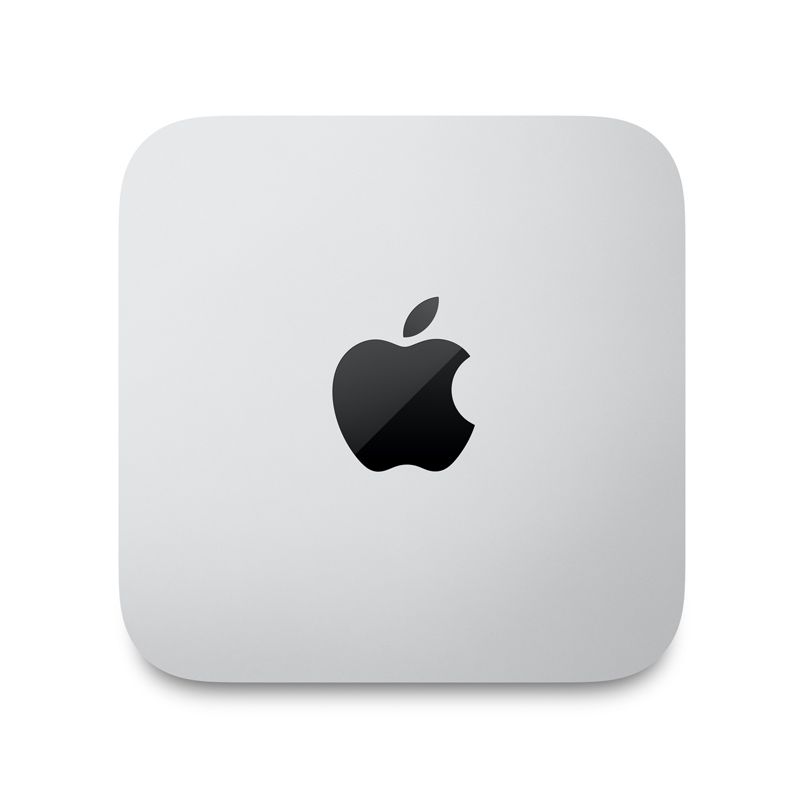
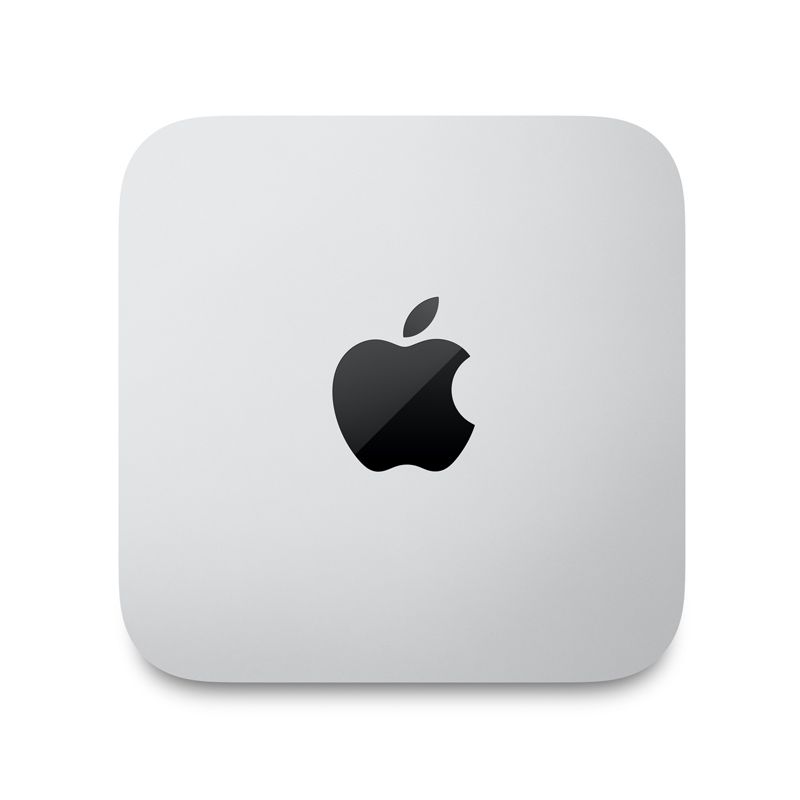
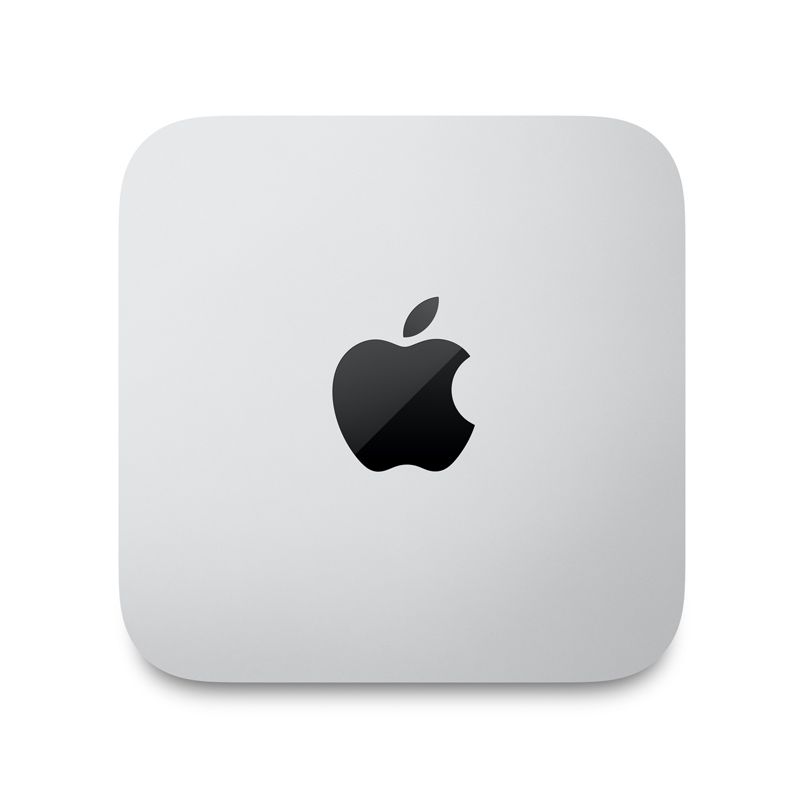
Apple - Mac mini Desktop - M4 chip - 256GB SSD - 16GB Memory - 10-Core-CPU - 10-Core-GPU - Built for Apple Intelligence - SilverSpecial Price $606.26 Regular Price $630.90
-4%
Apple - Mac mini Desktop - M4 chip - 256GB SSD - 16GB Memory - 10-Core-CPU - 10-Core-GPU - Built for Apple Intelligence - SilverSpecial Price $606.26 Regular Price $630.90 -
-3%
Apple - Mac mini Desktop - M4 chip - 512GB SSD - 10-Core-CPU - 10-Core-GPU - Built for Apple Intelligence - SilverAs low as $813.00 Regular Price $841.28
-
-4%
Apple - Mac mini Desktop - M4 Pro chip - 512GB SSD - 24GB Memory - 12-Core-CPU - 16-Core-GPU - Built for Apple Intelligence - SilverSpecial Price $1,488.26 Regular Price $1,542.52
-
-35%
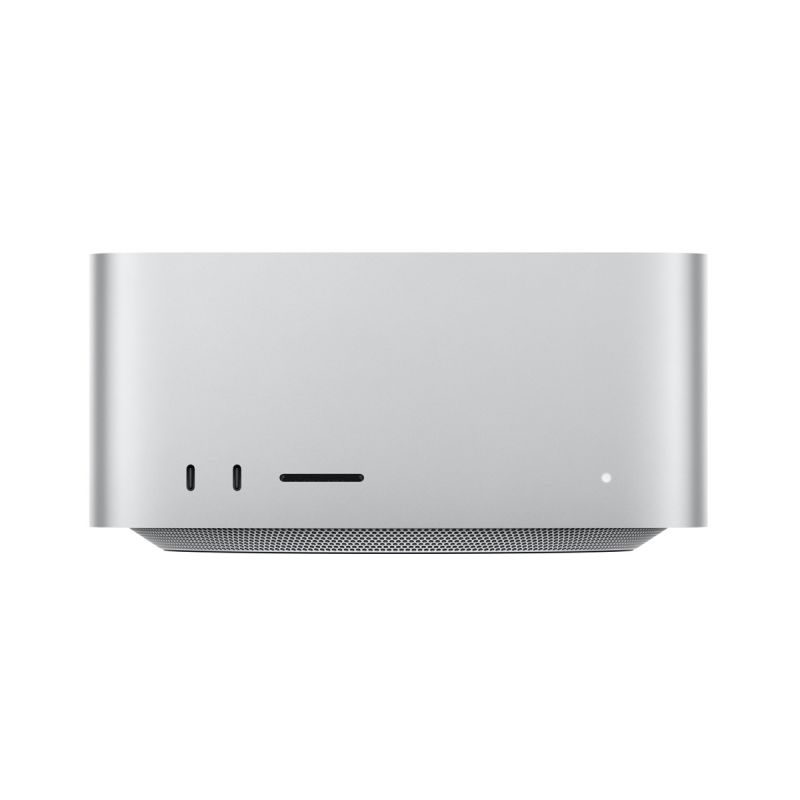
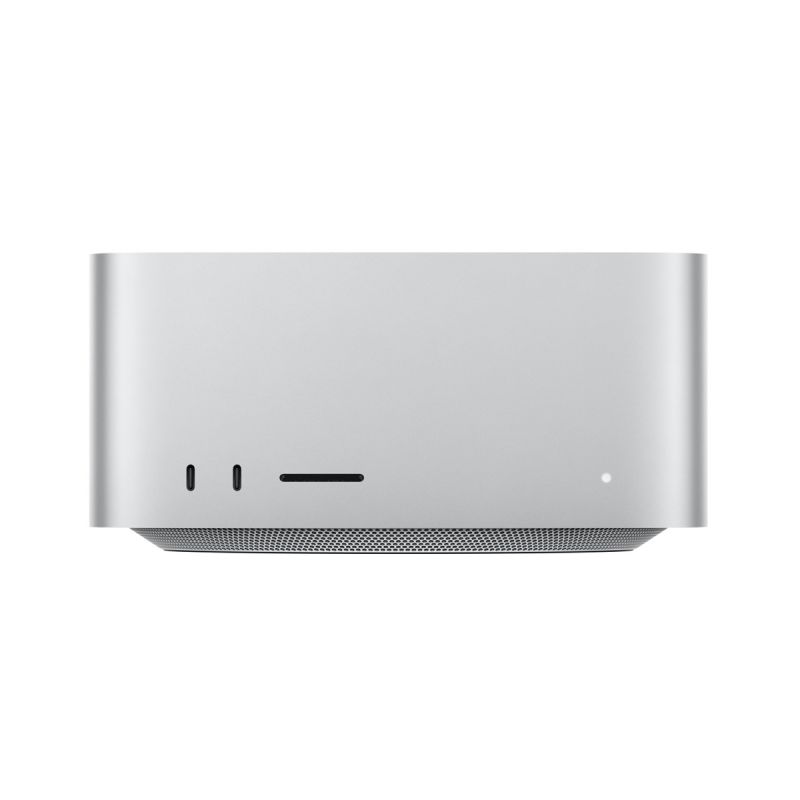
Apple - Mac Studio Empower station.As low as $1,408.99 Regular Price $2,168.44
-
-35%
Apple - Mac Studio M1 MAX 10-Core CPU 32GB Memory SSD 512GB 24-Core GPU 16-Core Neural Engine - SilverSpecial Price $1,408.99 Regular Price $2,168.44
-
-5%
Apple - Mac Studio M1 Ultra 20-Core CPU 64GB Memory SSD 1TB 48-Core GPU 32-Core Neural Engine CN Version - SilverSpecial Price $4,262.26 Regular Price $4,486.62
- best monitor M4 Mac Mini 2024
- 4K monitor Mac Mini
- 5K display Apple
- Dell UltraSharp Mac Mini
- LG UltraFine 5K
- BenQ PD3225U review