How to AirPlay content to your Mac using macOS Monterey
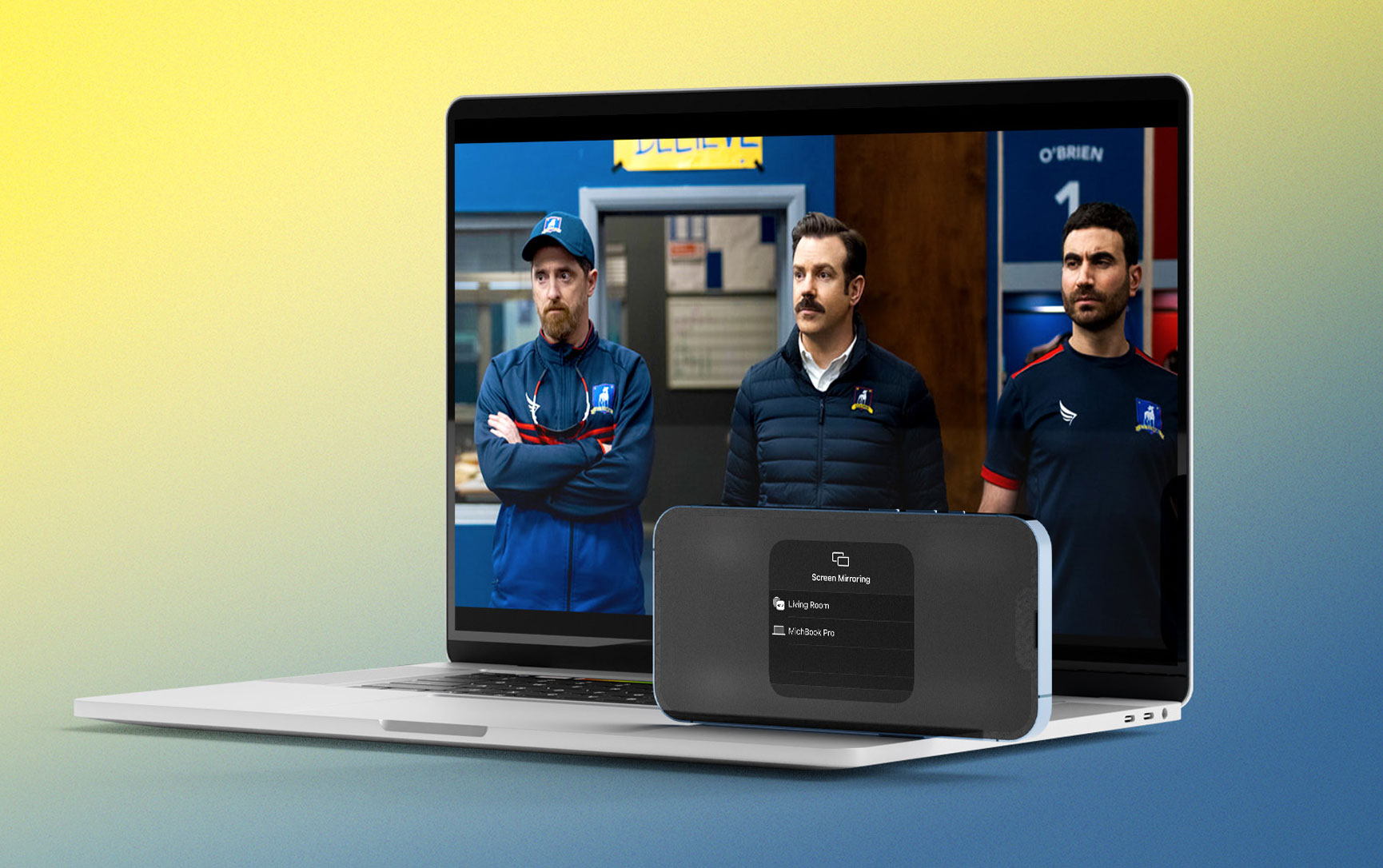
One of the neat ways macOS Monterey upgrades Apple desktops and notebooks is turning them into AirPlay targets. Follow along for how to AirPlay to Mac including what hardware works with the new feature and how to enable it with older devices.
Compatibility
To use your Mac as an AirPlay target, it’s best to be running macOS Monterey with a:
- 2018 or later MacBook Air or MacBook Pro
- 2019 or later iMac
- 2019 or later Mac Pro
- 2020 or later Mac mini
- 2017 iMac Pro
For iPhone and iPad, Apple says you’ll get the best results mirroring from:
- iPhone 7 and later
- iPad Pro 2nd gen and later
- iPad 6th gen and later
- iPad Air 3rd gen and later
- iPad mini 5th gen and later
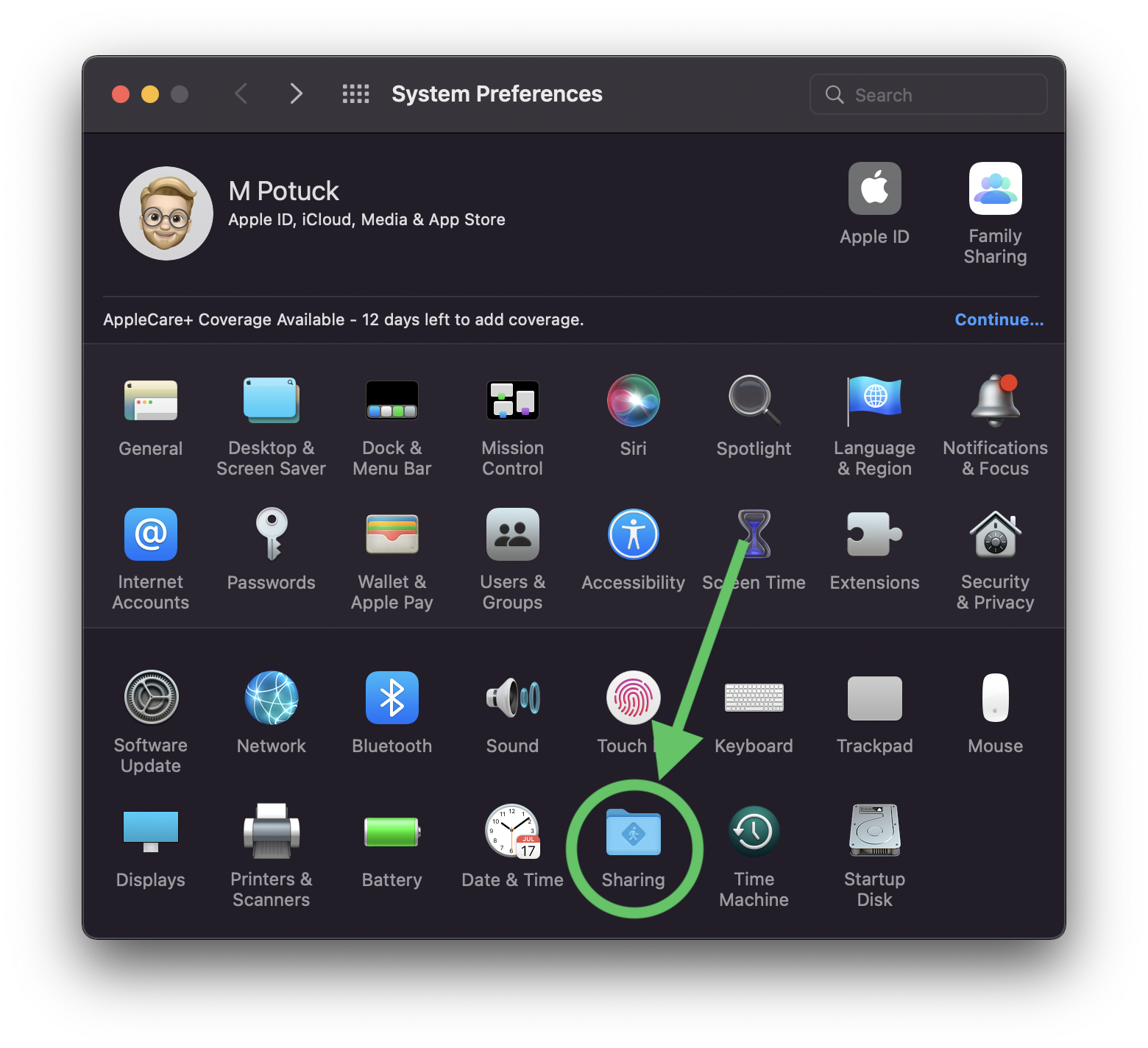
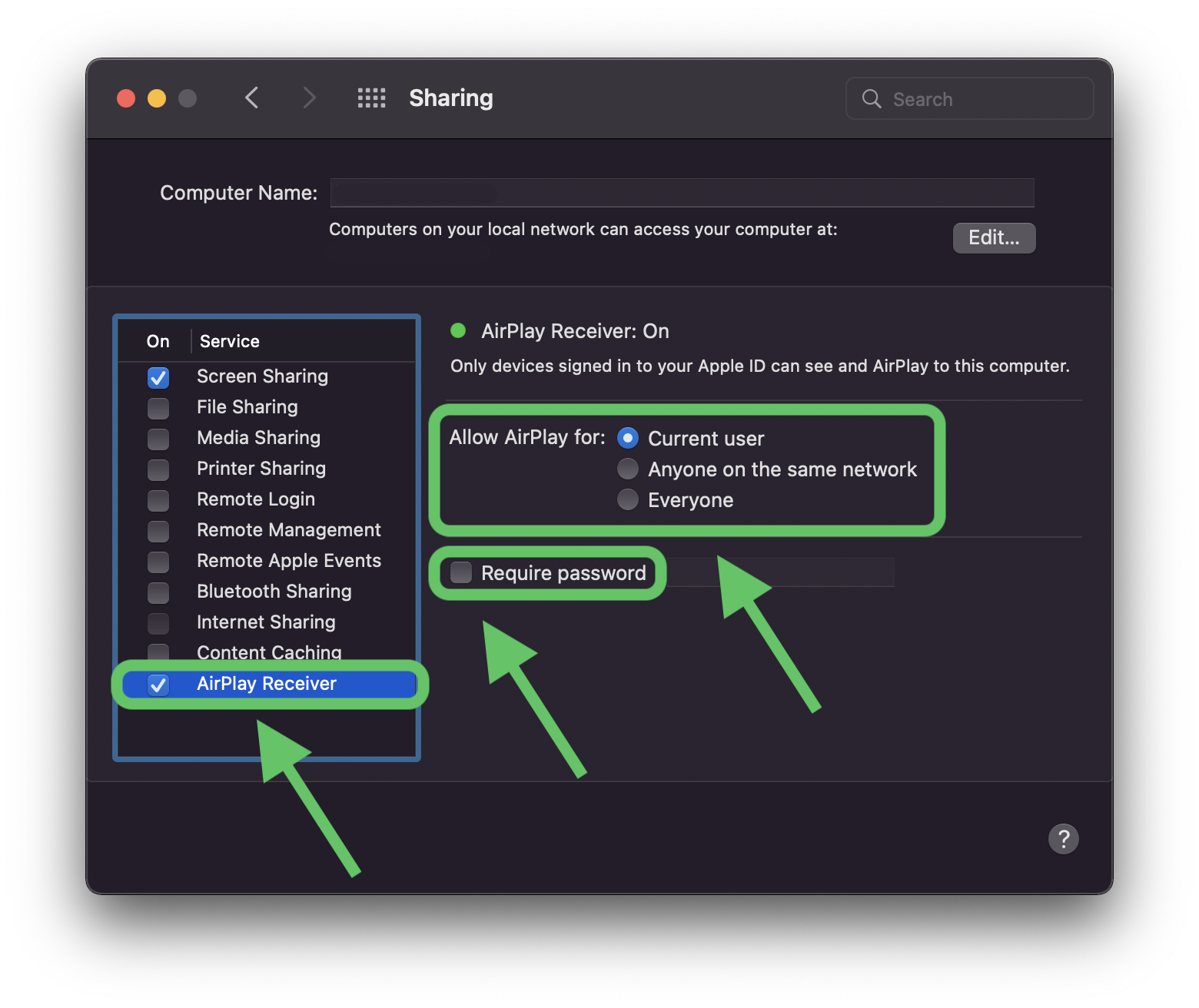
To get older iPhones, iPads, and Macs to mirror to a Mac running Monterey, you can head to System Preferences > Sharing > AirPlay Receiver and choose “Anyone on the same network” or “Everyone.” However, in those instances, Apple notes AirPlay will be at a “lower video resolution.”
How to AirPlay to Mac with macOS Monterey
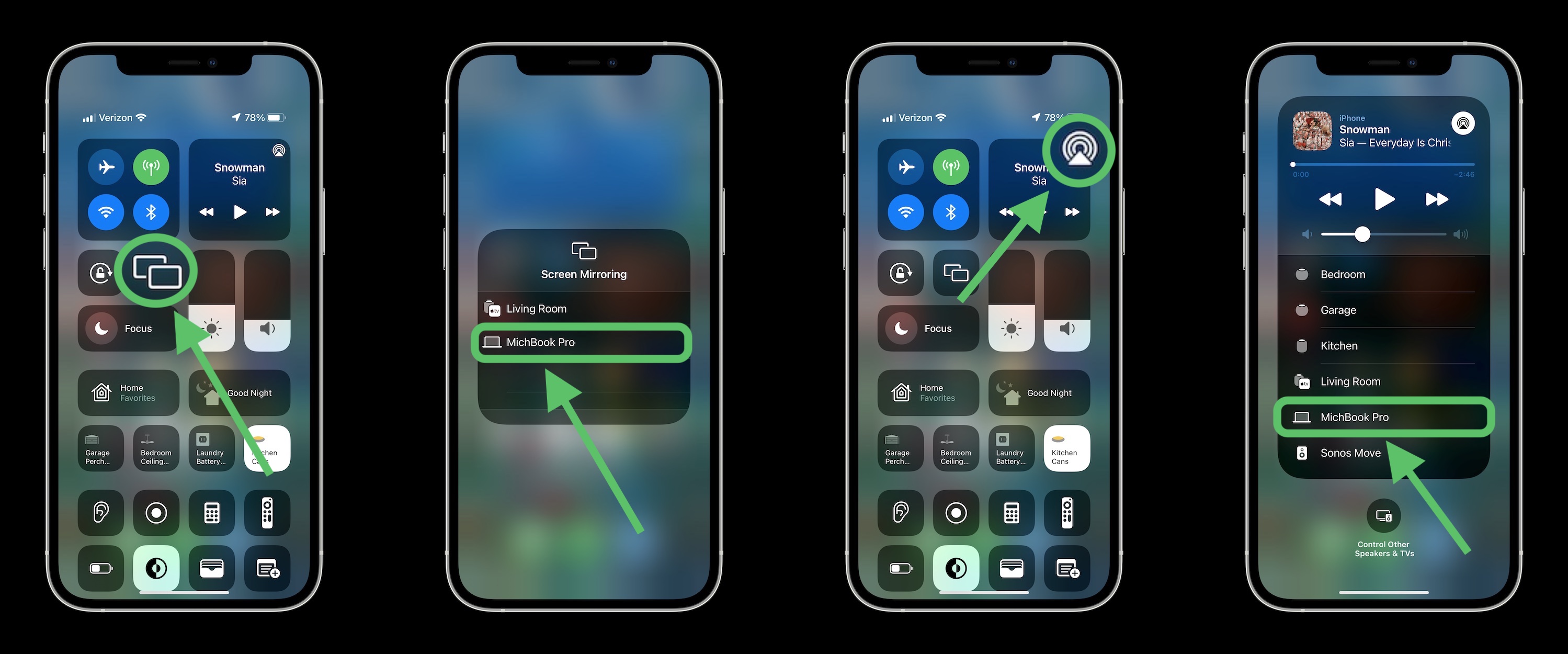
- From iPhone or iPad, tap the double-rectangle Screen Mirroring icon in Control Center (pull down from the top right corner to access Control Center)
- Tap the Mac you want to AirPlay to
- You can also tap the AirPlay icon in the now playing widget in Control Center and choose to cast audio to your Mac (works to create multi-room audio too)
Here’s how this looks:
You can also AirPlay from within different video and audio apps.
- Look for the AirPlay or cast icon (rectangle with triangle or rectangle with angled WiFi bars, or circles with triangle for audio)
- You’ll see this option in the Apple TV app, YouTube, Apple Music, Spotify, etc.
Wrap-up
While AirPlay to Mac may not be a feature you use daily, it can be quite useful in a variety of situations, from sharing photos and videos, presentations, audio, and more, particularly for content that isn’t stored on your Mac.
Are you using AirPlay to Mac with macOS Monterey? What scenarios are you finding it most helpful? Share your thoughts in the comments below!


-
 -12%
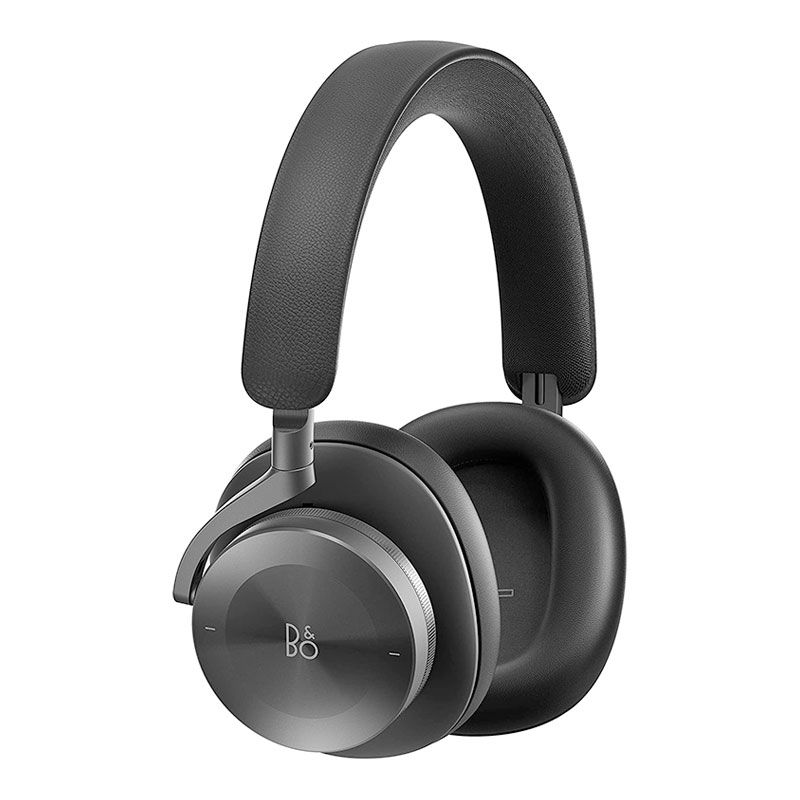
Bang & Olufsen Beoplay H95 Premium Comfortable Wireless Active Noise Cancelling (ANC) Over-Ear Headphones with Protective Carrying CaseAs low as $899.00 Regular Price $1,019.00
-12%
Bang & Olufsen Beoplay H95 Premium Comfortable Wireless Active Noise Cancelling (ANC) Over-Ear Headphones with Protective Carrying CaseAs low as $899.00 Regular Price $1,019.00 -
-18%
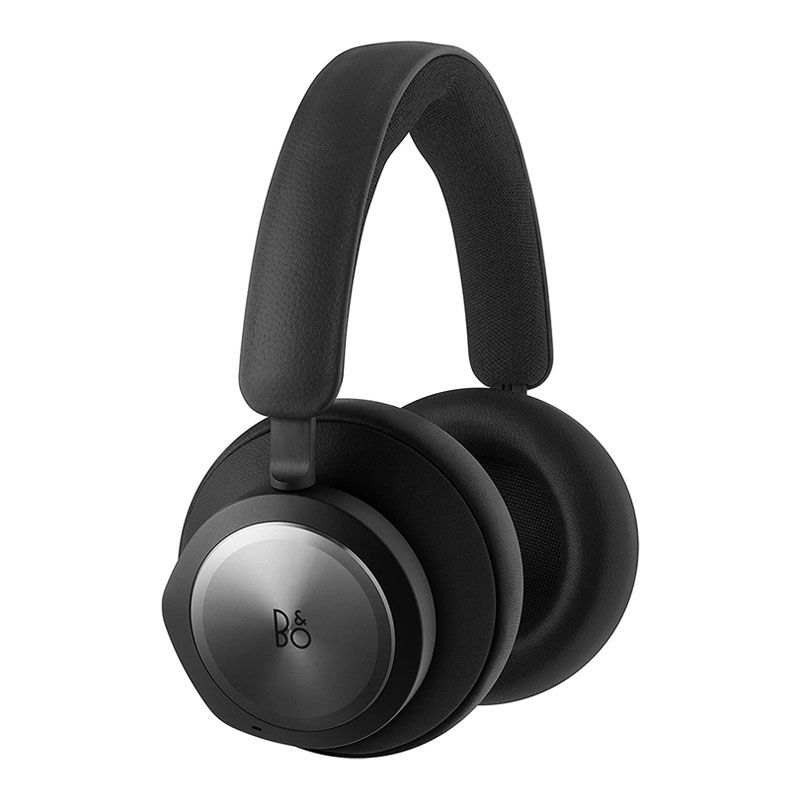
Bang & Olufsen Beoplay Portal Gaming Headset - Comfortable Wireless Noise Cancelling Gaming headphones for Xbox Series X|S, Xbox OneAs low as $443.00 Regular Price $539.00
-
-10%
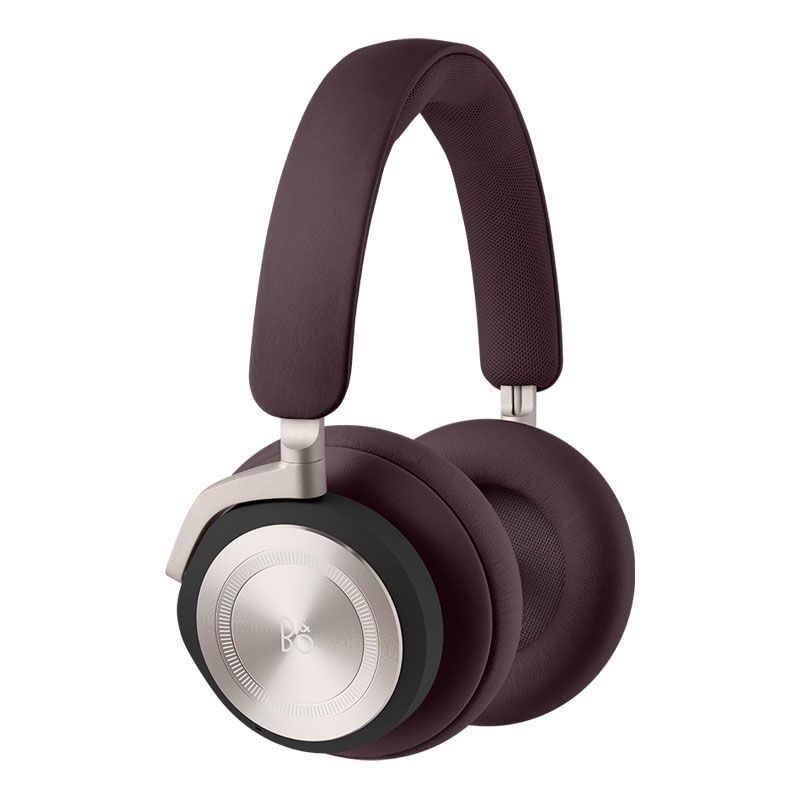
Bang & Olufsen Beoplay HX – Wireless ANC Headphones -Dark MaroonSpecial Price $539.99 Regular Price $599.00
-
-18%
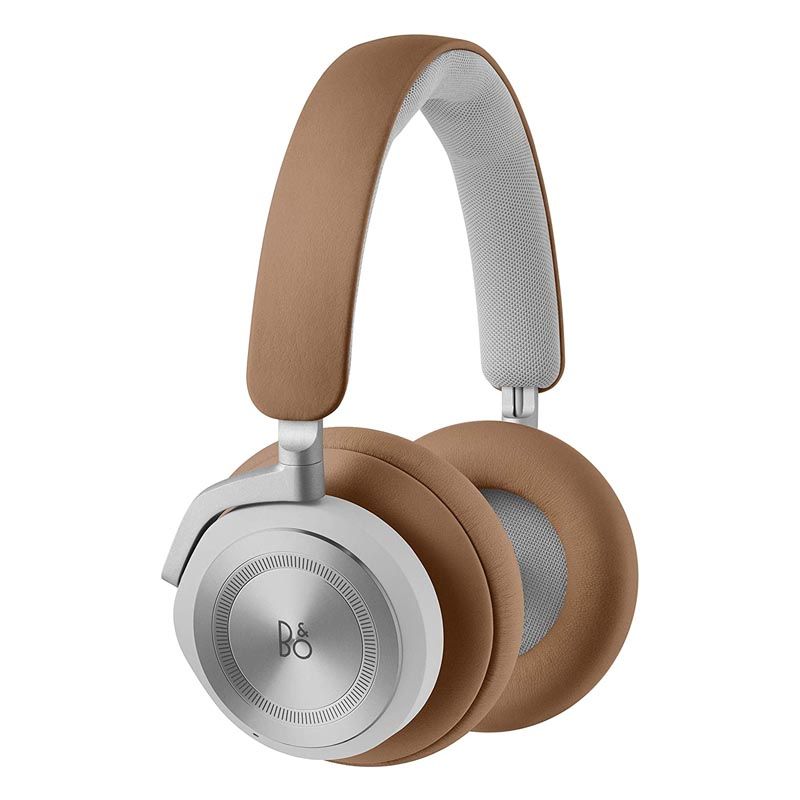
Bang & Olufsen Beoplay HX – Wireless ANC HeadphonesAs low as $449.00 Regular Price $549.00
-
-56%
Bang & Olufsen Beoplay EQ - Active Noise Cancelling Wireless In-Ear Earphones with 6 Microphones, up to 20 hours of playtimeAs low as $194.85 Regular Price $438.00
-
-50%
Bang & Olufsen Beoplay H5 Wireless Bluetooth Earbuds - BlackSpecial Price $99.00 Regular Price $199.00