How to install macOS Sequoia developer beta, now available for all users
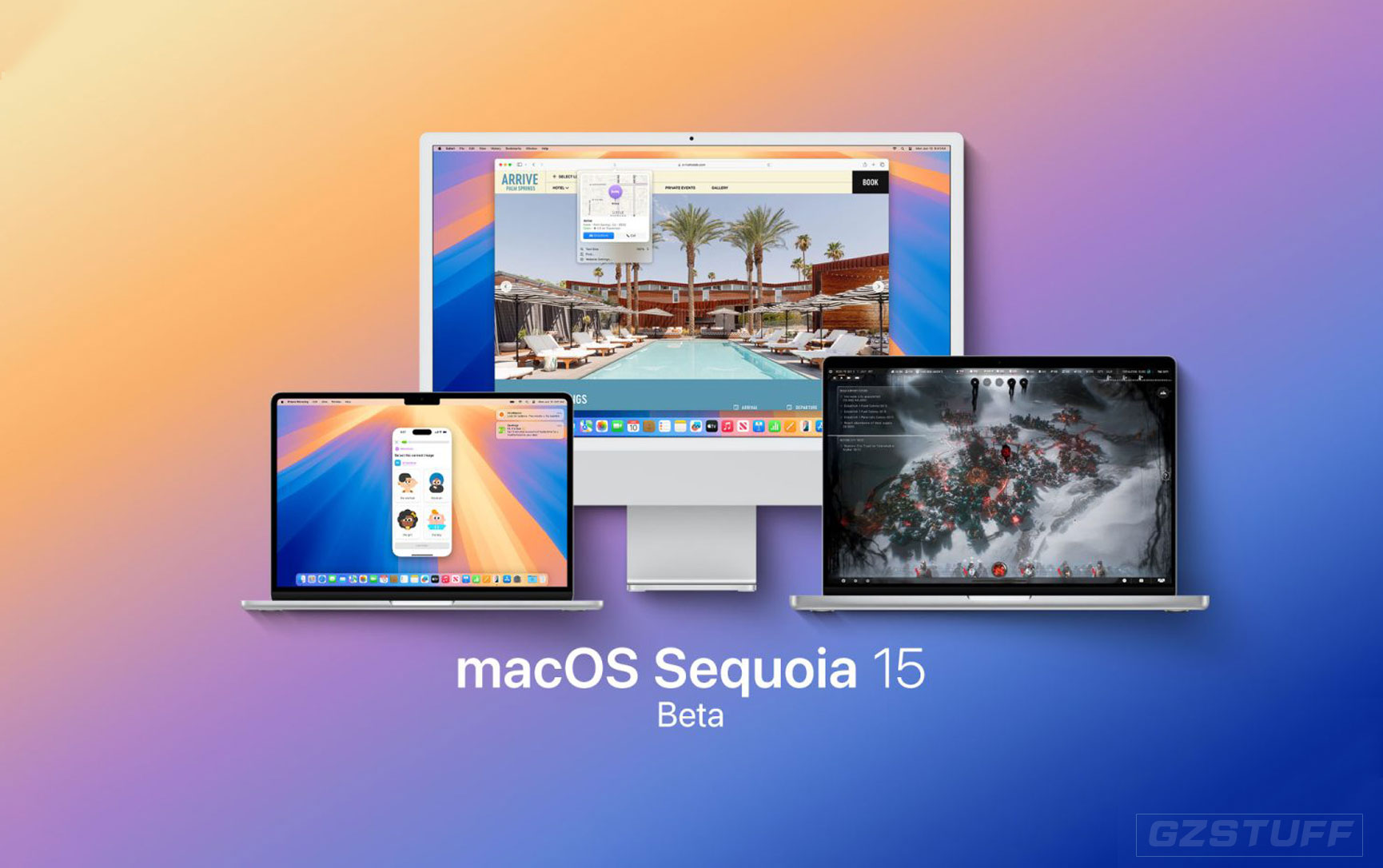
Today in its WWDC keynote, Apple outlined everything new coming to the Mac in this fall’s macOS Sequoia release. Some of the standout features include iPhone mirroring, a dedicated Passwords app, and of course Apple Intelligence features on M1 models and later.
Apple has now released developer beta 1 of macOS Sequoia. Even though the OS update won’t be released to the public until this fall, today’s beta release means users can install a pre-release version and run it immediately. You don’t even have to be an Apple developer.
How to install the developer beta of macOS Sequoia
Before installing beta software, it’s important to create a backup of your Mac and make sure you have ample free storage space available for the OS download.
After taking these steps, here’s how you can install the beta:
- Open the System Settings
- Go to General ⇾ Software Update
- Click the ‘i’ icon next to Beta Updates
- From the dropdown menu in the top-right, select the macOS Developer Beta
- Hit ‘Done’
- The update will then prompt you to install it
Should you install the beta?
Apple warns that beta software is not intended for devices you rely on in day-to-day use. That’s because all sorts of bugs and performance issues tend to plague beta software, especially early in the beta cycle.
Each year varies in terms of the stability of Apple’s betas. macOS tends to be one of the more stable platforms, because it usually doesn’t receive as many changes and new features as platforms like iOS.
That said, it’s always possible that any app or feature could break on a given beta. Users should only install the beta release with extreme caution and an awareness that they may need to revert to the stable release of macOS—a lengthy process.
Have you installed the developer beta of macOS? How is the stability and performance for you? Let us know in the comments.
Source - 9to5Mac

-
 -19%
Apple - MacBook Pro 16" Laptop M3 Max 48GB Unified Memory 1TB SSD Storage - Silver - Official RefurbishedSpecial Price $3,588.70 Regular Price $4,416.90
-19%
Apple - MacBook Pro 16" Laptop M3 Max 48GB Unified Memory 1TB SSD Storage - Silver - Official RefurbishedSpecial Price $3,588.70 Regular Price $4,416.90 -
-19%
Apple - MacBook Pro 16" Laptop M3 Max 48GB Unified Memory 1TB SSD Storage - Space Black - Official RefurbishedSpecial Price $3,588.70 Regular Price $4,416.90
-
-21%
Apple - MacBook Pro 16" Laptop M3 Max 36GB Unified Memory 1TB SSD Storage - Silver - Official RefurbishedSpecial Price $3,064.18 Regular Price $3,864.47
-
-21%
Apple - MacBook Pro 16" Laptop M3 Max 36GB Unified Memory 1TB SSD Storage - Space Black - Official RefurbishedSpecial Price $3,064.18 Regular Price $3,864.47
-
-21%
Apple - MacBook Pro 16" Laptop M3 Pro 36GB Unified Memory 512GB SSD Storage - Silver - Official RefurbishedSpecial Price $2,511.86 Regular Price $3,174.36
-
-21%
Apple - MacBook Pro 16" Laptop M3 Pro 36GB Unified Memory 512GB SSD Storage - Space Black - Official RefurbishedSpecial Price $2,511.86 Regular Price $3,174.36
-
-19%
Apple - MacBook Pro 16" Laptop M3 Pro 18GB Unified Memory 512GB SSD Storage - Silver - Official RefurbishedSpecial Price $2,235.70 Regular Price $2,760.16
-
-19%
Apple - MacBook Pro 16" Laptop M3 Pro 18GB Unified Memory 512GB SSD Storage - Space Black - Official RefurbishedSpecial Price $2,235.70 Regular Price $2,760.16
-
-19%
Apple MacBook Pro 16-Inche 4TB SSD Storage Apple Silicon M1 Max 10-Core CPU 32-Core GPU 32GB Unified Memory Silver - Official RefurbishedSpecial Price $2,911.69 Regular Price $3,573.95
-
-19%
Apple MacBook Pro 16-Inche 4TB SSD Storage Apple Silicon M1 Max 10-Core CPU 32-Core GPU 32GB Unified Memory Space Gray - Official RefurbishedSpecial Price $2,911.69 Regular Price $3,573.95