Is It a Roku TV OS Is the Best? What you need to know about TVs with Roku built-in

Smart TVs are ubiquitous these days, and while big brands like Samsung and Sony occupy significant market share, other options exist. Roku might be known for its streaming adapters, but it also has smart TVs. Here’s a rundown of what a Roku TV is and the models available.
To put it simply, a Roku TV is like any other smart TV, meaning it’s a TV that lets you use internet streaming services, apps, and other features, such as voice controls, without having to use any external devices. Roku licenses other manufacturers to make Roku TVs, including Onn, Sharp, RCA, Hisense, and others. What sets Roku TVs apart from other brands is that they run Roku OS. The OS is what makes it possible to use those apps, streaming services, voice controls, and more.
A Roku TV is a TV that runs the Roku OS.
When you first turn on a Roku TV, you’ll see the home screen. From here, you can access streaming apps like Netflix, Disney Plus, and others, watch conventional broadcast or cable television, change settings, and more. Depending on your model of Roku TV, you can also adjust certain picture settings. And if you have audio products marked with the Roku TV Ready logo, you can integrate them into your home theater setup as well.
How is Roku TV different from a Roku Streaming Stick?
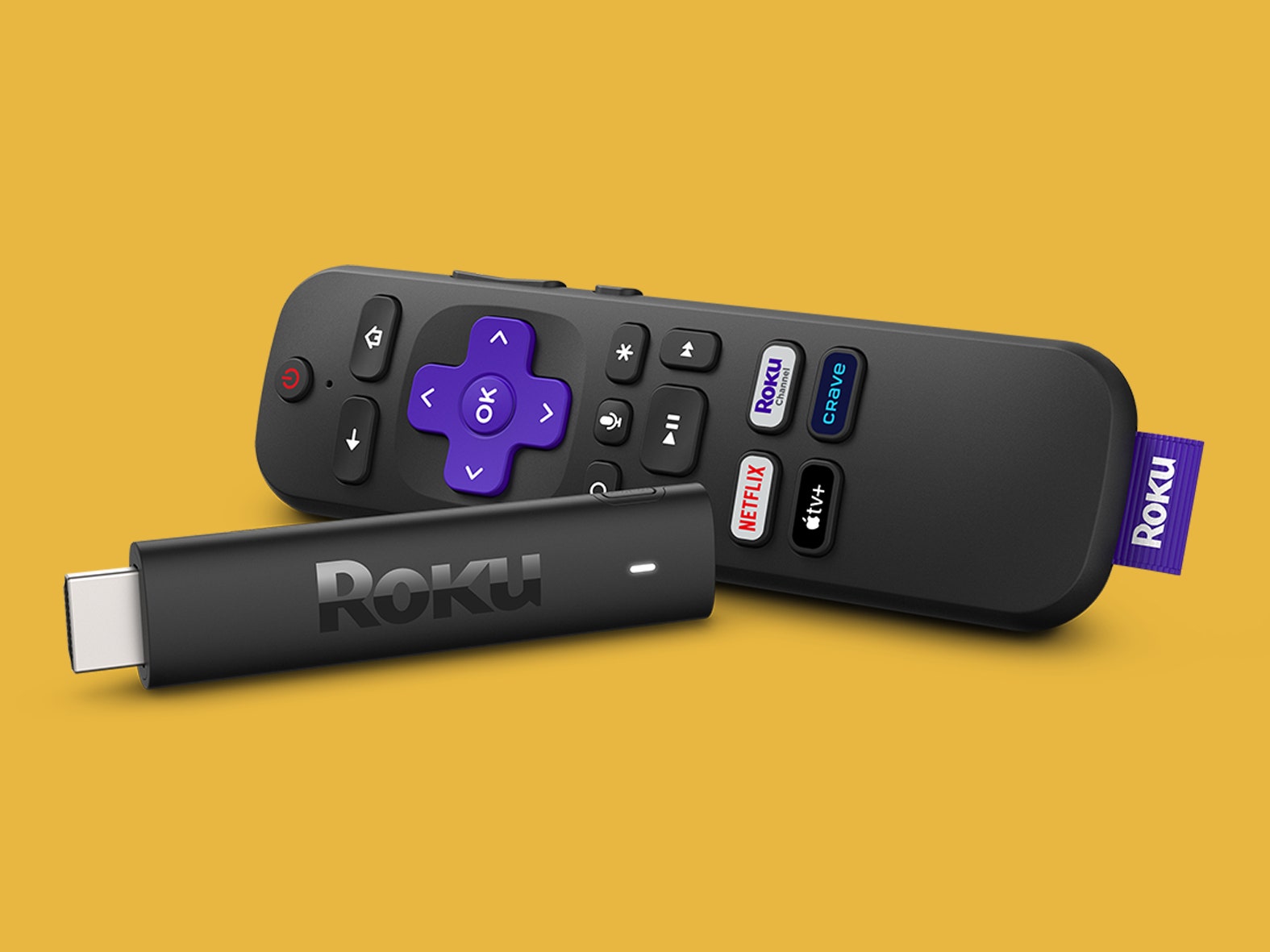
While this guide is about Roku TVs, Roku might be more famous for its Streaming Sticks and boxes. These are separate adapters you can attach to any TV to use Roku services.
But it does have some downsides. For instance, you will have to keep track of two remotes: the Roku remote and your TV remote. Furthermore, the integration between your TV and the content you play won’t be very tight.
As we mentioned briefly earlier, what sets a Roku TV apart from other smart TVs is Roku OS. Roku TV works like most other smart TV operating systems.
Roku TVs work with multiple other smart assistants, unlike some other offerings.
Some Roku TVs also tend to support picture standards like Dolby Vision and 4K HDR (depending on the specific model). That means you get an improved picture and the convenience of built-in streaming services.
Now that you know what Roku TV is and how it stands out against other smart TV platforms, you might wonder how it compares to some other options. One thing to note generally is that not every platform will have every streaming app available. Furthermore, proprietary smart TV operating systems tend to lag behind Roku regarding new apps and features. With that in mind, here’s a quick rundown of other smart TV options compared to Roku.
Samsung Tizen TV
Samsung uses an operating system known as Tizen on its smart TV offerings. This creates a tightly-integrated experience with other Samsung products and Bixby, but third-party devices may not slide in as cohesively.
Samsung TVs tend to have simple user interfaces and a decent selection of apps. It’s not as extensive as other options but still varied enough to contain YouTube, Prime Video apps, and others. You also get Samsung TV Plus, which offers free TV and some movies.
Apple TV
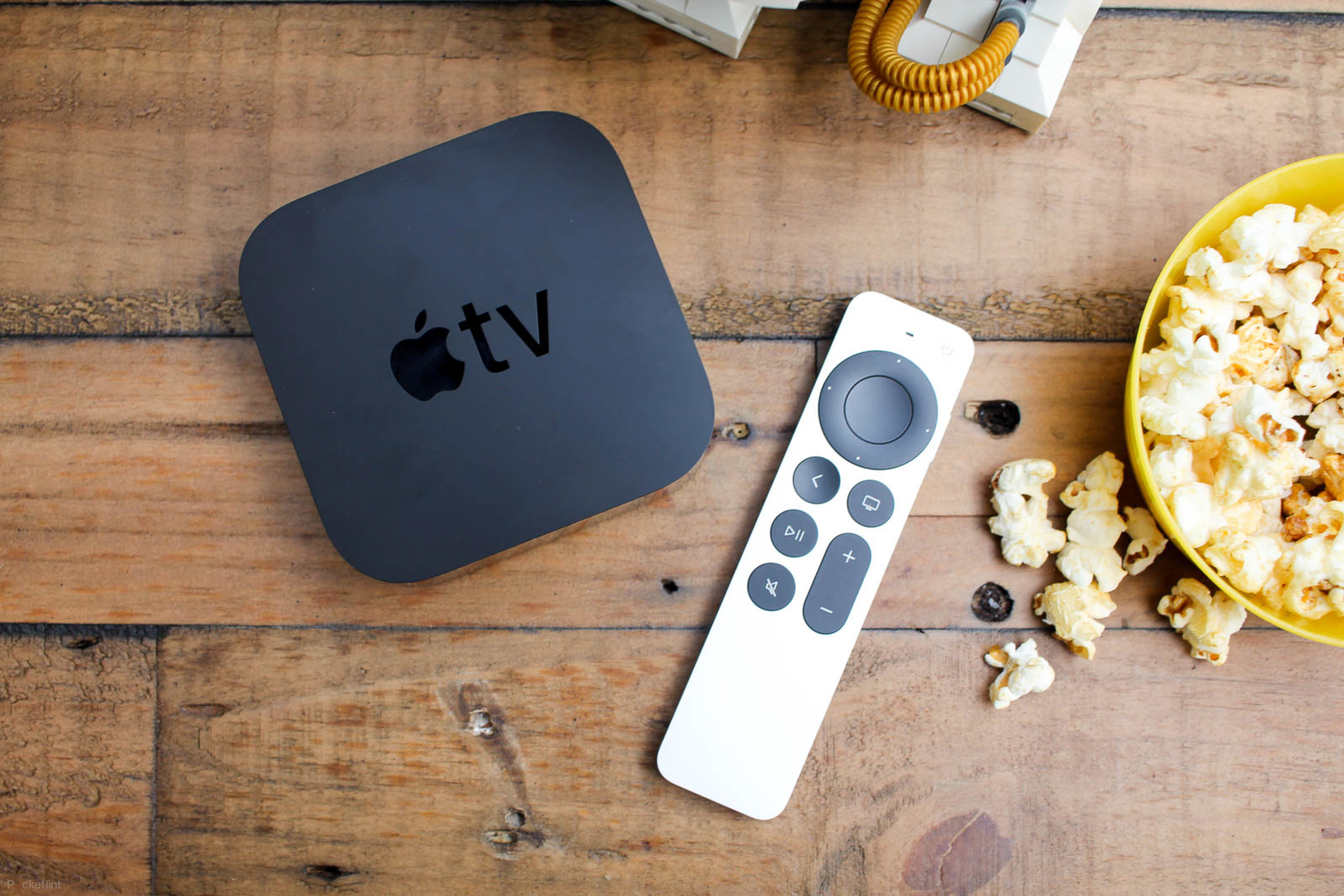
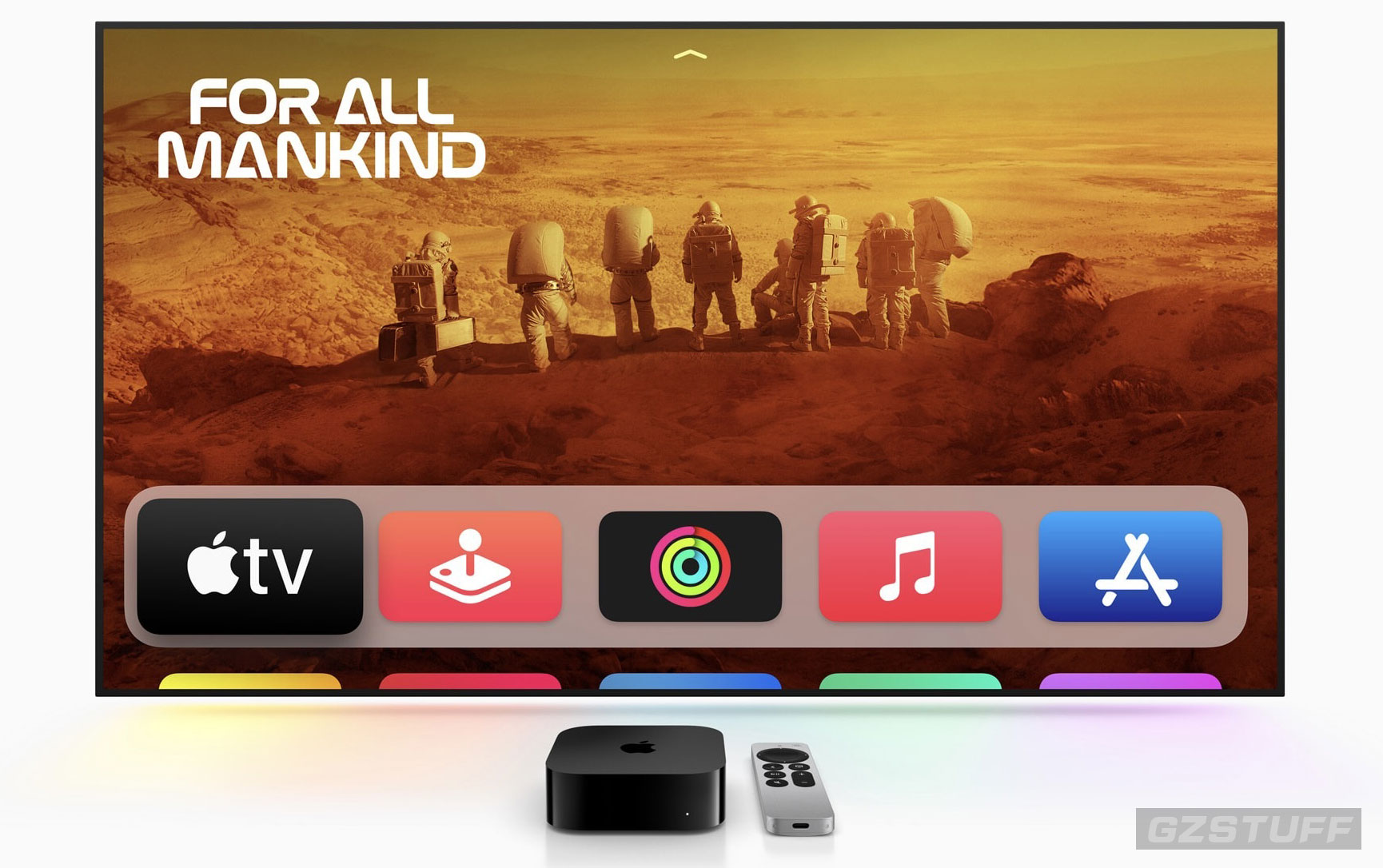
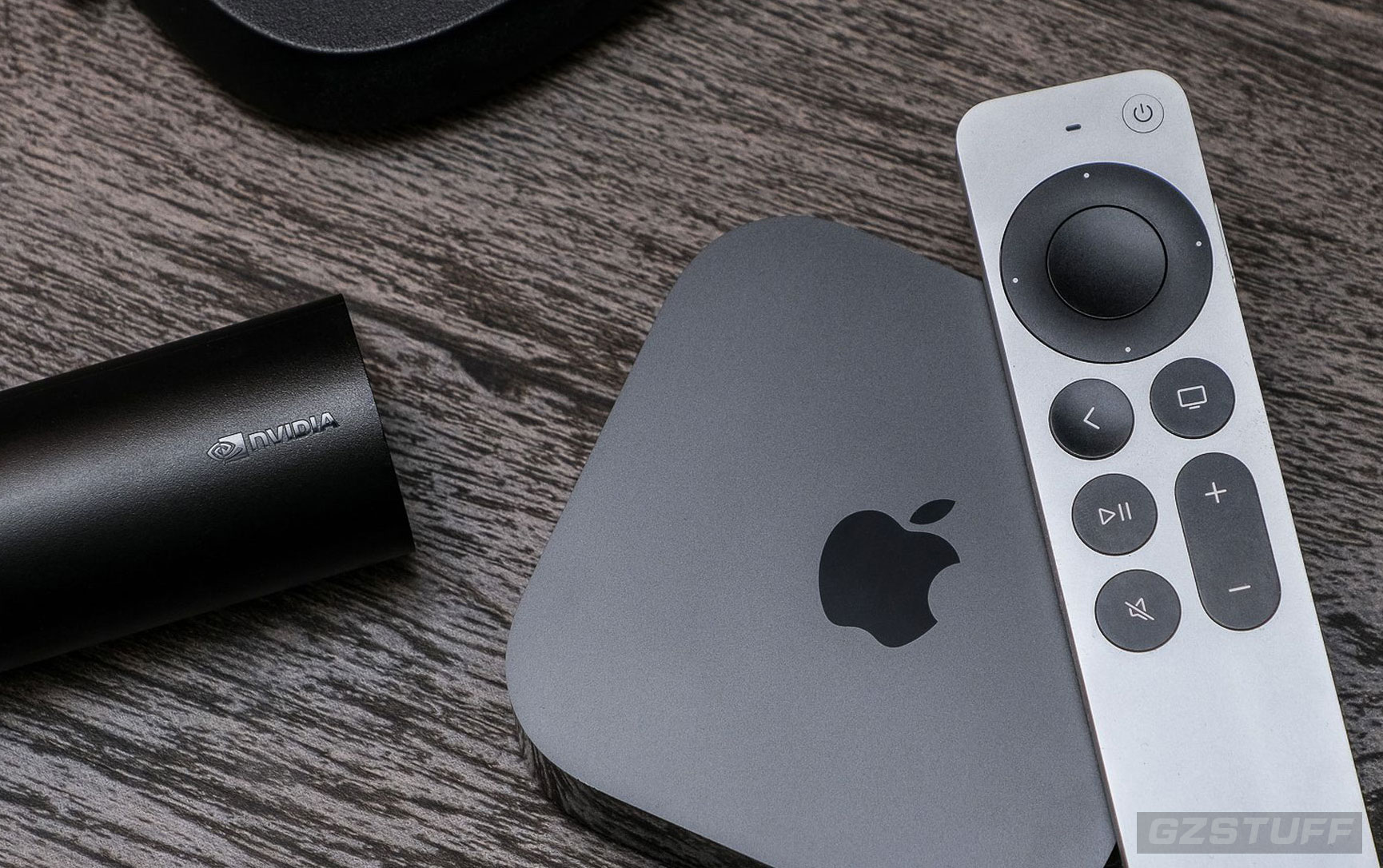
Apple doesn’t manufacture TVs, so you must purchase a separate Apple TV device to use their smart TV options — not to be confused with the streaming service Apple TV Plus.
If you’re counting on the ease of use and integration that a smart TV gives you, then using a set-top box like Apple TV may not be for you. But Apple TV might make sense if you’re immersed in the Apple ecosystem.
Fire TV
Amazon’s offering in the smart TV world is Fire TV. Like Roku, you can buy Fire TV Streaming Sticks or televisions with Fire TV built-in. As expected, it lets you use Alexa for voice commands but not other assistants. As for apps, you cannot access the entire Google Play Store even though Fire TV is Android-based, but you can install some additional apps.
A Fire TV will likely fit in with your lifestyle if you’re already a fan of Amazon’s services. You can also access cloud-based gaming services like Apple TV 4K.
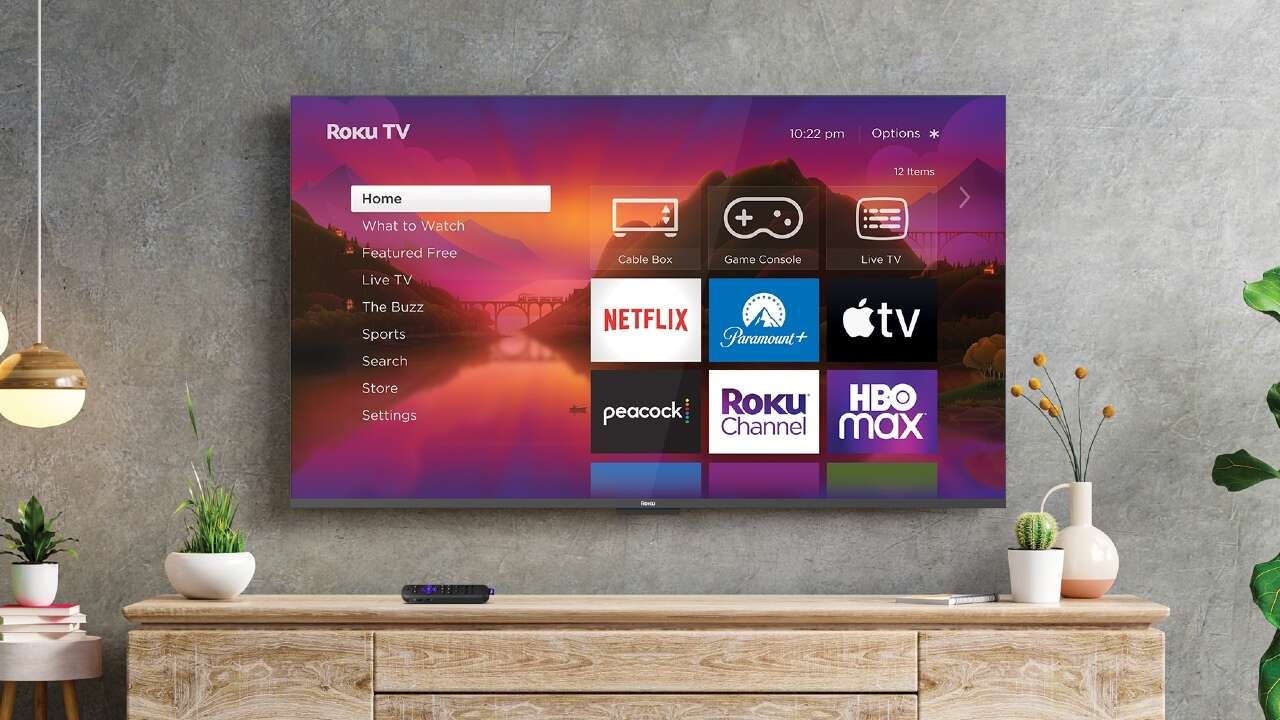
If you’re considering a Roku TV, it could make sense for you if you want a fully-integrated device with one remote to keep track of. Roku works with other smart device ecosystems, too, making it easy to integrate into existing setups. Plus, the interface is easy to use, and you have a decent selection of apps to browse.
Roku also tends to update its OS and add new features faster than proprietary smart TVs, which could be handy if you demand the latest and greatest.
However, you lose flexibility if you choose a TV with Roku built-in. You’ll be tied to Roku services unless you buy an adapter or set-top box from another brand, which introduces the hassles of buying a separate device.
Source - androidauthority.com

-
 -10%
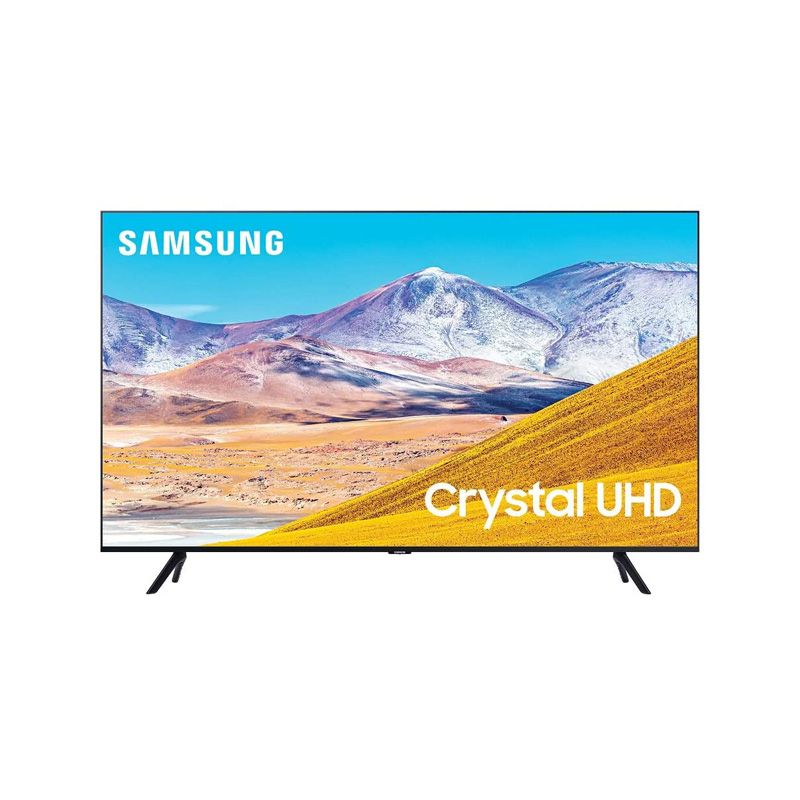
SAMSUNG 65-inch Class Crystal UHD TU-8000 Series - 4KSpecial Price $899.00 Regular Price $999.00
-10%
SAMSUNG 65-inch Class Crystal UHD TU-8000 Series - 4KSpecial Price $899.00 Regular Price $999.00 -
-36%
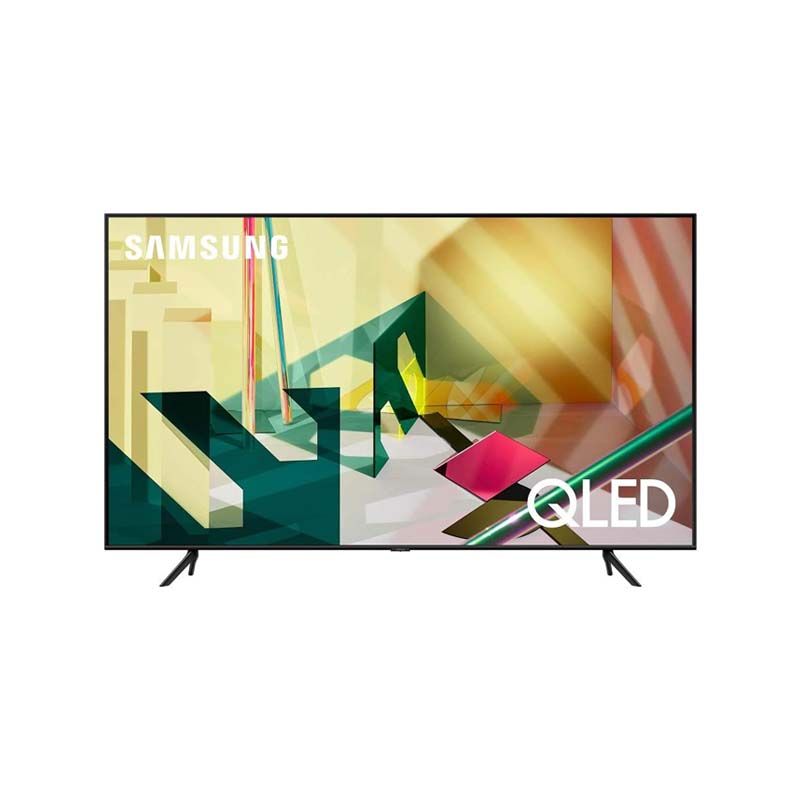
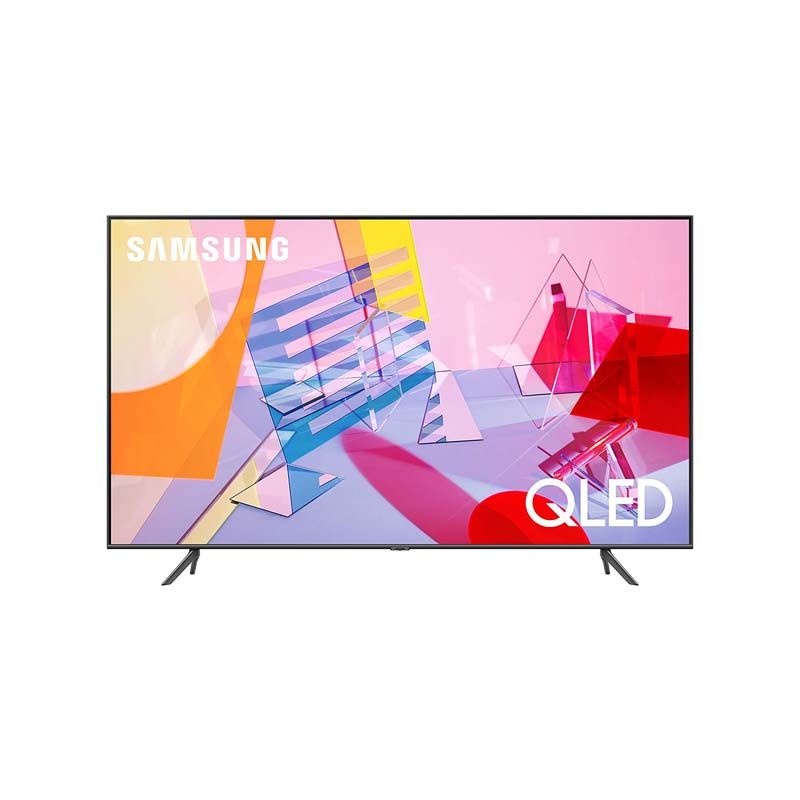
SAMSUNG 65-inch Class QLED Q70T Series - 4K UHD Smart TVSpecial Price $1,028.00 Regular Price $1,597.00
-
-5%
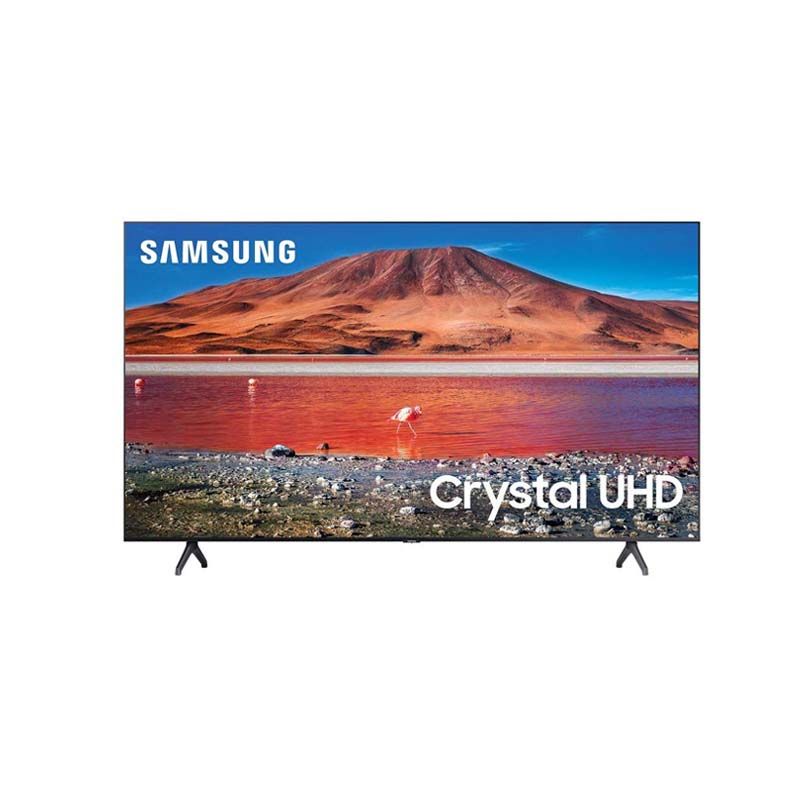
Samsung 65-inch TU-7000 Series Class Smart TVSpecial Price $625.00 Regular Price $658.00
-
-16%
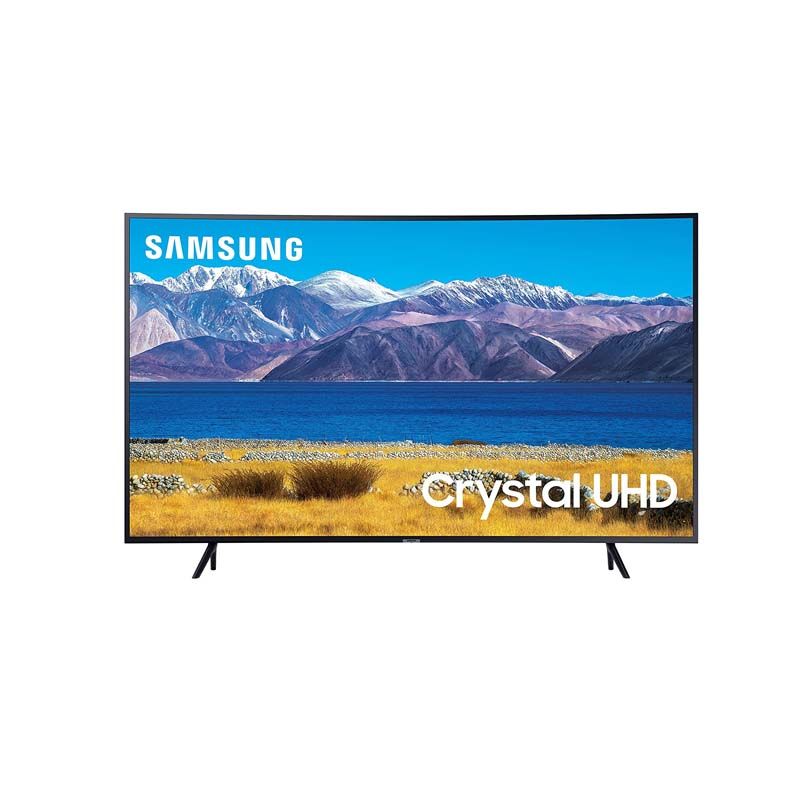
SAMSUNG 65-inch Class Curved UHD TU-8300 Series - 4K UHD HDR Smart TVSpecial Price $836.00 Regular Price $999.00
-
-33%
SAMSUNG 65-inch Class QLED Q60T Series - 4K UHD Dual LED Quantum HDR Smart TVSpecial Price $790.00 Regular Price $1,178.00
-
-14%
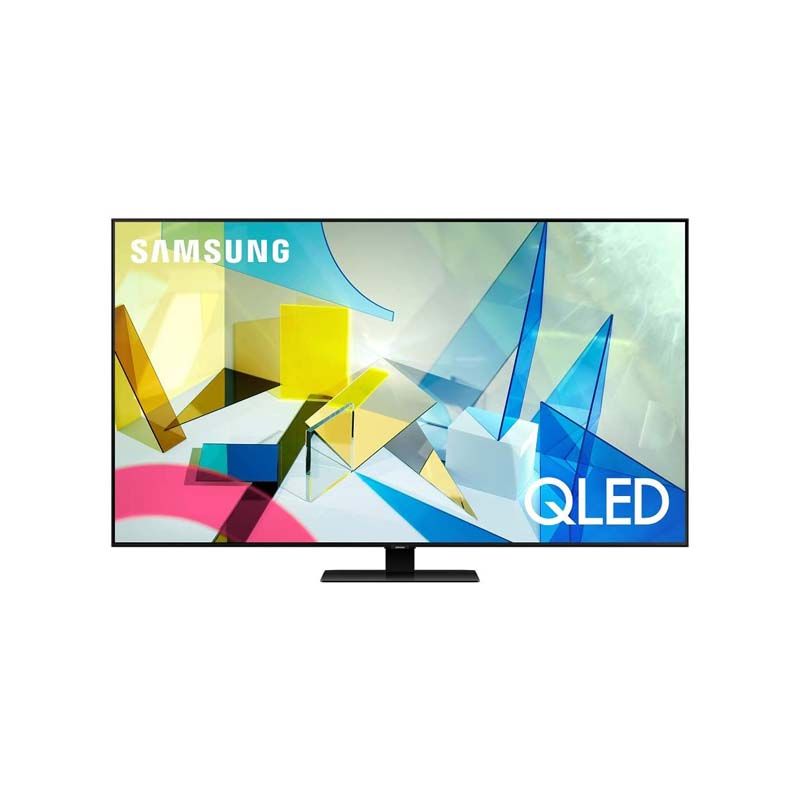
SAMSUNG 65-inch Class QLED Q80T Series - 4K UHD Smart TVSpecial Price $1,599.00 Regular Price $1,849.00
-
-17%
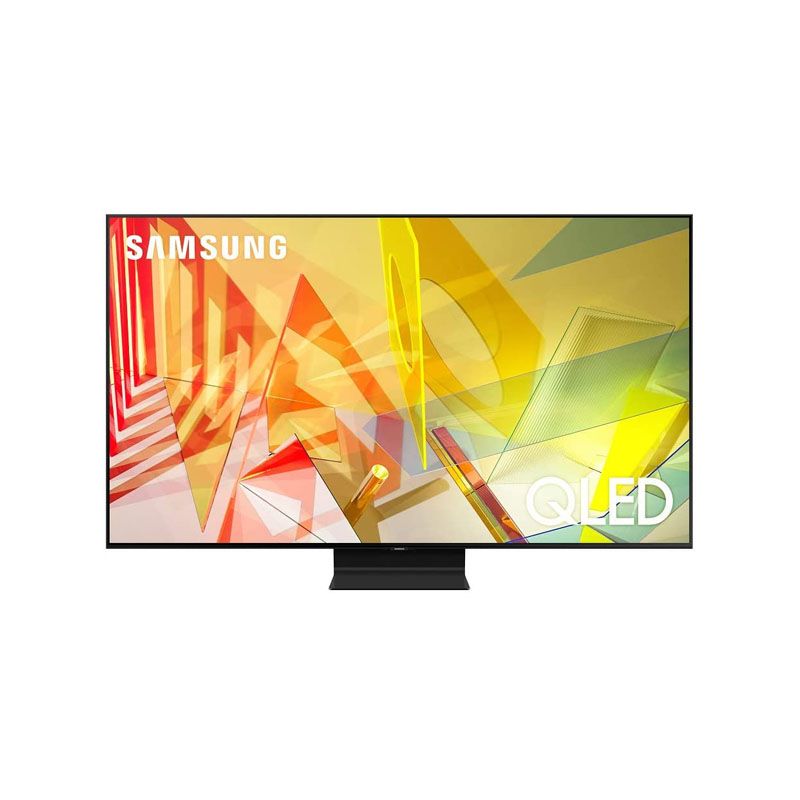
SAMSUNG 65-inch Class QLED Q90T Series - 4K UHD Direct Full Array 16X Quantum HDR 16X Smart TVSpecial Price $2,650.00 Regular Price $3,199.00
-
-8%
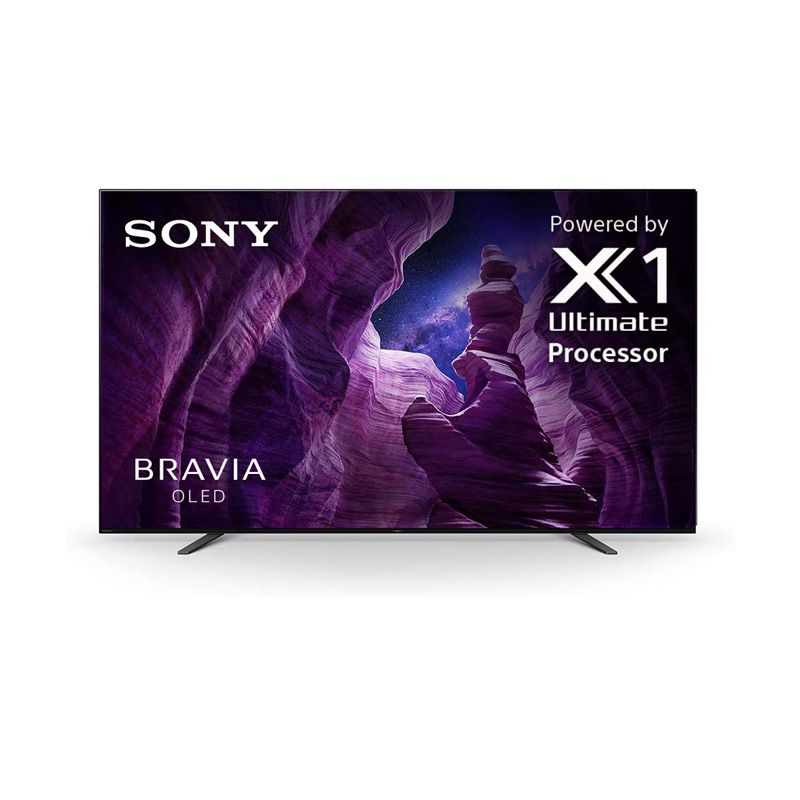
Sony A8H 65-inch TV: BRAVIA OLED 4K Ultra HDR Smart TVSpecial Price $2,298.00 Regular Price $2,498.00
-
-12%
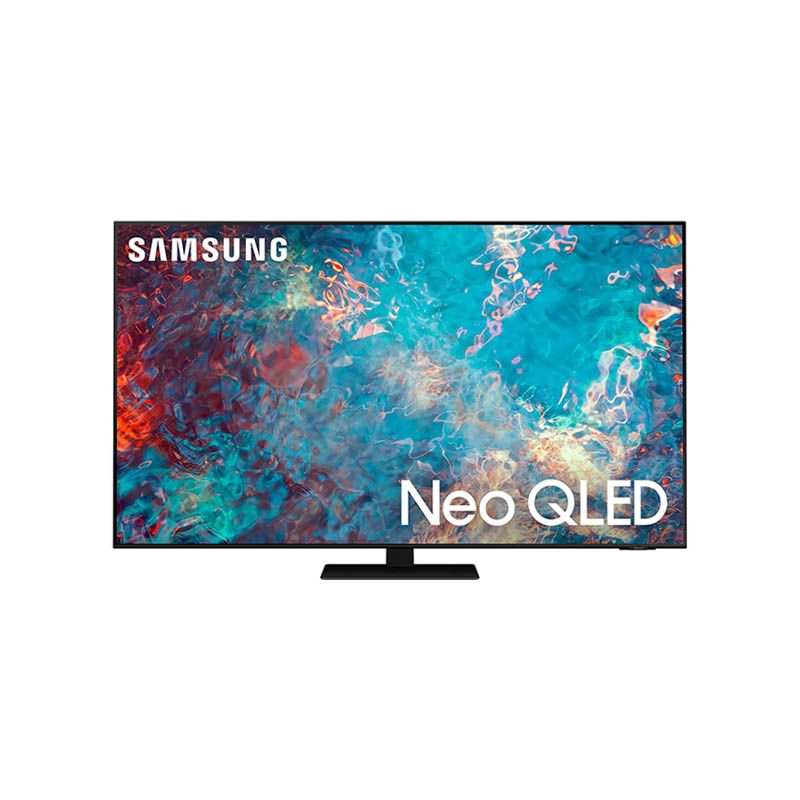
SAMSUNG 65-inch Class QN85A Series – Neo QLED 4K Smart TV (2021 Model)Special Price $2,299.00 Regular Price $2,599.00
-
-14%
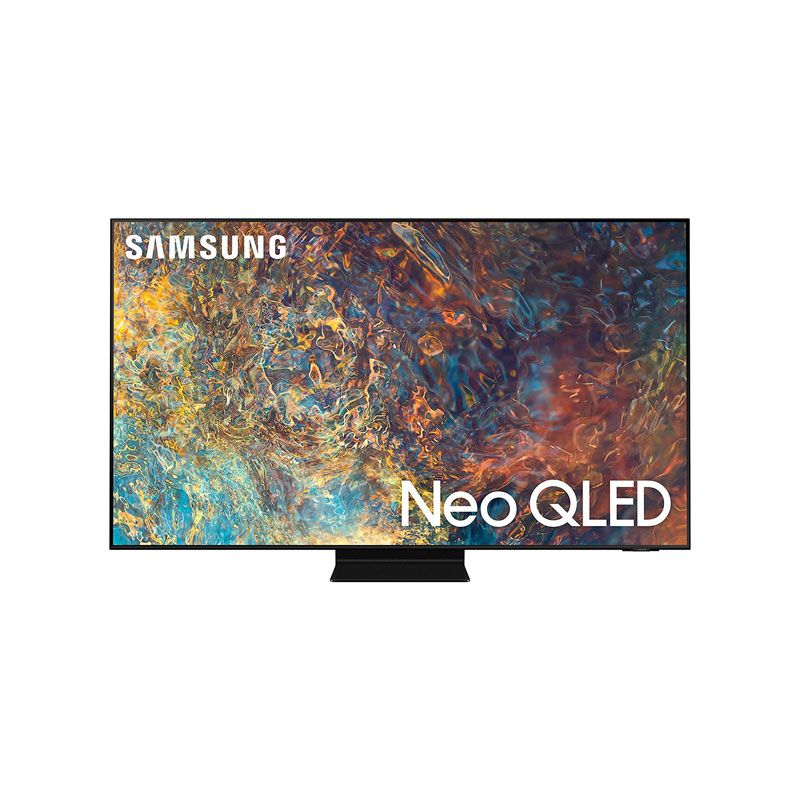
SAMSUNG Neo QLED QN90A Series - 4K UHD Quantum HDR 32x Smart TV 2021 Model-65-InchSpecial Price $3,199.00 Regular Price $3,699.00