Is It Safe to Leave Your Nintendo Switch 2 in Sleep Mode All the Time?
- Is It Safe to Leave Your Nintendo Switch 2 in Sleep Mode All the Time?
- How Sleep Mode Works on Switch 2
- Battery Drain in Sleep Mode
- Overheating and Warmth Concerns
- What Nintendo Officially Says
- Best Practices and Recommendations
- Best Accessories to Protect Your Switch 2
- Final Verdict
- Shop Nintendo Switch 2 Accessories at Gzmato
March 29, 2026 – The Nintendo Switch 2 has been out for a while, and many owners are wondering whether it’s safe to leave the console in sleep mode almost all the time. While sleep mode is very convenient, there are some real concerns about battery drain, heat, and long-term health of the device.
Is It Safe to Leave Your Nintendo Switch 2 in Sleep Mode All the Time?
Sleep mode is designed for quick resumption of your games, but leaving the Switch 2 in this state continuously is not ideal. It can lead to faster battery wear, occasional warmth, and potential unintended waking. Here’s a clear breakdown based on user reports and Nintendo’s guidance.
How Sleep Mode Works on Switch 2
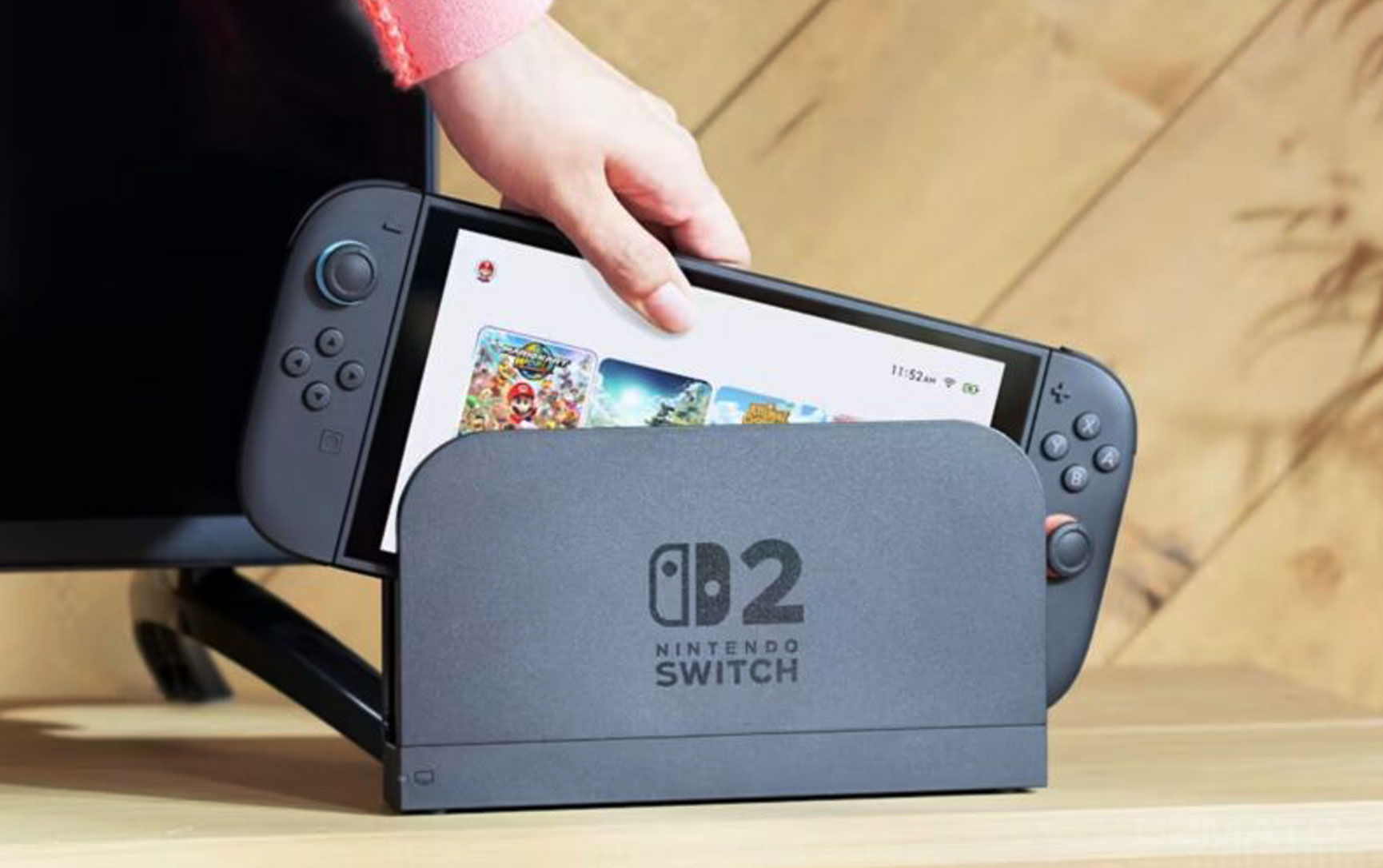
In sleep mode, the console uses very little power but stays ready to resume your game instantly. It also periodically connects to the internet to download updates, DLC, and cloud saves. This background activity is the main reason the console can feel slightly warm even when not in use.
Battery Drain in Sleep Mode
Many users report the following in sleep mode:
- Around 10% battery drain per 24 hours (with or without Wi-Fi)
- Some extreme cases show 20% or more drain in a day if background downloads are active
- Leaving it in sleep mode for several days can drain the battery significantly
Long-term disuse in sleep mode can also accelerate battery degradation. Nintendo recommends powering the console on at least once a week.
Overheating and Warmth Concerns
The Switch 2 may feel warm in sleep mode due to background internet activity. However, Nintendo has built-in safety features that force the console into a deeper sleep or shut it down if temperatures get too high. Real user issues often happen when the console is stored in a bag or soft case, where button presses can accidentally wake it up and cause extra heat or drain.
What Nintendo Officially Says
Nintendo states that it is normal for the console to become slightly warm in sleep mode because it connects to the internet at regular intervals. The company designed sleep mode for convenience and quick gameplay resumption. They advise turning the console fully off when you won’t be using it for an extended period (several days or more).
Best Practices and Recommendations
Here’s what most experts and experienced users suggest:
- Use sleep mode for short breaks (hours, not days)
- Turn the console completely off if you won’t use it for more than 1–2 days
- Power it on at least once a week to maintain battery health
- Use a hard carrying case during transport to prevent accidental button presses
- Consider turning off “Always Connected” or LAN features in sleep mode settings if you notice excessive warmth
Best Accessories to Protect Your Switch 2
These accessories can help you take better care of your Switch 2:
- Hard protective carrying cases (to prevent accidental wake-ups)
- Extra Joy-Con or Pro Controller charging docks
- High-quality screen protectors and console skins
- Portable power banks compatible with Switch 2
- External SSD storage expansions for more games
Final Verdict
It is generally safe to use sleep mode for everyday short breaks, but leaving your Nintendo Switch 2 in sleep mode all the time is not recommended. Occasional full shutdowns help preserve battery health, reduce heat buildup, and keep the system running smoothly. If you travel often or store the console for days, turning it off completely is the smarter choice.
Shop Nintendo Switch 2 Accessories at Gzmato
Fast shipping, 1-year warranty – protective cases, screen protectors, charging docks, power banks & more
Special Offer: Use code GZMSWITCH26 for 10% off!
Shop Switch 2 Gear Now →Data Sources & Methodology (as of Mar 29, 2026):
- BGR article: “Is It Safe To Leave Your Nintendo Switch 2 In Sleep Mode All The Time?”
- Nintendo official support pages on sleep mode and battery
- User reports from Reddit, ResetEra, and GameFAQs
- Gzmato Nintendo Switch accessory inventory


- nintendo switch 2 sleep mode
- switch 2 battery drain sleep
- switch 2 overheating sleep mode
- is switch 2 safe in sleep mode
- nintendo switch 2 best practices