Local AI Hardware Guide 2026: MacBook Pro vs RTX 4090
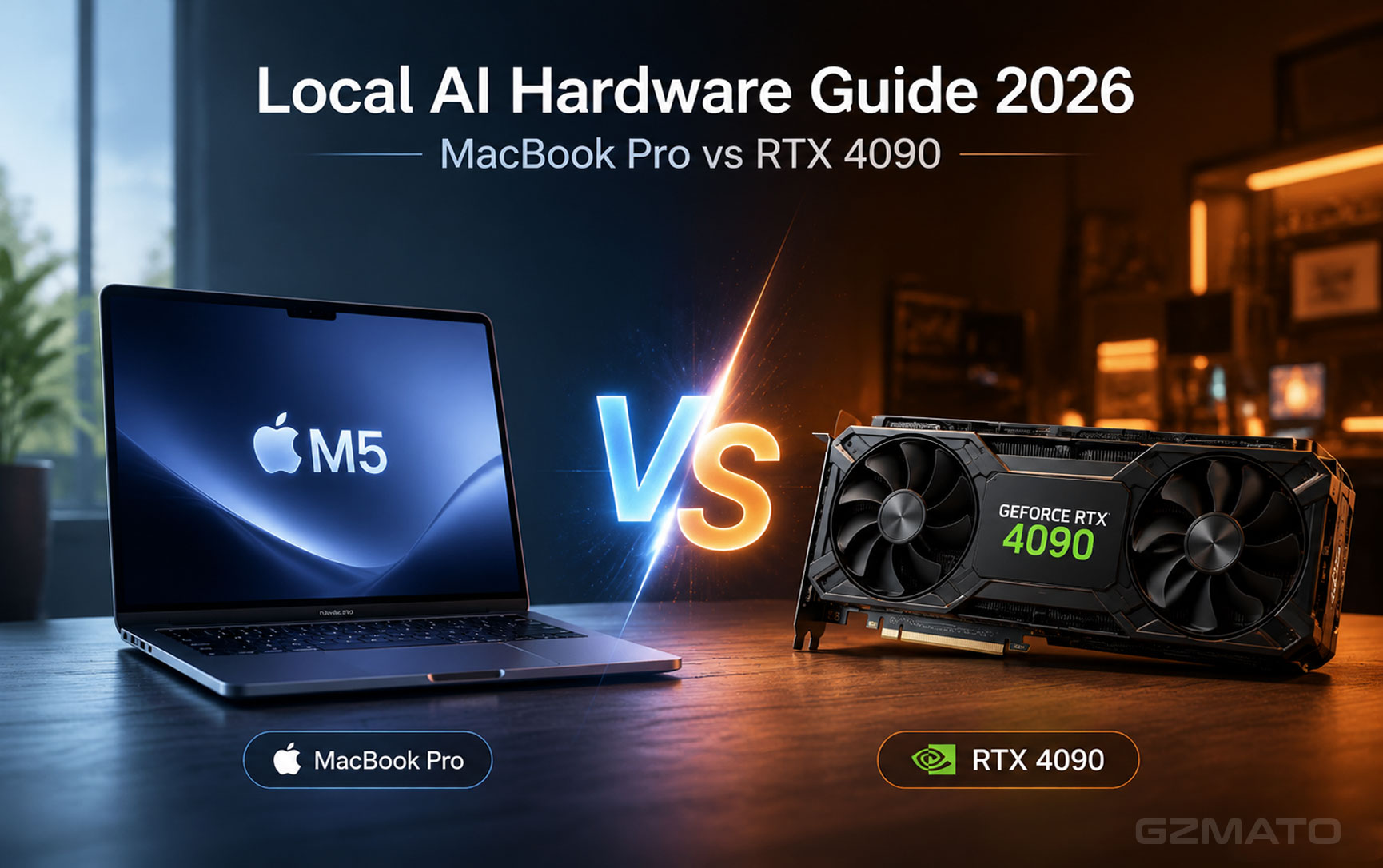
Running AI models on your own hardware — instead of through a cloud subscription — has gone from a niche hobbyist project to a genuinely mainstream option in 2026. Free, downloadable models can now handle everything from coding help to document summarization entirely on your own machine, with no internet connection or subscription required once they're installed. The catch: your hardware determines what's actually possible. Here's what you need to know before buying.
Why Run AI Locally at All?
- Privacy: Nothing you type or upload leaves your machine — genuinely relevant if you're working with sensitive documents, code, or personal information
- No subscription: Once downloaded, most local models are free to run indefinitely, with no monthly fee
- Works offline: No internet connection needed once the model is downloaded
- No usage limits: No rate limiting, no waiting for your monthly quota to reset
Two Hardware Paths: Unified Memory vs. VRAM
The single most important spec for running AI locally isn't your CPU speed — it's how much fast memory is available to load the model into.
Apple Silicon: Unified Memory
Apple's M-series chips share one pool of fast memory between the CPU, GPU, and Neural Engine. This means a MacBook with 32GB of unified memory can dedicate a large portion of that directly to running a model — no separate, more limited graphics memory to worry about. It's also notably power-efficient, so a MacBook can run a local model for hours on battery.
Discrete GPU: VRAM
On the Windows/PC side, what matters is your graphics card's dedicated VRAM. A card with 24GB of VRAM, like the RTX 4090, can load and run larger models significantly faster than most laptops, since GPUs are purpose-built for the kind of parallel math AI models require. The trade-off is power draw, heat, and needing a desktop tower rather than a portable laptop.
How Much Memory Do You Actually Need?
| Model Size | Minimum Memory Needed | Good For |
|---|---|---|
| 7-8B parameters | 8-16GB | Quick chat, simple coding help, drafting |
| 13-14B parameters | 16-24GB | More capable reasoning, better code quality |
| 30-34B parameters | 32-48GB | Strong general-purpose performance |
| 70B+ parameters | 48-64GB+ | The most capable locally-runnable models available |
The Apple Silicon Path
Apple's latest chip generation, built specifically with Apple Intelligence workloads in mind. 16GB is workable for smaller models, though buyers planning to run AI seriously should look at higher-memory configurations if available.
A strong sweet spot for local AI — 24GB of unified memory comfortably handles 13-14B parameter models with room to spare for everything else running on your Mac.
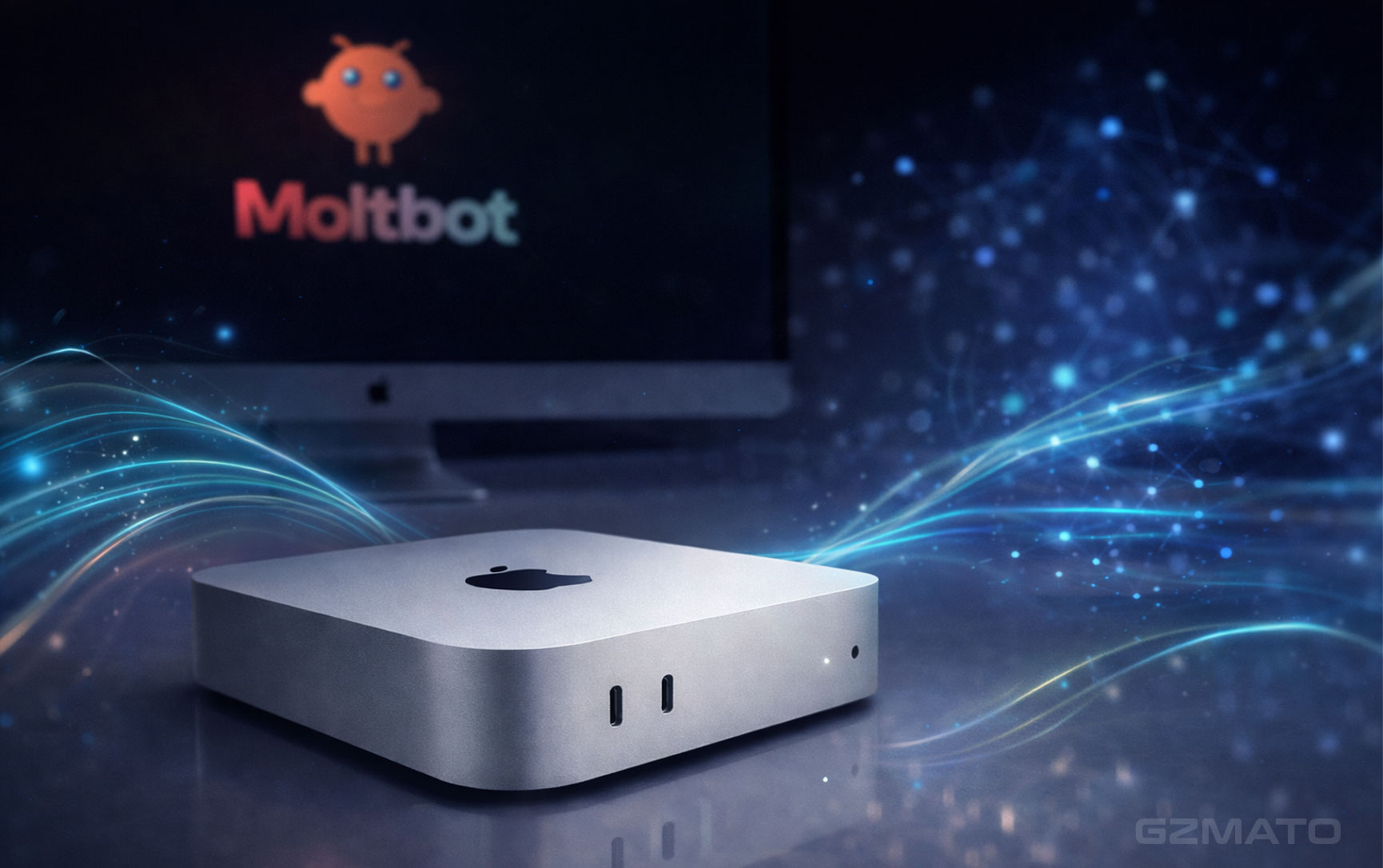
If you want a stationary, more powerful option without a discrete GPU, Mac Studio's higher memory ceiling and desktop-class cooling make it capable of comfortably running larger models than a laptop can sustain.
The Discrete GPU Path
A complete gaming tower that doubles as a genuinely capable local AI machine — the RTX 3080Ti's VRAM handles mid-size models well, and the system's 32GB of system RAM keeps everything else responsive.
For anyone building or upgrading a dedicated AI machine, this is the standout option — 24GB of VRAM is enough to run genuinely large models at fast speeds, well beyond what most laptops can sustain.
What You'll Actually Run
Once you have the hardware, running a model locally has gotten dramatically simpler than it used to be. Free, well-documented tools now handle the technical setup for you — you download the tool, pick a model from its built-in library, and it manages the rest. Most modern setups take a few minutes to get a model chatting, not hours of configuration.
- Model library built-in: Good tools let you browse and download models directly, without hunting for files online
- Automatic hardware detection: The best options detect your available memory and recommend models that will actually run well on your machine
- A simple chat interface: You shouldn't need a command line to talk to your model day-to-day
Which Setup Should You Buy?
| # | If you want this... | Buy this |
|---|---|---|
| 1 | A portable machine that also handles everything else you do | MacBook Pro 14" (M4 Pro, 24GB) |
| 2 | The fastest possible local AI performance | GIGABYTE RTX 4090 (24GB VRAM) |
| 3 | A complete, ready-to-go desktop that also games well | Alienware Aurora R13 (RTX 3080Ti) |
| 4 | The quietest, most power-efficient option | Mac Studio (M4 Max, 32GB) |
| 5 | To just try it out on a budget before committing further | Any MacBook Air with 16GB+ memory, for smaller 7-8B models |
Shop AI-Ready Hardware at Gzmato
Whether you go the Apple Silicon route or build around a discrete GPU, Gzmato has both paths covered.
MacBook Pro (M4/M5) | Mac Studio | Alienware Aurora | GIGABYTE RTX 4090 | In Stock Now
Special Offer: Use code TECH2026 for a discount on your first order!
Shop Laptops and PCs at GzmatoChat with our team live, or open a request if you want help matching hardware to the specific models you want to run.
Key Takeaways
| # | What You Need to Know About Running AI Locally |
|---|---|
| 1 | Memory matters more than raw CPU speed — unified memory on Apple Silicon or VRAM on a discrete GPU determines what models you can actually run |
| 2 | 7-8B parameter models need as little as 8-16GB — a great starting point that handles most everyday tasks |
| 3 | Larger 70B+ models need 48-64GB or more — the most capable locally-runnable models, but not required for most use cases |
| 4 | Apple Silicon offers portability and efficiency — a MacBook Pro with 24GB+ memory is a strong all-around choice |
| 5 | A discrete GPU with high VRAM offers the fastest performance — the RTX 4090's 24GB is the current gold standard for local AI |
| 6 | Local AI trades some capability for privacy and no subscription — it won't match the largest cloud models, but handles well-defined tasks reliably |
| 7 | Setup has gotten much simpler — modern tools handle the technical details, no command-line expertise required |
- Tom's Guide — Best AI laptops for running models locally, 2026 testing
- NVIDIA — Official RTX AI PC and GeForce RTX 4090 specifications
- Apple.com — Official Apple Silicon unified memory architecture details
- Gzmato.com — current in-stock pricing for laptops, Mac Studio, and GPU hardware

- local AI
- run AI locally
- MacBook Pro AI
- RTX 4090 AI
- unified memory vs VRAM
- local AI hardware
- AI laptop
- AI PC
- Gzmato