-
 January 12, 2023Read more
Apple has a landing page that details all of its devices with issues that are eligible for free repair or replacement ...
-
 January 10, 2023Read more
A lawsuit over Apple’s failed butterfly keyboard on the MacBook is nearing completion. As part of the settlement, Apple has agreed to pay out $50 million to MacBook users who owned an affected MacBook ...
-
 January 10, 2023Read more
Curious how much RAM Apple has put in its different iPads or how much memory your current iPad has? While the company doesn’t publicly share the information, memory details show up in teardowns and through other sources...
-
 January 10, 2023Read more
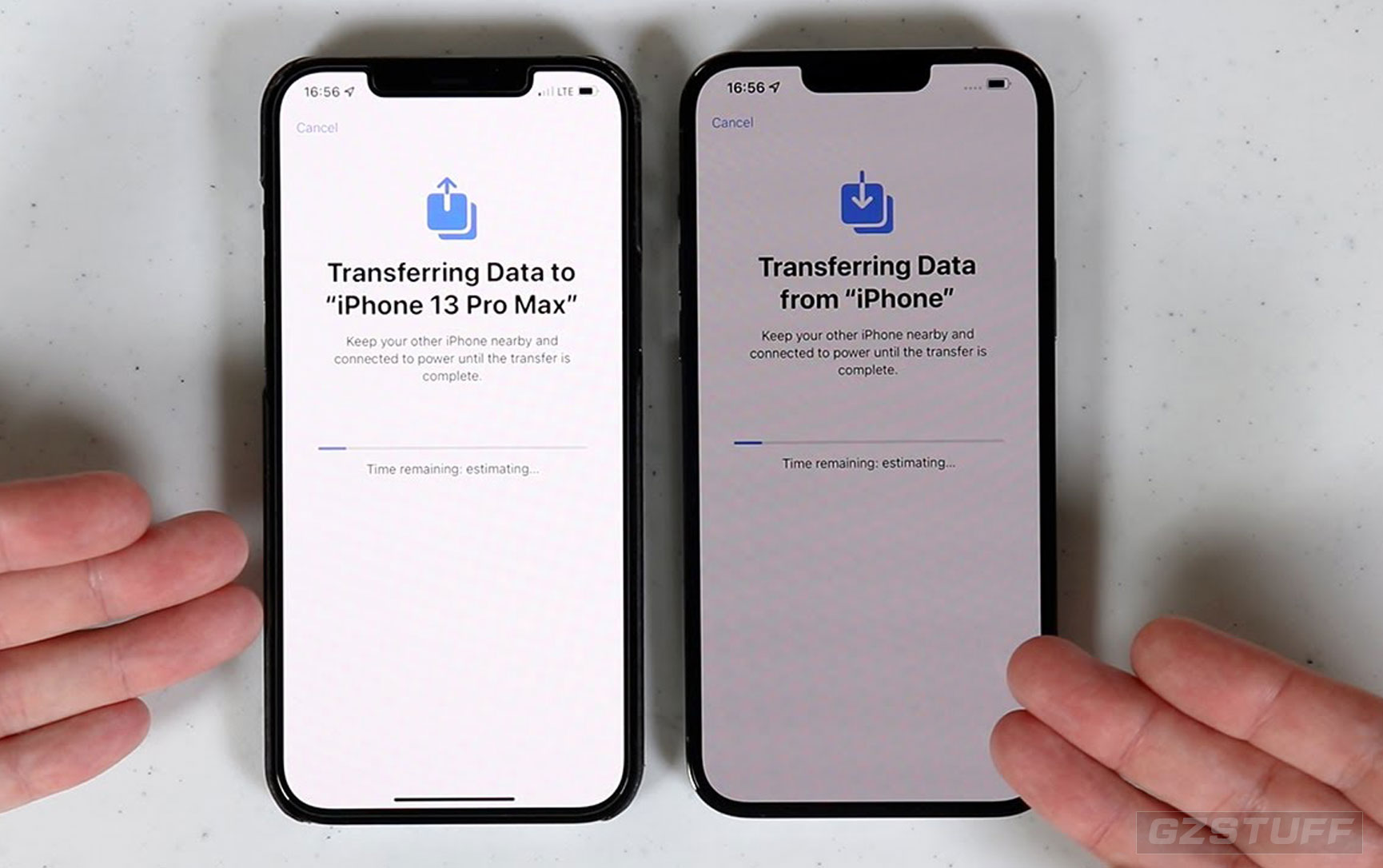
If you want a smoother transition to your new iPhone, do these things first ...
-
 December 04, 2022Read more
iPhone overheating after iOS 16 update? Device warms up for no reason, while performing basic tasks like charging, browsing apps or while running in standby mode? Issue persists in iOS 16.1.2 and 16.1.1 ...
-
 October 31, 2022Read more
Instagram on iPad not working properly? You cannot post stories since updating to iPadOS 16? App is displayed very small and can’t be enlarged? Software is crashing every couple of minutes ...
-
 October 09, 2022Read more
Here are some tips on how to save your iPhone storage. Doing this will also save you time and money since you no longer have to pay for iCloud service...
-
 October 03, 2022Read more
A valuable new feature that’s arrived for Apple Watch Series 4 and later with watchOS 9 is Low Power Mode. When needed, that means up to 2x longer battery life for the wearables...
-
 September 17, 2022Read more
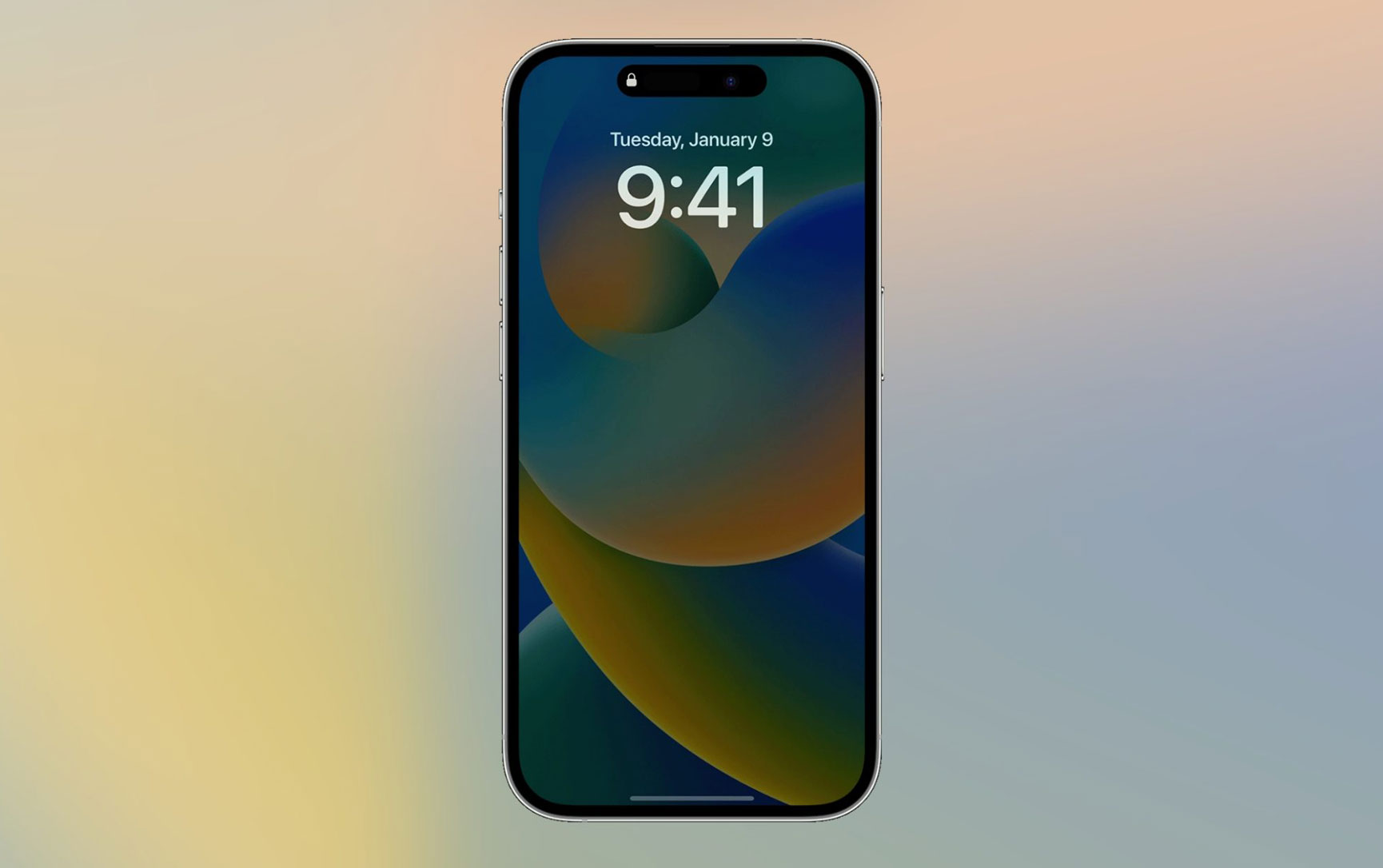
The iPhone 14 Pro and iPhone 14 Pro Max feature a new always-on display, which means your device remains dimly lit even when asleep, showing the date and time, your lock screen wallpaper...
-
 September 13, 2022Read more
Ready to use all the new features arriving with iOS 16 like customizable iPhone Lock Screens, overhauled notifications, undo button and editing for Messages, a new Home app, iPhone as a Mac webcam, and much more? Here’s...
-
 August 29, 2022Read more
The storage full notification issue is one of the oldest and most persisting bugs of iOS 15. Now, that we’re nearing the crossover to iOS 16, some readers still report the problem in iOS 15.6.1...
-
 August 18, 2022Read more
Microsoft Edge’s new Sidebar menu is now rolling out to select users in the browser’s Canary channel, allowing users to search the web on Bing without opening a new tab, access tools like Calculator...