-
 August 15, 2022Read more
Whether you are reselling your Xbox for a new one or giving it away as a gift, the most important step is to factory reset it and wipe your personal data to give space to new ones...
-
 August 06, 2022Read more
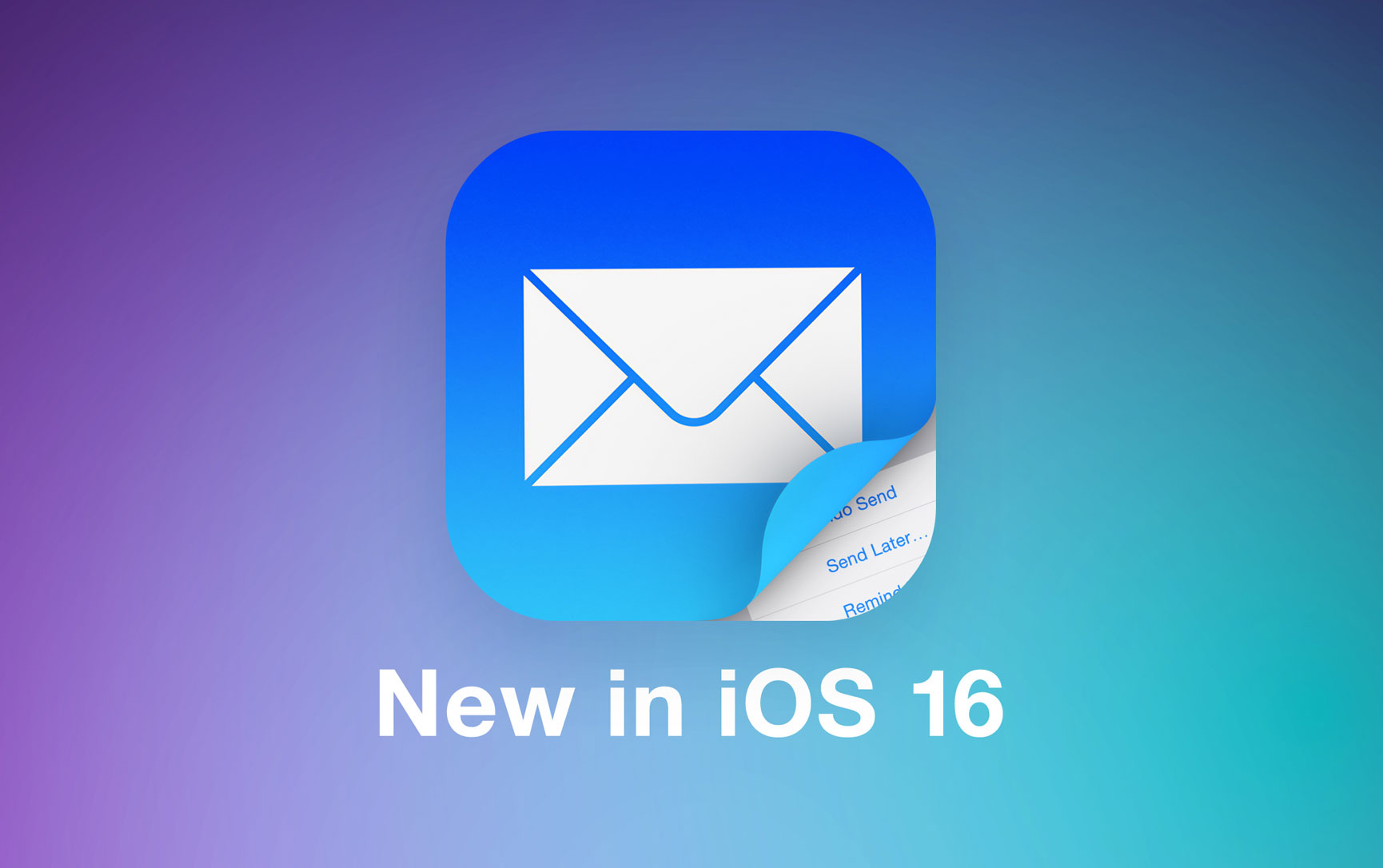
Starting with iOS 16 you can send mail later on iPhone! The feature is called Scheduled Send and allows you to set up email messages to be sent at a precise time of your desire...
-
 August 06, 2022Read more
Passkeys are an easier and safer sign-in method introduced by Apple in iOS 16. They’re intended to replace the traditional passwords. Here is how to use passkeys on iPhone and authenticate website accounts...
-
 August 04, 2022Read more
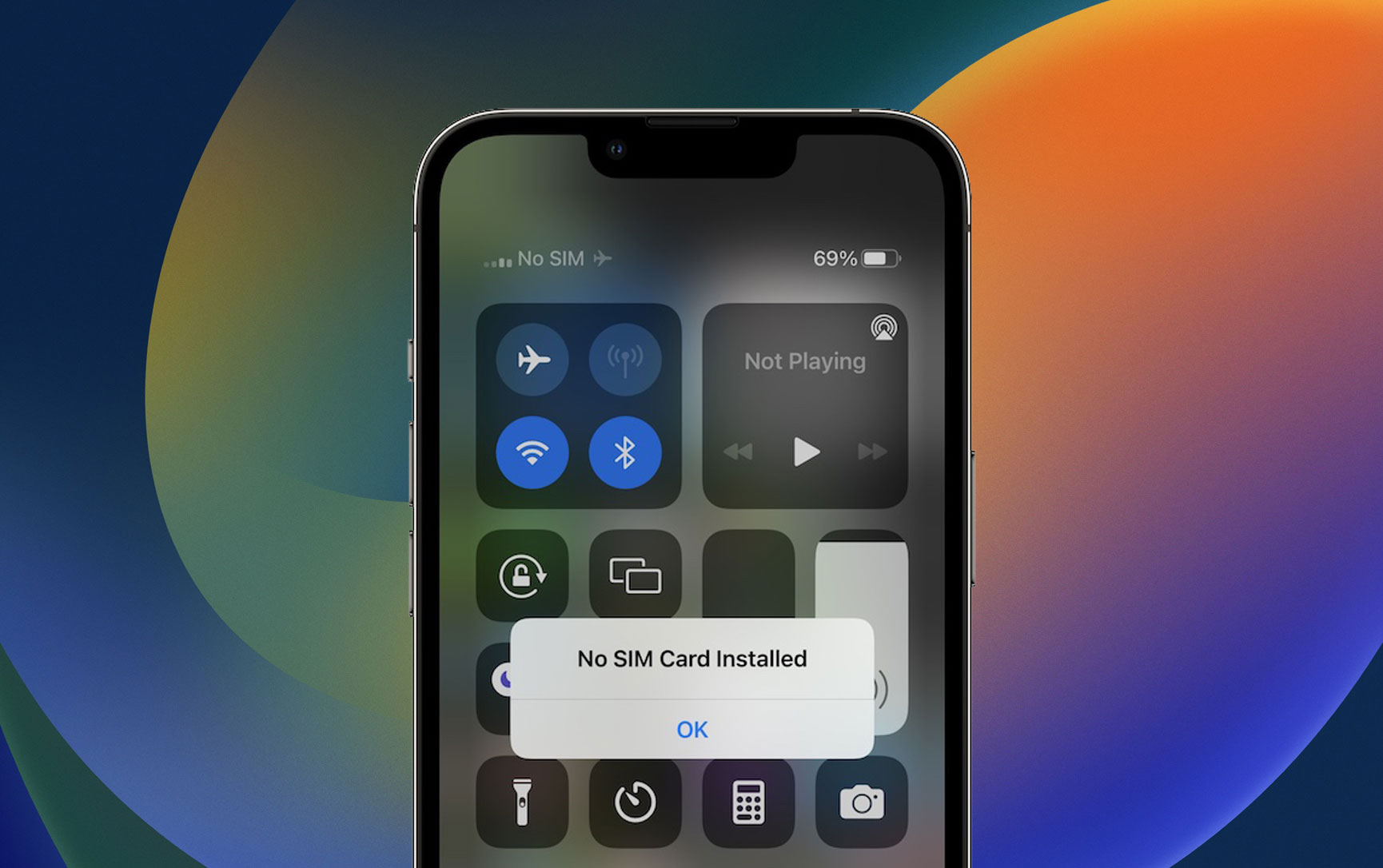
Is the SIM card not working on iPhone after iOS 15.6 update? Are you getting No Service, No SIM error? Device isn’t able to dial or receive regular calls and text messages? You’re not the only one...
-
 July 22, 2022Read more
Is YouTube Picture-in-Picture not working on iPhone and iPad? Google has recently announced that this highly awaited feature is now available for all iOS and iPadOS devices. Nevertheless...
-
 July 02, 2022Read more
It’s now possible to delete Instagram account on iPhone thanks to a new update of the Instagram app for iOS! Meta had to comply with a new App Store guideline that requires apps...
-
 June 11, 2022Read more
Do you know that you can unsend messages on iPhone, iPad and Mac? If you accidentally send one or reconsider sharing some info, you have 15 minutes to undo send.
-
 June 10, 2022Read more
Lock Screen widgets on iPhone are probably the most used new feature in iOS 16. This new option brings lots of new glanceable information on the first screen that you see when you pick your smartphone.
-
 June 09, 2022Read more
This new feature is straightforward. An Undo Send option becomes available after you tap Send in mail. The option stays available for 10 seconds, allowing you to recall the email if it was a mistake.
-
 April 11, 2022Read more
Now, the tech company allows users to see notifications from your Android phone on your Windows 10 or 11 computer as they arrive to pull up the entire SMSM history and any pending notifications on demand.
-
 February 17, 2022Read more
Google Chrome users often use the popular browser for surfing on the internet. Beyond that, many features are still unveiled for this application.
-
 January 31, 2022Read more
If you’ve ever thought about switching your Spotify subscription to Apple Music, Pandora, YouTube Music, Deezer, or vice versa