
Apple Sends Critical Security Alerts to iPhones – Update Now to Protect Your Device
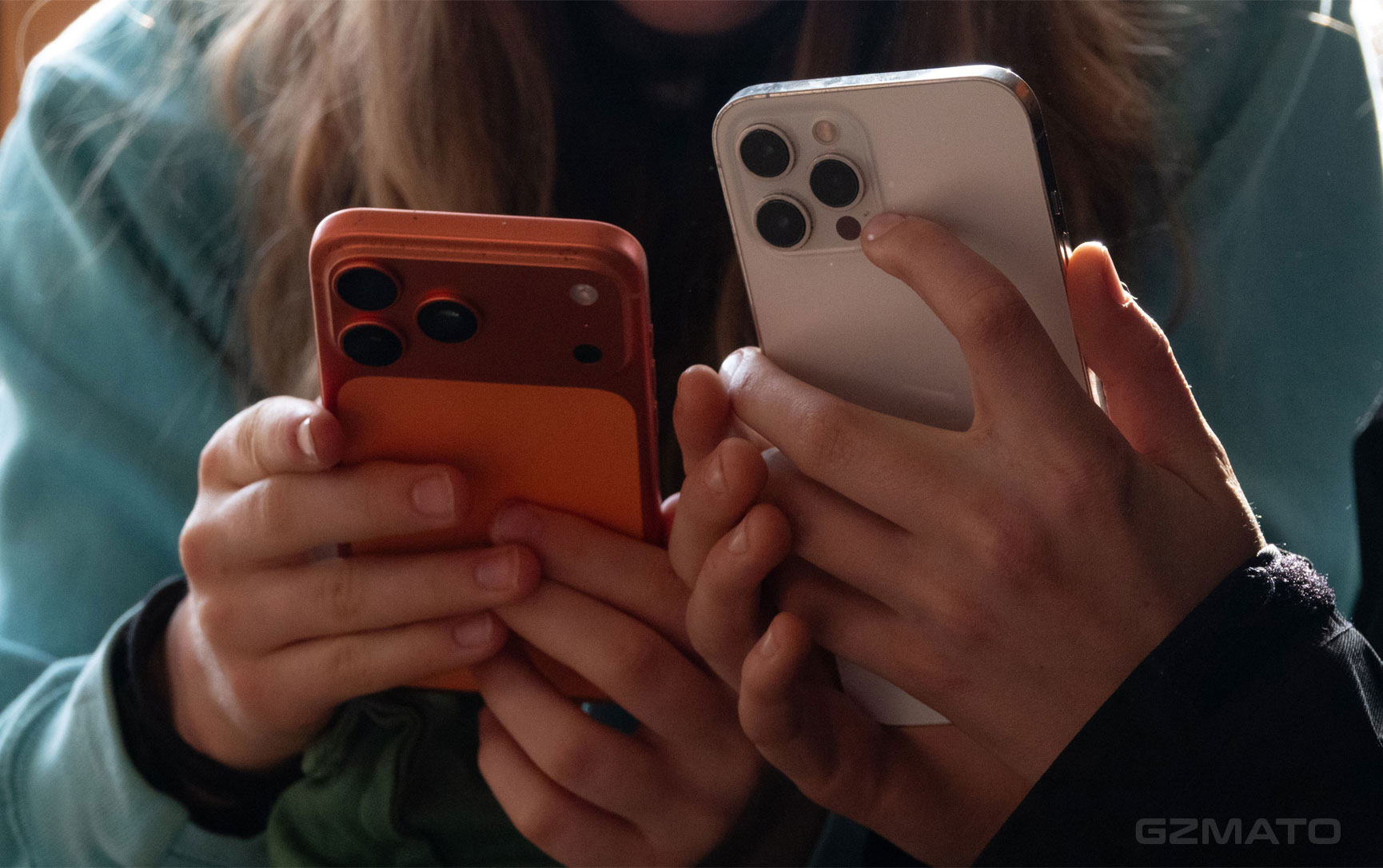
- Apple Sends Critical Security Alerts to iPhones – Update Now
- What Is the Critical Alert?
- Why Is Apple Sending These Alerts?
- Which Devices Are Affected?
- How to Update Your iPhone Safely
- Important Backup Steps Before Updating
- Best iPhone Accessories to Protect Your Device
- Final Verdict
- Shop iPhone Accessories at Gzmato
March 30, 2026 – Apple is actively sending critical security alerts to many iPhone and iPad users, urging them to update their devices immediately. The alerts are appearing as lock screen notifications and in the Settings app, warning of active cyberattacks targeting older iOS versions.
Apple Sends Critical Security Alerts to iPhones – Update Now
Apple has begun pushing urgent “Critical Software” alerts to users running outdated iOS versions. These alerts are more serious than regular update notifications and are designed to get users to update as quickly as possible to protect their personal data and device security.
What Is the Critical Alert?
The alert typically reads: “Apple is aware of attacks targeting out-of-date iOS software, including the version on your iPhone. Install this critical update to protect your iPhone.” It appears on the lock screen and in Settings → General → Software Update. This is one of the strongest warnings Apple has issued in recent years.
Why Is Apple Sending These Alerts?
Apple has detected active cyberattacks using exploit toolkits such as **Coruna** and **DarkSword**. These tools can compromise devices through malicious websites or links, potentially stealing data, installing spyware, or gaining remote access. The attacks primarily target iOS 13 through iOS 17.2.1 and some unpatched newer versions. Apple is using these direct alerts to ensure even non-technical users update immediately.
Which Devices Are Affected?
The alerts are mainly being sent to users on:
- iOS 17 and older versions
- Some iOS 18 devices that have not yet installed recent security patches
- iPads running older iPadOS versions
If you receive the alert, it means your device is considered at risk and should be updated right away.
How to Update Your iPhone Safely
Follow these steps to update safely:
- Go to Settings → General → Software Update
- Download and install the latest available version
- Keep your iPhone plugged in and connected to Wi-Fi during the update
- Do not interrupt the process
Important Backup Steps Before Updating
Before installing any major update, always:
- Back up your iPhone using iCloud or a computer with Finder/iTunes
- Make sure you have enough free storage space (at least 5–10 GB)
- Charge your device to at least 50%
A good backup ensures you can restore your data if anything goes wrong during the update.
Best iPhone Accessories to Protect Your Device
After updating, keep your iPhone well protected with these accessories:
- High-quality protective cases and tempered glass screen protectors
- Fast GaN chargers and MagSafe-compatible wireless chargers
- Portable power banks for on-the-go charging
- Privacy screen protectors to prevent shoulder surfing
Final Verdict
Apple’s critical security alerts are a clear sign that real cyberattacks are targeting older iOS versions. If you receive one of these alerts, treat it as urgent and update your device as soon as possible. Keeping your iPhone updated is one of the most important things you can do to protect your personal information and privacy in 2026.
Shop iPhone Accessories at Gzmato
Fast shipping, 1-year warranty – cases, screen protectors, fast chargers, power banks & more
Special Offer: Use code GZMIPHONE26 for 10% off!
Shop iPhone Gear Now →Data Sources & Methodology (as of Mar 30, 2026):
- Apple Security Response team alerts and notifications
- Reports from 9to5Mac, MacRumors, and The Verge
- Security researcher mentions of Coruna and DarkSword exploit kits
- Gzmato iPhone accessory inventory
- apple critical security alert
- ios critical update
- apple security alert iphone
- update ios now
- coruna darksword ios attack











