
How to Turn Your Old Phone into a Free Security Cam in 5 Minutes (No Subscription)
on
November 09, 2025
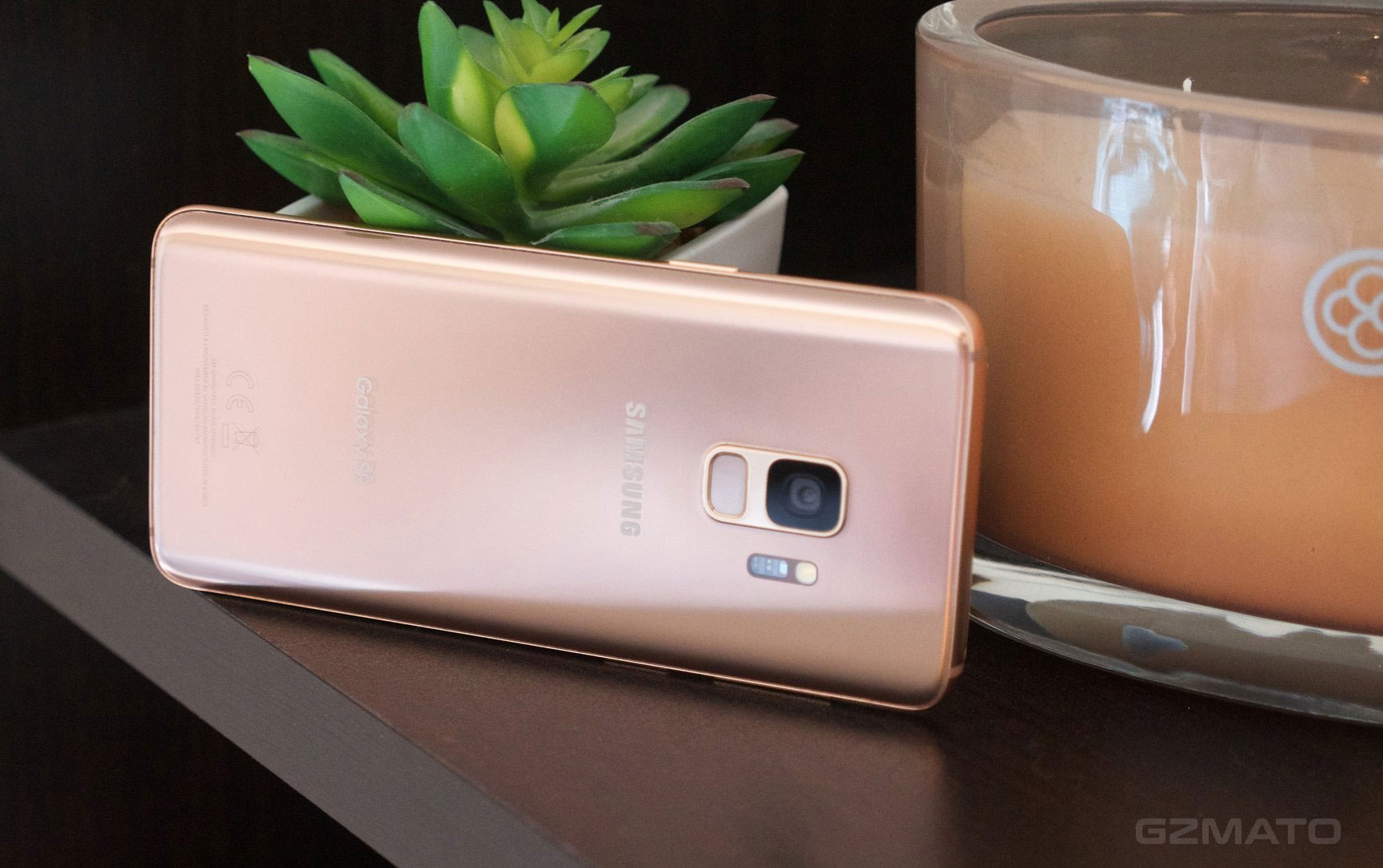
Got an old Android or iPhone collecting dust? Turn it into a 24/7 security camera—watch your home, pet, or baby from anywhere. No monthly fees. No new gadgets. Just 5 minutes.
Works in 2025 on any phone (even 5-year-old models).
Why This Beats $50 Wi-Fi Cams
| Feature | Old Phone Cam | Cheap Wi-Fi Cam |
|---|---|---|
| Cost | FREE | $30–$50 |
| Subscription | None | $5–$10/month |
| Motion Alert | Yes (push notification) | Yes (cloud locked) |
| Two-Way Talk | Yes | Sometimes |
| Recycle Old Device | Yes | No |
The 5-Minute Setup (Android + iPhone)
Step 1: Download AlfredCamera (Free)
- Old Phone (Camera): Search “AlfredCamera” in Play Store / App Store → Install
- New Phone (Viewer): Same app → Install
Pro Tip: Use alfred.camera web version on PC too!
Step 2: Set Up the Camera Phone
- Plug in old phone (keep charging)
- Open Alfred → Tap “Camera”
- Sign in with Google (30 sec)
- Allow camera + mic access
- Place phone facing door/pet/baby
Step 3: Connect from Your Main Phone
- Open Alfred on new phone → Tap “Viewer”
- Scan QR code on old phone screen
- Done! Live feed appears instantly
Result: Real-time video + motion alert to your pocket.
Step 4: Enable Smart Alerts (Optional)
- Tap gear icon → Motion Detection → Medium sensitivity
- Get push alert when cat jumps on counter
Best Spots to Place Your “New” Cam
- Front door (see deliveries)
- Kitchen counter (pet monitor)
- Baby crib corner
- Garage entrance
Bonus: Record Clips (No Cloud Fee)
Alfred saves motion clips to old phone’s SD card or Google Drive (free 15GB).
Still Not Working? 1-Min Fixes
- Both phones on same Wi-Fi first time
- Restart Alfred app
- Update to latest version
Final Thought: Zero Waste, Full Security
That dusty Galaxy S8? Now it’s your smart home guardian. No e-waste. No bills. Just peace of mind.
Safety Note: Use a dedicated Google account for the camera phone. Disable location if paranoid.

Comment(s)
People Also Searched For
- old phone camera
- free security cam
- AlfredCamera setup
- recycle phone 2025
- DIY home CCTV
Recent Posts




Popular Posts


July 14, 2026

December 07, 2025




Your turn!
What did your old phone catch on camera? Drop your story (or pet fail) below—we’re all watching!