
Apple Releases macOS Sonoma 14.8.6 and macOS Sequoia 15.7.6 Release Candidates
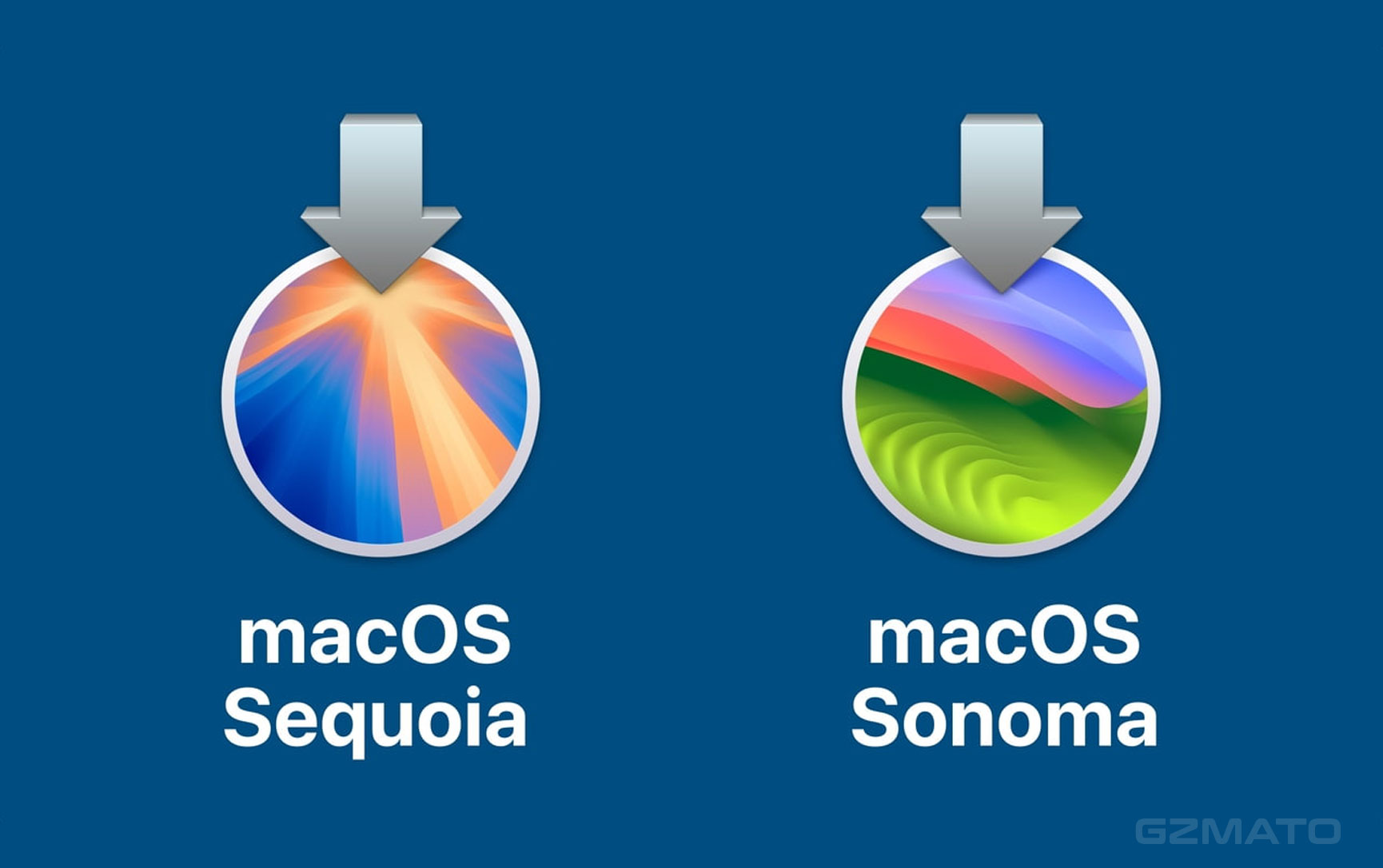
- Apple Releases macOS Sonoma 14.8.6 and macOS Sequoia 15.7.6 Release Candidates
- What Was Released Today
- Why So Soon After the Previous Update?
- What to Expect in These Updates
- Who Should Install the Release Candidate?
- How to Prepare Your Mac for the Update
- Best Accessories to Keep Your Mac Running Smoothly
- Final Verdict
- Shop Mac Accessories at Gzmato
March 30, 2026 – Apple has seeded Release Candidates for macOS Sonoma 14.8.6 and macOS Sequoia 15.7.6 to developers. These updates come less than a week after the release of Sonoma 14.8.5 and Sequoia 15.7.5, suggesting Apple is moving quickly to address remaining issues.
Apple Releases macOS Sonoma 14.8.6 and macOS Sequoia 15.7.6 Release Candidates
Today Apple released the Release Candidate builds for two macOS versions: macOS Sonoma 14.8.6 (Build 23J507) and macOS Sequoia 15.7.6 (Build 24G707). No prior beta versions were released for these updates, which usually means the final public version could arrive very soon.
What Was Released Today
The two Release Candidates are:
- macOS Sonoma 14.8.6 (Build 23J507)
- macOS Sequoia 15.7.6 (Build 24G707)
Apple has not yet published detailed release notes for these versions. The previous updates (14.8.5 and 15.7.5) focused heavily on security fixes, addressing over 60 vulnerabilities.
Why So Soon After the Previous Update?
Releasing new RCs so quickly after the last public update is unusual. It suggests Apple may have discovered additional bugs or security issues that needed urgent attention. The lack of earlier beta testing also indicates these could be minor maintenance updates rather than feature-heavy releases.
What to Expect in These Updates
Since official release notes are not yet available, these updates are likely to include:
- Additional security patches
- Bug fixes for issues reported after the last release
- Stability improvements for both Sonoma and Sequoia
We will update this article once Apple publishes the full release notes.
Who Should Install the Release Candidate?
Release Candidates are intended for developers and advanced users who want to test the update before the public release. If you rely on your Mac for daily work or important tasks, it is generally safer to wait for the final public version unless you encounter specific issues that these updates might fix.
How to Prepare Your Mac for the Update
Before installing any macOS update, we recommend the following:
- Back up your Mac using Time Machine
- Make sure you have at least 20-30GB of free storage space
- Keep your Mac plugged in during the update
- Update all your apps to their latest versions
Best Accessories to Keep Your Mac Running Smoothly
A smooth macOS experience also depends on good hardware support. Consider these accessories:
- High-capacity external SSDs for backups and extra storage
- Thunderbolt hubs and docks for better connectivity
- Cooling stands to prevent thermal throttling during updates or heavy use
- Screen protectors and cleaning kits to maintain your display
Final Verdict
Apple’s quick rollout of macOS Sonoma 14.8.6 and Sequoia 15.7.6 Release Candidates shows the company is staying on top of security and stability. Most users should wait for the final public release, but developers and beta testers can try the RCs now. Keep your Mac backed up and stay tuned for the official release notes.
Shop Mac Accessories at Gzmato
Fast shipping, 1-year warranty – external SSDs, Thunderbolt hubs, cooling stands & more
Special Offer: Use code GZMAPPLE26 for 10% off!
Shop Mac Gear Now →Data Sources & Methodology (as of Mar 30, 2026):
- 9to5Mac article: Apple rolls out macOS Sonoma 14.8.6 and macOS Sequoia 15.7.6 Release Candidates
- Apple Developer portal build information
- Previous macOS security update details
- Gzmato Mac accessory inventory
- macOS Sonoma 14.8.6
- macOS Sequoia 15.7.6
- macOS release candidate
- Sonoma 14.8.6 RC
- Sequoia 15.7.6 RC
- Apple macOS update March 2026











