The Best Apps for Shooting and Editing Videos on Your iPhone
In recent years, the iPhone has become a powerful tool for video creation, thanks to its advanced camera technology and the growing ecosystem of apps designed for shooting and editing. Whether you're a casual user, a social media creator, or a professional filmmaker, there’s an app that can help you take your video content to the next level. In this blog, we’ll explore the best apps for shooting and editing videos on your iPhone.
| Table Of Contents |
| Why Use Third-Party Apps? |
| Best Apps for Shooting Videos |
| 1. Filmic Pro |
| 2. Moment Pro Camera |
| 3. ProCamera |
| Best Apps for Editing Videos |
| 1. LumaFusion |
| 2. iMovie |
| 3. Adobe Premiere Rush |
| 4. InShot |
| 5. Videoleap |
| 6. CapCut |
| How to Choose the Right App |
| Tips for Shooting and Editing on iPhone |
| Conclusion |
Why Use Third-Party Apps?
While the iPhone’s native Camera app is great for quick shots, third-party apps offer advanced features like manual controls, higher-quality output, and creative editing tools. These apps can help you unlock the full potential of your iPhone’s camera and create professional-looking videos.
Best Apps for Shooting Videos
1. Filmic Pro
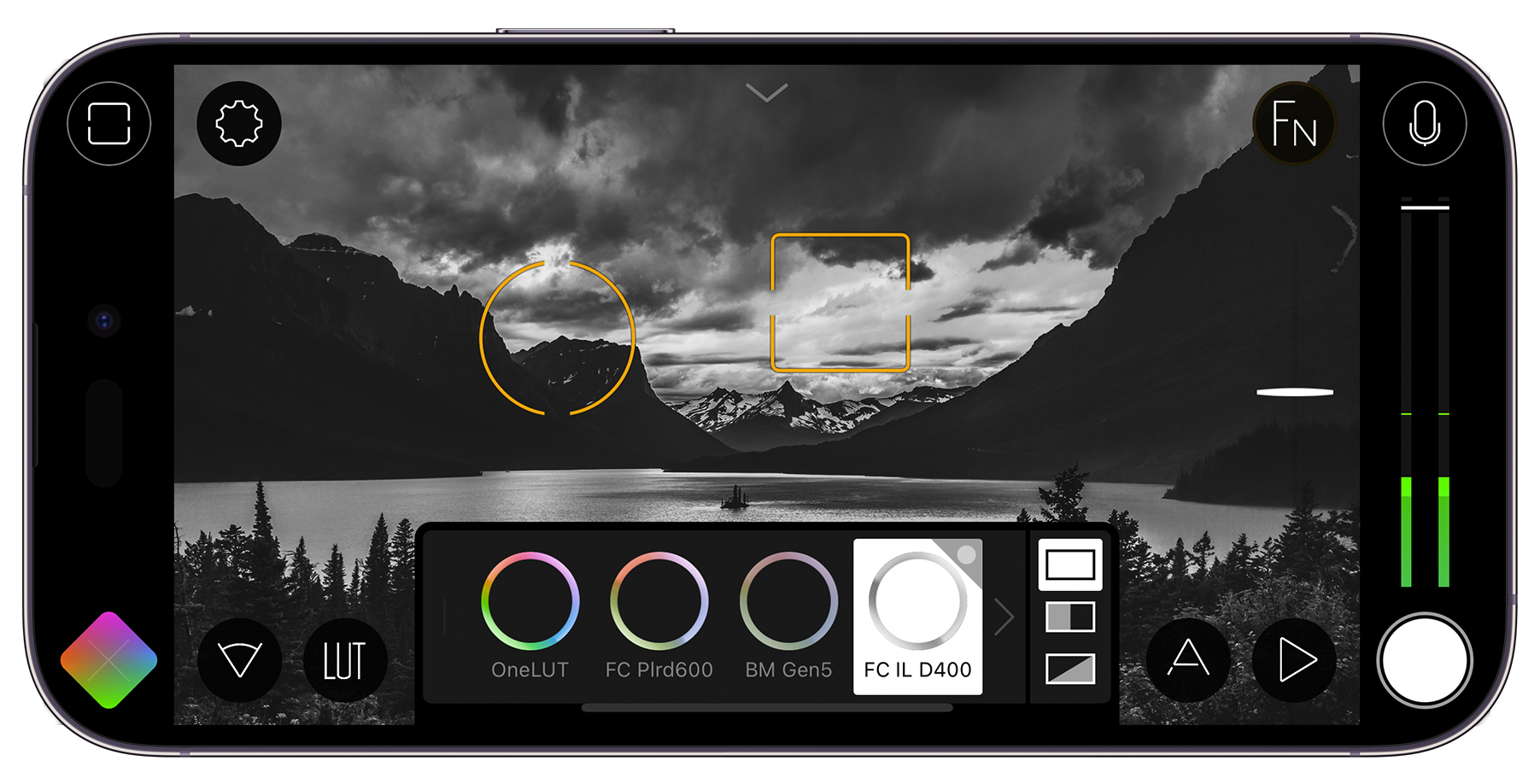
Filmic Pro is the go-to app for professional videographers. It offers manual controls for focus, exposure, frame rate, and bitrate, allowing you to fine-tune every aspect of your shot. It also supports log profiles, which are ideal for color grading in post-production.
- Best for: Filmmakers and advanced users.
- Key features: Manual controls, log profiles, and advanced settings.
2. Moment Pro Camera
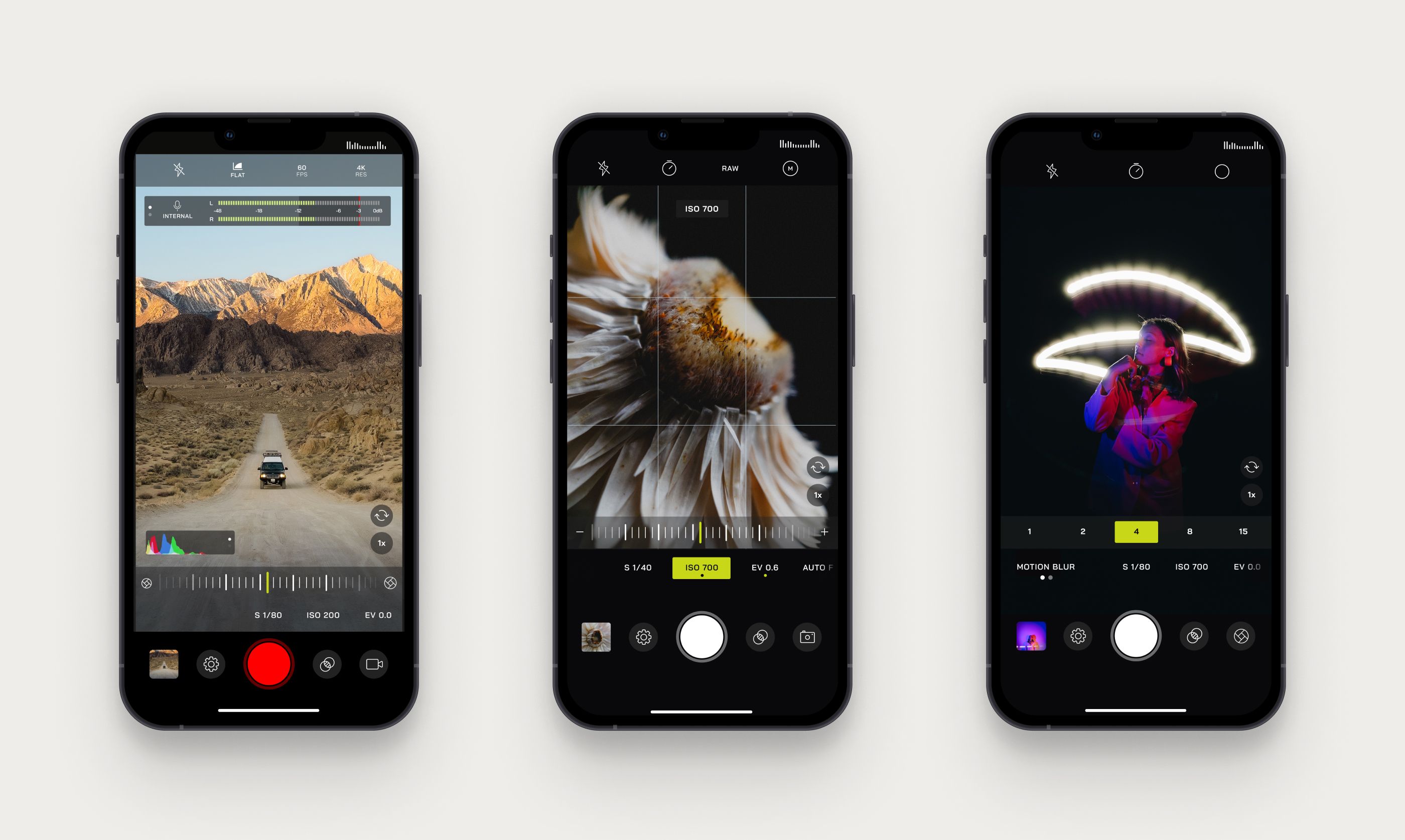
Moment Pro Camera is perfect for enthusiasts who use external lenses. It provides manual controls for exposure, focus, and white balance, and supports flat color profiles for better post-processing.
- Best for: Users with Moment lenses or those who want more control.
- Key features: Manual controls, flat color profiles, and lens support.
3. ProCamera
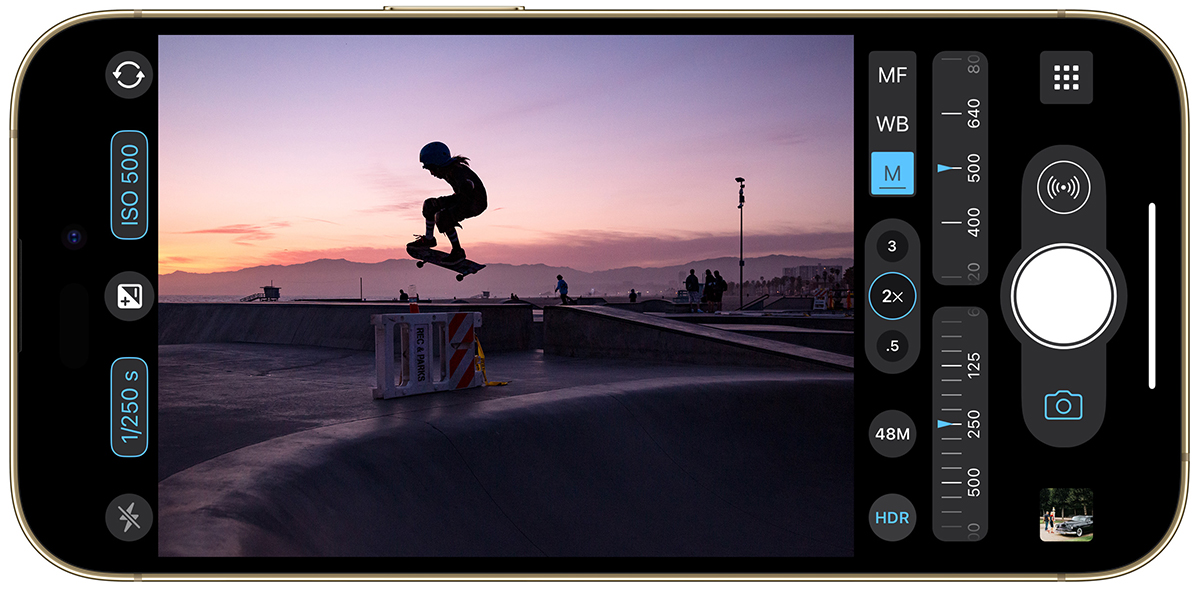
ProCamera is a versatile app that combines photo and video capabilities. It offers manual controls, HDR video, and low-light optimization, making it a great all-in-one solution.
- Best for: Users who want a single app for both photos and videos.
- Key features: Manual controls, HDR video, and low-light optimization.
Best Apps for Editing Videos
1. LumaFusion
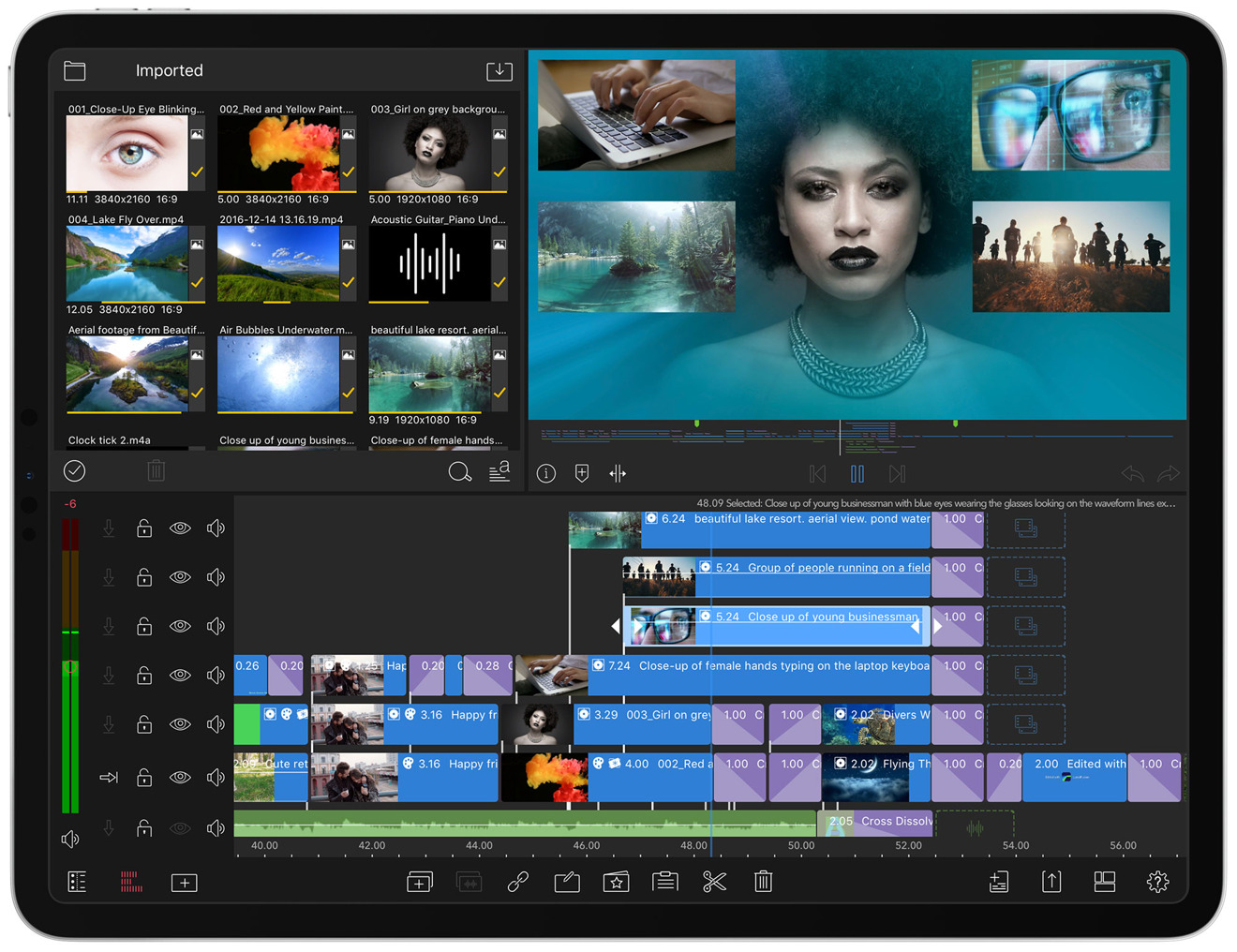
LumaFusion is a professional-grade video editor that brings desktop-level editing to your iPhone. It supports multi-track editing, color correction, keyframing, and LUTs, making it one of the most powerful editing apps available.
- Best for: Professionals and advanced users.
- Key features: Multi-track editing, color correction, and keyframing.
2. iMovie
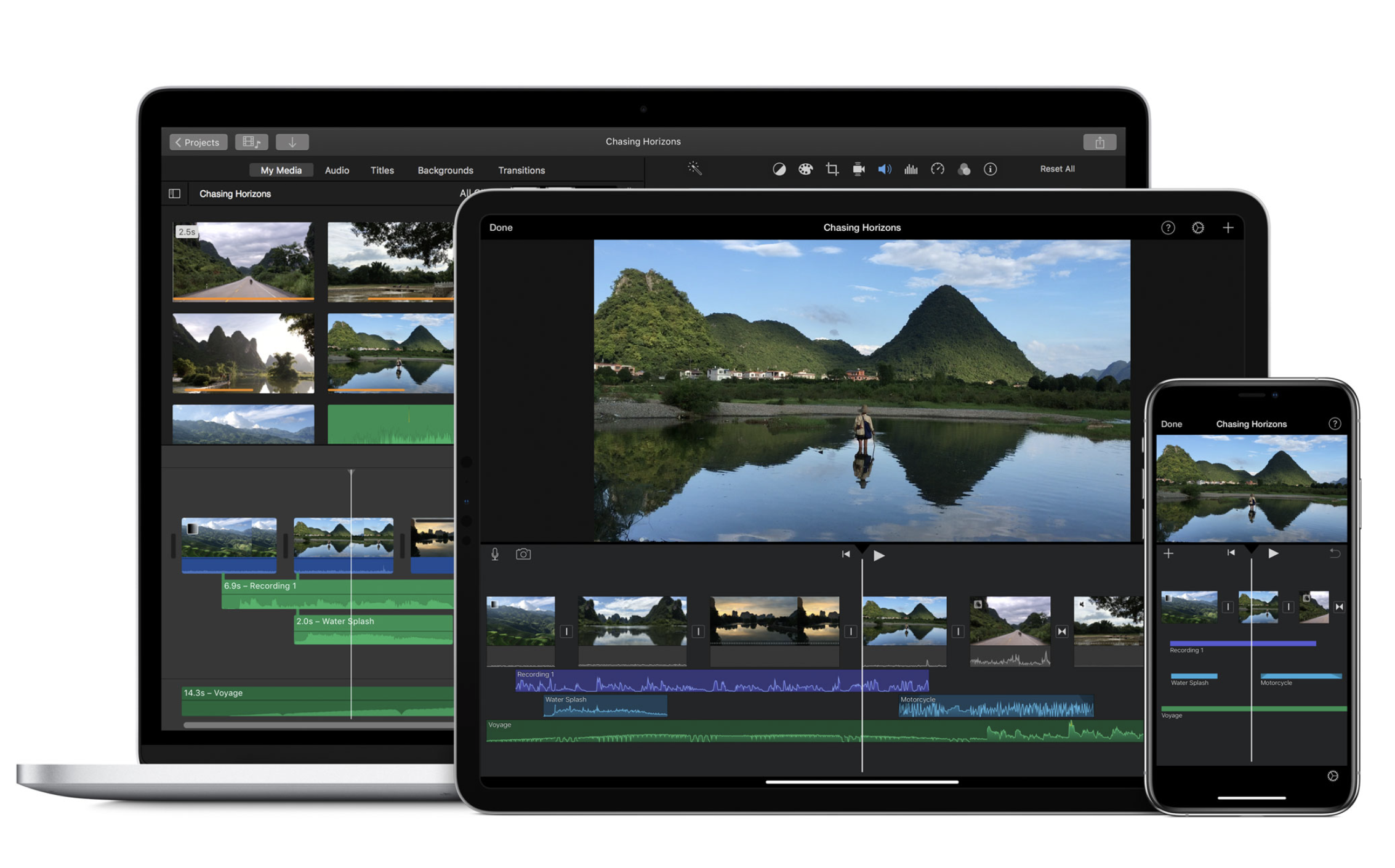
iMovie is Apple’s free, user-friendly video editor. It’s perfect for beginners, offering basic tools like trimming, transitions, and titles. While it’s not as powerful as some other apps, it’s great for quick edits.
- Best for: Casual users and beginners.
- Key features: Free, easy-to-use, and basic editing tools.
3. Adobe Premiere Rush
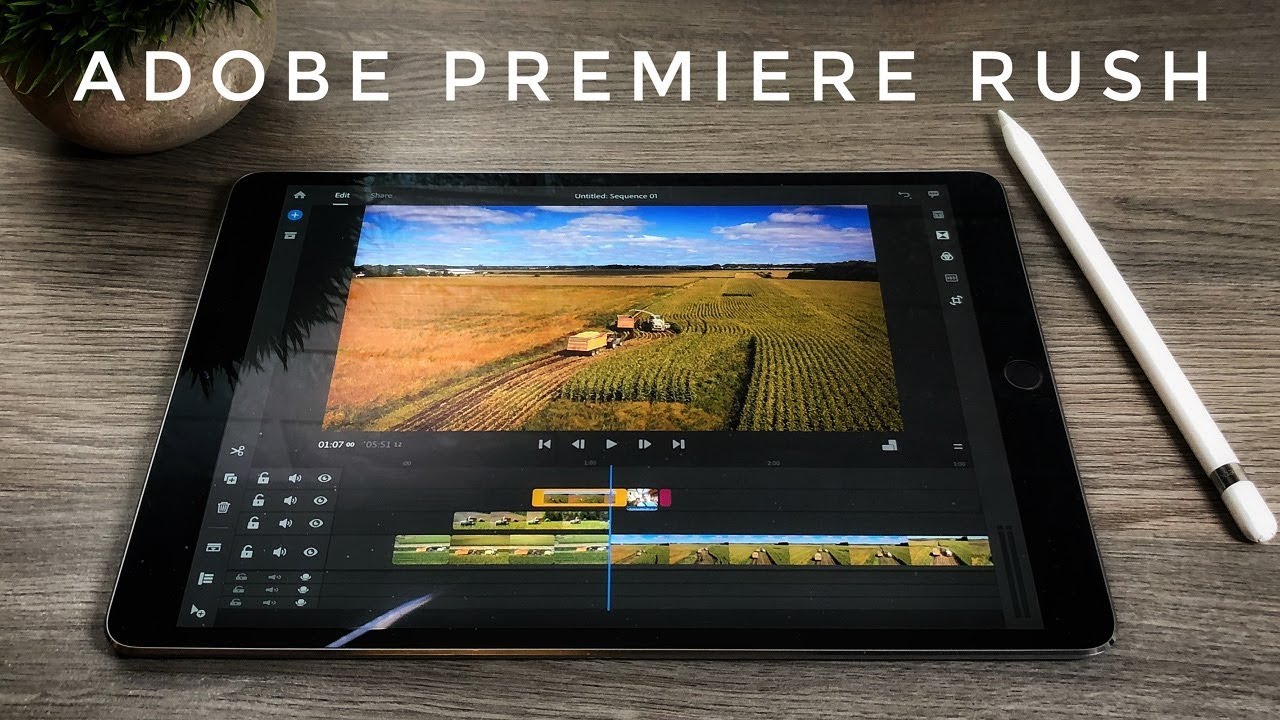
Adobe Premiere Rush is a simplified version of Premiere Pro, designed for content creators. It offers multi-track editing, color correction, and audio tools, and syncs with Adobe Creative Cloud for seamless workflow across devices.
- Best for: Content creators and intermediate users.
- Key features: Multi-track editing, color correction, and cloud sync.
4. InShot
InShot is a popular app for social media creators. It’s easy to use and offers basic editing tools, filters, and effects, making it ideal for quick edits and sharing on platforms like Instagram and TikTok.
- Best for: Social media creators and casual users.
- Key features: Filters, effects, and easy sharing.
5. Videoleap
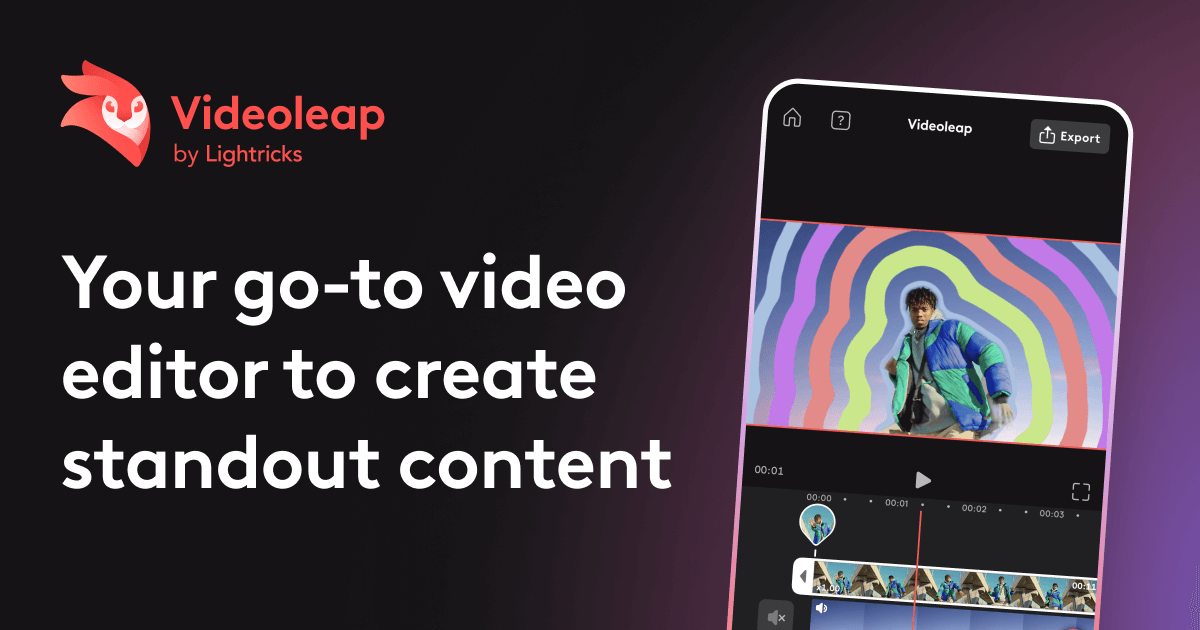
Videoleap is a powerful editor that offers advanced features like keyframing, blending modes, and chroma key (green screen). It’s perfect for users who want to get creative with their edits.
- Best for: Intermediate users looking for creative options.
- Key features: Keyframing, blending modes, and chroma key.
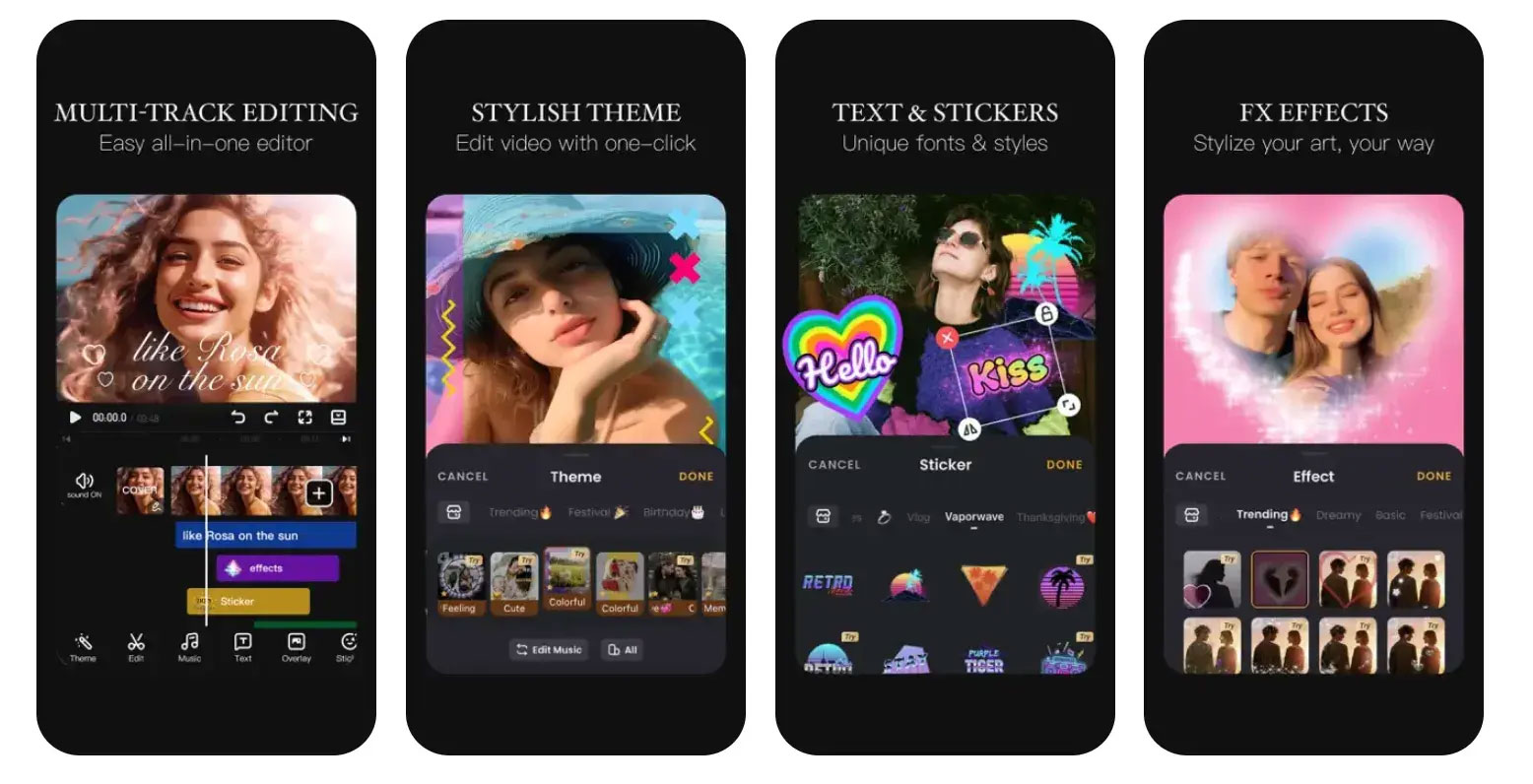
6. CapCut
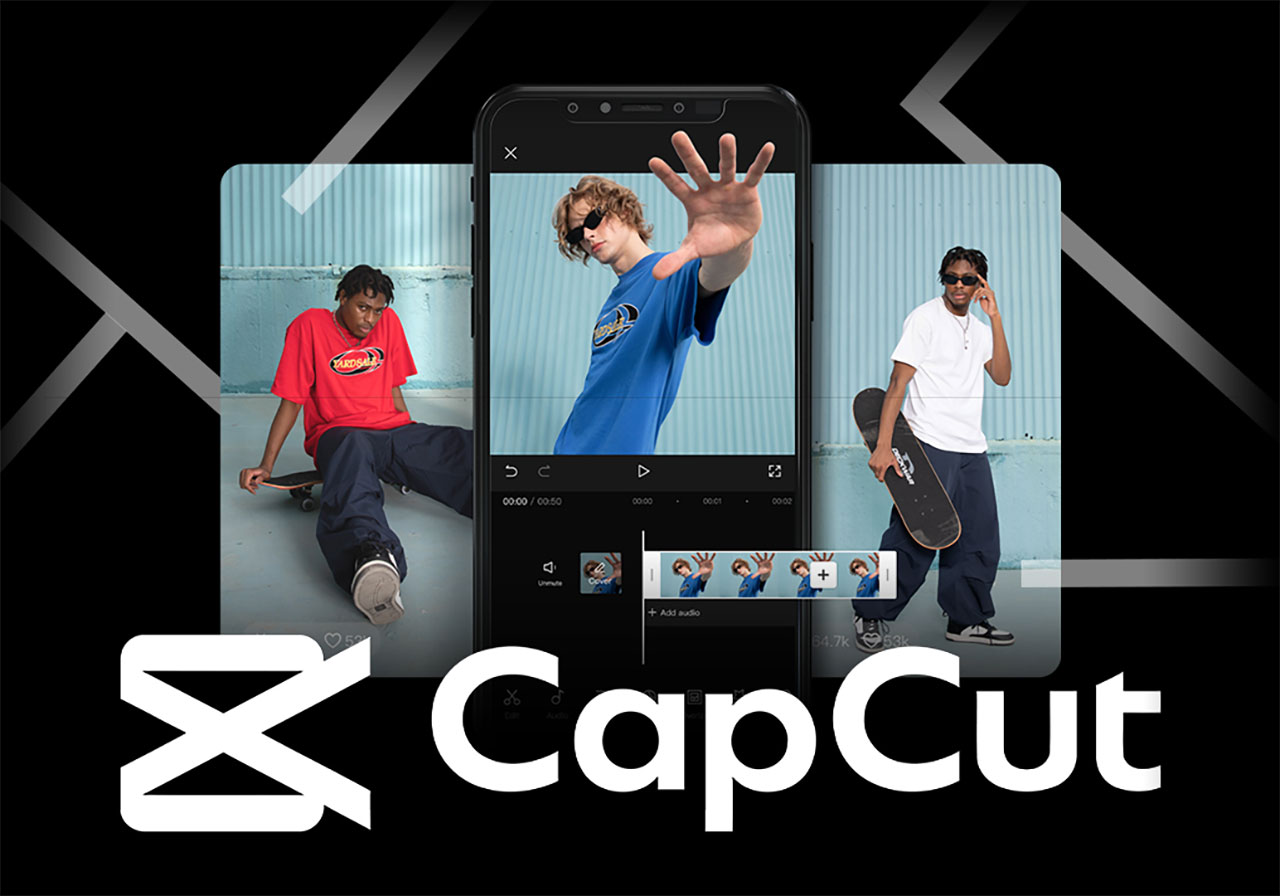
CapCut is a free app packed with features like transitions, effects, and text overlays. It’s particularly popular for creating TikTok and Instagram content.
- Best for: Social media creators and beginners.
- Key features: Free, easy-to-use, and packed with effects.
How to Choose the Right App
- Beginners: Start with iMovie or CapCut for simple, user-friendly editing.
- Intermediate Users: Try Adobe Premiere Rush or Videoleap for more creative control.
- Professionals: Use Filmic Pro for shooting and LumaFusion for editing to achieve professional-grade results.
Tips for Shooting and Editing on iPhone
- Use a Stabilizer: For smoother shots, consider using a gimbal or stabilizer.
- Shoot in Good Lighting: Natural light is your best friend. Avoid overly dark or harshly lit environments.
- Experiment with Framing: Use gridlines to follow the rule of thirds and create visually appealing shots.
- Keep It Steady: Use a tripod or lean against a stable surface to avoid shaky footage.
- Edit with Purpose: Focus on storytelling—cut unnecessary footage and use transitions sparingly.
Conclusion
With the right apps, your iPhone can become a powerful tool for shooting and editing videos. Whether you’re a beginner or a professional, there’s an app that can help you achieve your creative vision. So, download a few of these apps, experiment with their features, and start creating stunning videos today!
Please leave your comment below if you have any questions, have a good day, Cheers!


-
 -11%
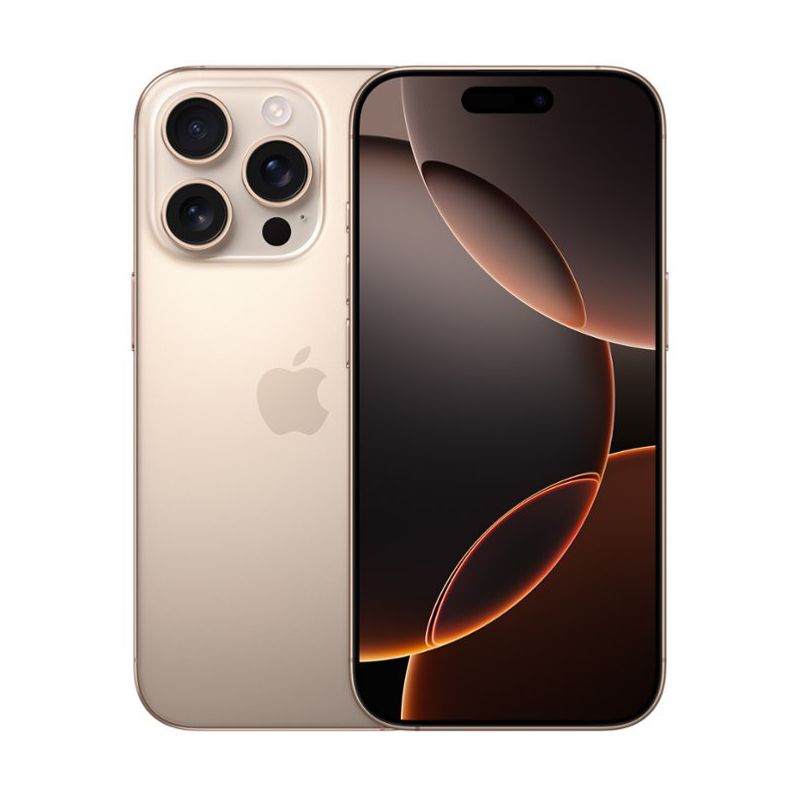
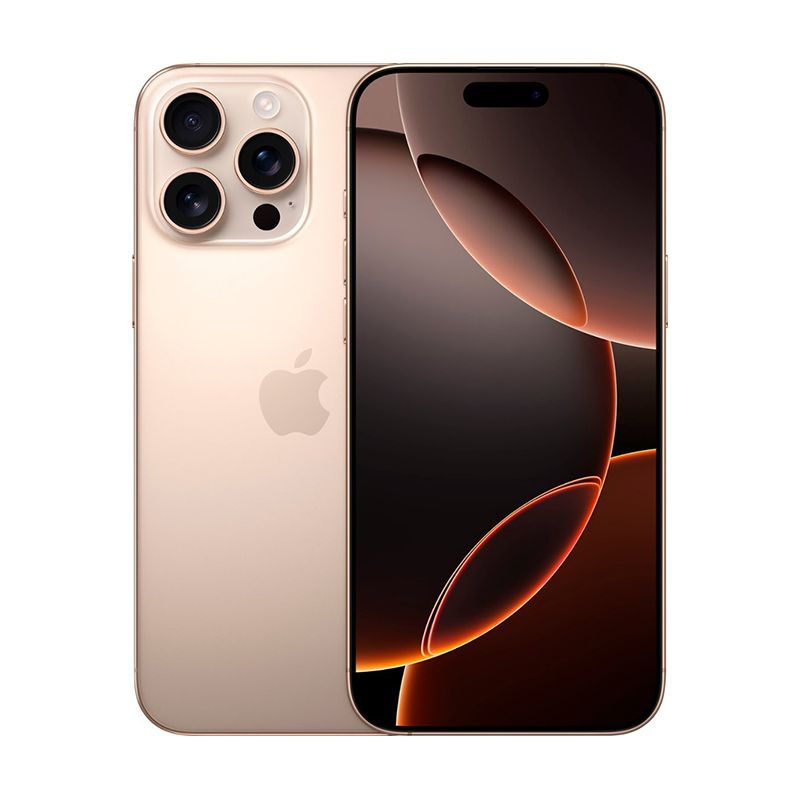
Apple - iPhone 16 Pro 128GB Factory Unlocked - Desert TitaniumSpecial Price $1,000.37 Regular Price $1,123.54
-11%
Apple - iPhone 16 Pro 128GB Factory Unlocked - Desert TitaniumSpecial Price $1,000.37 Regular Price $1,123.54 -
-10%
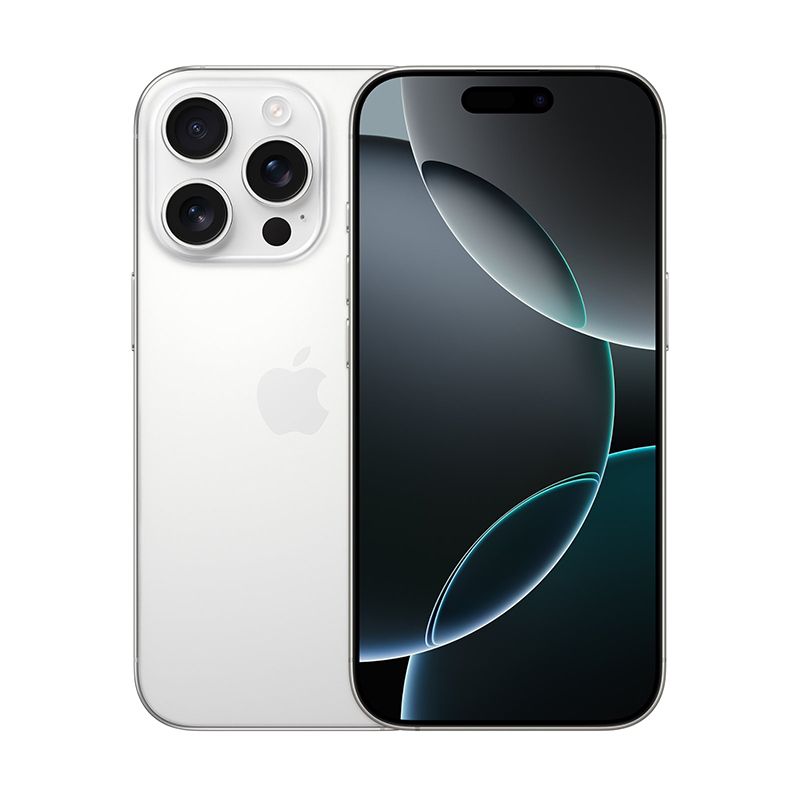
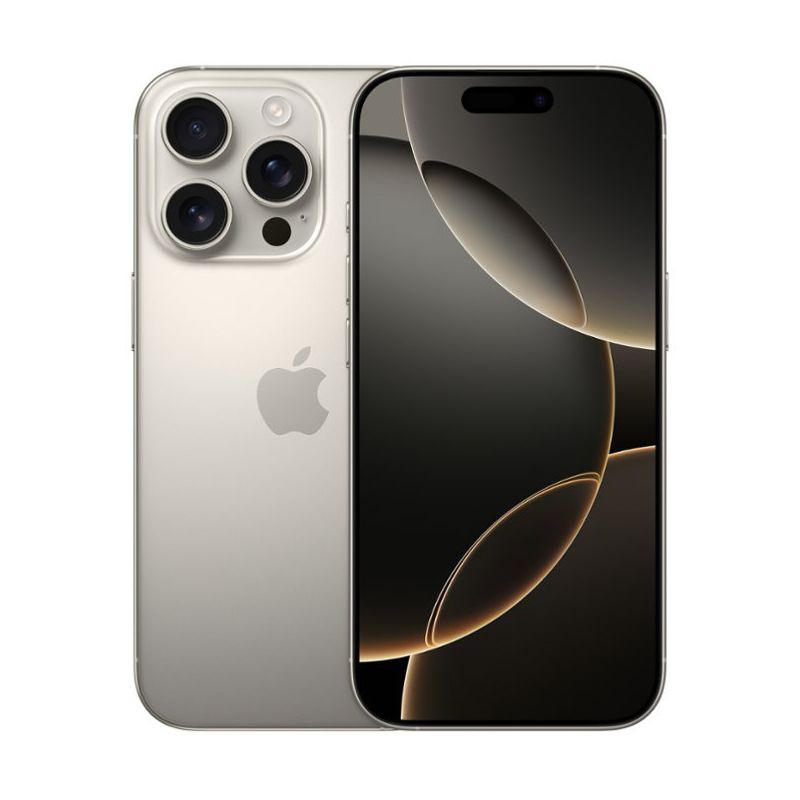
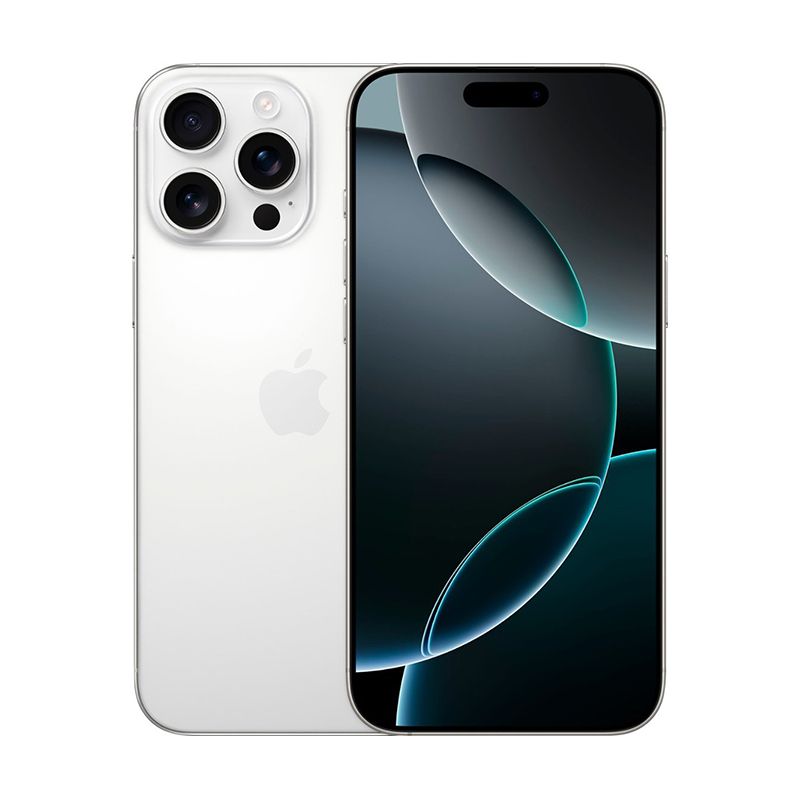
Apple - iPhone 16 Pro 256GB Factory Unlocked - White TitaniumSpecial Price $1,137.33 Regular Price $1,264.00
-
-9%
Apple - iPhone 16 Pro 512GB Factory Unlocked - Natural TitaniumSpecial Price $1,411.46 Regular Price $1,544.92
-
-8%
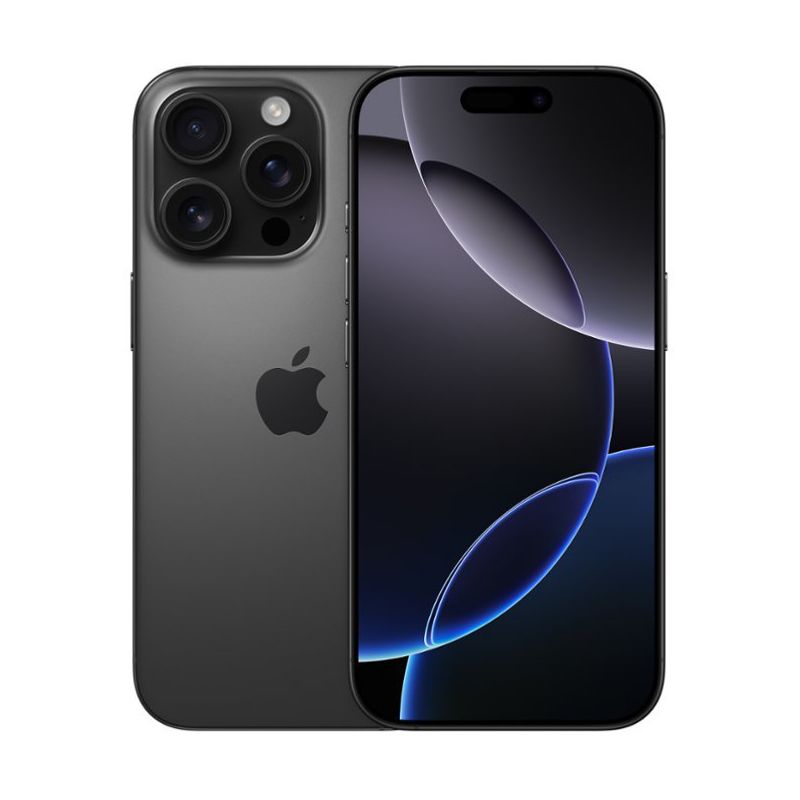
Apple - iPhone 16 Pro 1TB Factory Unlocked - Black TitaniumSpecial Price $1,685.61 Regular Price $1,825.85
-
-8%
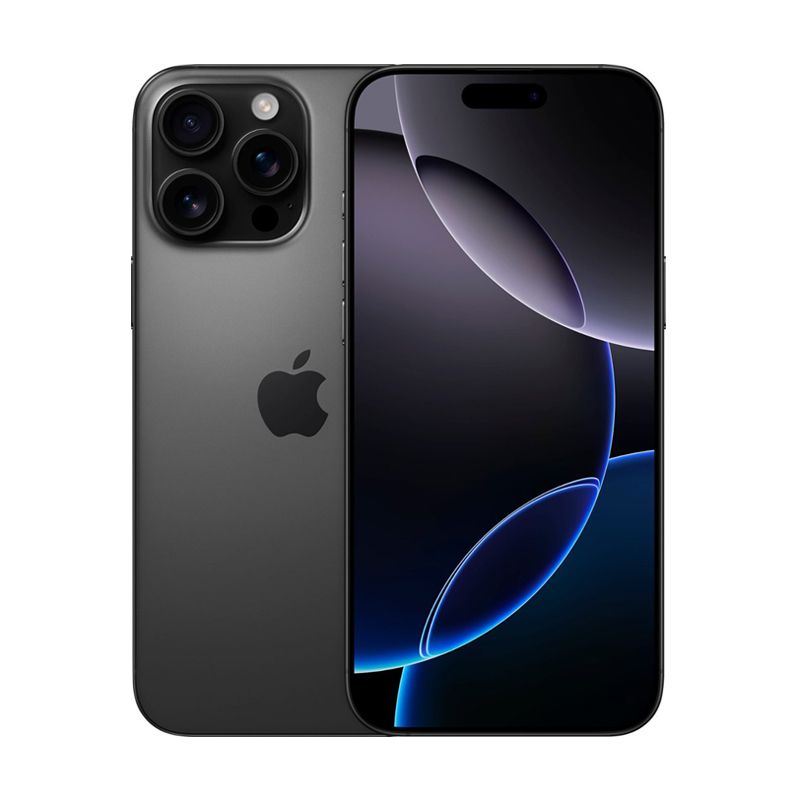
Apple - iPhone 16 Pro Max 256GB Factory Unlocked - Desert TitaniumSpecial Price $1,288.46 Regular Price $1,403.53
-
-8%
Apple - iPhone 16 Pro Max 512GB Factory Unlocked - White TitaniumSpecial Price $1,548.74 Regular Price $1,684.27
-
-7%
Apple - iPhone 16 Pro Max 1TB Factory Unlocked - Black TitaniumSpecial Price $1,822.84 Regular Price $1,965.01
-
-7%
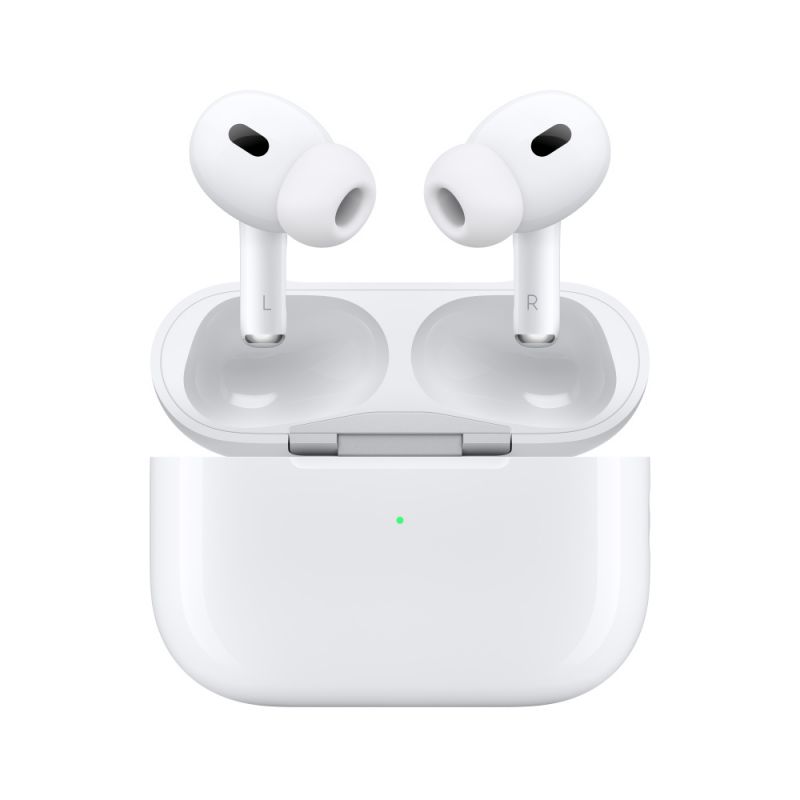
AirPods Pro (2nd generation) with USB-C MagSafe Charging CaseSpecial Price $233.58 Regular Price $249.99
- best video apps for iPhone
- iPhone video editing apps
- Filmic Pro
- LumaFusion
- Adobe Premiere Rush
- CapCut
- Videoleap
- iPhone video shooting apps