Can you connect your Apple Watch to your Samsung Galaxy S22 Ultra or OnePlus 10?
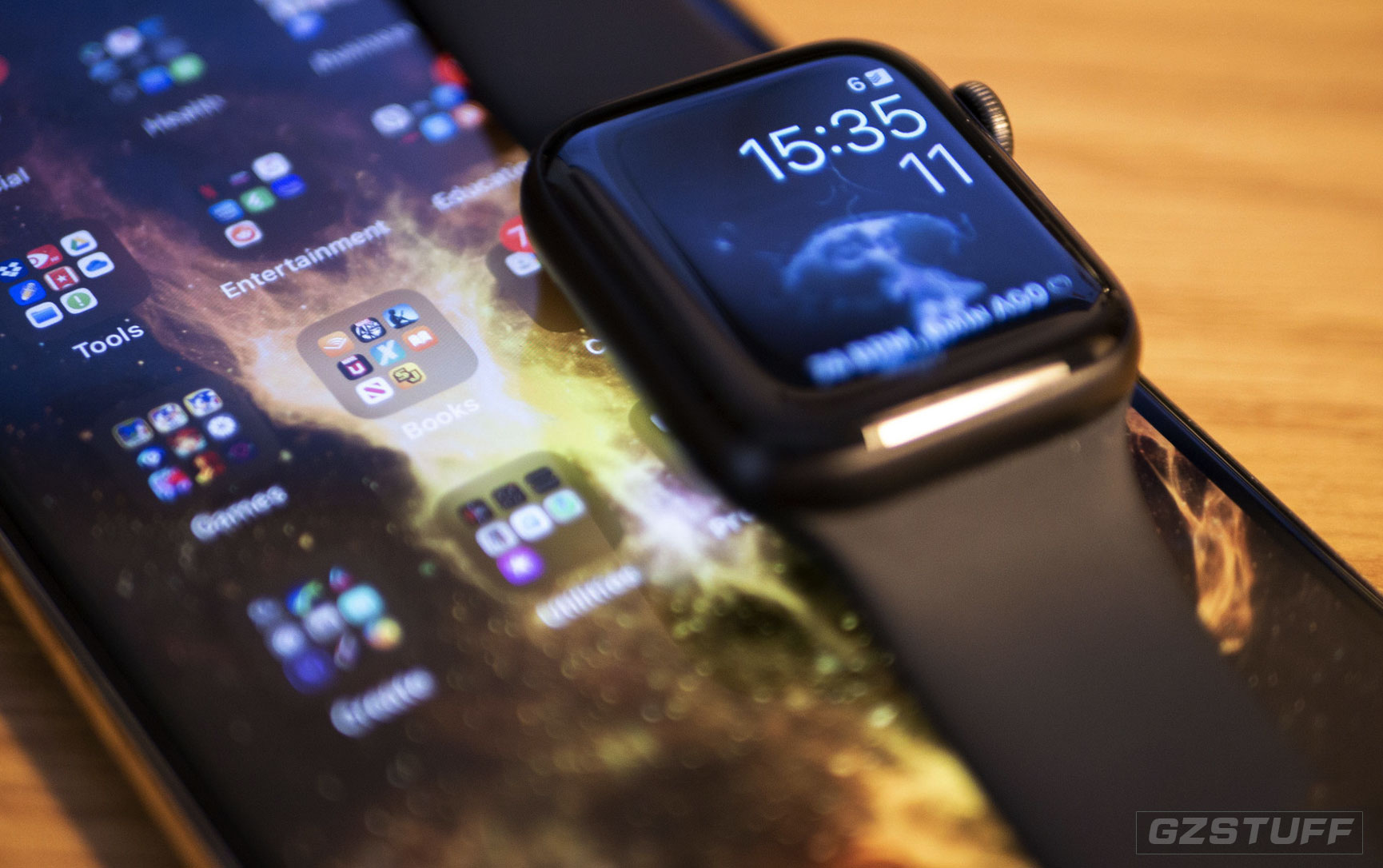
If there’s one drawback to the Apple Watch, it’s the lack of compatibility with operating systems beyond iOS. The Apple Watch is a brilliant iPhone companion, but what if you own a Samsung Galaxy S22 series or OnePlus 10? Is there any way to use an Apple Watch with an Android smartphone?
| QUICK ANSWER |
| There's no way to connect an Apple Watch with an Android phone. However, there's no reason why you can't use the two simultaneously. |
| TABLE CONTENT |
| Do Apple Watches work with Android phones? |
| How to use a cellular Apple Watch with an Android phone |
Do Apple Watches work with Android phones?
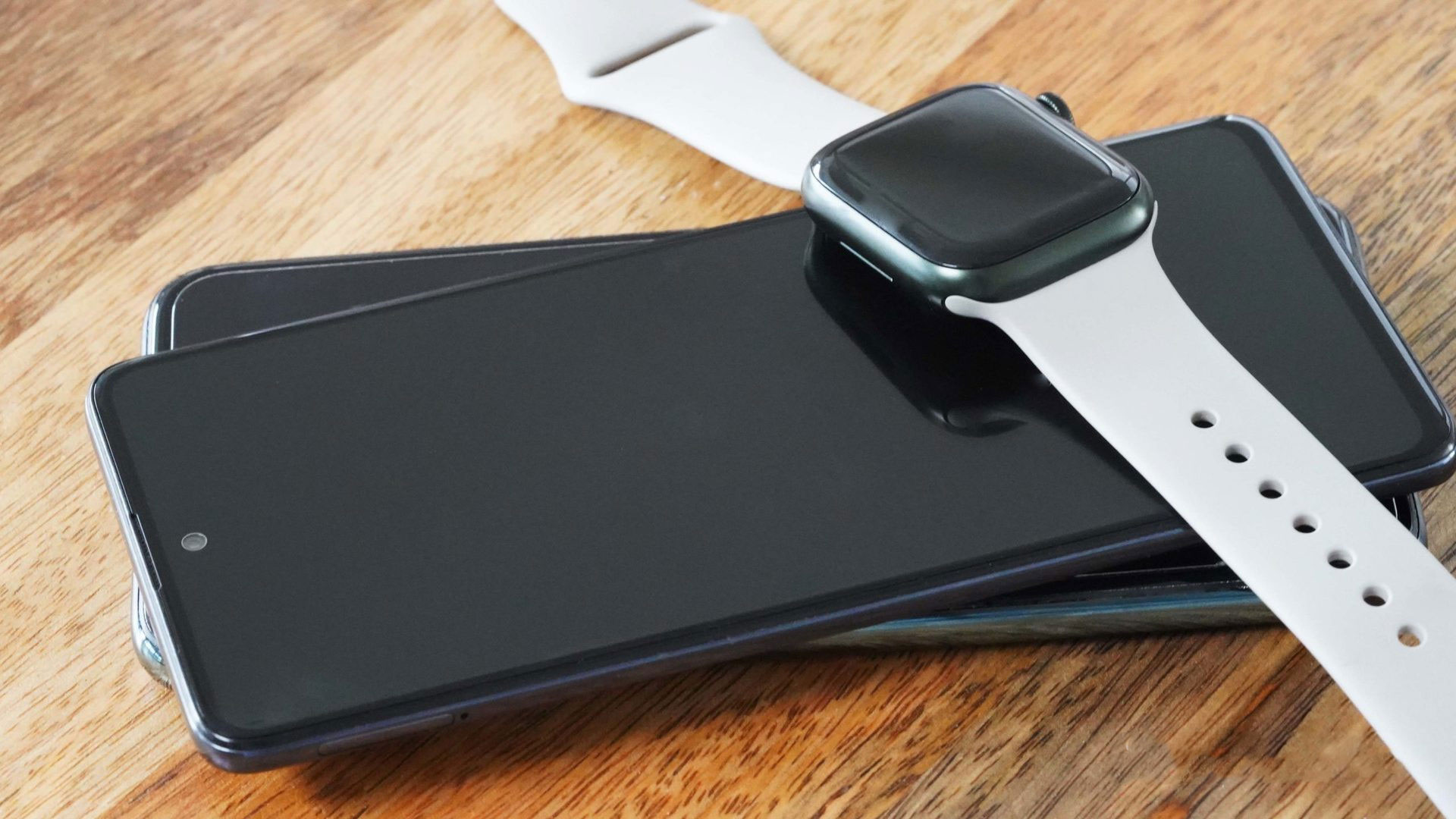
In short, no. The two won’t pair. The Apple Watch will only work with iPhones, which isn’t ever likely to change. To activate an Apple Watch, you’ll need an iPhone with the Watch app installed. There’s no substitute for this on Android, even if your device supports Bluetooth connectivity.
However, there’s no reason why you can’t use the two devices simultaneously. If you own an iPhone, an Apple Watch, and an Android phone, you can use all three simultaneously. You could theoretically use your Apple Watch to track your daily activity while leaving your iPhone at home. If you have an LTE Apple Watch, you could also use standalone apps on the wearable. Notably, this will impact the Apple Watch’s battery, but it’s entirely possible
How to use a cellular Apple Watch with an Android phone
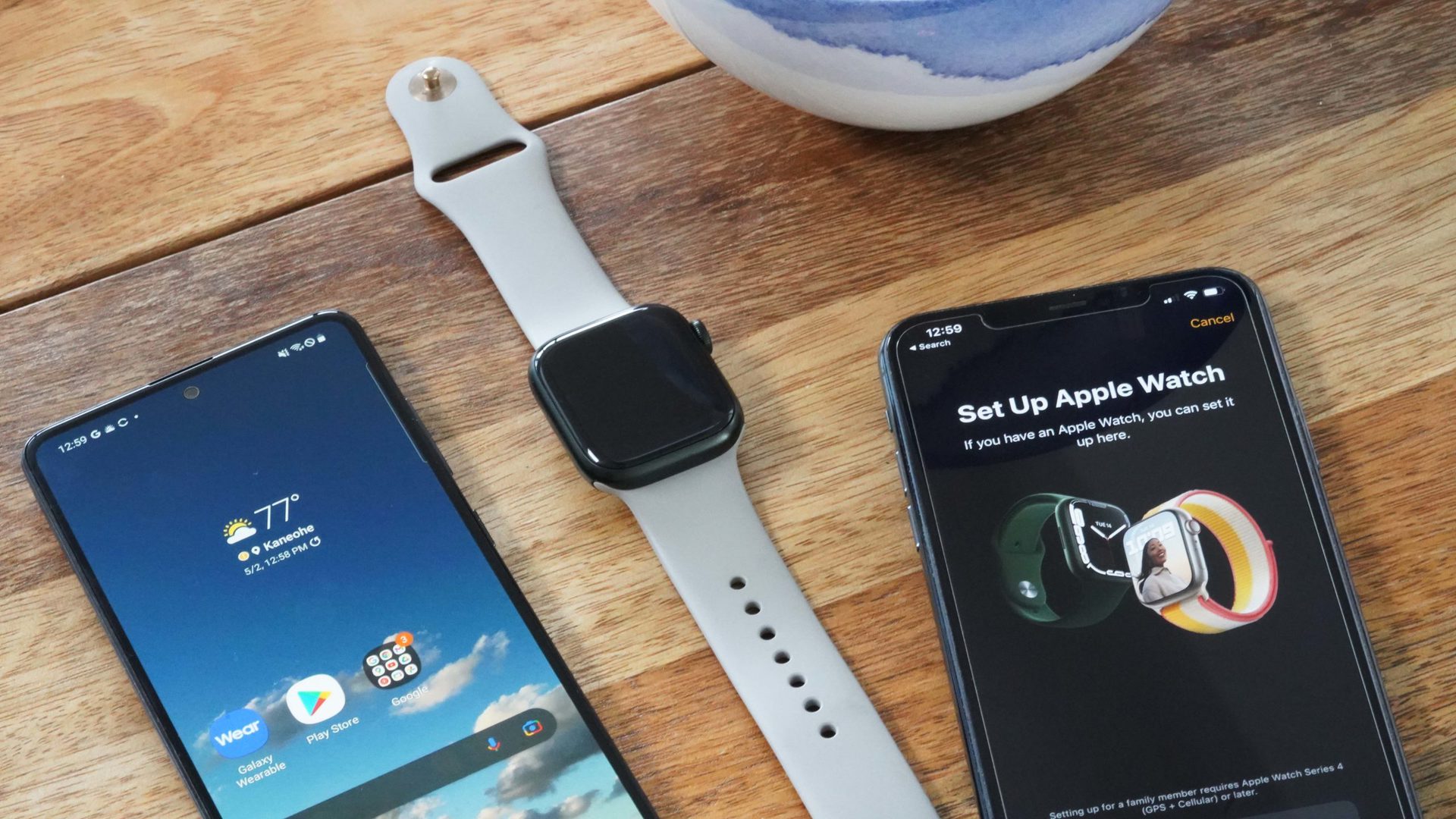
There’s an alternative but extremely limited way to use an Apple Watch LTE variant with an Android phone. However, you’ll still need an iPhone to set the process in motion.
- Pair your Apple Watch with your iPhone. Once complete, place a test call on your iPhone to see if the SIM card is activated.
- Next, put your iPhone in Airplane Mode. Check if the Apple Watch is still connected to a network. If it is, switch off your Apple Watch.
- Transfer the SIM card in your iPhone to your Android phone and switch on the Apple Watch.
This should let you place and receive calls and use limited voice controls on both devices. Essentially, the two devices aren’t paired via Bluetooth, but merely share the same SIM details. This means you’ll miss out on a slew of Apple-exclusive features, from health data syncing to Apple’s suite of apps.
Realistically, this is a pretty daft way to use an Apple Watch, especially considering you require an iPhone to set it up anyway. Constantly using LTE on the Apple Watch, especially if it’s not paired to an iPhone, will also completely drain the battery in little to no time.
![Rumors: Samsung New Technology ‘Matter Easy Pair’ Feature Coming to Smartphones [Update]](https://gzmato.com/media/magefan_blog/Samsung-Matter-Easy-Pair-Feature_chnexpats_com.jpg)

-
 -15%
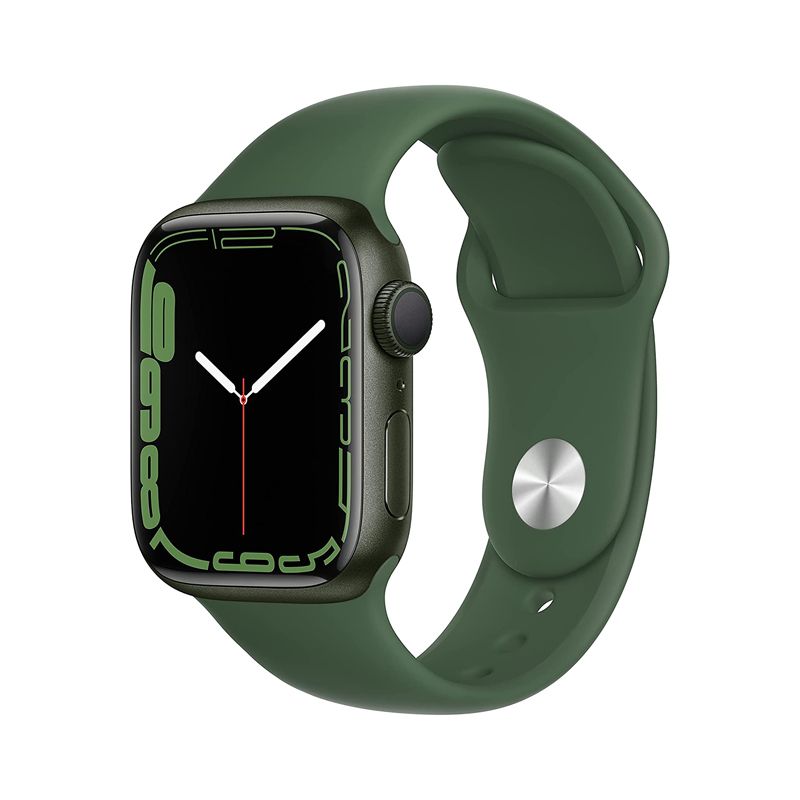
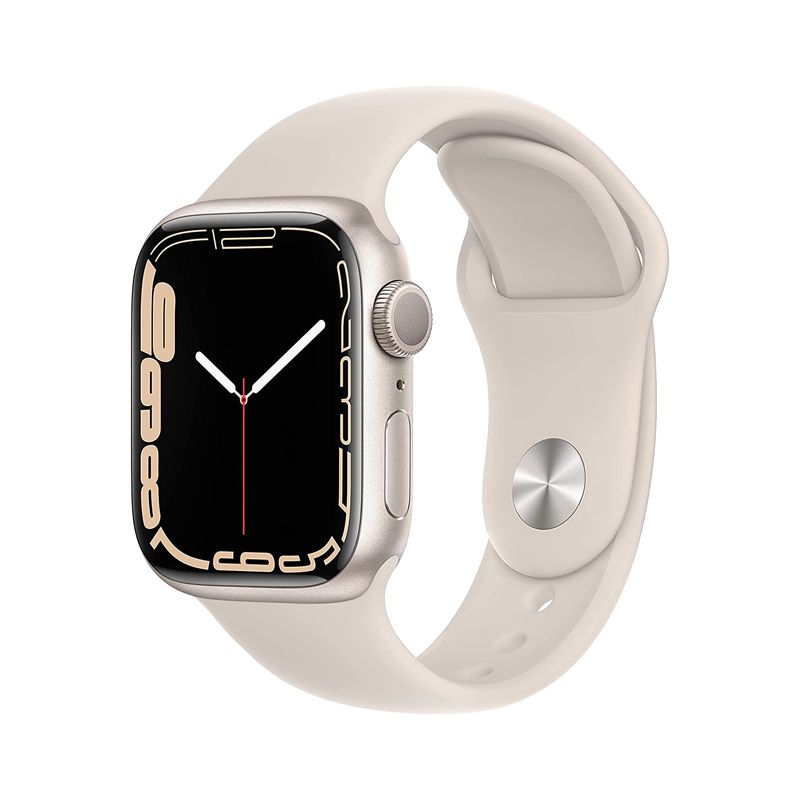
Apple Watch Series 7 Aluminum with Sport Band-Green-GPS-45mmSpecial Price $510.00 Regular Price $599.00
-15%
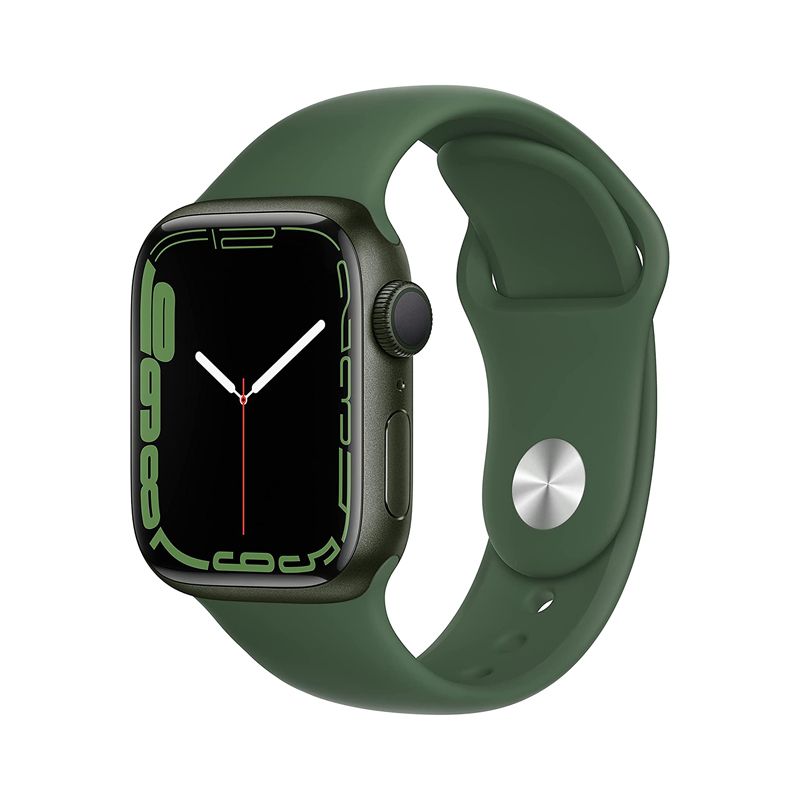
Apple Watch Series 7 Aluminum with Sport Band-Green-GPS-45mmSpecial Price $510.00 Regular Price $599.00 -
-17%
Apple Watch Series 7 Aluminum with Sport Band-Green-GPS + Cellular-45mmSpecial Price $660.00 Regular Price $799.00
-
-15%
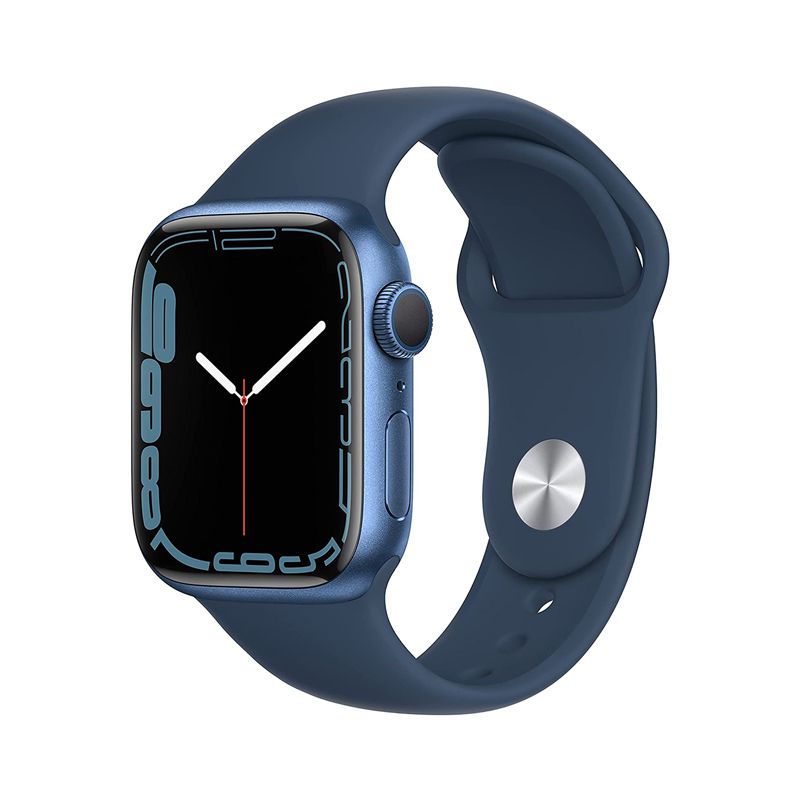
Apple Watch Series 7 Aluminum with Sport Band-Blue-GPS-45mmSpecial Price $510.00 Regular Price $599.00
-
-17%
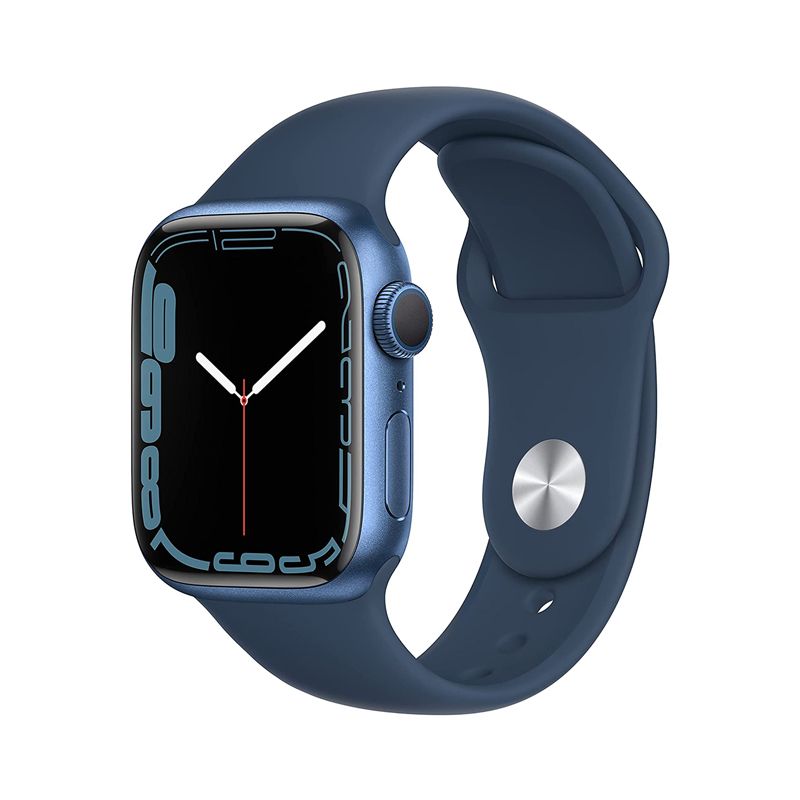
Apple Watch Series 7 Aluminum with Sport Band-Blue-GPS + Cellular-45mmSpecial Price $660.00 Regular Price $799.00
-
-15%
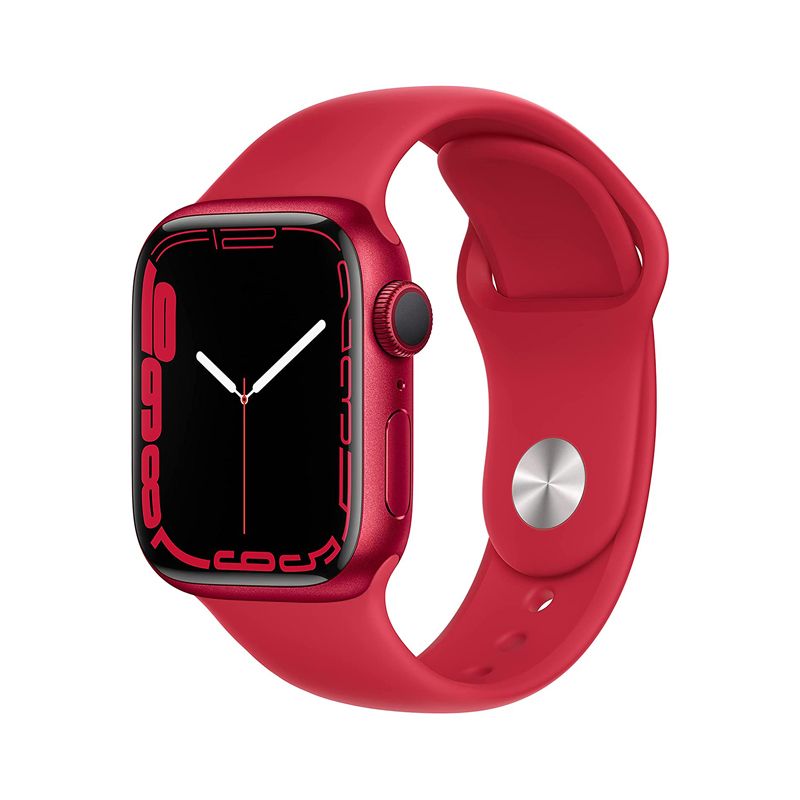
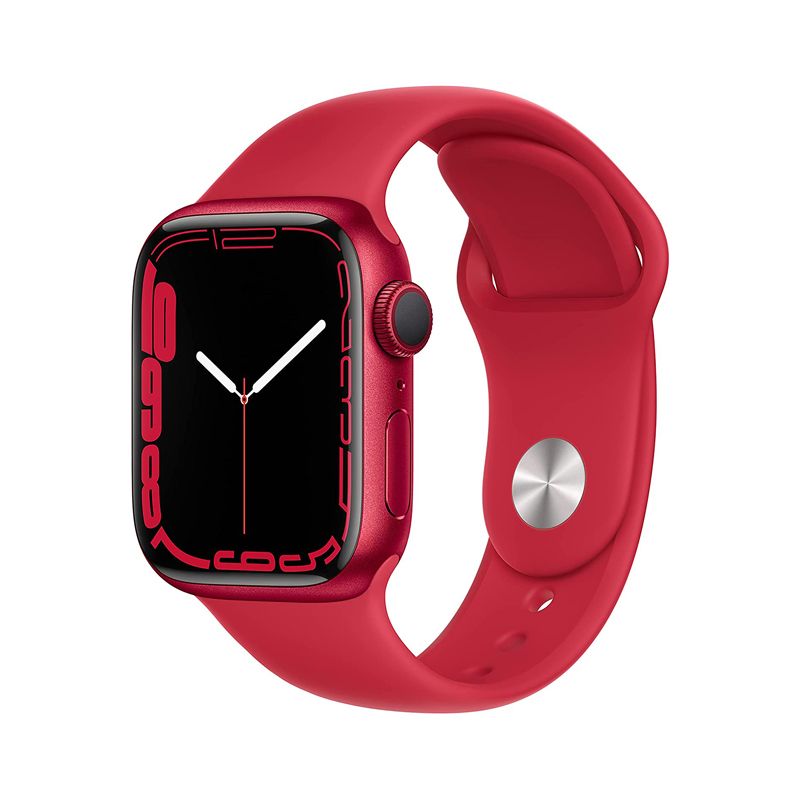
Apple Watch Series 7 Aluminum with Sport Band-Red-GPS-45mmSpecial Price $510.00 Regular Price $599.00
-
-17%
Apple Watch Series 7 Aluminum with Sport Band-Red-GPS + Cellular-45mmSpecial Price $660.00 Regular Price $799.00
-
-15%
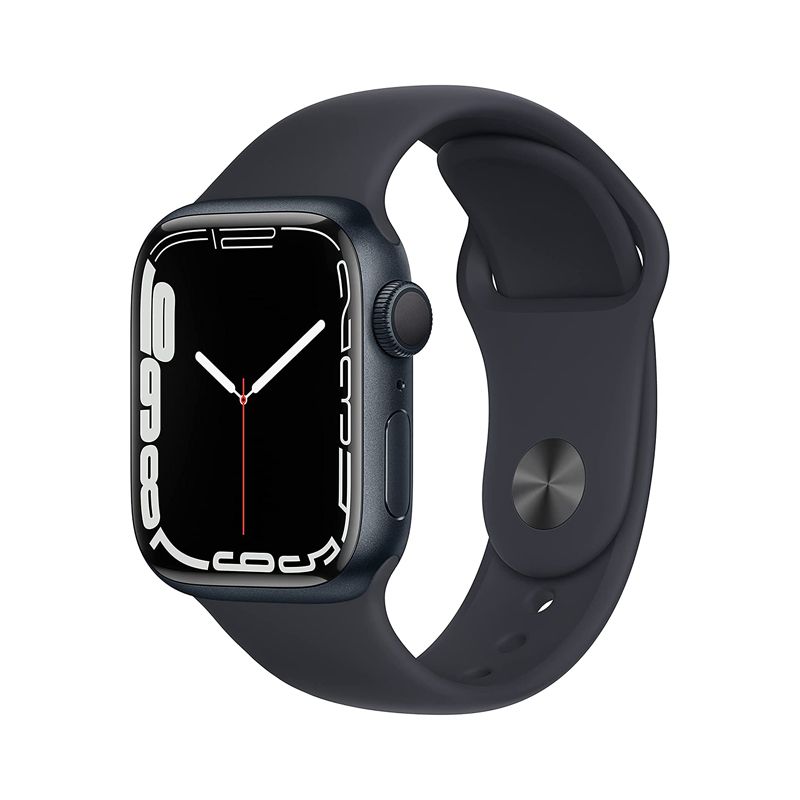
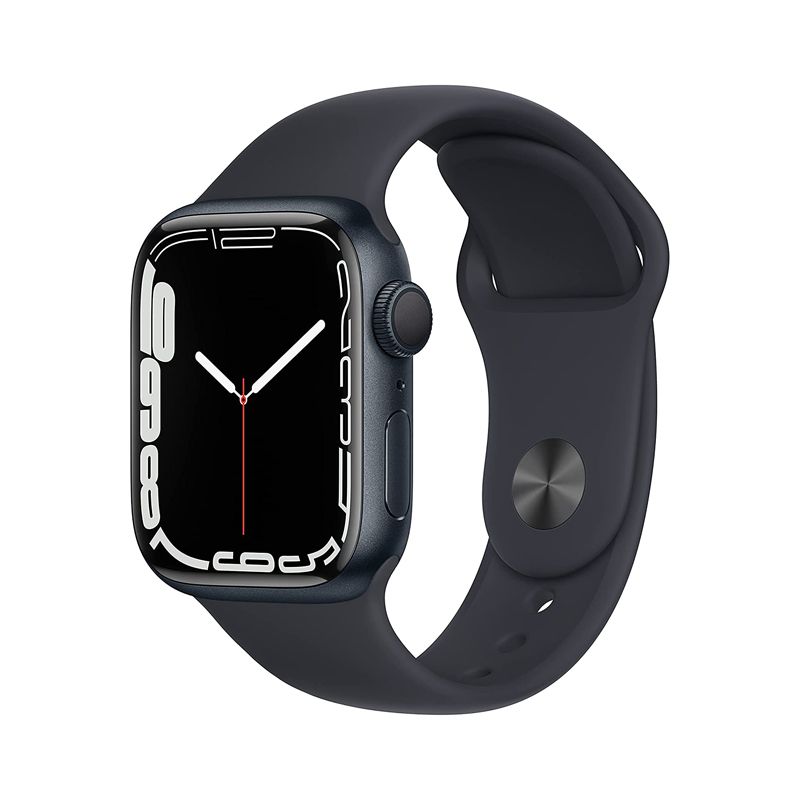
Apple Watch Series 7 Aluminum with Sport Band-Midnight-GPS-45mmSpecial Price $510.00 Regular Price $599.00
-
-17%
Apple Watch Series 7 Aluminum with Sport Band-Midnight-GPS + Cellular-45mmSpecial Price $660.00 Regular Price $799.00
-
-15%
Apple Watch Series 7 Aluminum with Sport Band-Starlight-GPS-45mmSpecial Price $510.00 Regular Price $599.00
-
-17%
Apple Watch Series 7 Aluminum with Sport Band-Starlight-GPS + Cellular-45mmSpecial Price $660.00 Regular Price $799.00