2026 PC Build Guide: DDR5 Prices, Budget Tiers & Smart Strategies
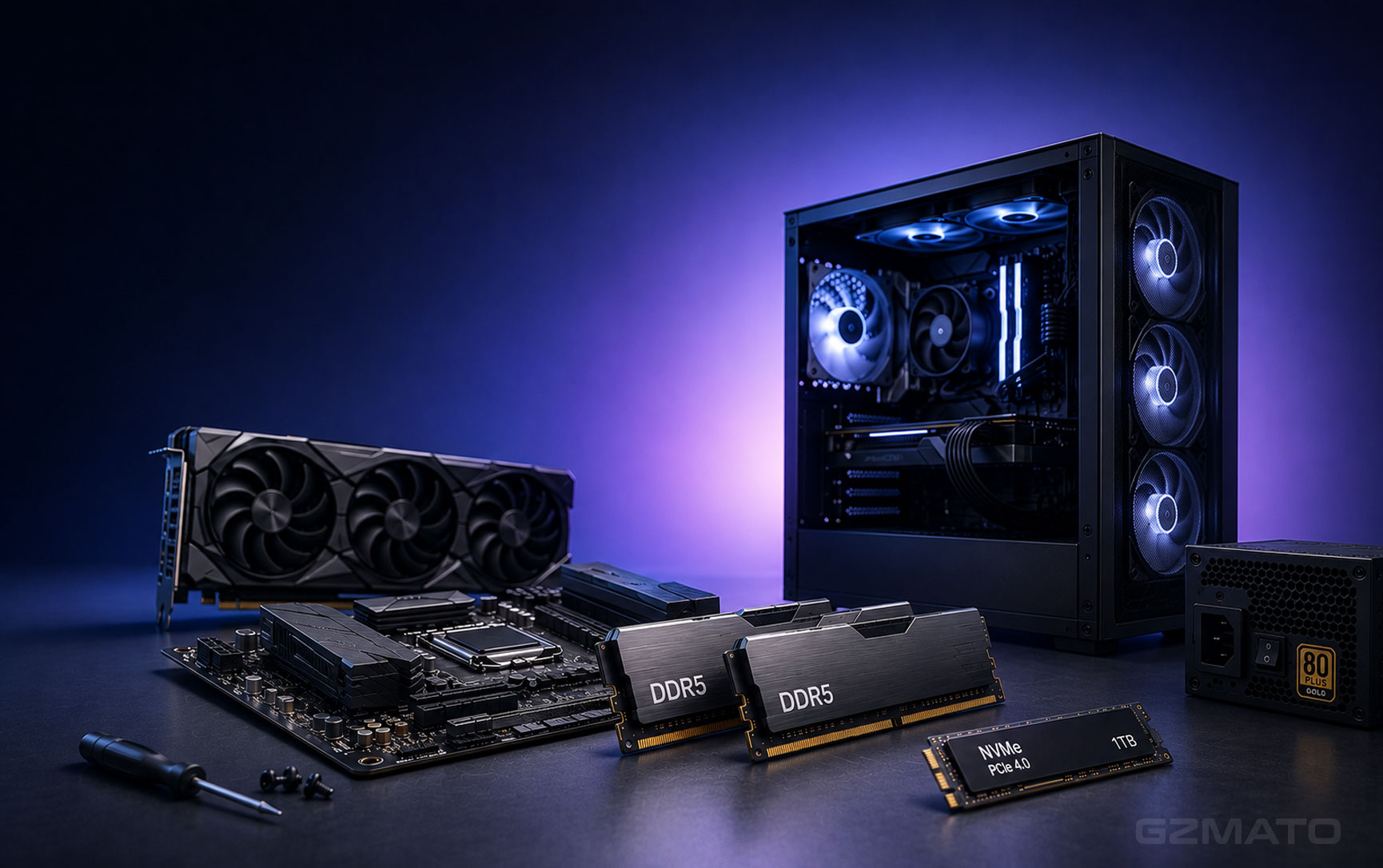
- 2026 PC Building Crisis: The Era of $572 32GB Memory Kits
- Market Overview: Why Memory and SSDs Are Soaring
- New Build Strategy: Memory First
- Tier 1: $550–$850 / 3,850–5,950 RMB — Entry / Office
- Tier 2: $850–$1,400 / 5,950–9,800 RMB — Mainstream Gaming
- Tier 3: $1,400–$2,100 / 9,800–14,700 RMB — Enthusiast Gaming
- Tier 4: $2,100–$3,500 / 14,700–24,500 RMB — High-End / 4K Gaming
- Tier 5: $3,500–$5,000+ / 24,500–35,000+ RMB — Ultimate / AI Workstation
- Shop Tech & Electronics at Gzmato
- Key Takeaways
August 2026 — Building a PC in 2026 means paying more for memory and storage than ever before. A 32GB DDR5 memory kit that cost around $108 / 756 RMB a year ago now commands roughly $572 / 4,000 RMB — a 429% increase . A 1TB SSD has jumped from under $100 / 700 RMB to over $200 / 1,400 RMB . And the prices are still climbing.
This isn't a temporary spike. AMD's client channel vice president David McAfee recently stated that DDR5 prices won't normalize until 2028 . Memory module maker Apacer warns the shortage will last through the first half of 2027 . Industry forecasts predict DRAM contract prices could rise another 30% in Q3 2026 and 10-15% in Q4 .
Market Overview: Why Memory and SSDs Are Soaring
The root cause is simple: AI. The explosive demand for AI compute has led memory manufacturers to shift production capacity toward HBM (High Bandwidth Memory) and enterprise-grade server memory, which command far higher margins .
The impact on consumer pricing is stark:
| Component | 2025 Price | August 2026 Price |
|---|---|---|
| 32GB DDR5-6000 Kit | $108 / 756 RMB | $572 / 4,000 RMB |
| 1TB NVMe SSD | $100 / 700 RMB | $200+ / 1,400+ RMB |
In some markets, 32GB DDR5 kits have crossed $700 / 4,900 RMB, and 128GB kits exceed $3,000 / 21,000 RMB . DDR4 prices have also risen sharply, though the impact is less severe: DDR4-3200 32GB kits hover around $281 / 1,970 RMB .
New Build Strategy: Memory First
Gone are the days of picking a CPU and GPU first. As TechWeb noted, the "old logic" has completely reversed .
- Step 1: Lock in your memory configuration — this is now your largest single expense
- Step 2: Choose your storage (SSD) — the second biggest variable cost
- Step 3: Only then allocate the remaining budget to CPU, motherboard, and GPU
Smart Cost-Saving Options
To stretch your budget in this challenging market, consider these strategies:
- Single-stick DDR5: A single 24GB DDR5-6000 stick costs around $260-280 / 1,820-1,960 RMB, roughly $300 / 2,100 RMB less than a 32GB (16GB×2) kit . Some Z890 motherboards now feature Single Boost technology to optimize performance for single-stick configurations .
- DDR4 platforms: If you're on a tight budget, Intel LGA1700 (14th-gen) motherboards support DDR4 — but you'll sacrifice PCIe 5.0 support and upgrade options .
- 24GB over 32GB: 24GB sticks offer a capacity sweet spot — enough for most games and daily work, at a much lower price than 32GB kits .
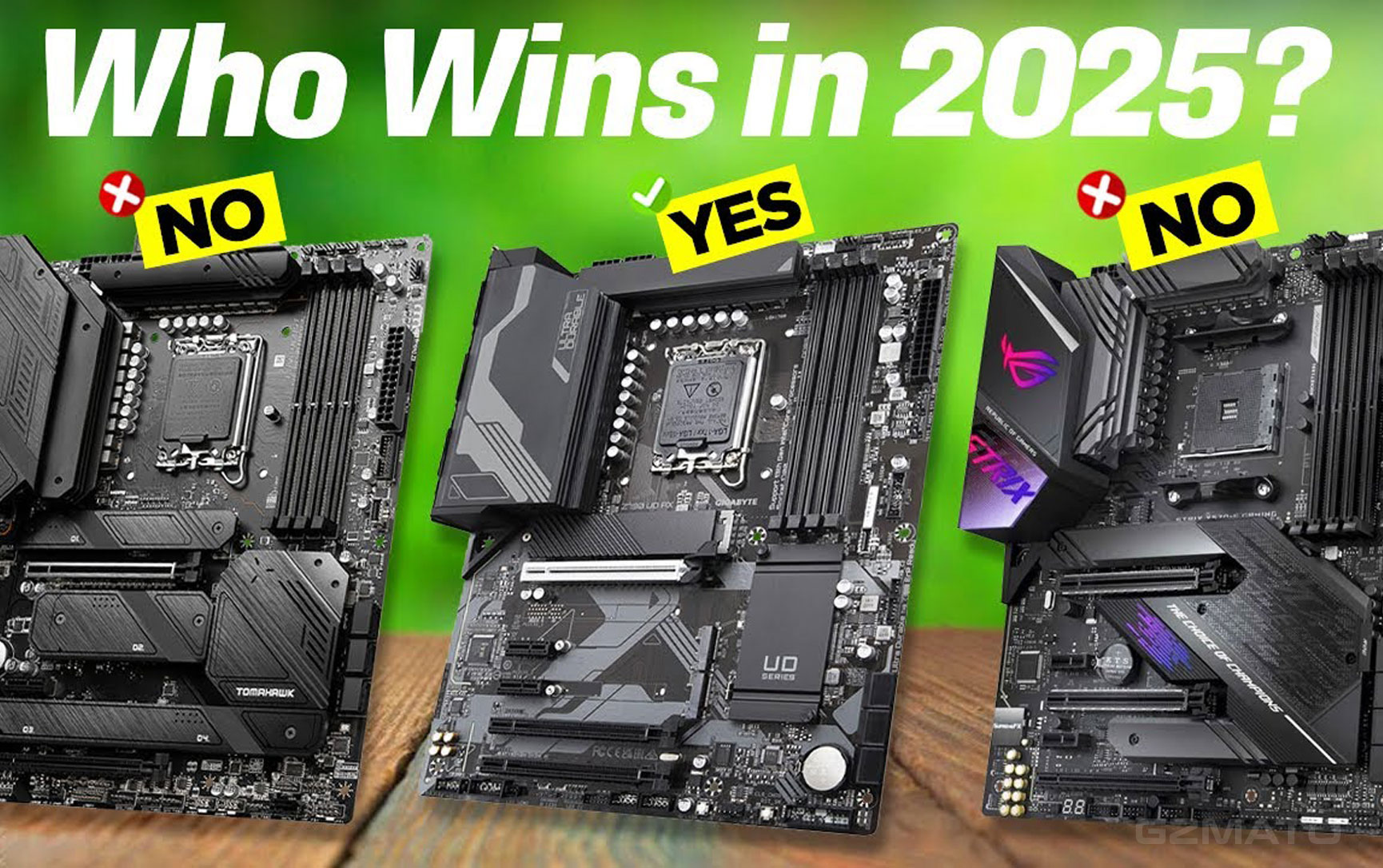
In 2026, the AM5 platform (Ryzen 9000 series) offers better future upgradeability thanks to PCIe 5.0 support and longer platform longevity. Intel's LGA1700 platform (14th-gen) supports DDR4, but the platform is nearing end-of-life . The recommended "value gaming" path for 2026 is Ryzen 7 9700X + single 24GB DDR5 stick, with a plan to add a second stick later .
Tier 1: $550–$850 / 3,850–5,950 RMB — Entry / Office / Light Gaming
Tier 2: $850–$1,400 / 5,950–9,800 RMB — Mainstream Gaming / 1080p
Tier 3: $1,400–$2,100 / 9,800–14,700 RMB — Enthusiast Gaming / 1440p
Tier 4: $2,100–$3,500 / 14,700–24,500 RMB — High-End / 4K Gaming
Tier 5: $3,500–$5,000+ / 24,500–35,000+ RMB — Ultimate / AI Workstation
Shop Tech & Electronics at Gzmato
Components | Laptops | Peripherals | In Stock Now
Special Offer: Use code TECH2026 for a discount on your first order!
Shop Now at GzmatoWe're actively expanding our catalog and can help source specific models on request. Chat with our team or open a request.
Key Takeaways
| # | What You Need to Know About Building a PC in 2026 |
|---|---|
| 1 | Memory prices have surged 4-5x in one year — 32GB DDR5 kits now cost $572 / 4,000 RMB, driven by AI demand |
| 2 | Expect high prices through at least 2027 — AMD, Apacer, and others forecast normalization around 2028 |
| 3 | New build prioritization: Memory first, then CPU/GPU — the old "GPU first" rule no longer applies |
| 4 | Single-stick DDR5 can save ~$300 / 2,100 RMB — pair with a Single Boost motherboard to mitigate performance loss |
| 5 | AMD AM5 offers better future upgradeability — Ryzen 9000 series supports PCIe 5.0 and dual-channel memory upgrades |
| 6 | Five budget tiers provided — from $550 / 3,850 RMB entry to $4,500+ / 31,500+ RMB ultimate builds, with specific configurations for every need |
- TechWeb / 快科技 — DDR5 pricing data, $572 / 4,000 RMB 32GB kit, $200+ / 1,400+ RMB 1TB SSD, "memory first" strategy
- IT之家 — AMD David McAfee interview: DDR5 prices to normalize by 2028
- 中关村在线 / 影驰 — Tiered build recommendations (entry, 6000, 13000 yuan)
- Sohu / PChome — GIGABYTE Z890 Single Boost technology, single-stick strategy
- 快科技 — SK Hynix profitability analysis, SK Hynix profit forecast
- Sohu / 电脑报 — AMD Ryzen 7 9700X + single DDR5 vs. Intel i7-14700K + DDR4 comparison
- 什么值得买 — 5000 yuan budget breakdown, 32GB memory cost analysis
- 每日经济新闻 — Apacer supply shortage warning, shortage through H1 2027
- 网易 / 科创板日报 — DDR5 price index 419%, Q3 2026 price forecast (+30%)
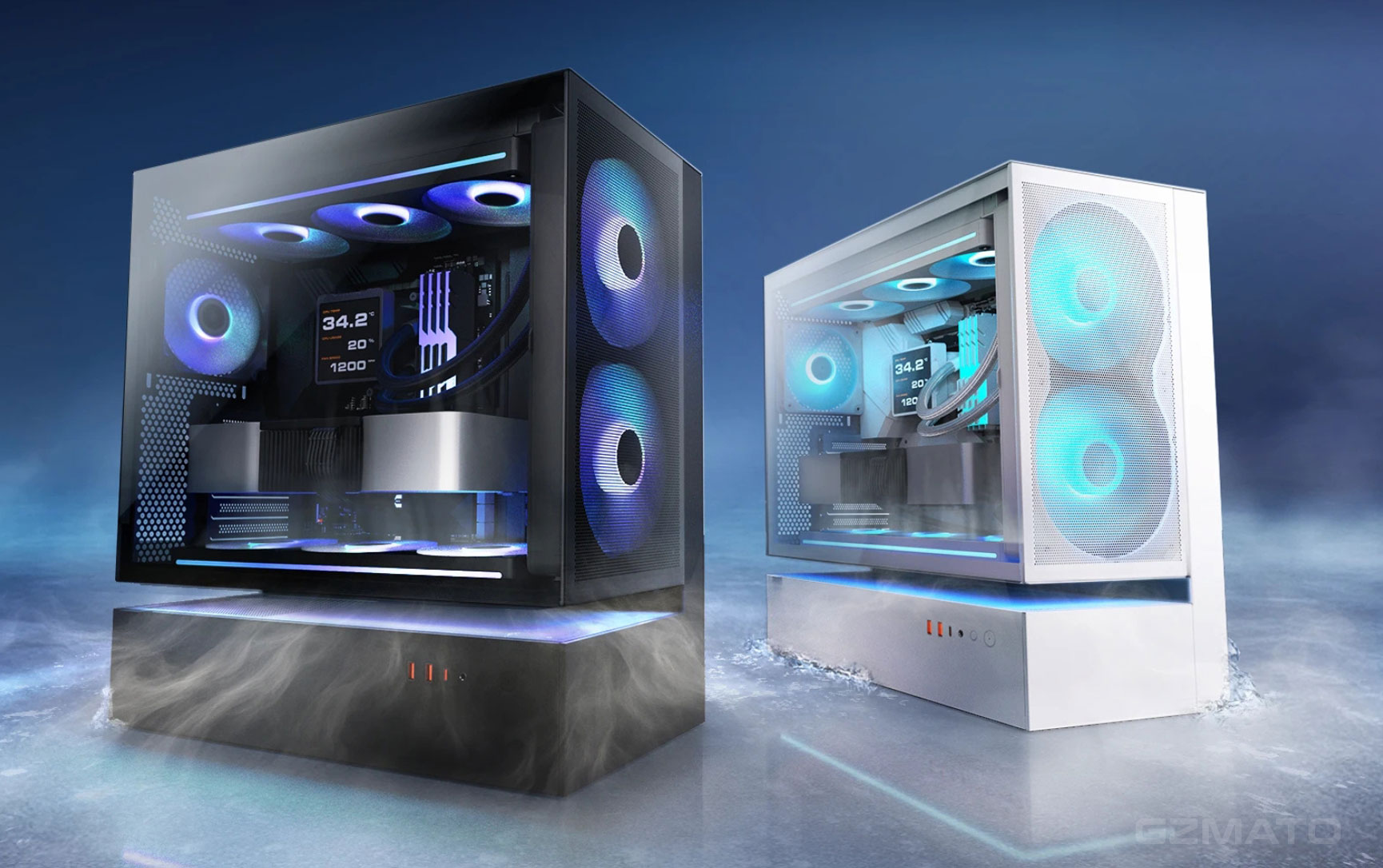
- 2026 PC build
- DDR5 price
- PC building guide
- budget PC
- gaming PC
- AMD AM5
- Intel LGA1700
- memory crisis
- Gzmato