Google Maps How to Change Your Address
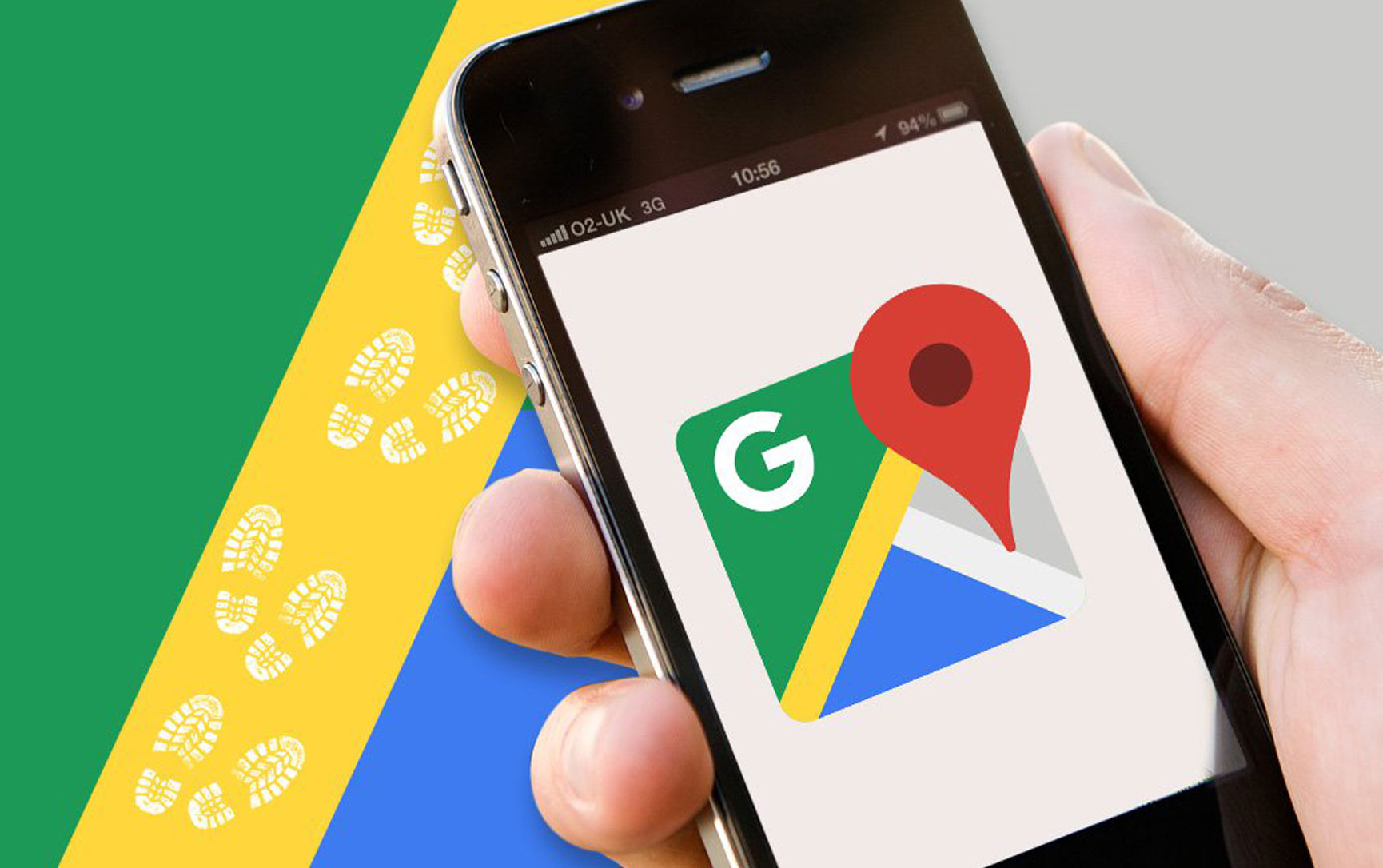
Google Maps allows you to set a home address (and work address) so you can quickly find directions to and from your home. When you move, you should update it in Google Maps, too. We'll show you how to do that.
By keeping your home address updated in Maps, you always get the right directions to and from your home. This helps you avoid getting directions to the wrong places.
Change the Home Address in Google Maps on Mobile
On your iPhone, iPad, or Android phone, use the Google Maps app to change your home address, according to HowtoGeek.
Start by launching the Google Maps app on your phone. When the app opens, at the bottom, tap "Saved."
On the "Saved" screen, scroll to the bottom. There, in the "Your Lists" section, tap "Labeled."
The "Labeled" screen shows your labeled places. Here, next to "Home," tap the three dots. In the three-dots menu, tap "Edit Home."
You will see a "Set Home" screen. At the top of this screen, tap the current address and clear it. Then type your new home address.
Alternatively, drag the pin on the map and place it in your new home. When that is done, at the bottom of the screen, tap "Save."
And that's it. Google Maps now has your new home address, and it will use it the next time you need directions to and from your home.
Change the Home Address in Google Maps on Desktop
On a Windows, Mac, Linux, or Chromebook computer, use the Google Maps site to update your home address.
Start by opening a web browser on your computer and accessing the Google Maps site. On the site, log in to your Google account, according to Mashable.
After logging in, in the top-left corner of the Maps site, click the search box. Then type "Home" (without quotes) in the box but don't press Enter.
In the search results, next to "Home," click "Edit." Click the "Edit Home Address" field and remove the current address. Then type your new home address and click "Save."
And you're all set. You have successfully updated your home address in Google Maps.
How to Save Your Favorite Places in Google Maps
Google Maps can do so much that it's easy to miss some of its most useful features. It's good at remembering the places you frequently visit, but you can also simply save your favorite locations. That way, you always know where to find them, according to Business Insider.
If you use Maps with a Google account, you can save locations to lists. The default lists are "Starred" and "Favorites," but it's also possible to add your own. We'll leave the categorizing up to you.
The Google Maps apps for iPhone, iPad, and Android devices are exactly the same.
The first thing to do is to find a place to save in Google Maps. Select it to open the location information card.
Next, underneath the "Overview" tab, tap the "Save" button.
This will bring you to the list selection screen. Simply select all the lists you want to save the location in or tap "New List" to create a new one.
-
 -59%
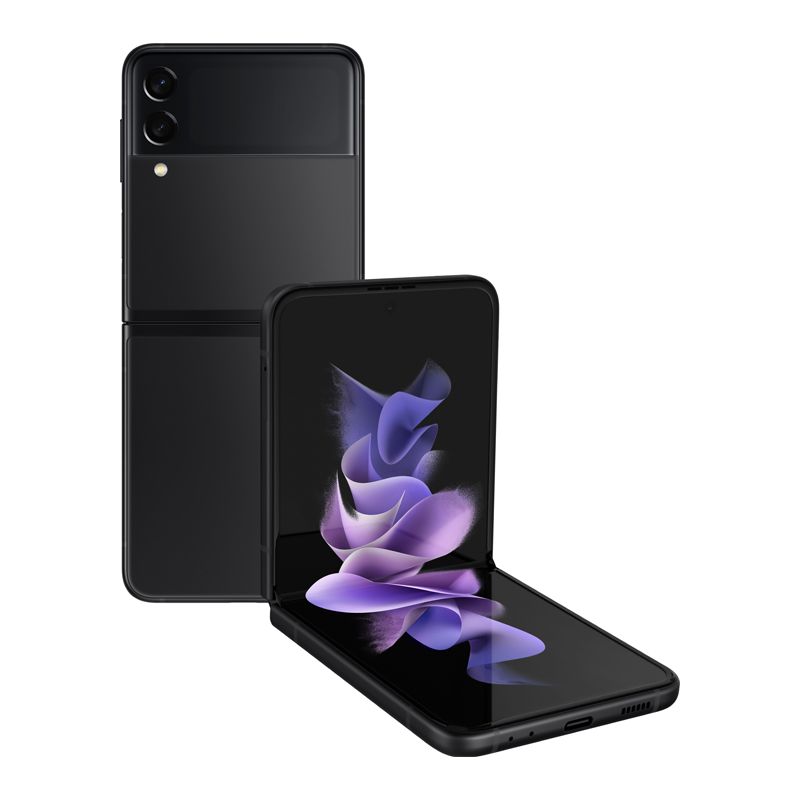
Samsung - Galaxy Z Flip3 5G 256GB Factory Unlocked Global Carrier Network - Phantom BlackSpecial Price $511.35 Regular Price $1,250.00
-59%
Samsung - Galaxy Z Flip3 5G 256GB Factory Unlocked Global Carrier Network - Phantom BlackSpecial Price $511.35 Regular Price $1,250.00 -
-59%
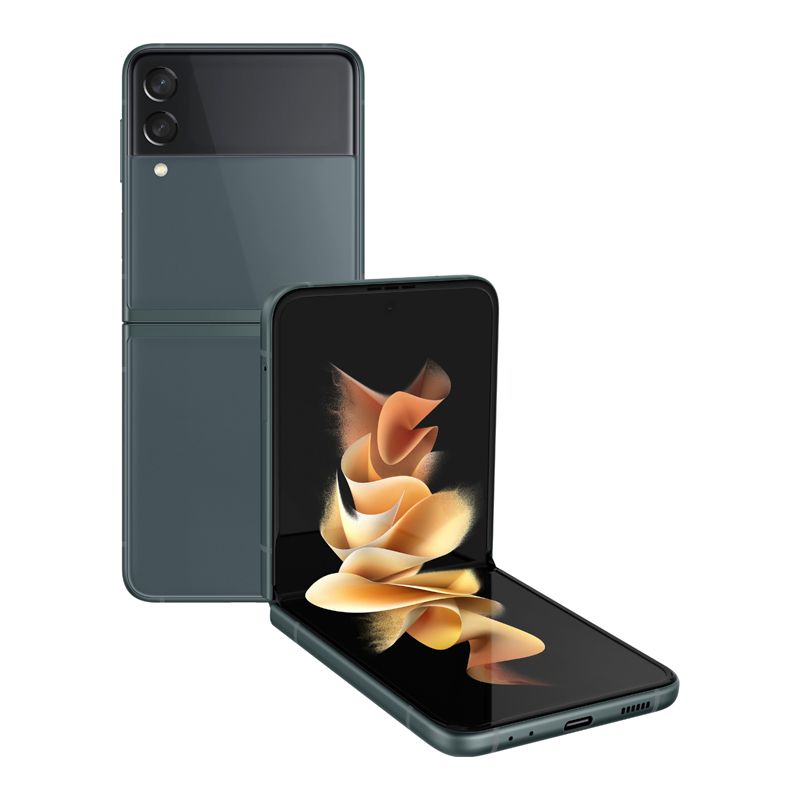
Samsung - Galaxy Z Flip3 5G 256GB Factory Unlocked Global Carrier Network - Eagle GreenSpecial Price $511.35 Regular Price $1,250.00
-
-59%
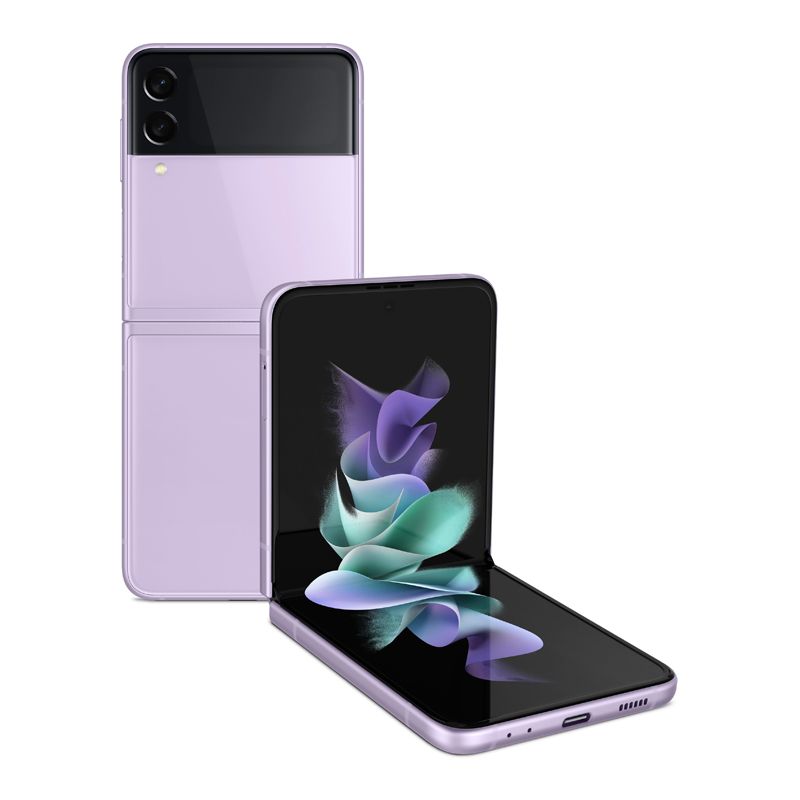
Samsung - Galaxy Z Flip3 5G 256GB Factory Unlocked Global Carrier Network - LavenderSpecial Price $511.35 Regular Price $1,250.00
-
-59%
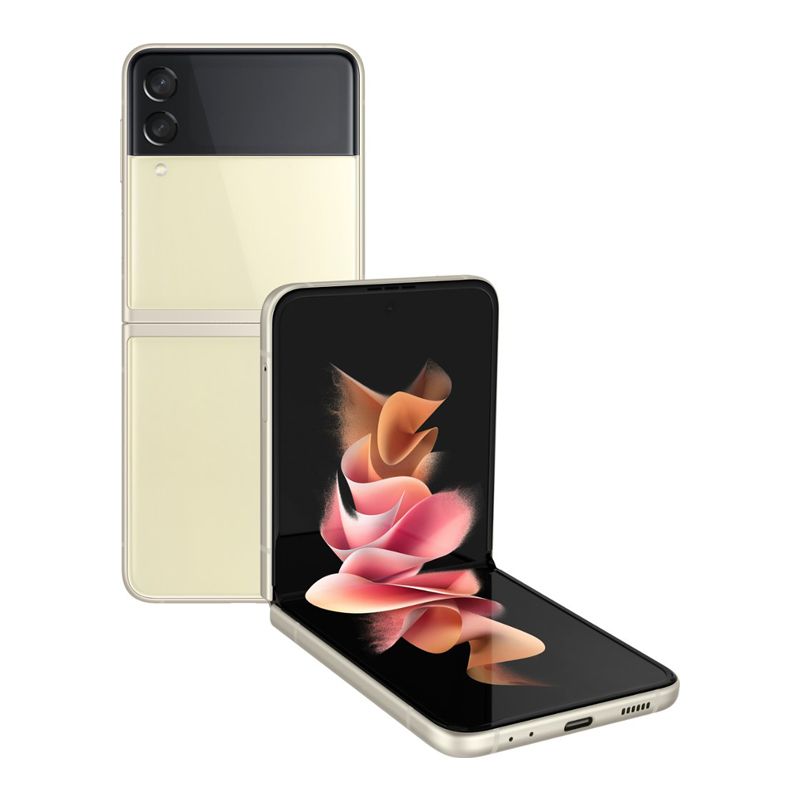
Samsung - Galaxy Z Flip3 5G 256GB Factory Unlocked Global Carrier Network - CreamSpecial Price $511.35 Regular Price $1,250.00
-
-19%
Samsung Galaxy S21 Ultra 5G G9980 RAM 12GB + 512GB Factory Unlocked Global Network Carrier Google Play English Hong Kong Version - Phantom BlackSpecial Price $1,127.57 Regular Price $1,396.00
-
-33%
Samsung Galaxy Z Flip3 Matte Extreme Protective Film - hodaSpecial Price $19.99 Regular Price $29.99
-
-25%
Samsung Galaxy Z Fold 3 Matte Extreme Protective Film - hodaSpecial Price $29.99 Regular Price $39.99