MacBook Pro Buying Guide: M6 vs. M5 Pro vs. Touchscreen OLED
Three MacBook Pros, One Question: Which One Is Actually for You?
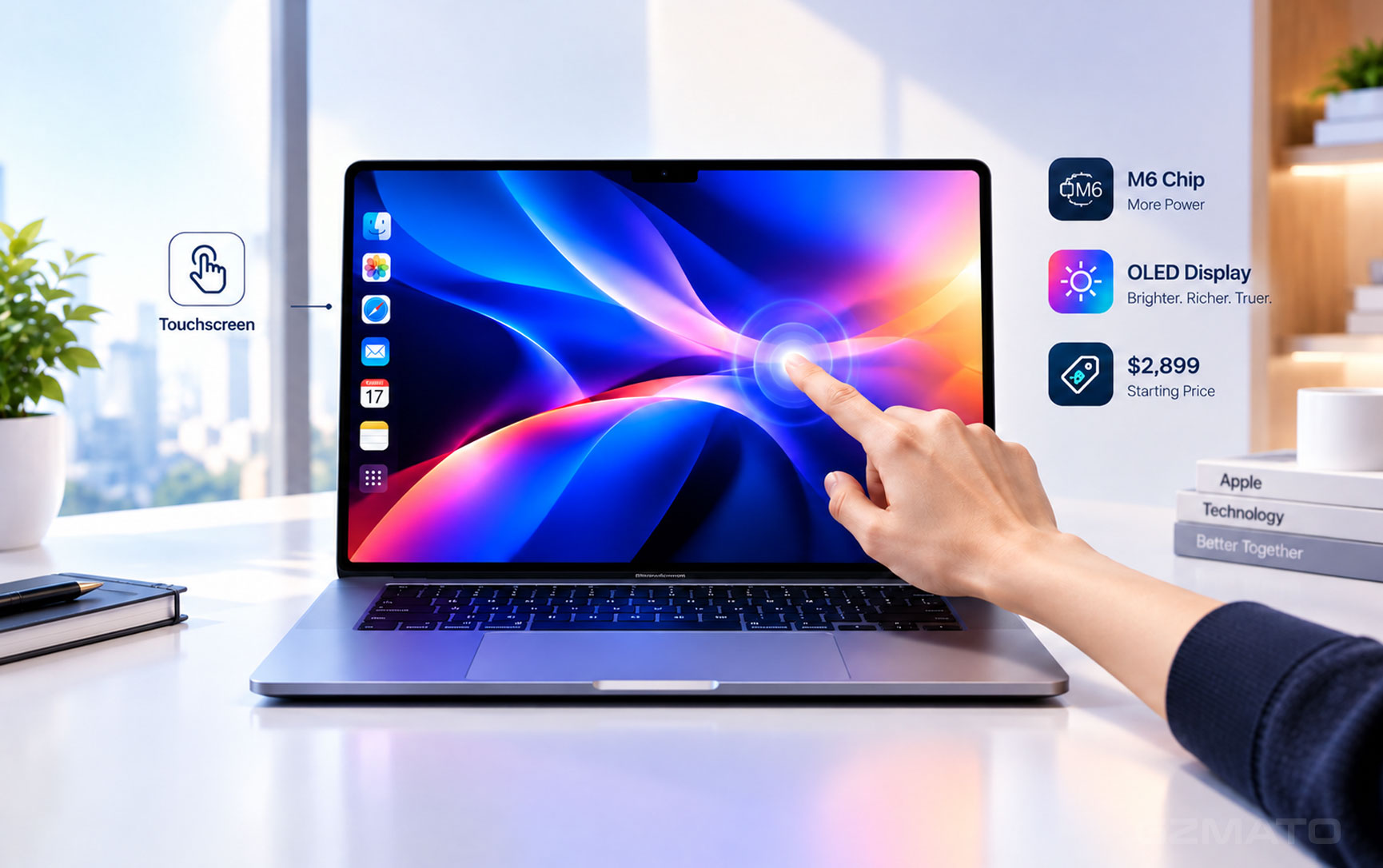
October 29, 2026 — As we reported yesterday, Apple's "Pro and Tell" event has officially confirmed the arrival of the first touchscreen MacBook Pro. The last-minute leaks from Bloomberg were highly accurate: the 14-inch model starts at $2,899, and the 16-inch variant starts at $3,399.
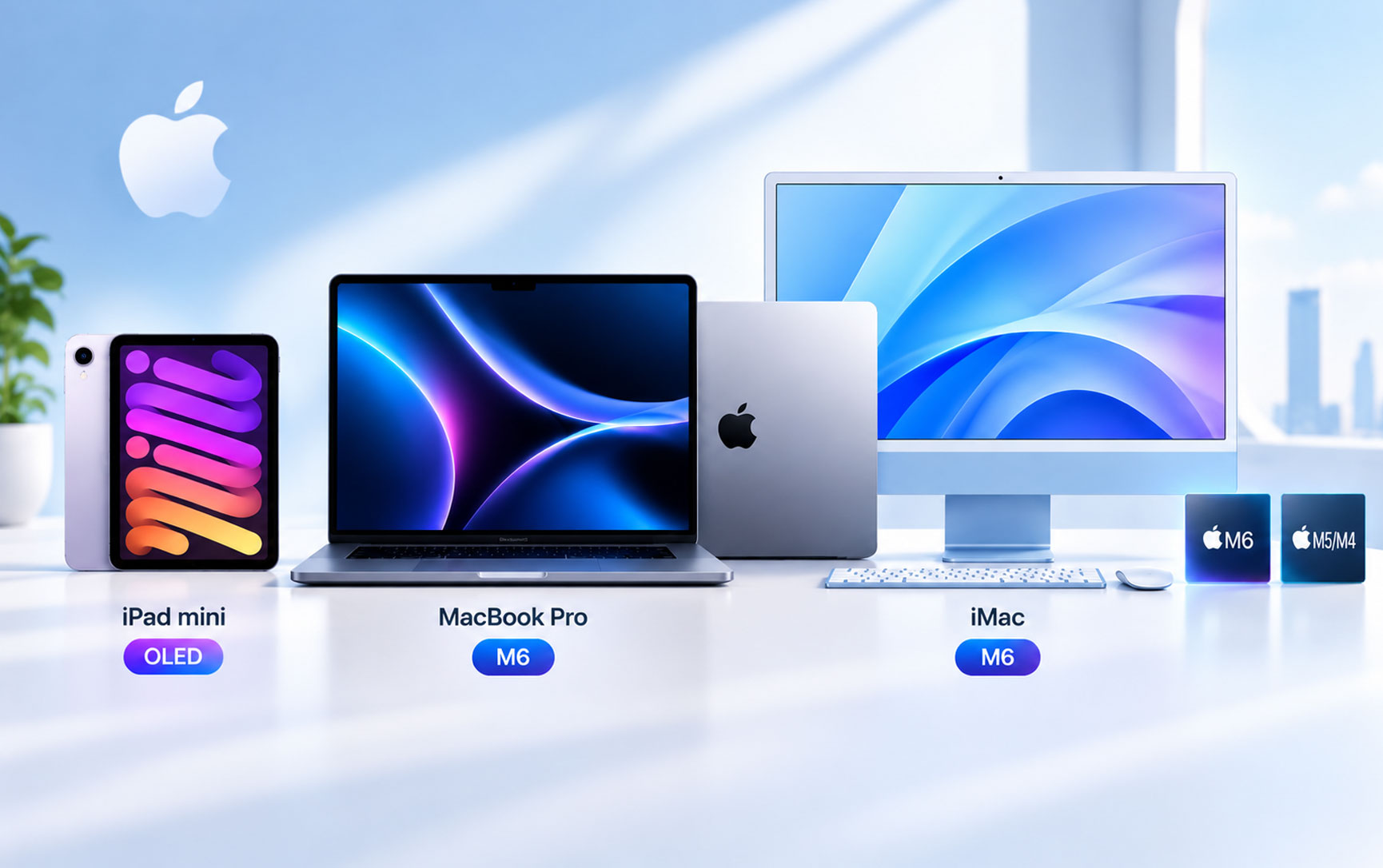
But while yesterday was about confirming what the touchscreen MacBook Pro actually is and how much it costs, today the question changes. With Apple's official announcement, you now have a clear three-way choice: the M6 model, the M5 Pro mini-LED, and the new touchscreen OLED. The right choice depends entirely on what you do with your laptop, not on which number is highest.
The New Lineup at a Glance
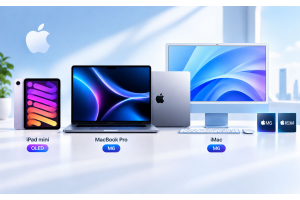
Before diving into scenarios, here is the factual landscape. Apple now sells three 14-inch MacBook Pro configurations side by side, each targeting a different kind of buyer.
| Spec | M6 Model | M5 Pro mini-LED | M5 Pro Touch OLED |
|---|---|---|---|
| Starting Price | $1,999 | $2,199 | $2,899 |
| Processor | M6 (12-core CPU / 12-core GPU) | M5 Pro (15-core CPU / 16-core GPU) | M5 Pro (15-core CPU / 16-core GPU) |
| Base RAM | 16GB | 24GB | 24GB |
| Display | Liquid Retina XDR (mini-LED) | Liquid Retina XDR (mini-LED) | PROLED XDR (Tandem OLED) |
| Touch Support | No | No | Yes (Multi-touch) |
| Glowing Logo | No | No | Yes |
| Peak Brightness | 1,600 nits HDR | 1,600 nits HDR | 2,000 nits HDR/SDR |
| Weight (14-inch) | ~1.55 kg | ~1.60 kg | 1.38 kg |
| Ports | Thunderbolt 4 | Thunderbolt 5 | Thunderbolt 5 |
| External Displays | Up to 2 | Up to 2 | Up to 3 (M5 Pro) |
Data source: Apple official specifications and event announcements.
M6 vs. M5 Pro vs. M5 Max: What the Chip Actually Decides
The naming is confusing, so let’s be precise. The M6 is a newer generation built on a 2nm process, but it is the base tier chip. The M5 Pro is older generation (3nm) but a higher tier, with more CPU cores, more GPU cores, and substantially more memory bandwidth.
Here is the practical translation:
- M6 wins on single-core responsiveness and AI tasks that benefit from the newer Neural Engine architecture. For everyday professional work — documents, browsing, light photo editing, coding — it is more than enough.
- M5 Pro wins on sustained GPU work and memory bandwidth. The 16-core GPU and higher bandwidth matter for video editing, 3D work, and running larger local models.
- M5 Max (available only in the touchscreen and mini-LED Pro models) pushes GPU cores to 32 or 40 and memory bandwidth even higher. This is for 8K multicam editing, heavy 3D rendering, and large-scale AI training.
A newer chip name does not mean faster in every task. The M6 is newer, but the M5 Pro has more raw GPU muscle and memory bandwidth. If your work is CPU-bound or light, the M6 is the smarter buy. If your work is GPU-bound or memory-hungry, the older-but-higher-tier M5 Pro is worth the extra investment.
The Display and Design Gap
The gap between the mini-LED M5 Pro and the touchscreen OLED M5 Pro buys you exactly four things: an OLED panel, touch input, a lighter chassis, and the return of the glowing Apple logo.
The PROLED XDR display is genuinely better for color-critical work. It reaches 2,000 nits peak brightness (versus 1,600 on mini-LED), has a 10,000,000:1 contrast ratio (ten times the mini-LED’s 1,000,000:1), and supports both P3 and Adobe RGB color spaces. For photographers, colorists, and HDR video editors, this is a meaningful upgrade, not just a spec sheet number. Additionally, Apple has brought back the iconic glowing Apple logo on the lid for this top-tier model, a nostalgic design touch that hasn't been seen since the Intel era.
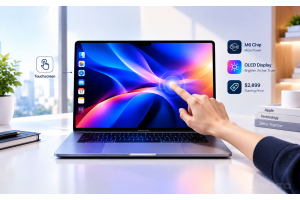
But touch is the more divisive feature. Hands-on reports describe it as a supplementary input, not a replacement for the trackpad. You can scroll, pinch, drag clips in Final Cut Pro, or play software instruments in Logic Pro. macOS translates taps into clicks for unoptimized apps, so nothing breaks. But reviewers note that tapping tiny UI elements with a finger can be “fiddly at best, and infuriating at worst,” and that the screen still wobbles slightly with firm taps despite a redesigned hinge.
Choose by Scenario: Who Should Buy What
Here is the decision framework, organized by what you actually do.
| Your Workflow | Buy This | Why |
|---|---|---|
| Writing, office work, web browsing, light photo editing | M6 Model ($1,999) | The M6’s single-core performance and new architecture are more than enough. 16GB base RAM is sufficient. You don’t need OLED or touch; save the $900–$1,200 for accessories or storage. |
| Software development, multitasking, moderate programming | M5 Pro mini-LED ($2,199) | 24GB base RAM and the M5 Pro’s multi-core performance are better for compiling, containers, and VMs. Thunderbolt 5 and dual external display support also beat the M6 model. |
| Video editing (4K/6K), color grading, photography | M5 Pro Touch OLED ($2,899) or M5 Pro mini-LED | If color accuracy is a must, the OLED’s P3 + Adobe RGB and 2,000 nits peak brightness justify the premium. If budget is the priority, the mini-LED’s 1,600 nits is still excellent. |
| 3D rendering, 8K multicam editing, local AI training | M5 Max (Touch or mini-LED) | The M5 Max’s 32/40-core GPU and higher memory bandwidth are designed for these workloads. The M6 and M5 Pro will both become bottlenecks here. |
| Designers, illustrators, music producers (need touch interaction) | M5 Pro Touch OLED | Drawing directly on the screen, playing virtual instruments in Logic Pro, dragging clips in Final Cut Pro with a finger — this is the only scenario where the touchscreen version is irreplaceable. |
| Frequent traveler, sensitive to weight, or want a standout design | M5 Pro Touch OLED | At 1.38 kg for the 14-inch, it’s about 220g lighter than the mini-LED M5 Pro. Plus, it's the only model featuring the return of the glowing Apple logo, making it a visually striking statement piece. |
The M6 model only supports Thunderbolt 4 and up to 2 external displays. If you need to connect 3 monitors or rely on Thunderbolt 5 high-bandwidth peripherals, the M5 Pro and above are mandatory.
The Final Call
Key Takeaways
| # | What You Need to Know Before Choosing |
|---|---|
| 1 | The M6 is a newer architecture, but not the “most powerful” chip — the M5 Pro has a higher GPU core count and more memory bandwidth, which matters for sustained heavy workloads. |
| 2 | The touchscreen model costs $700 more than the mini-LED M5 Pro — you’re paying for the OLED display, touch, and lighter chassis, not a faster chip. |
| 3 | OLED is a real upgrade for color professionals — 2,000 nits peak, 10,000,000:1 contrast, P3 + Adobe RGB. The mini-LED’s 1,600 nits and 1,000,000:1 are still excellent. |
| 4 | The glowing Apple logo returns — for the first time since the Intel era, the new touchscreen MacBook Pro features the iconic illuminated lid logo. |
| 5 | Touch is a supplementary input, not a replacement — useful for drawing, dragging, and zooming; not for precision clicking. Don’t pay extra just for the novelty. |
| 6 | For everyday office work, buy the M6 ($1,999) — the savings are enough to upgrade storage or buy accessories. |
| 7 | For professional creative/development work, buy the M5 Pro mini-LED ($2,199) — 24GB of RAM, Thunderbolt 5, and a stronger GPU make it the sweet spot for most pros. |
| 8 | Only buy the touchscreen model if you truly need touch-based creation or extreme portability — otherwise the premium is better spent elsewhere. |
- Apple Official Website — MacBook Pro technical specifications, pricing, and availability
- MacObserver — PROLED XDR specifications and three-way 14-inch comparison
- The Verge — Touchscreen MacBook Pro hands-on impressions and touch input evaluation
- Digit.in — M6 vs. touchscreen model positioning and professional app touch adaptations
MacBook Pro | MacBook Air | USB-C Accessories | Docking Stations | Sleeves
Special Offer: Use code TECH2026 for a discount on your first order!
Shop Macs at GzmatoTell us what you actually do on your laptop, and we’ll help you pick the configuration that fits your workflow and budget. Chat with us or open a request.
- MacBook Pro buying guide
- M6 MacBook Pro
- M5 Pro MacBook Pro
- touchscreen MacBook Pro
- OLED MacBook Pro
- MacBook Pro comparison
- Gzmato