Users cannot find SIM Card after upgrading to the new iOS 15 system
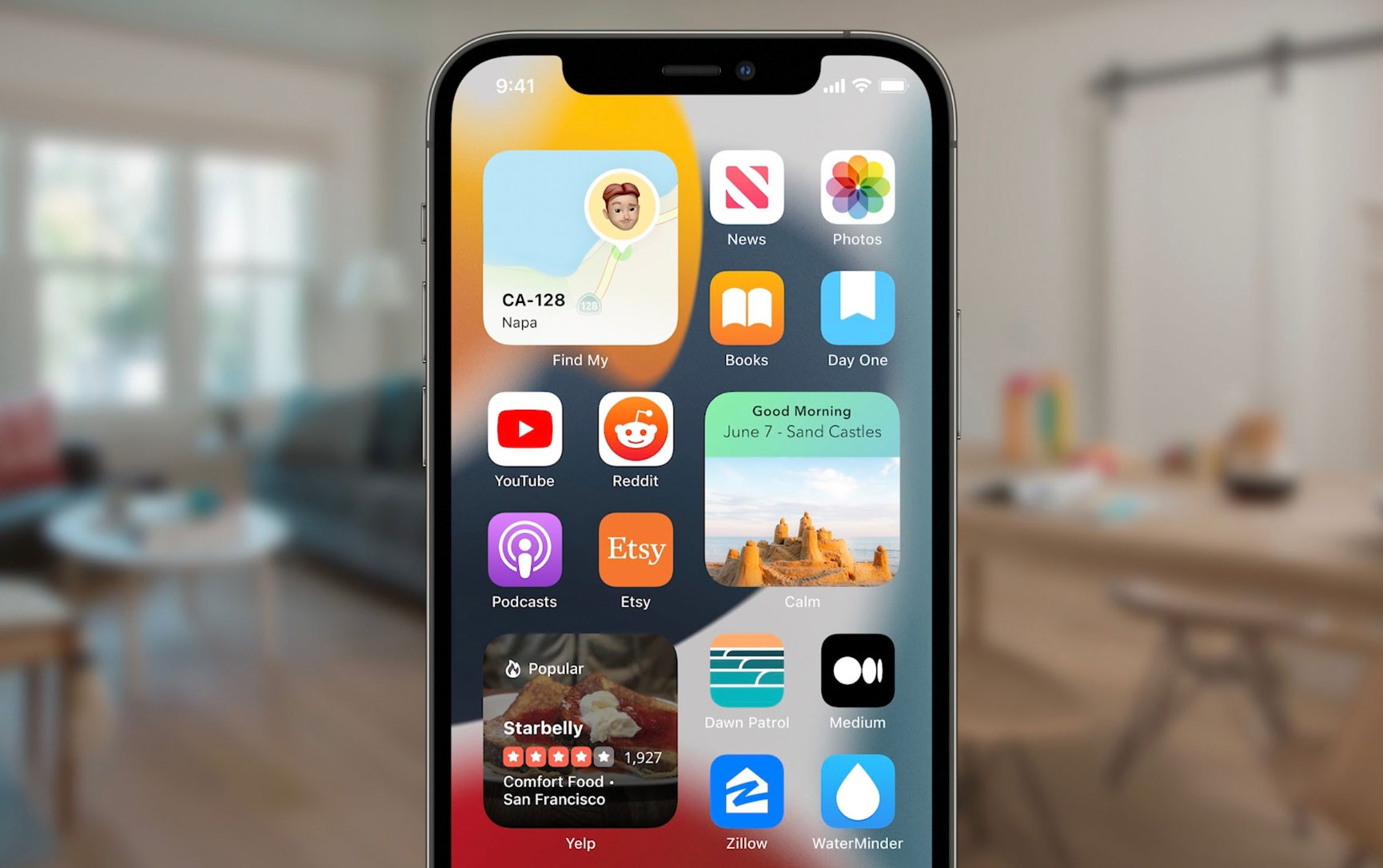
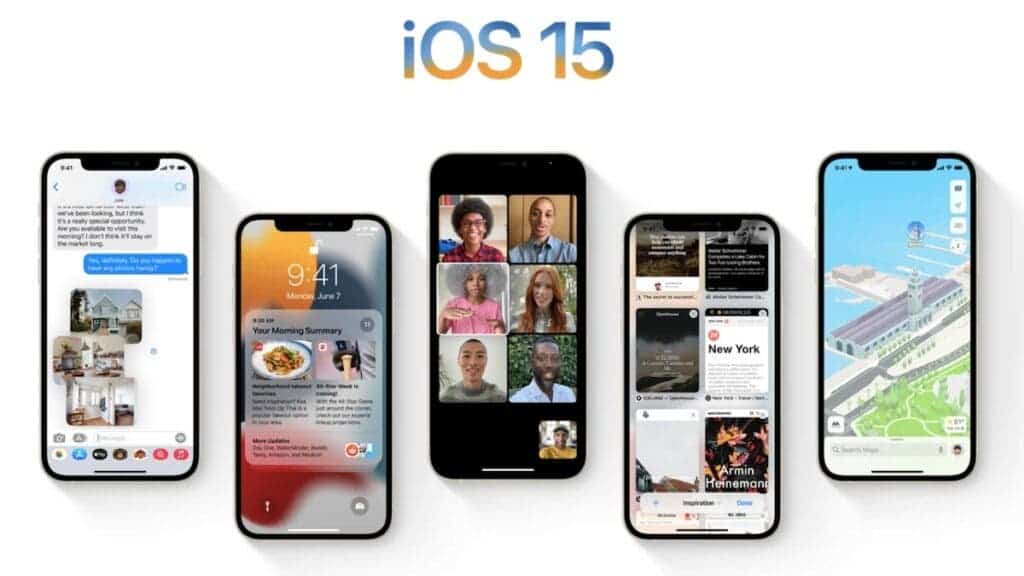
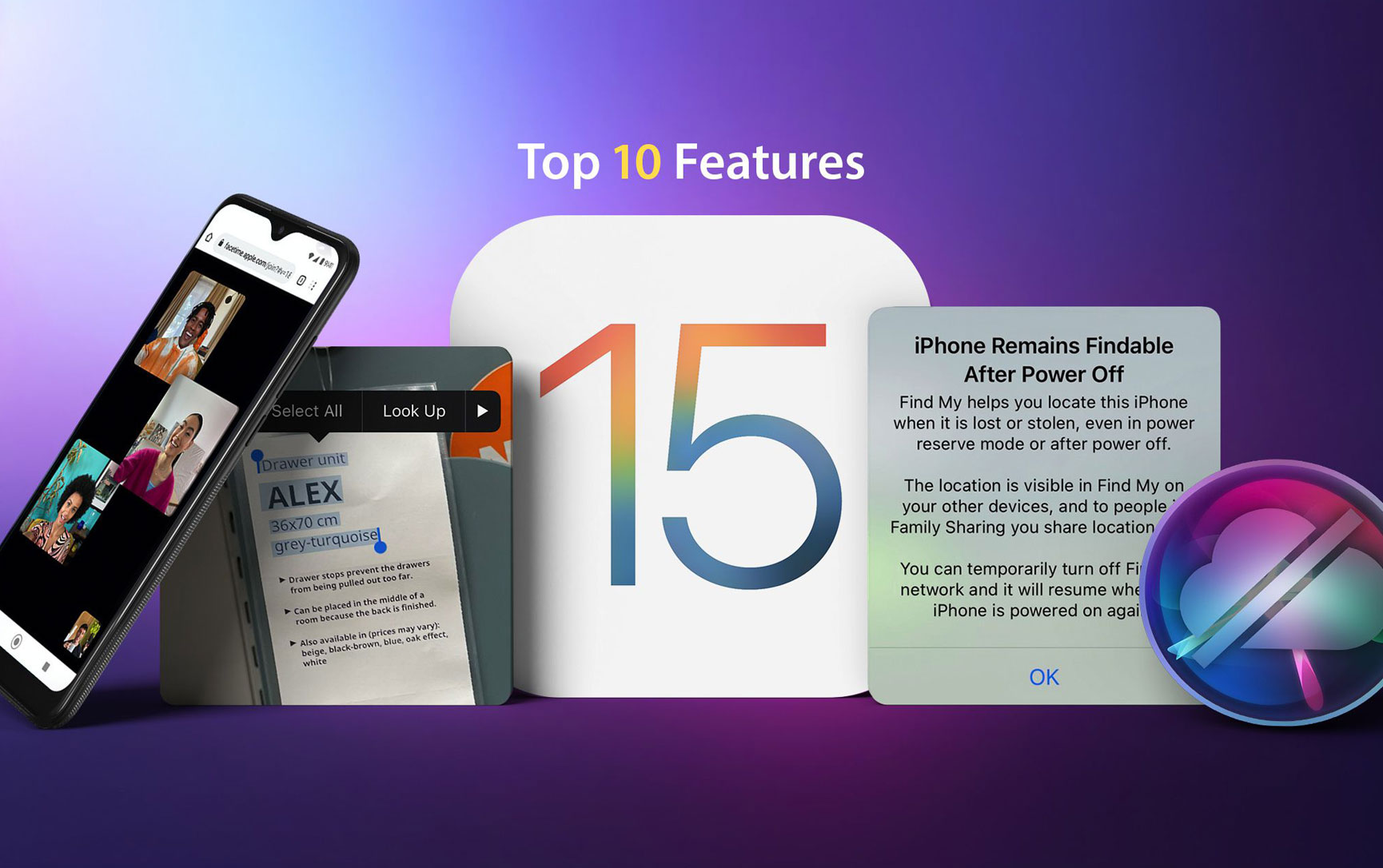
Yesterday, Apple officially released the iOS 15 and this system will be available for very old iPhones. Devices like the Apple iPhone 6s which is about six years old will get this update. All iPhones that have the iOS 13 and iOS 14 will also get the iOS 15 update. Since the upgrade commenced yesterday, many users stayed up late to upgrade their devices. However, early reports show that many netizens could not search for SIM cards after upgrading to iOS 15.
As of now, many of the reports are coming out of China. According to a Weibo report, after upgrading the iPhone 12 to iOS 15, a “No SIM card” reminder appeared in the upper left corner. Furthermore, after putting the device on flight mode, the device cannot come out of it. However, a simple reboot of the system will take care of all the issues. Other reports show that this issue is very common. Thankfully, simply restarting the smartphone clears the issue.
NO SIM CARD FEEDBACK IS QUITE COMMON
In fact, the inability to detect the SIM card is quite common after upgrading iOS. Previously, there were media reports that some iPhone users who upgraded iOS 14.7.1 received a “no service” prompt from the operator. These users said that restarting the phone, removing the SIM card, or even resetting the network settings were useless.
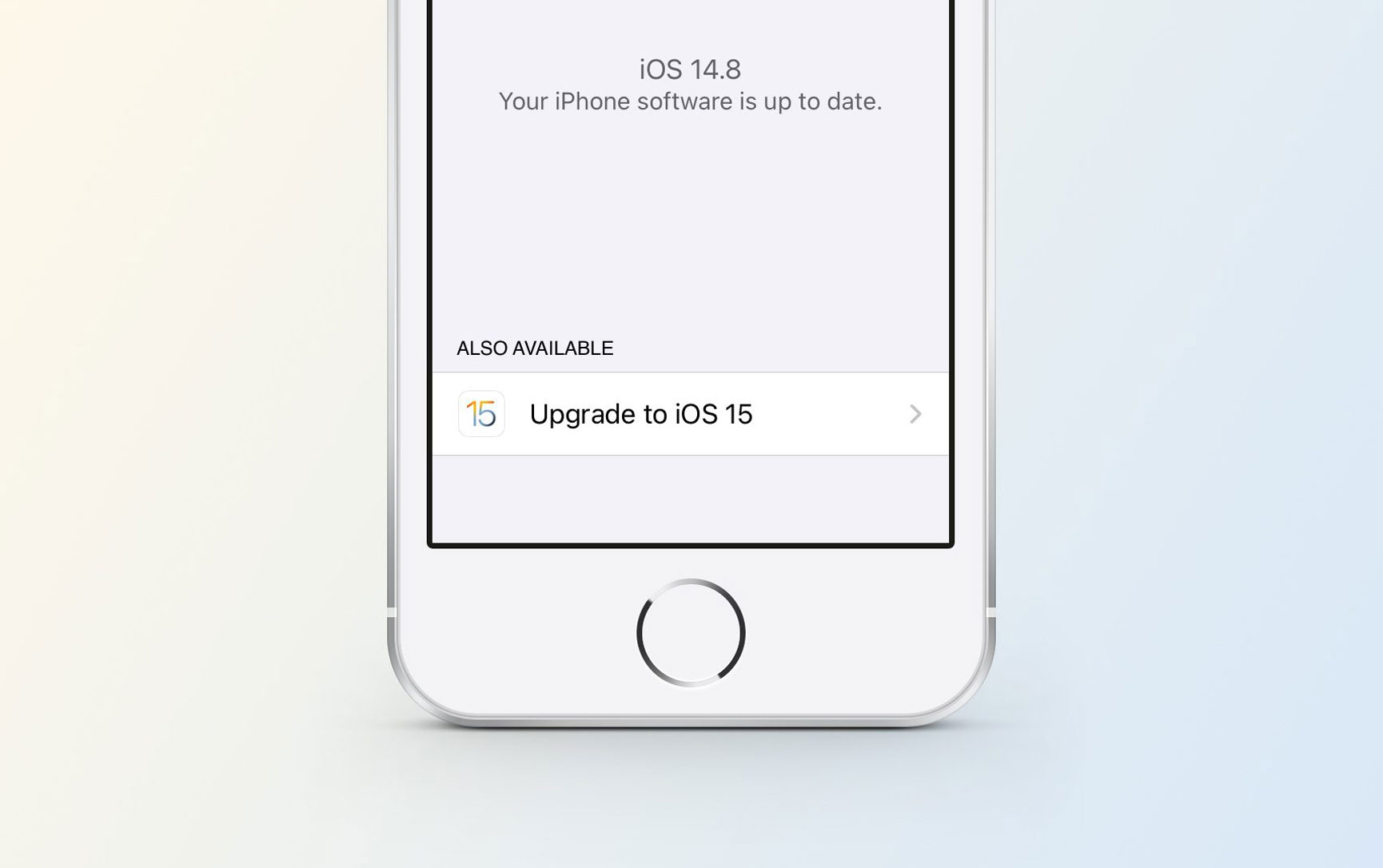
If after resetting the smartphone and it still displays “No SIM card”, then check whether the operator settings are up to date. It is possible that some of the files from the operator are not up to date that’s why the device cannot read the card. This issue is not always an iOS 15 issue. You can click on “Settings” > “General” > “About This Smartphone ” on the iPhone. If there is an update available, you can select the “OK” or “Update” pop-up prompt to complete the update.
If the SIM card cannot be detected due to the upgrade of the system, generally speaking, it will not be a hardware problem. However, if a reset does not solve the problem, you can try to exchange the SIM card to see if it is normal in order to take the next solution.
The bottom line is that this is not a serious issue and it’s nothing to worry about. However, there is no notification from Apple that users should expect this issue. If you experience the “No SIM card” issue after updating to Apple iOS 15, let us know in the comment section below. Like we said before, a simple reset of the smartphone will take care of this issue.
-
 -14%
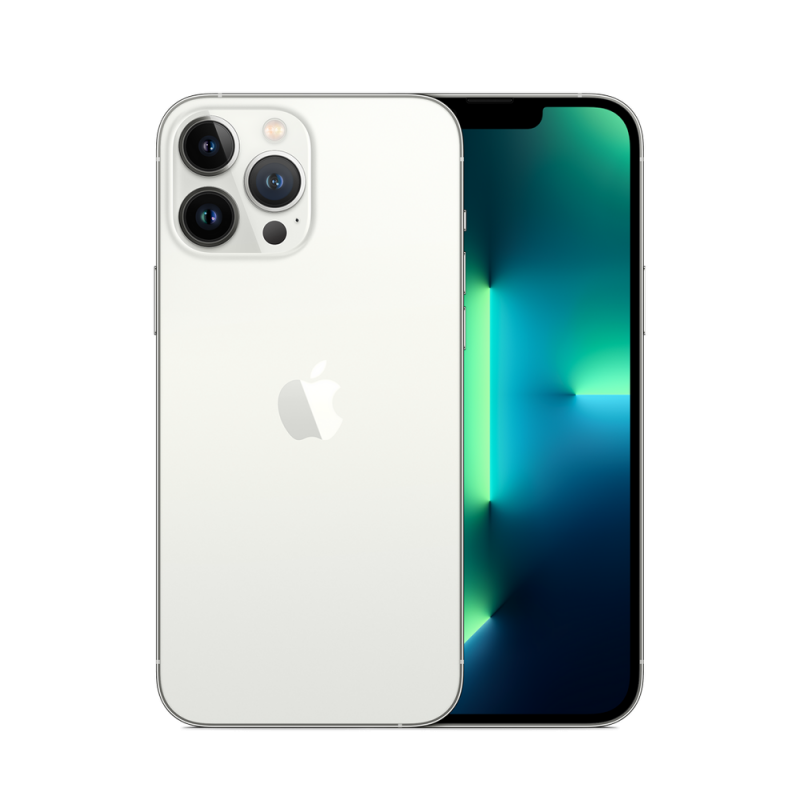
NEW Apple iPhone 13 Pro Factory Unlocked Global Carrier NetworkAs low as $1,019.89 Regular Price $1,186.82
-14%
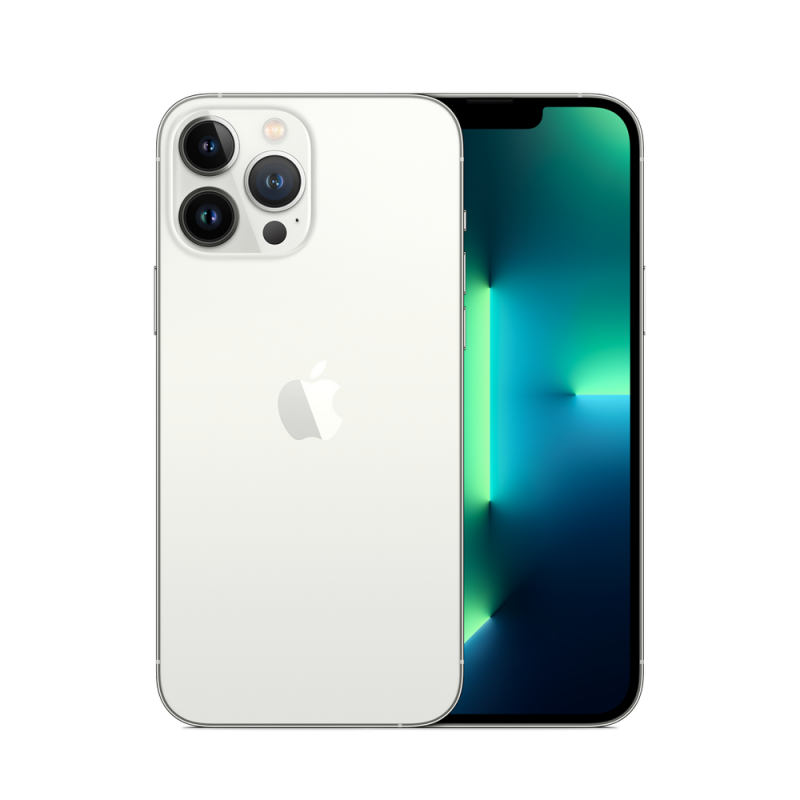
NEW Apple iPhone 13 Pro Factory Unlocked Global Carrier NetworkAs low as $1,019.89 Regular Price $1,186.82 -
-15%
Apple - iPhone 13 Pro 256GB Factory Unlocked Global Carrier Network - SilverSpecial Price $1,176.01 Regular Price $1,380.00
-
-17%
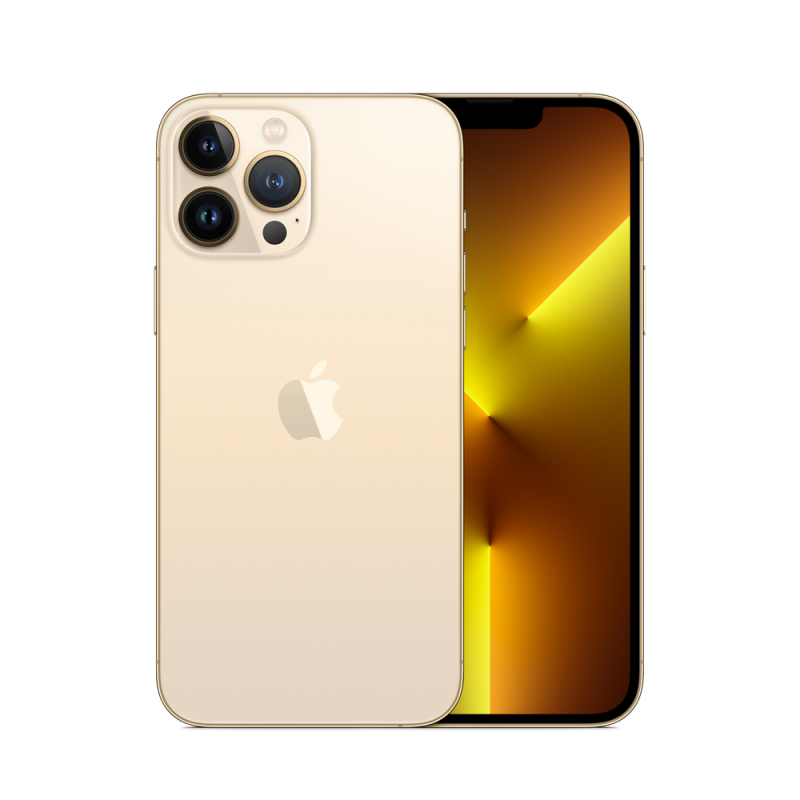
Apple - iPhone 13 Pro 128GB Factory Unlocked Global Carrier Network - GoldSpecial Price $1,032.51 Regular Price $1,237.00
-
-15%
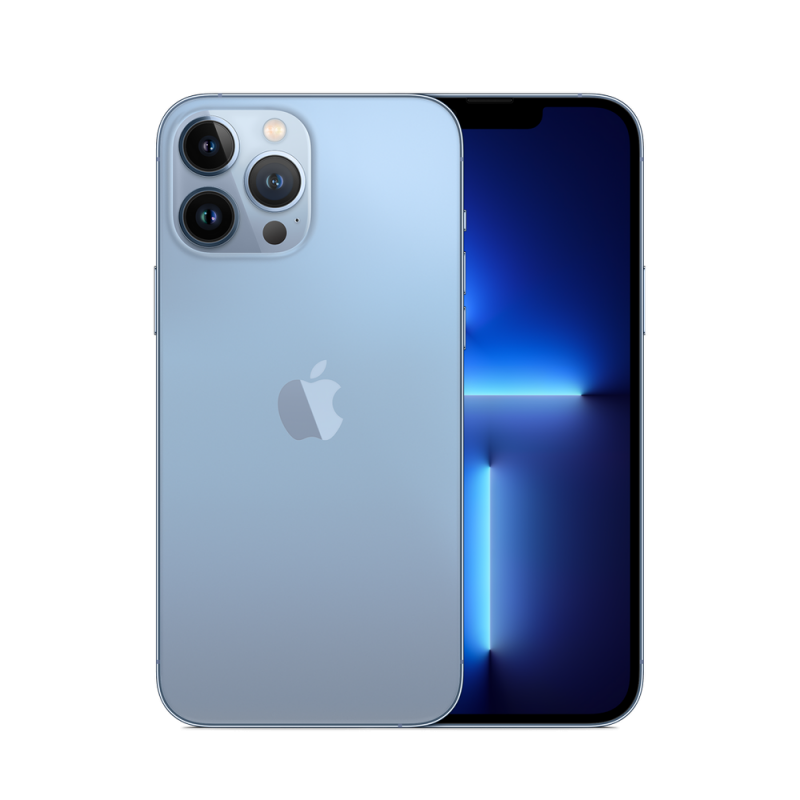
Apple - iPhone 13 Pro 256GB Factory Unlocked Global Carrier Network - Sierra BlueSpecial Price $1,176.01 Regular Price $1,380.00
-
-15%
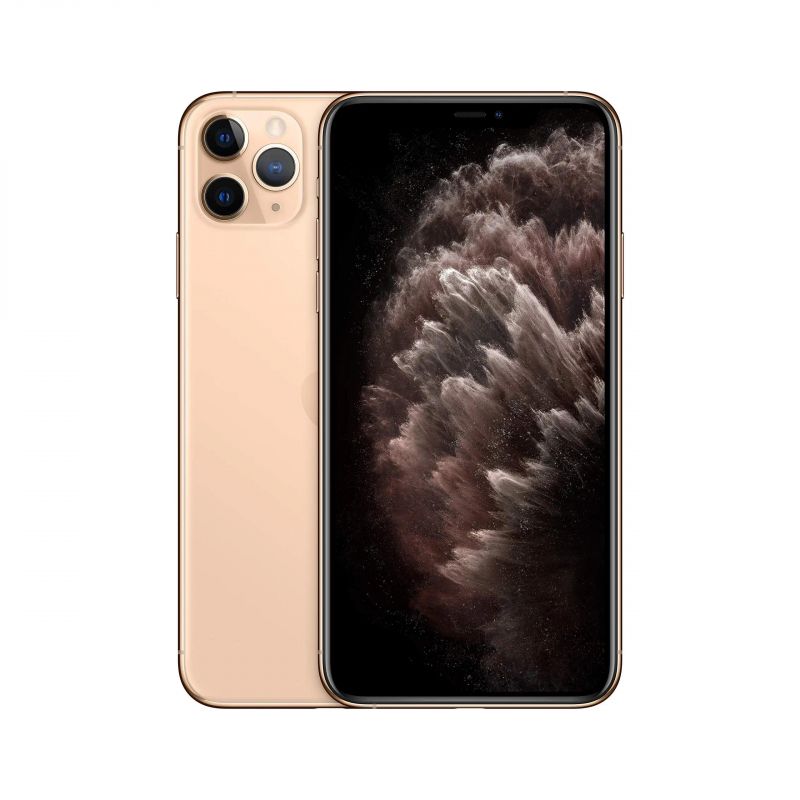
NEW Apple iPhone 11 Pro Max 6.46-Inch 64GB, CN Version Factory Unlocked, Global Carrier No Warranty - Bright Star Resources - GlodSpecial Price $848.00 Regular Price $999.00
-
-15%
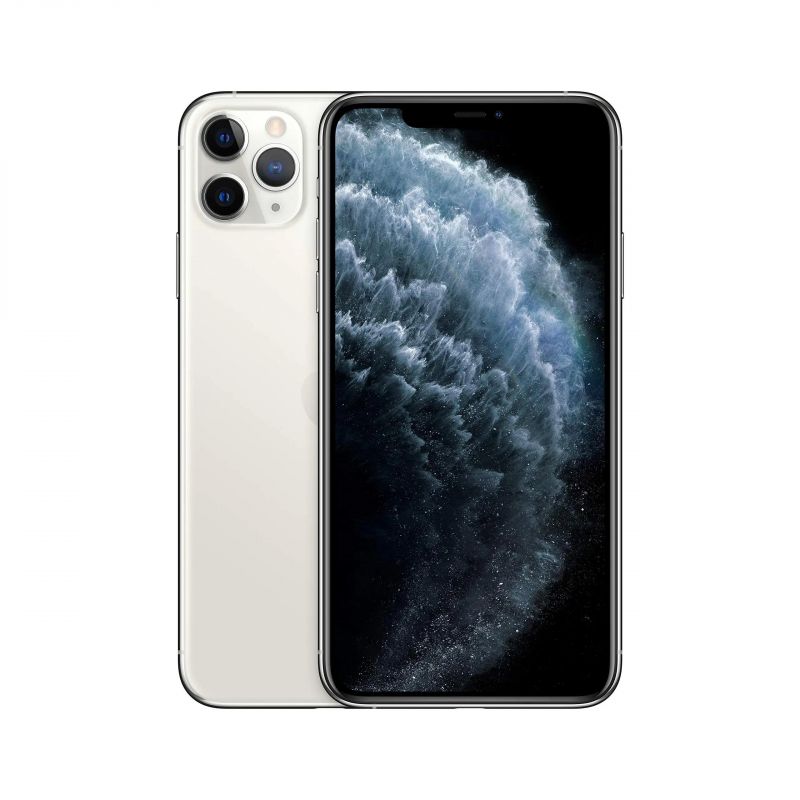
NEW Apple iPhone 11 Pro Max 6.46-Inch 64GB, CN Version Factory Unlocked, Global Carrier No Warranty - Bright Star Resources - SilverSpecial Price $848.00 Regular Price $999.00
-
-38%
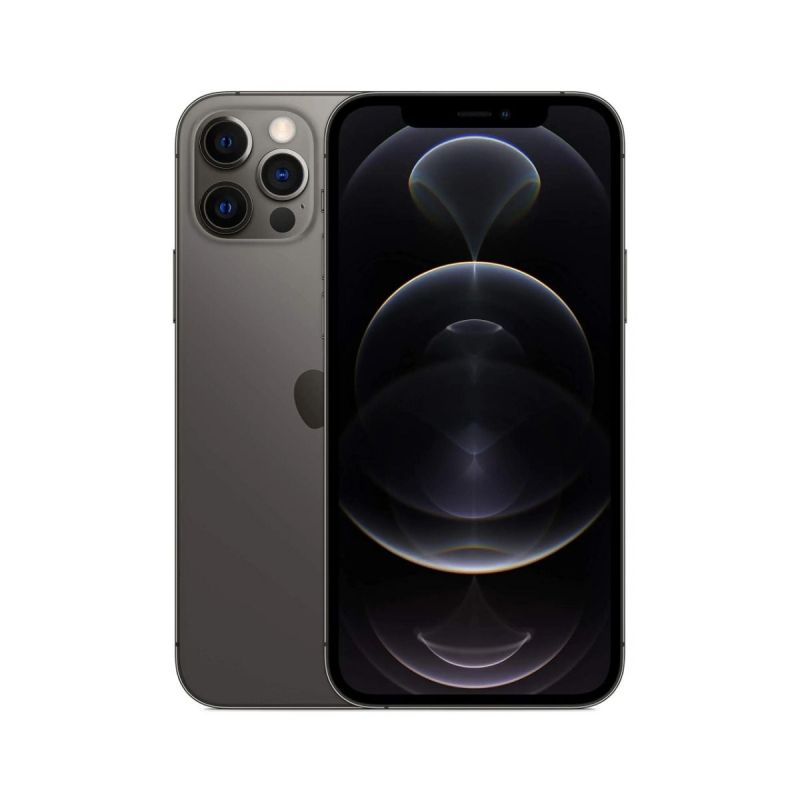
NEW Apple iPhone 12 Pro Max 6.7-Inch, CN Version Factory Unlocked, Global 5G Carrier No Warranty - Bright Star ResourcesAs low as $897.45 Regular Price $1,450.00
-
-25%
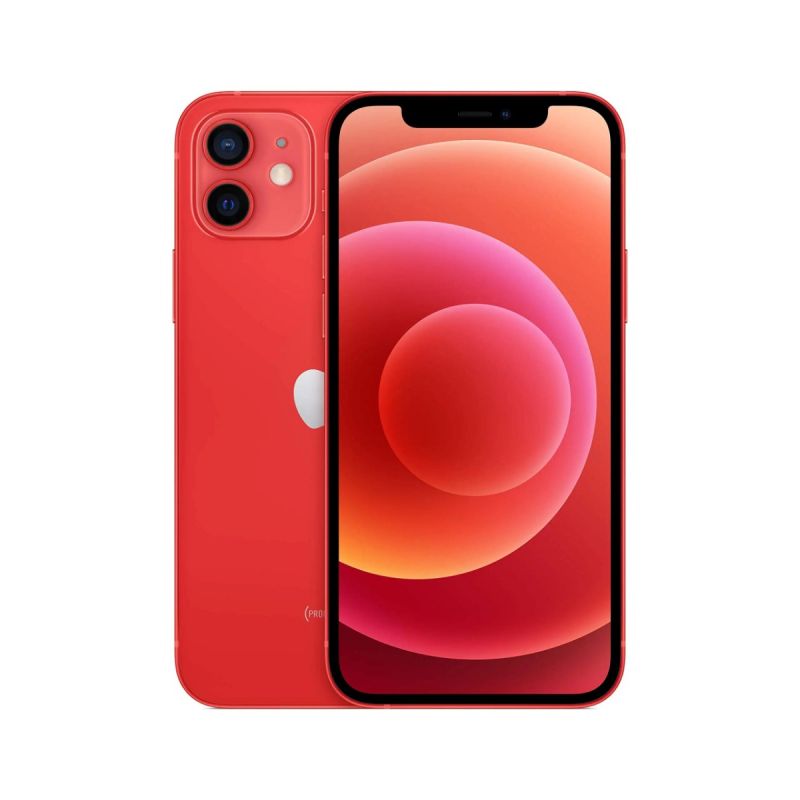
NEW Apple iPhone 12 256GB Red 6.1-Inch, CN Version Factory Unlocked, Global Carrier No Warranty - Bright Star ResourcesSpecial Price $888.00 Regular Price $1,190.00