WhatsApp on Older iPhones: What You Need to Know for June 2025
For millions of people worldwide, WhatsApp is more than just an app; it's a lifeline for communication with friends, family, and colleagues. So, when news circulates about the app ceasing support for certain devices, it's bound to raise concerns.
If you're still holding onto an older iPhone, you'll want to pay close attention. As of June 1, 2025, WhatsApp is updating its minimum operating system requirements, which means some beloved, but aging, iPhone models will no longer be able to run the app.
Why the Change?
You might wonder why WhatsApp would drop support for older devices. The reason is primarily about security, functionality, and performance. As technology evolves, so do the features and security protocols required to run modern applications smoothly. Older operating systems often lack the necessary updates to support these advancements, making it challenging for developers to maintain a secure and efficient app experience. By focusing on newer OS versions, WhatsApp can:
- Implement New Features: Develop and deploy exciting new functionalities that rely on modern iOS capabilities.
- Enhance Security: Ensure your chats and data remain secure with the latest encryption and protection measures.
- Improve Performance: Optimize the app to run faster and more reliably on current hardware.
Which iPhones Are Affected?
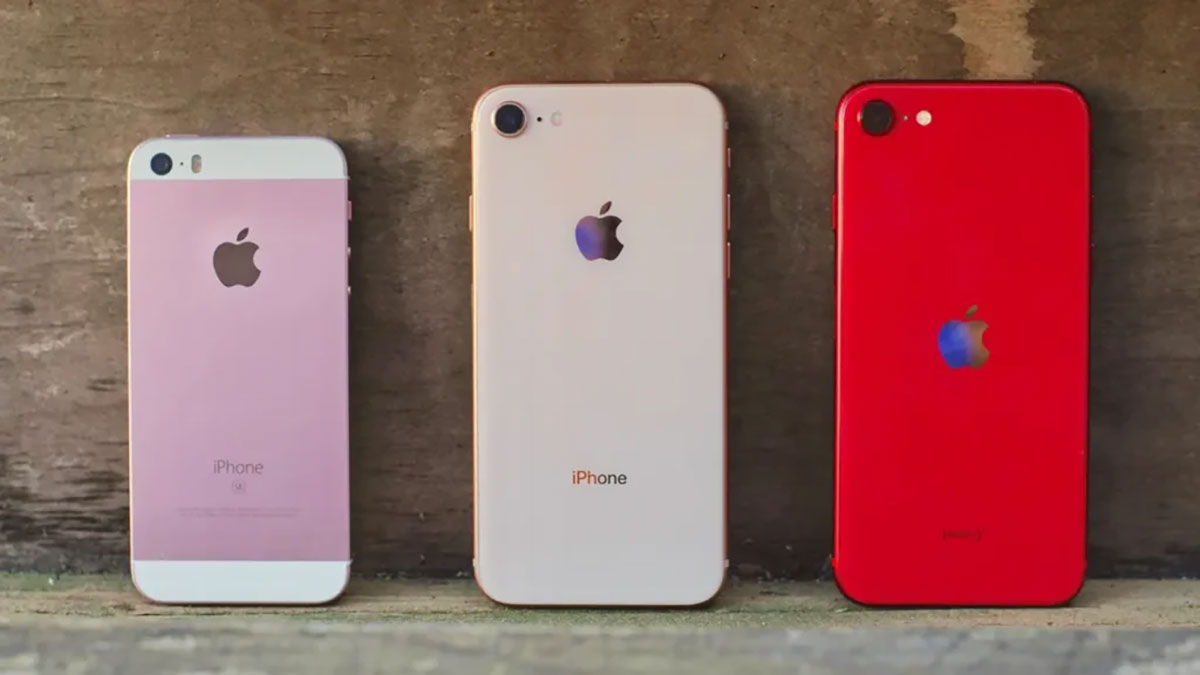
Starting June 1, 2025, WhatsApp will require iOS 15.1 or later to function. This means the following iPhone models will no longer be supported:
- iPhone 5s
- iPhone 6
- iPhone 6 Plus
While some reports initially mentioned the iPhone 6s, iPhone 6s Plus, and iPhone SE (1st generation), it's important to note that these models can be updated to iOS 15.8.4. If you own one of these, make sure your device is updated to the latest possible iOS version for it. As long as they're running iOS 15.1 or newer, they should continue to support WhatsApp for the foreseeable future.
To check your iPhone's iOS version: Go to Settings > General > About > Software Version.
What Should You Do If Your iPhone Is Affected?
If your current iPhone falls into the unsupported category, don't panic! You have a few options:
- Upgrade Your Device: This is the most straightforward solution. Switching to a newer iPhone model that supports iOS 15.1 or higher will ensure you can continue using WhatsApp without interruption.
- Backup Your Chats: Regardless of whether you plan to upgrade or not, it's crucial to back up your WhatsApp chat history.
- For iPhones: Go to
WhatsApp Settings > Chats > Chat Backup. Tap "Back Up Now" to save your conversations to iCloud. When you set up your new iPhone and install WhatsApp, you'll be prompted to restore your chat history.
- For iPhones: Go to
- Consider Alternatives (Temporary): While not ideal for long-term use, if you're in a pinch, you could temporarily use WhatsApp Web on a computer if you still have access to your account on an older device for initial login, or rely on other messaging apps until you upgrade.
Don't Get Caught Off Guard!
The June 1, 2025 deadline is fast approaching. If you're using an iPhone 5s, iPhone 6, or iPhone 6 Plus, it's time to start planning your next steps to ensure your WhatsApp conversations remain accessible. Upgrading your device will not only keep you connected on WhatsApp but also open up a world of new features, improved performance, and enhanced security across all your apps. Please contact us if you would like to upgrade your iPhone for the next step.
-
 -3%
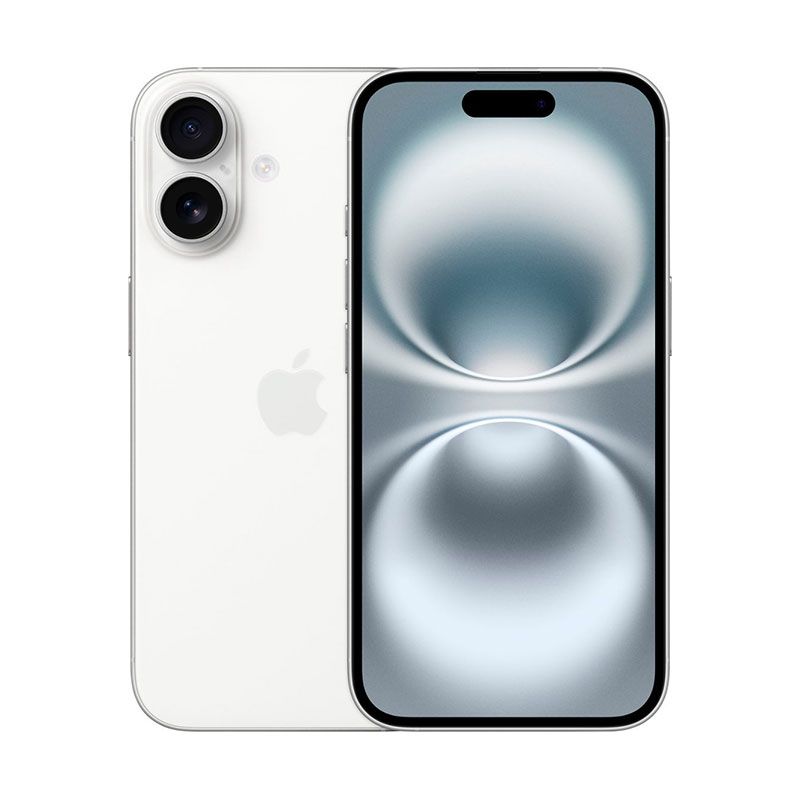
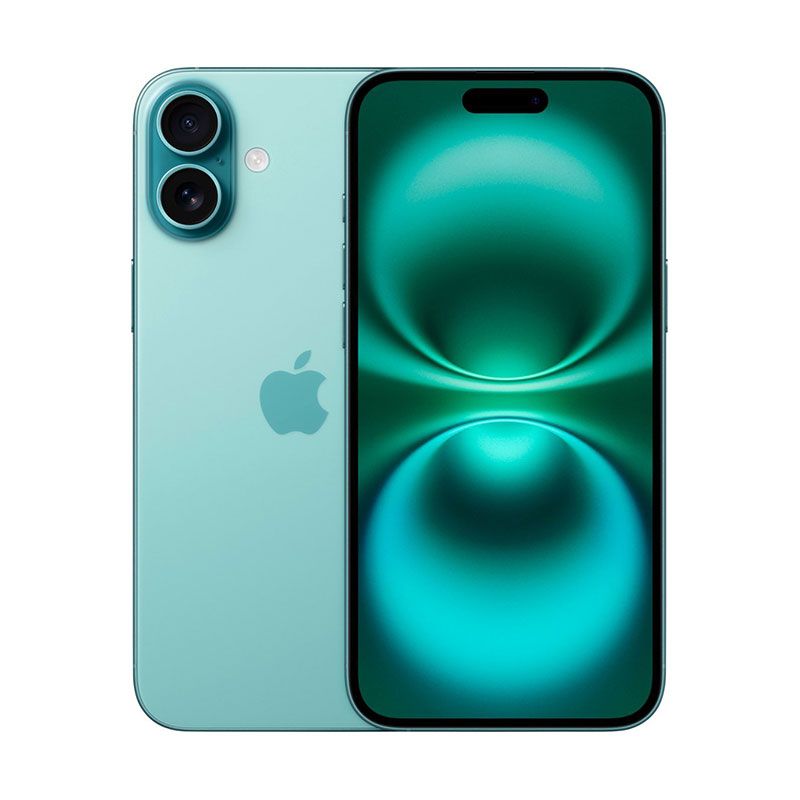
Apple - iPhone 16 Factory UnlockedAs low as $821.85 Regular Price $843.33
-3%
Apple - iPhone 16 Factory UnlockedAs low as $821.85 Regular Price $843.33 -
-11%
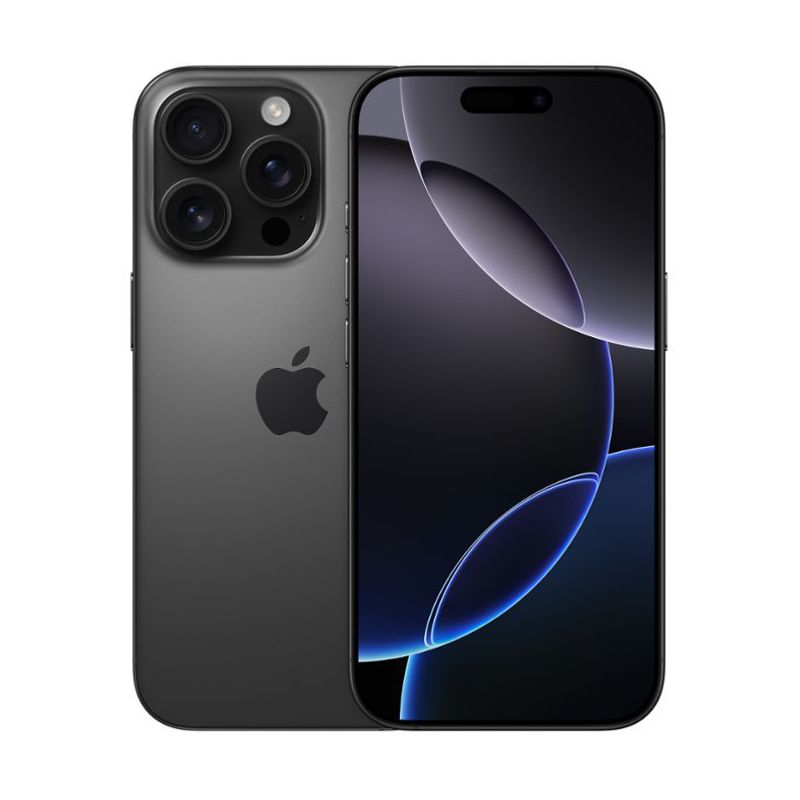
Apple - iPhone 16 Pro Factory UnlockedAs low as $1,000.37 Regular Price $1,123.54
-
-8%
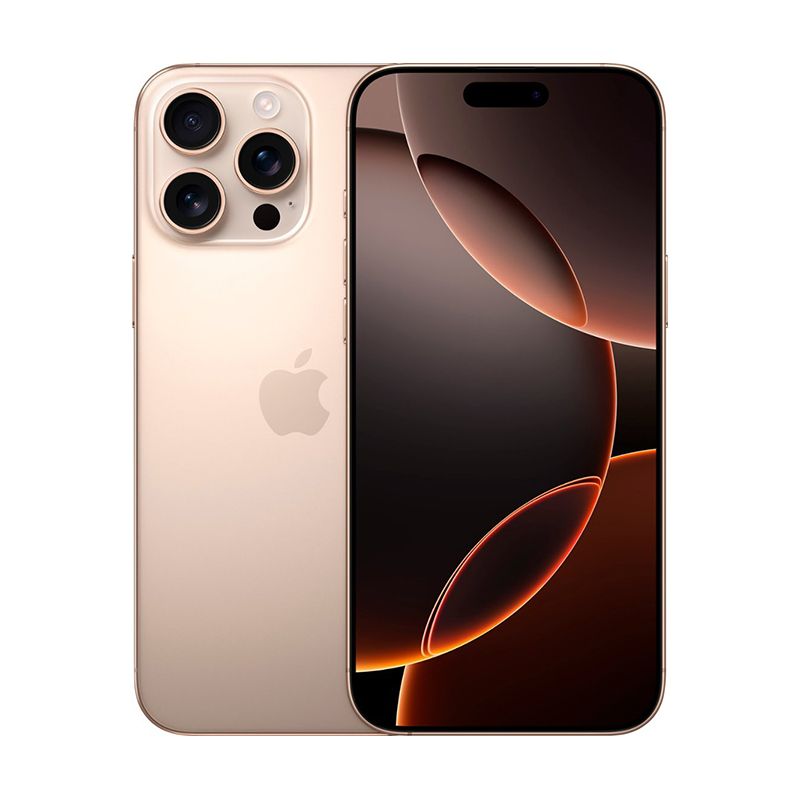
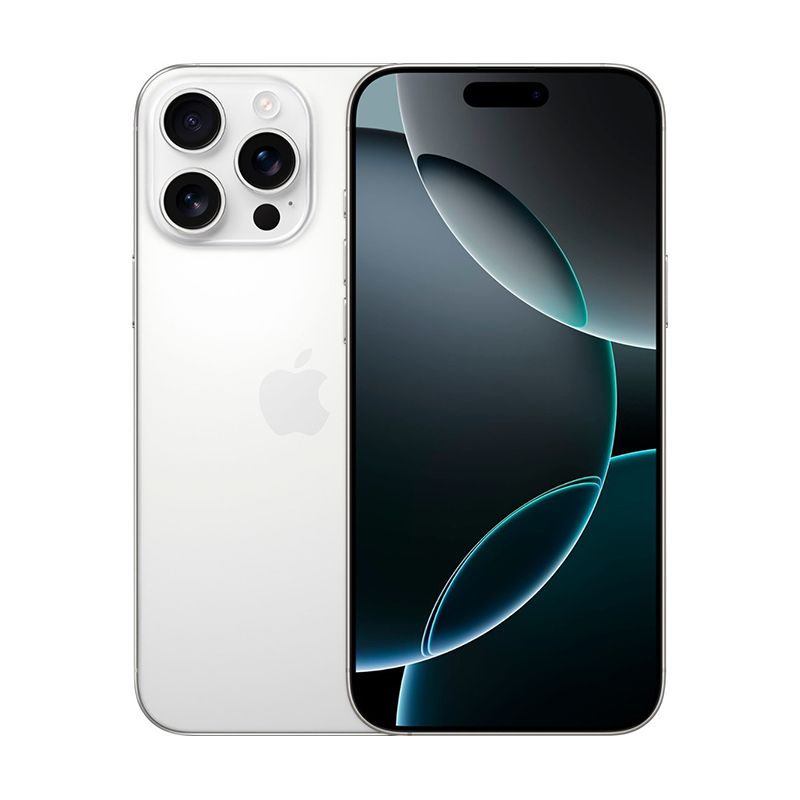
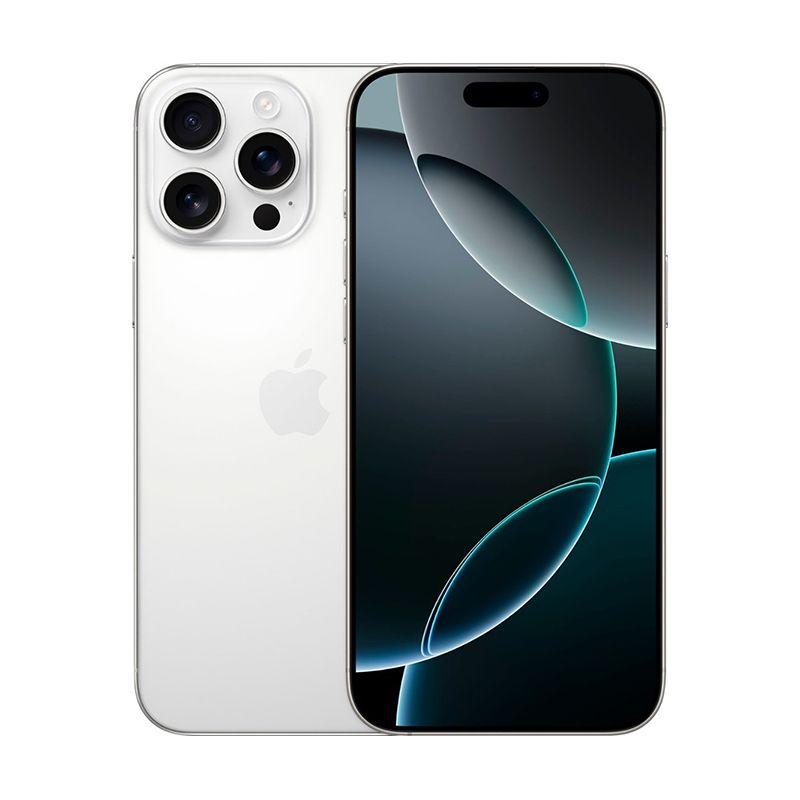
Apple - iPhone 16 Pro Max Factory UnlockedAs low as $1,288.46 Regular Price $1,403.53
-
-25%
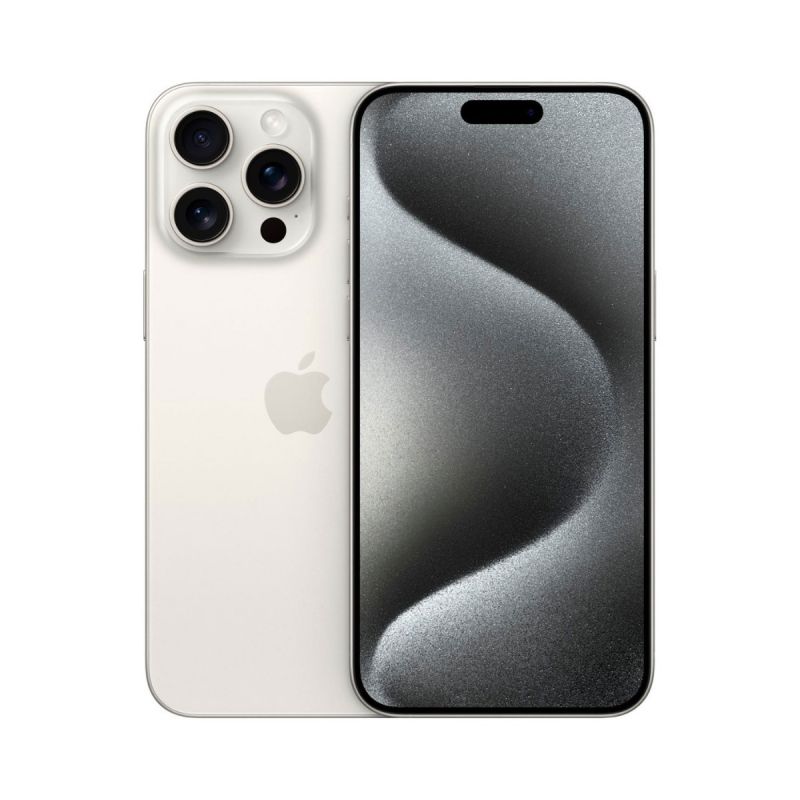
Apple - iPhone 15 Pro Max Factory Unlocked - Bright Star ResourceAs low as $1,037.86 Regular Price $1,382.13
-
-18%
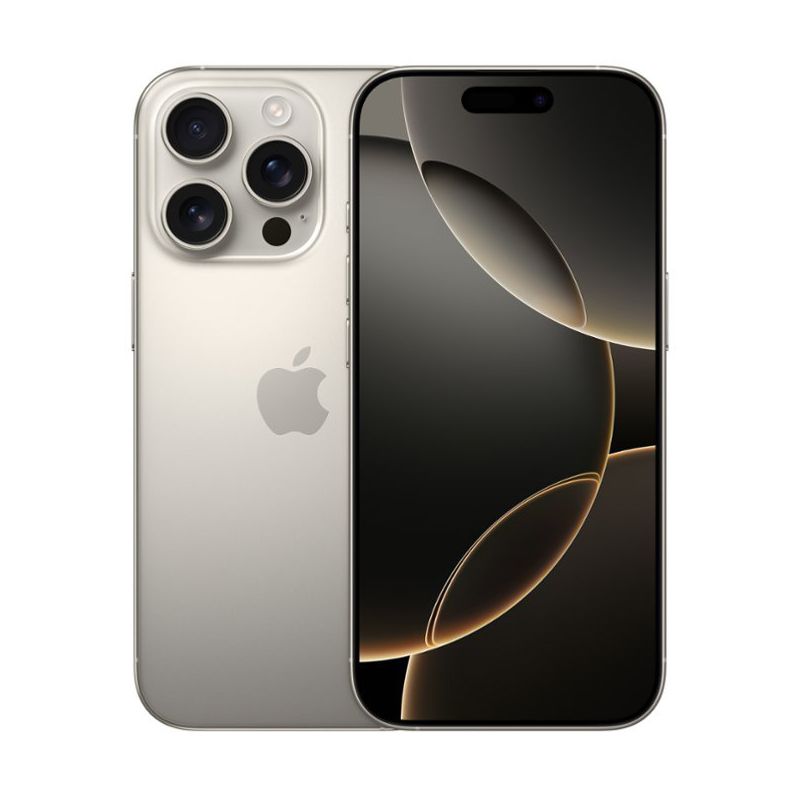
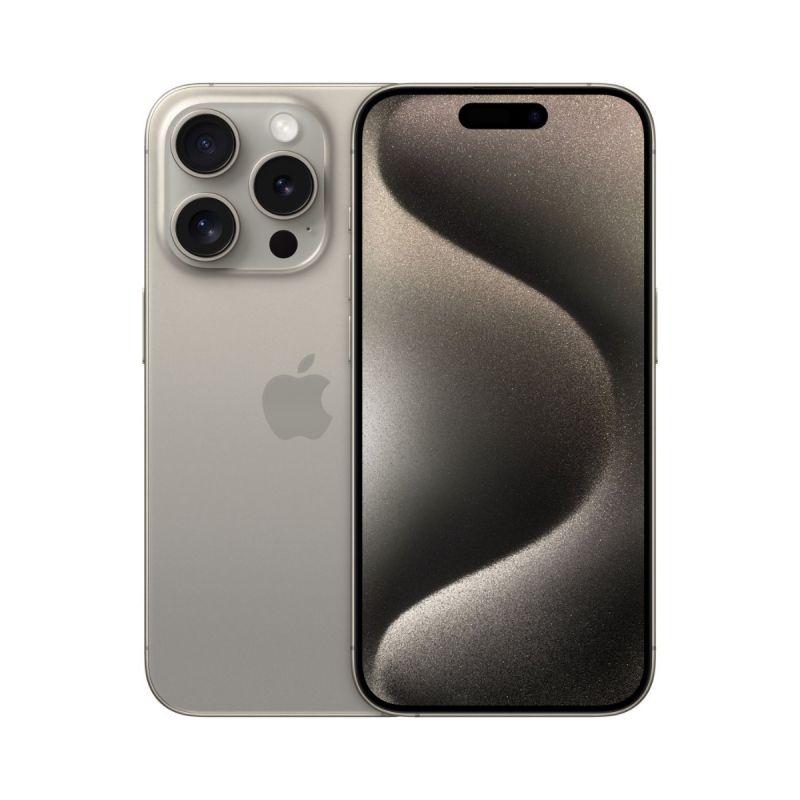
Apple - iPhone 15 Pro Factory Unlocked - Bright Star ResourceAs low as $909.46 Regular Price $1,105.68
-
-3%
Apple - iPhone 16 Plus Factory UnlockedAs low as $958.85 Regular Price $984.38


- iPhone compatibility
- older iPhone
- WhatsApp end support
- iOS 15
- iPhone 5s
- iPhone 6
- WhatsApp update