‘Magic’ is a free Mac app that lets you draw anything with the trackpad
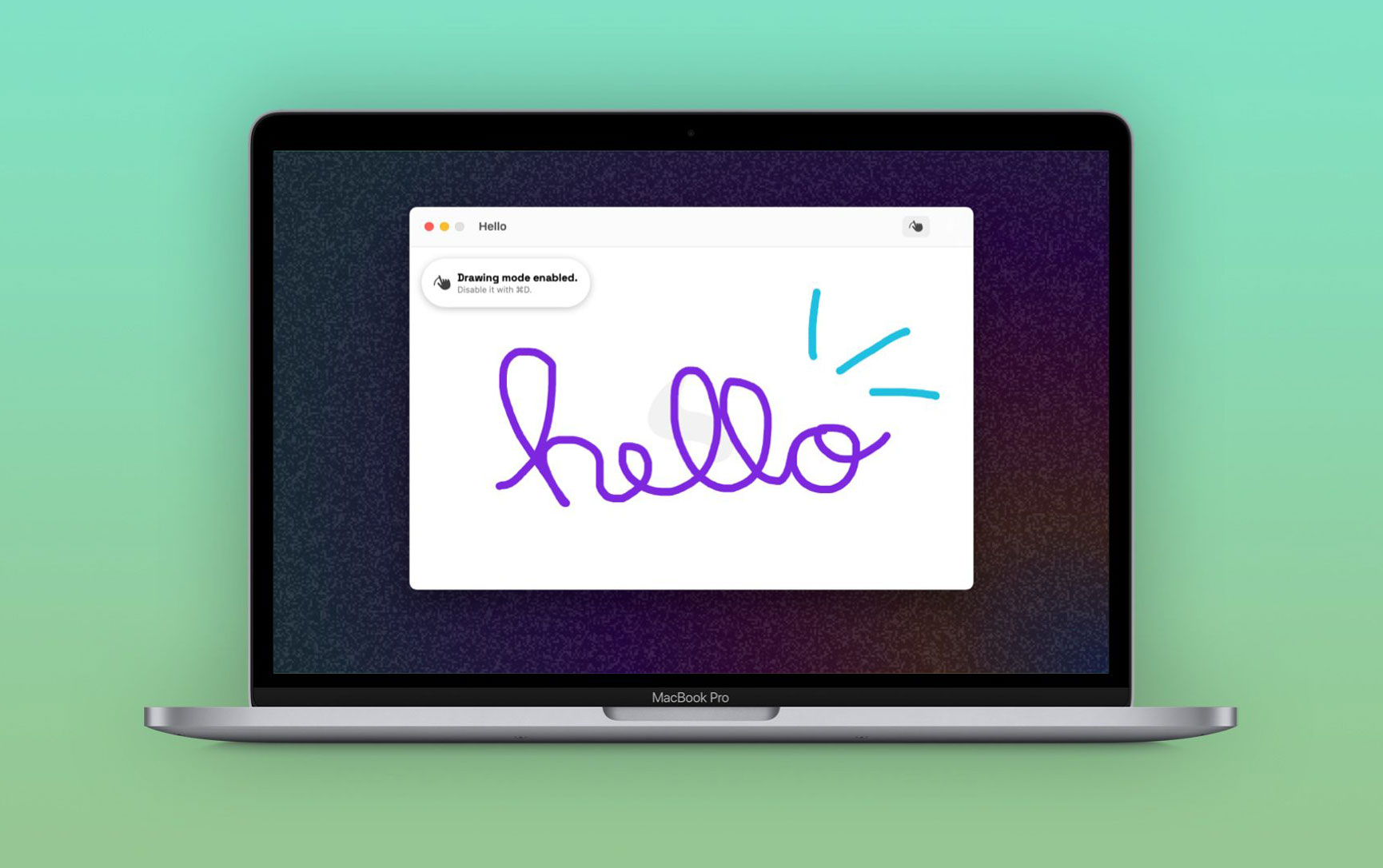
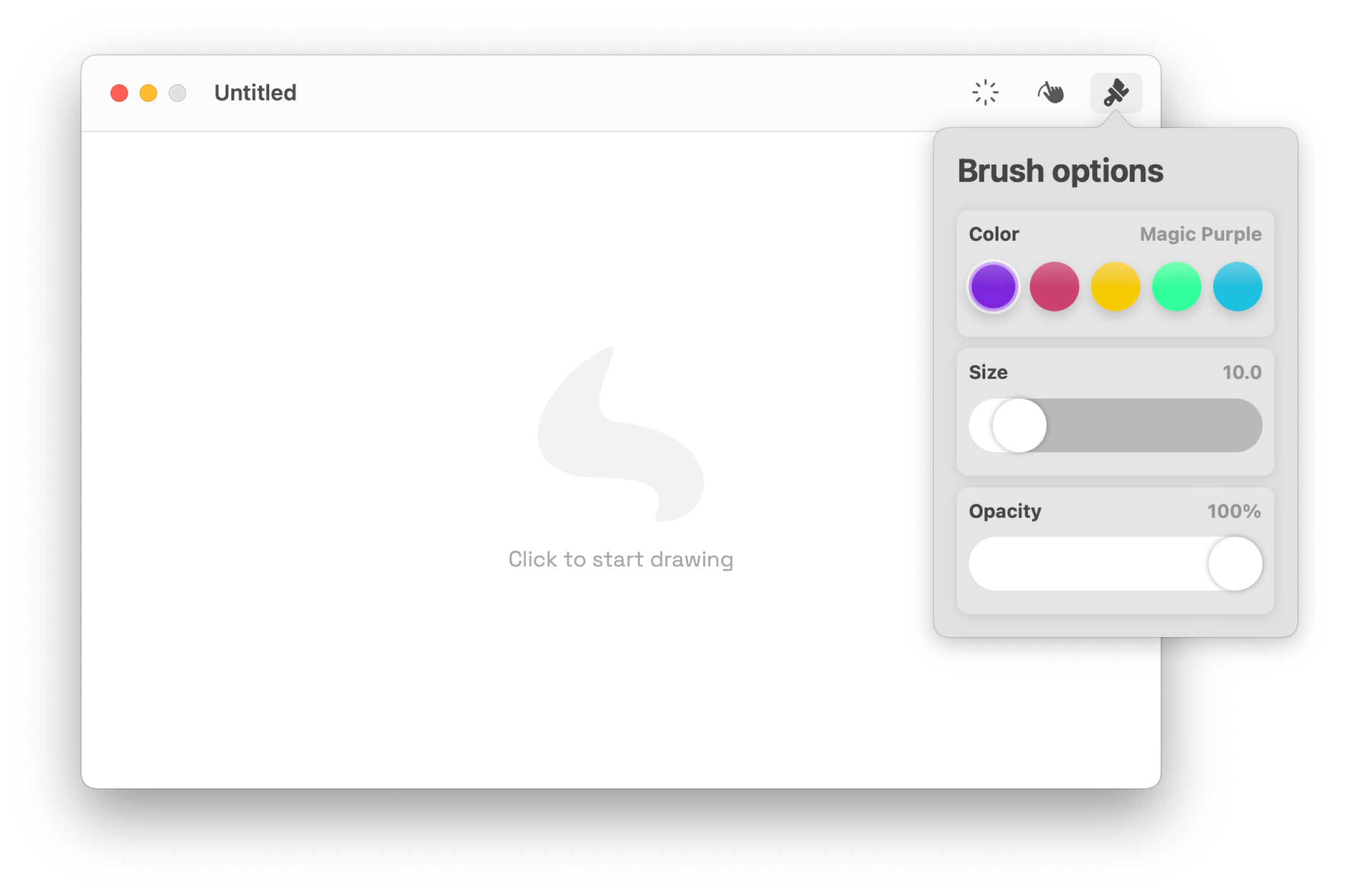
Mac users know how good the trackpad is on Apple computers, especially if you have one of the latest Macs available. Although Apple offers some options for users to sign documents using just the trackpad, there’s no feature to draw anything you want. But if you still want to have some fun with your Mac’s trackpad, “Magic” will give you just that.
Magic is a new macOS app created by young developer João Gabriel, who’s one of the winners of Apple’s WWDC Swift Student Challenge. Of course, as you might guess, the app is not focused on professional use since there’s no way to use an Apple Pencil on the Mac’s trackpad to make precise drawings.
Still, the app takes advantage of the good quality of the MacBooks’ built-in trackpads (or Magic Trackpad if you have one) and lets users create fun drawings using just their fingers.
Magic allows you to make extraordinary drawings using only your Mac’s trackpad – it’s one of a kind. By making use of Mac technology, Magic is the nicest and coolest way to express yourself using only touch and creativity.
There’s not much you need to know before using the Magic app for the first time since it basically turns the trackpad into a tablet. All you have to do is click on the canvas and then start drawing on the trackpad exactly where you want it. If your Mac has a Force Touch trackpad, the app also identifies pressure levels to automatically adjust the brush — but there are manual options as well.
Users can change the color, size and opacity of the brush. There are also four different background options, including lines and squares. The drawings can be exported as regular images so you can share them anywhere.
The developer told 9to5Mac that he’s already working on new features for the app, including the ability to add and rearrange multiple layers in a single project. Luckily, if you want to give the app a try, Magic is available for free on the Mac App Store. It requires a computer running macOS Big Sur and later and, of course, a trackpad.
-
 -33%
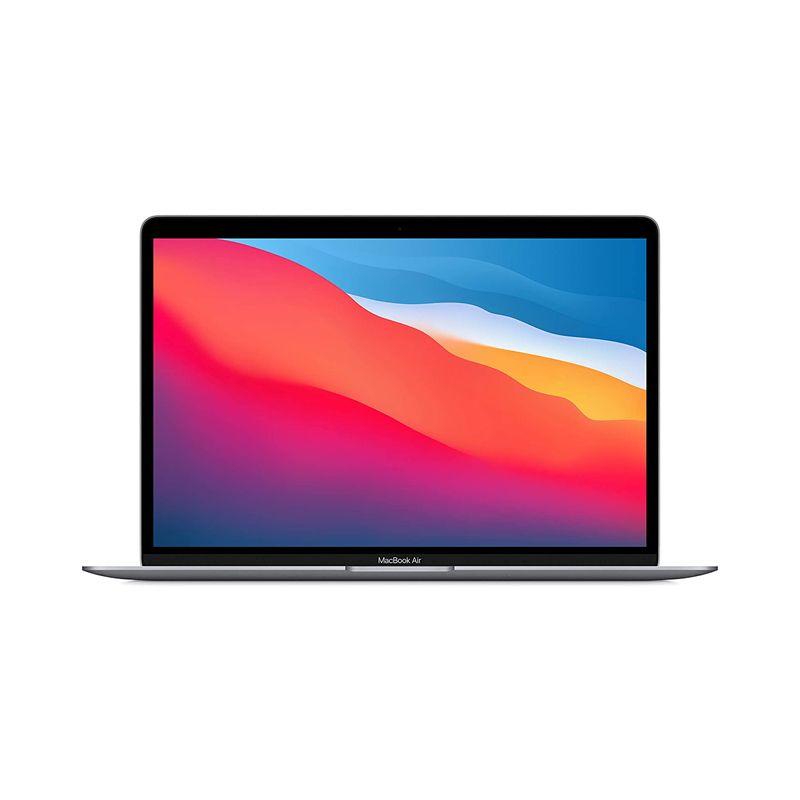
Apple MacBook Air 13-Inch M1 Chip 8-Core RAM 8GB 256GB Retina Display with True Tone, Touch ID - Space GraySpecial Price $753.59 Regular Price $1,119.68
-33%
Apple MacBook Air 13-Inch M1 Chip 8-Core RAM 8GB 256GB Retina Display with True Tone, Touch ID - Space GraySpecial Price $753.59 Regular Price $1,119.68 -
-27%
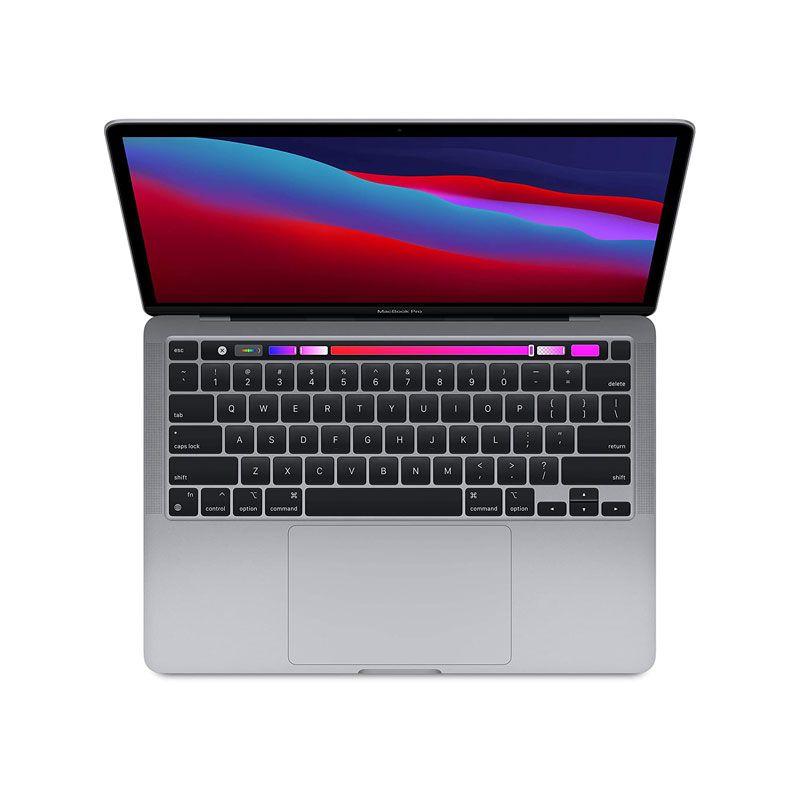
Apple - MacBook Pro 13-inch M1 Chip RAM 8GB SSD 256GB Retina display with True Tone Touch Bar & ID - CN Version - Space GraySpecial Price $1,134.76 Regular Price $1,562.00
-
-56%
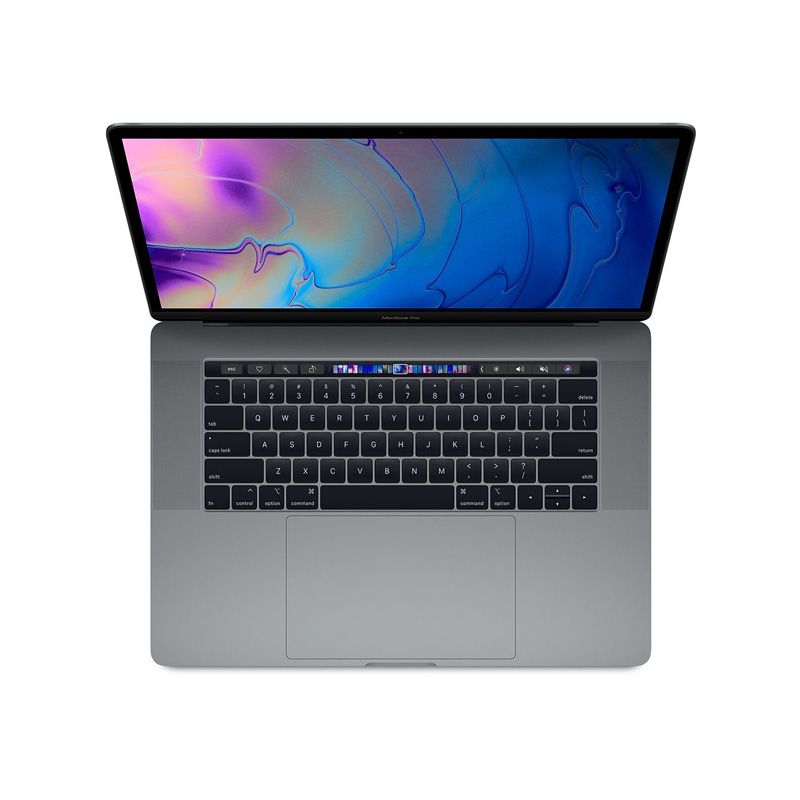
Apple MacBook Pro 15 Inches Intel Core i9 2.9GHz 6-core, RAM32GB SSD 1TBGB 560X/4GB V10 2019 -RefurbishedSpecial Price $1,999.00 Regular Price $4,500.00
-
-64%
Apple MacBook Pro 15 Inches Intel Core i9 2.9GHz 6-core, RAM32GB SSD 2TB V20/4GB V1D 2019 -RefurbishedSpecial Price $2,480.00 Regular Price $6,980.00
-
-33%
NEW Apple MacBook Pro 13-Inch Intel Core i7 2.3Ghz 10th Generation 32GB RAM SSD 4TB Custom Edition 2020As low as $2,900.00 Regular Price $4,350.00
-
-64%
Apple MacBook Pro 16-inches Intel Core i9 2.3GHz 32GB RAM 1TB Storage 5500M/8G- 2019-2020 VK2 SN G0Y0BCH/A Space Gray - Official RefurbishedSpecial Price $1,441.54 Regular Price $4,016.00