Apple expands new method for installing beta updates to macOS and watchOS
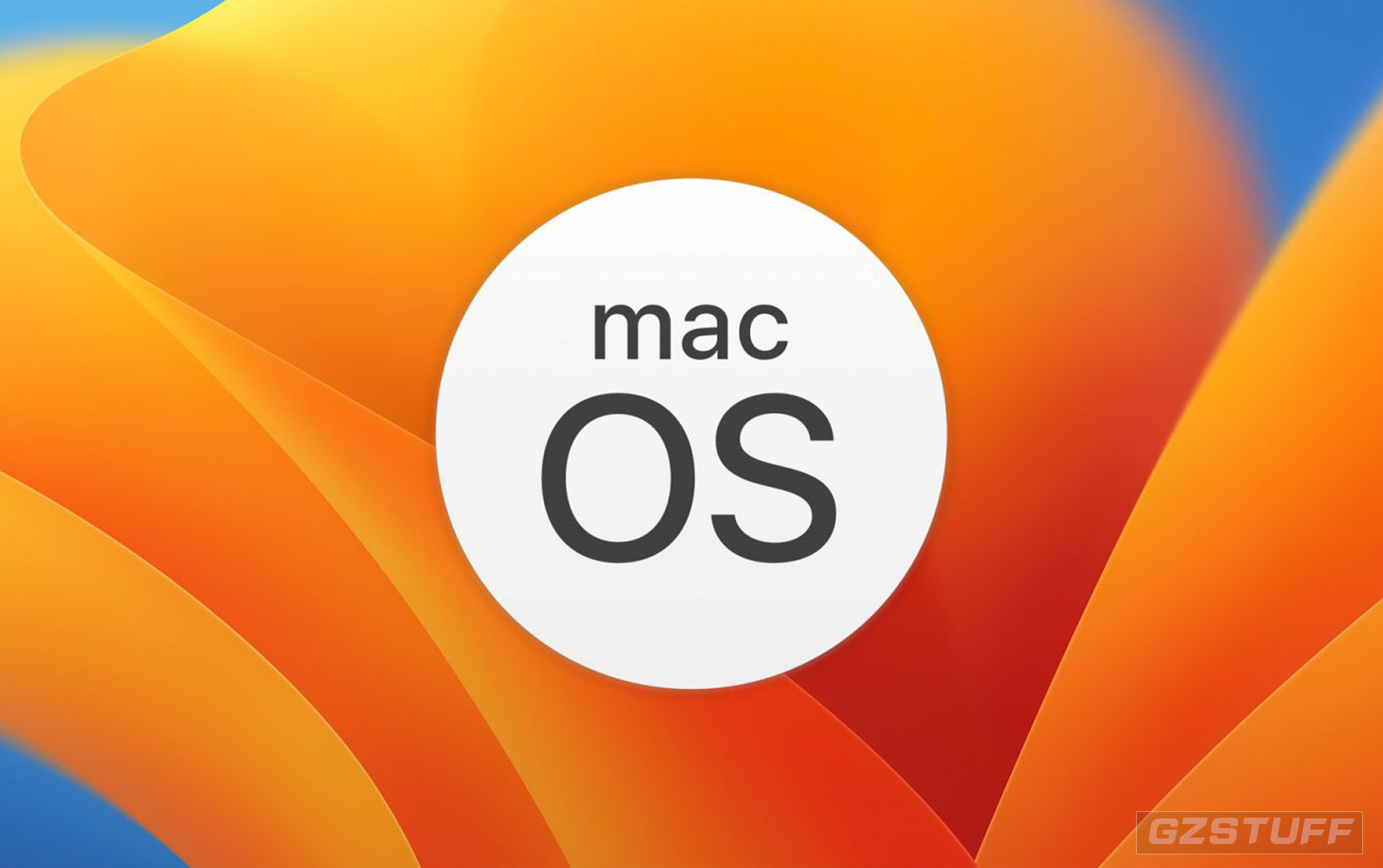
Apple has introduced a new system for distributing beta software with iOS 16.4, which now checks whether the user’s Apple ID is participating in the Apple Developer Program or the Apple Beta Software Program. This system is now being expanded to the Mac and Apple Watch with macOS Ventura 13.4 and watchOS 9.5.
Apple is changing how users and developers install beta software on macOS and watchOS
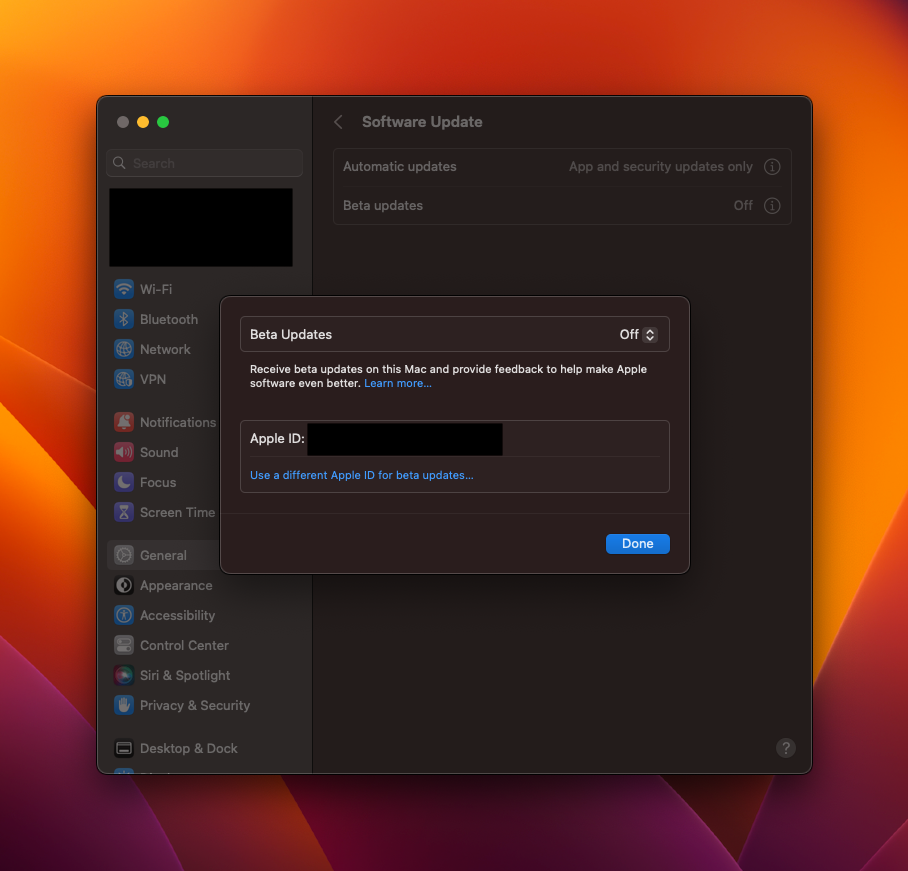
As noted by 9to5Mac, both operating systems now ask for the Apple ID to show and download operating system beta updates. Just like in iOS 16.4 and later, the system checks whether the account is associated with a developer or user registered in the public beta program. It then shows the beta update available for that program.
Previously, anyone could install betas of iOS, macOS, and watchOS by having the right beta profile. But with this change, regular users will no longer be able to install developer betas, for example. Users who are not registered for the program will only have the option of installing public beta software.
According to Apple, the new system will become the only way to install beta software in the future. Here’s what the company said back in February:
Beginning with iOS & iPadOS 16.4 beta, members of the Apple Developer Program will see a new option to enable developer betas directly from Software Update in Settings. This new option will be automatically enabled on devices already enrolled in the program that update to the latest beta release.
Your iPhone or iPad must be signed in with the same Apple ID you used to enroll in the Apple Developer Program in order to see this option in Settings. In future iOS and iPadOS releases, this new setting will be the way to enable developer betas and configuration profiles will no longer grant access.
More about betas
Apple released iOS 16.5 beta 2 along with new betas of watchOS 9.5, tvOS 16.5, and macOS 13.4 on Tuesday. While iOS 16.4 introduced many new features, iOS 16.5 seems to be more focused on bug fixes. Still, the update adds new screen recording commands to Siri and a dedicated Sports tab to the Apple News app.
Source - 9to5Mac
-
 -28%
Apple - MacBook Pro 14-Inch M1 Pro - Official RefurbishedAs low as $1,580.83 Regular Price $2,183.99
-28%
Apple - MacBook Pro 14-Inch M1 Pro - Official RefurbishedAs low as $1,580.83 Regular Price $2,183.99 -
-4%
MacBook Air 13.6" Laptop - Apple M2 chip - 16GB Memory - 256GB - 512GB - 1TB - Customized VersionAs low as $1,555.37 Regular Price $1,614.34
-
-7%
Apple - MacBook Pro 16-Inch M2 Pro, M2 Max Chip, Liquid Retina XDR display 8K HDMI, Wi-Fi 6EAs low as $2,750.31 Regular Price $2,954.20
-
-39%
Apple - MacBook Pro 16-Inche 512GB SSD Storage M1 PRO 10-Core CPU 16-Core GPU 16GB Unified Memory - Official RefurbishedAs low as $1,658.00 Regular Price $2,718.30
-
-25%
Apple - MacBook Pro 13-inch M1 Chip 8-Core RAM 16GB SSD 512GB Retina display with True Tone Touch Bar & ID - CN Version - Official RefurbishedAs low as $1,405.58 Regular Price $1,864.54
-
-26%
MacBook Air 13.3" Laptop - Apple M1 chip - 8GB Memory - 256GB SSD - Brand New - Official RefurbishedAs low as $753.42 Regular Price $1,020.96
-
-4%
Apple - MacBook Pro 13.3-Inch (Customized Version) M2 Chip CN Version - 2022As low as $1,516.92 Regular Price $1,587.45
-
-20%
Apple - Mac mini Desktop - M2 Chip - (Latest Model) up to 6K Resolution - SilverAs low as $499.00 Regular Price $626.82
-
-49%
Apple - Mac mini Desktop - M1 Chip 8GB Memory - 256GB - 512GB SSD - SilverAs low as $510.38 Regular Price $997.56