How to Choose the Best Wireless Router in 2024
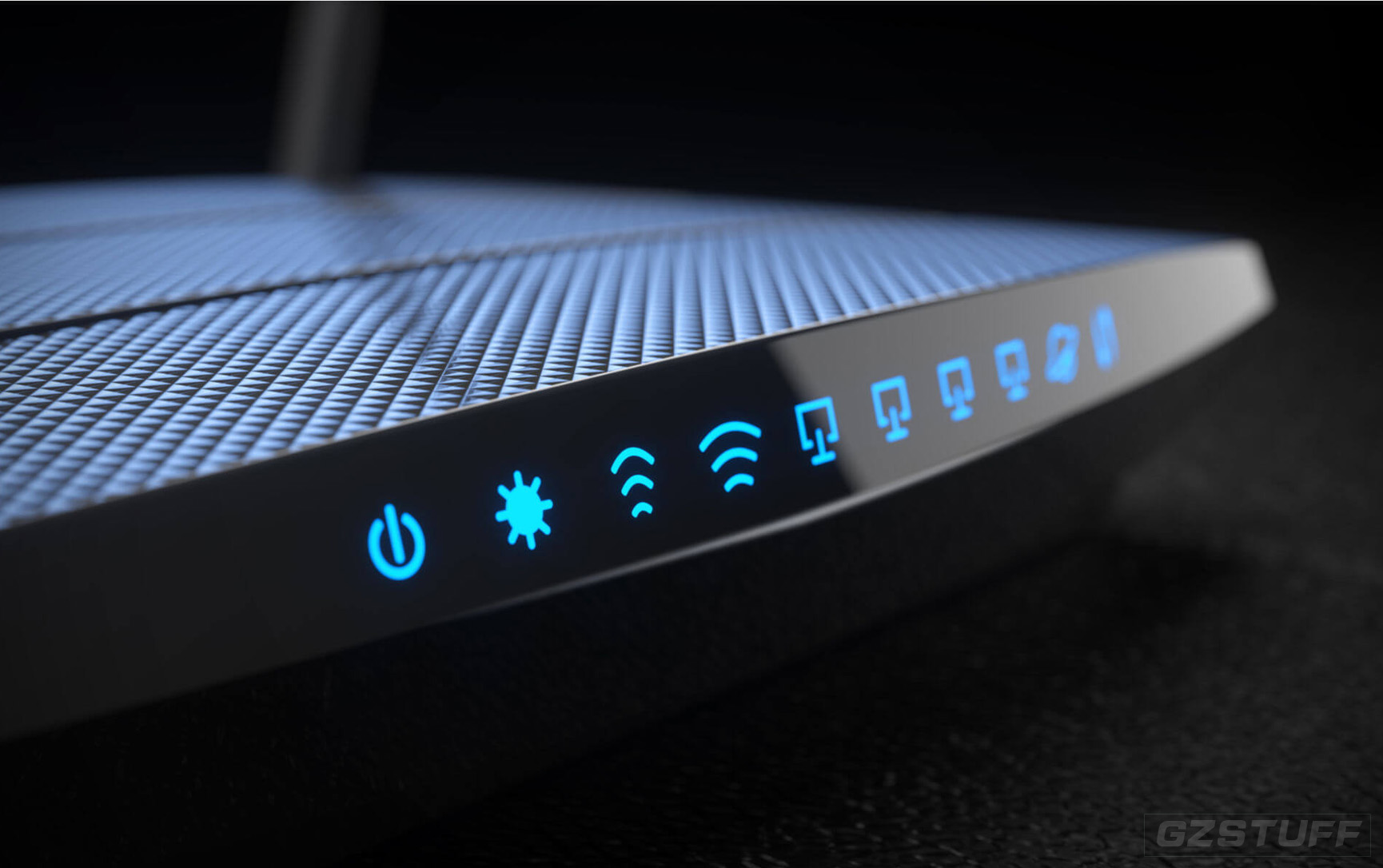
Choosing the best wireless router in 2024 requires careful consideration of your specific needs, budget, and network environment. The market has evolved with faster Wi-Fi technologies, stronger security features, and advanced functionalities that cater to different types of users. Here’s a guide to help you make an informed decision:
1. Understand Your Wi-Fi Needs
- Home Size & Layout: Larger homes or multi-floor layouts require more powerful routers with greater range, or a mesh Wi-Fi system.
- Number of Devices: If you have many connected devices (smartphones, laptops, smart TVs, IoT devices, etc.), look for a router with higher capacity and faster throughput.
- Internet Speed: Ensure your router supports speeds equal to or higher than your internet plan. For example, if you have a gigabit-speed plan, you'll need a router that can handle those speeds.
- Streaming & Gaming: If you stream 4K content or play online games, you’ll need a router that supports high bandwidth and low latency.
2. Key Features to Look For
Wi-Fi Standard (Wi-Fi 6E & Wi-Fi 7)
- Wi-Fi 6 (802.11ax): If you don’t already have it, Wi-Fi 6 should be your baseline. It offers better speed, efficiency, and range compared to older Wi-Fi 5 (802.11ac) routers. Wi-Fi 6 is ideal for high-density environments with lots of connected devices.
- Wi-Fi 6E: This is an extended version of Wi-Fi 6 that adds a new 6 GHz band for less interference, greater capacity, and faster speeds. If you're looking for cutting-edge technology and want to future-proof your home network, Wi-Fi 6E routers are a good investment.
- Wi-Fi 7: The latest standard (though still emerging in 2024), offering even faster speeds and lower latency, along with improvements in handling multiple devices. It’s still early, but if you want the best, Wi-Fi 7 will become more common in 2024.
Speed and Performance
Dual-band vs. Tri-band:
- Dual-band routers operate on two frequencies: 2.4 GHz and 5 GHz. The 2.4 GHz band has a longer range but slower speeds, while the 5 GHz band offers faster speeds but shorter range.
- Tri-band routers include an additional 6 GHz band (available on Wi-Fi 6E and Wi-Fi 7 routers) to offload some of the traffic from the 5 GHz band, improving overall performance, especially in homes with many devices.
MU-MIMO & OFDMA:
- Look for Multi-User, Multiple Input, Multiple Output (MU-MIMO) support, which allows the router to communicate with multiple devices simultaneously, improving efficiency.
- OFDMA (Orthogonal Frequency Division Multiple Access) improves the efficiency of your Wi-Fi network by allowing multiple devices to share channels at the same time, reducing congestion.
Mesh Wi-Fi Systems vs. Traditional Routers
- Mesh Wi-Fi Systems: If you have a large home or dead spots in your network coverage, a mesh system like Eero, Google Nest Wi-Fi, or Netgear Orbi will provide seamless coverage by using multiple units (main router + satellites) to extend Wi-Fi coverage throughout your home. Mesh systems also provide easy network management and are ideal for households with many devices or complex layouts.
- Traditional Routers: These are best for smaller homes or apartments with fewer walls and more direct line-of-sight between the router and your devices. They tend to be more affordable but may struggle with coverage in large or multi-floor homes.
3. Security Features
- WPA3 Encryption: Ensure that the router supports the latest encryption standard, WPA3. It’s more secure than the older WPA2 and protects your network from unauthorized access and cyberattacks.
- Automatic Updates: Some routers automatically receive firmware updates, which is essential for keeping the device secure and ensuring optimal performance. Always ensure the router has automatic firmware updates.
- Parental Controls: If you have children or need to manage internet access, look for routers with advanced parental controls to block inappropriate content, set time limits, and monitor usage.
- Guest Networks: A guest network lets visitors use your internet connection without accessing your main network or connected devices. This is useful for security and privacy.
4. Consider the Processor & RAM
Routers with more processing power and RAM are better at handling multiple devices and intensive tasks like 4K streaming or gaming. A faster processor and more memory allow the router to manage traffic more efficiently and reduce congestion.
5. Port Selection & Additional Features
- Ethernet Ports: If you have devices that require a wired connection (e.g., gaming consoles, PCs, smart TVs), look for a router with at least 4 gigabit Ethernet ports. Some high-end models come with multi-gig ports for faster wired speeds (up to 2.5GbE or 10GbE).
- USB Ports: For file sharing or connecting peripherals like printers, check for routers with USB 3.0 or 2.0 ports.
- QoS (Quality of Service): QoS allows you to prioritize certain types of traffic, ensuring that activities like streaming or gaming don’t suffer from slow speeds when other devices are in use.
6. Popular Router Brands to Consider in 2024
- Netgear: Known for its powerful routers like the Nighthawk series, Netgear offers both traditional and mesh routers with Wi-Fi 6 and Wi-Fi 6E support.
- Asus: Offers routers with great performance, especially for gamers, with features like AiMesh for mesh networking and Wi-Fi 6E options.
- TP-Link: Affordable and reliable, TP-Link’s Archer and Deco series offer good Wi-Fi 6 and mesh solutions.
- Eero: Known for easy-to-use mesh systems, Eero is great for households that prioritize simplicity and consistent coverage.
- Google Nest Wi-Fi: A solid mesh solution for Google ecosystem users, with good performance and smart home integration.
- Linksys: Offers high-performance routers, including models with Wi-Fi 6 and Mesh capabilities.
7. Budget Considerations
- Under $100: Good options for smaller homes with fewer devices, such as basic Wi-Fi 5 routers or entry-level Wi-Fi 6 models.
- $100 to $250: Mid-range routers with Wi-Fi 6 or Wi-Fi 6E, supporting up to 100+ devices. Ideal for most homes with multiple users and devices.
- $250 and above: High-performance routers and mesh systems, often with Wi-Fi 6E or Wi-Fi 7, designed for large homes or demanding setups (e.g., gaming, 4K/8K streaming, smart homes).
8. Top Wireless Routers in 2024 (Examples)
- Netgear Nighthawk RAXE500: A Wi-Fi 6E router with tri-band support, offering incredible speed and coverage for larger homes or high-traffic environments.
- Asus RT-AX88U: A high-performance Wi-Fi 6 router with great range, robust security features, and a good option for gaming and streaming.
- TP-Link Deco XE75: A mesh Wi-Fi 6E system that’s affordable and offers seamless coverage for medium to large homes.
- Google Nest Wi-Fi Pro: A mesh Wi-Fi 6E solution that’s easy to set up and perfect for smart home integrations.
- Linksys Hydra Pro 6E: A powerful Wi-Fi 6E router with tri-band support, great for heavy users or gamers looking for premium performance.
Conclusion:
To choose the best router in 2024, assess your needs for speed, coverage, and device capacity. Wi-Fi 6 or Wi-Fi 6E routers are ideal for most users, but if you're looking for the most cutting-edge tech, consider Wi-Fi 7. Mesh systems are great for large homes with many devices, while traditional routers are better for smaller spaces. Ensure your router has strong security features and consider extra functionality like QoS and parental controls for more advanced needs.
Which one is the best solution for you
The best wireless router solution for you in 2024 will depend on your specific needs—such as your home size, number of devices, internet speed, and whether you're streaming, gaming, or working from home. Here's a breakdown of the best solutions for different scenarios:
1. Best Overall Router for Most Users:
Netgear Nighthawk RAXE500 (Wi-Fi 6E)
- Why it's great: This router offers Wi-Fi 6E with tri-band support, which provides blazing-fast speeds and extended coverage. It's perfect for large homes or environments with many devices and high-demand activities like streaming 4K/8K content, online gaming, and working from home. It’s also future-proof, supporting the latest 6 GHz band, ensuring excellent performance in 2024 and beyond.
- Key Features:
- Tri-band (2.4 GHz, 5 GHz, and 6 GHz bands)
- Speeds up to 10.8 Gbps
- 8 Gigabit Ethernet ports and USB 3.0 ports for wired connections
- Advanced QoS and security features (WPA3 encryption)
- Ideal for households with heavy internet usage (multiple 4K streams, gaming, etc.)
Best For: Families or users with a large number of connected devices and high internet usage.

2. Best Budget Wi-Fi 6 Router:
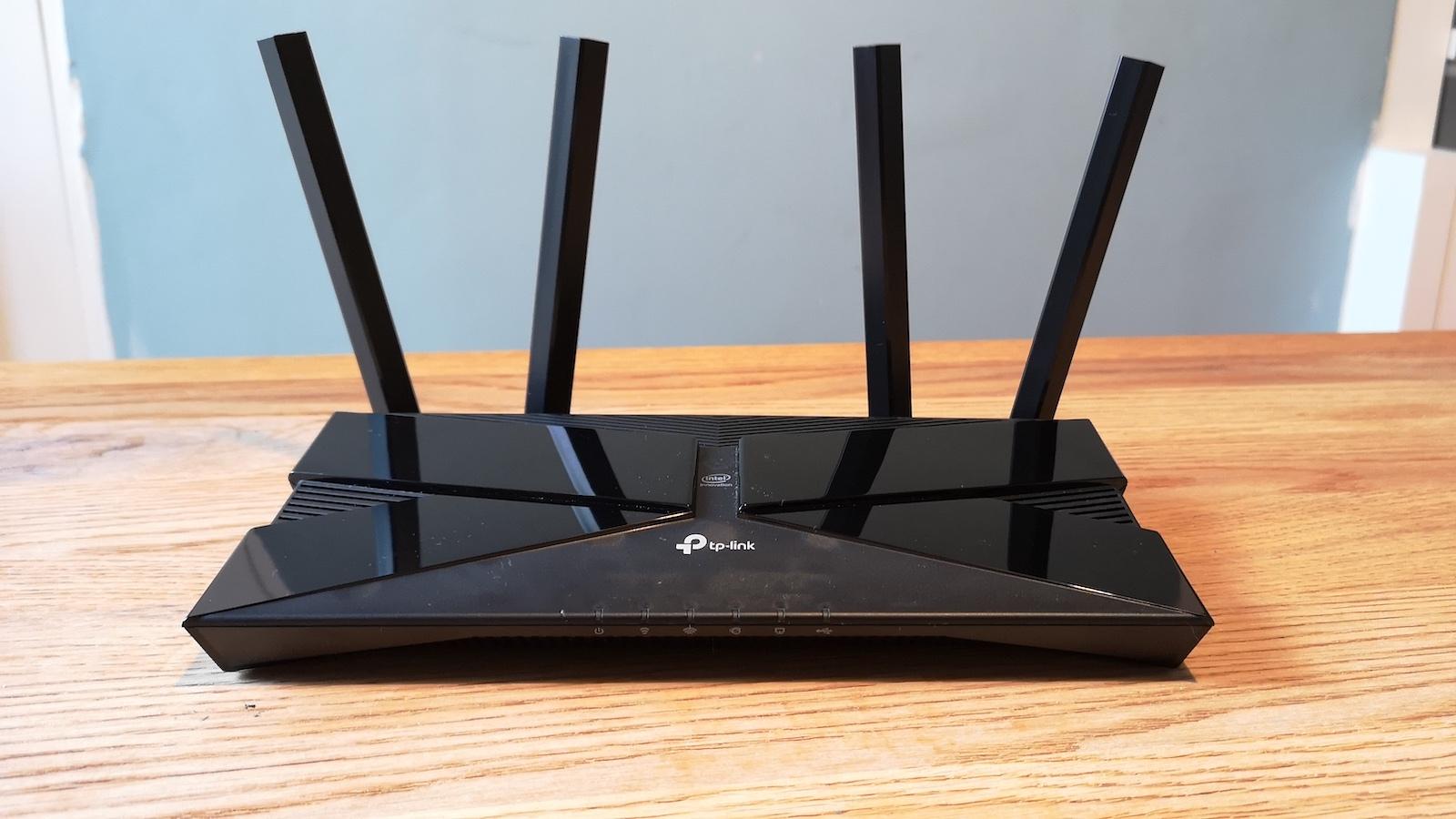
TP-Link Archer AX50 (Wi-Fi 6)
- Why it's great: If you're looking for an affordable Wi-Fi 6 router that still provides excellent performance, the TP-Link Archer AX50 is one of the best options. It delivers solid speeds, strong security, and next-gen Wi-Fi 6 features at a reasonable price.
- Key Features:
- Dual-band with speeds up to 3 Gbps
- 4 Gigabit Ethernet ports
- MU-MIMO and OFDMA for handling multiple devices simultaneously
- Advanced security features (WPA3)
- Easy setup with the TP-Link Tether app
Best For: Budget-conscious users who want Wi-Fi 6 performance for streaming, browsing, and light gaming.
3. Best Mesh Wi-Fi System (Large Homes, Many Devices):
Eero Pro 6E
- Why it's great: If you have a large home or need Wi-Fi coverage for a high number of devices, the Eero Pro 6E is one of the best mesh Wi-Fi systems available. It supports Wi-Fi 6E for faster speeds and greater coverage, and its mesh design ensures that your entire home gets a strong signal, even in hard-to-reach areas.
- Key Features:
- Wi-Fi 6E support for 6 GHz band
- Easy to set up and manage with the Eero app
- Includes 2.5Gb Ethernet ports for fast wired connections
- Great for smart homes with many IoT devices
- Tri-band system for high-speed connections throughout large homes
Best For: Larger homes or homes with multiple floors and many connected devices, especially if you're looking for seamless coverage and simple setup.

4. Best for Gamers:
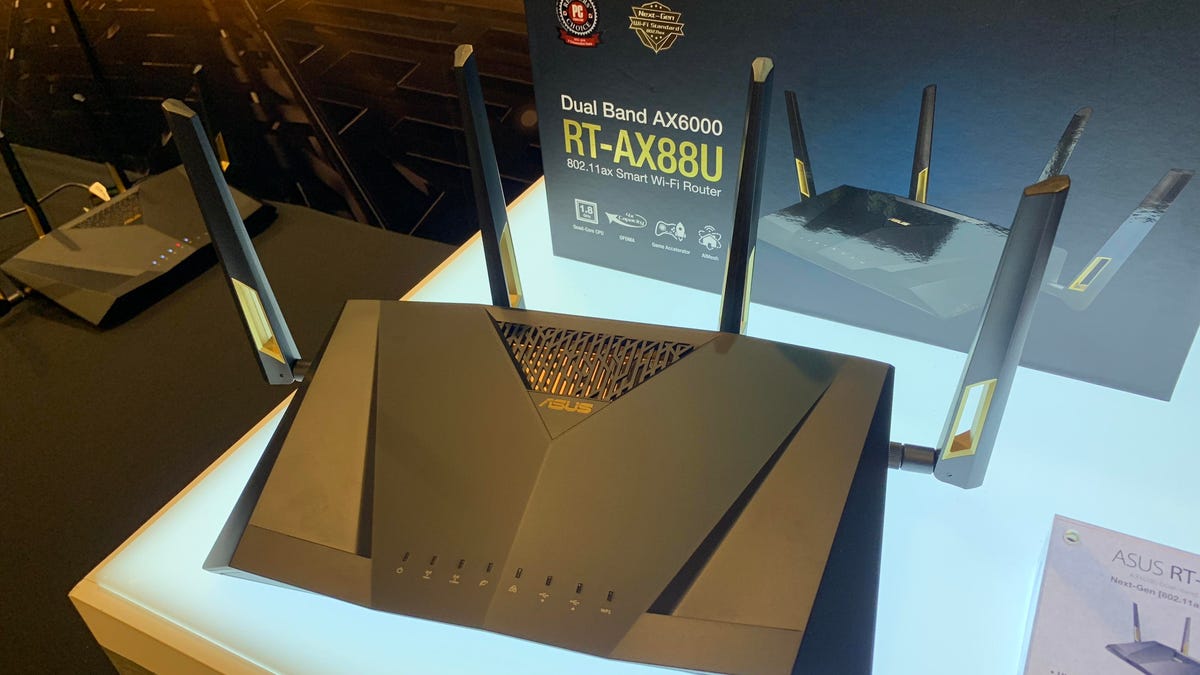
Asus RT-AX88U (Wi-Fi 6)
- Why it's great: If you're serious about online gaming and need a router that can handle high-speed internet and low latency, the Asus RT-AX88U is a top pick. It offers Wi-Fi 6 technology, fast speeds, prioritization of gaming traffic, and high customization options for advanced users.
- Key Features:
- Dual-band with speed up to 6 Gbps
- 8 Gigabit Ethernet ports for wired connections (ideal for gaming consoles or PCs)
- Game Accelerator to prioritize gaming traffic and reduce latency
- AiMesh support for building a mesh network if needed
- Strong WPA3 security and VPN support
Best For: Gamers who need a fast, low-latency connection with customizable features and multiple wired ports for gaming consoles or PCs.
5. Best for Streaming 4K/8K Content:
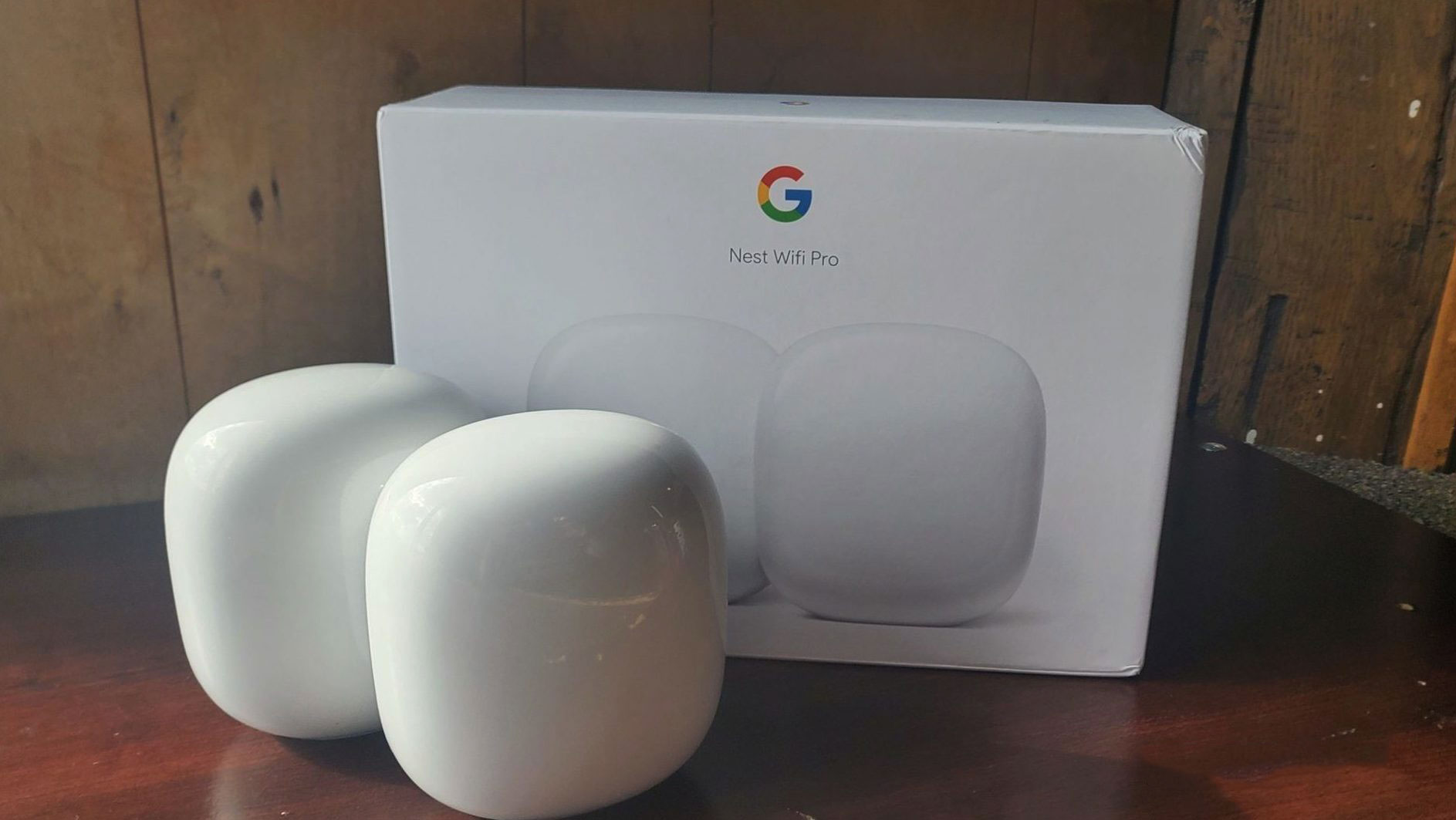
Google Nest Wi-Fi Pro (Wi-Fi 6E)
- Why it's great: The Google Nest Wi-Fi Pro is perfect for households where streaming is a priority. It supports Wi-Fi 6E for faster speeds and clearer signals, ensuring smooth 4K/8K streaming and simultaneous use of multiple devices without buffering. Plus, it’s incredibly easy to set up and manage with Google Home.
- Key Features:
- Wi-Fi 6E for faster speeds and less interference (perfect for 4K/8K streaming)
- Mesh system for seamless coverage across large homes
- Automatic updates and robust security features
- Integration with Google Home for smart home control
Best For: Homes where high-definition streaming, smart home integration, and easy setup are key priorities.
6. Best for Future-Proofing (Wi-Fi 7):
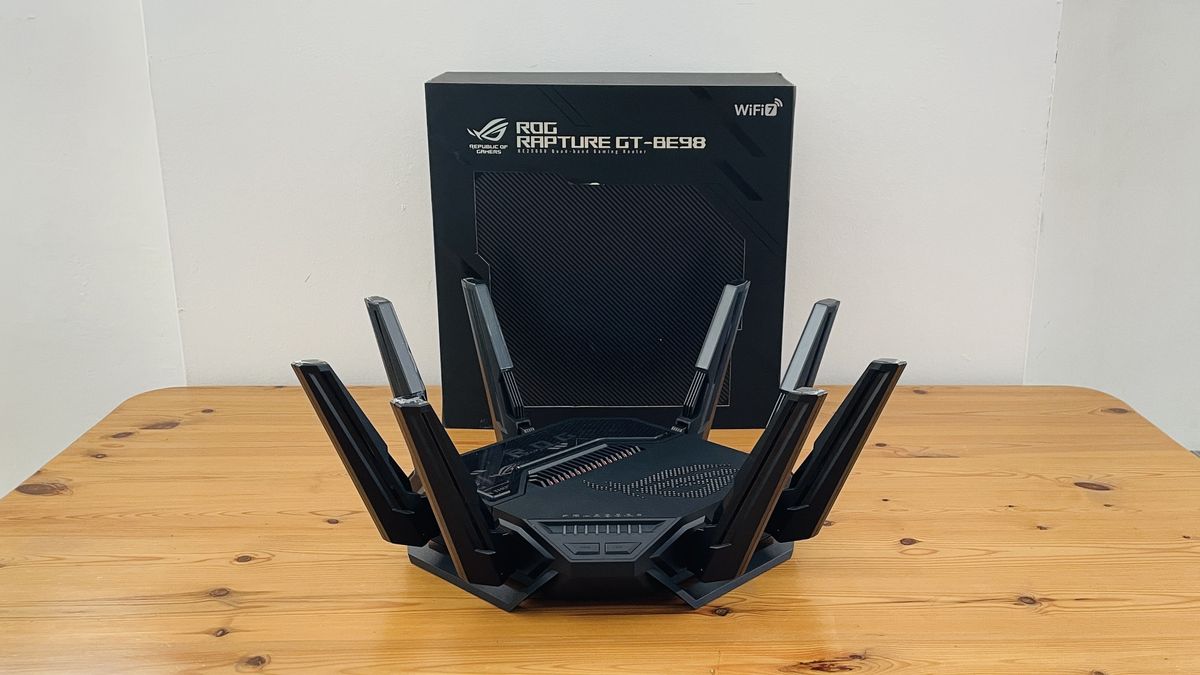
Asus ROG Rapture GT-BE98 (Wi-Fi 7)
- Why it's great: If you want to get ahead of the curve and future-proof your network, the Asus ROG Rapture GT-BE98 is a Wi-Fi 7 router. Wi-Fi 7 offers incredible speed, low latency, and excellent performance in high-traffic environments, making it perfect for gamers, streamers, and users who want the latest and greatest in wireless technology.
- Key Features:
- Wi-Fi 7 support for ultra-fast speeds and minimal latency
- Tri-band with 5.8 Gbps speeds and support for 4K/8K streaming
- Gaming features like Game Accelerator and low-latency optimizations
- 2.5Gb Ethernet port and plenty of wired options
- Highly customizable settings for advanced users
Best For: Early adopters who want Wi-Fi 7 speeds, lower latency for gaming, and to future-proof their network.
Final Recommendation:
- For most users, the Netgear Nighthawk RAXE500 offers the best balance of speed, coverage, and future-proofing with Wi-Fi 6E support. It’s ideal for high-performance needs like streaming, gaming, and smart home integration.
- For budget-conscious buyers, the TP-Link Archer AX50 provides solid Wi-Fi 6 performance at a very reasonable price, suitable for typical home use.
- For large homes with many devices, the Eero Pro 6E mesh system provides excellent coverage and performance across multiple floors, perfect for a seamless Wi-Fi experience.
- For gaming, the Asus RT-AX88U is unbeatable in terms of low-latency performance and customization options.
Ultimately, choose based on your home size, internet speed needs, and device usage to find the router that fits your specific requirements.


- best wireless router 2024
- Wi-Fi 6E router
- Wi-Fi 7 router
- best router for gaming 2024
- mesh Wi-Fi system
- affordable Wi-Fi 6 router
- router for 4K streaming
- best gaming router 2024