
How to
How to Speed Up Windows 11: Complete Optimization Guide (2025)
on
December 06, 2025
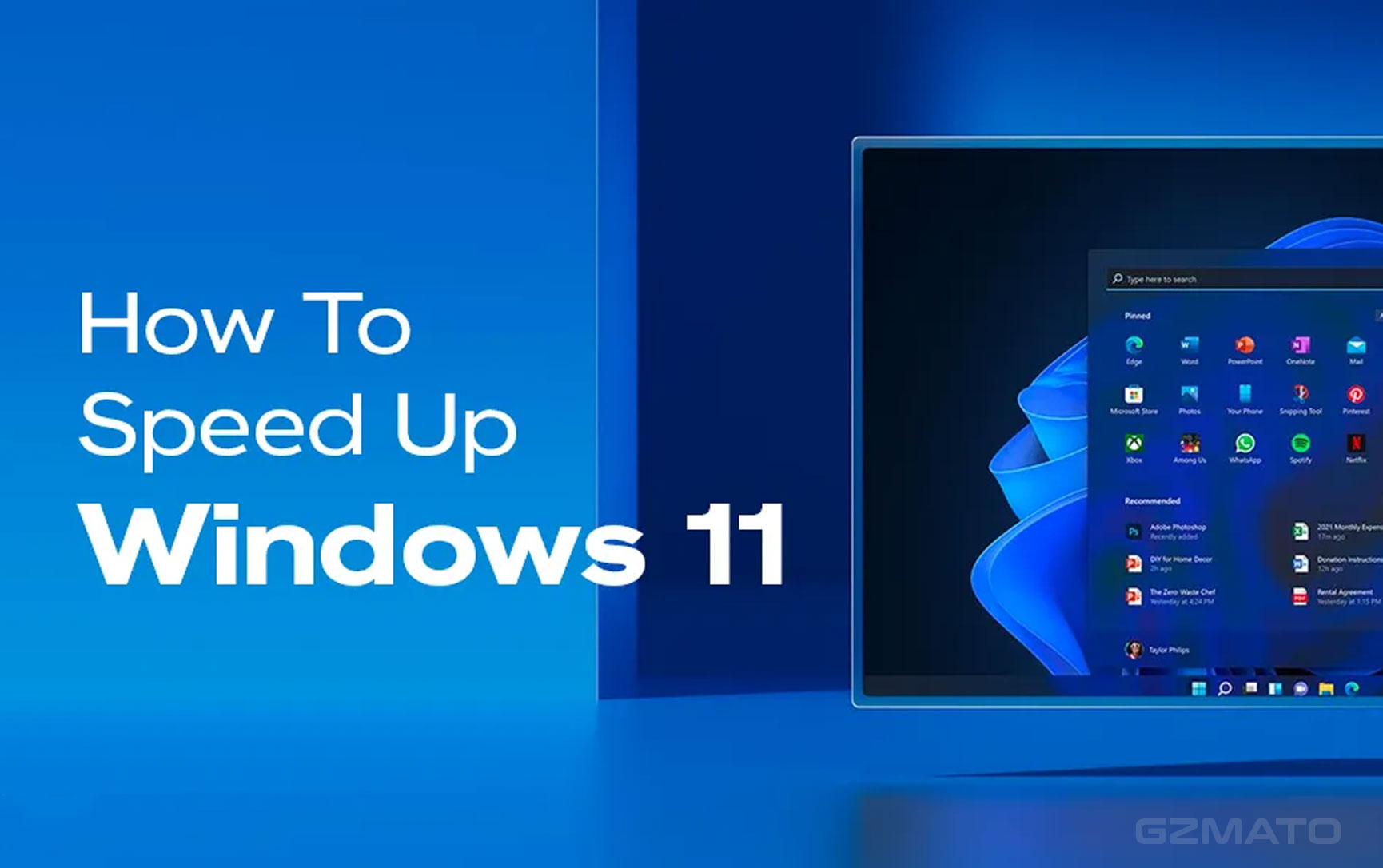
Since its release, Windows 11 has received mixed feedback. Users love the modern design and AI features, but many report it feels slower than Windows 10 on mid-range and older PCs. The good news: Windows 11 performance can be dramatically improved with proper optimization.
Why Windows 11 May Feel Slower
| # | Main Cause | What Happens | Impact | Fixable? |
|---|---|---|---|---|
| 1 | Heavy Startup Apps | Loads many programs at boot | Slower login & boot | Yes |
| 2 | Background Services | AI, telemetry, search indexing | Consumes CPU & RAM | Yes |
| 3 | Visual Effects | Animations, transparency | Reduces UI responsiveness | Yes |
| 4 | Outdated Drivers | Old GPU & chipset drivers | Causes stutter & lag | Yes |
| 5 | Low Storage Space | System cache & paging affected | Overall slowdown | Yes |
Most slowdowns are caused by startup overload and background services, not hardware limitations.
Windows 11 Optimization Guide — Step by Step
Step 1: Disable Unnecessary Startup Apps
- Press Ctrl + Shift + Esc → Task Manager → Startup tab
- Disable non-essential apps (updaters, launchers, chat tools)
Step 2: Turn Off Heavy Visual Effects
- Win + R → type sysdm.cpl
- Advanced → Performance → Settings → Adjust for best performance
Step 3: Clean Up Background Services
- Settings → Apps → Installed Apps → uninstall unused software
- Disable background permissions for non-essential apps
Step 4: Update GPU & Chipset Drivers
- Download latest GPU drivers (NVIDIA, AMD, Intel)
- Update motherboard chipset drivers
Step 5: Enable High Performance Mode
- Control Panel → Power Options → High Performance
Quick Performance Cheat Sheet
| # | User Type | Main Problem | Best Fix | Expected Improvement |
|---|---|---|---|---|
| 1 | Office Users | Slow boot & lag | Startup cleanup | Smoother UI & faster boot |
| 2 | Gamers | Stutter & FPS drops | Drivers + High Performance Mode | Stable FPS |
| 3 | Laptop Users | High fan noise | Visual effects off | Lower CPU & temp |
| 4 | Old PCs | Overall slow loading | Background cleanup | Noticeable speed boost |
Proper optimization can make Windows 11 feel just as smooth — or faster — than Windows 10 on the same PC.
Upgrade Your PC for Better Windows 11
SSDs, RAM upgrades, and performance laptops boost Windows 11 speed
Certified hardware · Global shipping · 30-day returns
Final Thought
Windows 11 isn’t slower by design — it just needs smarter configuration than Windows 10.
If your PC struggles today, optimization will usually beat replacing hardware.
Data Sources & Methodology:
- Global user feedback from Windows 11 adoption
- PC benchmarking communities
- Enterprise IT optimization guides
- Hardware compatibility & diagnostics
![Windows 11 October Update Bug Renders Recovery Environment Unusable [Update: October 20, 2025]](https://gzmato.com/media/magefan_blog/windows-11-update-bug-october-2025_gzmato_com_hero.jpg)
Comment(s)
People Also Searched For
- speed up Windows 11
- Windows 11 optimization
- Windows 11 slow
- fix Windows 11 lag
- Windows 11 performance tips
- Windows 11 vs Windows 10 speed
- speed up PC Windows 11
Recent Posts

October 17, 2026

October 15, 2026



Popular Posts


July 14, 2026

December 07, 2025



