
iOS 26.5 Preview: Apple Maps Ads, RCS Encryption & iPhone 17 Battery Bug Fix
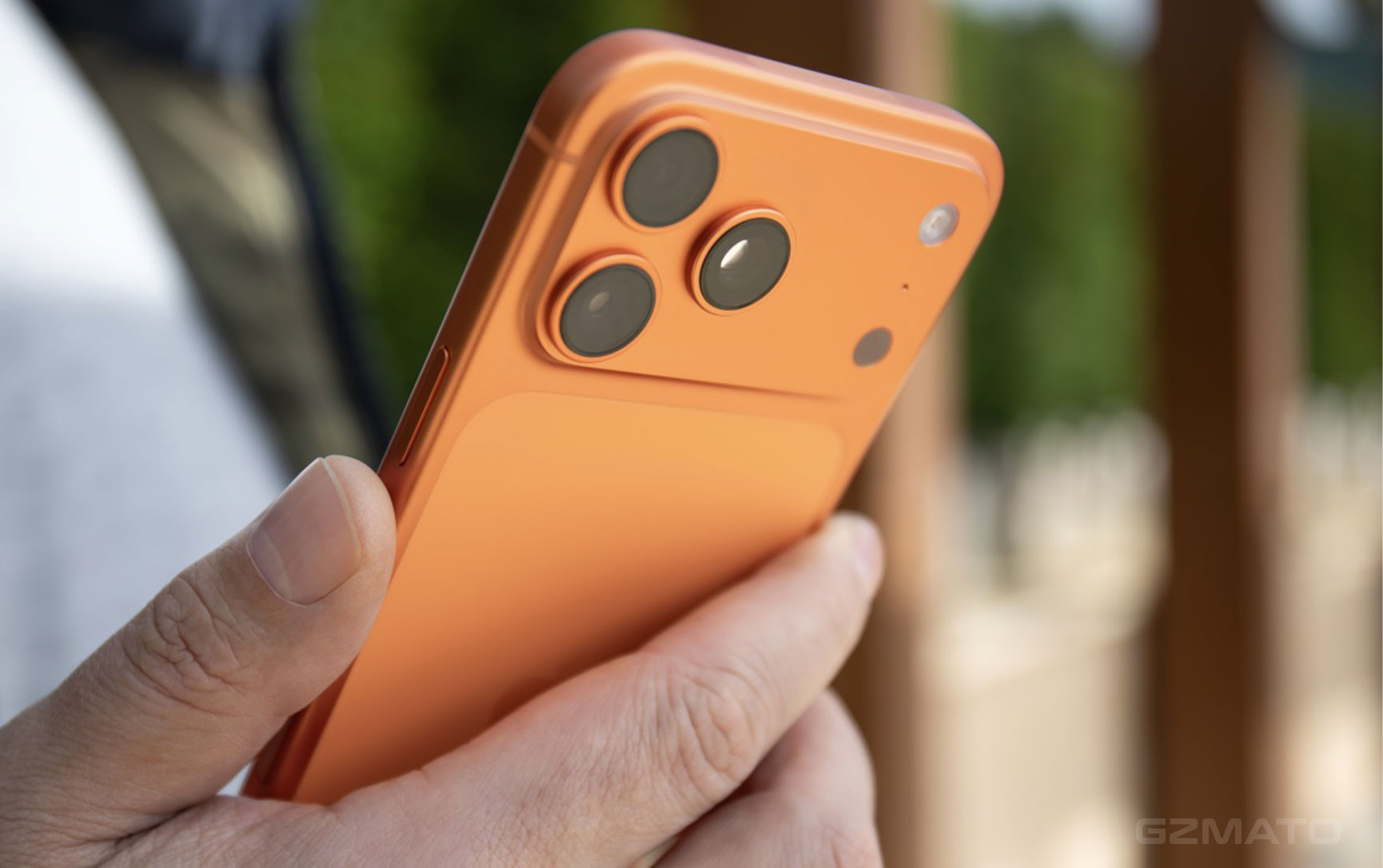
- iOS 26.5 Coming Soon: What to Expect
- Apple Maps Finally Gets Ads – And Suggested Places
- RCS Messaging with End-to-End Encryption
- App Store: Monthly Payment for Annual Subscriptions
- Important: iPhone 17 Won't Wake After Battery Drain
- How to Fix the iPhone 17 Blackout Issue
- Final Verdict
- Shop iPhone Accessories at Gzmato
April 28, 2026 – Apple is wrapping up testing on iOS 26.5, with a public release expected in late May or early June. While not a headline-grabbing update like iOS 27 will be, this version brings several meaningful changes to built-in apps – and one significant bug that iPhone 17 owners need to know about.
iOS 26.5 Coming Soon: What to Expect
iOS 26.5 is shaping up to be a refinement-focused update. Apple has seeded four developer betas since early April, each addressing stability, bug fixes, and performance improvements. The big new Siri features promised at WWDC 2024 have been pushed to iOS 27, expected in September.
But that doesn't mean iOS 26.5 is skippable. Three notable changes are coming to Apple Maps, Messages, and the App Store – plus a critical bug affecting iPhone 17 series owners that you need to be aware of before updating.
Apple Maps Finally Gets Ads – And Suggested Places
After years of speculation, Apple is officially bringing advertising to Apple Maps. The feature, discovered in iOS 26.5 Beta 4 code, will roll out to iPhone and iPad users in the United States and Canada starting summer 2026.
How it works: When users search for restaurants, stores, or other locations, sponsored results will appear at the top of the search list. These ads will be clearly labeled with an "Ad" badge, similar to how App Store search ads appear today. Businesses can bid on keywords – the highest bidder gets priority placement.
Suggested Places: Alongside ads, Apple is introducing a "Suggested Places" feature. When you tap the search bar, the system will automatically show two location recommendations based on:
- Popular destinations near your current location
- Your recent search history
- Other algorithmic factors
Importantly, Apple says these recommendation slots may also host promoted content in the future.
Privacy stance: Apple is positioning Maps ads differently from competitors. The company states that user location data, ad views, and interactions will not be linked to your Apple Account or shared with third parties. Users will see a one-time explanation screen the first time they open Maps after updating.
No opt-out: Unlike personalized ads in other Apple apps, there is currently no option to disable Maps ads. They will be shown to all users in supported regions.
RCS Messaging with End-to-End Encryption
After a brief appearance in iOS 26.4 betas (and subsequent removal), RCS (Rich Communication Services) messaging is back in iOS 26.5 – and this time it includes end-to-end encryption.
What this means: When messaging Android users who also have RCS-enabled devices, iPhone users will finally get features Android users have enjoyed for years:
- High-quality photo and video sharing
- Read receipts and typing indicators
- Group chat improvements
- End-to-end encrypted conversations (when supported by both carriers)
Currently labeled as "testing" in beta builds, conversations will show an "Encrypted" indicator when protection is active. Not all carriers support the feature yet, so availability may vary.
Unlike the previous beta where Apple warned the feature might not ship, iOS 26.5 appears poised to deliver RCS to all users – marking a major improvement in cross-platform messaging.
App Store: Monthly Payment for Annual Subscriptions
iOS 26.5 introduces a clever new pricing model for App Store subscriptions: "monthly billing with a 12-month commitment".
How it works: Users get the discounted price of an annual subscription – but pay in 12 monthly installments instead of one lump sum. This bridges the gap between:
- Monthly plans: Flexible but often more expensive long-term
- Annual plans: Discounted but require upfront payment
For users: Lower upfront cost while still securing annual pricing. Perfect for budget-conscious subscribers who want the best deal without a large one-time payment.
For developers: New StoreKit APIs allow developers to display these subscription options clearly and track user commitment periods. This could increase annual subscription adoption by lowering the purchase barrier.
Important: iPhone 17 Won't Wake After Battery Drain
Critical Issue Affecting iPhone 17 Series
Multiple user reports and tech outlets have confirmed a significant bug affecting iPhone 17, iPhone 17 Pro, iPhone 17 Pro Max, and iPhone Air: when the battery is completely drained to 0% and the phone shuts down, it may not wake up when connected to USB-C charging.
When affected devices run out of battery and automatically power off, plugging them into a USB-C charger produces no response:
- [X] Screen remains completely black
- [X] No low-battery charging indicator
- [X] Hardware reset (volume up to volume down to hold power) does nothing
- [X] Connected Macs cannot detect the device via Finder
The issue appears to be intermittent – not every user experiences it every time, but reports are widespread enough to confirm it's a real problem. Some users have encountered it once; others report multiple occurrences.
What causes it? According to analysis, iPhone 17 series use new power management hardware and charging protocols. When the battery voltage drops too low during deep discharge, the USB-C wake-up circuit can lock up, preventing the PD (Power Delivery) charging protocol from initializing.
How to Fix the iPhone 17 Blackout Issue
If your iPhone 17 won't wake after battery drain, here are the proven solutions:
[SUCCESS] Place the phone on a MagSafe charger and leave it for 10-15 minutes. The device should wake up and start charging. Apple Store technicians reportedly use this method as their first response.
[SUCCESS] If you don't have MagSafe, an old 5W USB-A charger (the cube style Apple used to include) may work. These chargers use fixed 5V output with no smart negotiation – they can bypass the locked PD circuit and deliver basic power to wake the battery controller.
[PARTIAL] Some users report success after leaving the phone connected to a 20W+ USB-C charger for an extended period (2+ hours). Less reliable, but worth trying if other options aren't available.
[PARTIAL] A few users have reported success by repeatedly plugging and unplugging from a Mac – though this is less consistent.
Prevention Tip: The only guaranteed way to avoid this issue is to prevent your iPhone from completely draining. Apple recommends keeping charge above 20% for optimal battery health anyway. Set up Low Power Mode alerts or charge before the battery hits zero.
Final Verdict
iOS 26.5 brings meaningful changes to core apps:
- Apple Maps ads mark a major monetization shift – but privacy-focused implementation may soften the blow
- RCS with encryption finally improves iPhone-Android messaging
- New subscription option gives users more flexibility
However, iPhone 17 owners should be cautious:
- The battery-drain blackout bug is real and affects all 2025 iPhone models
- While MagSafe provides a workaround, not everyone carries a wireless charger
- Until Apple releases a patch, keep your iPhone charged above 20%
Keep Your iPhone Powered at Gzmato
MagSafe Chargers | USB-C Cables | Power Banks | iPhone Cases | Screen Protectors
Special Offer: Use code IOS26515 for 15% off your next accessory purchase
Shop iPhone Accessories Now →Data Sources & Methodology (as of April 28, 2026):
- MacRumors iOS 26.5 Beta 4 coverage and features
- Mac Observer iOS 26.5 Developer Beta 4 analysis
- PChome iOS 26.5 Beta 3 feature breakdown
- PConline iPhone 17 battery drain bug report
- AnTuTu Benchmark issue analysis
- TechJuice Apple Maps ads coverage
- Gadgets 360 StoreKit API changes
- iOS 26.5
- Apple Maps ads
- RCS encryption
- iPhone 17 won't turn on
- iPhone 17 battery bug
- iOS 26.5 features
- MagSafe fix
- Suggested Places











