iPhone 13 Pro vs 15 Pro: Enough changes to upgrade?
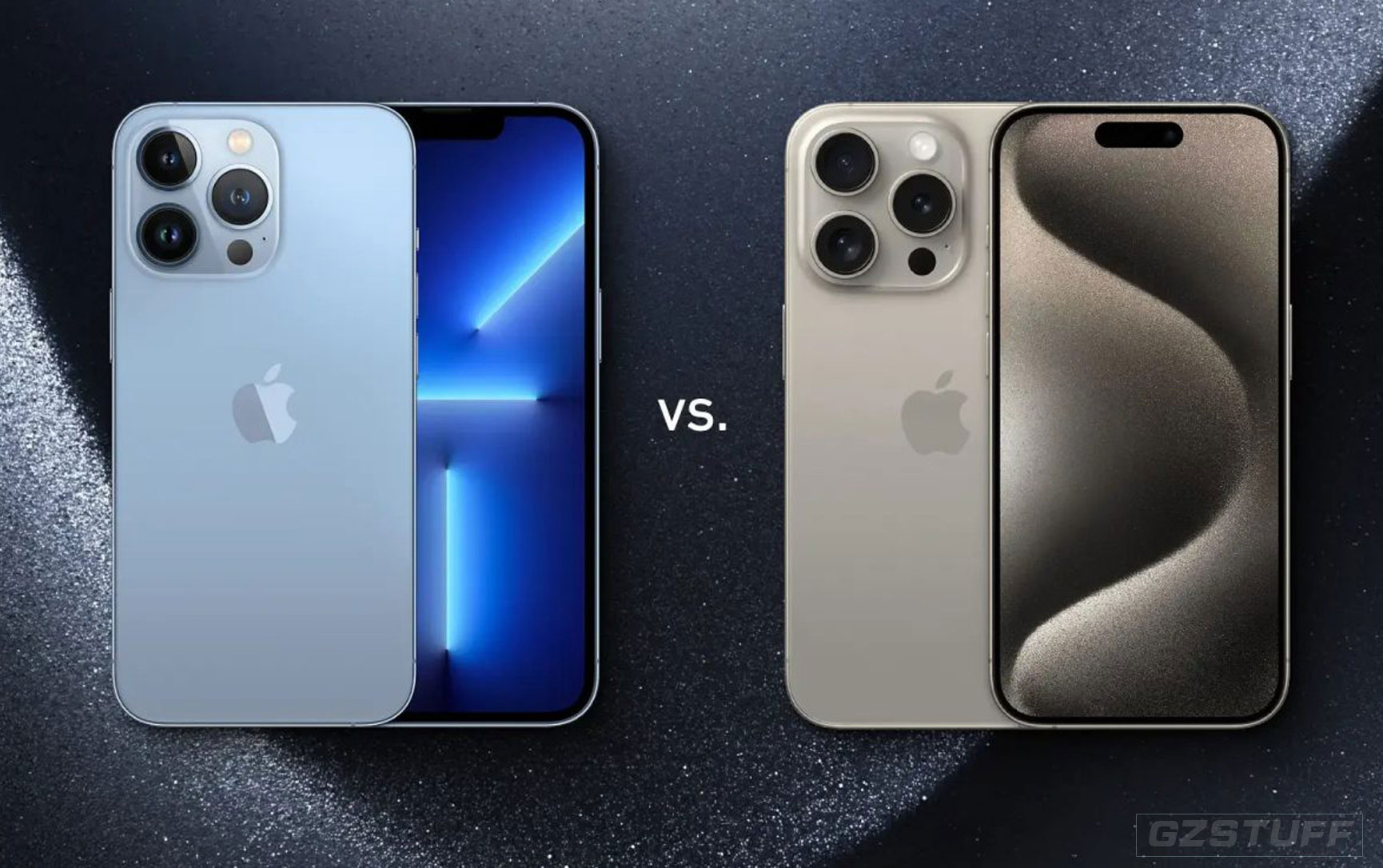
iPhone 15 Pro and Pro Max are Apple’s latest high-end smartphones that come with a range of new capabilities. But are they worth the upgrade if you already have an iPhone 13 Pro? Read along for an in-depth look at the iPhone 13 Pro vs 15 Pro for everything that’s new and different.
iPhone 13 Pro vs 15 Pro
Screen sizes and design
The screen sizes between the 13 Pro and 15 Pro remain the same with 6.1-inches for the Pro and 6.7-inches for the Pro Max.
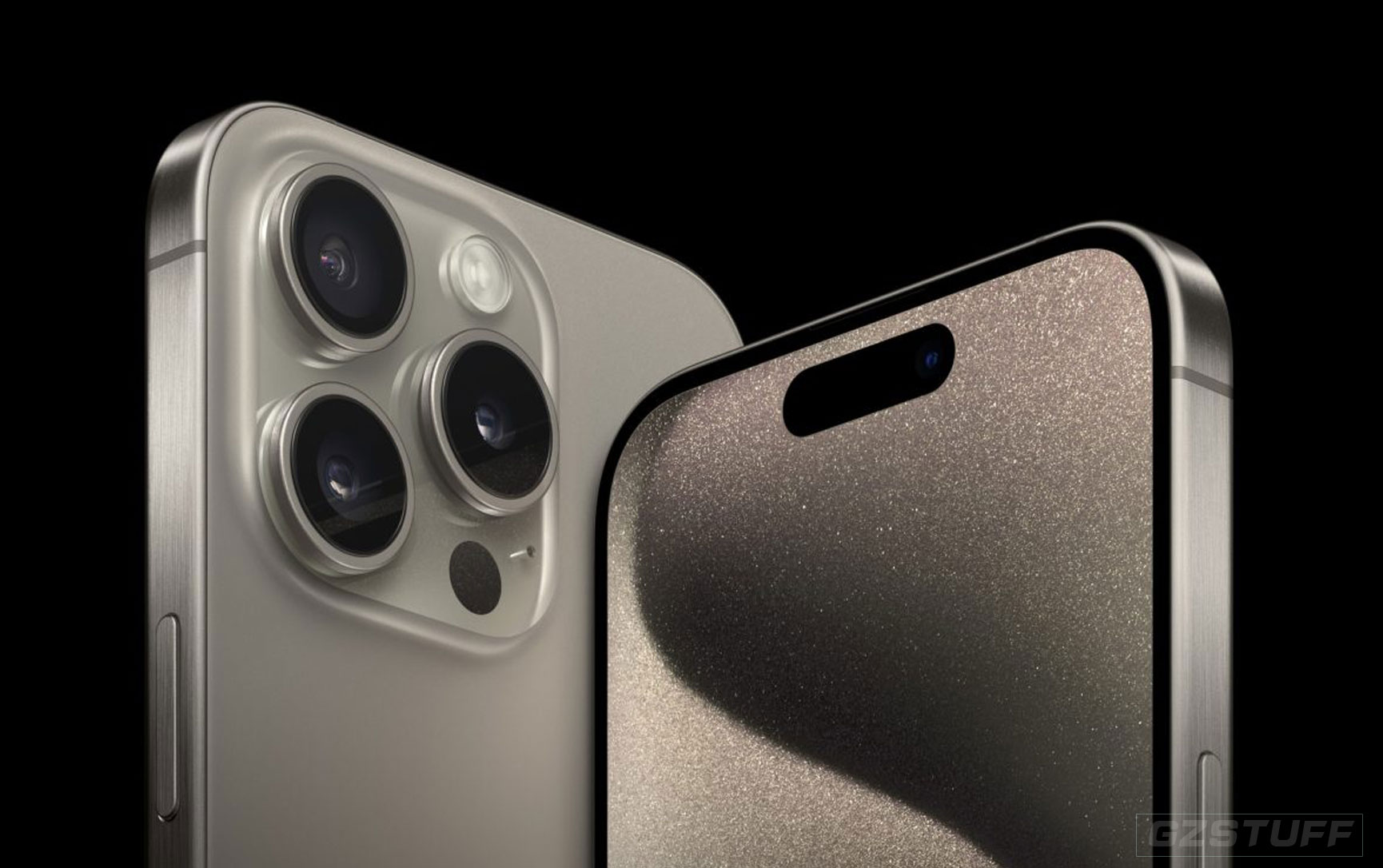
But differentiators for the 15 Pro/Max displays include Always-On, 120Hz ProMotion, the Dynamic Island, and an outdoor brightness up to 2000 nits.
Here’s the full look at the display specs for iPhone 13 Pro vs iPhone 15 Pro:
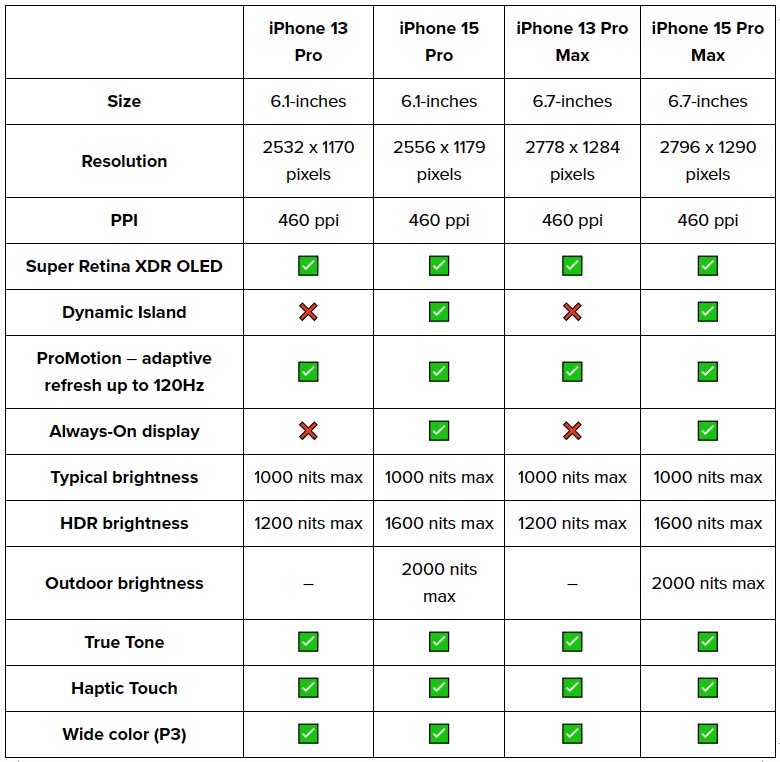
The bezels on the iPhone 15 Pro are also slimmer than the 13 Pro, which is what allows the very slight increase in pixels.
Size, weight, design
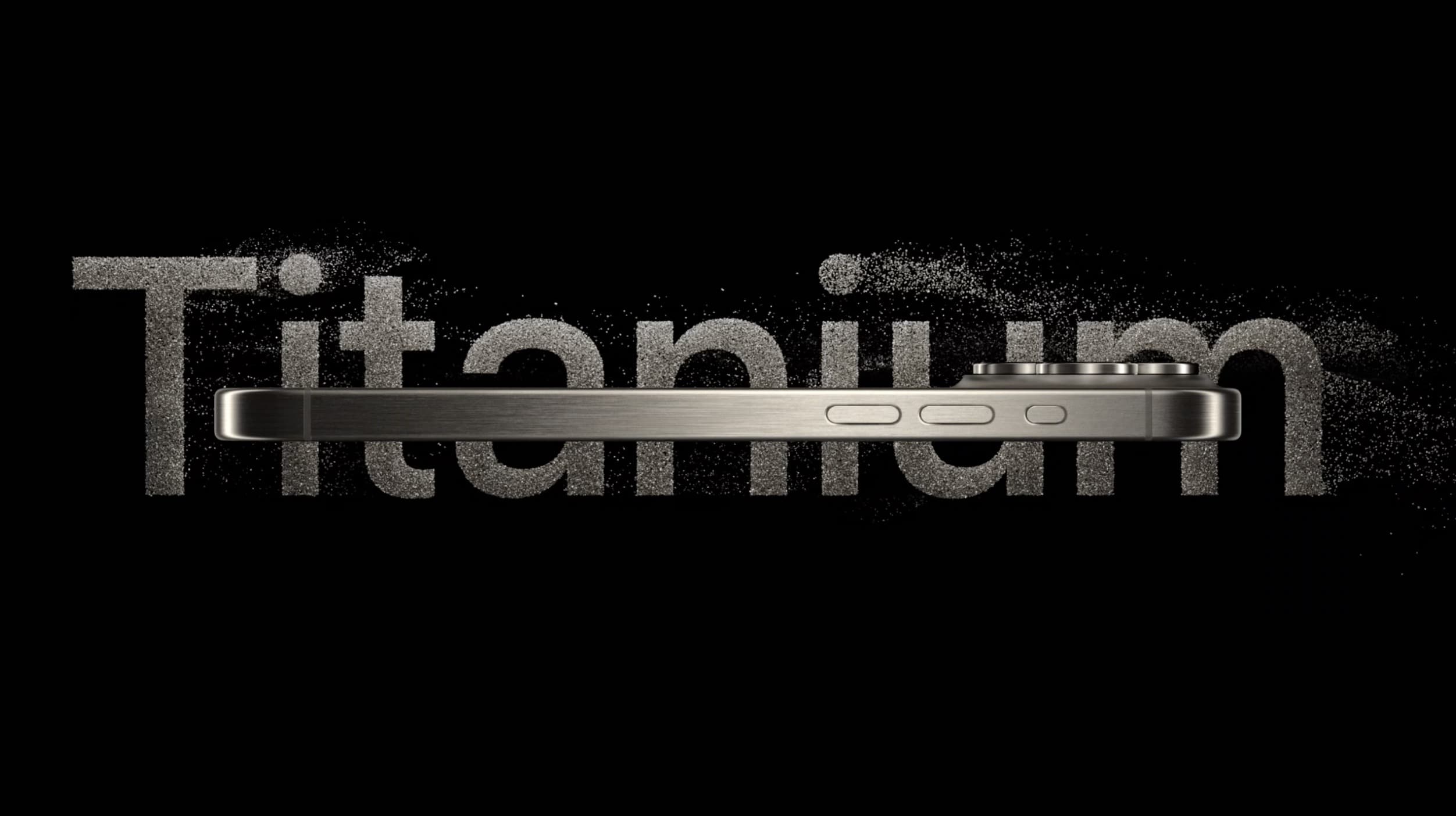
Overall, the physical design of iPhone 15 Pro remains very similar to the 13 Pro, but Apple has given the 15 Pro more rounded edges for a more comfortable feel.
And for the first time, Apple has used titanium for iPhone with the 15 Pro and Pro Max. That means new brushed finishes, high strength and durability, and lighter devices too.
The other major update for the 15 Pro and Pro Max is the change of the side switch to the new Action Button that offers customization.
For size, weight, and materials, here’s iPhone 13 Pro vs 15 Pro:
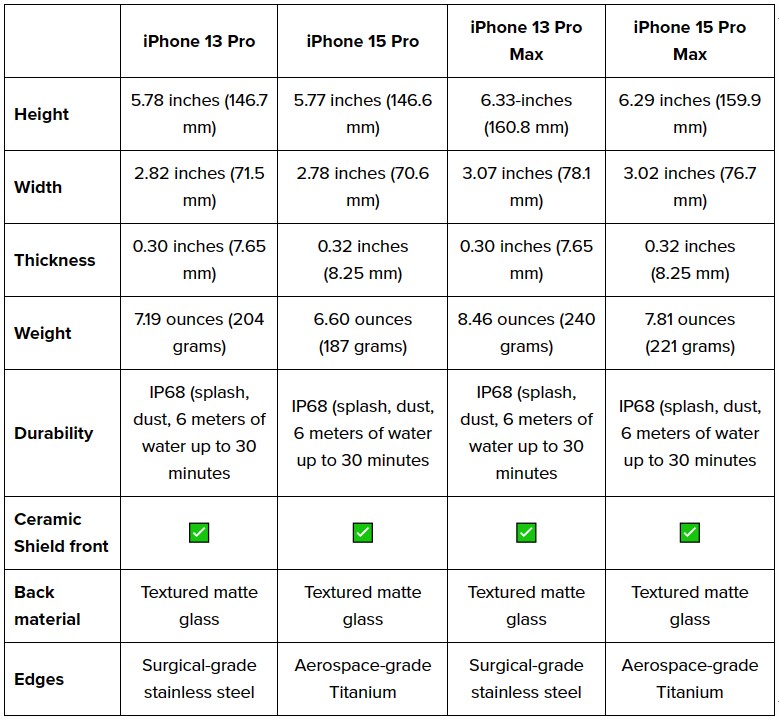
Because the 15 Pro and Pro Max have slimmer bezels than the 14 Pro and Pro Max, the new phones are ever-so-slightly more compact – except for thickness.
Performance – A17 Pro vs A15 Bionic
When unveiling the A17 Pro, Apple focused its comparisons against the A16 Bionic. Year-over-year performance improvements are becoming more minor but Apple says the A17 Pro is the “fastest mobile CPU.”
Here’s a breakdown of the iPhone 13 Pro vs iPhone 15 Pro chip specs:
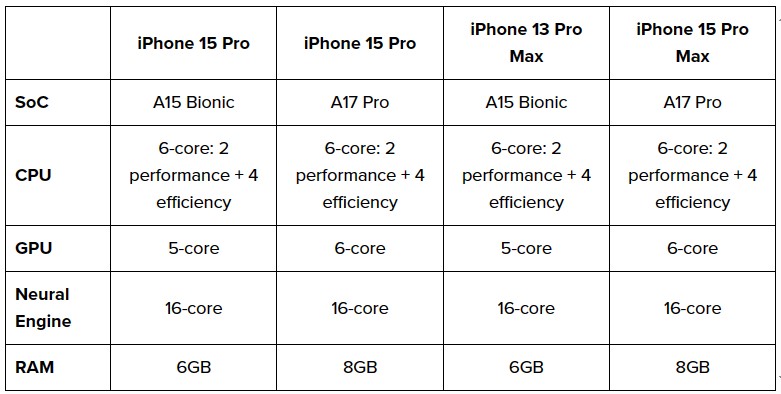
In real-world use, the A15 or A16 Bionic and A17 Pro are more than powerful enough for almost everyone. But here are a few A17 Pro stats vs the A16 Bionic:
- Up to 20% faster GPU than A16 Bionic (with AV1 decoding, Pro Display engine, ProRes codec, hardware-accelerated ray tracing)
- Up to 10% faster high-performance CPU cores than A16 Bionic
- Up to 2x faster neural engine, up to 35 trillion operations per second
And game developers like CAPCOM say the new A17 Pro GPU has made it possible for console-exclusive games like Resident Evil 4 to come to iPhone.
GeekBench scores:
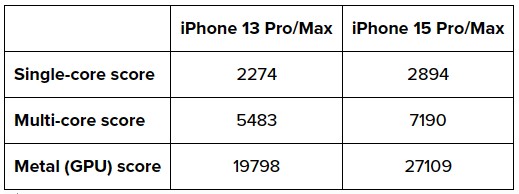
GeekBench offers a good look at how the performance has improved between the A15 Bionic and A17 Pro.
- 27% faster single-core score
- 31% faster multi-core score
- 37% faster GPU
Battery life
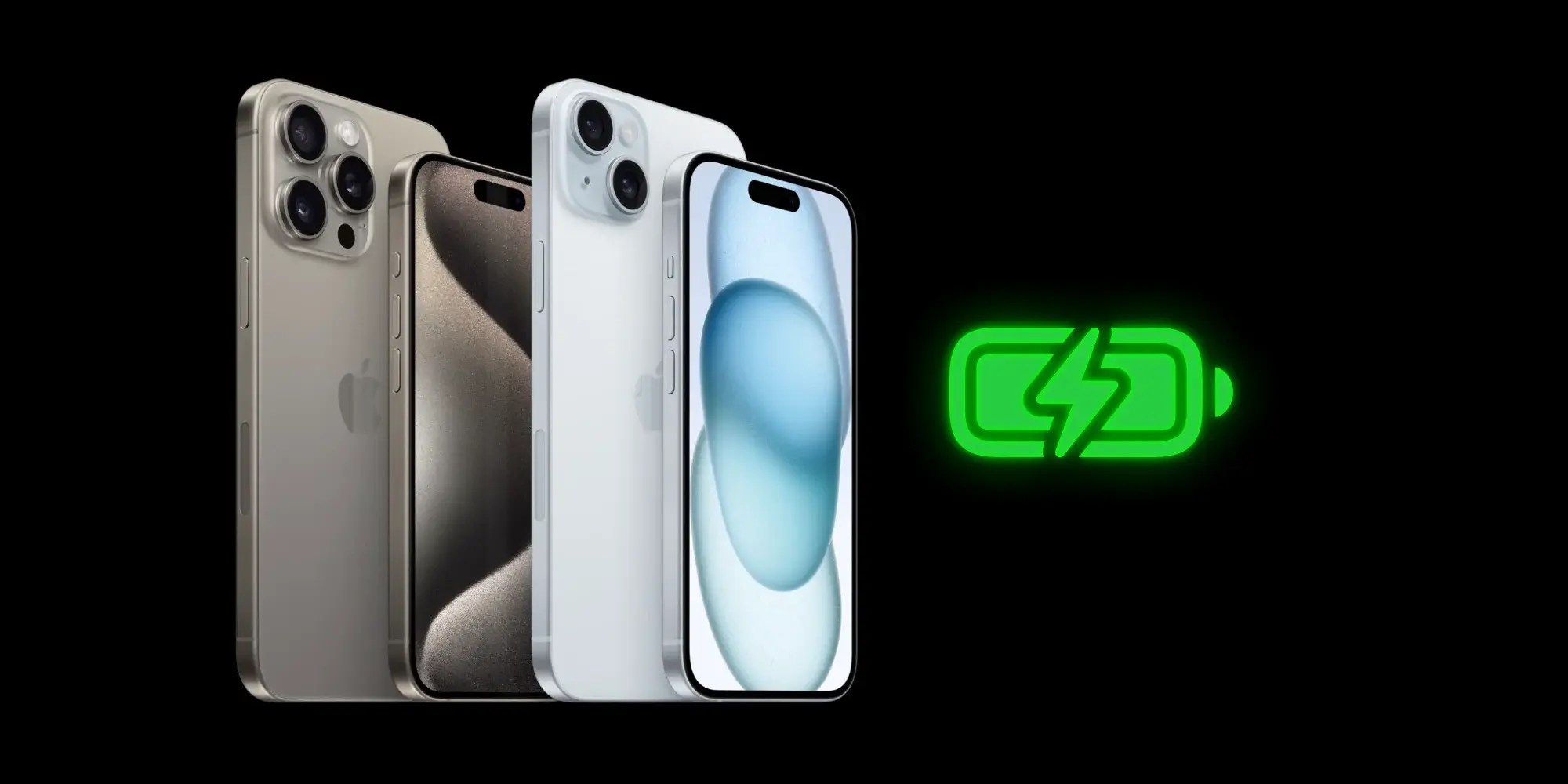
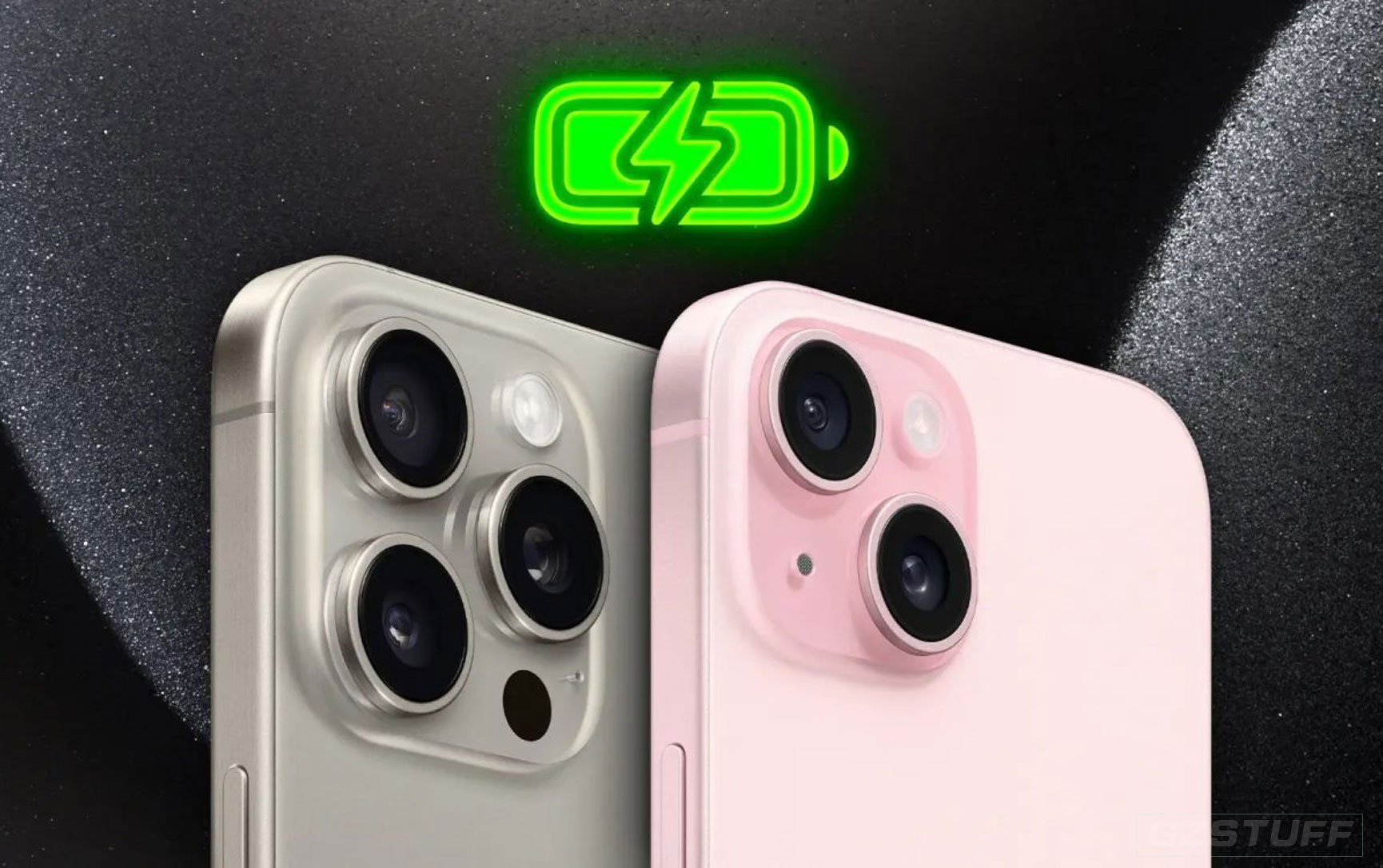
When it comes to battery life, the iPhone 15 Pro has one hour longer battery for video playback than the 13 Pro and the same rating for audio playback:

For how that compares to iPhone 14 and more, check out our full post on iPhone 15 battery life:
Cameras
Rear cameras
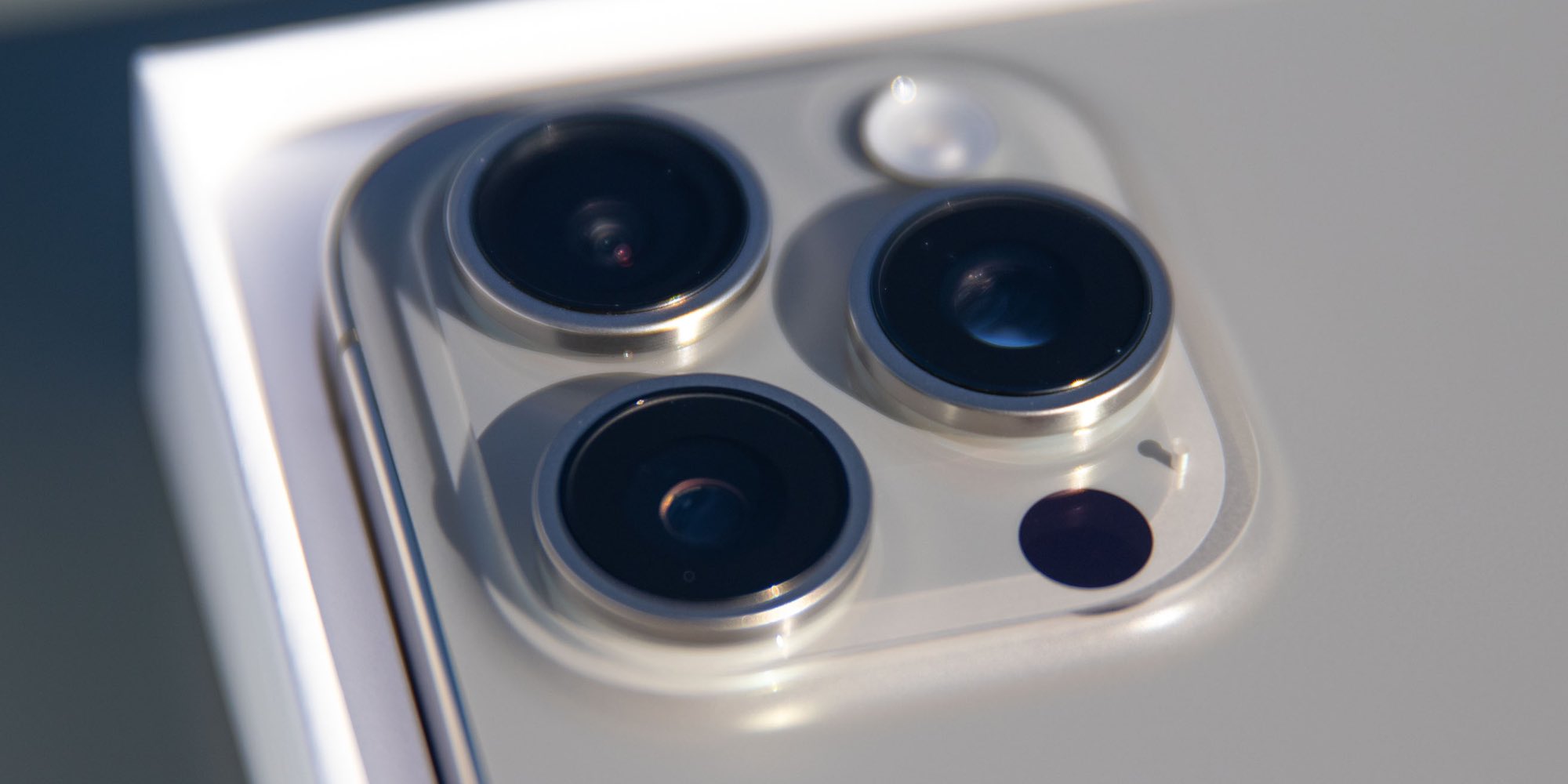
iPhone 15 Pro comes with a 48MP main rear camera, next-gen portrait with Focus and Depth Control, Smart HDR 5, and more.
A change this year is the 15 Pro Max gets the most capable camera with the telephoto lens having a 5x optical zoom (3x for 15 Pro like the 13/14 Pro).
The 15 Pro and Pro Max main cameras also have more powerful sensors and support shooting 24 and 48MP “super-high-resolution photos.”
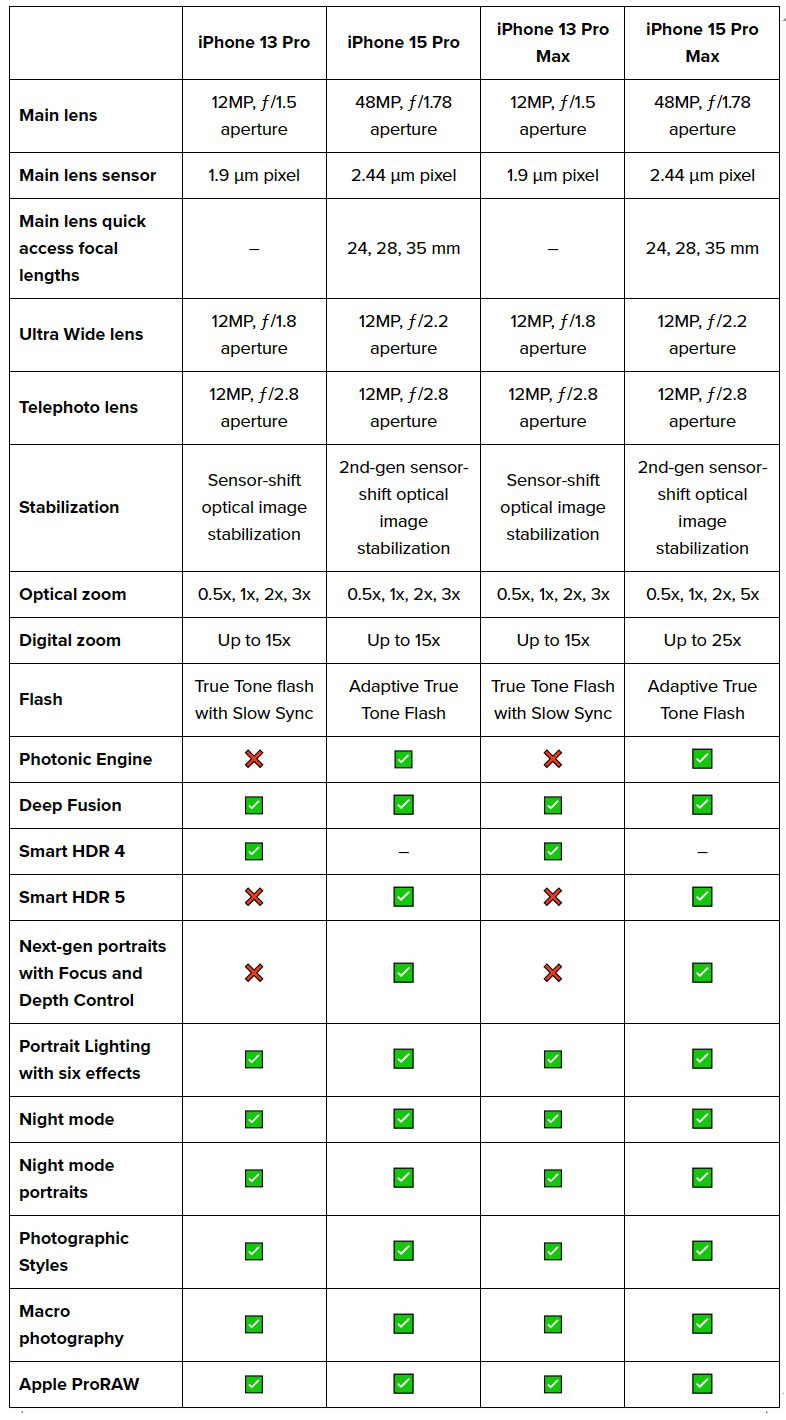
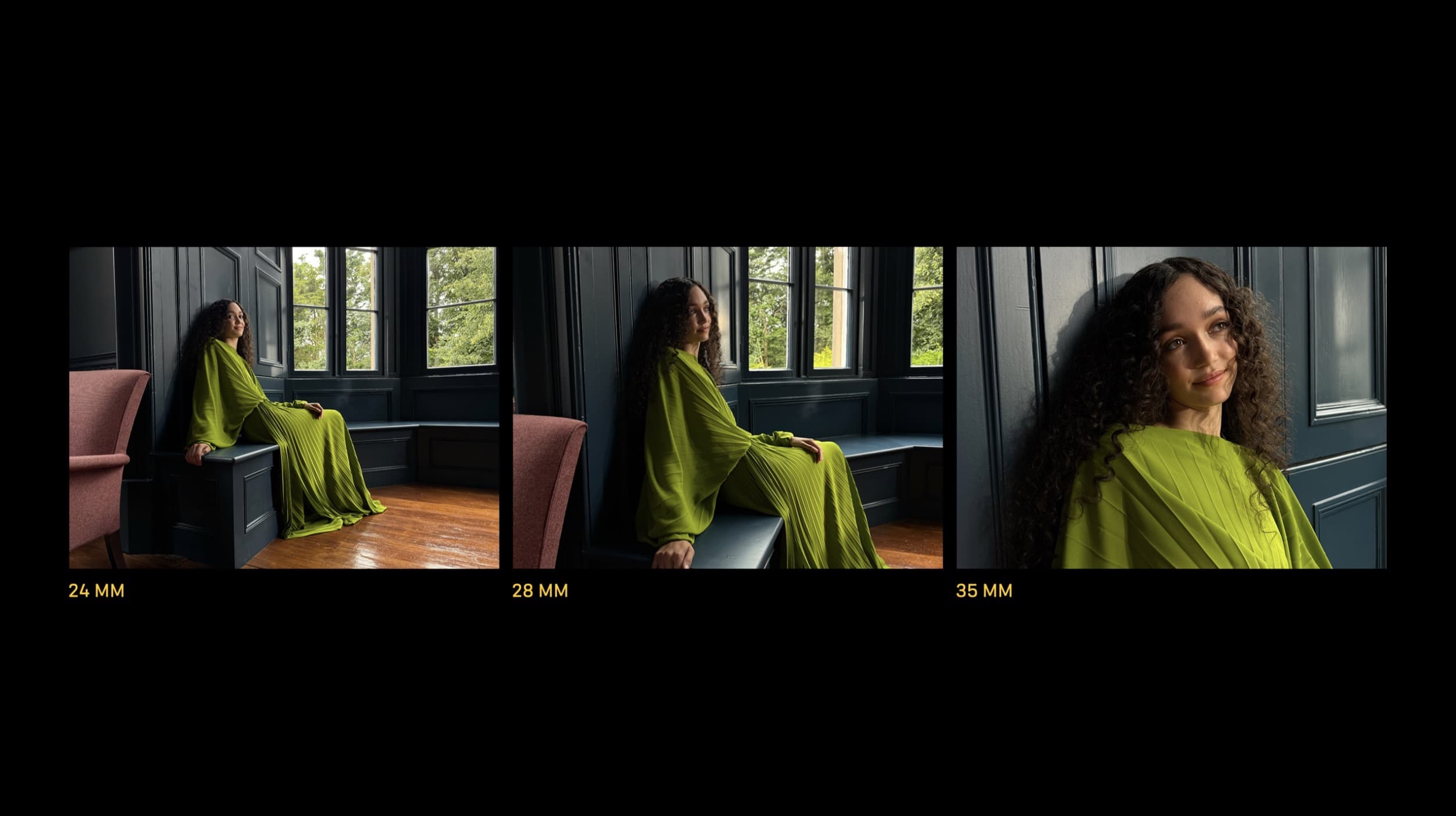
More new features for the 15 Pro models include the option to quickly change (and set a default) for different focal lengths for the main camera – 24, 28, and 35 mm.
Video recording
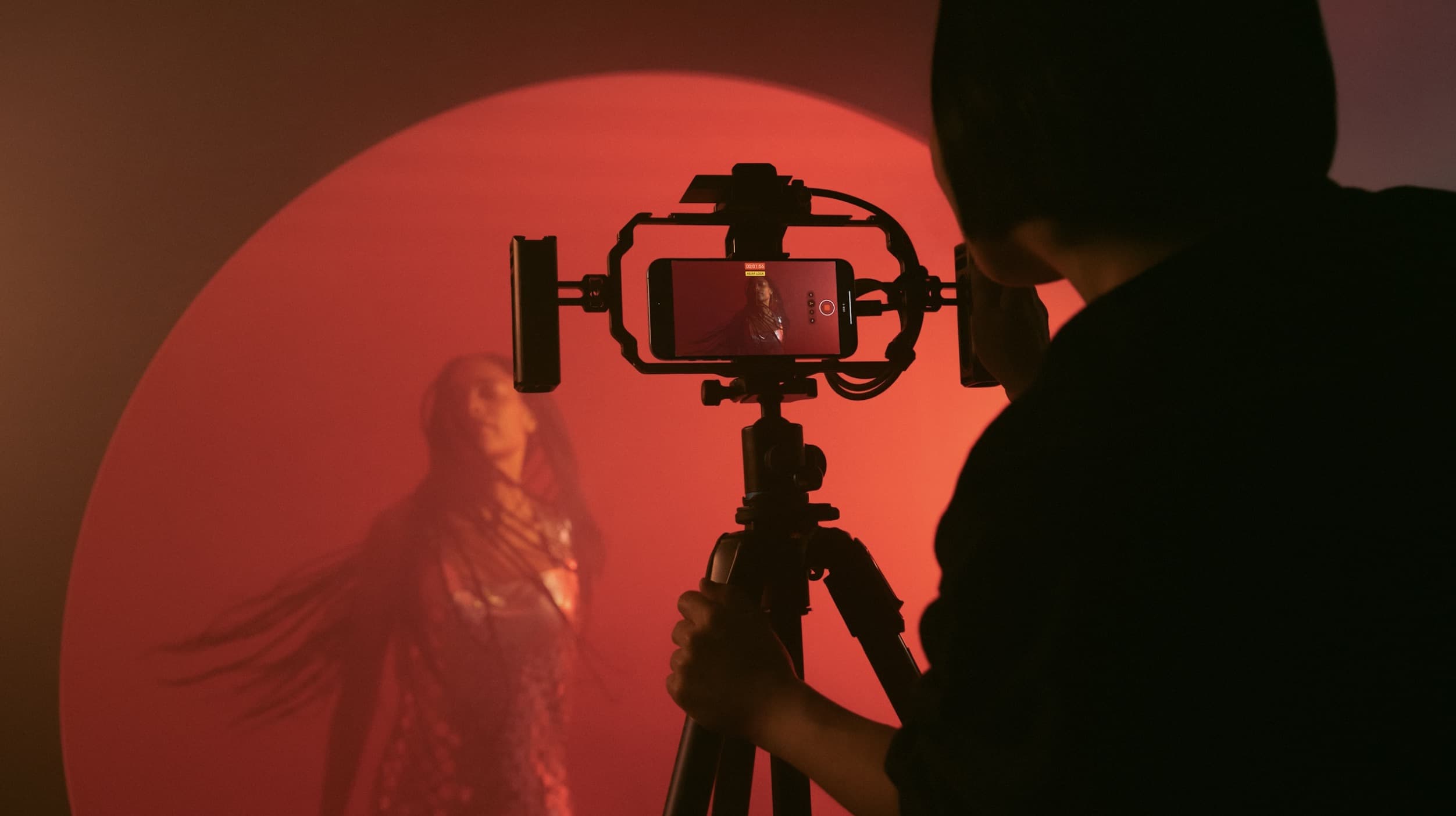
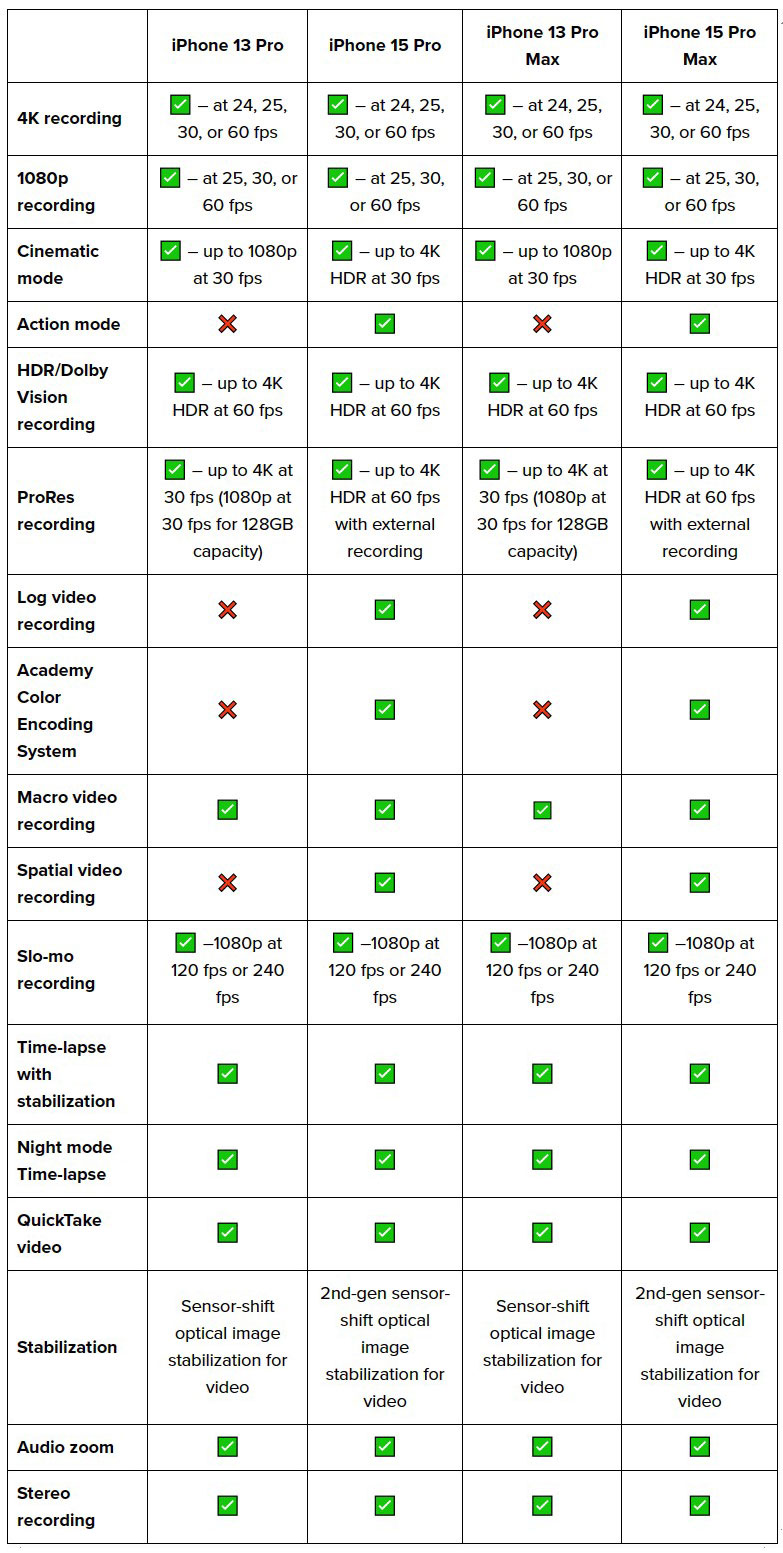
There are a number of improvements for video recording between the 15 Pro and 13 Pro.
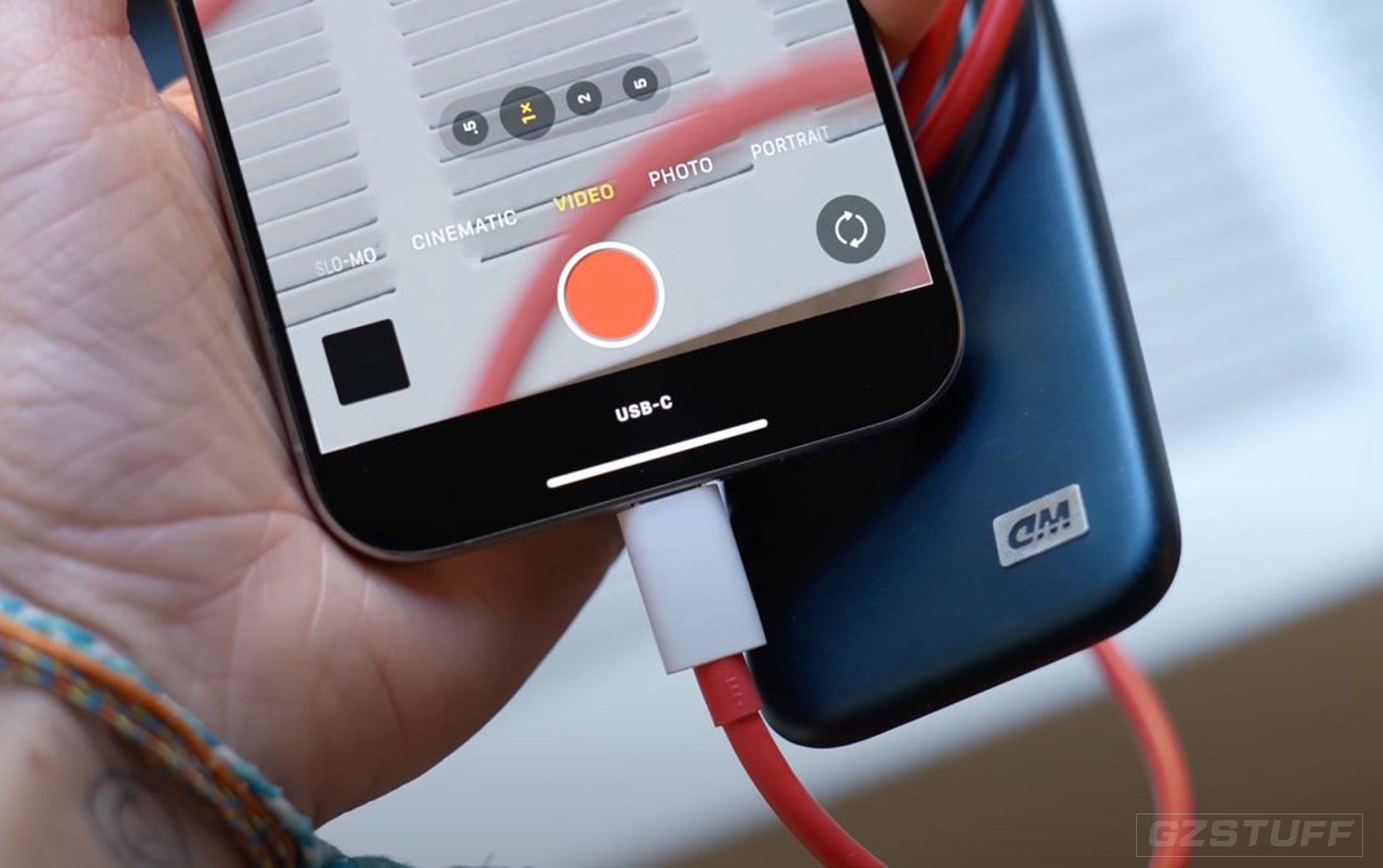
USB-C 3 support on the 15 Pro models means the ability to shoot ProRes directly to external drives – now at 4K60.
There’s also support for the Academy Color Encoding System (ACES) plus the ability to capture Spatial video that can be viewed on Apple Vision Pro.
Two more differences are Action mode and log recordings.
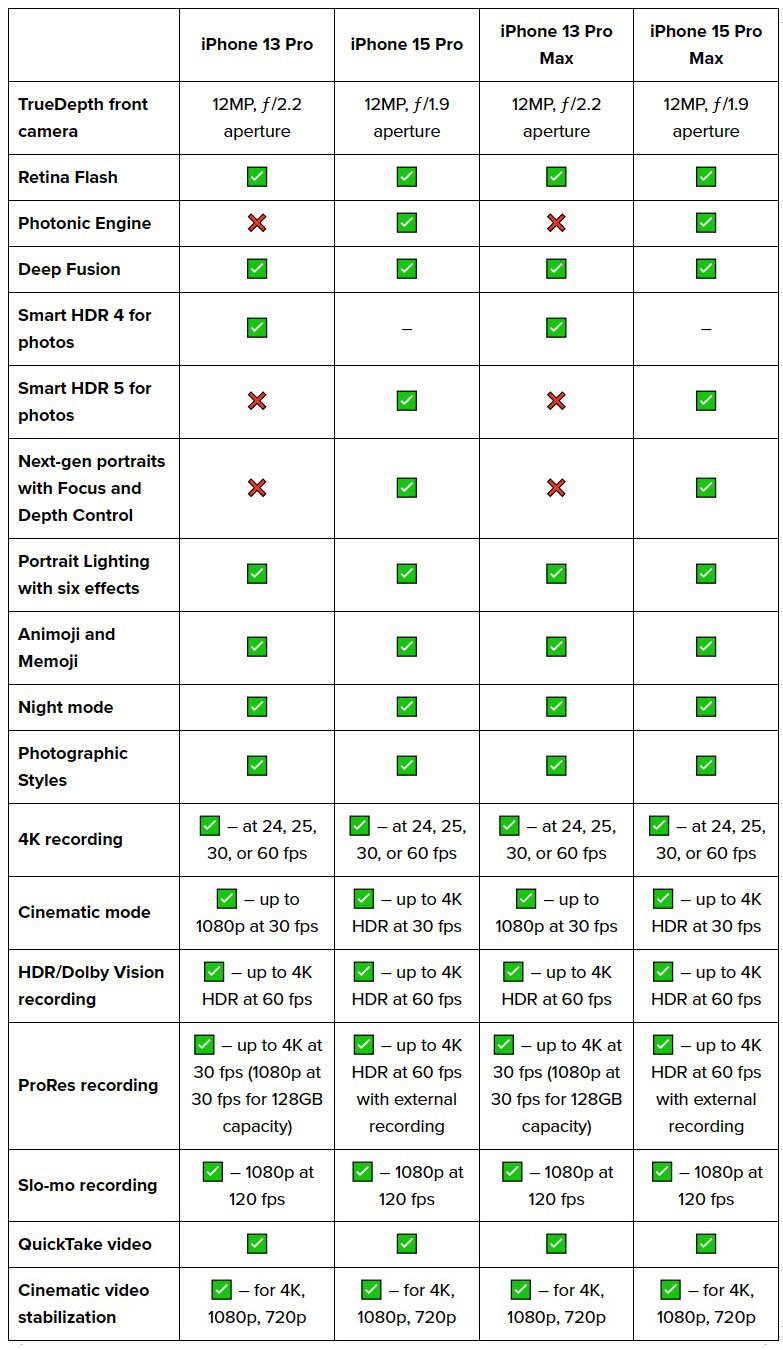
Selfie camera
Apple’s TrueDepth front camera on the iPhone 15 Pro gets a range of upgrades found on the main rear camera.
iPhone 13 Pro vs 15 Pro I/O
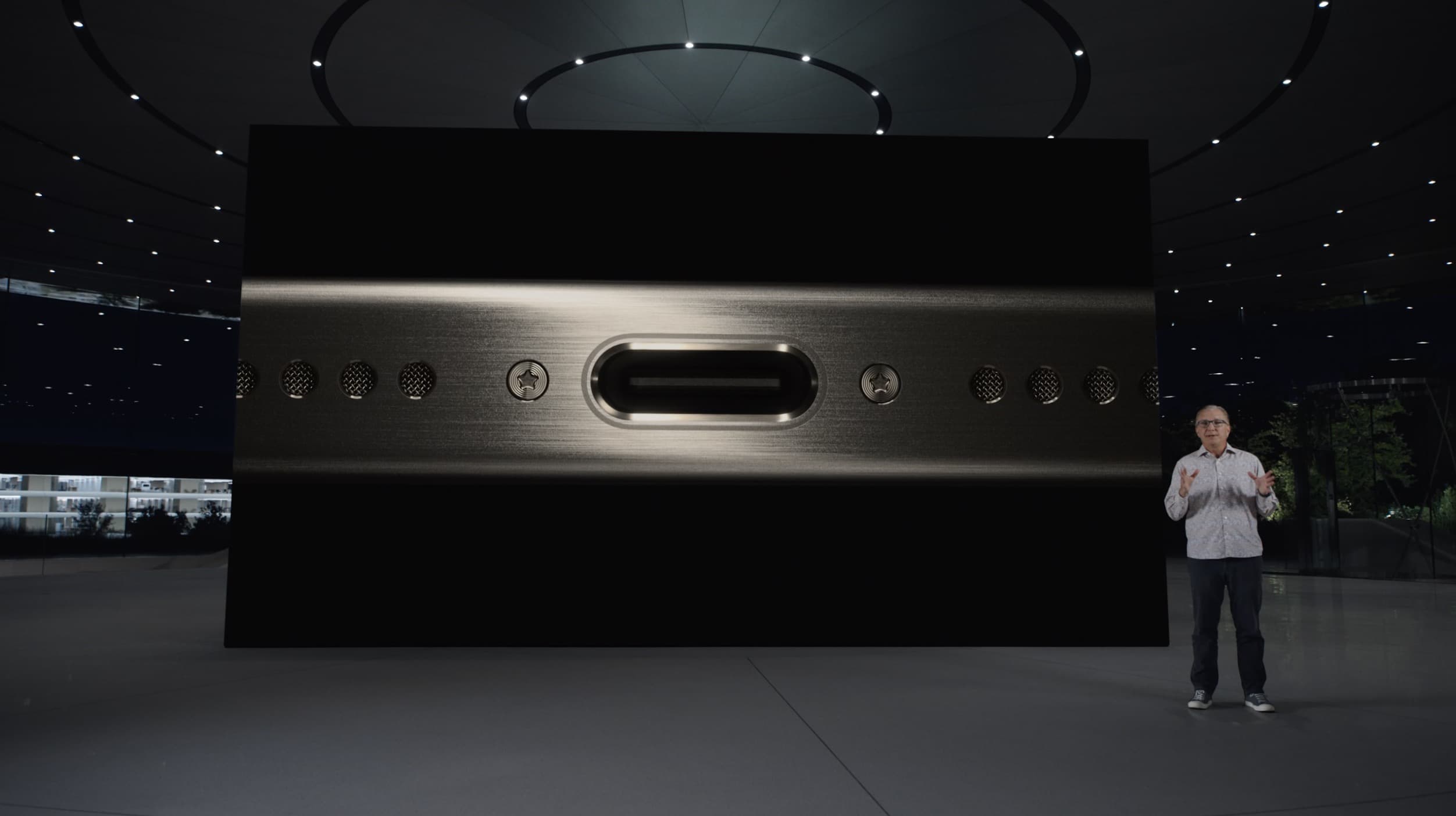
The major change for iPhone 15 Pro I/O is the switch from Lightning to USB-C. And the 15 Pro and Pro Max offer much faster transfer speeds with USB 3 support at up to 10Gbps.
USB 3 on the 15 Pro enables some neat new capabilities like shooting video straight to an external SSD and more.
More differences with the iPhone 15 Pro vs 13 Pro include WiFi, Bluetooth, and UWB upgrades, plus Thread support.
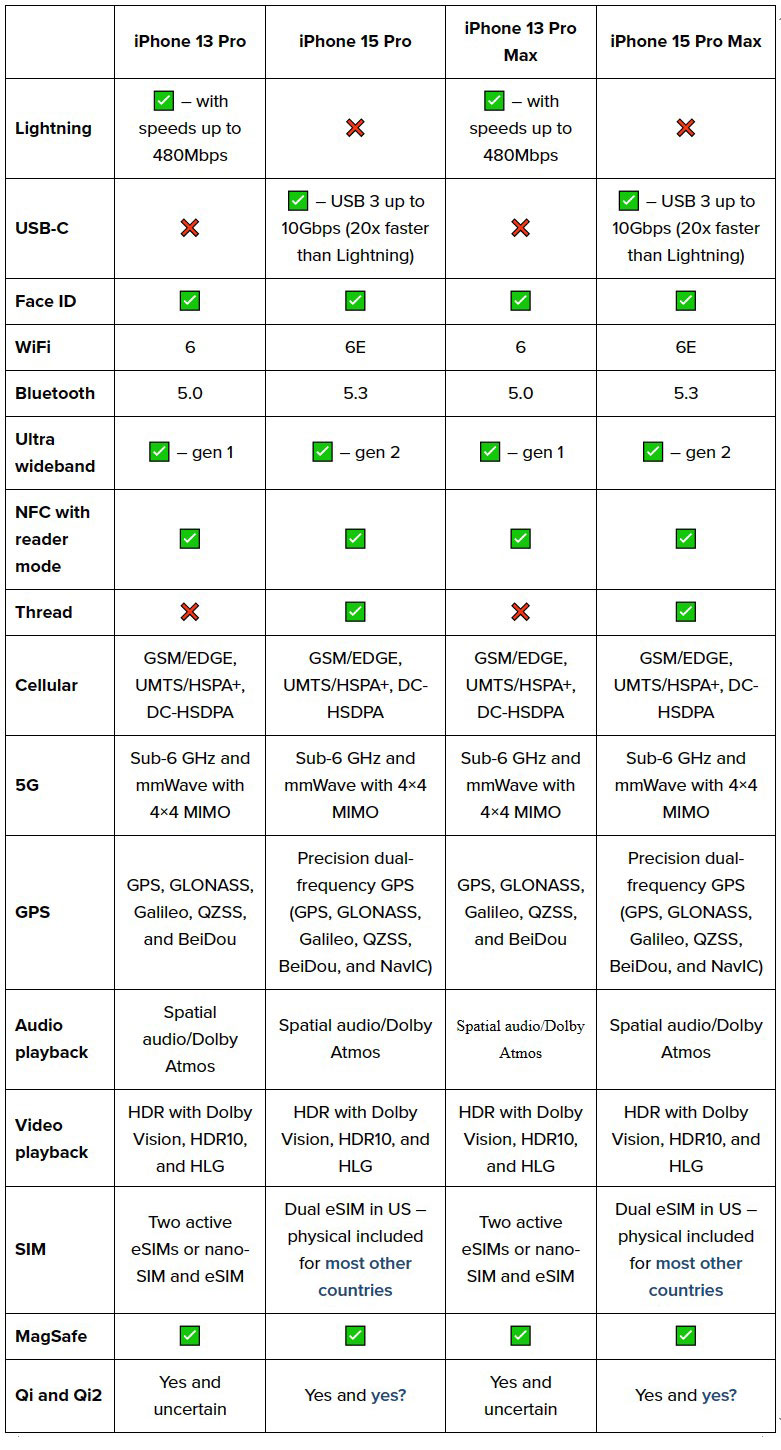
On the question of whether the new iPhone 15 Pro devices will support Qi2, Apple is saying yes but it’s a bit confusing:
So it’s also unclear if iPhone 13 Pro will support Qi2.
Safety
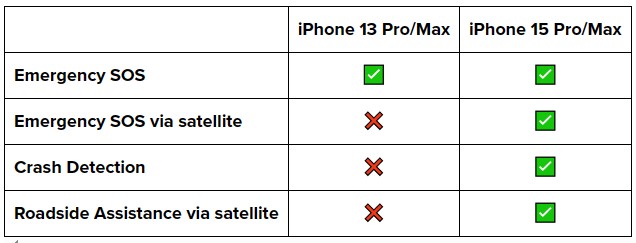
iPhone 15 Pro has three more advanced safety features than iPhone 13 Pro:
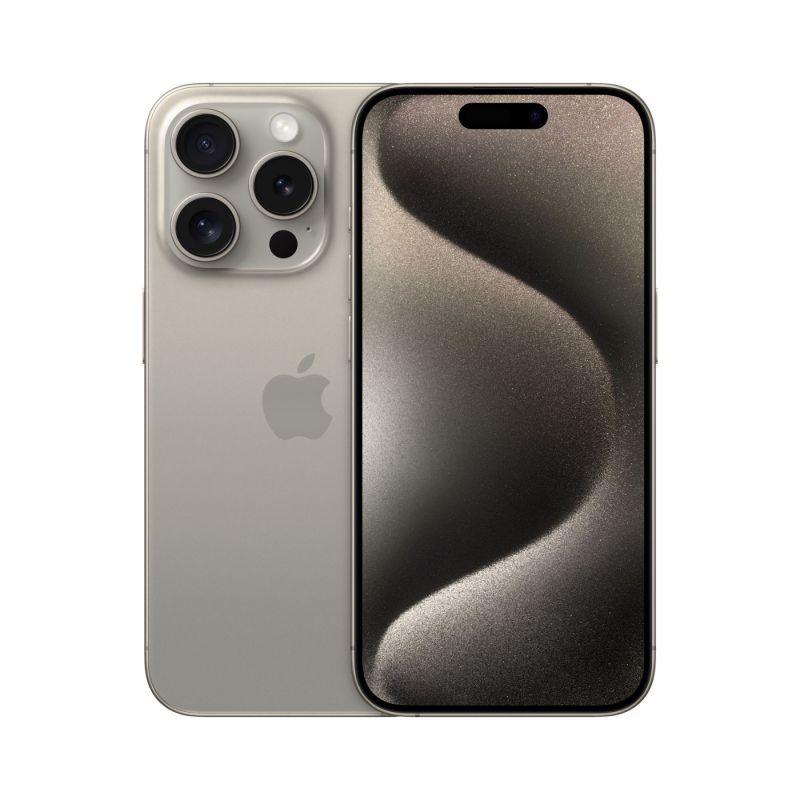
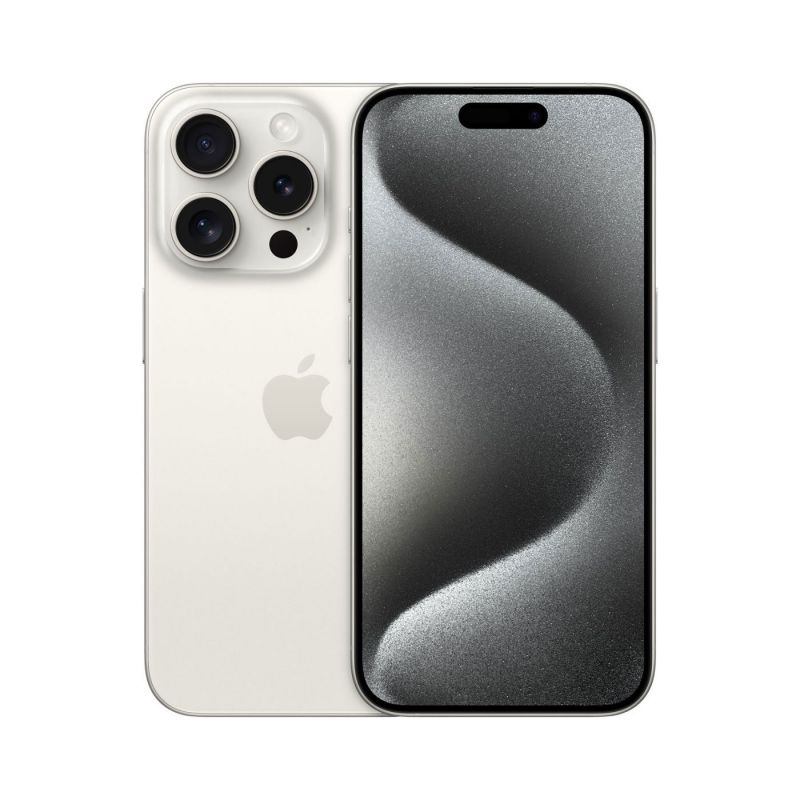
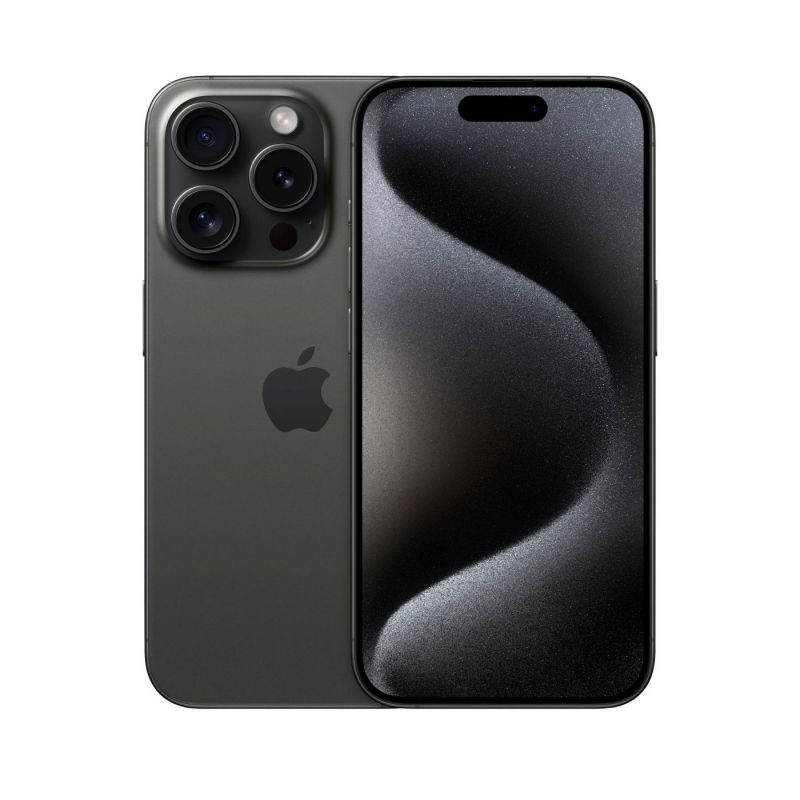
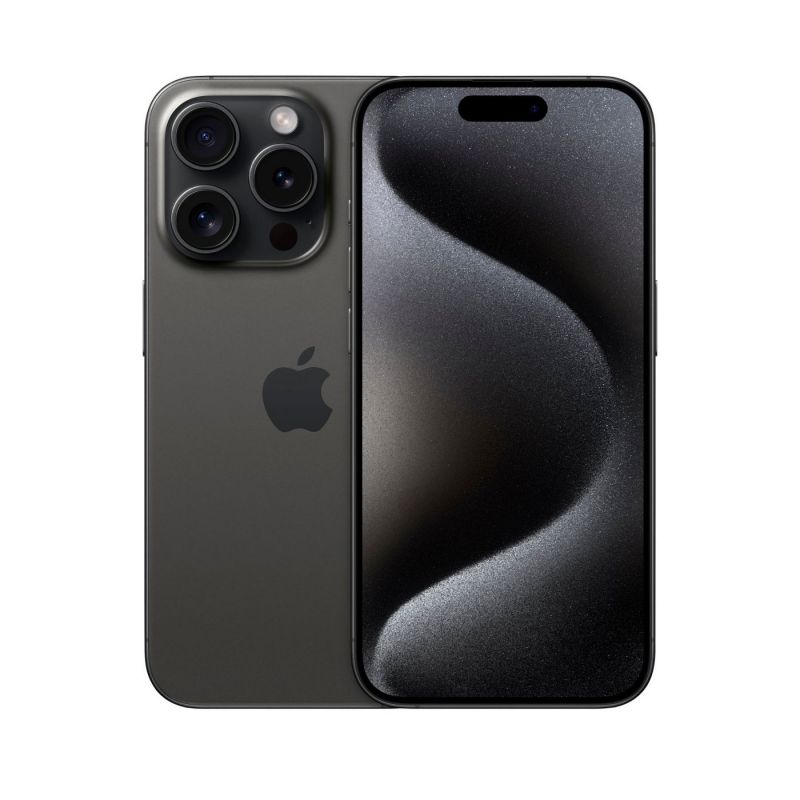
iPhone 15 Pro colors
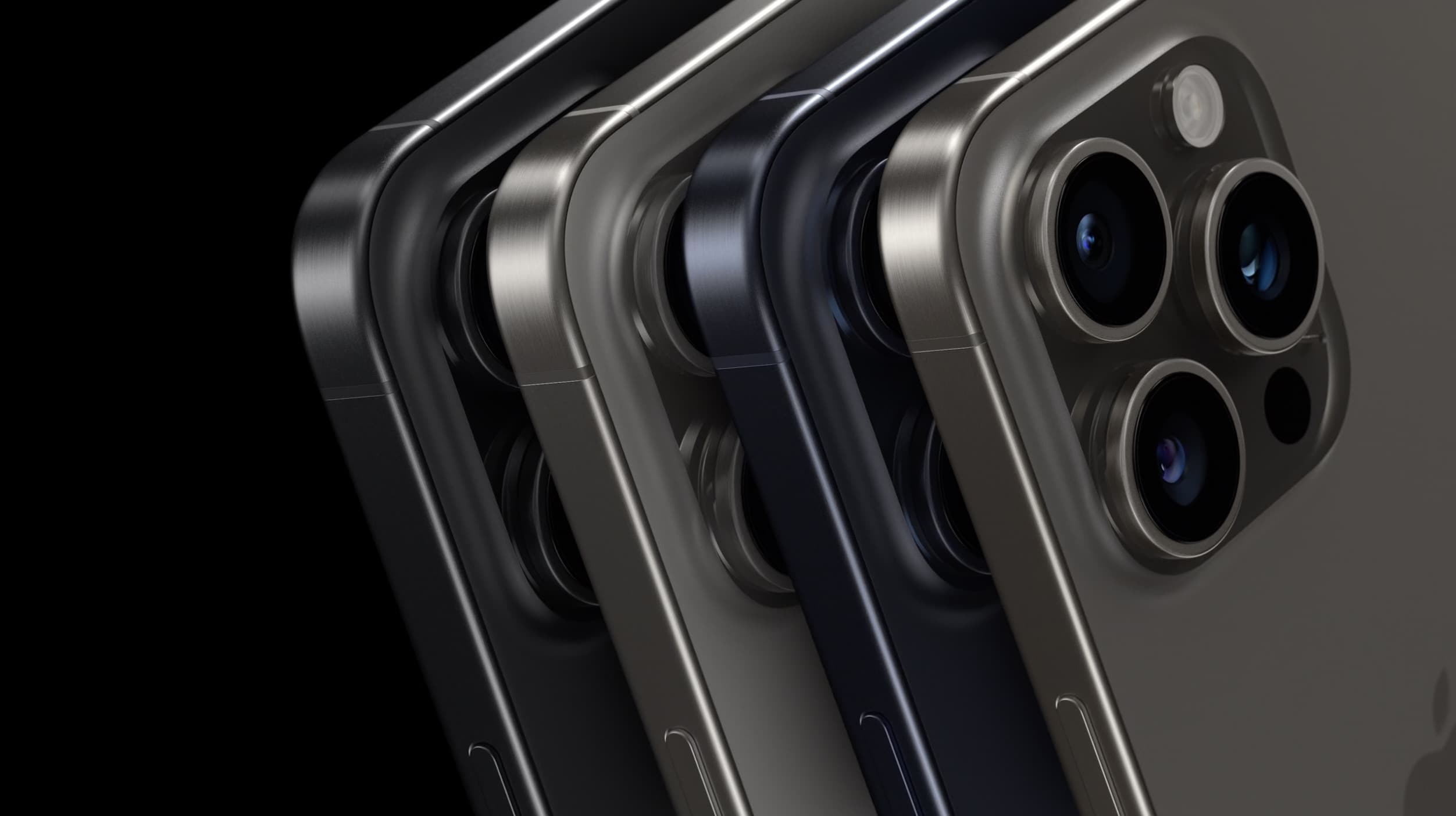
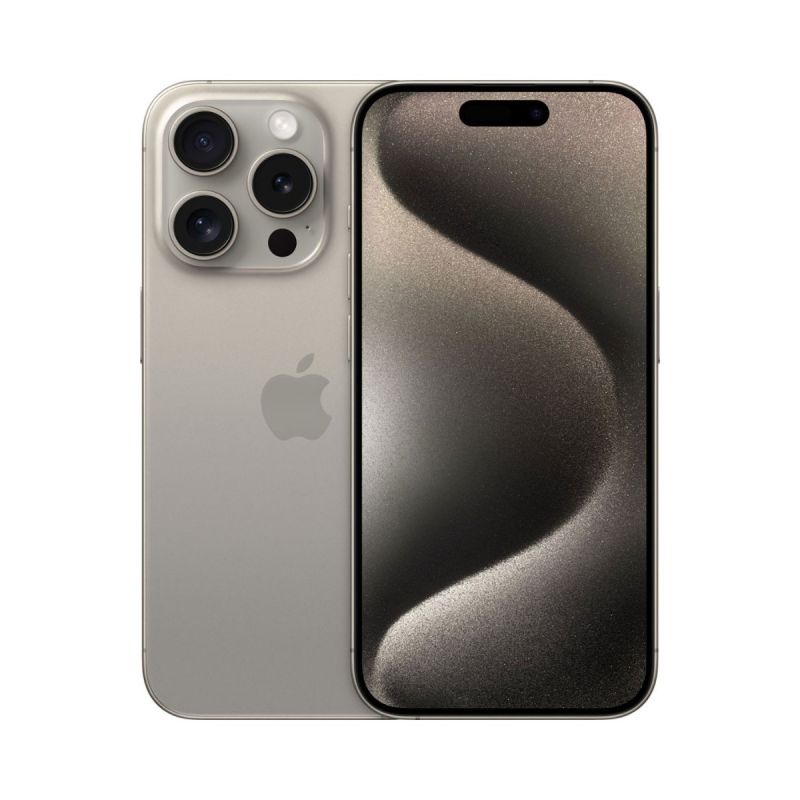
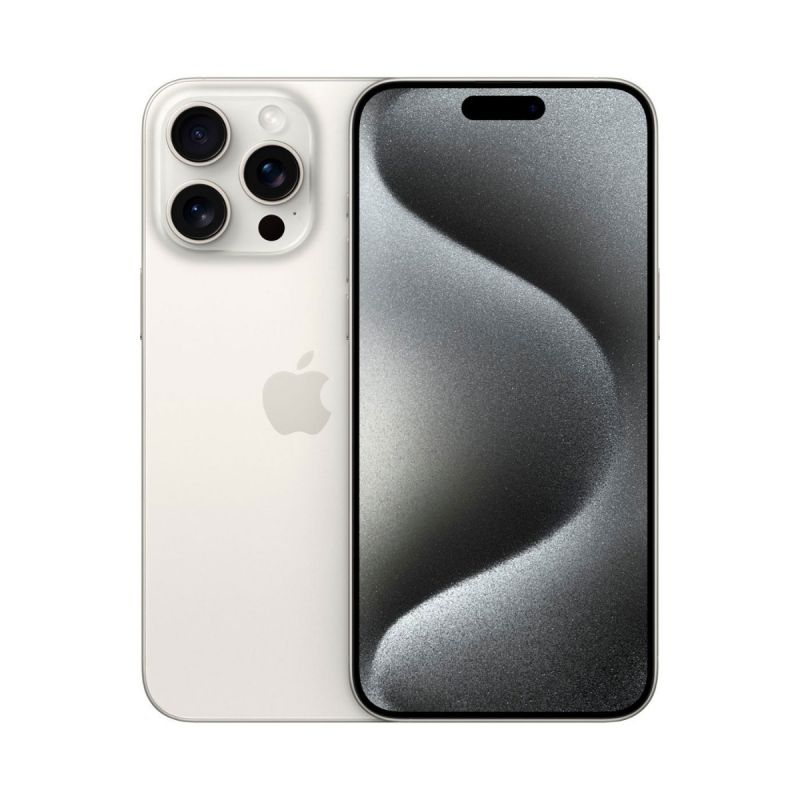
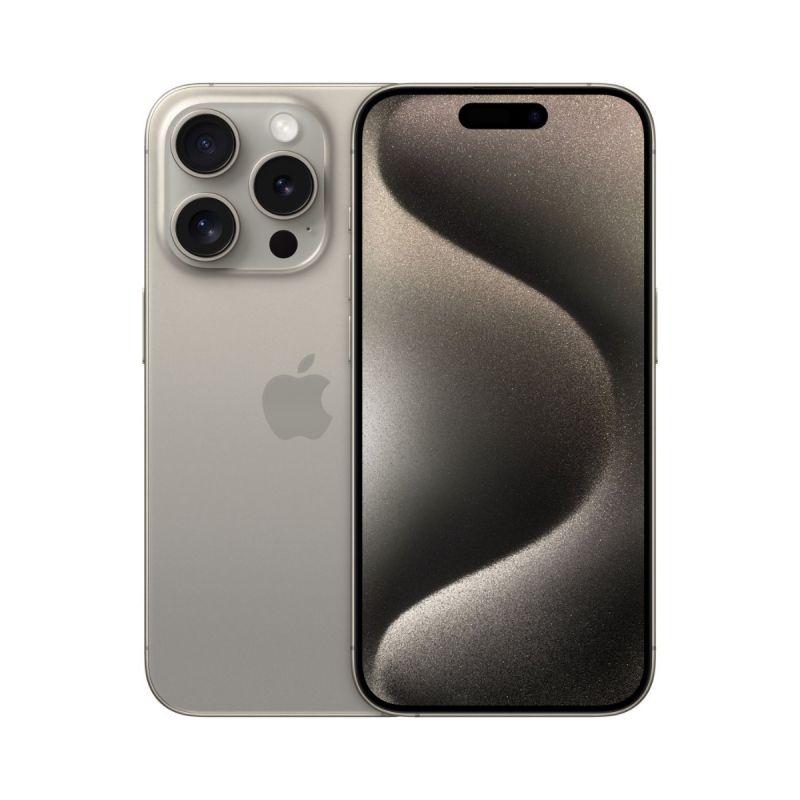
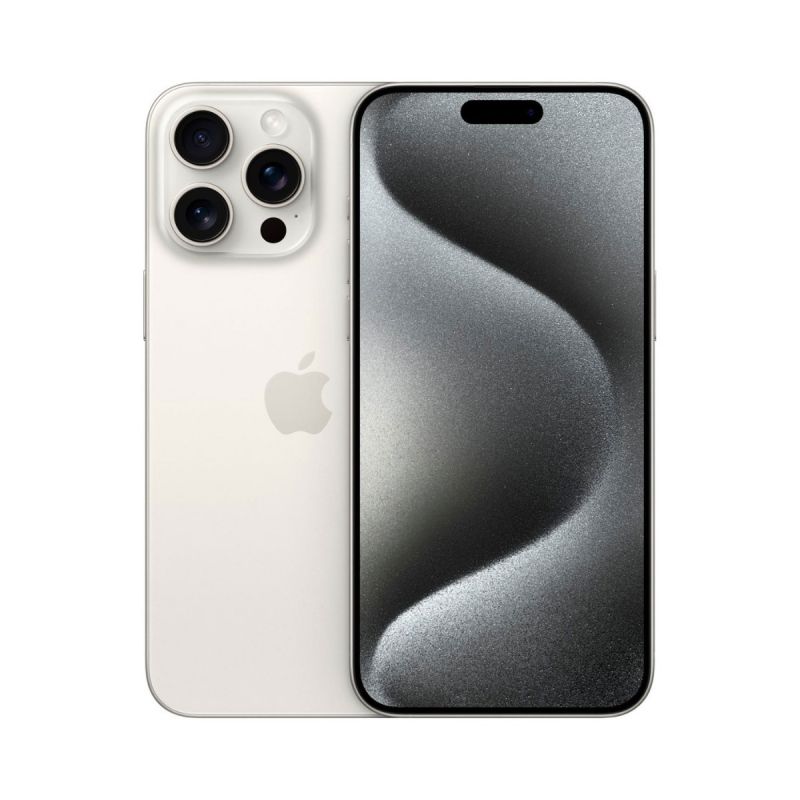
iPhone 15 Pro and Pro Max are available in:
- Natural titanium
- Blue titanium
- White titanium
- Black titanium
Storage and pricing
iPhone 15 Pro/Max comes in at:
- 128GB – $999 (only 15 Pro available in 128GB)
- 256GB – $1,099 / $1,199
- 512GB – $1,299 / $1,399
- 1TB – $1,499 / $1,599
What’s in the box?
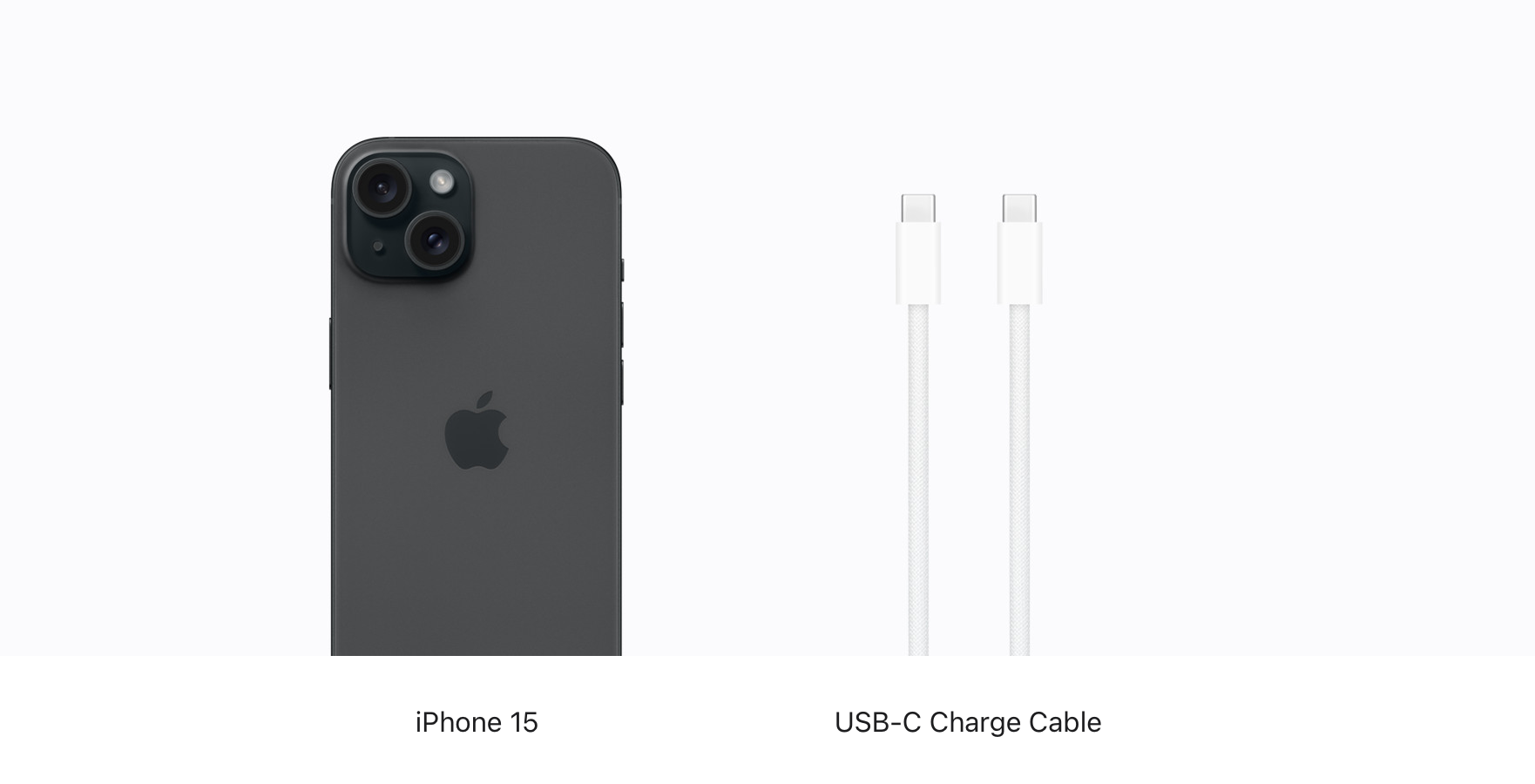
iPhone 15 Pro/Max just comes with the iPhone and a USB-C cable in the box.
If you need a power adapter, go with at least a 20W so you get fast charging for your iPhone. Good options here:
iPhone 13 Pro vs 15 Pro: Is it worth upgrading?
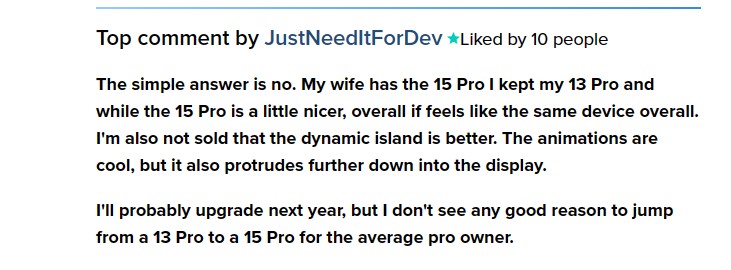
The iPhone 15 Pro and Pro Max are powerful and capable devices, but whether upgrading from the 13 Pro is worth it to you will depend on how you want to use your iPhone and what features you find valuable.
Reasons to consider upgrading to iPhone 15 Pro or Pro Max
- Most powerful and capable cameras for photos and video
- Titanium build with slim bezels
- USB-C with 10Gbps speeds, WiFi 6E support
- Fastest chip, most powerful GPU for mobile gaming
- Always-On display, ProMotion refresh rates up to 120Hz, and Dynamic Island
What do you think? Are the upgrades enough to switch to iPhone 15 Pro? Share your thoughts in the comments, used code WHATOUPGRADE24 can get a discount from our iPhone category or buy an iPhone directly as given below model of iPhone.
Thanks for reading our guide on iPhone 13 Pro vs 15 Pro!
Source - 9to5Mac
-
 -10%
Apple - iPhone 15 Pro - Factory Unlocked - Global Network Carrier - Chinese VersionAs low as $999.00 Regular Price $1,104.88
-10%
Apple - iPhone 15 Pro - Factory Unlocked - Global Network Carrier - Chinese VersionAs low as $999.00 Regular Price $1,104.88 -
-13%
Apple - iPhone 15 Pro Max - Factory Unlocked - Global Network Carrier - Chinese VersionAs low as $1,199.00 Regular Price $1,377.99
-
-18%
Apple - iPhone 15 Pro Factory Unlocked - Bright Star ResourceAs low as $909.46 Regular Price $1,105.68
-
-25%
Apple - iPhone 15 Pro Max Factory Unlocked - Bright Star ResourceAs low as $1,037.86 Regular Price $1,382.13
-
-18%
Apple - iPhone 15 Pro 128GB Factory Unlocked - Bright Star Resource - Natural TitaniumSpecial Price $909.46 Regular Price $1,105.68
-
-19%
Apple - iPhone 15 Pro 256GB Factory Unlocked - Bright Star Resource - White TitaniumSpecial Price $1,005.94 Regular Price $1,243.91
-
-27%
Apple - iPhone 15 Pro 512GB Factory Unlocked - Bright Star Resource - Black TitaniumSpecial Price $1,116.19 Regular Price $1,520.37
-
-31%
Apple - iPhone 15 Pro 1TB Factory Unlocked - Bright Star Resource - Black TitaniumSpecial Price $1,240.23 Regular Price $1,796.82
-
-25%
Apple - iPhone 15 Pro Max 256GB Factory Unlocked - Brightstar Resource - Natural TitaniumSpecial Price $1,037.86 Regular Price $1,382.13
-
-25%
Apple - iPhone 15 Pro Max 256GB Factory Unlocked - Brightstar Resource - White TitaniumSpecial Price $1,037.86 Regular Price $1,382.13