iPhone Duo Official Wallpapers: Download Light & DarkNight in HD
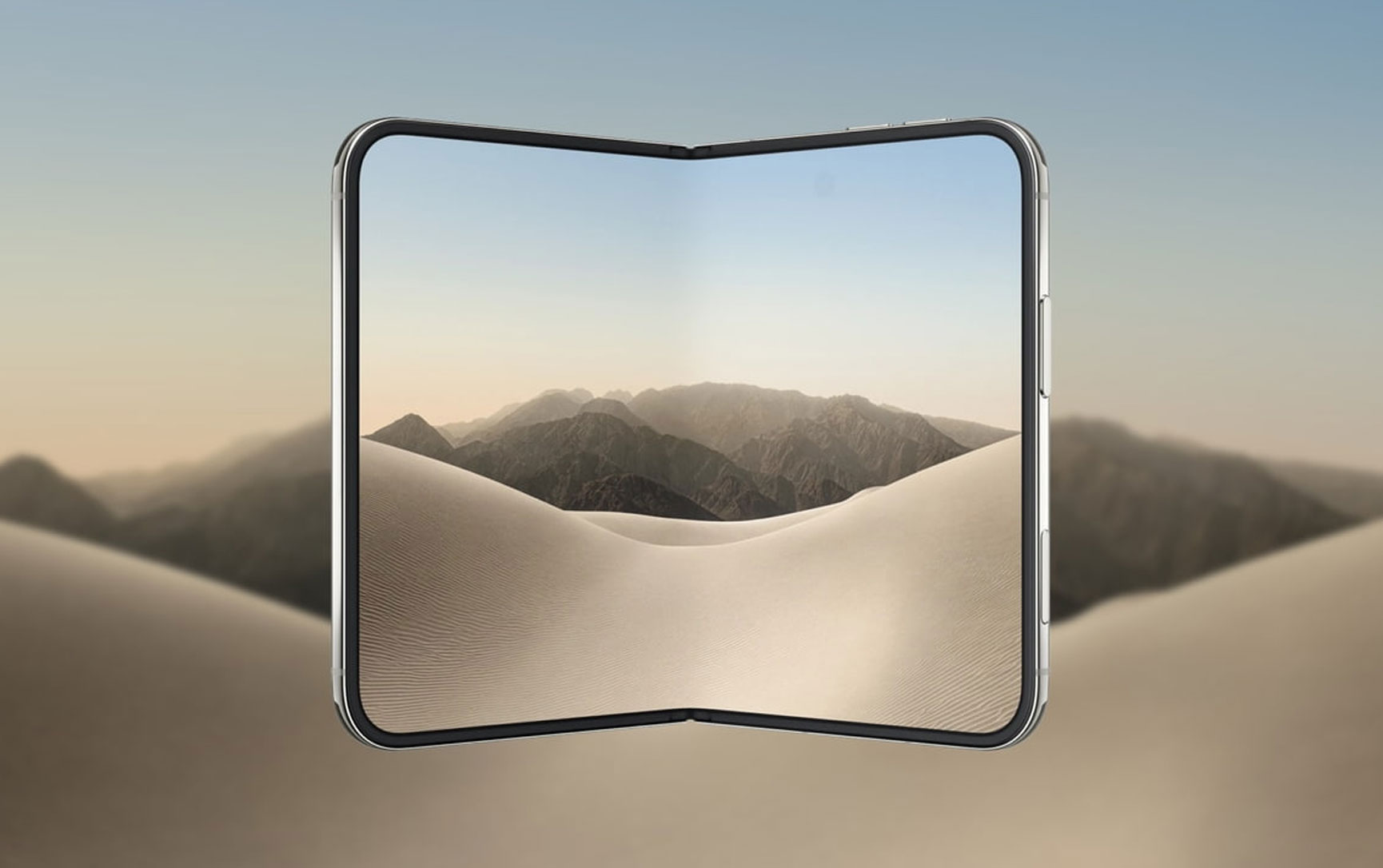
September 12, 2026 — The iPhone Duo's 7.6-inch inner display and 5.4-inch cover screen are two very different canvases. A wallpaper that looks great on the outer display can look awkward or cropped when you unfold the phone. That's why Apple's official wallpapers are tuned for both screens — and why we're sharing two high-resolution options that match the iPhone Duo's design language .
Below you'll find iPhone Duo Light and iPhone Duo DarkNight, both in high resolution and optimized for the Duo's dual-screen form factor.
Why Official Wallpapers Matter for a Foldable
On a regular iPhone, any wallpaper works — the screen is a fixed shape. But the iPhone Duo has two screens with two different aspect ratios: a 5.4-inch cover display and a 7.6-inch inner display with a 4:3 ratio.
Apple's official wallpapers are designed with this in mind. They use:
- Adaptive composition: The key visual elements stay centered whether viewed on the cover screen or the inner display
- Color calibration: Tuned for the Duo's OLED panel and its 3,000-nit peak brightness
- Crease-aware placement: Important details avoid the center fold line
Third-party wallpapers often don't account for these factors. That's why downloading official-style wallpapers makes a visible difference on a foldable .
Wallpaper Preview
| Wallpaper | Style | Best For |
|---|---|---|
| iPhone Duo Light | Bright, clean, minimal | Daytime use, cover screen home |
| iPhone Duo DarkNight | Deep, dark, atmospheric | Night use, unfolded inner display |
Both wallpapers follow the iPhone Duo's design philosophy — soft gradients, subtle depth, and a composition that looks intentional at any aspect ratio.
Download Links
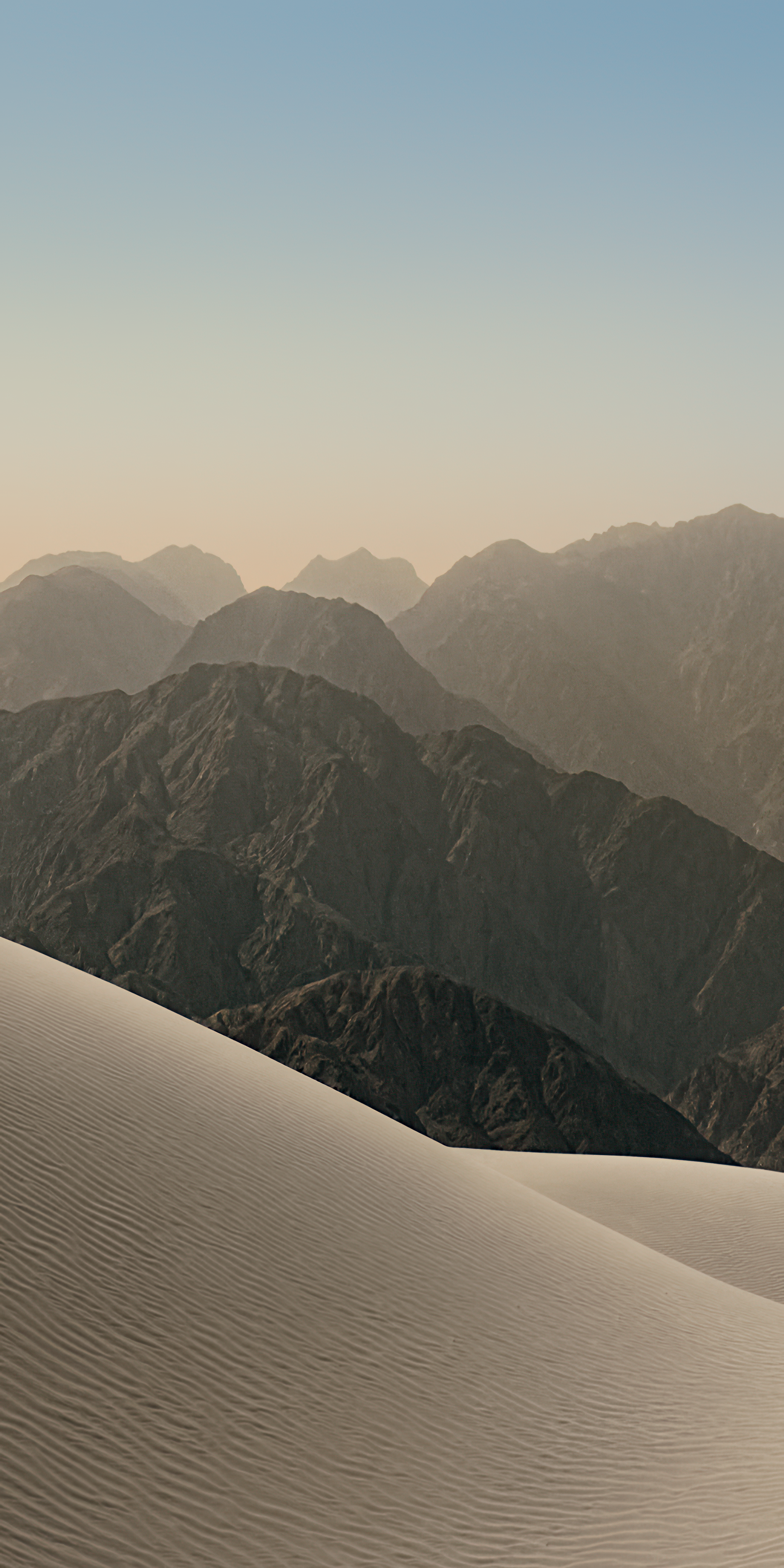 iPhone Duo Light
Bright, clean, and minimal — ideal for the cover screen and daytime use.
Download Light →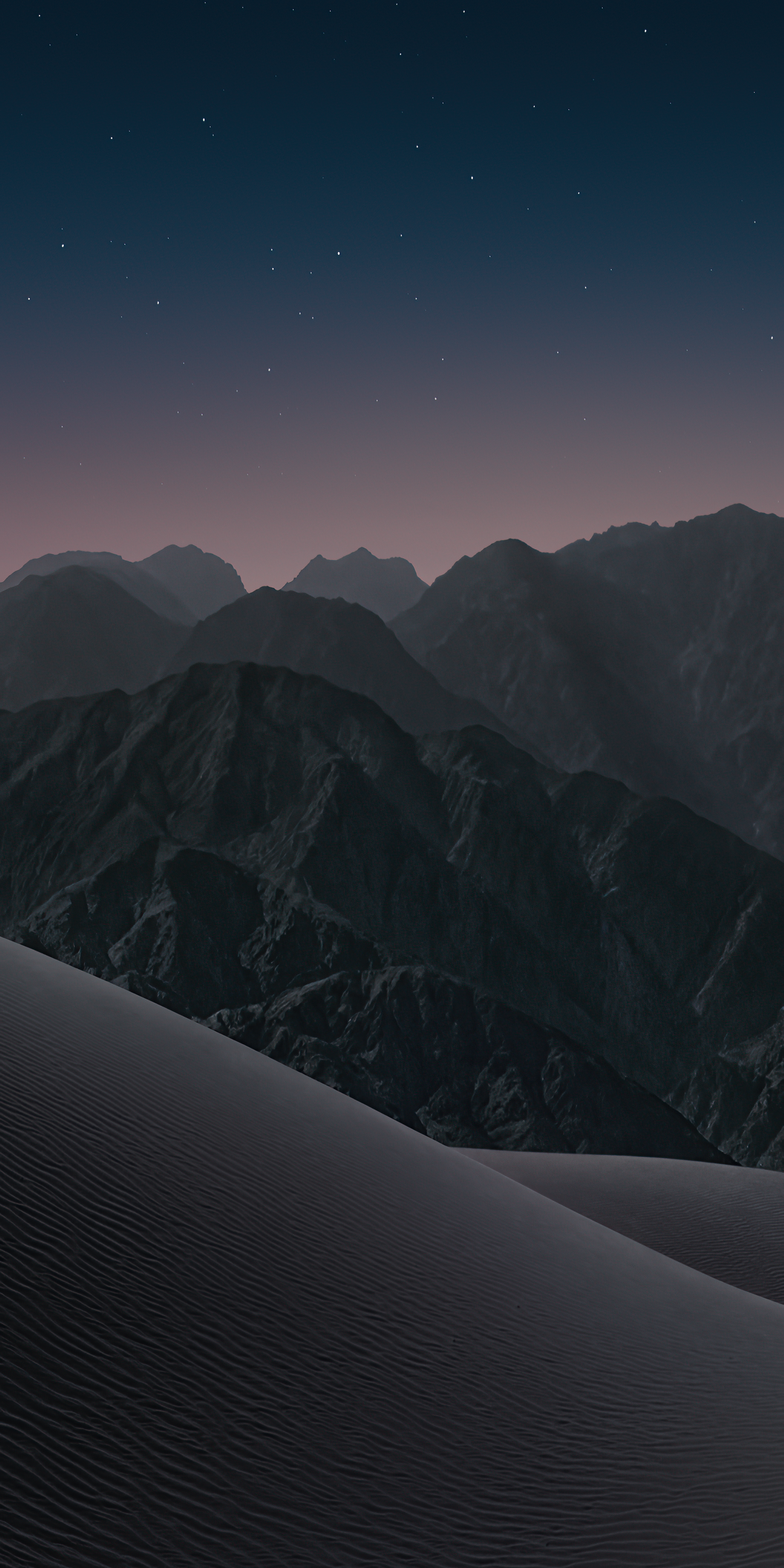 iPhone Duo DarkNight
Deep, dark, and atmospheric — perfect for the inner display at night.
Download DarkNight →If you prefer to download directly without previewing:
How to Set Wallpapers on iPhone Duo
Because the iPhone Duo has two screens, you have two places to set wallpapers. Here's how to do both:
Setting the Cover Screen Wallpaper
- Open Settings → Wallpaper
- Tap Add New Wallpaper
- Select Photos and choose the downloaded wallpaper
- Adjust the crop as needed — the Duo's cover screen is 5.4 inches
- Tap Set as Wallpaper Pair or Customize Home Screen
Setting the Inner Display Wallpaper
- Unfold the iPhone Duo
- Follow the same steps: Settings → Wallpaper → Add New Wallpaper
- When cropping, keep the image centered — the inner display is 7.6 inches with a 4:3 ratio
- iOS 27 will automatically adjust the composition for the wider format
Since the cover screen is mostly used for quick glances and notifications, a brighter wallpaper like Light works well. The inner display is often used for longer sessions — reading, watching, or multitasking — so the darker DarkNight wallpaper reduces eye strain and saves battery on OLED.
FAQ
These wallpapers are designed in the style of Apple's official iPhone Duo wallpapers and optimized for its dual-screen form factor. They are not extracted from Apple's firmware but are created to match the Duo's design language.
Yes. Both wallpapers are high-resolution PNG files that work on any iPhone. However, they are specifically composed for the iPhone Duo's dual-screen layout, so on a standard iPhone the crop may differ slightly.
No. Both wallpapers are completely free to download and use.
If you're looking for a specific style or color theme, reach out to our team — we may be able to create additional variants based on demand.
Shop iPhone Accessories at Gzmato
Cases | Chargers | Cables | Screen Protectors | MagSafe Accessories
Special Offer: Use code TECH2026 for a discount on your first order!
Shop Phone Accessories at GzmatoOur team can help you find additional wallpapers or answer questions about setting them up on your iPhone Duo. Chat with us or open a request.
- Apple Official — iPhone Duo display specifications (5.4-inch cover, 7.6-inch inner, 4:3 ratio)
- Apple Support — Wallpaper setup instructions for iOS 27 on foldable devices
- Gzmato Media Library — Wallpaper assets: Duo_iPhone.png and DuoNight_iPhone.png
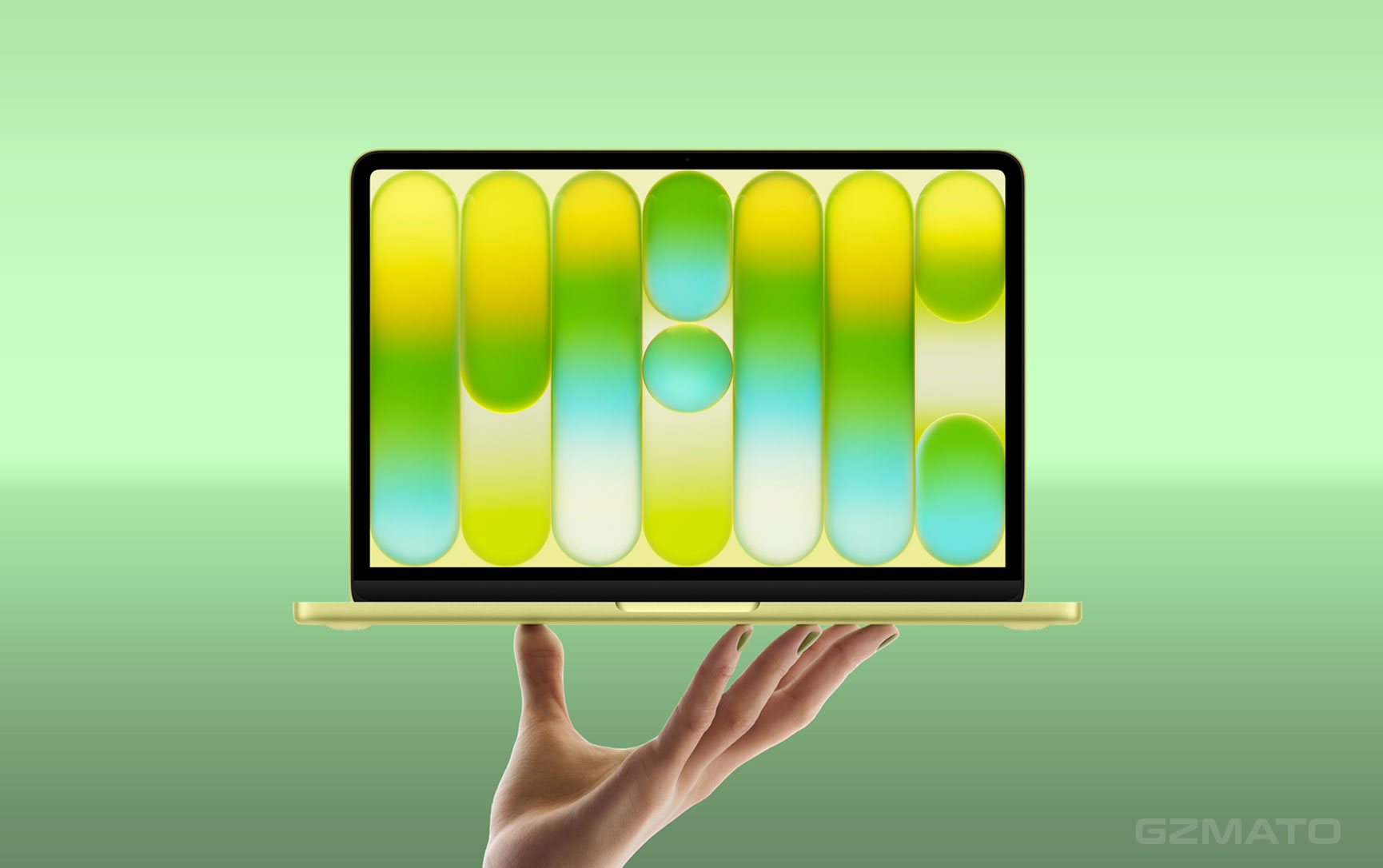
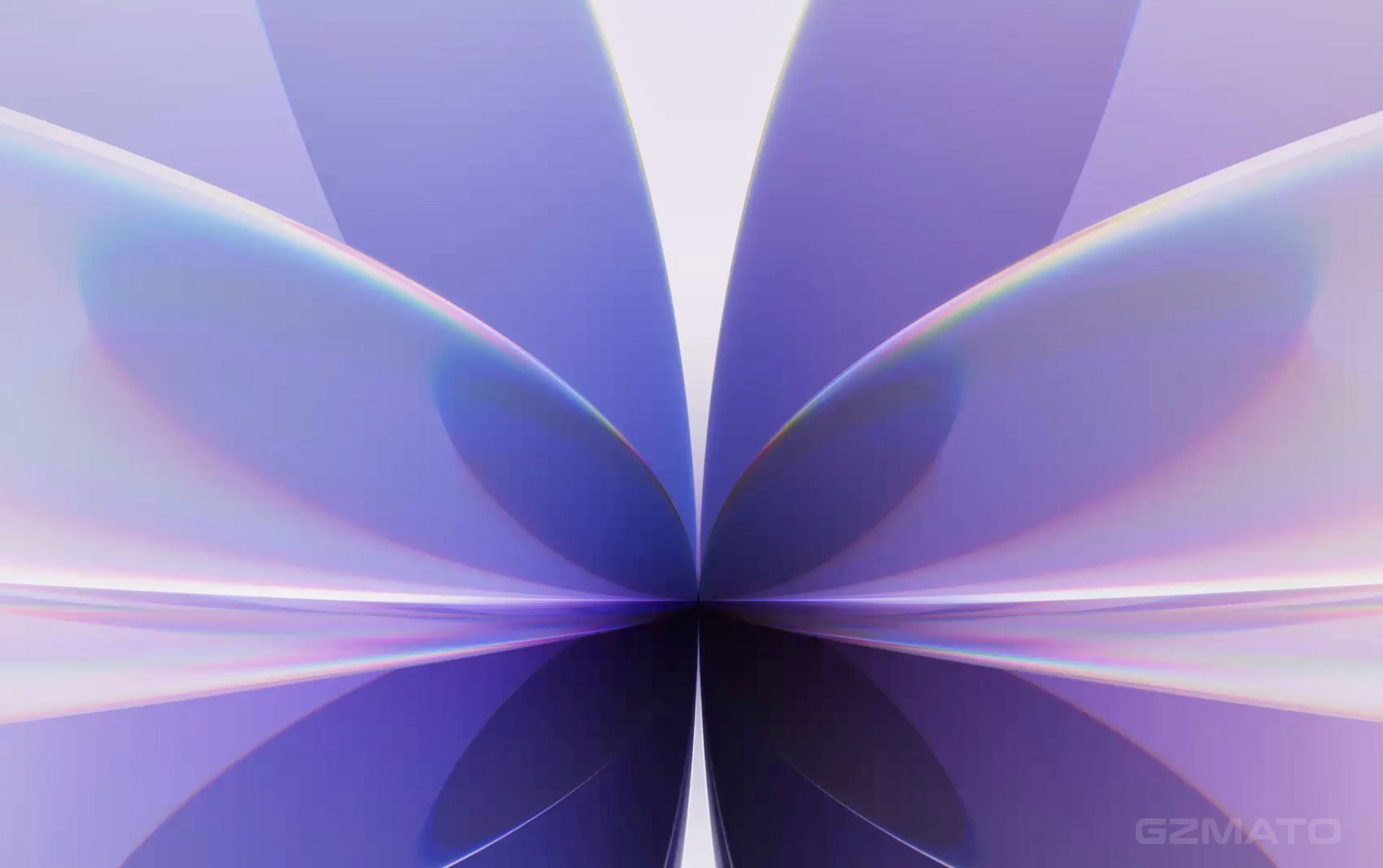

- iPhone Duo wallpaper
- iPhone Duo wallpapers
- iPhone Duo Light
- iPhone Duo DarkNight
- foldable wallpaper
- iPhone wallpaper download
- Gzmato