
MacBook Air Buying Guide 2026: M3, M4, M5 Chips – Specs, Scenes, Budget Tips
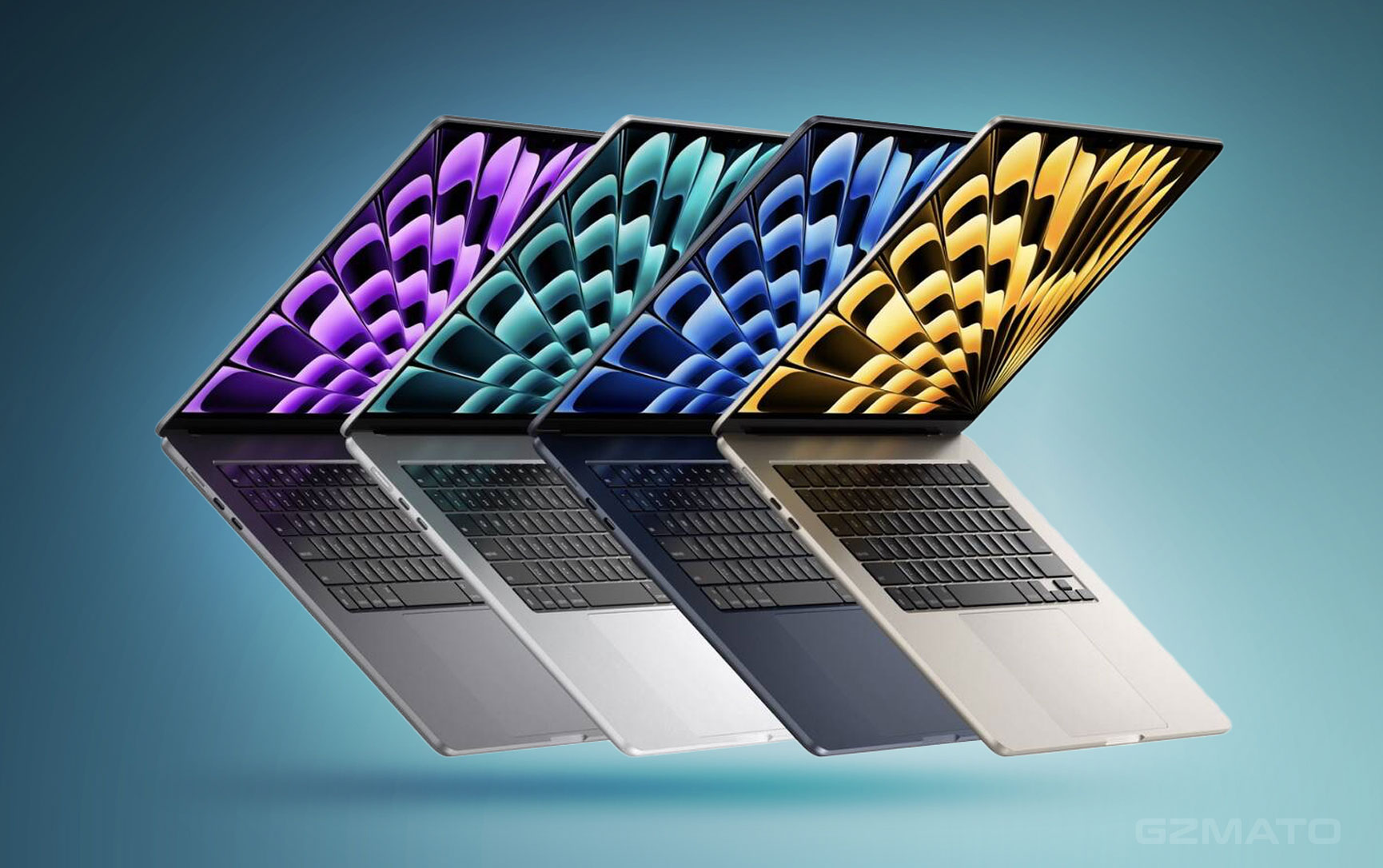
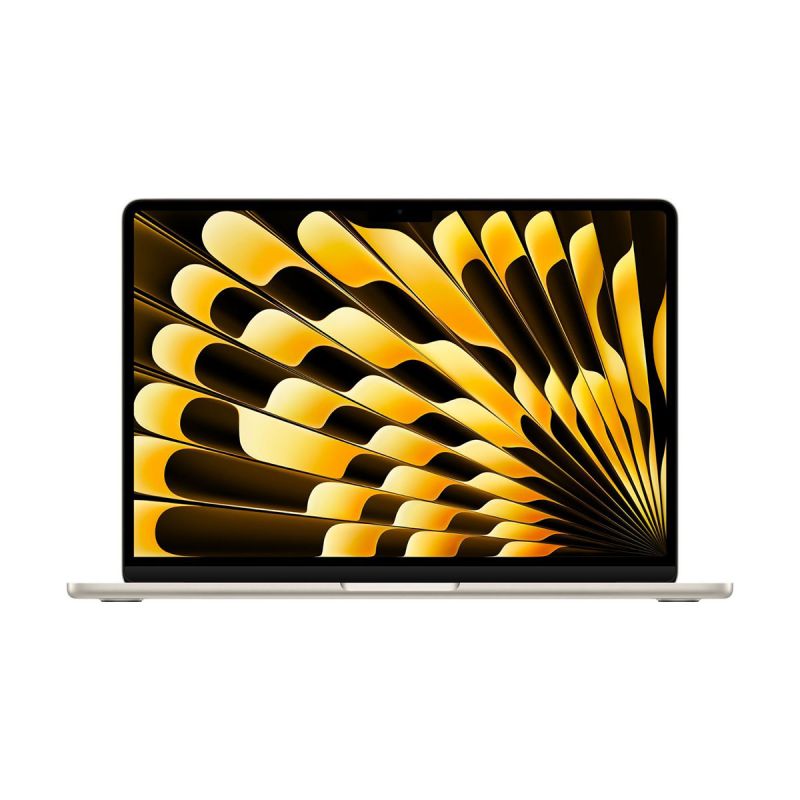
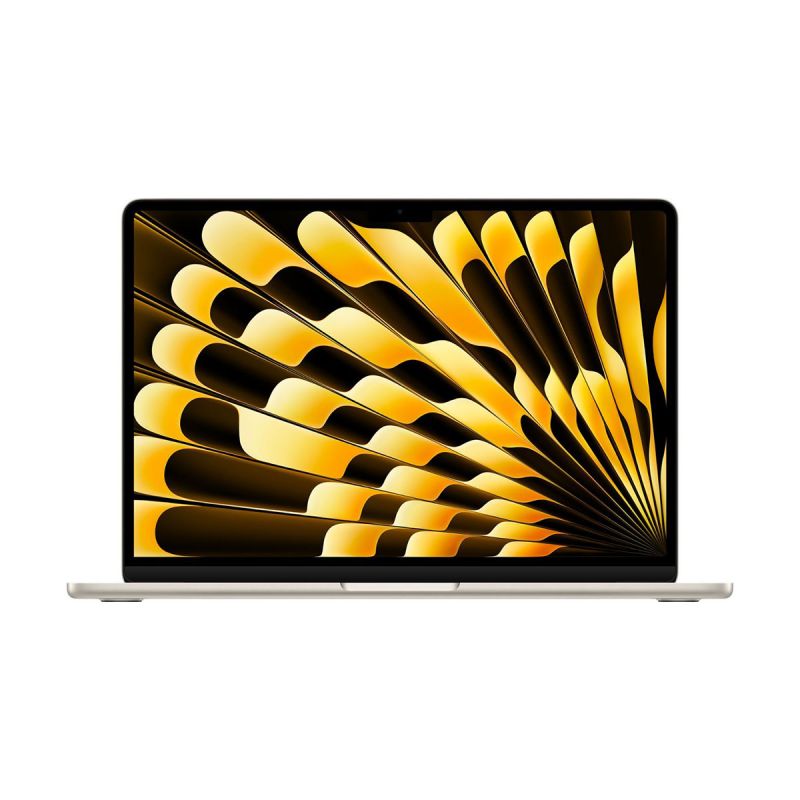
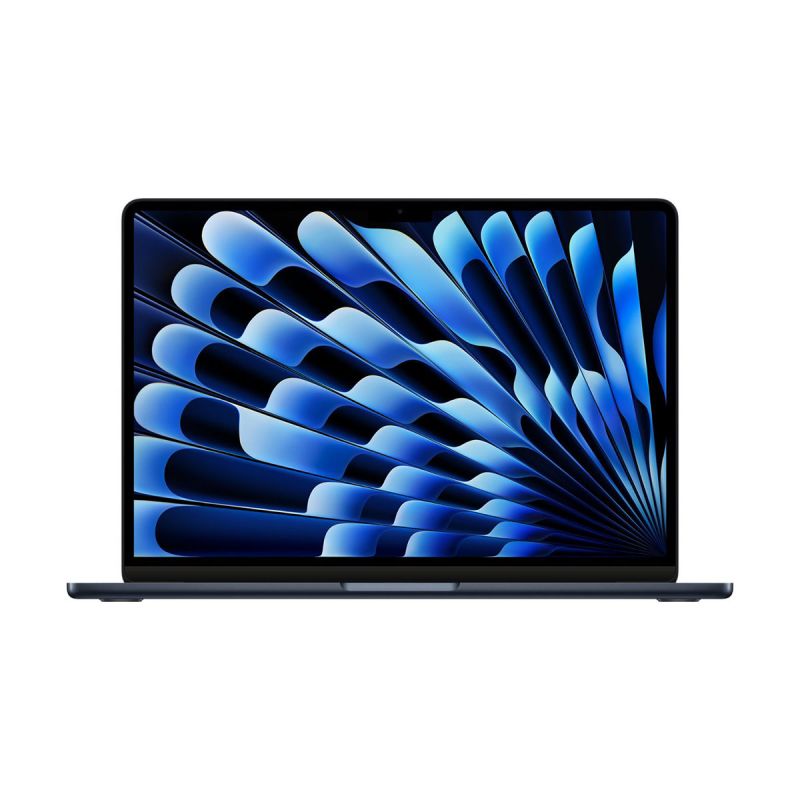
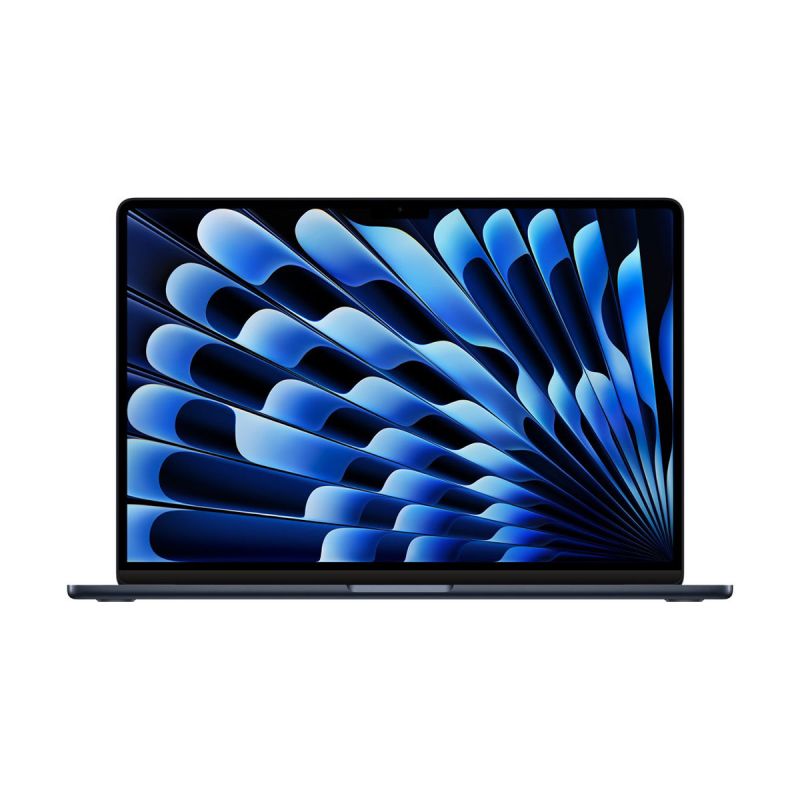
January 17, 2026 – Many customers compare MacBook Air 13-inch (24GB RAM + 512GB SSD) and 15-inch (16GB RAM + 512GB SSD) when prices are similar. This guide helps you choose the right MacBook Air in 2026: M3, M4, M5 chips, size, RAM/SSD configs, and best use cases.
2026 MacBook Air Buying Guide Overview
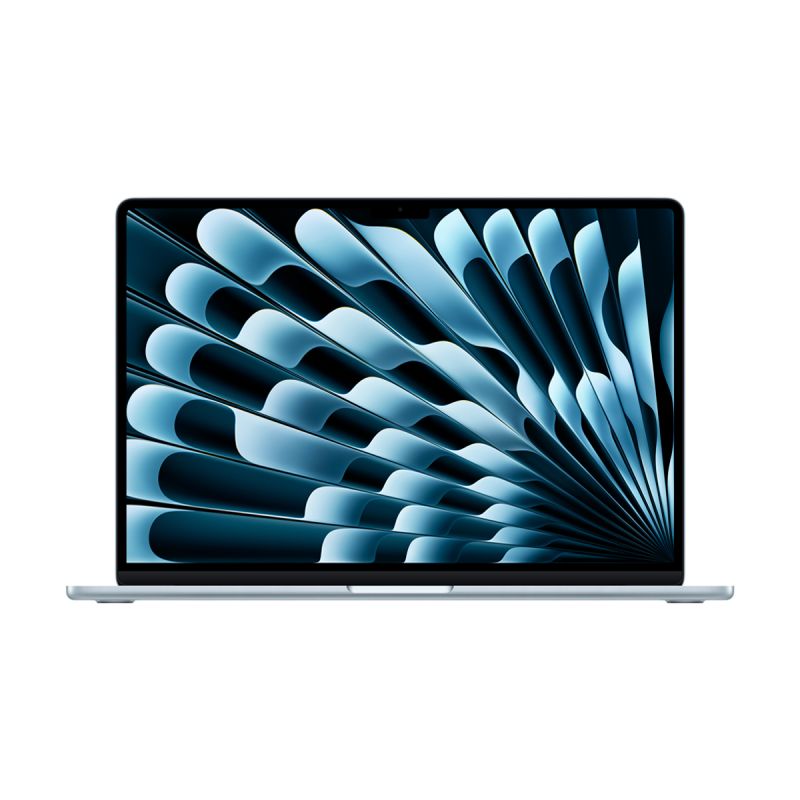
The MacBook Air lineup in 2026 includes M3 (current best value), M4 (newer performance), and upcoming M5 (rumored late 2026). Key decisions: chip, screen size (13" vs 15"), RAM (16GB vs 24GB+), and SSD. All models are fanless, lightweight, and great for everyday tasks.
M3 vs M4 vs M5 Chip Comparison
- M3 (2024-2025): Excellent for most users, 8-core CPU/10-core GPU, great battery, supports two external displays.
- M4 (2025-2026): 10-20% faster CPU/GPU, better AI tasks, improved ray tracing, future-proof for 3-5 years.
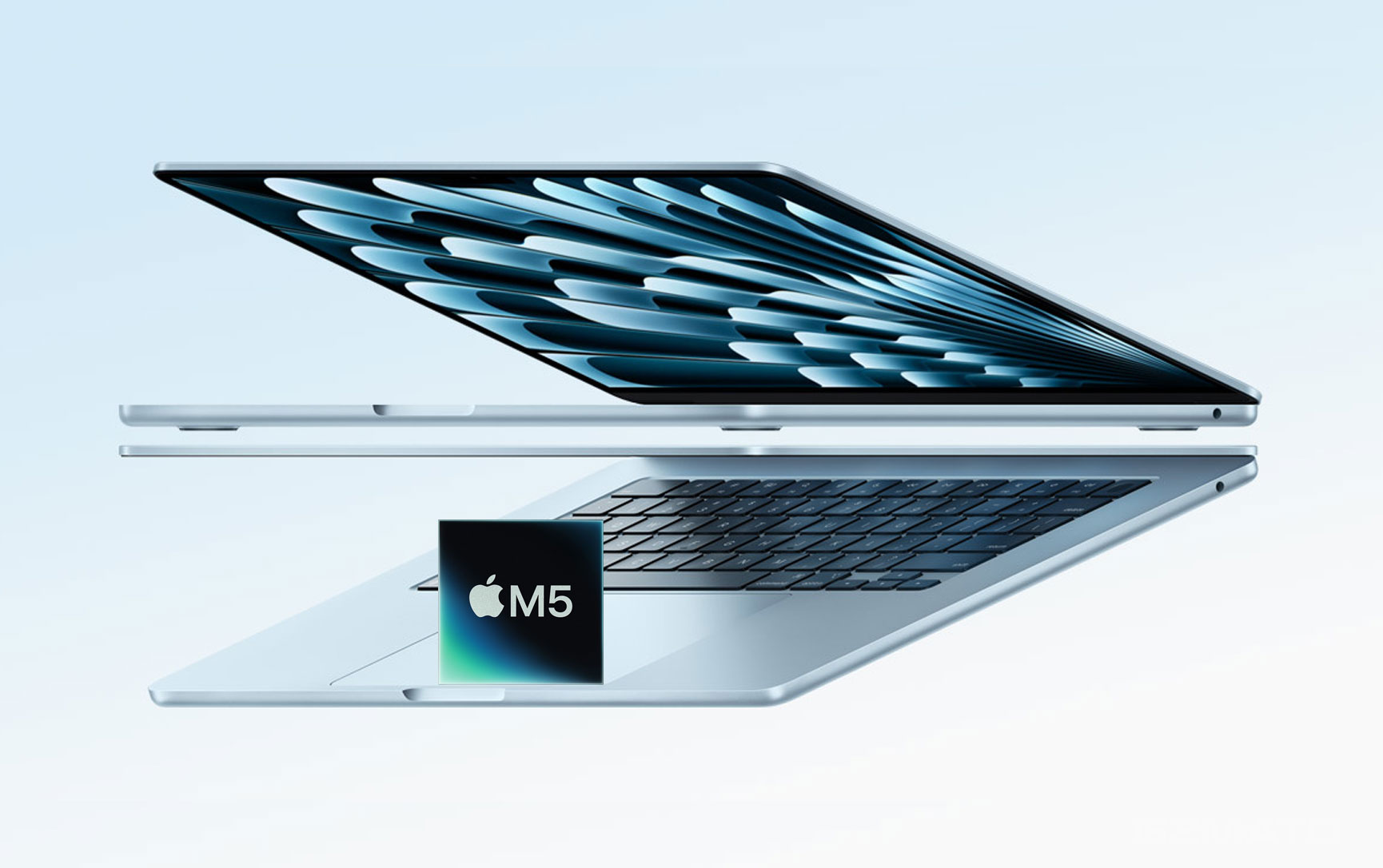
- M5 (Expected Late 2026): Rumored 15-25% faster than M4, even better efficiency, 3nm+ process – wait if you need max performance.
13-inch vs 15-inch – Which Size?
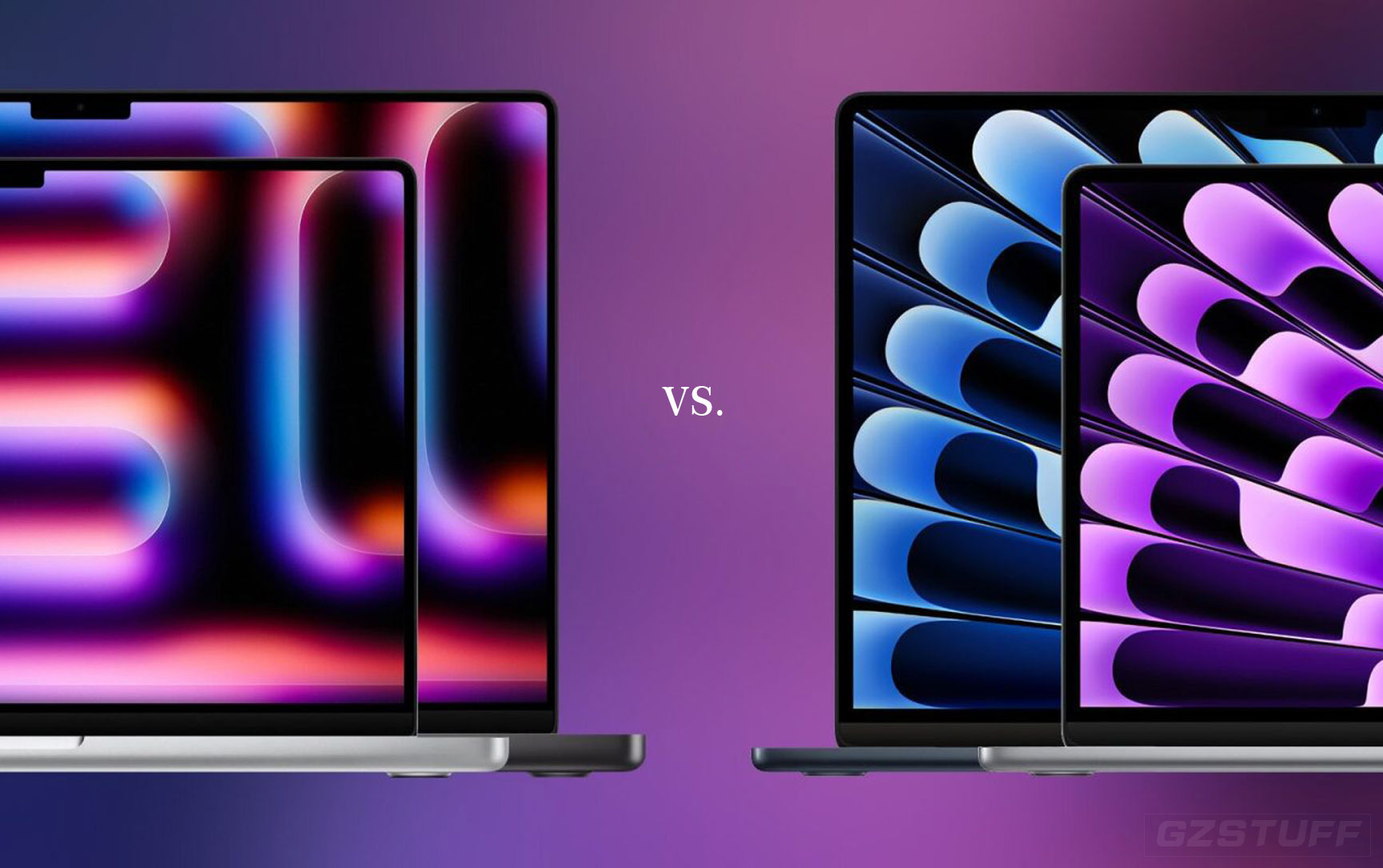
- 13-inch: More portable (2.7 lbs), better for travel/students, same performance as 15-inch.
- 15-inch: Larger screen for productivity/editing, slightly better speakers & battery, but heavier (3.3 lbs).
RAM & SSD Recommendations + Current In-Stock Prices (Jan 2026)
Here are the most popular in-stock configurations right now (prices are reference only – check Gzmato real-time pricing). Use coupon code GZMMAC26 at checkout for 10% off. If the code expires, contact customer service for the latest offer.
| Model | RAM/SSD | Best For | Reference Price (RMB) |
|---|---|---|---|
| 13-inch M3 | 24GB / 512GB | Heavy multitasking, light video editing, future-proofing | ¥10,999–¥12,499 |
| 15-inch M3 | 16GB / 512GB | Everyday work, browsing, office, streaming | ¥11,499–¥12,999 |
| 13-inch M4 | 16GB / 512GB | Balanced performance, AI tools, photo editing | ¥12,499–¥13,999 |
| 15-inch M4 | 24GB / 1TB | Creators, developers, video editing, long-term use | ¥14,999–¥16,999 |
Best Config for Your Use Case
- Students / Light Use: 13-inch M3, 16GB RAM, 512GB SSD – portable, long battery, enough for notes & browsing.
- Office / Multitasking: 15-inch M3/M4, 16GB RAM, 512GB SSD – bigger screen, smooth with many tabs/apps.
- Creators / Developers: 13/15-inch M4, 24GB RAM, 512GB+ SSD – handles video editing, coding, AI tasks well.
- Future-Proof: Wait for M5 (late 2026) if you want max performance; otherwise M4 is excellent now.
Shop MacBook Air at Gzmato
Fast shipping, 1-year warranty, official stock – find your perfect config today
New Year Offer: Use code GZMMAC26 for 10% off!
Shop MacBook Air Now →Data Sources & Methodology (as of Jan 17, 2026):
- Official Apple specs & pricing
- Performance benchmarks from AnandTech, Macworld, 9to5Mac
- Gzmato customer inquiries & sales data
-
 -26%
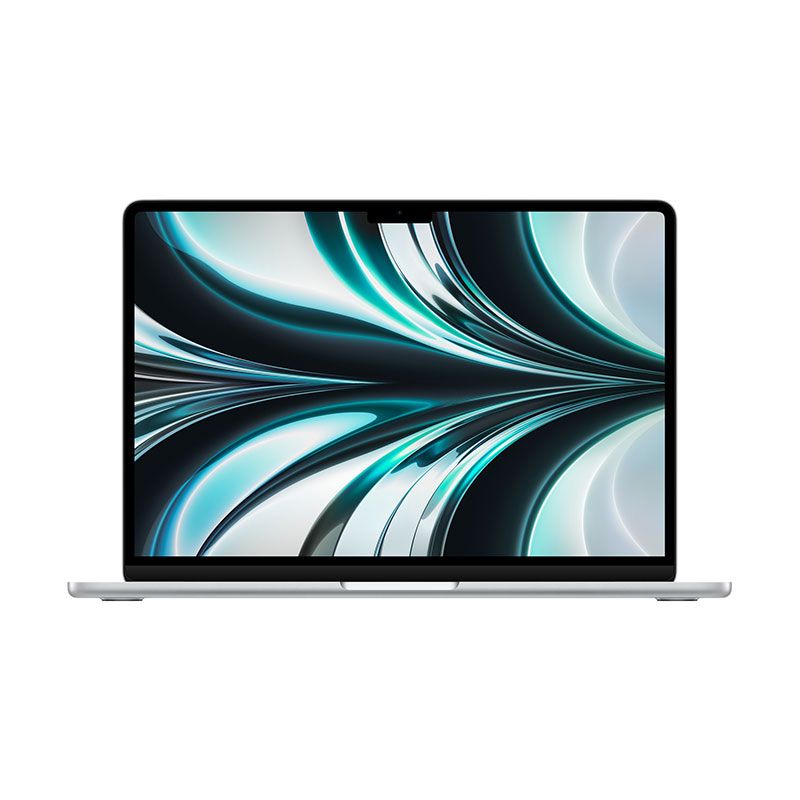
MacBook Air 13.6" Laptop - Apple M2 chip - 8GB Memory - 256GB - Official RefurbishedAs low as $976.09 Regular Price $1,324.74
-26%
MacBook Air 13.6" Laptop - Apple M2 chip - 8GB Memory - 256GB - Official RefurbishedAs low as $976.09 Regular Price $1,324.74 -
-25%
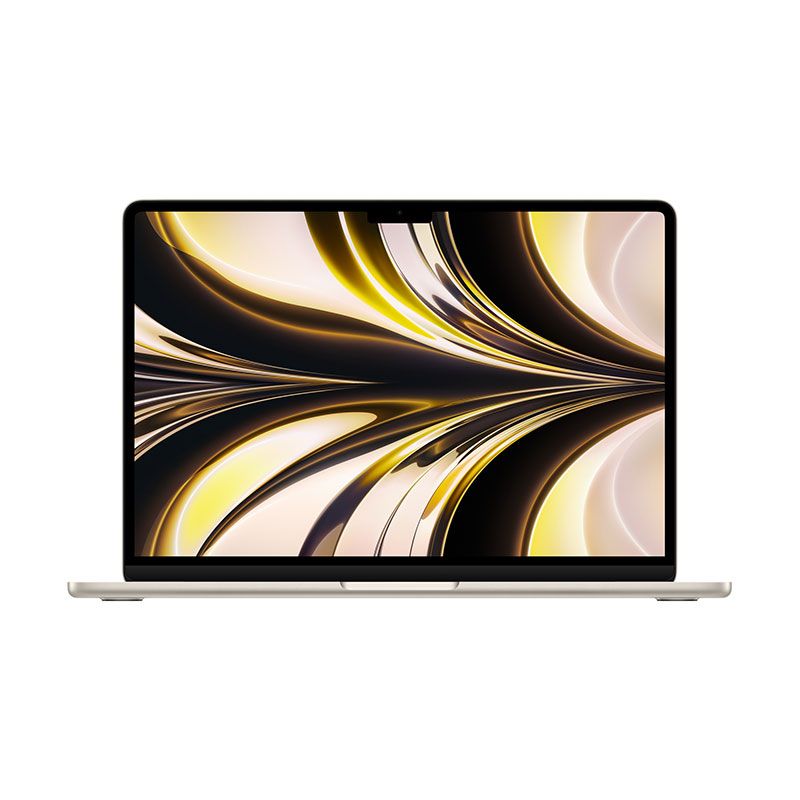
MacBook Air 13.6" Laptop - Apple M2 chip - (8GB Memory - 512GB) - (16GB Memory - 1TB) - Official RefurbishedAs low as $1,199.99 Regular Price $1,589.63
-
-6%
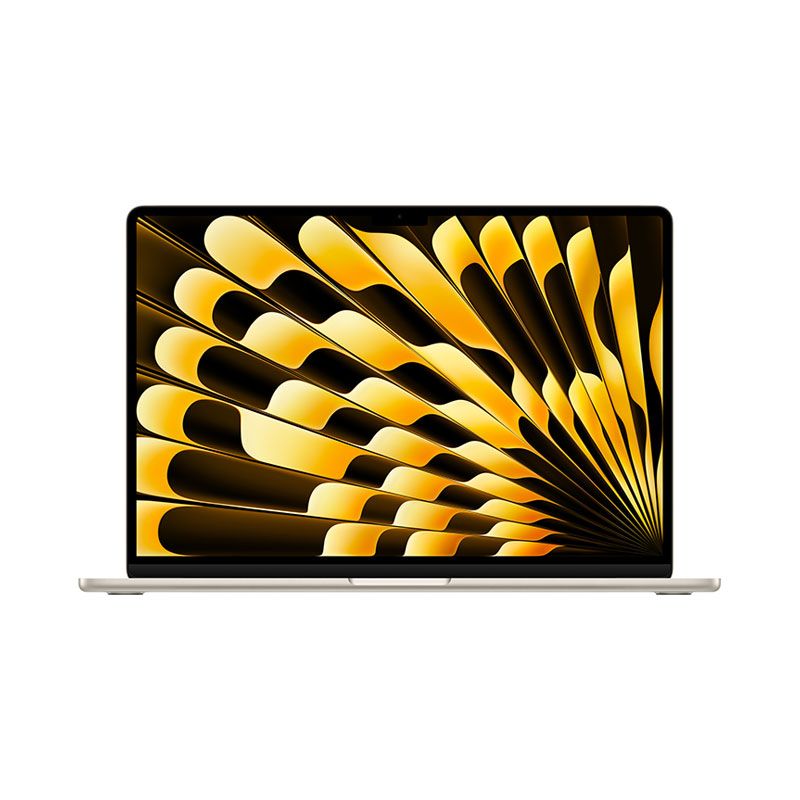
Apple - MacBook Air 15" Laptop - M2 chip - 8GB Memory - 256GB SSD - 512GB SSDAs low as $1,382.55 Regular Price $1,476.48
-
-26%
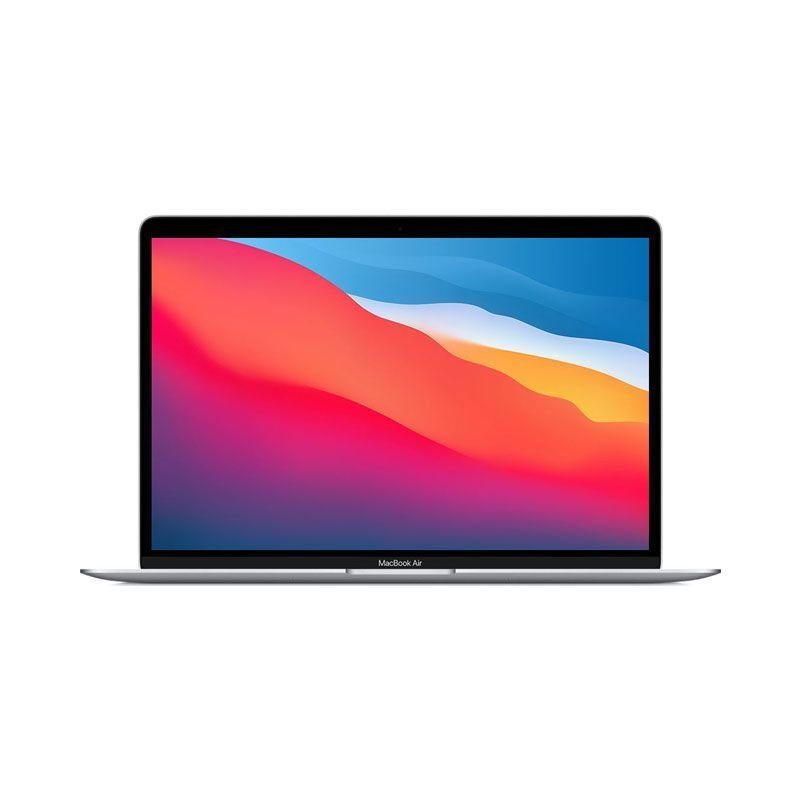
MacBook Air 13.3" Laptop - Apple M1 chip - 8GB Memory - 256GB SSD - Brand New - Official RefurbishedAs low as $753.42 Regular Price $1,020.96
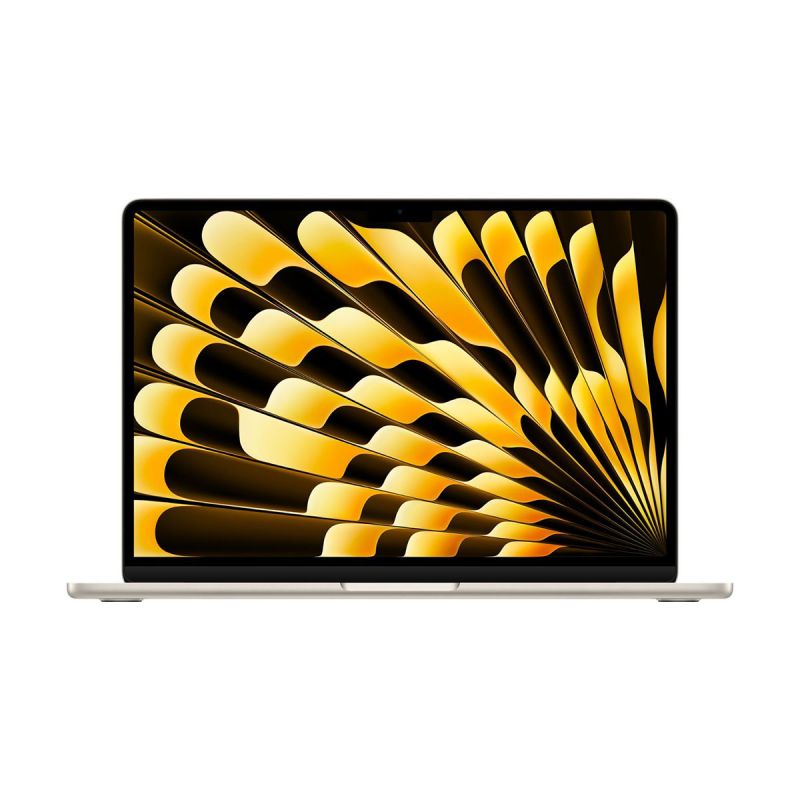
- macbook air buying guide 2026
- m3 m4 m5 chip comparison
- macbook air 13 vs 15 inch
- macbook air ram ssd configs
- apple laptop recommendations











