
Technology
MacBook Air M3 chip vs MacBook Pro M4: What are the differences.
on
November 18, 2024
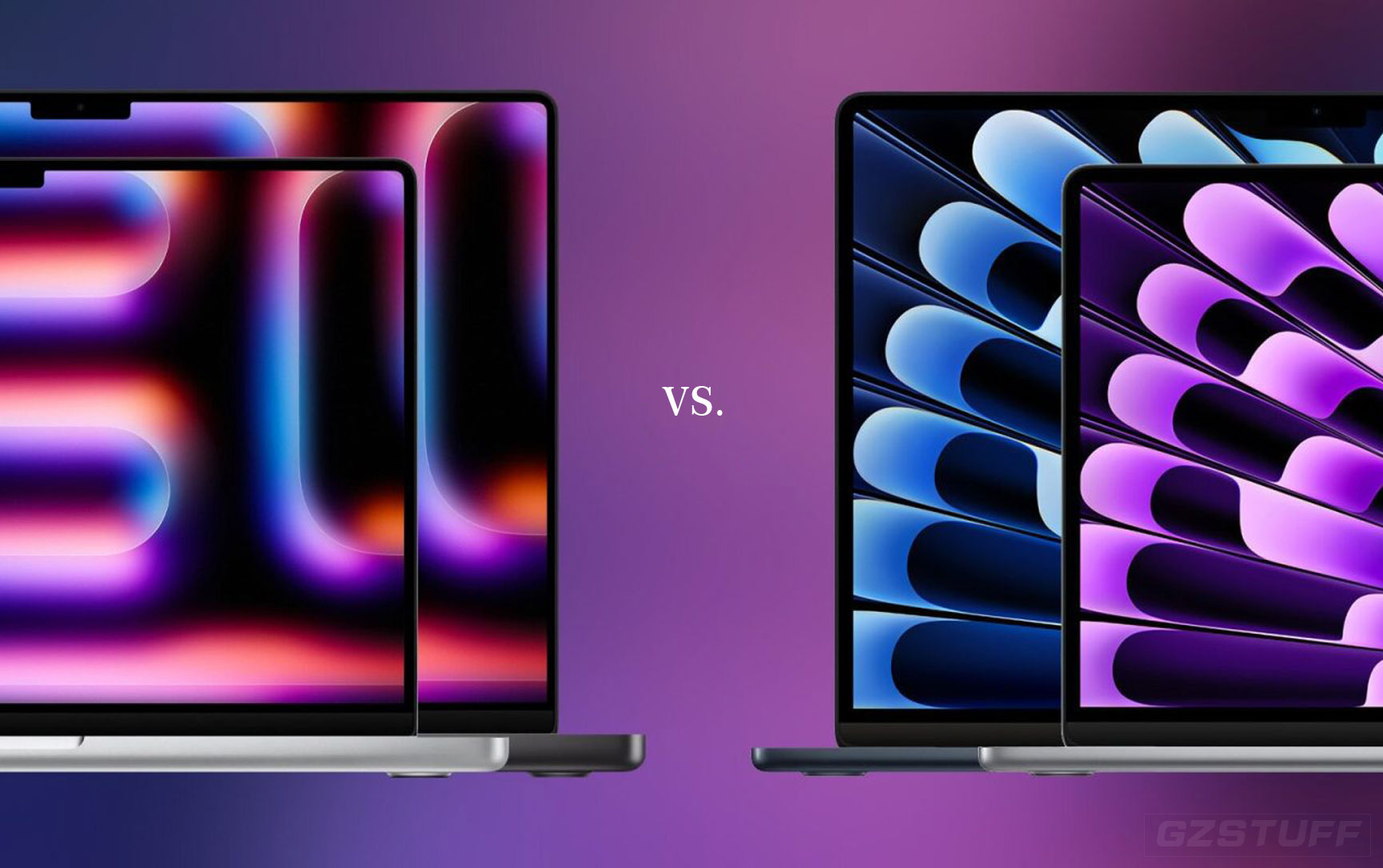
The MacBook Air with the M3 chip and the MacBook Pro with the M4 chip (expected in 2024) will have notable differences in terms of performance, design, and overall features. Here's a comparison between the two based on what we can expect from Apple's trajectory:
1. Performance
- MacBook Air M3:
- The M3 chip will likely be a more power-efficient chip, optimized for everyday tasks like web browsing, office work, media consumption, and light creative tasks.
- It should be a significant upgrade over the previous M2, with better processing power and graphics, but it’s still positioned as a more "entry-level" or mainstream chip compared to the Pro models.
- MacBook Pro M4 (Expected):
- The M4 chip in the MacBook Pro (likely M4 Pro or M4 Max variants) will be a more powerful, higher-performance processor, designed for professionals and power users who need exceptional performance for tasks like video editing, 3D rendering, programming, or running virtual machines.
- The M4 will likely have more CPU and GPU cores compared to the M3, resulting in faster processing speeds and better multitasking capabilities.
2. Graphics and GPU Performance
- MacBook Air M3:
- Likely equipped with a 7-core or 10-core GPU, sufficient for light gaming, media consumption, and content creation, but not designed for heavy graphical workloads.
- MacBook Pro M4:
- The M4 chip will likely feature a more powerful GPU with more cores (possibly 16, 24, or even 32 GPU cores in the higher-end M4 Max configuration), which makes it much better for demanding graphics tasks like high-end gaming, video editing in 4K/8K, and rendering.
3. Thermal Performance and Cooling
- MacBook Air M3:
- The MacBook Air is a fanless design, meaning it relies entirely on passive cooling. This makes it incredibly quiet and ultra-thin, but it may throttle performance under sustained heavy loads due to heat limitations.
- MacBook Pro M4:
- The MacBook Pro models (14-inch and 16-inch) have active cooling with fans, which allows them to maintain higher performance over longer periods without thermal throttling. This means they can handle sustained workloads like video rendering or large coding projects much more efficiently than the Air.
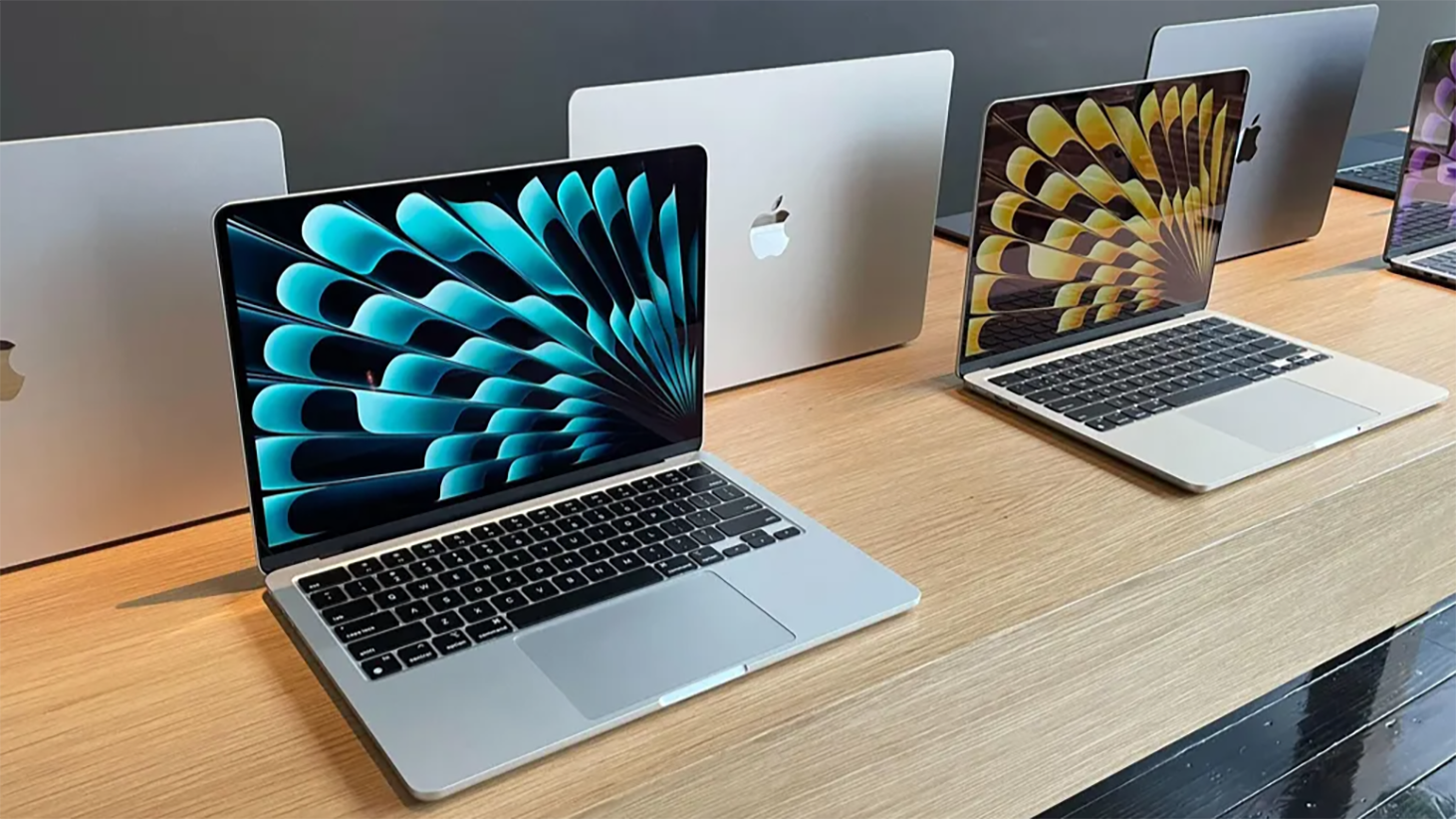
4. Display
- MacBook Air M3:
- Likely to feature a 13-inch Liquid Retina display with True Tone, offering great color accuracy and brightness (around 400 nits). While perfect for everyday tasks and casual content creation, it won’t offer the extreme brightness or color accuracy of the Pro models.
- MacBook Pro M4:
- The MacBook Pro models come with Liquid Retina XDR displays that feature mini-LED technology, allowing for superior brightness (up to 1600 nits peak) and contrast, especially beneficial for professional photographers, video editors, and other creatives who need precise color accuracy and HDR support.
5. Battery Life
- MacBook Air M3:
- The MacBook Air is known for impressive battery life due to the energy-efficient M3 chip. Expect up to 18-20 hours of battery life, which is excellent for most users.
- MacBook Pro M4:
- While the MacBook Pro is a more powerful machine, it also offers excellent battery life, especially considering its higher power demands. Expect up to 17-22 hours of battery life on the 14-inch or 16-inch Pro models, thanks to the more energy-efficient M4 chips, though sustained heavy usage might reduce this.
6. Port Selection
- MacBook Air M3:
- The MacBook Air typically offers two Thunderbolt 4/USB-C ports, making it more minimalist in terms of connectivity. While this is fine for most casual users, it may require dongles or a hub for more extensive peripheral setups.
- MacBook Pro M4:
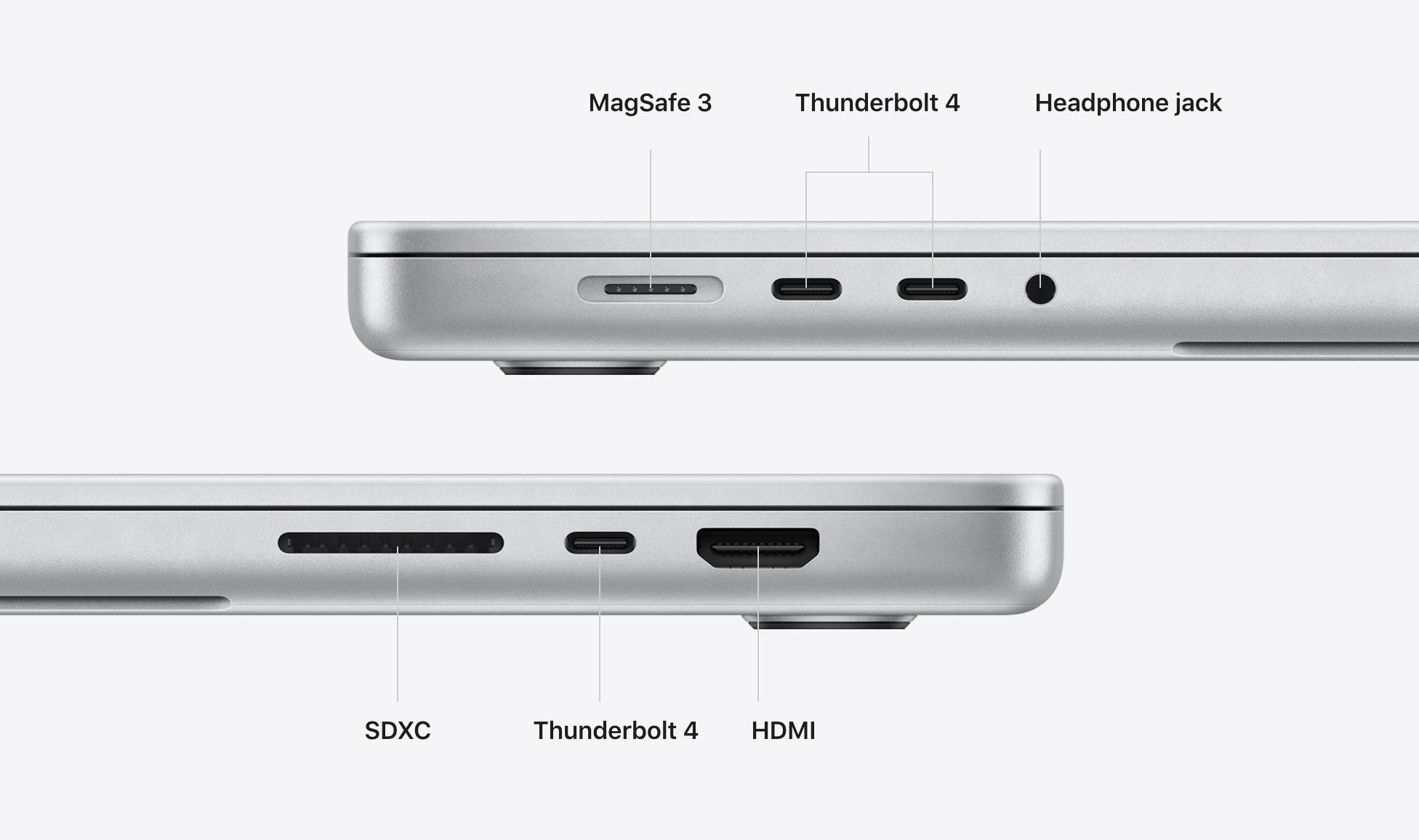
- The MacBook Pro offers a more robust port selection, including up to three Thunderbolt 4 ports, HDMI, SD card slot, and MagSafe charging. This makes it much more versatile for professionals who need to connect multiple devices, external displays, or high-bandwidth peripherals.
7. Price
- MacBook Air M3:
- The MacBook Air is expected to remain the more affordable option, likely starting around $999 or $1,099 for the base configuration.
- MacBook Pro M4:
- The MacBook Pro models are positioned as premium devices, and the M4 models will likely start around $1,799 for the 14-inch version and could go up to $2,499 or more for the 16-inch configuration, depending on the chip and configuration.
8. Target Audience
- MacBook Air M3:
- Ideal for students, casual users, and those who need a lightweight, powerful laptop for everyday tasks, such as browsing, word processing, light creative work, and media consumption.
- MacBook Pro M4:
- Targeted at professionals, creatives, and power users who need the absolute best performance for demanding tasks like video editing, software development, music production, and design.
Key Differences at a Glance:
| Feature | MacBook Air M3 | MacBook Pro M4 |
| Chip | M3 (Mainstream Performance) | M4 (Pro-Level Performance) |
| GPU | 7-core or 10-core (Basic Graphics) | 16-core, 24-core, or 32-core (Advanced) |
| Cooling | Passive (Fanless) | Active Cooling (Fans) |
| Display | 13" Liquid Retina, 400 nits | 14"/16" Liquid Retina XDR, 1600 nits |
| Battery Life | 18-20 hours | 17-22 hours |
| Ports | 2x Thunderbolt 4/USB-C | 3x Thunderbolt 4, HDMI, SD card, MagSafe |
| Price | ~$999+ | ~$1,799+ |
| Target Audience | Casual Users, Students, Everyday Tasks | Professionals, Creatives, Power Users |
Conclusion:
- Choose the MacBook Air M3 if you want a lightweight, affordable laptop for everyday tasks, portability, and casual creative work.
- Choose the MacBook Pro M4 if you need a powerhouse laptop for demanding professional tasks like video editing, 3D rendering, or heavy coding, and you want the best display and connectivity options.
1 Comment(s)
Alex D.
Nov 18, 2024 13:42
As a buyer who's been weighing my options, I can confidently say that the MacBook Pro M4 is the best choice if you're looking for serious performance and versatility. I went with the 14-inch MacBook Pro with the M4 chip, and it’s been an absolute game-changer for my work. As a video editor, I need a machine that can handle heavy 4K editing, rendering, and multitasking without slowing down. The M4 chip, combined with the stunning Liquid Retina XDR display, gives me the power and clarity I need for color accuracy and detail. Plus, the active cooling system means I can push the machine for hours without worrying about thermal throttling.
The extra ports, like HDMI and an SD card slot, are also super convenient for my workflow — no need for dongles or adapters. I was also surprised by how long the battery lasts despite all the power under the hood; I can easily get through a full day of editing and work without needing to plug in.
That said, if you don’t need a ton of power for professional-grade tasks and you just want something thin, portable, and reliable for basic work like browsing, streaming, or school, the MacBook Air M3 is an amazing option at a more affordable price. But for anyone who’s a creative professional or power user, the MacBook Pro M4 is absolutely worth the investment.
The extra ports, like HDMI and an SD card slot, are also super convenient for my workflow — no need for dongles or adapters. I was also surprised by how long the battery lasts despite all the power under the hood; I can easily get through a full day of editing and work without needing to plug in.
That said, if you don’t need a ton of power for professional-grade tasks and you just want something thin, portable, and reliable for basic work like browsing, streaming, or school, the MacBook Air M3 is an amazing option at a more affordable price. But for anyone who’s a creative professional or power user, the MacBook Pro M4 is absolutely worth the investment.
Recent Posts

October 17, 2026

October 15, 2026



Popular Posts


July 14, 2026

December 07, 2025



