The Future is OLED? Unpacking MacBook Pro Redesign Rumors & Your 2025 Buying Guide

The world of Apple rumors is always buzzing, and the MacBook Pro is no exception. While we're likely to see the usual spec bumps this year (hello, M5!), whispers of a more significant, visual overhaul for Apple's pro-grade laptops are getting louder. So, what's on the horizon, and should you wait, or is now the time to buy a MacBook Pro? Let's dive in.
The Big Rumor: A MacBook Pro Redesign in 2026?
For those hoping for a dramatic new look in 2025, you might need to temper your expectations. The consensus among leakers and industry analysts is that 2025 will primarily bring performance upgrades to the MacBook Pro, most notably the highly anticipated M5 series chips (M5, M5 Pro, M5 Max). These chips are expected to continue Apple's impressive trajectory in power efficiency and raw performance, making an already fast machine even faster.
However, the real design revolution is rumored to hit in 2026. And the star of that show? OLED displays.
Following the stunning OLED introduction in the 2024 iPad Pro, it's widely expected that Apple's premium laptops will follow suit. Here’s what OLED could bring to the MacBook Pro:
- Stunning Visuals: Experience true blacks, incredible contrast ratios, vibrant colors, and improved brightness that simply isn't possible with current mini-LED technology.
- Thinner Designs: OLED panels are inherently thinner than their LCD counterparts, which could enable Apple to create even more svelte MacBook Pro models.
- Improved Battery Life: While OLEDs can be power-hungry at peak brightness, their ability to turn off individual pixels means significant power savings for dark content, potentially extending battery life.
- Goodbye Notch? There's also speculation that the move to OLED might coincide with a redesign that eliminates the much-debated display notch, potentially opting for a more discrete camera cutout or integrating it within a thinner bezel.
While a touchscreen MacBook Pro remains a long-shot rumor (Apple has consistently pushed the iPad as its touch-first device), the 2026 redesign sounds like a genuinely exciting leap forward for the MacBook Pro line.
Current MacBook Pro Lineup: Your 2025 Buying Guide
So, if you need a laptop now, what are your options? The current MacBook Pro models, powered by the M3, M3 Pro, and M3 Max chips, are still incredibly powerful and capable machines. Here’s a quick guide to help you choose:
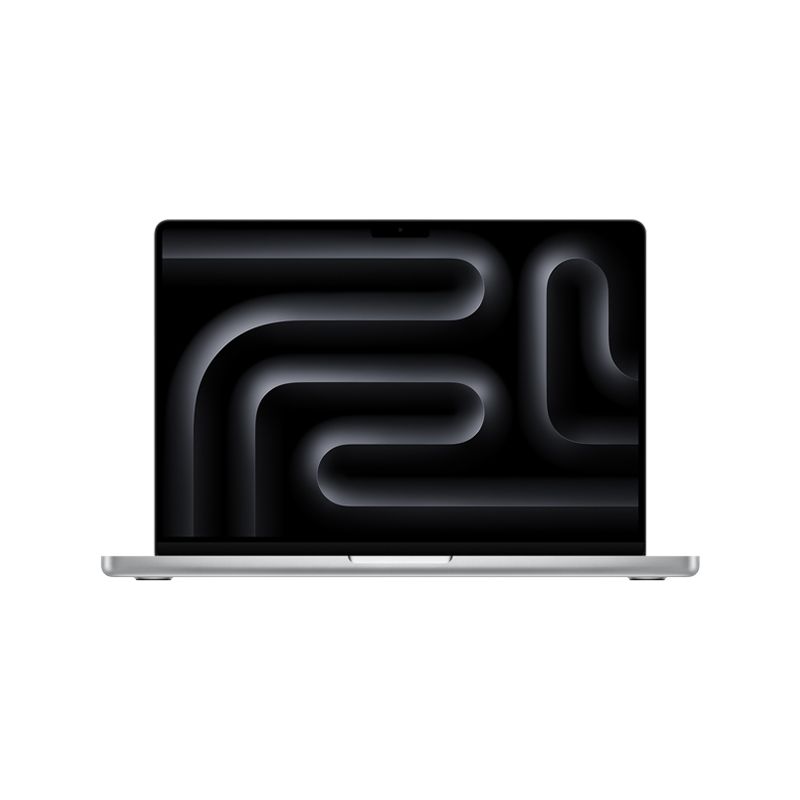
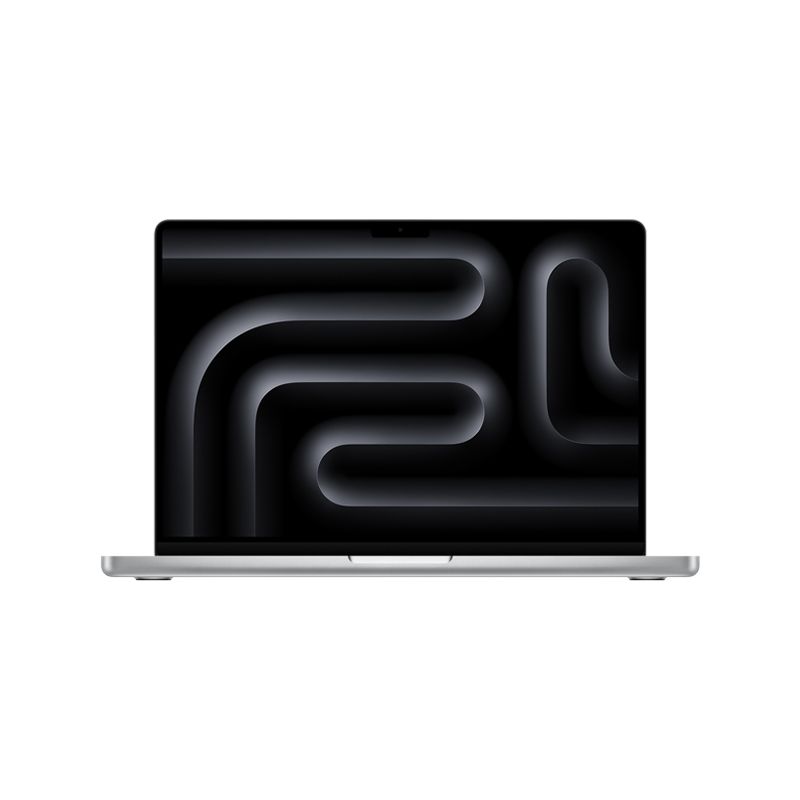
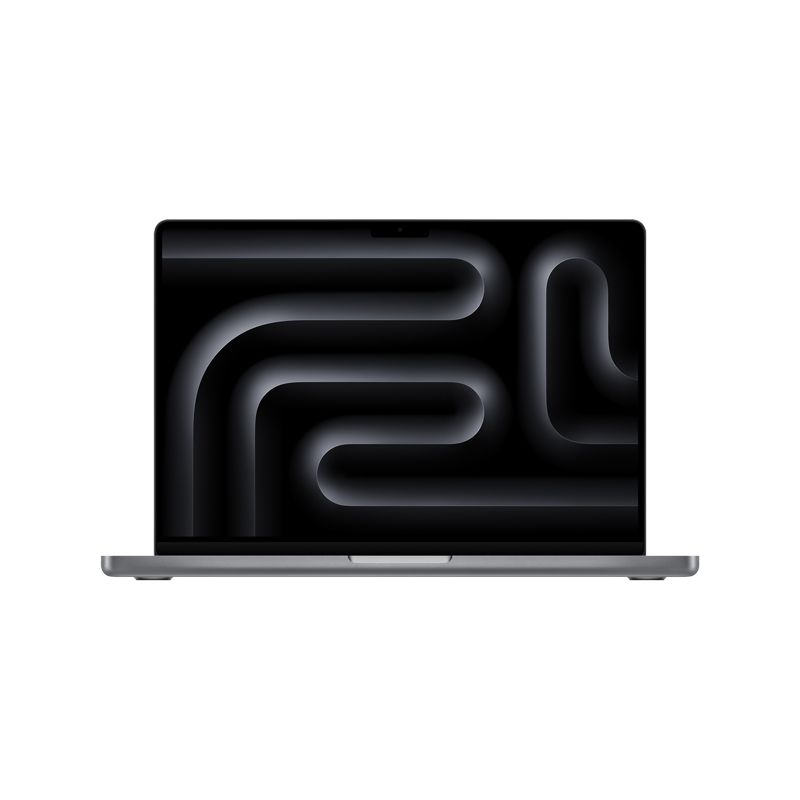
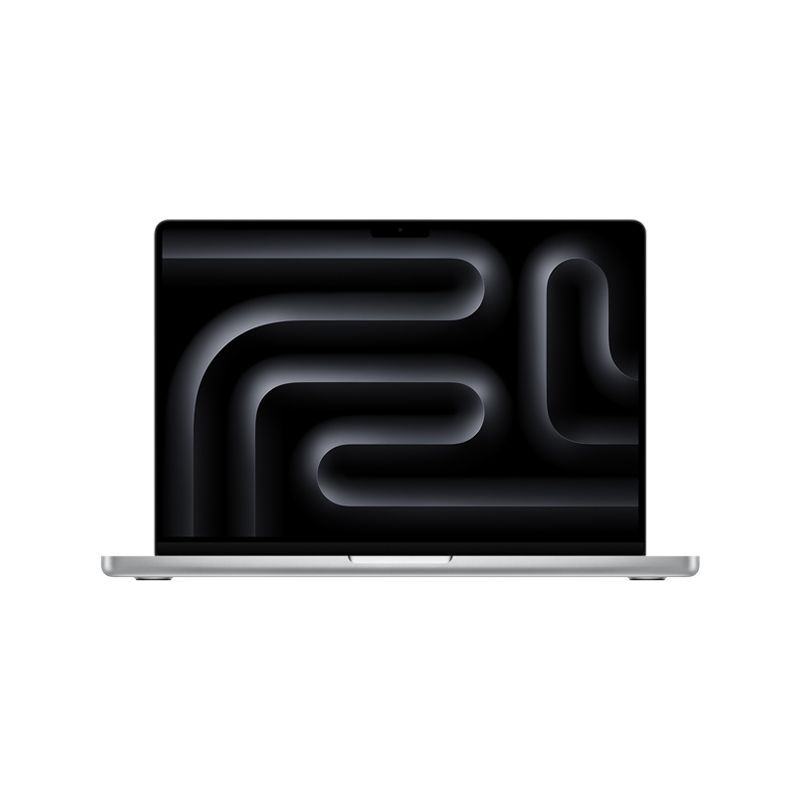
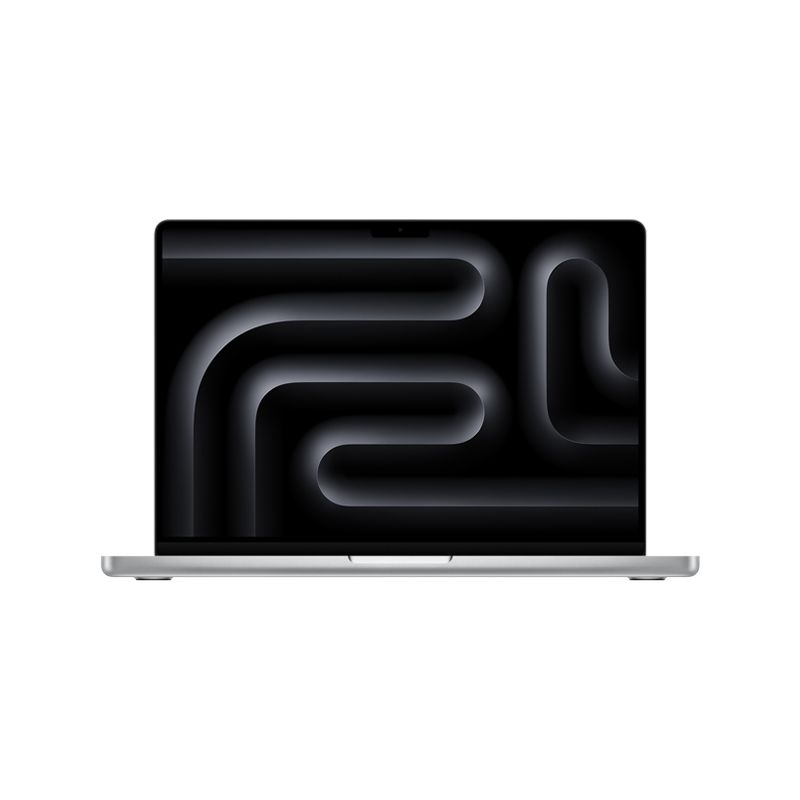
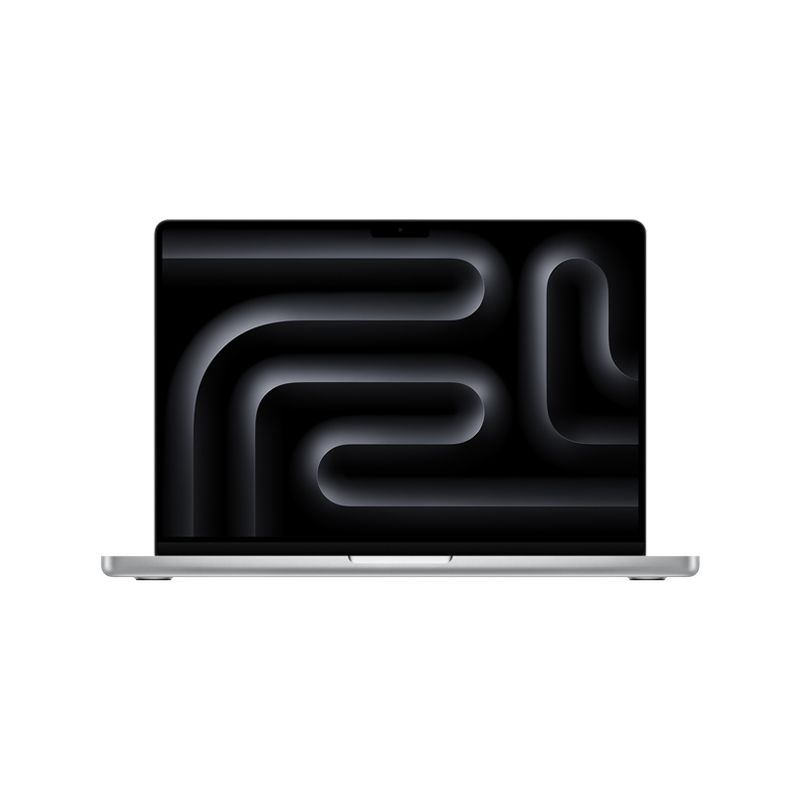
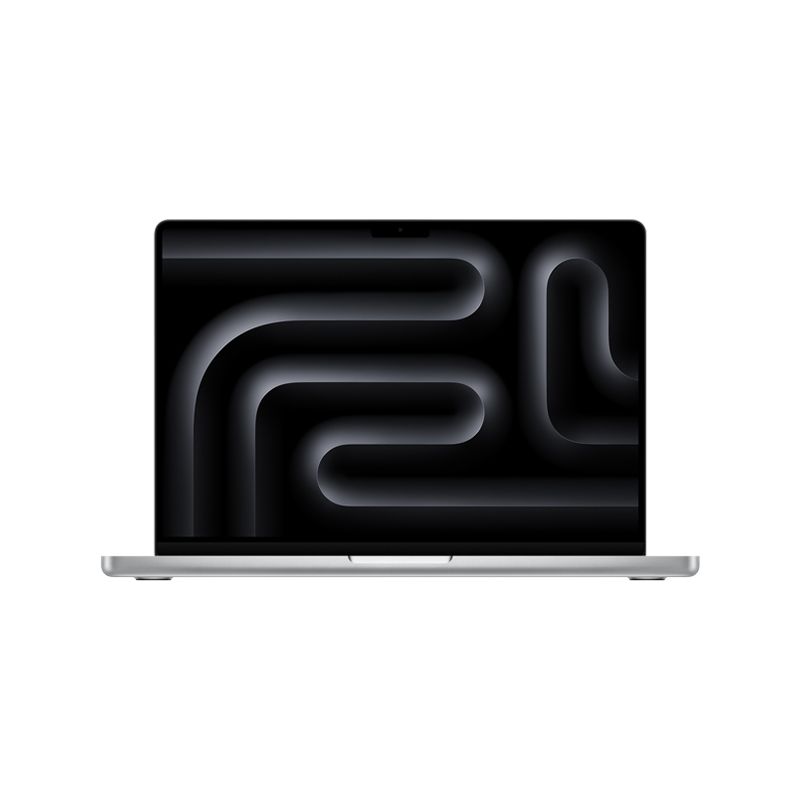
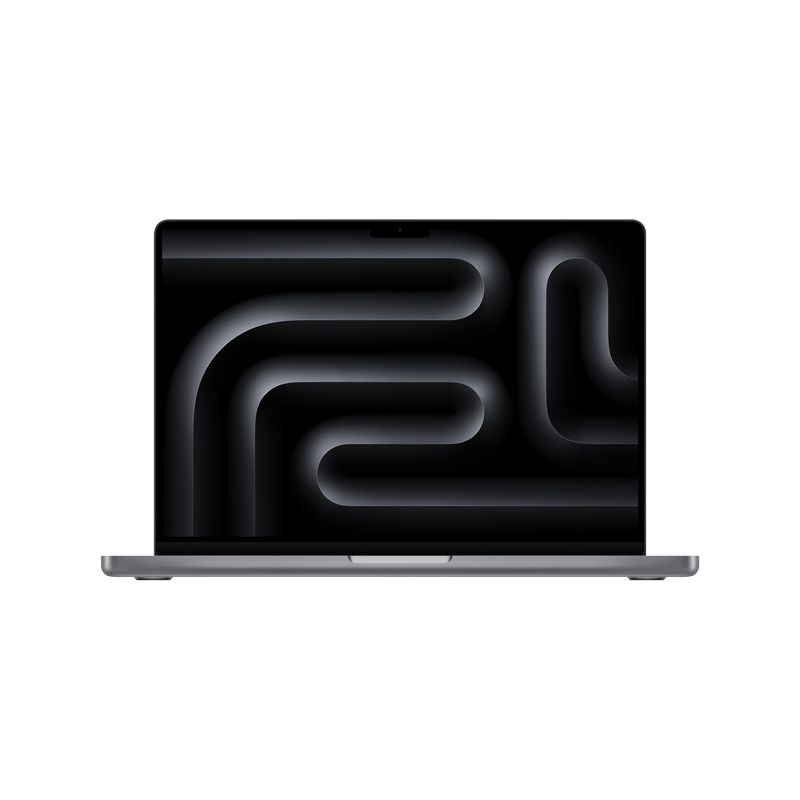
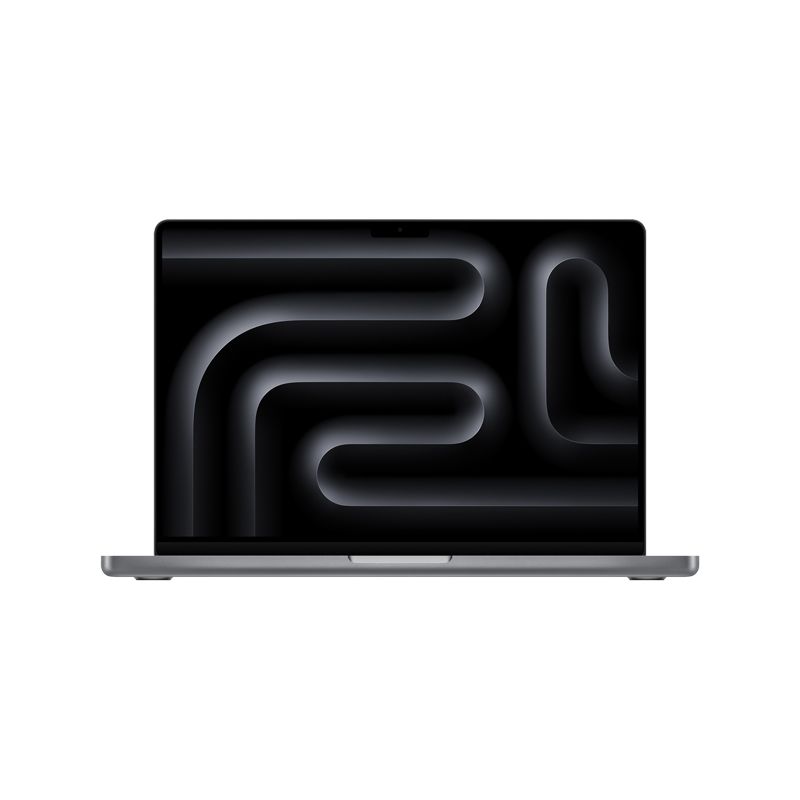
1. MacBook Pro 14-inch (M3)

- Who it's for: Students, creative professionals with lighter workloads (e.g., photo editing, video editing up to 4K, graphic design), developers, and anyone who wants Pro power in a more portable form factor.
- Why it's great: Excellent balance of performance, portability, and battery life. The base M3 chip is surprisingly capable for most tasks, and the mini-LED display is gorgeous.
- Consider if: You don't need the absolute maximum power of the Pro/Max chips but still want the Pro-level display and port selection.
Related: Here’s how M3 MacBook Pro battery life compares to M2
2. MacBook Pro 14-inch & 16-inch (M3 Pro / M3 Max)
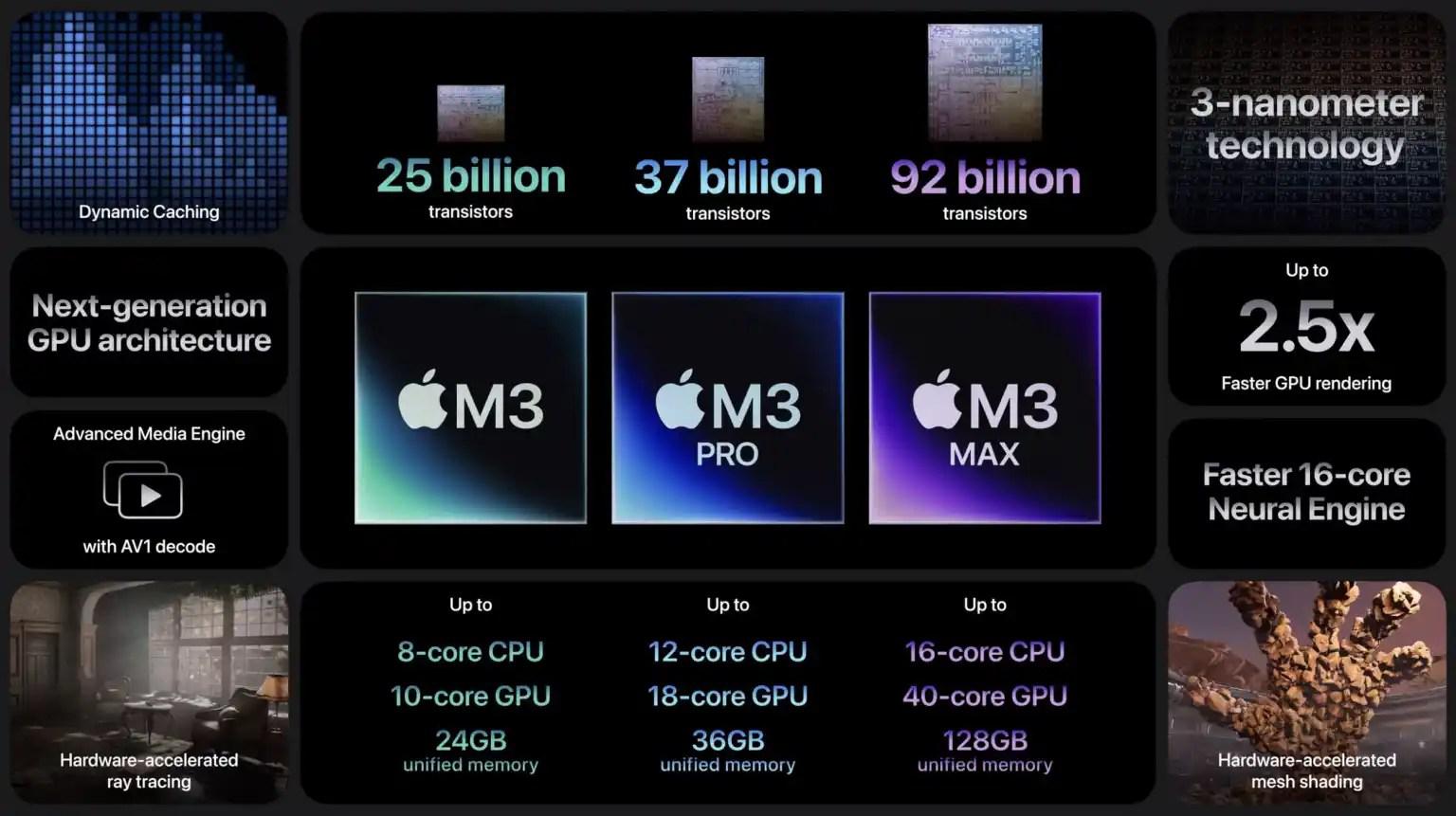
- Who it's for: Serious professionals, including 8K video editors, 3D animators, demanding software developers, music producers with large projects, and anyone who pushes their machine to its limits daily.
- Why it's great: Unrivaled performance in a laptop form factor. The M3 Pro and M3 Max chips offer significantly more CPU and GPU cores, higher memory bandwidth, and more unified memory options, making light work of the most intensive applications. The 16-inch model also offers even better sustained performance and a larger display for more workspace.
- Consider if: You frequently work with large files, complex simulations, or multiple demanding applications simultaneously. These are true workstation replacements.
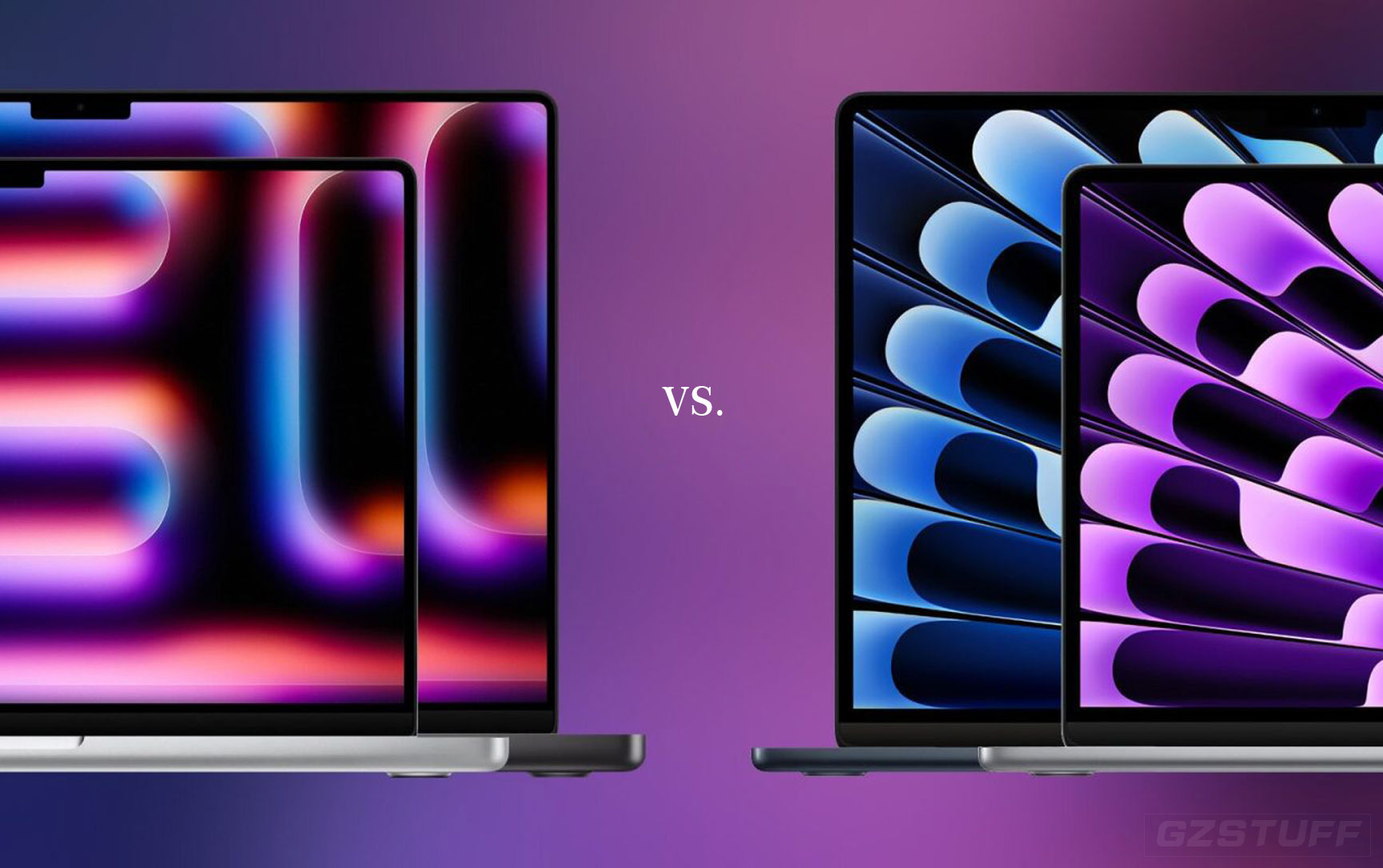
Related: M3 MacBook Pro vs Air: How they compare and buyer’s guide
Key things to consider when buying ANY current MacBook Pro:
- Unified Memory (RAM): This is crucial. Unlike traditional RAM, unified memory is integrated directly with the chip. You cannot upgrade it later. Always buy more than you think you need. For most users, 16GB is a good starting point, but professionals should consider 32GB or even 64GB+ for M3 Pro/Max models.
- Storage (SSD): Like unified memory, the SSD is not upgradeable. While external drives are an option, for speed and convenience, it's best to get sufficient internal storage. 512GB is a minimum; 1TB or 2TB is recommended for most users.
- Future-proofing: While 2026 might bring a new design, the M3, M3 Pro, and M3 Max chips are incredibly powerful and will easily handle demanding tasks for years to come. If you need a reliable, high-performance machine now, you won't be disappointed.
Should You Wait for M5 or the Redesign?
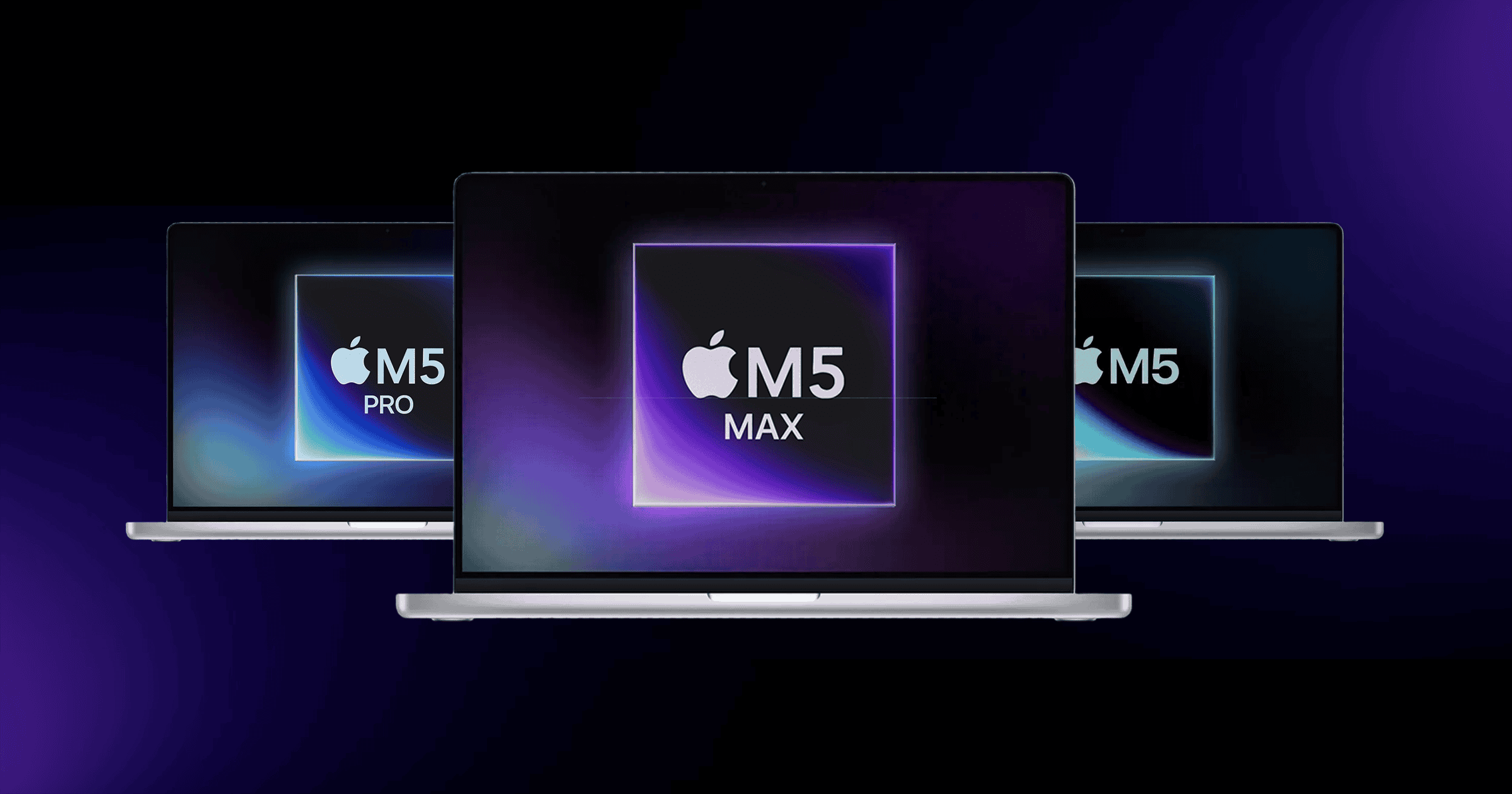
- Wait for M5 (2025): If your current machine is still functional and you're not in an urgent need, waiting a few months for the M5 series will likely get you a performance bump without a significant price increase (for comparable models). This is a safe bet for those who prioritize raw speed.
- Wait for the Redesign (2026): If the idea of an OLED screen, potentially thinner design, and the possible removal of the notch truly excites you, and your current machine can hold out for another year, then waiting for 2026 might be worth it. However, expect these "first-gen" redesigns to potentially come with a premium price tag.
- Buy Now: If your current laptop is struggling, or you have an immediate need for a powerful machine for work or studies, don't hesitate. The current M3 MacBook Pros are phenomenal machines that will serve you well for many years.
Ultimately, the best time to buy is when you need it. The current MacBook Pro lineup offers incredible performance and efficiency, making them excellent choices even with exciting rumors on the horizon. Choose based on your immediate needs and budget!

-

-
-10%
Apple - MacBook Pro 14" Laptop - M3 Pro chipAs low as $2,105.48 Regular Price $2,331.25
-
-4%
Apple - MacBook Pro 16" Laptop - M3 Pro ChipAs low as $2,619.85 Regular Price $2,736.62
-
-
-4%
MacBook Pro 14-inch 512GB SSD - Apple M4 chip 10-Core CPU - 10-Core GPU - 16GB Memory - Built for Apple IntellegenceAs low as $1,759.00 Regular Price $1,826.95
-
-4%
MacBook Pro 14-inch 512GB SSD - Apple M4 Pro chip 12-Core CPU - 16-Core GPU - 24GB Memory - Built for Apple IntellegenceAs low as $2,291.03 Regular Price $2,386.67
-
-4%
MacBook Pro 14-inch 1TB SSD - Apple M4 Max chip 14-Core CPU - 32-Core GPU - 36GB Memory - Built for Apple IntellegenceAs low as $3,654.82 Regular Price $3,790.71
-
-4%
MacBook Pro 16-inch 1TB SSD - Apple M4 Max chip 14-Core CPU - 32-Core GPU - 36GB Memory - Built for Apple IntellegenceAs low as $3,791.20 Regular Price $3,931.85
-
-3%
MacBook Pro 16-inch 1TB SSD - Apple M4 Max chip 16-Core CPU - 40-Core GPU - 48GB Memory - Built for Apple IntellegenceAs low as $4,336.71 Regular Price $4,493.87






- MacBook Pro
- MacBook Pro redesign
- OLED MacBook Pro
- M5 MacBook Pro
- M3 MacBook Pro
- MacBook Pro buying guide
- Apple rumors
- laptop upgrade
- best laptop
- 2025 MacBook Pro
- 2026 MacBook Pro