Macos Sonoma Supported Devices (Full Compatibility List)
Wondering if your device is macOS Sonoma compatible? As a rule of thumb, if your Mac is older than 2017, there’s no chance for macOS 14 support. All 2018 Macs and newer are supported by macOS Sonoma!
macOS Sonoma Supported Devices
Check out the full compatibility list available below:
Fact: Crossed are the macOS Ventura compatible Macs that haven’t made the cut for macOS 14:
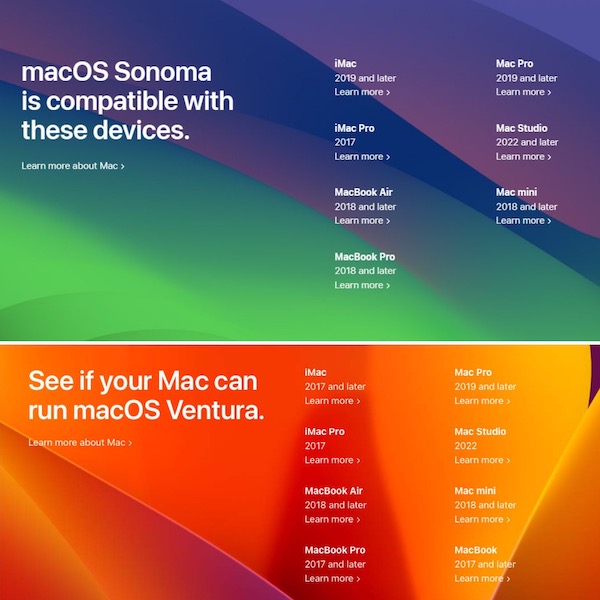
- MacBook Air – 2018 and later (all Airs compatible with Ventura are supported by Sonoma too!).
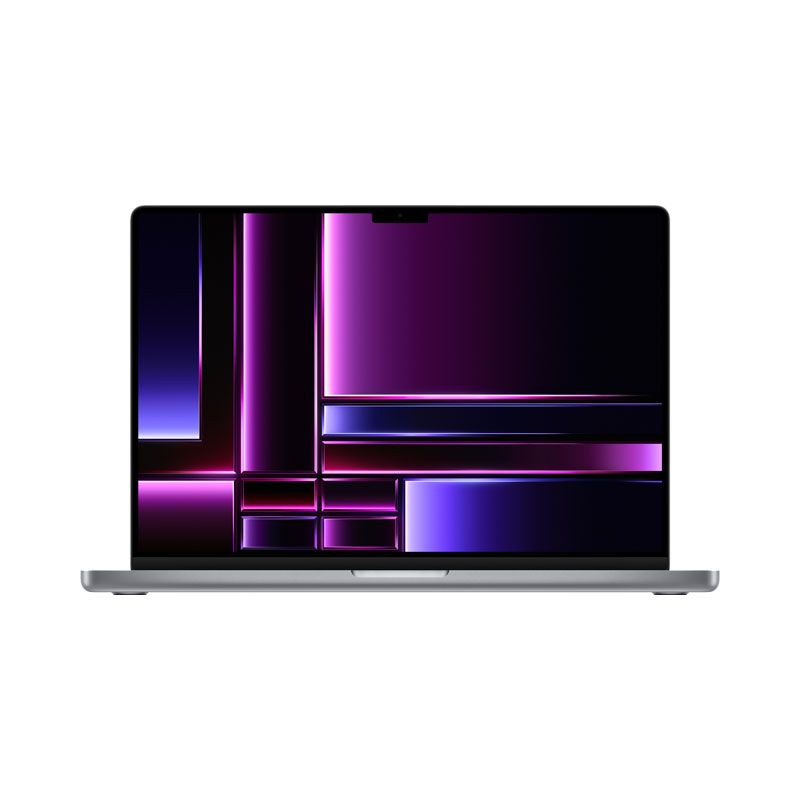
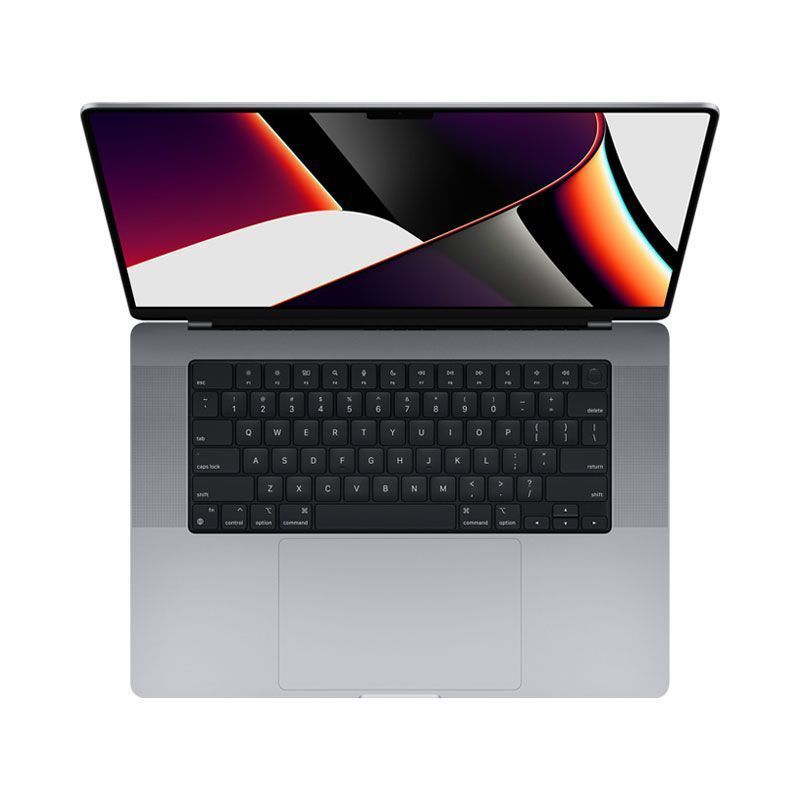
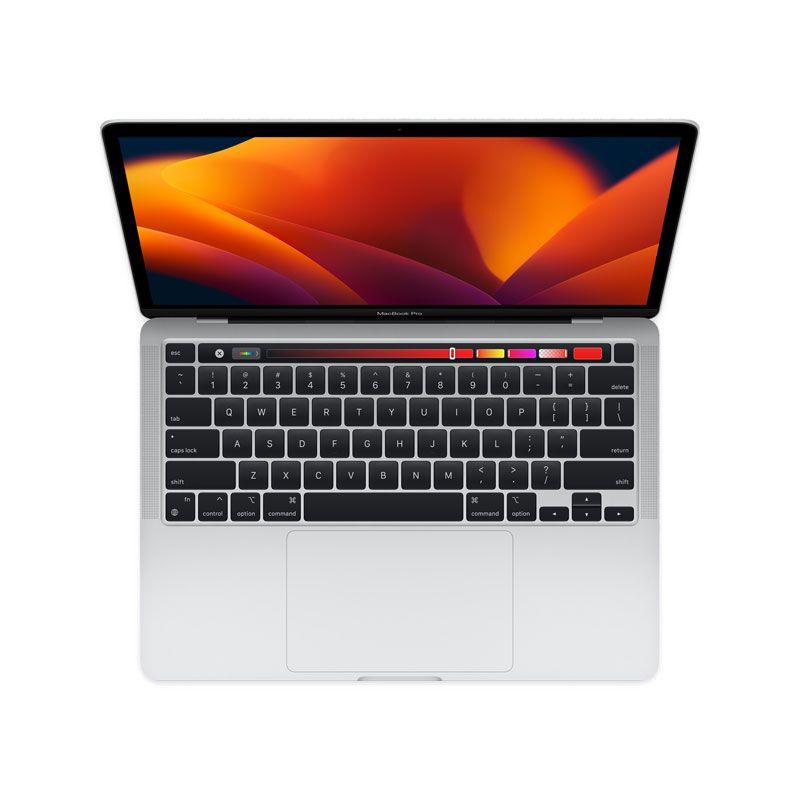
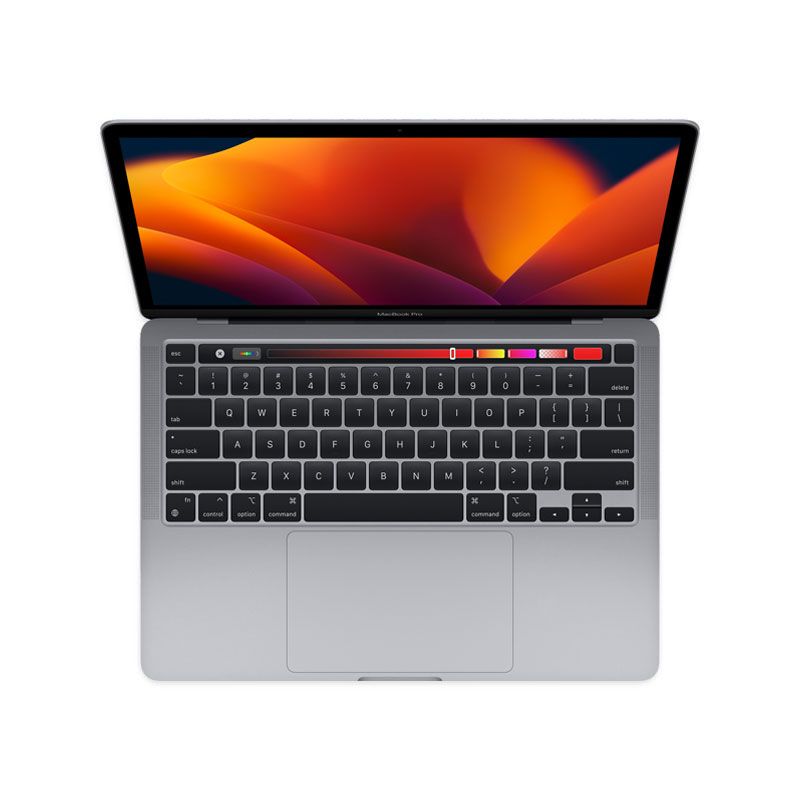
- MacBook Pro –
20172018 and later.
- Mac Pro – 2019 and later.
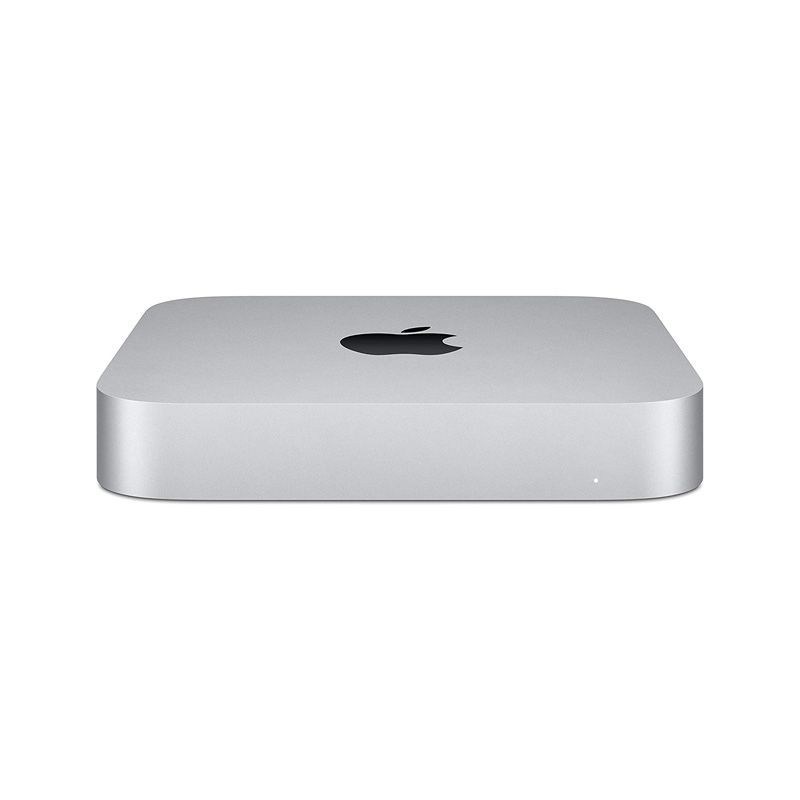
- Mac mini – 2018 and later.
- Mac Studio – 2022 and later.
- iMac –
20172019 and later.
- iMac Pro – 2017 and later.
Source: macOS 14 preview on Apple.com.
macOS Sonoma 14 Download
You can test out the upcoming macOS 14 if enroll your device to the macOS Developer program!
Apple allows to anyone that signs into the Apple Developer platform to download the macOS Sonoma configuration profile for free.
This will allow you to download and install macOS Sonoma Developer Beta. A step-by-step guide is available here.
macOS Sonoma Wallpapers
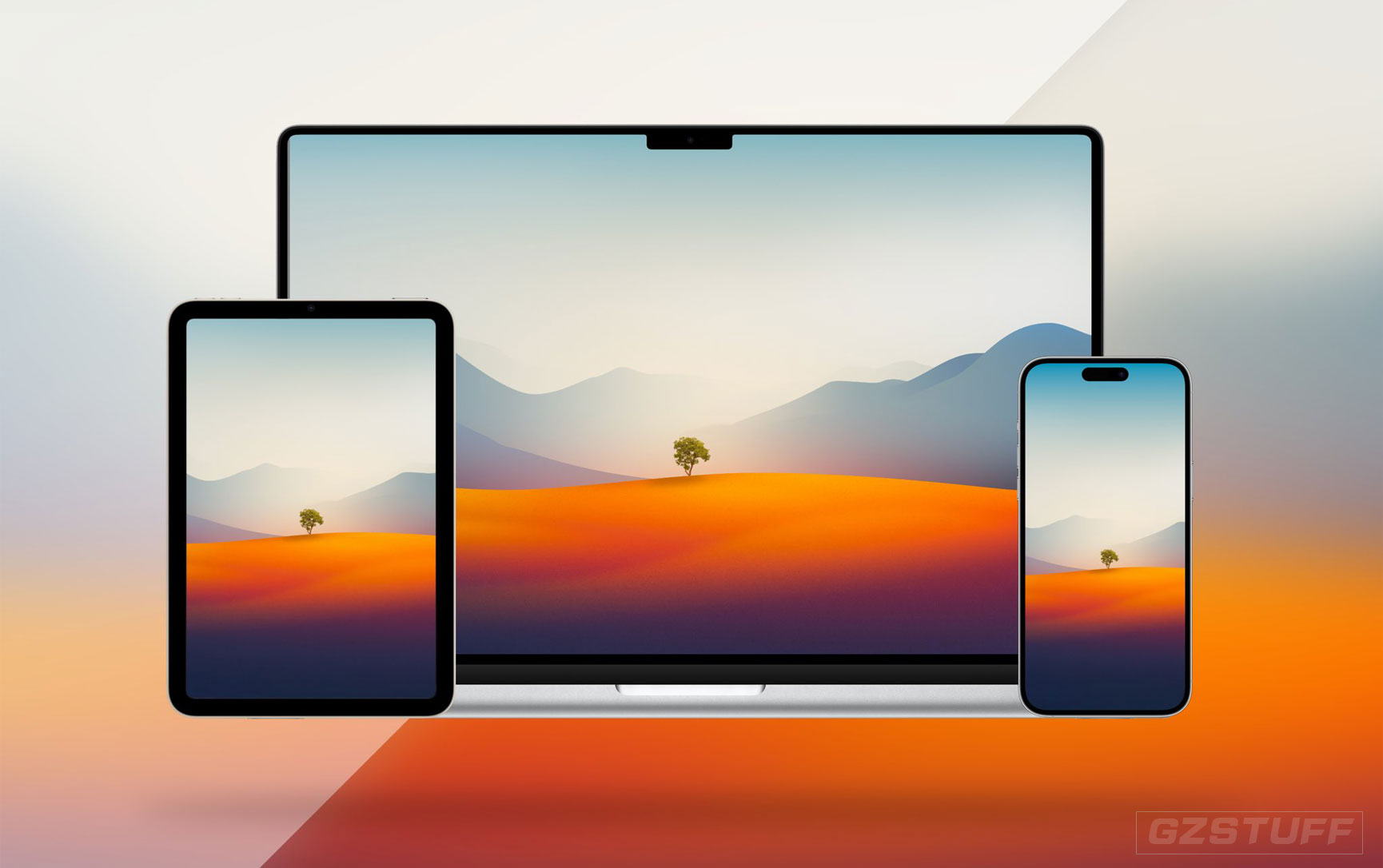
If you don’t have a secondary Mac to test out the early macOS 14 beta, you can grab its wallpaper and use it on any Mac or non-Apple computer. Download links available here.
Is your Mac compatible with macOS Sonoma? Have you tried out the beta? Do you have any questions? Share your feedback in the comments.
-
 -6%
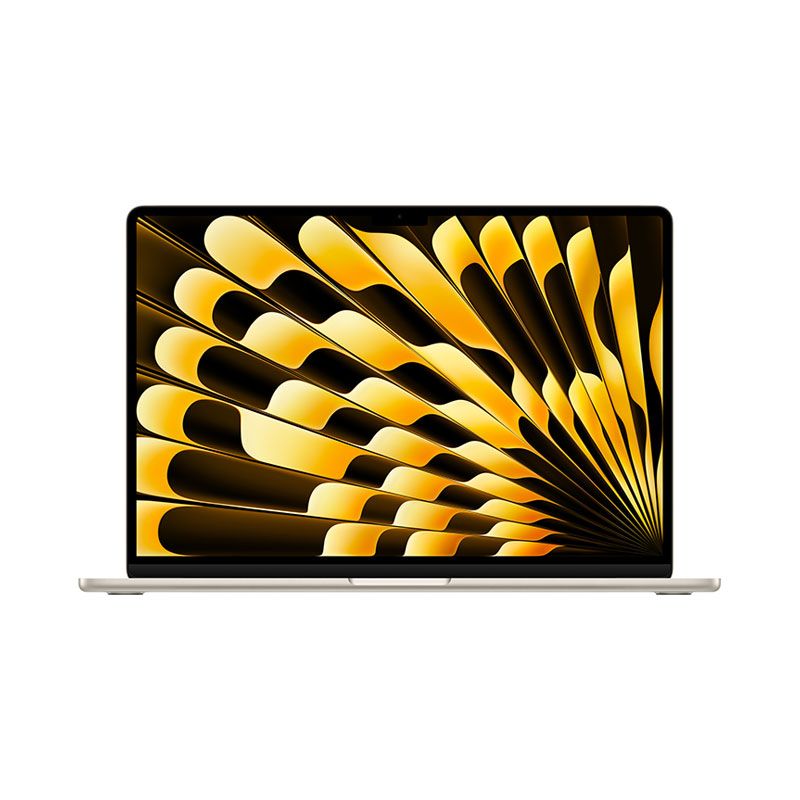
Apple - MacBook Air 15" Laptop - M2 chip - 8GB Memory - 256GB SSD - 512GB SSDAs low as $1,382.55 Regular Price $1,476.48
-6%
Apple - MacBook Air 15" Laptop - M2 chip - 8GB Memory - 256GB SSD - 512GB SSDAs low as $1,382.55 Regular Price $1,476.48 -
-32%
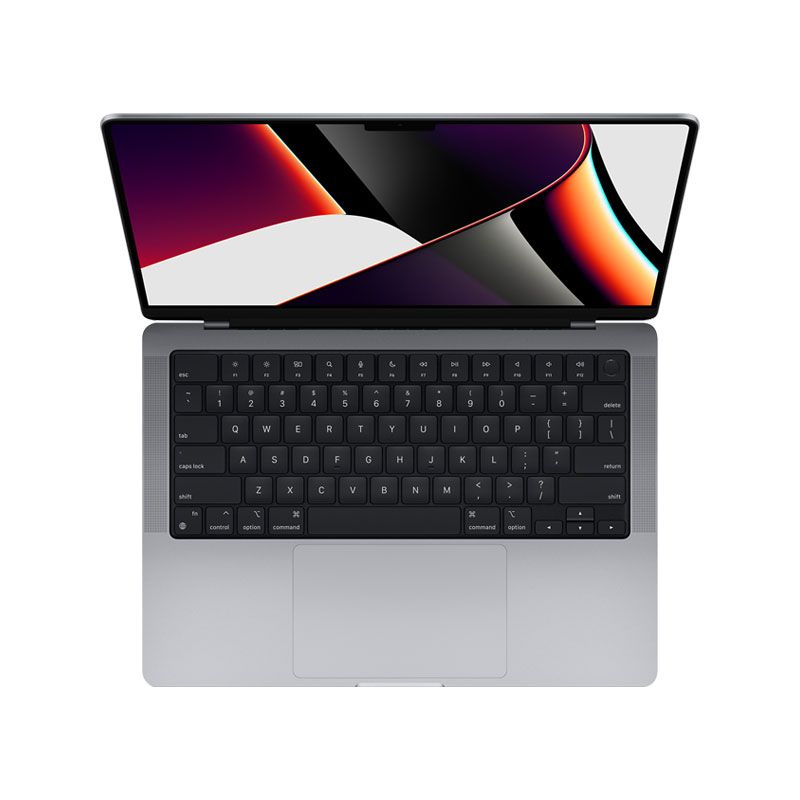
Apple - MacBook Pro 14 Inch M1 Max 10-Core CPU 32-Core GPU 32GB Unified Memory 1TB SSD Storage - Official RefurbishedAs low as $2,428.71 Regular Price $3,592.73
-
-19%
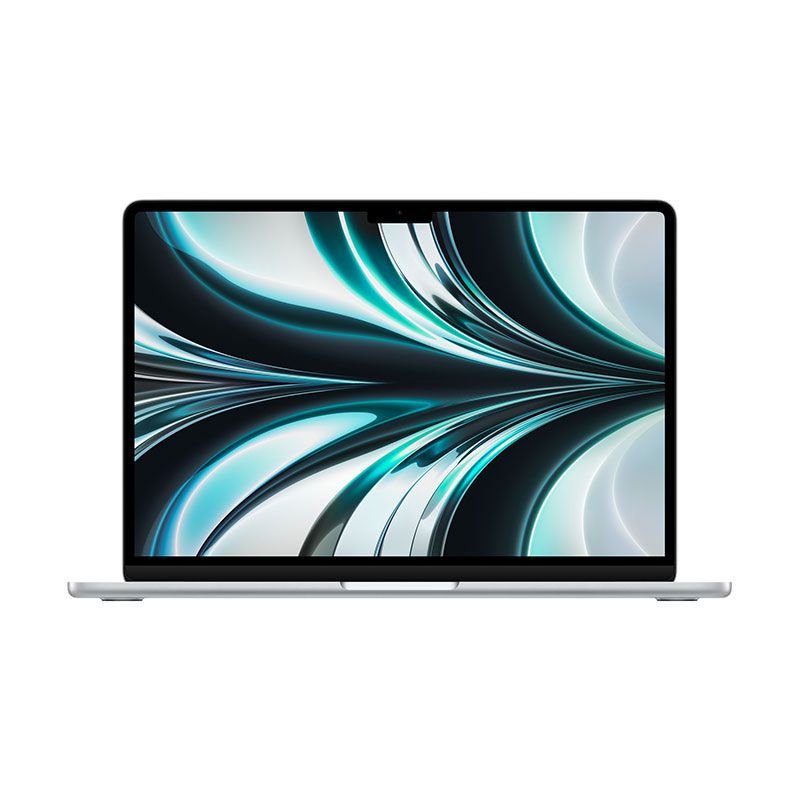
MacBook Air 13.6" Laptop - Apple M2 chip - 8GB Memory - 256GB - Official RefurbishedAs low as $1,086.90 Regular Price $1,341.02
-
-4%
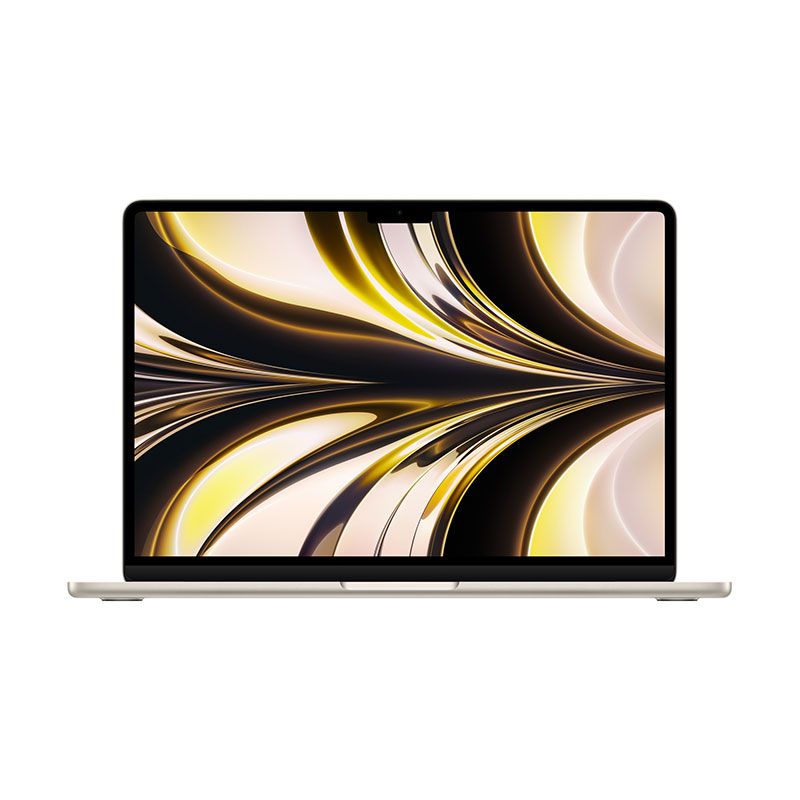
MacBook Air 13.6" Laptop - Apple M2 chip - 16GB Memory - 256GB - 512GB - 1TB - Customized VersionAs low as $1,555.37 Regular Price $1,614.34
-
-7%
Apple - MacBook Pro 16-Inch M2 Pro, M2 Max Chip, Liquid Retina XDR display 8K HDMI, Wi-Fi 6EAs low as $2,750.31 Regular Price $2,954.20
-
-25%
NEW Apple MacBook Pro 16-Inches CN 1TB SSD Storage Version Apple Silicon M1 Max 10-Core CPU 32-Core GPU 32GB Unified Memory - Official RefurbishedAs low as $2,861.37 Regular Price $3,791.36
-
-25%
Apple - MacBook Pro 13-inch M1 Chip 8-Core RAM 16GB SSD 512GB Retina display with True Tone Touch Bar & ID - CN Version - Official RefurbishedAs low as $1,405.58 Regular Price $1,864.54
-
-20%
Apple - Mac mini Desktop - M2 Chip - (Latest Model) up to 6K Resolution - SilverAs low as $499.00 Regular Price $626.82
-
-49%
Apple - Mac mini Desktop - M1 Chip 8GB Memory - 256GB - 512GB SSD - SilverAs low as $510.38 Regular Price $997.56