
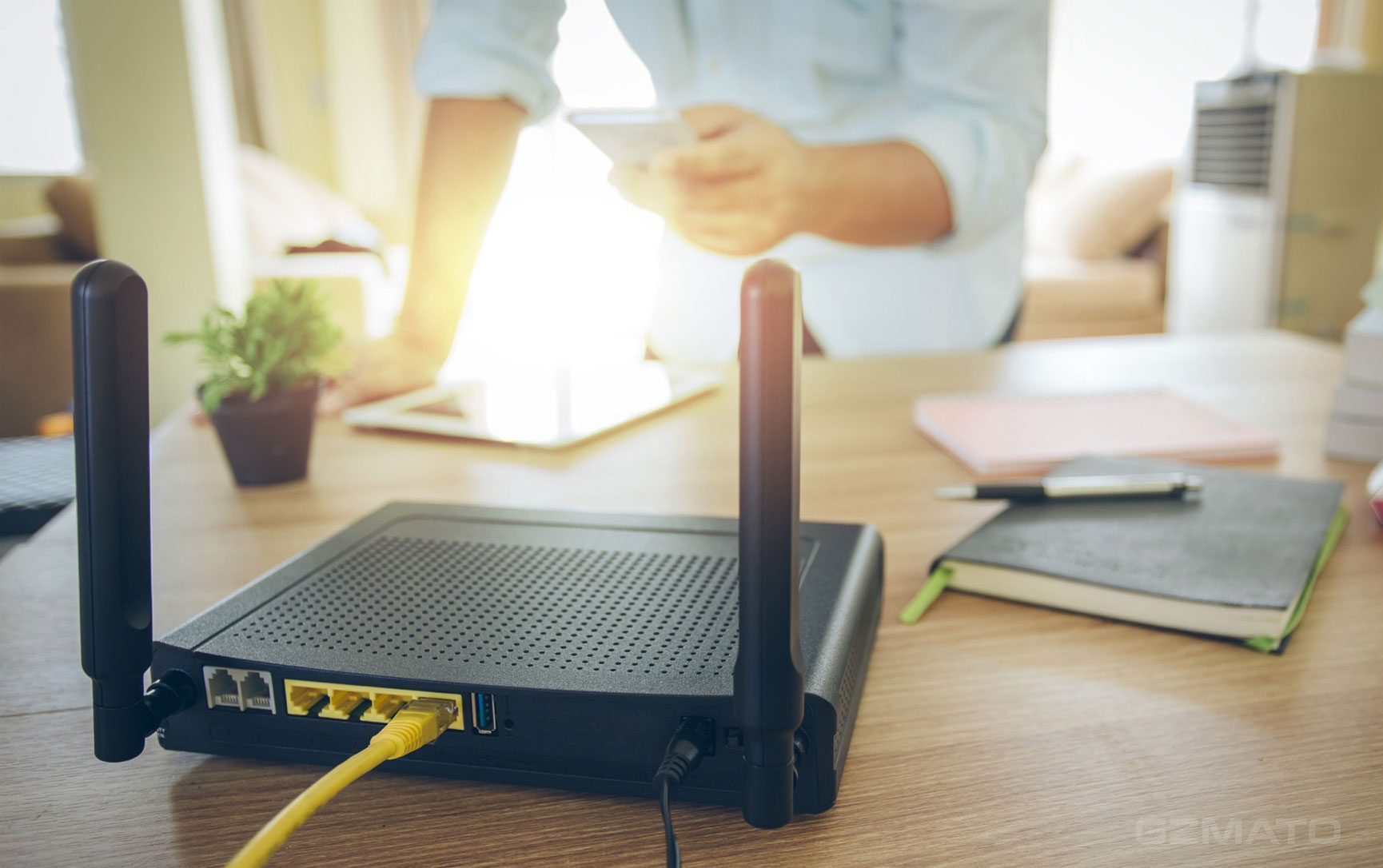
Your video buffers. Downloads crawl. The spinning wheel is back. Good news: you can fix 80% of slow Wi-Fi in 5 minutes—no IT guy, no new router, no reboot loops. This zero-cost routine works on any setup: Google Nest, TP-Link, ISP modem, or old Apple AirPort.
Let’s speed things up.
Why Your Wi-Fi Crawls (The 2-Minute Truth)
| Cause | Real-World Effect | Fix Time |
|---|---|---|
| Router overload | Too many devices → congestion | 30 sec |
| Bad placement | Walls, floors, microwaves block signal | 1 min |
| Channel interference | Neighbor’s Wi-Fi on same channel | 2 min |
| Outdated firmware | Bugs + no speed patches | 1 min |
Fix these four, and you’re golden.
The 5-Minute Wi-Fi Speed Boost
Minute 0–1: Power Cycle (The Magic Reset)
- Unplug modem and router
- Wait 30 seconds (clears memory)
- Plug modem → wait for lights → plug router
Result: 70% of “slow” issues fixed instantly.
Minute 1–2: Reposition Your Router
- Central + high: middle of home, on a shelf
- Away from: microwave, cordless phone, thick walls
- Antennas up: vertical for best coverage
Pro Tip: Wi-Fi hates water—avoid kitchens and fish tanks.
Minute 2–4: Cut Interference (Change Channel)
Android: Download WiFi Analyzer (free) → see crowded channels → pick empty one
iPhone: Use Airport Utility app → enable “Wi-Fi Scanner”
Then:
- Log into router: type
192.168.1.1or192.168.0.1in browser - Find Wireless Settings → change Channel (try 1, 6, or 11)
- Save → wait 60 sec
Minute 4–5: Update Firmware (Speed Patch)
- Google Nest: Google Home app → auto-updates
- TP-Link / Netgear: Log in → check for updates
- ISP modem: Call provider or check app
Never skip updates: 2025 firmware adds 6GHz support and AI traffic control.
Bonus: Test Your Speed (Before vs. After)
Use speedtest.net or fast.com
| Metric | Before | After 5 Min |
|---|---|---|
| Download | 12 Mbps | 45+ Mbps |
| Upload | 3 Mbps | 15+ Mbps |
| Ping | 80 ms | <30 ms |
Tested on 3-year-old ISP modem + 15 devices
Still Slow? 1-Click Fixes
- Android: Files by Google → Cleanup → free RAM
- iPhone: Settings → General → VPN & Device Management → remove old profiles
- Windows:
ipconfig /flushdnsin Command Prompt
What We Thought: Small Tweaks, Big Speed
Wi-Fi isn’t magic—it’s physics. A 5-minute reset and smart placement beat buying a $300 mesh system. Do this monthly, and lag becomes history.
Important Disclaimer: These steps are safe for all home routers. If you’re on enterprise or public Wi-Fi, consult your admin before changing settings.


- fix slow wifi
- boost internet speed
- wifi too slow
- home network fix
- router optimization
- reduce wifi lag












Your turn!
What was your before/after speed? Drop your numbers below—let’s see who hits 100 Mbps first!