-
 July 03, 2024Read more
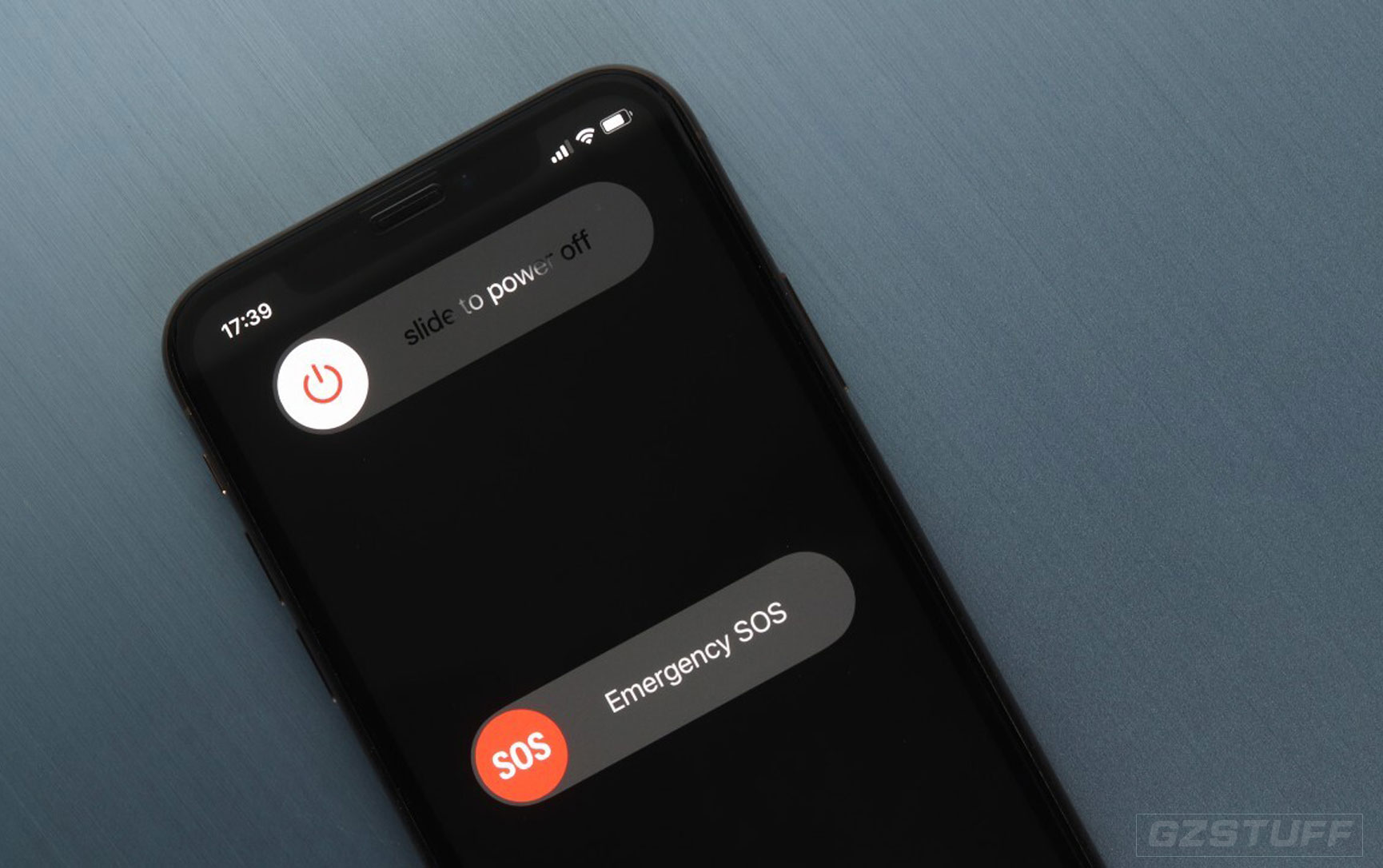
In iOS 18 you can quickly turn off iPhone from Control Center, without using any physical buttons. The digital Switch Off button shows up in the top-right corner of the screen
-
 June 28, 2024Read more
The latest drop from OpenAI was the ChatGPT for Mac app, which offers a native chatbot experience on the Apple computer. This is an improvement from the web version. Certain requirements for this to be accessible, and it...
-
 June 22, 2024Read more
iOS 18 takes gaming further with a dedicated Game Mode for iPhone and iPad. The new feature redirects system resources to maintain high frame rates, improves Bluetooth controller responsiveness and audio with AirPods, and more...
-
 June 21, 2024Read more
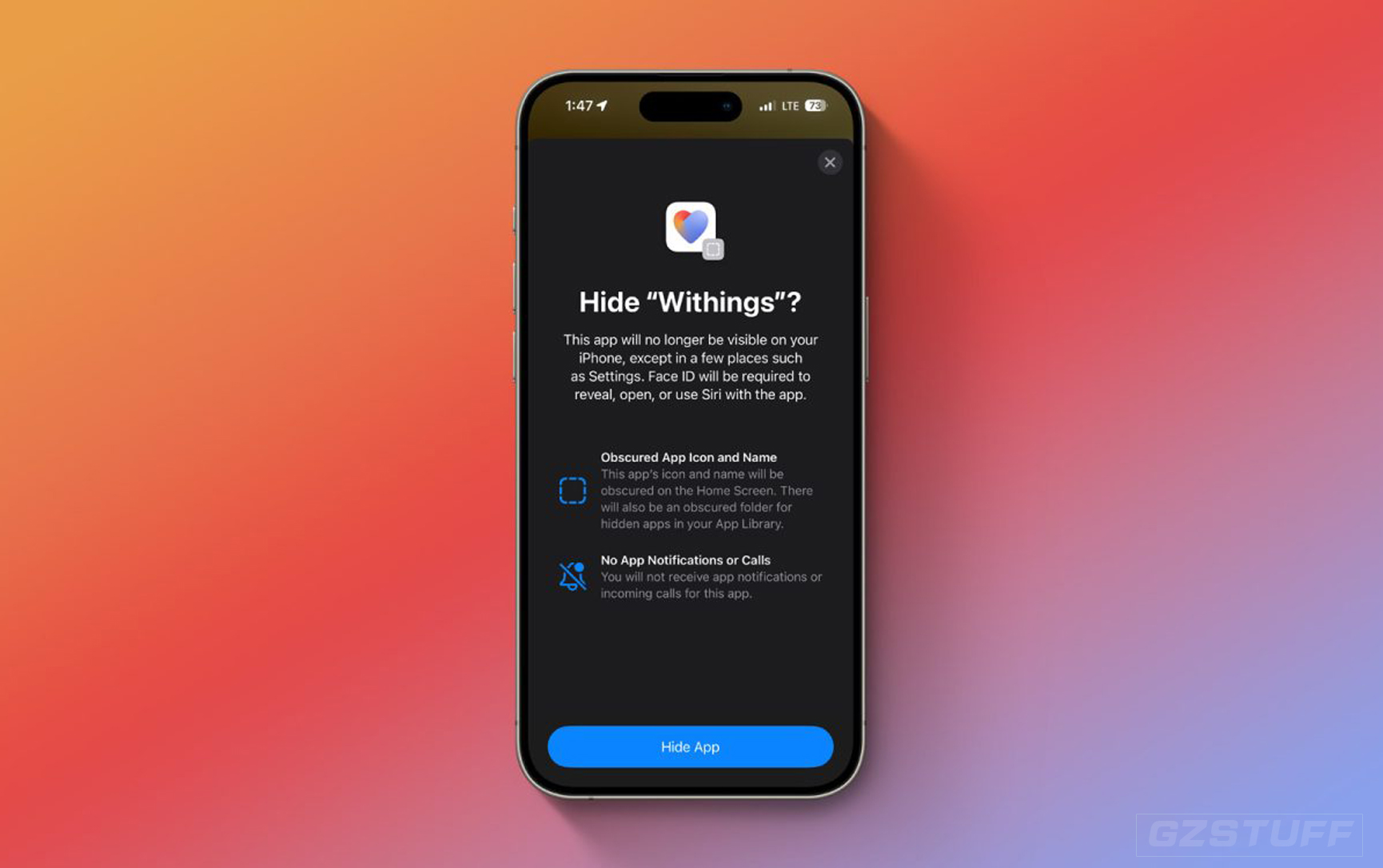
Apple is improving iPhone security and privacy with iOS 18. One of the valuable new features is the ability to require Face ID for individual apps as well as putting them in a hidden folder. Read along for how to lock and...
-
 June 19, 2024Read more
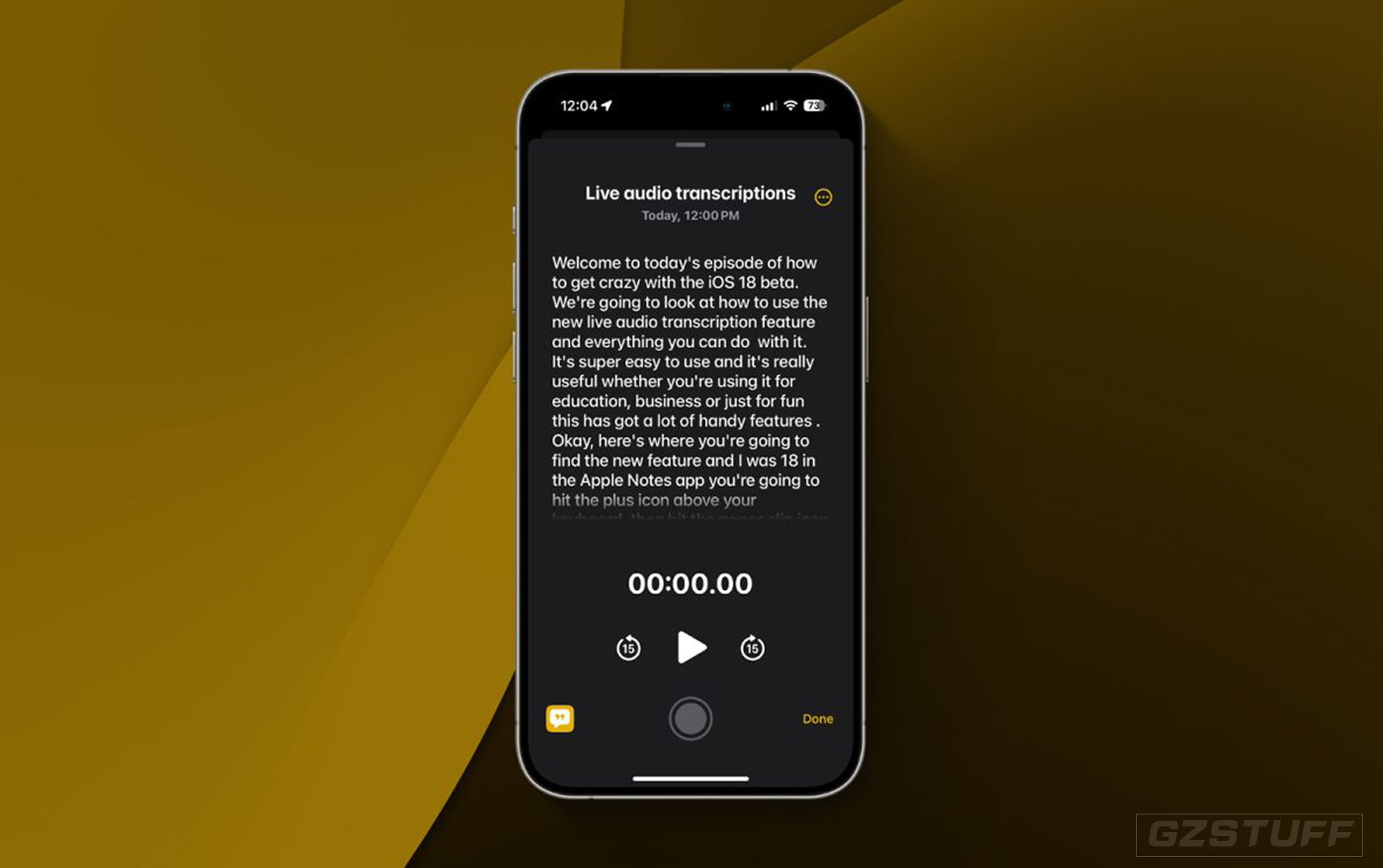
Apple’s Notes and Voice Memos apps gain the handy feature of live audio transcription in iOS 18 and macOS Sequoia. Join along for a look at how to use audio transcription in iOS 18 including search, export, and more
-
 June 18, 2024Read more
If you’re looking for a way to add 360-degree videos to your Apple Vision Pro, then the Insta360 X4 might be the easiest and most affordable way for you to do so. With this 8K action camera, you can easily shoot, convert...
-
 June 16, 2024Read more
Apple launched the Send Later feature for email with iOS 16. Now with iOS 18, we’re getting the same functionality for Messages.
-
 June 16, 2024Read more
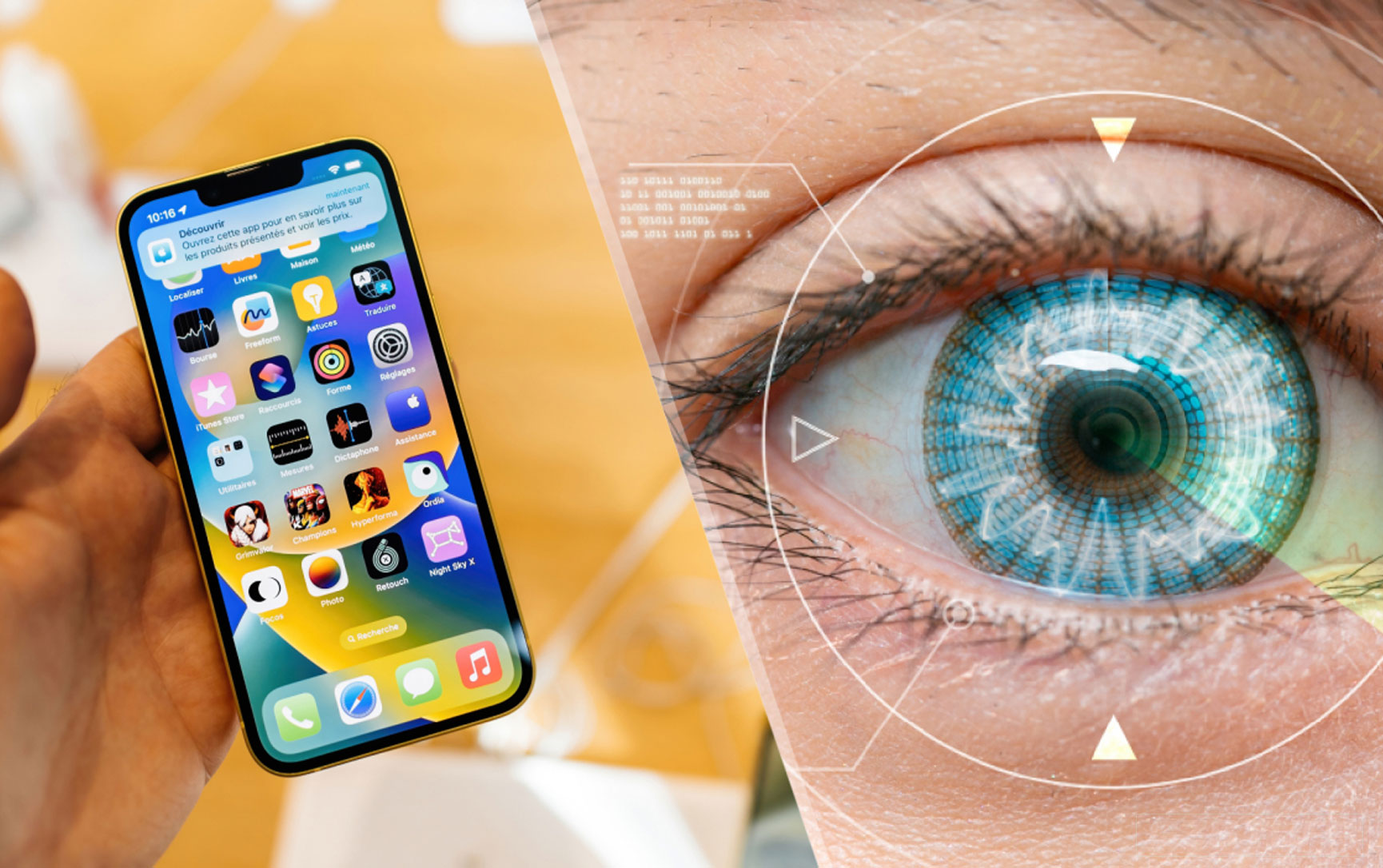
iOS 18 includes several new accessibility features for iPhone with the headlining one being the ability to control the smartphone with just your eyes. Whether you have an accessibility need or just want to tinker with the new...
-
 June 14, 2024Read more
macOS Sequoia comes with a simple but very useful new native tool: automatic window tiling. The new feature can be invoked in several different ways and comes with keyboard shortcuts. Here’s how to use automatic window tiling...
-
 June 11, 2024Read more
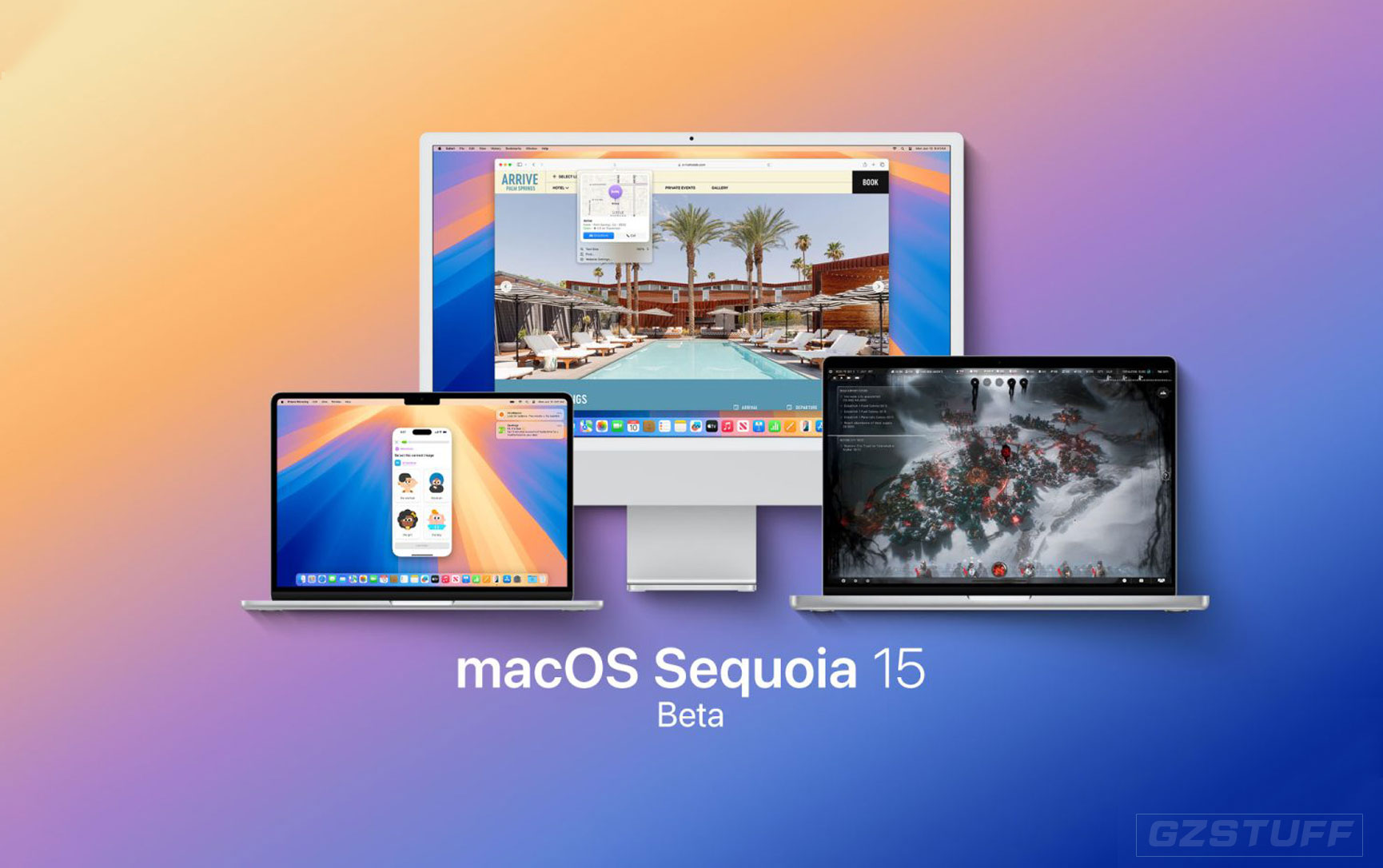
Today in its WWDC keynote, Apple outlined everything new coming to the Mac in this fall’s macOS Sequoia release. Some of the standout features include iPhone mirroring, a dedicated Passwords app, and of course Apple...
-
 June 11, 2024Read more
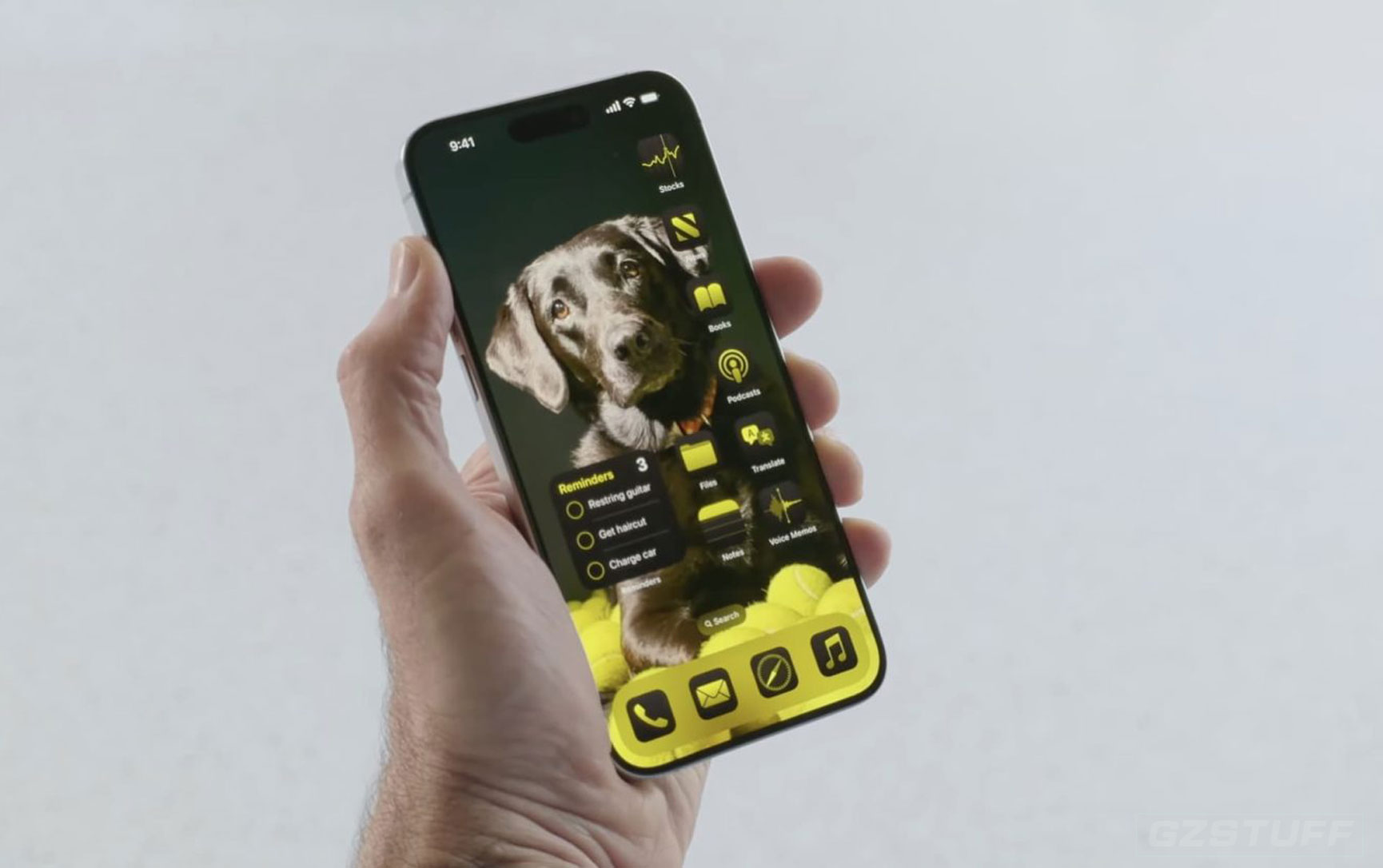
For more than a decade, it’s taken jailbreaking or other workarounds to customize iPhone apps with a unique look. Now, iOS 18 includes the ability to change iPhone app colors and more natively. Here’s how it works
-
 June 06, 2024Read more
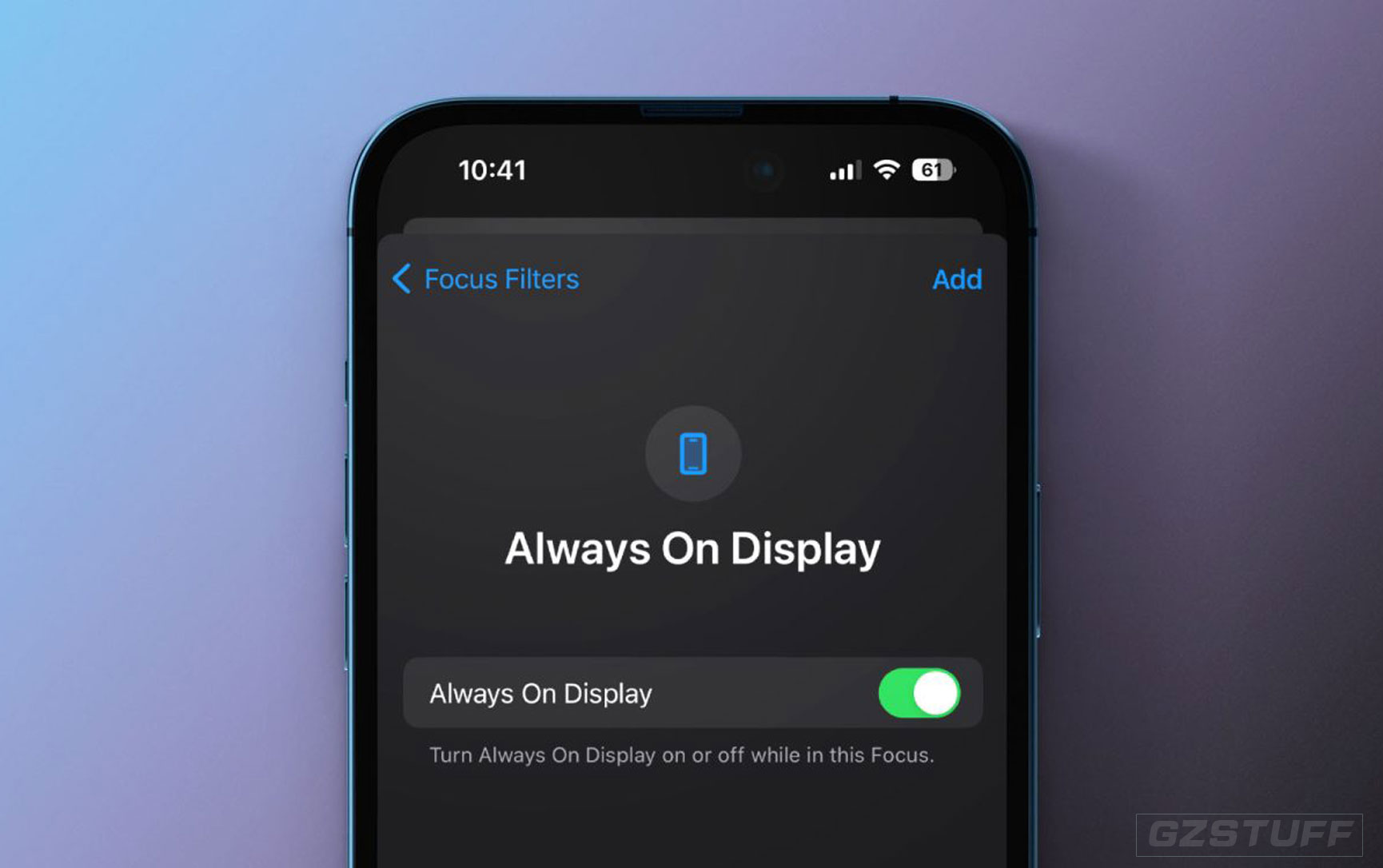
After debuting with the iPhone 14 Pro, Apple has continued to improve its always-on screen with software updates. Whether you’ve just got a 14 Pro or 15 Pro or haven’t customized your screen before, here’s how to automate iPhone...