ChatGPT Now Works on CarPlay – Hands-Free Voice Conversations While Driving
- ChatGPT Now Works on CarPlay – Hands-Free Voice Conversations While Driving
- How ChatGPT on CarPlay Works
- Requirements to Use ChatGPT on CarPlay
- Important Limitations and Safety Rules
- How to Set It Up
- Safety Tips for Using AI While Driving
- Best CarPlay & iPhone Accessories for Safe Driving
- Final Verdict
- Shop CarPlay & iPhone Accessories at Gzmato
March 31, 2026 – OpenAI has officially added CarPlay support to the ChatGPT app. This means drivers can now have hands-free voice conversations with ChatGPT directly from their car’s dashboard, making it easier to ask questions, get navigation help, or control smart home devices while driving.
ChatGPT Now Works on CarPlay – Hands-Free Voice Conversations While Driving
Thanks to Apple’s iOS 26.4 update, which introduced support for voice-based third-party conversational apps in CarPlay, OpenAI has quickly implemented the feature. Users can now speak to ChatGPT without taking their eyes off the road or touching their phone.
How ChatGPT on CarPlay Works
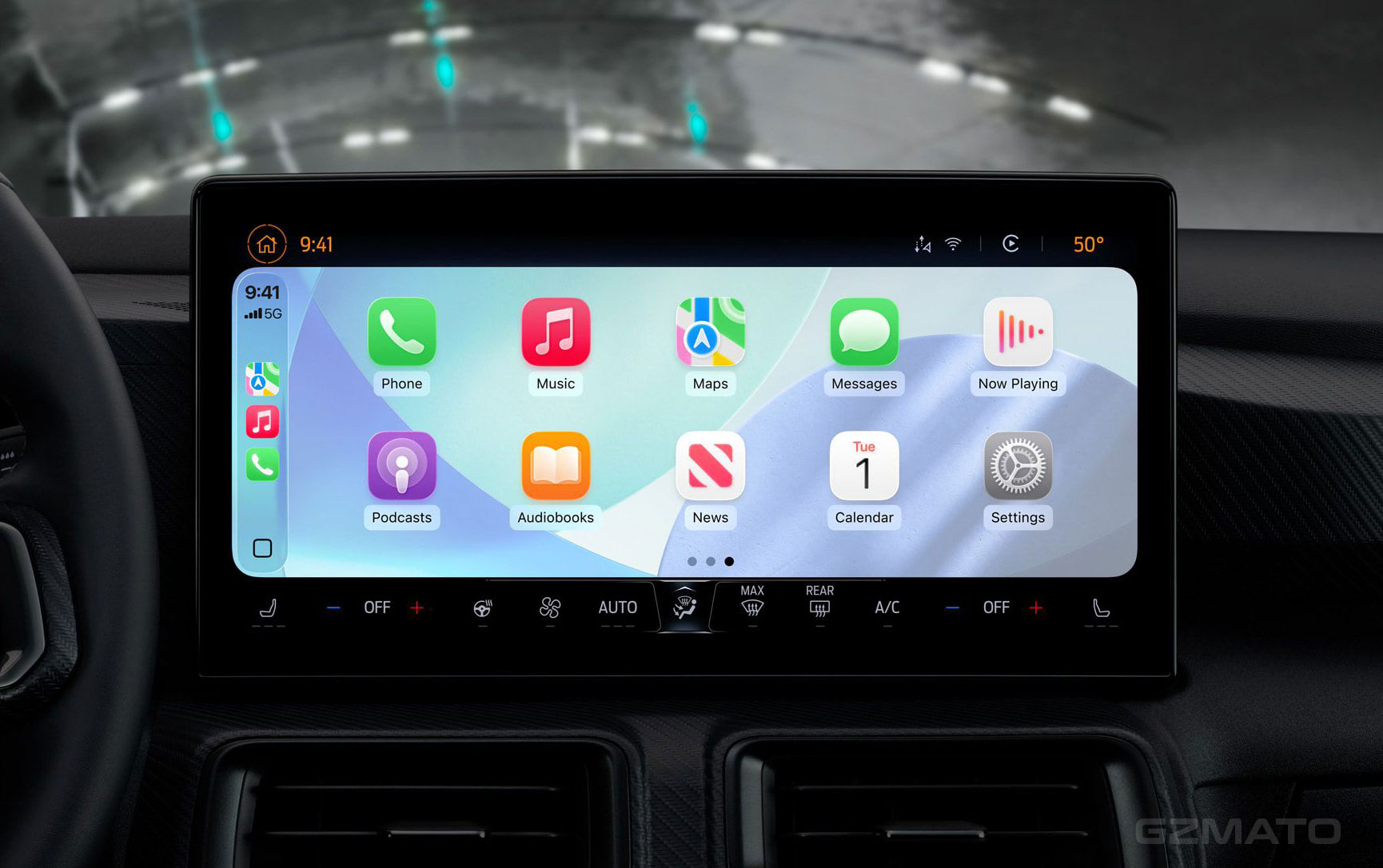
Once enabled, ChatGPT appears as a voice-first app in CarPlay. You can activate it using Siri or directly through the CarPlay interface. All interactions are voice-only — you speak your request, and ChatGPT responds with voice. The app must follow Apple’s strict rules: no text or images are displayed while the voice session is active. A dedicated voice control screen is shown instead.
Requirements to Use ChatGPT on CarPlay
To use this feature, you need:
- An iPhone running iOS 26.4 or later
- The latest version of the ChatGPT app installed
- A compatible vehicle with CarPlay support
- A ChatGPT account (free or Plus/Team/Enterprise)
Important Limitations and Safety Rules
Apple has set strict guidelines for safety:
- ChatGPT on CarPlay is voice-only — no text or images during active sessions
- The app can have a maximum of four action buttons
- It must display the official voice control template when active
- It cannot control car functions or your iPhone directly
These rules are designed to minimize driver distraction.
How to Set It Up
Setup is straightforward:
- Update your iPhone to iOS 26.4 or newer
- Update the ChatGPT app from the App Store
- Connect your iPhone to your car via CarPlay
- Look for the ChatGPT icon in the CarPlay home screen or use voice activation
Safety Tips for Using AI While Driving
Even with hands-free support, always prioritize safety:
- Use ChatGPT only for simple, non-distracting tasks
- Avoid complex conversations while driving in heavy traffic
- Keep your eyes on the road at all times
- Use voice commands clearly and concisely
Best CarPlay & iPhone Accessories for Safe Driving
Enhance your CarPlay experience with these useful accessories:
- Wireless CarPlay adapters (for older cars)
- Sturdy dashboard phone mounts or MagSafe car mounts
- Fast GaN car chargers and charging cables
- High-quality Bluetooth adapters or sound upgrades
- Screen protectors for your iPhone
Final Verdict
ChatGPT’s new CarPlay support is a welcome addition for drivers who want smarter voice assistance beyond Siri. With Apple’s strict voice-only rules, it maintains a good balance between convenience and safety. If you have iOS 26.4 and a compatible car, it’s worth trying — just remember to use it responsibly while driving.
Shop CarPlay & iPhone Accessories at Gzmato
Fast shipping, 1-year warranty – mounts, chargers, adapters, screen protectors & more
Special Offer: Use code GZMDRIVE26 for 10% off!
Shop Driving Gear Now →Data Sources & Methodology (as of Mar 31, 2026):
- MacRumors article: OpenAI Brings ChatGPT to CarPlay for Hands-Free Voice Conversations
- Apple’s CarPlay Developer Guide and iOS 26.4 updates
- OpenAI app update notes
- Gzmato CarPlay & iPhone accessory inventory


- chatgpt carplay
- chatgpt on carplay
- ios 26.4 carplay chatgpt
- hands-free chatgpt driving
- openai carplay integration