
How to
How to Switch from Android to iPhone 17 Without Losing Data (2025 Guide)
on
December 28, 2025
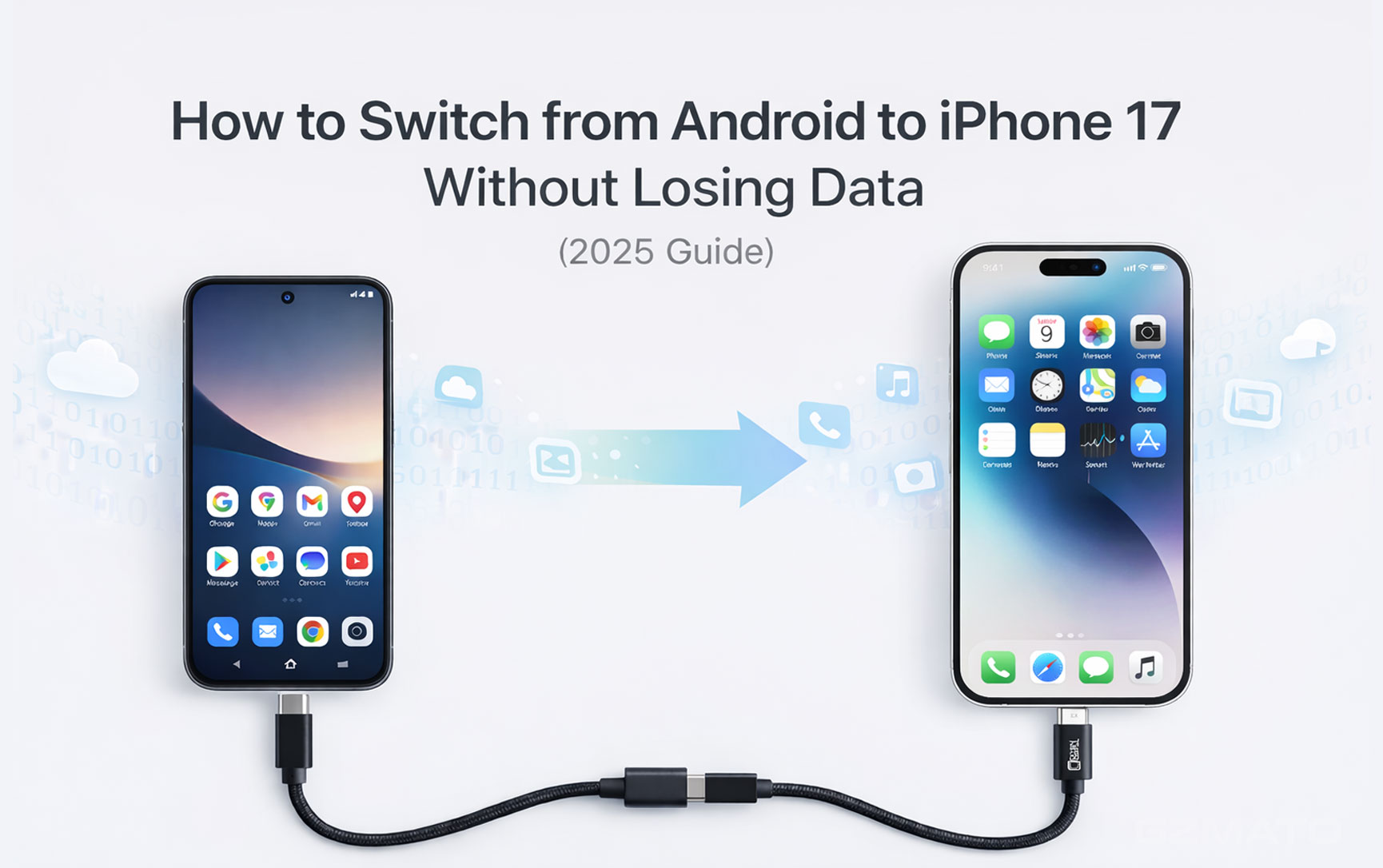
Table of Contents
Expand
December 27, 2025 – Switching from Android (Samsung Galaxy S25, Pixel 10, etc.) to iPhone 17 series? Apple's free Move to iOS app makes it simple and secure – transfer contacts, messages, photos, videos, bookmarks, and more without losing data. This 2025 guide covers the easiest method + alternatives.
Preparation (Essential for Smooth Transfer)
- Update Android to latest version
- Charge both phones >50%
- Strong Wi-Fi (both on same network)
- Enough storage on iPhone 17
- Disable Android Smart Network Switch (for stable Wi-Fi)
Main Method: Move to iOS App (Wireless & Recommended)
Apple's official app creates private Wi-Fi hotspot – safe and fast (30min-2h).
- On new iPhone 17: Start setup → language/region → "Apps & Data" → "Move Data from Android"
- iPhone shows 10-digit code
- On Android: Download "Move to iOS" from Google Play → open → Continue → agree terms → enter code
- Android connects to iPhone hotspot
- Select data (contacts, messages, photos, videos, bookmarks, accounts, etc.) → "Next"
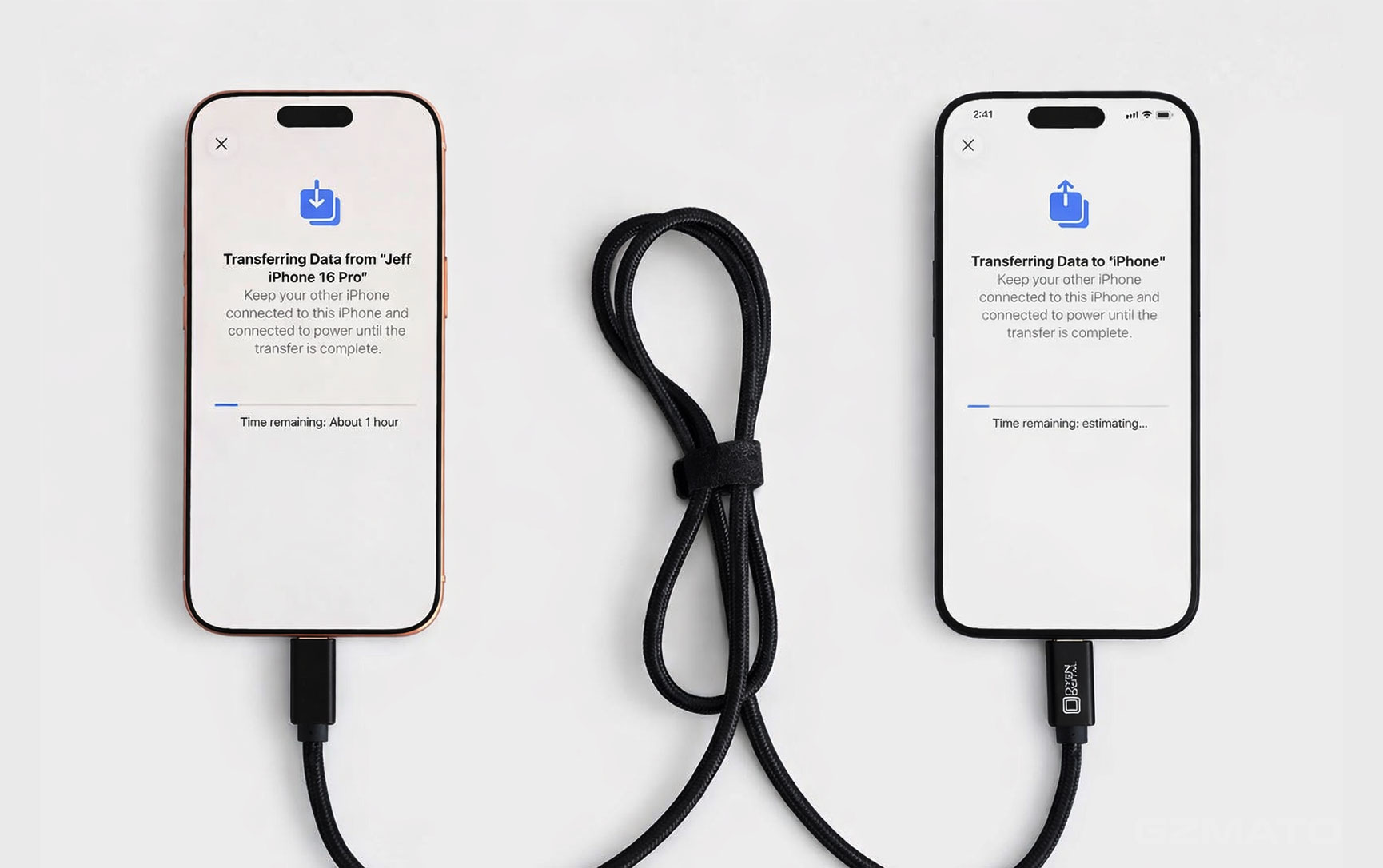
- Wait for transfer complete (progress bar on both phones) – keep close and plugged in
- When done, tap "Continue Setting Up iPhone" → finish setup
Move to iOS transfers most data free – Google accounts auto-sync photos/contacts after.
Alternative Methods (If Move to iOS Fails)
- Google Sync: Sync contacts/photos to Google → sign in on iPhone
- Third-party Tools: Dr.Fone, MobileTrans (paid, more data types)
- Manual: WhatsApp backup, files via cable/cloud
Troubleshooting Common Issues
- Code not showing → restart both phones, same Wi-Fi
- Transfer stuck → keep phones close, disable VPN
- Not enough space → delete files or use partial transfer
- App data missing → redownload Apps on iPhone (free)
Protect Your New iPhone 17 at Gzmato
Premium Protection for iPhone 17 at Gzmato
HODA sapphire glass, MagSafe cases, fast chargers – genuine stock
HODA sapphire glass, MagSafe cases, fast chargers – genuine stock
Exclusive Offer: Use code GZMIPHONE17 for 10% off accessories!
Shop iPhone Accessories →Data Sources & Methodology (as of Dec 27, 2025):
- Apple official Move to iOS guide
- CNET, iGeeksBlog, Apple Support screenshots
- Gzmato customer switch feedback
Comment(s)
People Also Searched For
- switch from android to iphone 17 2025
- move to ios transfer data android to iphone
- android to iphone 17 no data loss guide
Recent Posts

October 17, 2026

October 15, 2026



Popular Posts


July 14, 2026

December 07, 2025



