M4 iPad Pro vs M2 iPad Air: Is it worth the extra money?

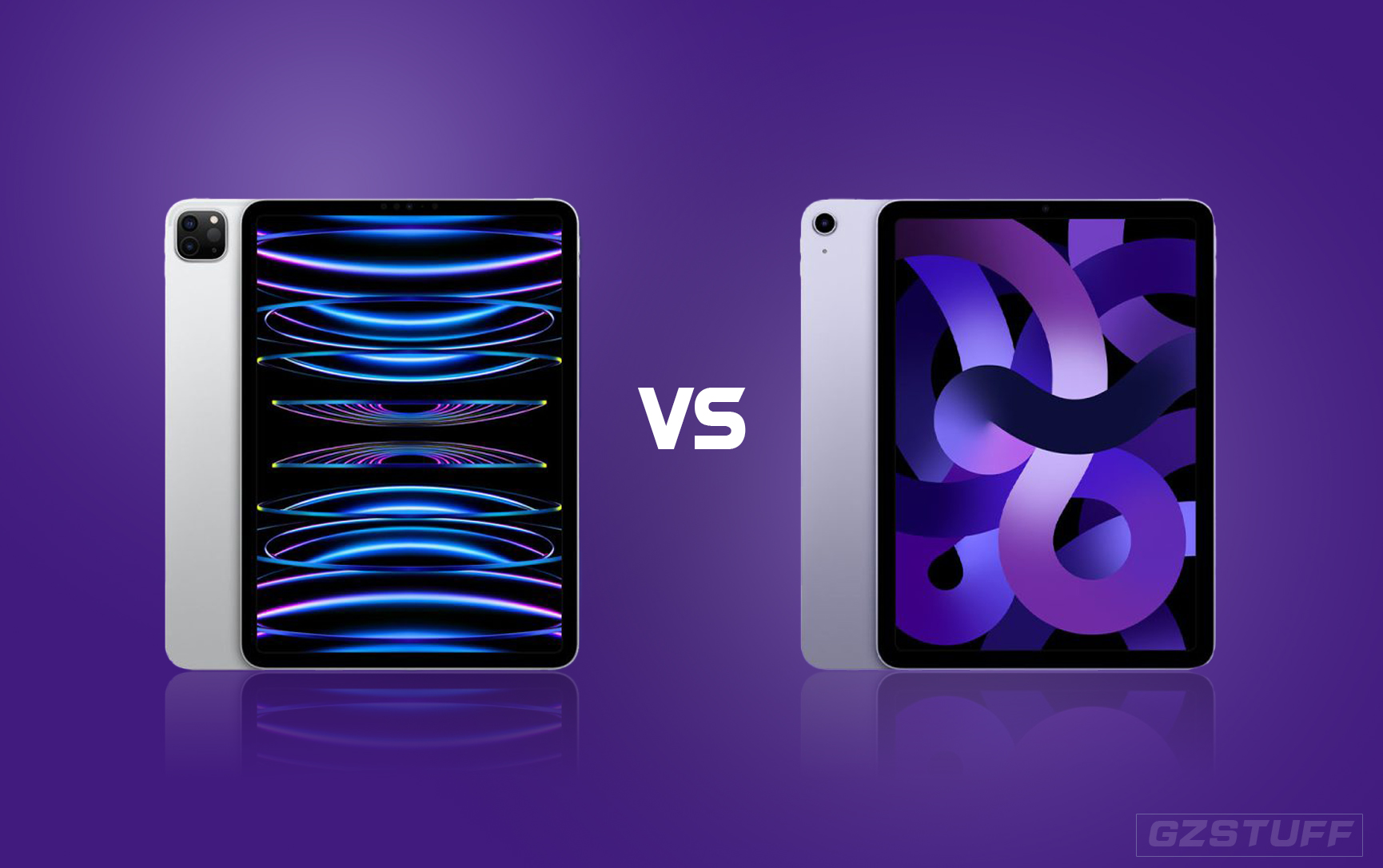
The 2024 iPad Pro levels up performance as the first Apple device with the M4 chip. And the new mid-tier Apple tablet is the M2 iPad Air which comes in two sizes for the first time. So what is all different between these 2024 iPads and is the high-end worth the extra money? Here’s our detailed look at the M4 iPad Pro vs M2 iPad Air.
The 2022 iPad Air 5 with M1 blurred the line between the mid and high-end iPads, giving an incentive for many to buy the Air that started at $200 (or more) below the $799 11-inch iPad Pro.
Now the 2024 M2 iPad Air lineup (6th gen) offers even more choice and power than the M1 iPad Air.
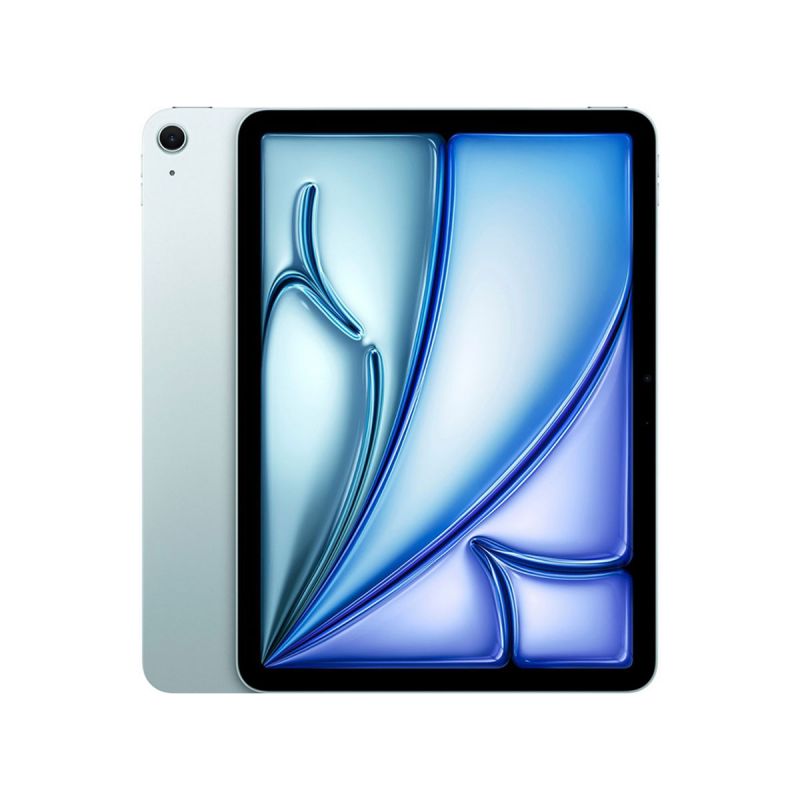
However, the new iPad Air models are contrasted with the M4 iPad Pro devices – but they are more expensive this year with starting prices of $999 and $1,299 – making the difference between an iPad Air and Pro $300-400.
| Table Of Contents |
| M4 iPad Pro vs M2 iPad Air |
| - Performance |
| - Display |
| - Design, dimensions, weight, colors |
| - Connectivity and accessories |
| - Battery life |
| - Storage and price |
| - Cameras, video, and audio |
| M4 iPad Pro vs M2 iPad Air conclusion |
| Why buy M4 iPad Pro? |
| Why buy M2 iPad Air? |

Merchant channel advertising
M4 iPad Pro vs M2 iPad Air
Performance
The big differentiator in performance between the new iPad Pro and Air is thanks to the upgrade of the M4 chip. Apple says it delivers up to a 50% faster CPU, 4x faster GPU, and a boost in memory bandwidth from 100GB/s to 120GB/s over the M2.
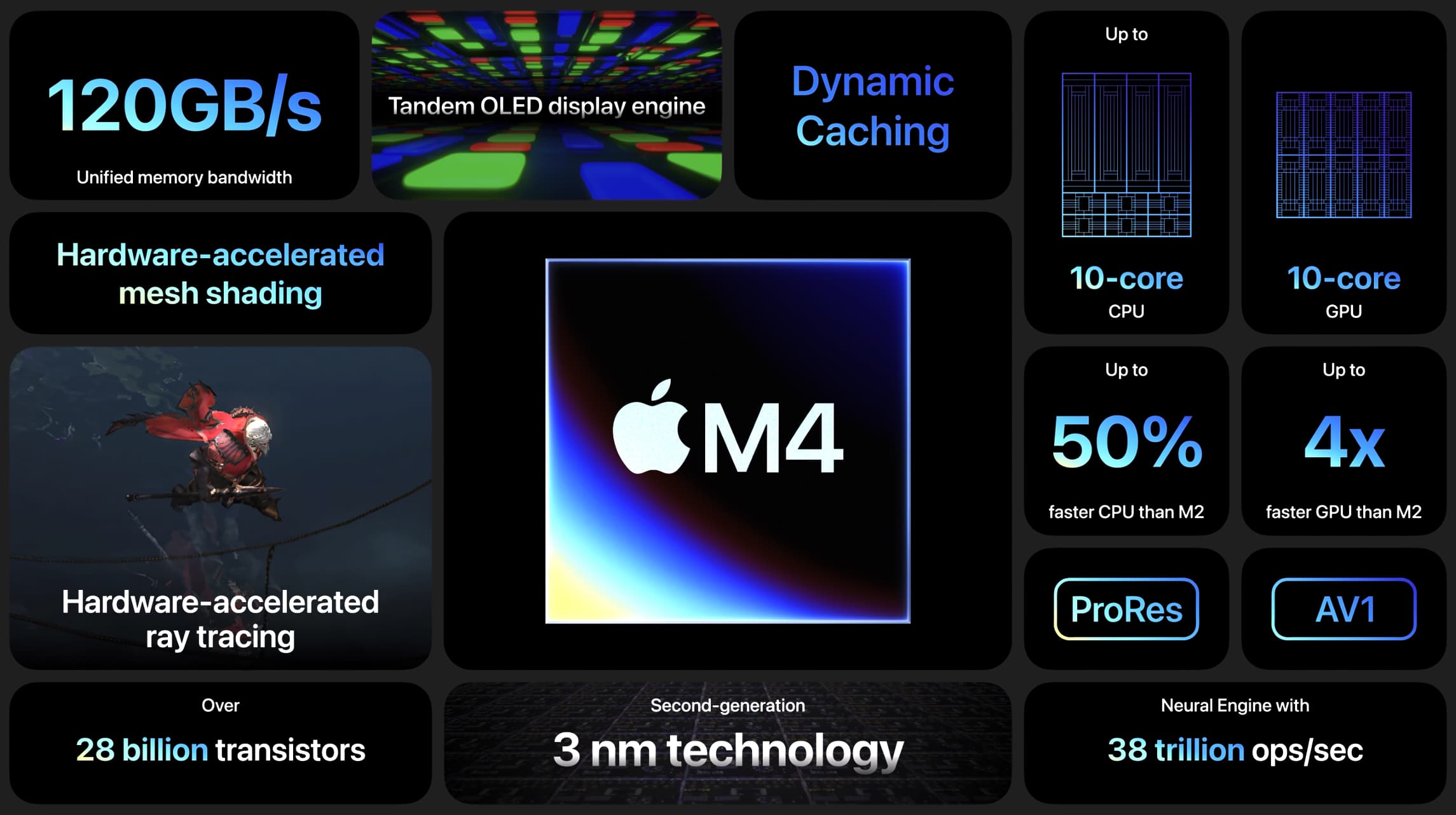
Along with the new GPU comes a media engine that offers hardware-accelerated 8K H.264, HEVC, ProRes, and ProRes RAW support – joining the Mac as a device able to handle 8K video.
Other new features include 38 trillion operations per second with the M4 Neural Engine, hardware-accelerated ray tracing, and more.
Note: iPad Pro models with 128, 256, and 512GB storage have 8GB RAM, 1TB and 2TB models have 16GB RAM.
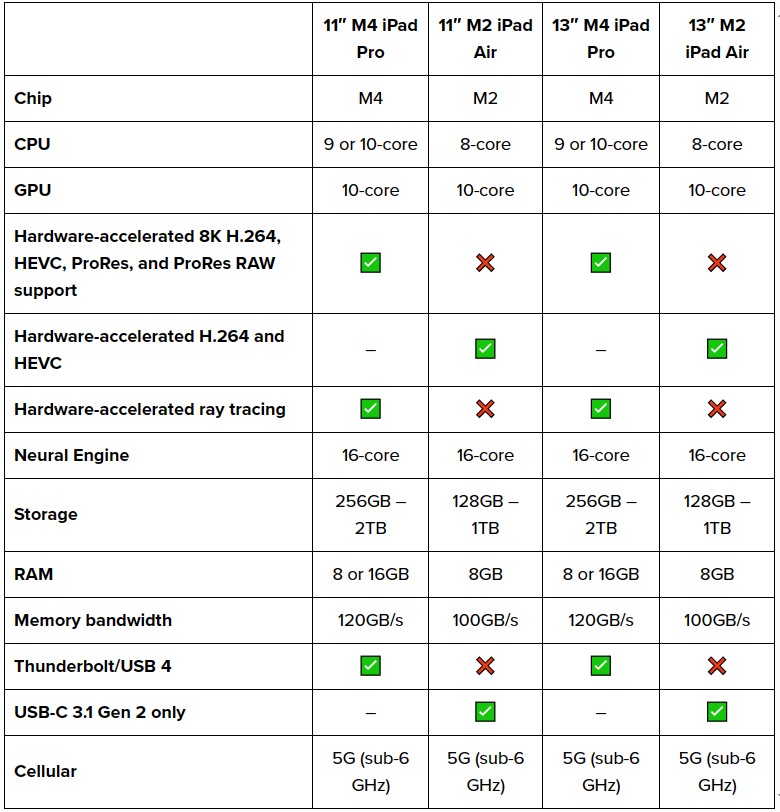
Other upgrades with the Pro are Thunderbolt/USB 4 and hardware-accelerated ray tracing.
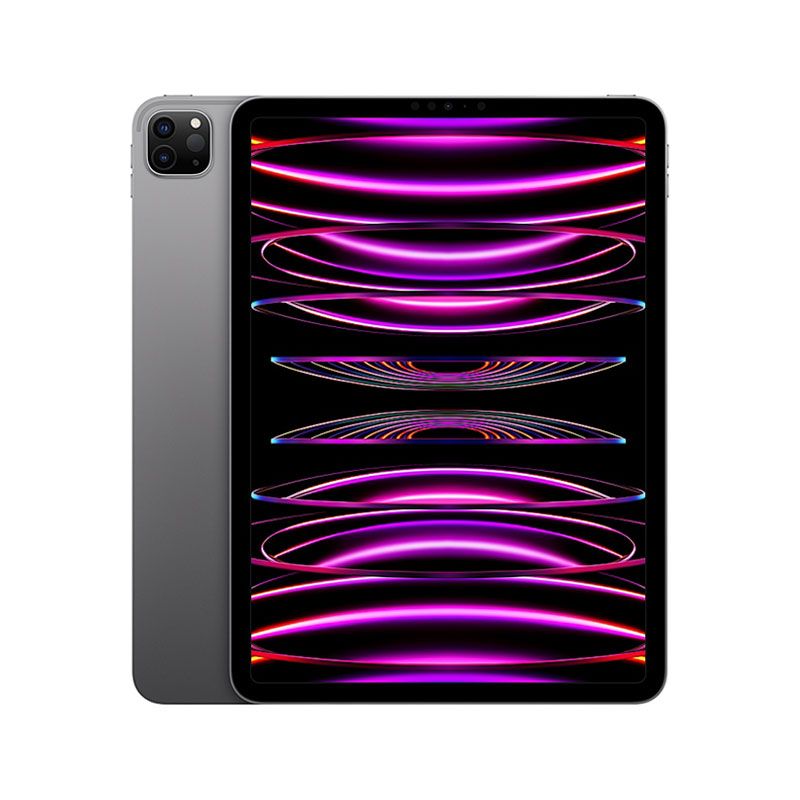
One loss is mmWave connectivity for 5G with the 2024 iPad Pro models (2022 versions had this). That matches the 5G radio in the 2024 iPad Air.
Display
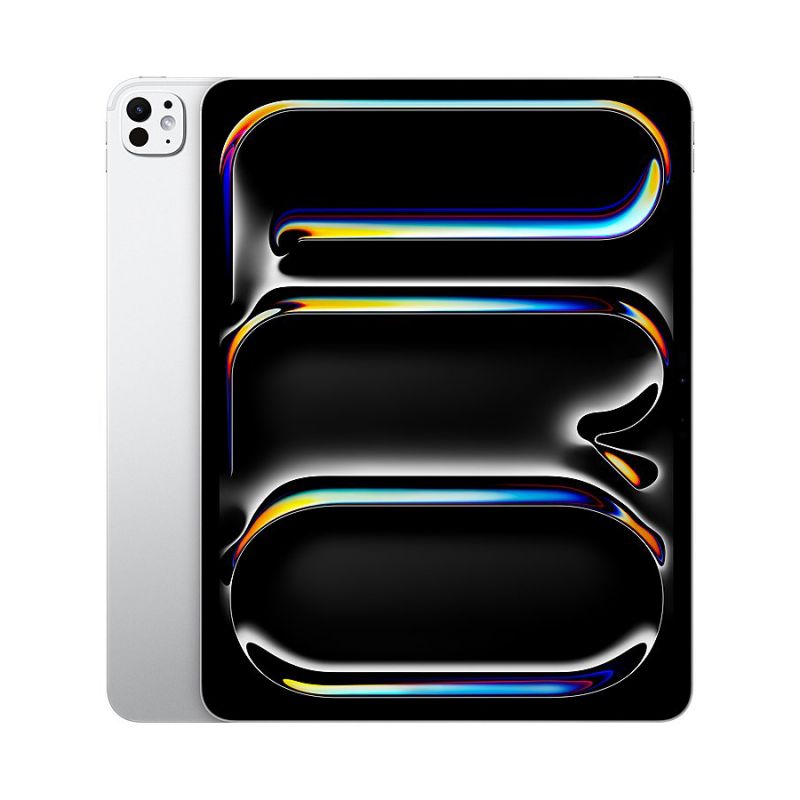
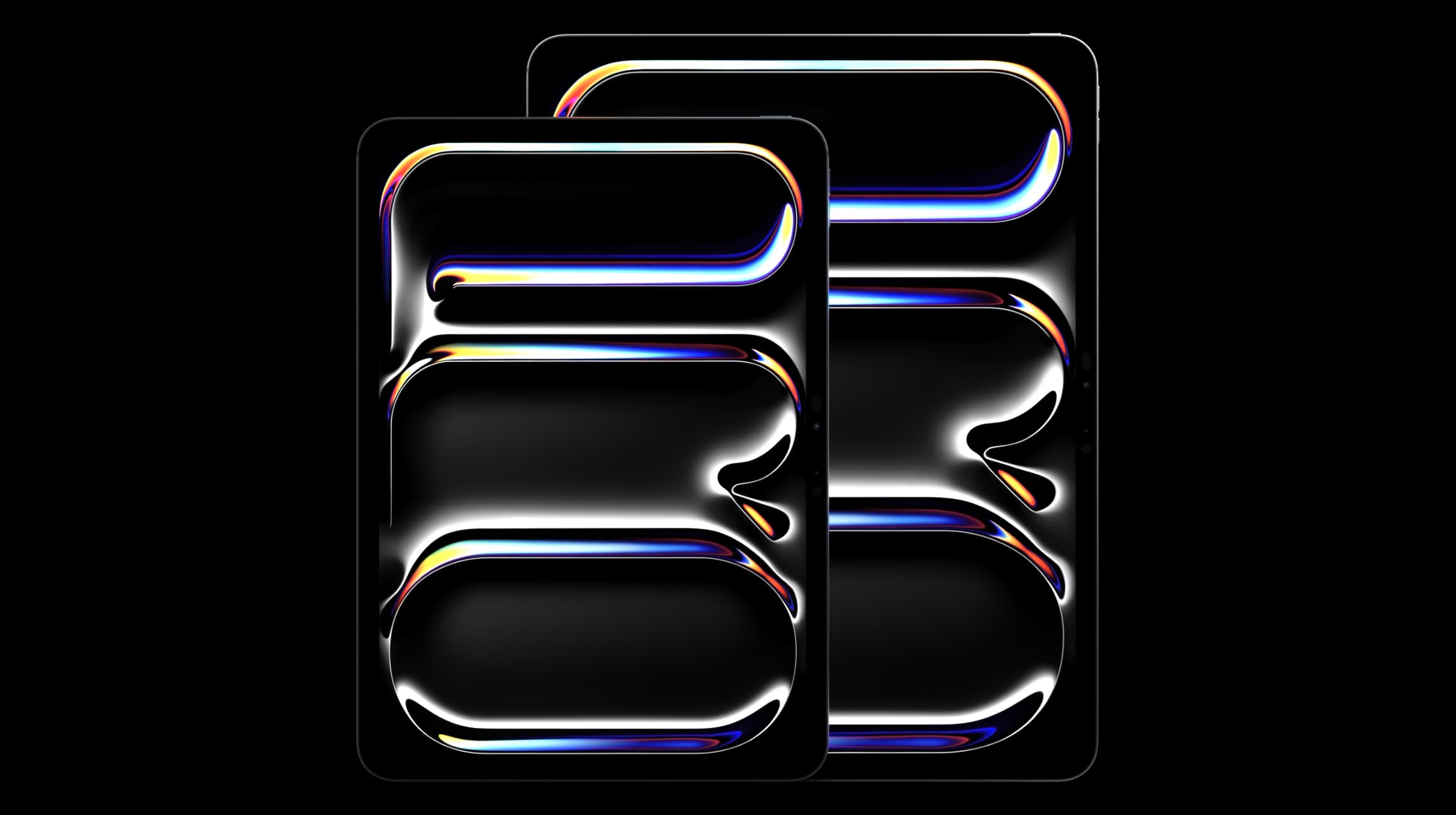
The new M4 iPad Pro models surpass the iPad Air with a new “Ultra Retina XDR Display.”
It’s the first to use Tandem OLED compared to the Liquid Retina Display that uses LED in the M2 iPad Air devices.
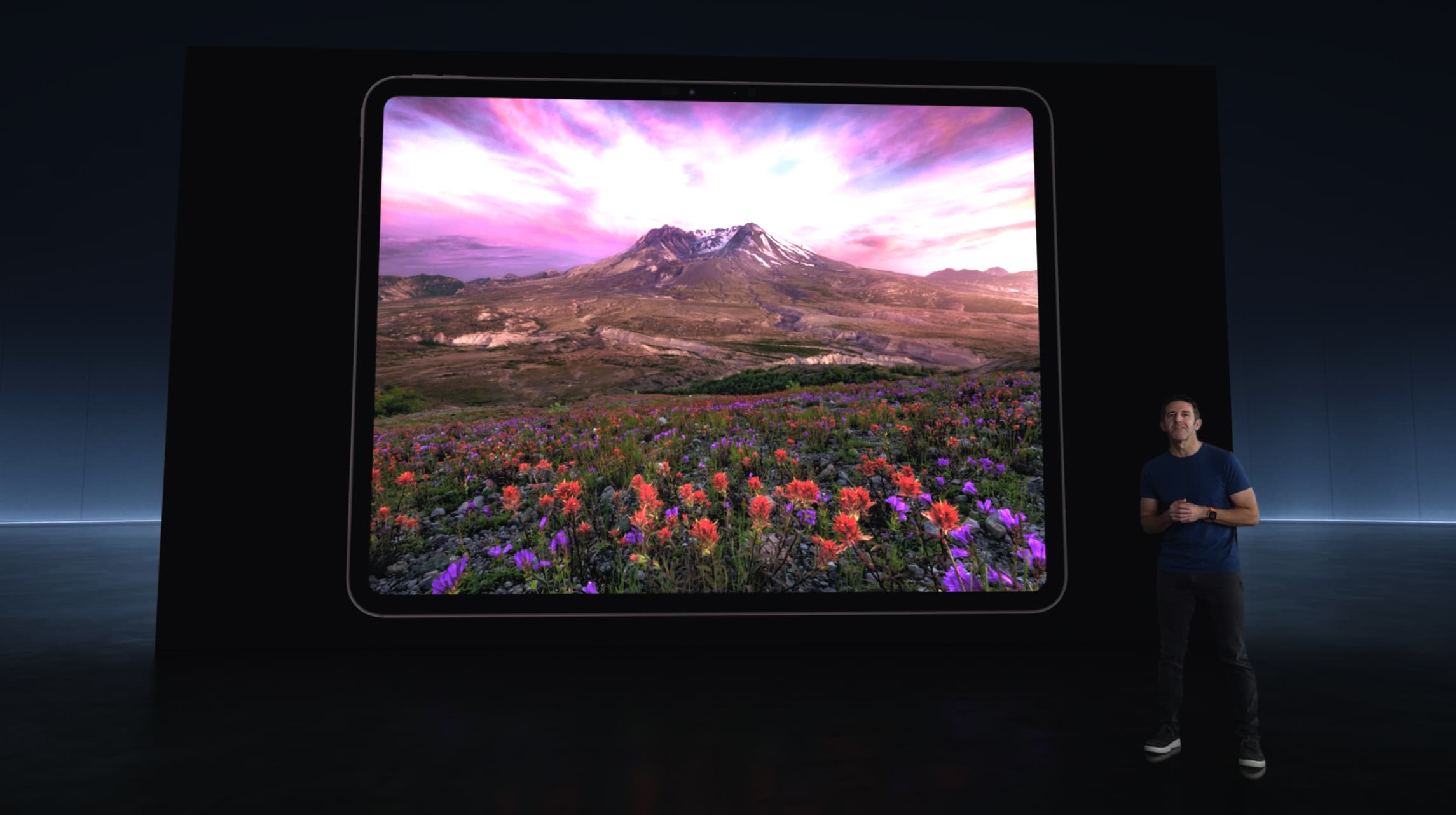
Apple says the benefits of the new OLED display are brighter specular highlights, deeper true blacks, better detail in shadows and low light, and more.
Both the smaller and larger iPad Pro feature the new OLED display and you can also now upgrade the 1 or 2TB M4 iPad Pro with nano-texture display glass.
You also get brighter SDR content up to 1000 nits with the M4 iPad Pro models (600 nits for M2 iPad Pro SDR content). That’s 2x brighter than the 500 nits for SDR with the iPad Air.
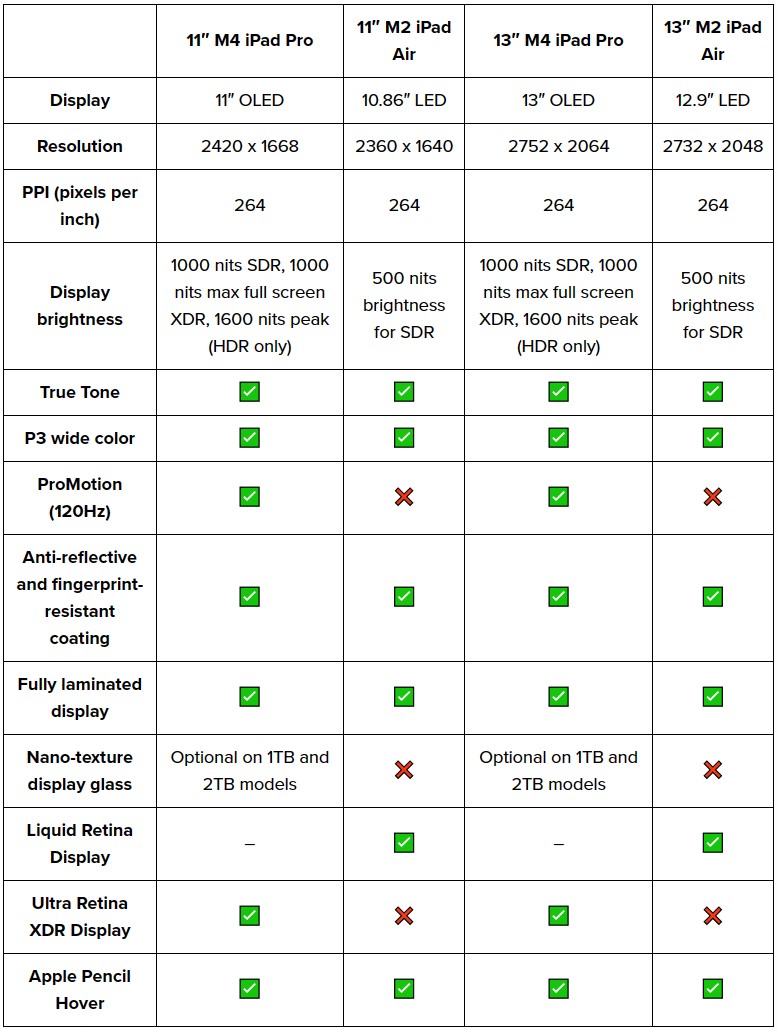
Shared display features across all M4 iPad Pro and M2 iPad Air models include P3 wide color, fully laminated displays, anti-reflective coating, Apple Pencil Hover, and True Tone.
Design, dimensions, weight, colors
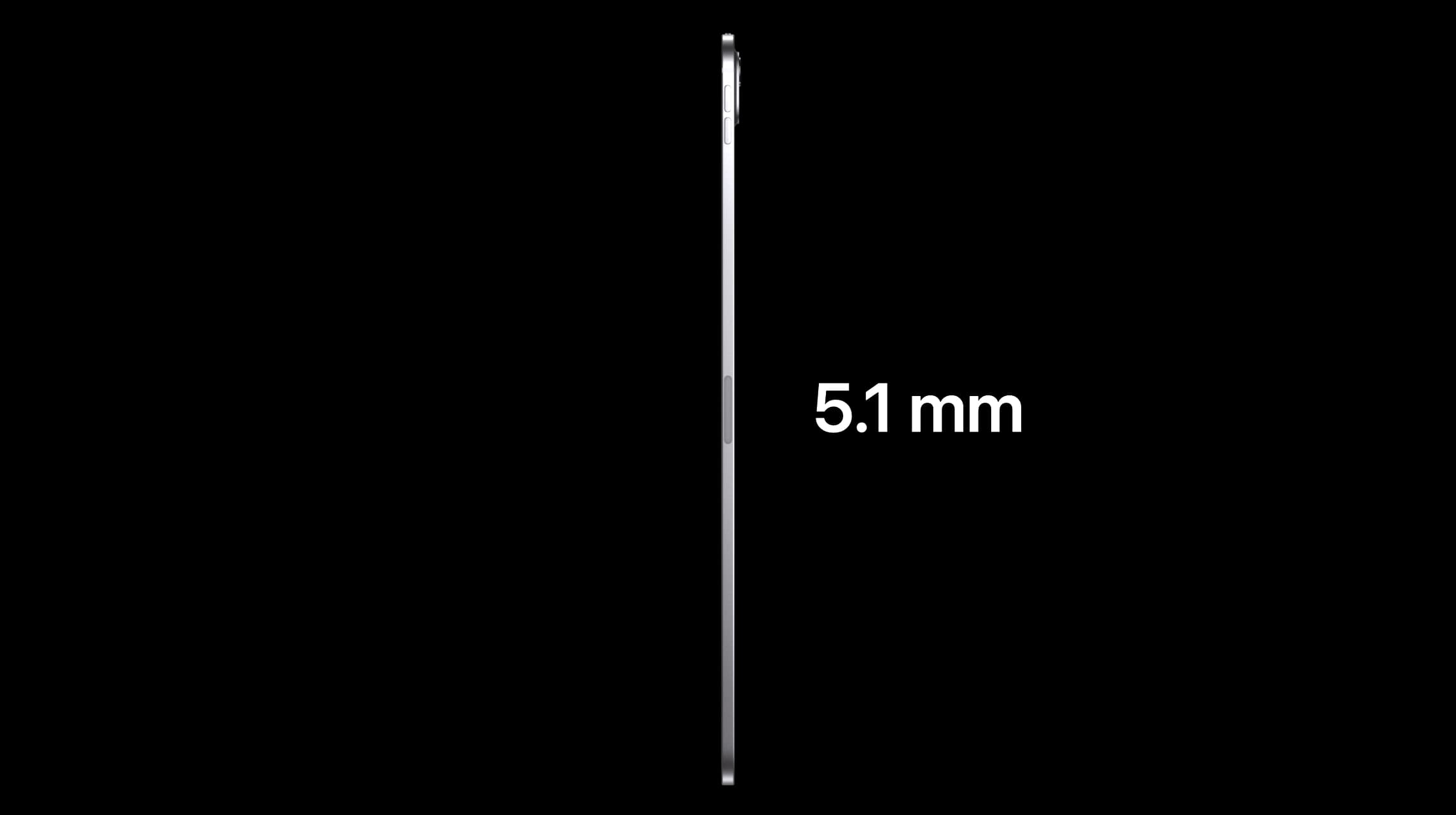
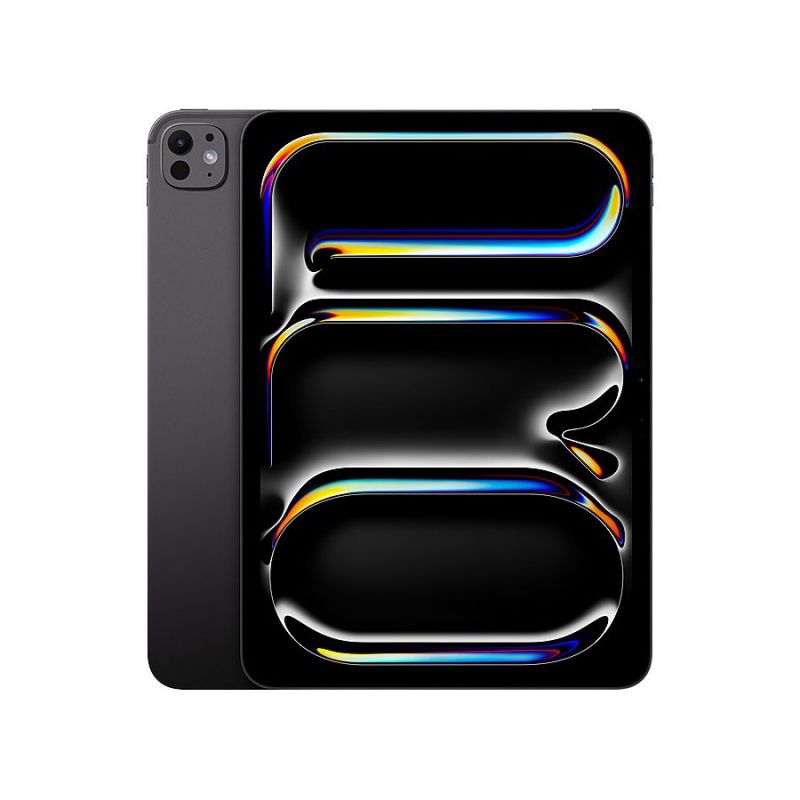
The M4 iPad Pro is the “thinnest product Apple has ever created” at 5.1mm for the 13″ model and 5.3mm for the 11″ version.
Along with that, the new M4 iPad Pro is lighter than ever, under 1 pound for the 11″ and 1.28 pounds for the 13″.
That’s ironic since the “Air” version of Apple’s iPad and Mac usually claim the title for thinnest and lightest.
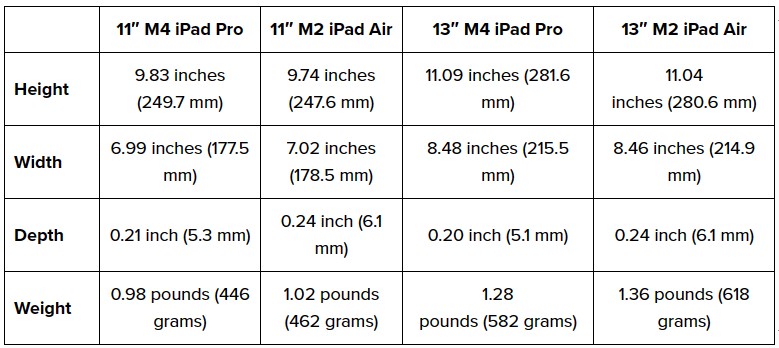
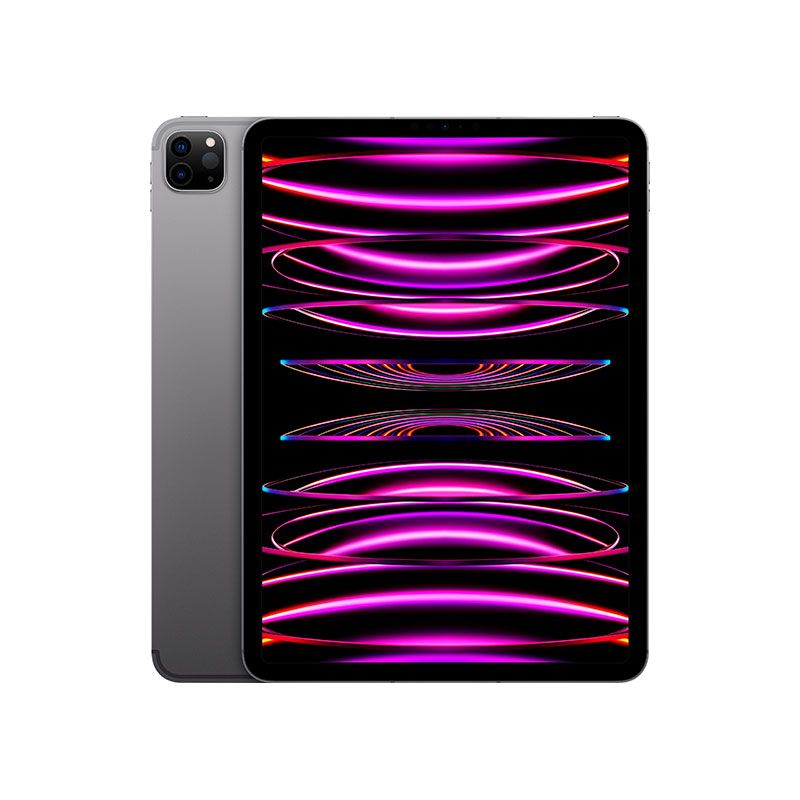
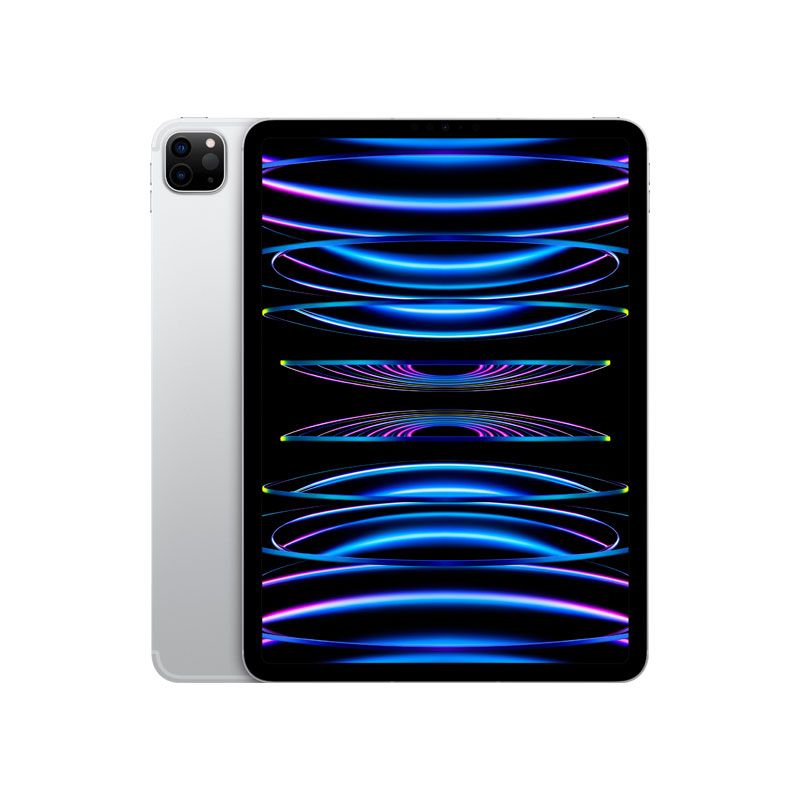
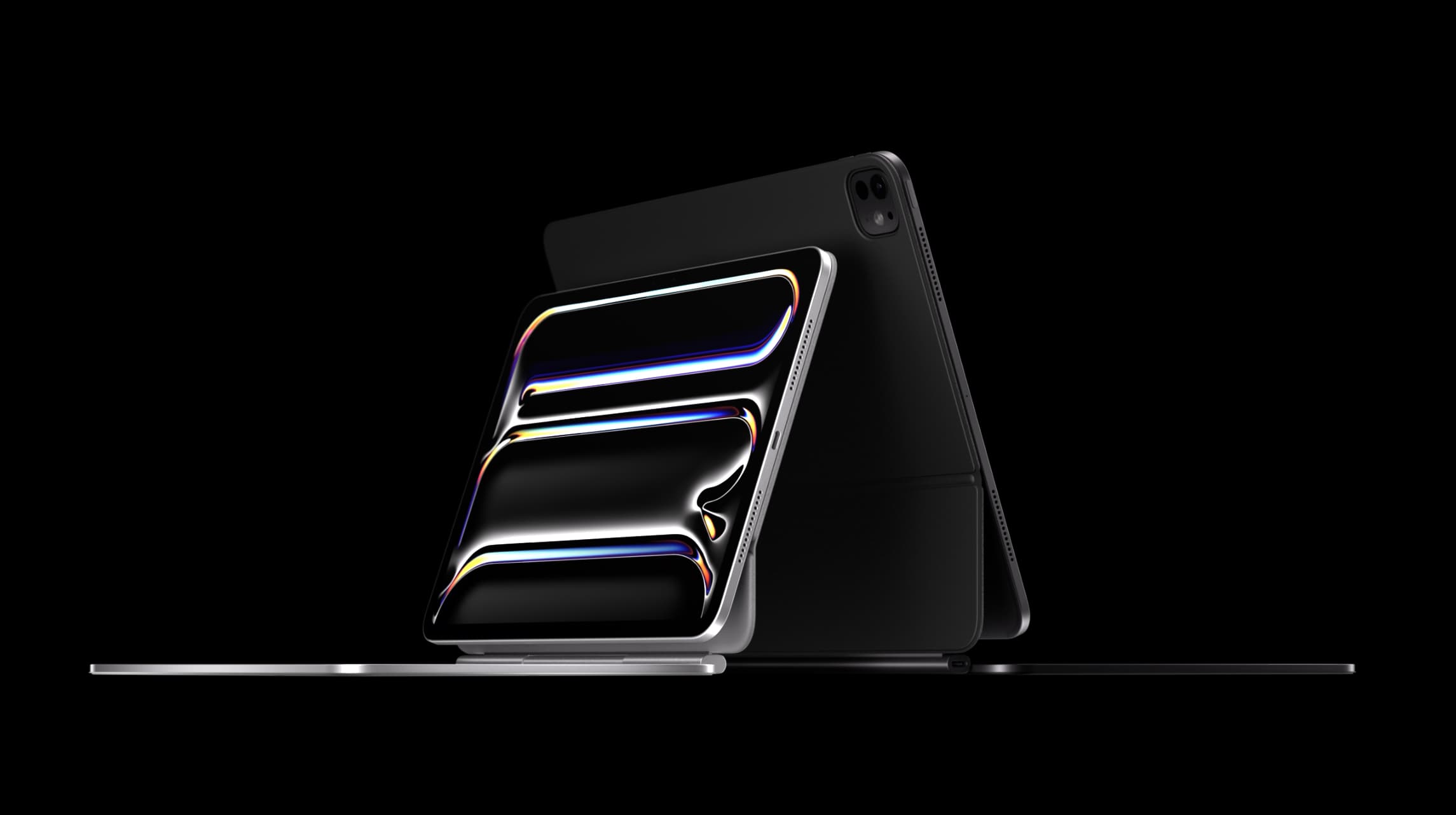
New this time around is the Space Black finish replacing Space Gray for the M4 iPad Pro while silver remains the other choice.
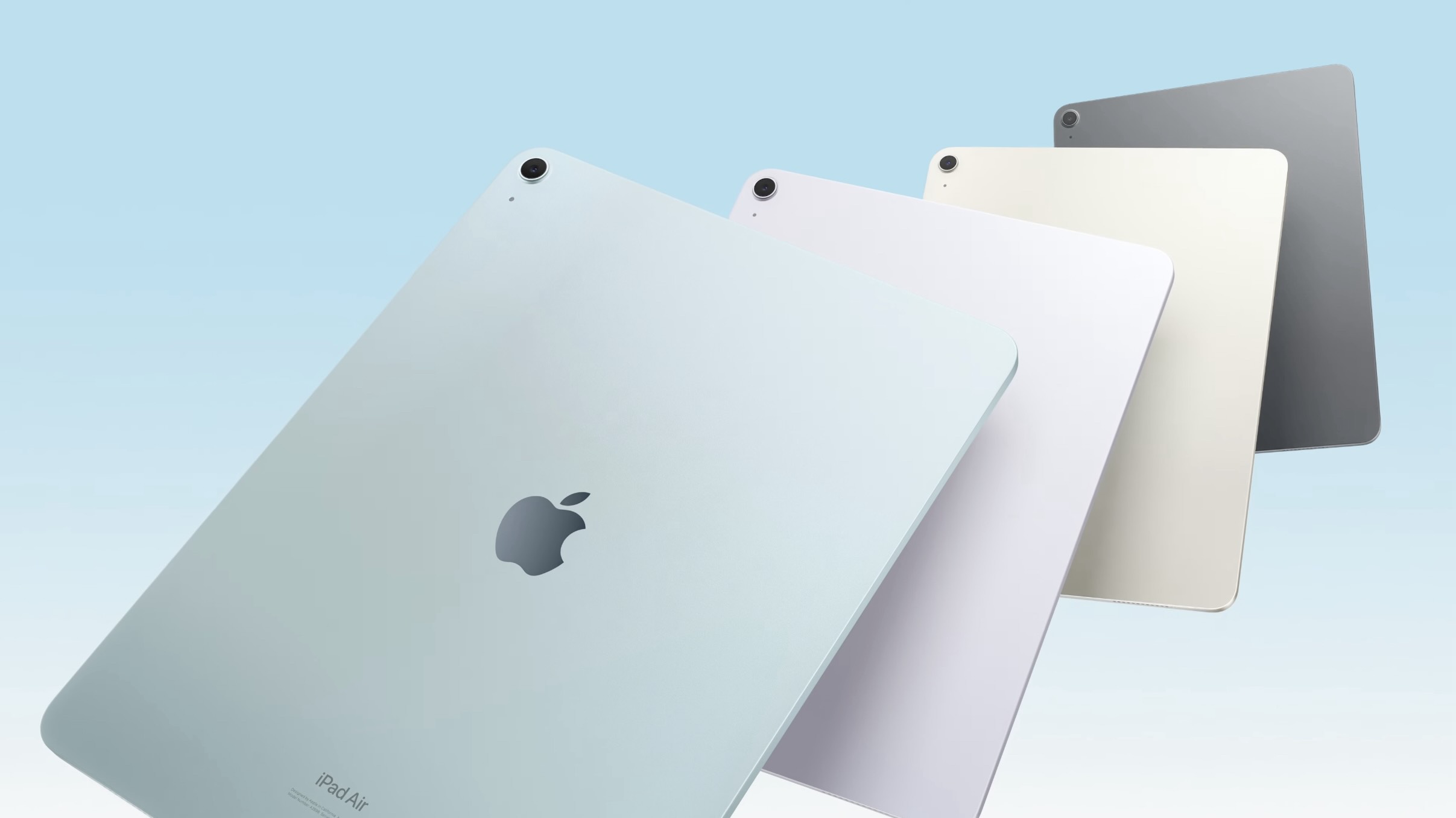
Meanwhile, the M2 iPad Air is available in four color choices: Space Gray, Starlight, blue, and purple.
Connectivity and accessories
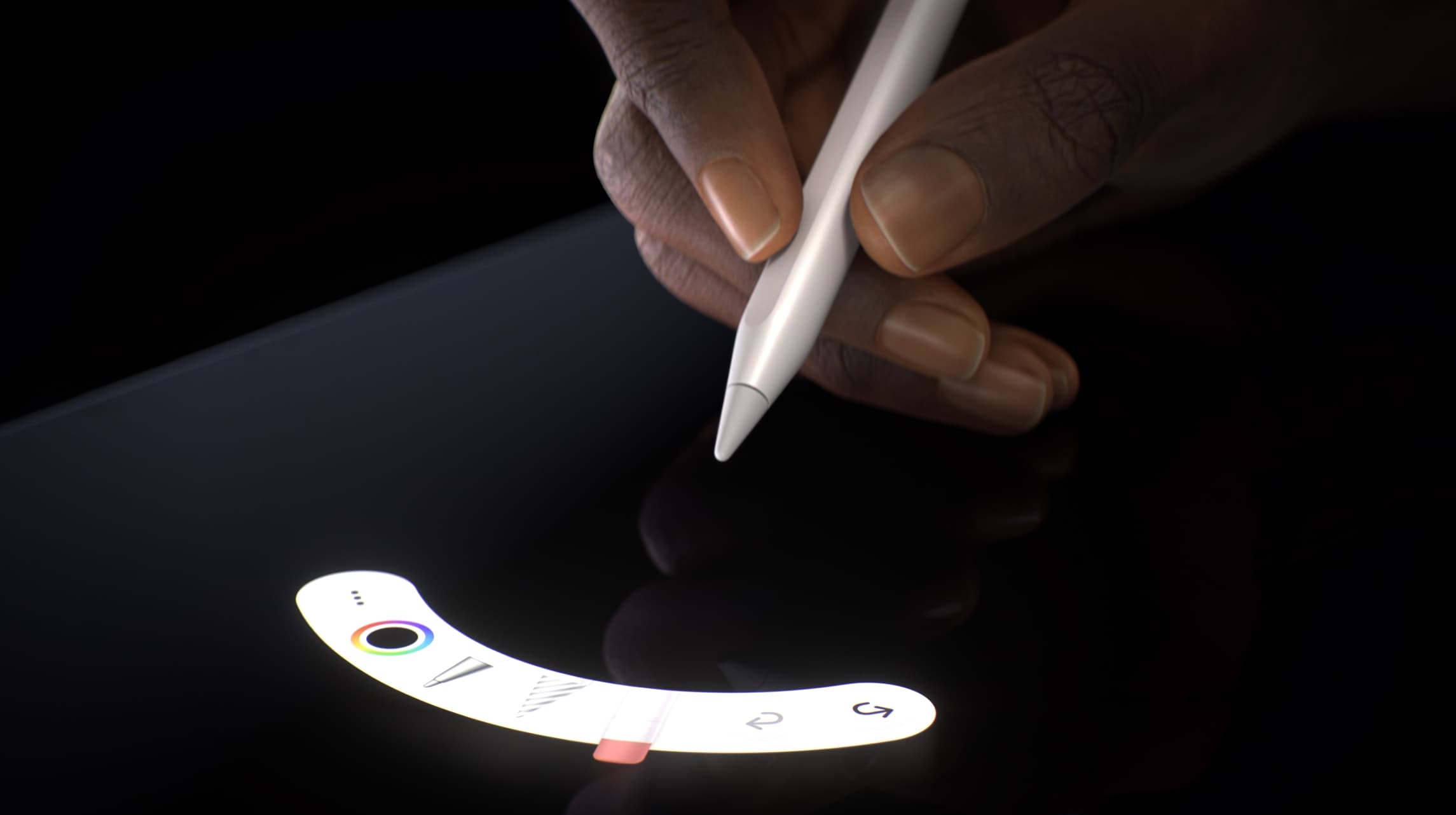
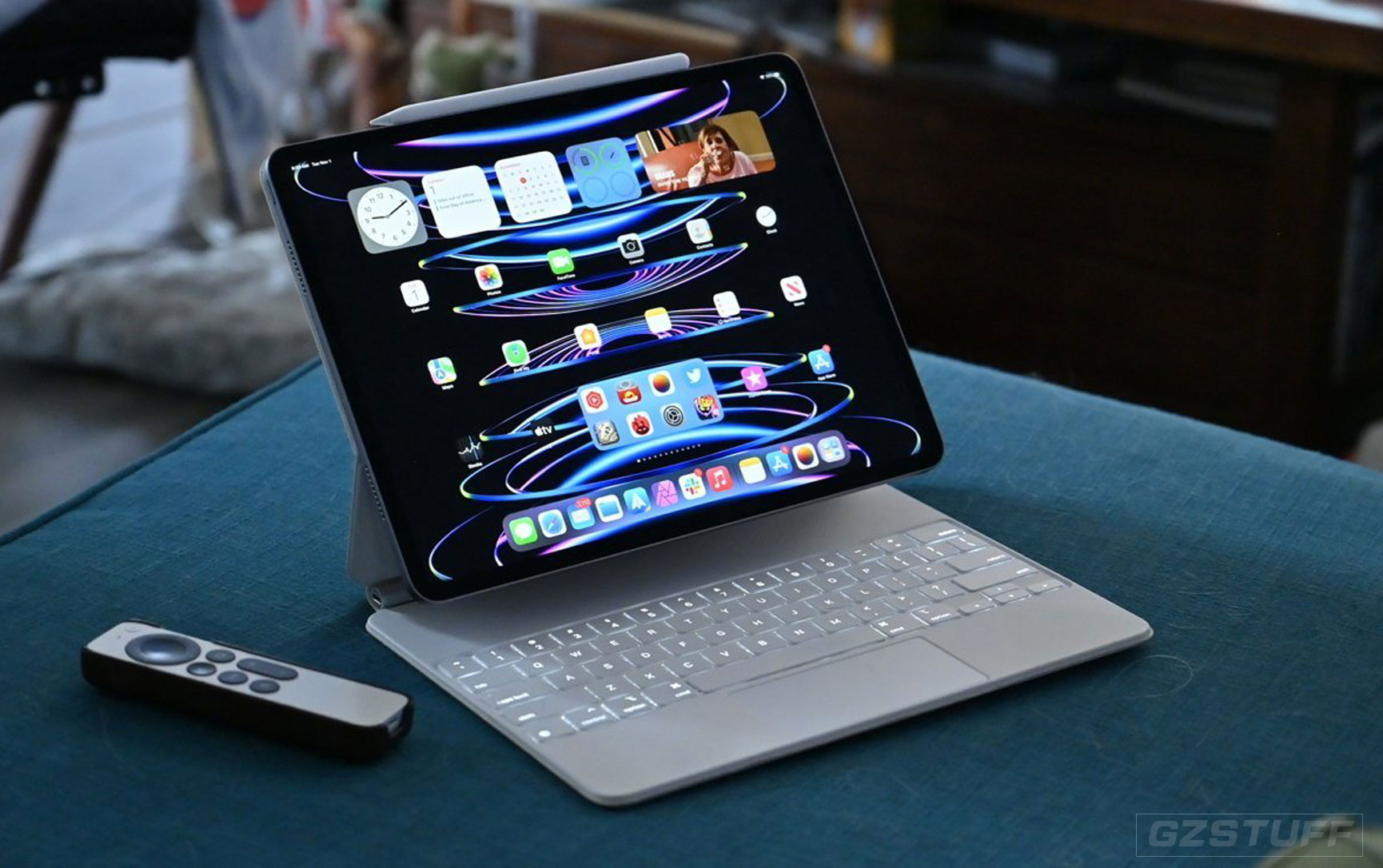
The new iPad Pro and Air models work with the same type of Apple accessories. Those come in the form of a new Magic Keyboard and Apple Pencil Pro – or you could opt for the mid-tier Apple Pencil with USB-C.
The other main I/O upgrades with the iPad Pro are Face ID and Thunderbolt connectivity.
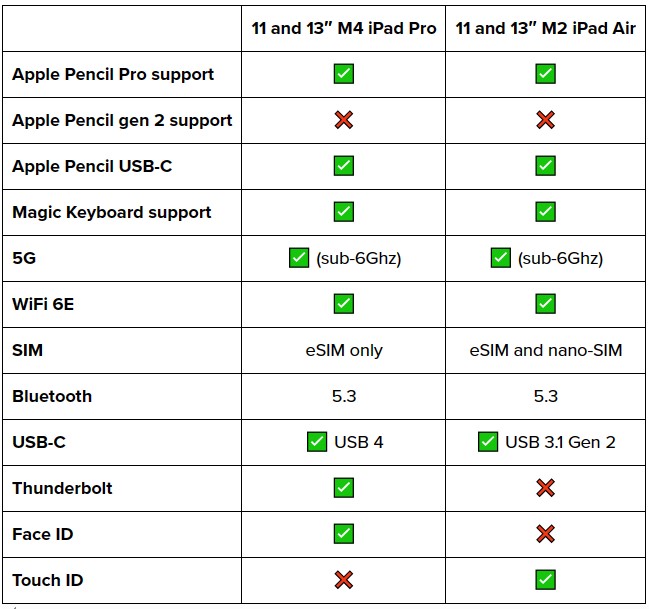
Beyond the drop of mmWave for 5G, the M4 iPad Pro and M2 iPad Air devices also only have an eSIM, no physical nano-SIM slot.
Battery life
The 2024 iPad Pro and Air models come with the same battery life as previous iPads:
- 10 hours of web or video use on WiFi
- 9 hours of web use with cellular
Storage and price
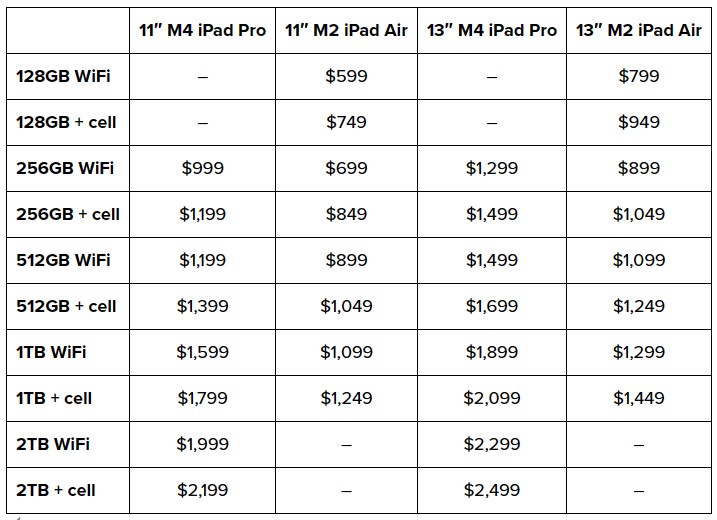
Storage is been updated with the M4 iPad Pro starting with 256GB and going up to 2TB models. And the nano-texture glass is another $100 upgrade.
Storage also gets bumped for the M2 iPad Air starting with 64GB and going up to 1TB.
Cameras, video, and audio
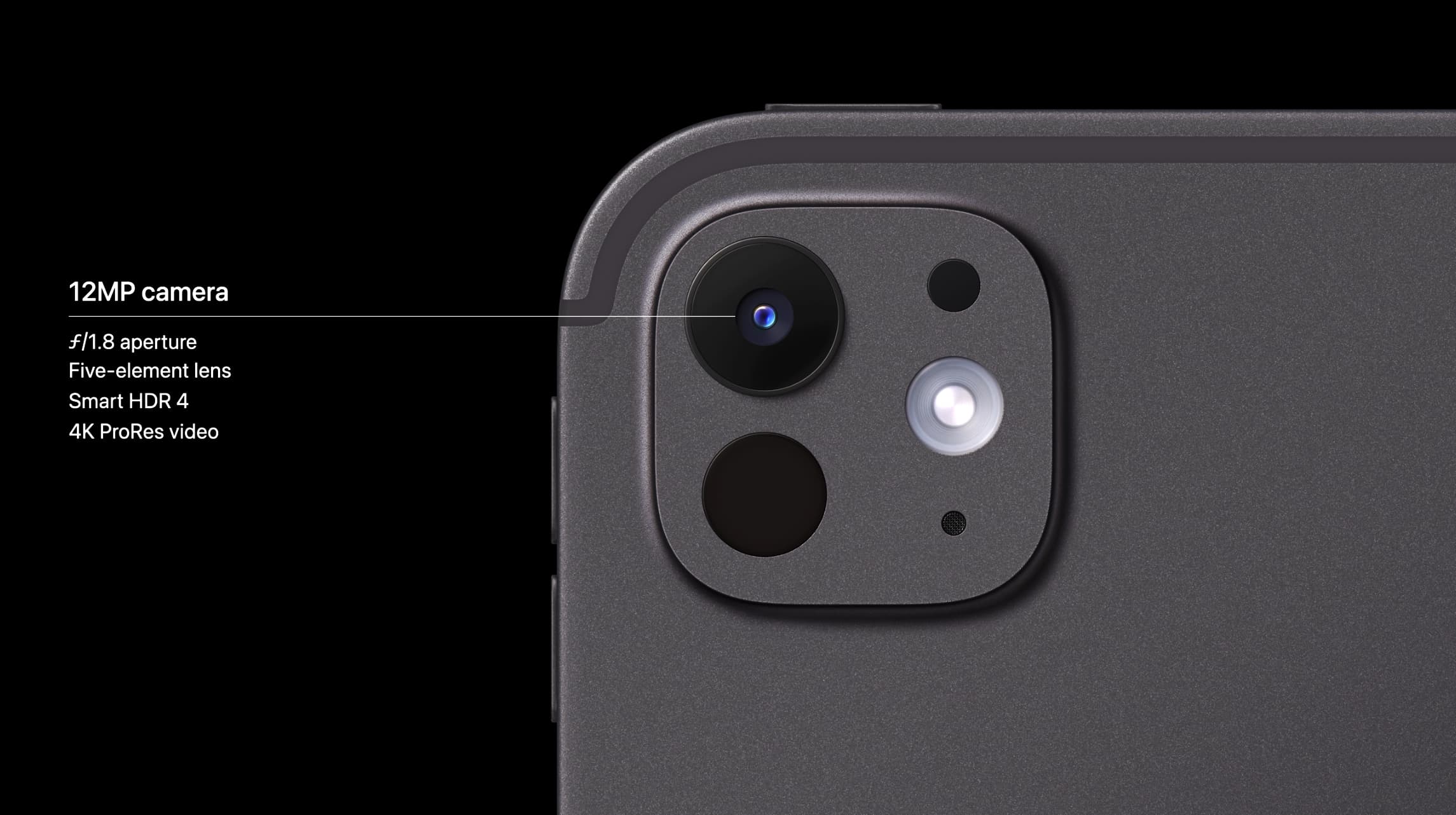
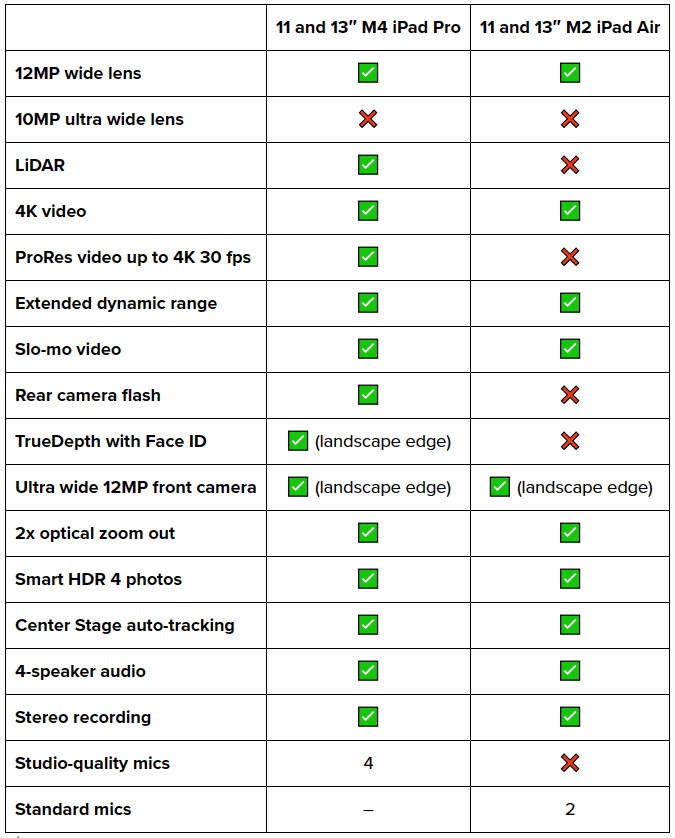
On the M4 iPad Pro rear camera system, you’ve got a 12MP wide lens, LiDAR Scanner, and a Retina Flash with True Tone.
Interestingly, the M4 iPad Pro has ditched the 10MP ultra wide lens of the M2 iPad Pro. That means the M4 iPad Pro and M2 iPad Air are more similar in camera capabilities.
On the front, you get a 12MP ultra wide lens with Center Stage support that’s now centered on the long landscape edge instead of the short edge with the 2024 M4 iPad Pro models.
M4 iPad Pro vs M2 iPad Air conclusion
Why buy M4 iPad Pro?
Choosing between the M4 iPad Pro and M2 iPad Air, it may make the most sense to only buy the new model if you’re a pro or aspiring pro with workflows that will benefit from the M4 chip. Or you’re just fine with spending the money on the latest and greatest from Apple.
Upgrades include the new OLED display with a nano-texture option and higher brightness, higher top storage, Thunderbolt, a more powerful chip, and a slimmer design.
The M4 iPad Pro is available at Apple, Amazon, soon Best Buy, and Gzstuff.
Why buy M2 iPad Air?
When you can get many of the M4 iPad Pro core features with the M2 iPad Air and the processor difference not being a limiting factor for many users, saving the money could be a nice move. Or you could keep your current iPad.
Also, at a discount, the M1 iPad Air is a great choice for people with light to medium workflows or casual use. It’s got many of the great features of the modern M2 iPad Air/Pro and the same design.
Would you like to buy a new iPad Pro or iPad Air this year? Leave your comment down below if you have any ideas or sharing your experience, thanks for reading our blog.
Source - 9to5Mac

-
 Apple - iPad Air 11-inch M2 chip Latest Model 2024As low as $664.21
 -
Apple - iPad Pro 11-inch M4 chip - 2024 Latest ModelAs low as $1,245.70
-
Apple - iPad Pro 13-inch M4 chip - 2024 Latest ModelAs low as $1,591.64
-
-4%
Apple - iPad Pro 11-Inch M2 Chip (Latest Model) Wi-Fi + Cellular 2022As low as $1,118.17 Regular Price $1,161.71
-
-9%
Apple - iPad Pro 11-Inch M2 Chip (Latest Model) with Wi-Fi 2022As low as $900.35 Regular Price $987.50
-
Apple - 10.9-Inch iPad (Latest Model) - 2022As low as $449.00 Regular Price $449.00
-
Apple - 10.2-Inch iPad (Latest Model) - CN VersionAs low as $356.30
-
-16%
Apple - 10.9-Inch iPad Air - Latest Model - (5th Generation)As low as $527.00 Regular Price $627.20
-
-33%
mophie PD65W GaN Fast Wall Charger (Apple Exclusive) for MacBook Air, iPhone, iPad 100-240V 50/60Hz 1.5A (Max)As low as $39.96 Regular Price $59.35