M4 Mac & Ultrawide Monitors: Navigating Compatibility Issues
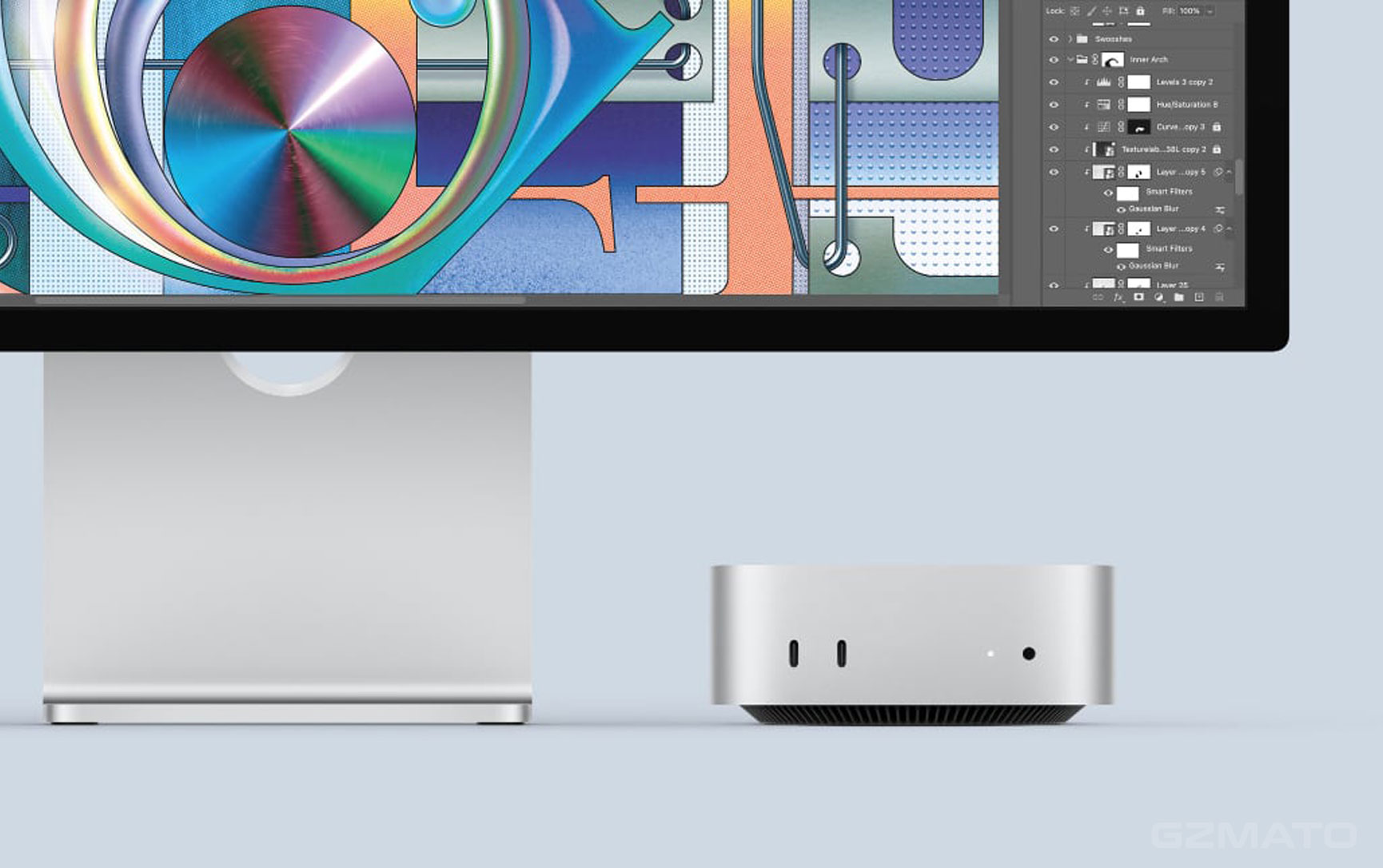
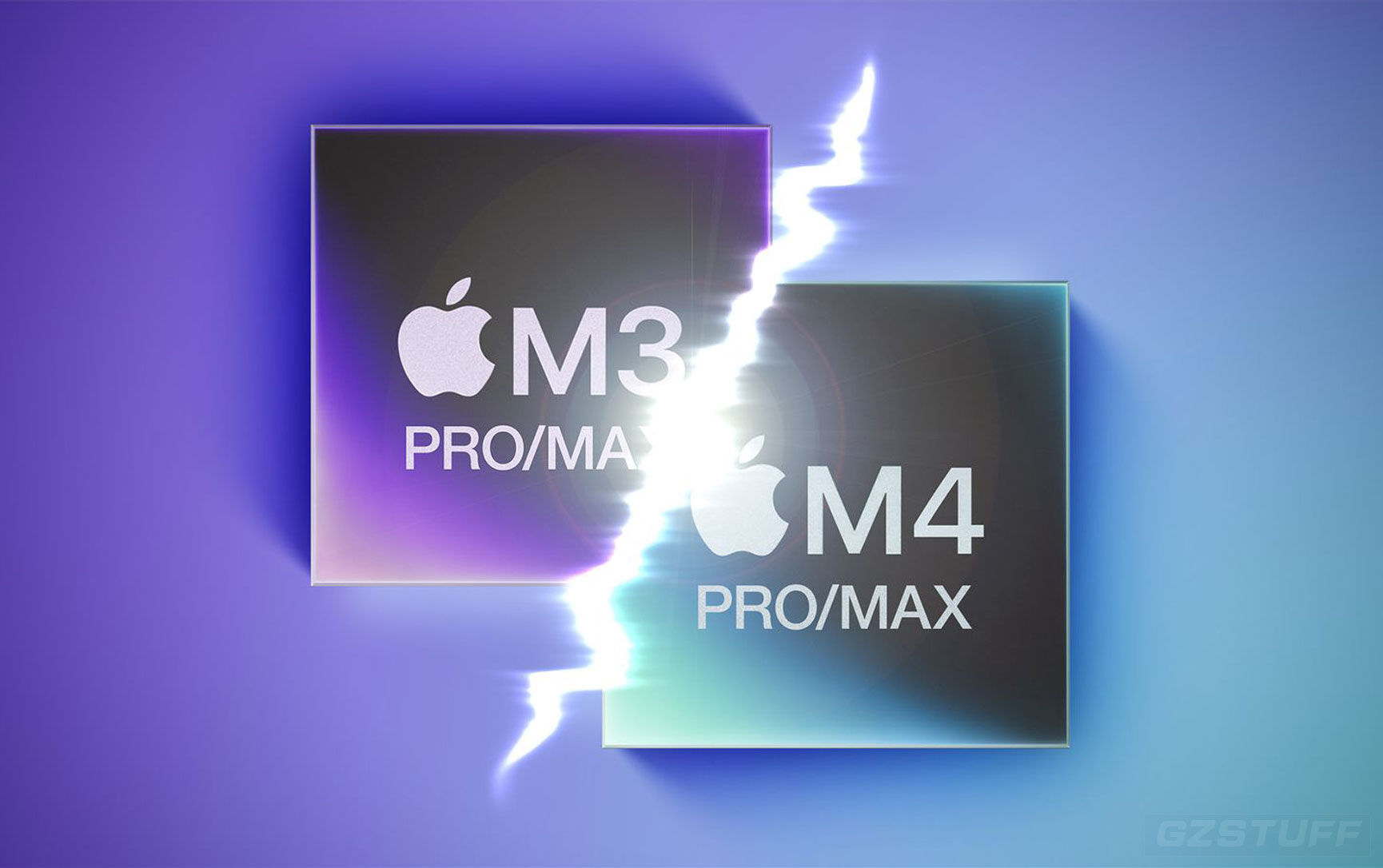
M4 Mac users have been encountering compatibility problems with certain ultrawide monitors, particularly those boasting 5K2K (5120 x 2160) resolution. These issues manifest as:
- Blurry Display & Text: HiDPI mode, crucial for sharp visuals, may not be available, leading to a blurry user interface.
- Incorrect Resolution Recognition: macOS might misinterpret the monitor's aspect ratio and resolution, resulting in incorrect display settings.
- Limited Resolution Options: Users may find themselves restricted to a limited range of resolution options within System Settings, hindering the full utilization of their ultrawide monitor.
Why is this happening?
The root cause of these issues is likely a combination of factors:
- Software Bugs: Potential software glitches within macOS Sonoma might be misinterpreting the signals from the ultrawide monitor.
- Driver Incompatibilities: Outdated or incompatible display drivers could be creating a communication gap between the M4 Mac and the monitor.
- Monitor Firmware Limitations: In some cases, the monitor's firmware itself might lack the necessary compatibility with the latest macOS version.
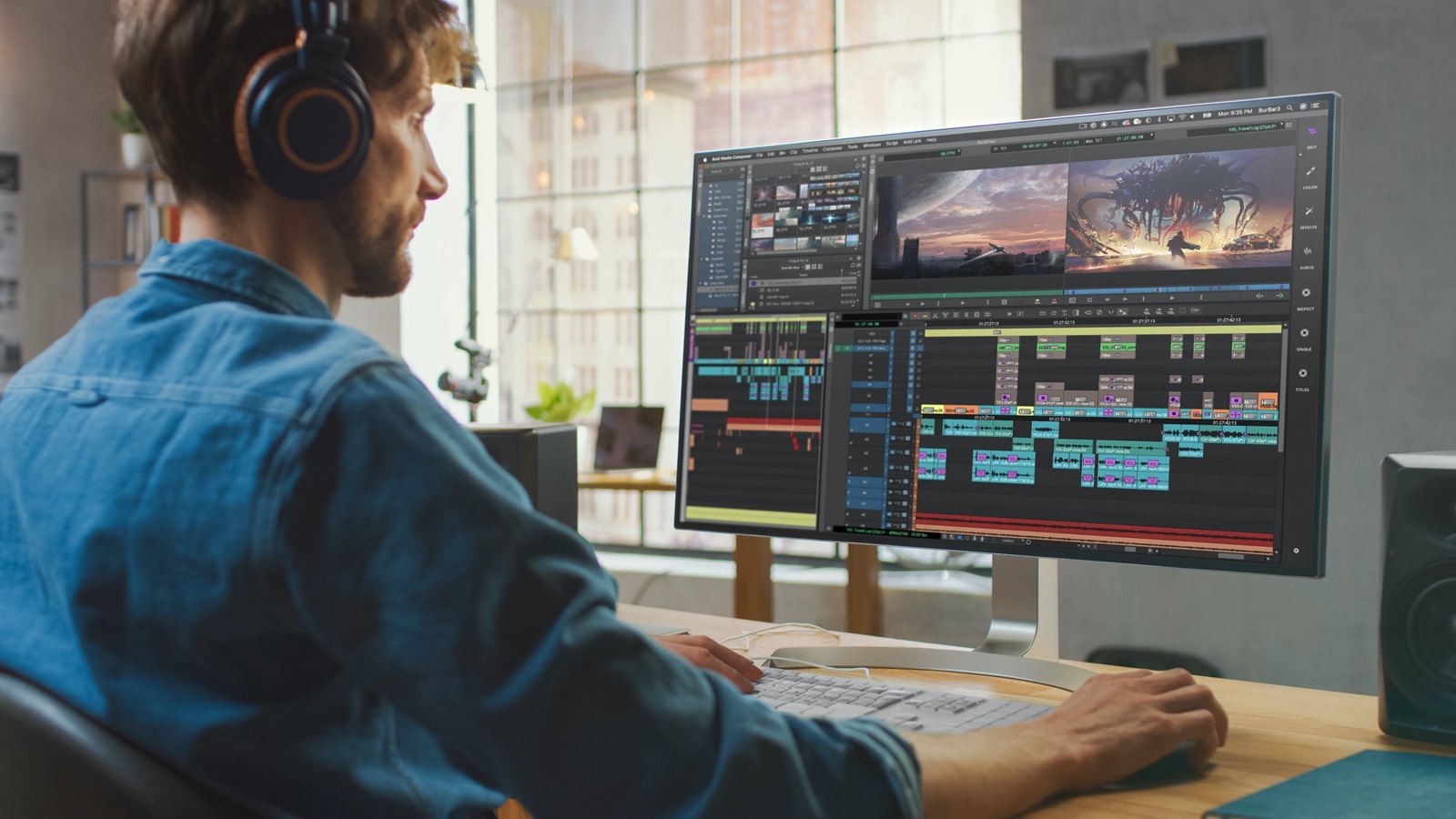
Workarounds for Now:
While a permanent fix awaits an official update from Apple, here are some workarounds to mitigate these issues:
Third-Party Tools:
- BetterDisplay: This popular tool can often enable HiDPI mode manually, even when macOS fails to. However, be aware that this might result in reduced refresh rates in some cases.
- Disclaimer: Use third-party tools with caution, as they may have unintended consequences.
Monitor Firmware Updates:
- Check the manufacturer's website for any available firmware updates for your specific monitor model.
- Installing these updates can sometimes resolve compatibility issues and improve overall performance.
Contact Apple Support:
- If you're encountering significant problems, reaching out to Apple Support is advisable. They can provide specific guidance or escalate the issue for further investigation.
Community Forums:
- Engage with other M4 Mac users in online forums (like Apple's official forums or Reddit) to see if others with the same monitor model have found effective solutions.
Looking Ahead:
It's crucial to remember that these workarounds are temporary solutions. Apple is likely aware of these issues and is working on a permanent fix through software updates. Keep an eye on Apple's release notes for future macOS updates that address these compatibility problems.
Disclaimer: These workarounds are provided as a general guide. The effectiveness of these methods may vary depending on your specific M4 Mac model, monitor, and the nature of the compatibility issues you're experiencing.
I hope this blog post provides valuable insights and helps you navigate these ultrawide monitor compatibility challenges on your M4 Mac.
Please leave your message below if you have questions.

-
 -4%
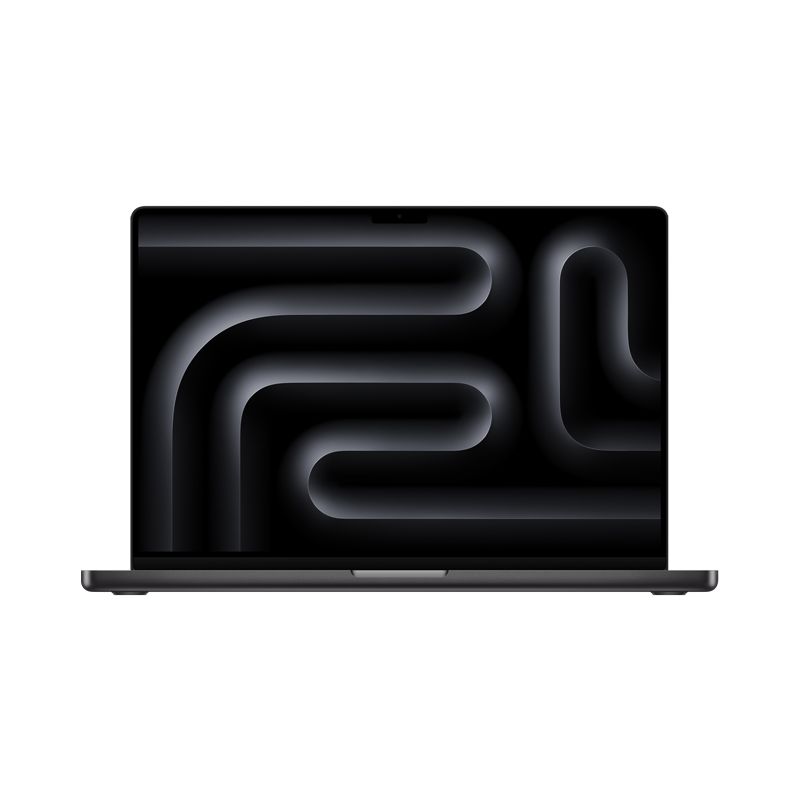
MacBook Pro 16-inch 512B SSD - Apple M4 Pro chip 14-Core CPU - 20-Core GPU - Built for Apple IntellegenceAs low as $2,700.17 Regular Price $2,808.00
-4%
MacBook Pro 16-inch 512B SSD - Apple M4 Pro chip 14-Core CPU - 20-Core GPU - Built for Apple IntellegenceAs low as $2,700.17 Regular Price $2,808.00 -
-4%
MacBook Pro 16-inch 1TB SSD - Apple M4 Max chip 14-Core CPU - 32-Core GPU - 36GB Memory - Built for Apple IntellegenceAs low as $3,791.20 Regular Price $3,931.85
-
-4%
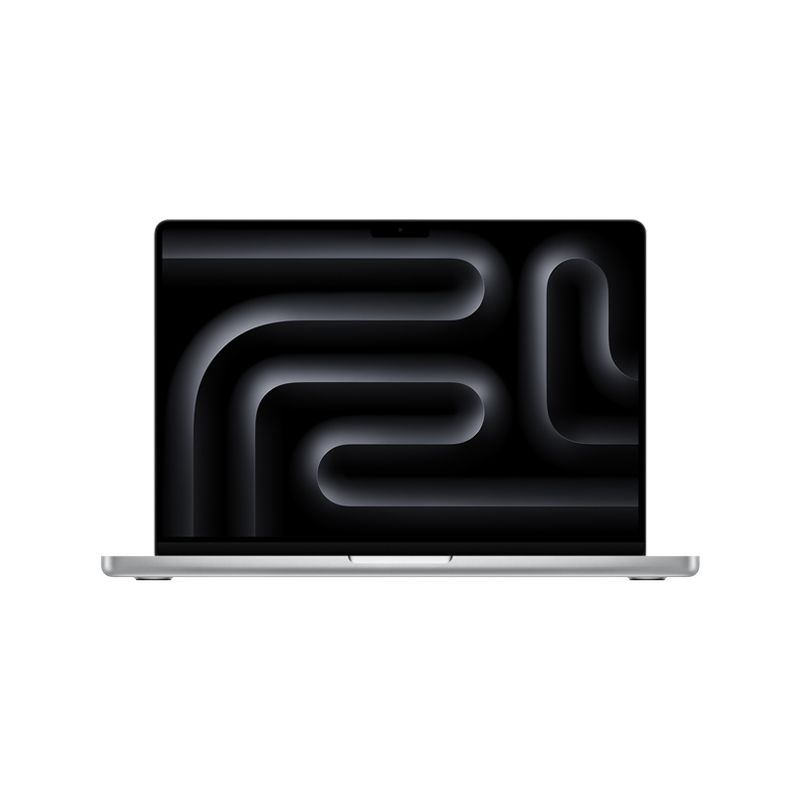
MacBook Pro 14-inch 512GB SSD - Apple M4 Pro chip 12-Core CPU - 16-Core GPU - 24GB Memory - Built for Apple IntellegenceAs low as $2,291.03 Regular Price $2,386.67
-
-4%
MacBook Pro 14-inch 1TB SSD - Apple M4 Pro chip 14-Core CPU - 20-Core GPU - 24GB Memory - Built for Apple IntellegenceAs low as $2,700.17 Regular Price $2,808.64
-
-3%
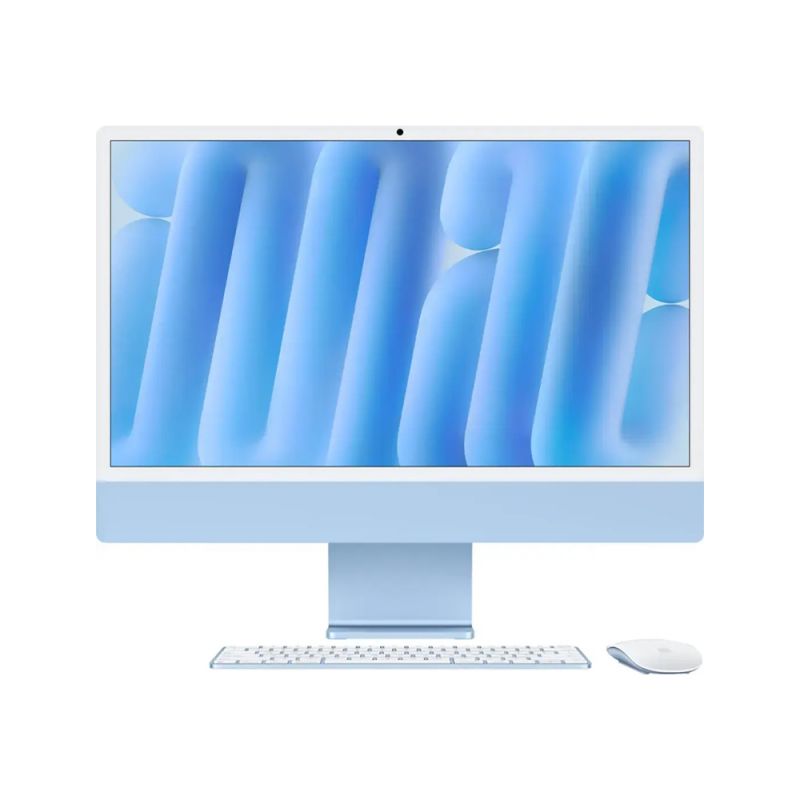
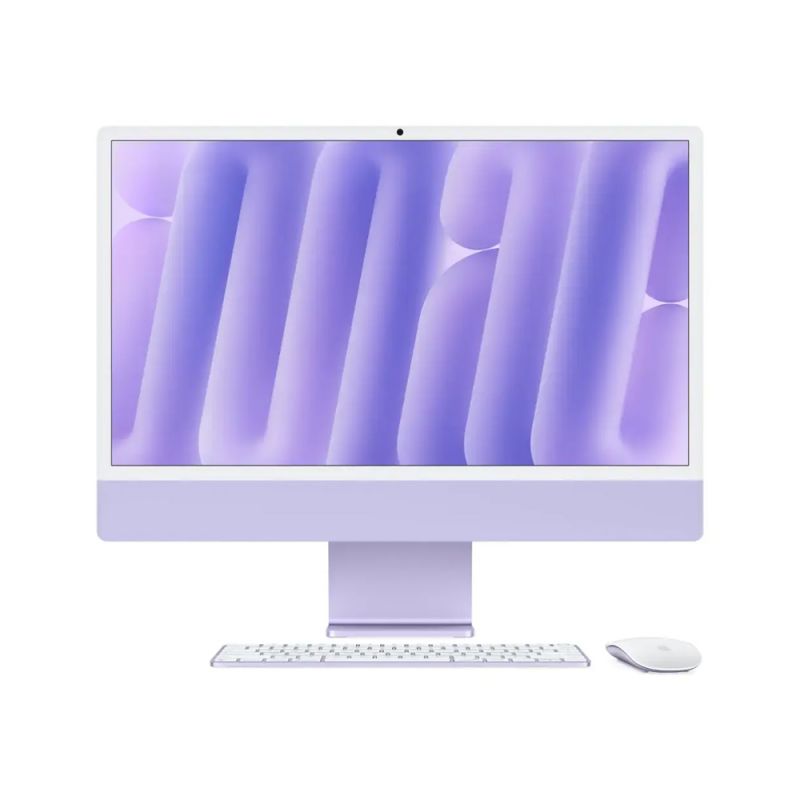
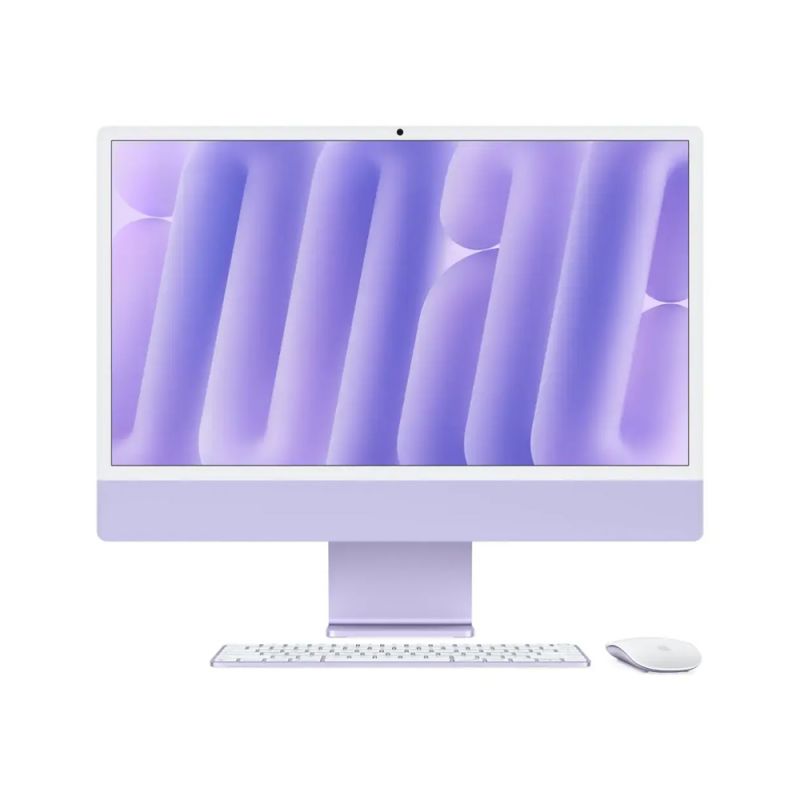
Apple - iMac 24-inch All-in-One 512GB SSD - M4 chip 10-Core CPU - 10-Core GPU - Built for Apple Intelligence - (Latest Model)As low as $1,899.00 Regular Price $1,960.59
-
-3%
Apple - iMac 24-inch All-in-One 256GB SSD 16GB Memory - M4 chip - 10-Core CPU - 10-Core GPU Built for Apple Intelligence - (Latest Model)As low as $1,699.00 Regular Price $1,750.27
-
-4%
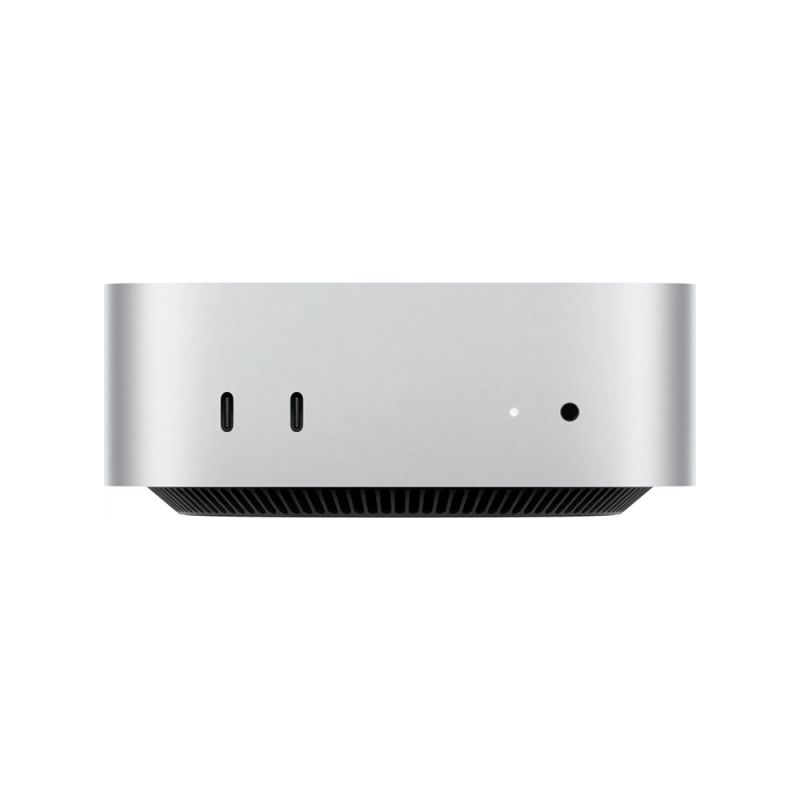
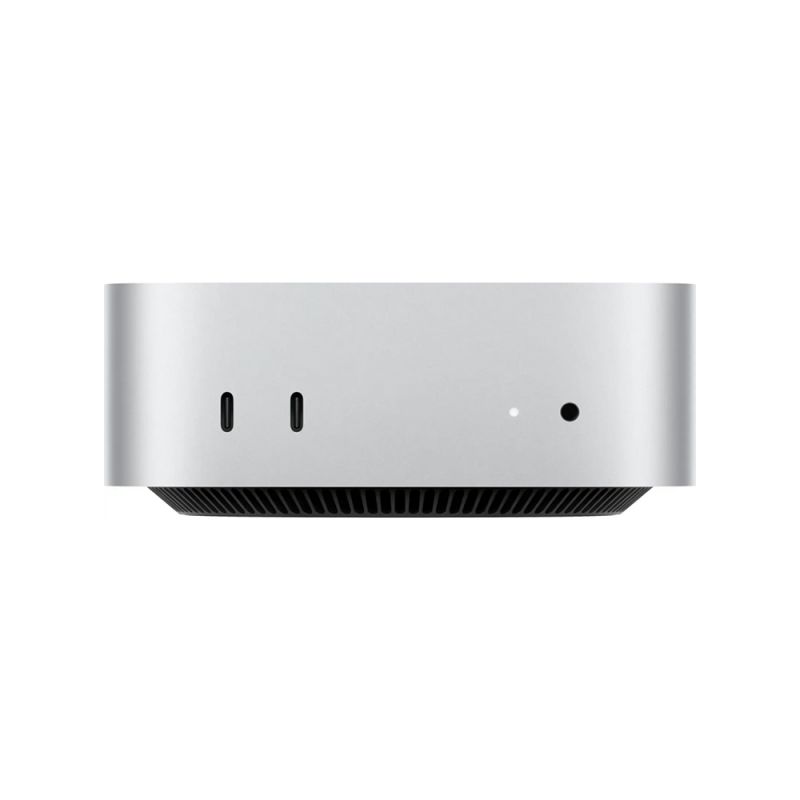
Apple - Mac mini Desktop - M4 chip - 256GB SSD - 16GB Memory - 10-Core-CPU - 10-Core-GPU - Built for Apple Intelligence - SilverSpecial Price $606.26 Regular Price $630.90
-
-4%
Apple - Mac mini Desktop - M4 Pro chip - 512GB SSD - 24GB Memory - 12-Core-CPU - 16-Core-GPU - Built for Apple Intelligence - SilverSpecial Price $1,488.26 Regular Price $1,542.52
-
-3%
Apple - Mac mini Desktop - M4 chip - 512GB SSD - 10-Core-CPU - 10-Core-GPU - Built for Apple Intelligence - SilverAs low as $813.00 Regular Price $841.28
-
-4%
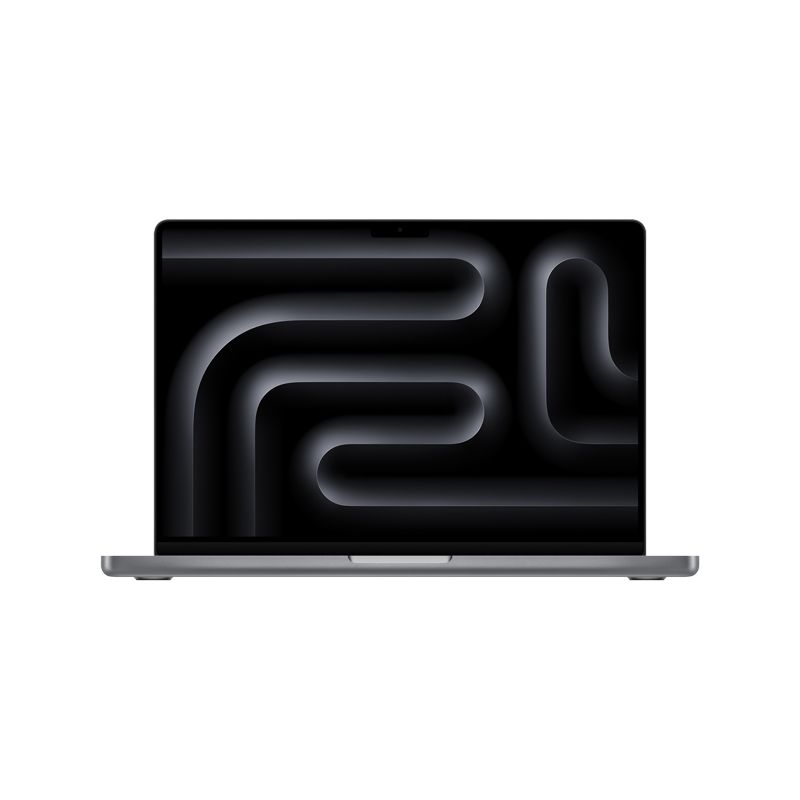
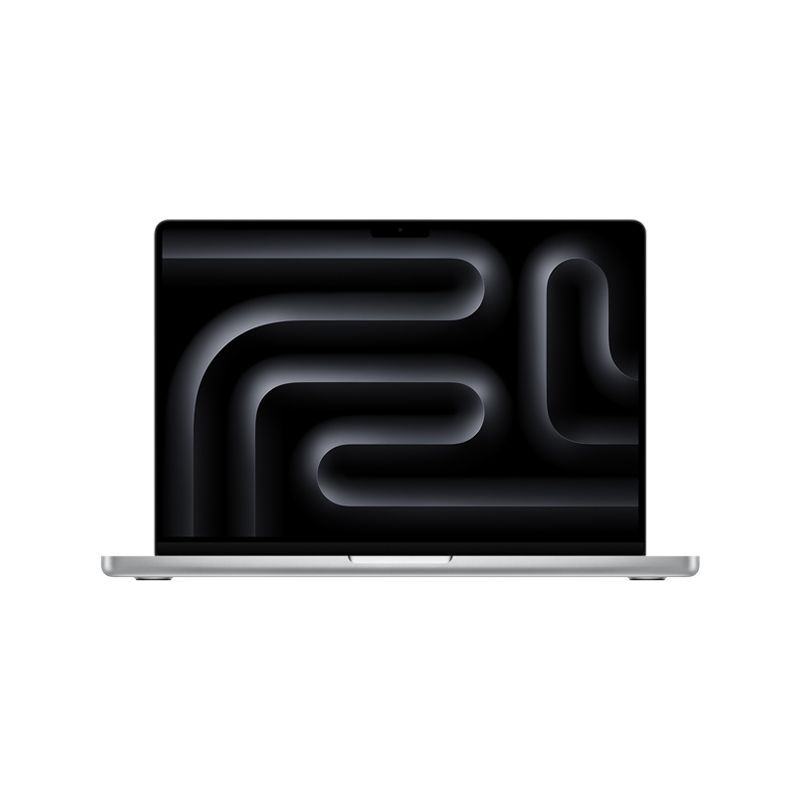
MacBook Pro 14-inch 512GB SSD - Apple M4 chip 10-Core CPU - 10-Core GPU - 16GB Memory - Built for Apple IntellegenceAs low as $1,759.00 Regular Price $1,826.95
- M4 Mac
- ultrawide monitor
- 5K2K
- HiDPI
- compatibility issues
- macOS Sonoma
- blurry text
- limited resolution
- display driver
- firmware update
- BetterDisplay
- Apple Support