Windows 11 December 2025 Update: KB5072033 Brings 57 Security Patches + File Explorer Dark Mode Fix
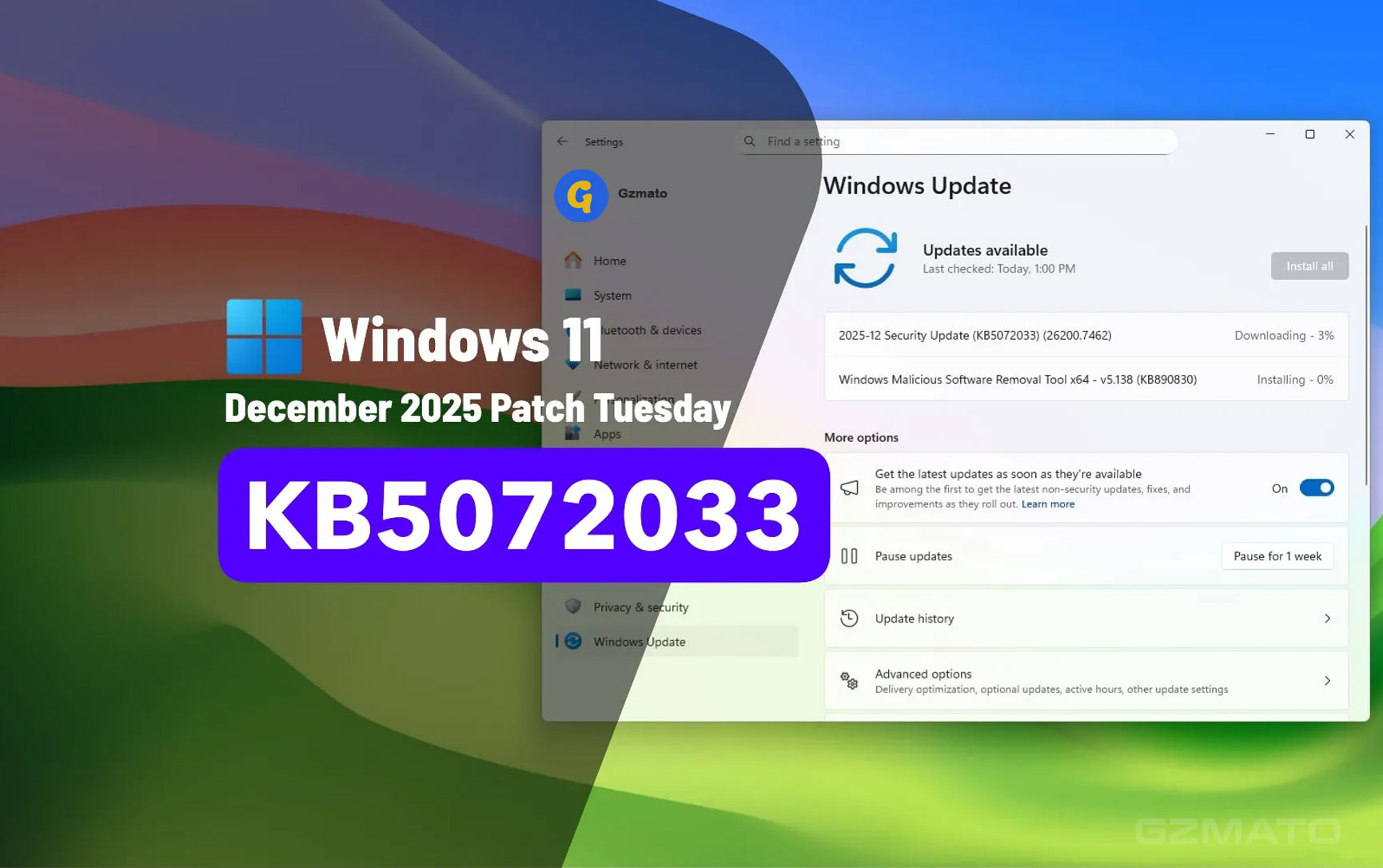
December 9, 2025 – Microsoft just dropped the final Windows 11 update of 2025: KB5072033 for versions 25H2 and 24H2 (builds 26200.7462 and 26100.7462). This Patch Tuesday release packs 57 security fixes (including 3 zero-days), resolves the notorious File Explorer white flash bug, and polishes dark mode across the OS. It's a solid end to the year – no major new features, but essential stability and security.
What’s New in KB5072033 – Key Changes
This cumulative update merges the December preview (KB5070311) with mandatory security patches. Highlights include broader dark mode support, Copilot tweaks, and gaming improvements. No huge redesigns, but it fixes annoyances that have plagued users since November.
- Dark Mode Everywhere: File Explorer dialogs, progress bars, and prompts now fully respect dark theme
- Copilot Fixes: "Ask Copilot" window now foregrounds properly when sharing data
- Settings Polish: Mobile Devices now accessible in Settings; Drag Tray disable option
- Gaming Tweaks: Hyper-V external switch binding retention after reboots
- PowerShell Update: Invoke-WebRequest now warns on security risks
57 Security Patches: What Microsoft Fixed
Microsoft patched 57 vulnerabilities, including 1 actively exploited zero-day (CVE-2025-54100 in elevation of privilege) and 2 publicly disclosed zero-days. No critical remote code execution flaws, but elevation issues could allow local attackers to gain admin rights.
| CVE | Severity | Type | Impact |
|---|---|---|---|
| CVE-2025-54100 | Critical | Elevation of Privilege | Actively exploited |
| CVE-2025-54098 | Important | Remote Code Execution | Publicly disclosed |
| CVE-2025-54102 | Important | Information Disclosure | Publicly disclosed |
| 54 Others | Various | Denial of Service, Spoofing | Low risk |
File Explorer Dark Mode & White Flash Fix
The star of this update: File Explorer now has complete dark mode support – no more white dialogs or progress bars clashing with dark theme. It also fixes the white flash bug from the December preview (when navigating tabs/pages).
- Dark progress bars, confirmation prompts, and operation dialogs
- White flash regression resolved (affects preview installers)
- Enterprise: File Explorer Home hover actions now available
How to Install KB5072033 & Known Issues
- Go to Settings > Windows Update > Check for updates
- Download KB5072033 (automatic for 25H2/24H2)
- Restart when prompted (build changes to 26200.7462 or 26100.7462)
- For 23H2: KB5071417 (build 22631.6345) – PowerShell security tweak only
Known Issues: None new reported. Microsoft pauses optional previews for December holidays – next in January 2026.
Final Verdict – Worth Installing?
Absolutely. This is a no-brainer security + polish update. Install immediately if you use dark mode or Copilot – the File Explorer fixes alone make it worthwhile. Windows 11 ends 2025 on a high note.
Data Sources & Methodology (as of Dec 10, 2025):
- Microsoft Support – KB5072033 release notes
- Pureinfotech, BleepingComputer – build details & fixes
- Windows Central – security breakdown & zero-days
- Thurrott.com – File Explorer dark mode analysis
![Windows 11 October Update Bug Renders Recovery Environment Unusable [Update: October 20, 2025]](https://gzmato.com/media/magefan_blog/windows-11-update-bug-october-2025_gzmato_com_hero.jpg)
- windows 11 december 2025 update
- kb5072033
- windows 11 patch tuesday 2025
- file explorer dark mode fix
- windows 11 security patches
- windows 11 build 26200.7462