M4 MacBook Air vs. M2 MacBook Air: A Detailed Comparison
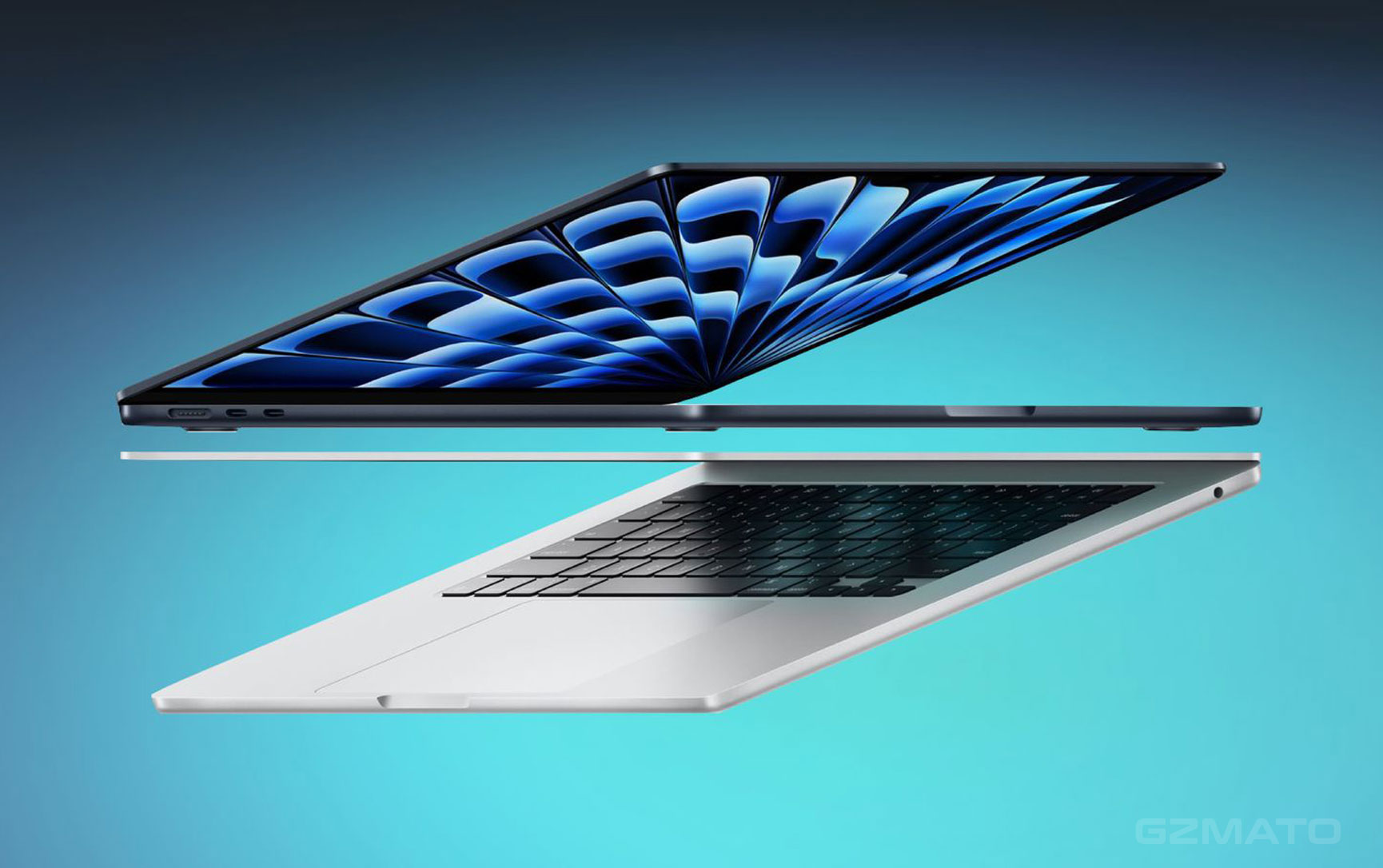
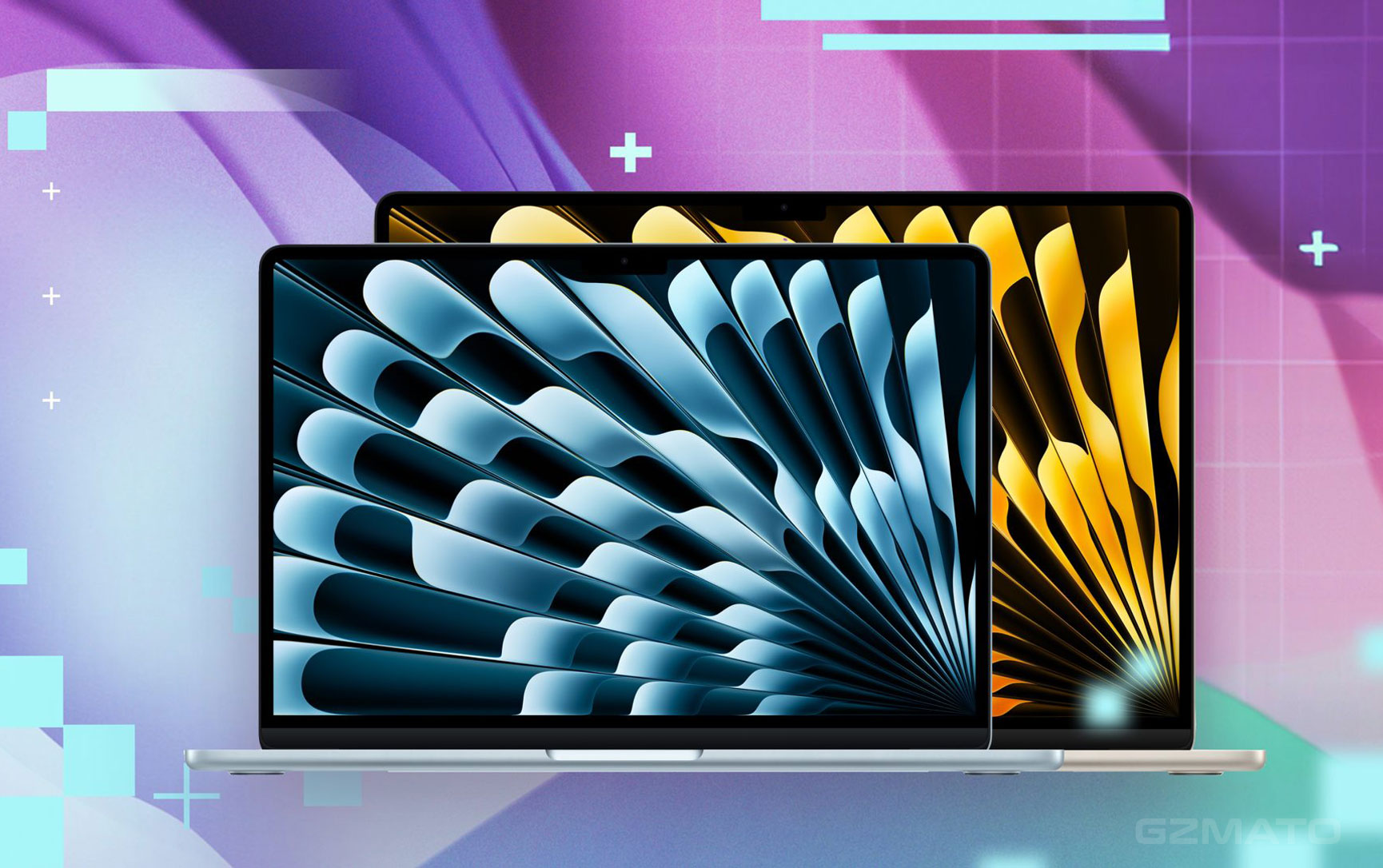
Apple's MacBook Air lineup has always been known for its balance of power, portability, and sleek design. With the release of the M4 MacBook Air in 2025, there’s now a new generation of performance to explore. But how does the M4 compare to the previous M2 MacBook Air? Let’s dive into the details to help you make an informed decision.
1. Performance: M4 Chip vs. M2 Chip
M4 Chip: Next-Level Power
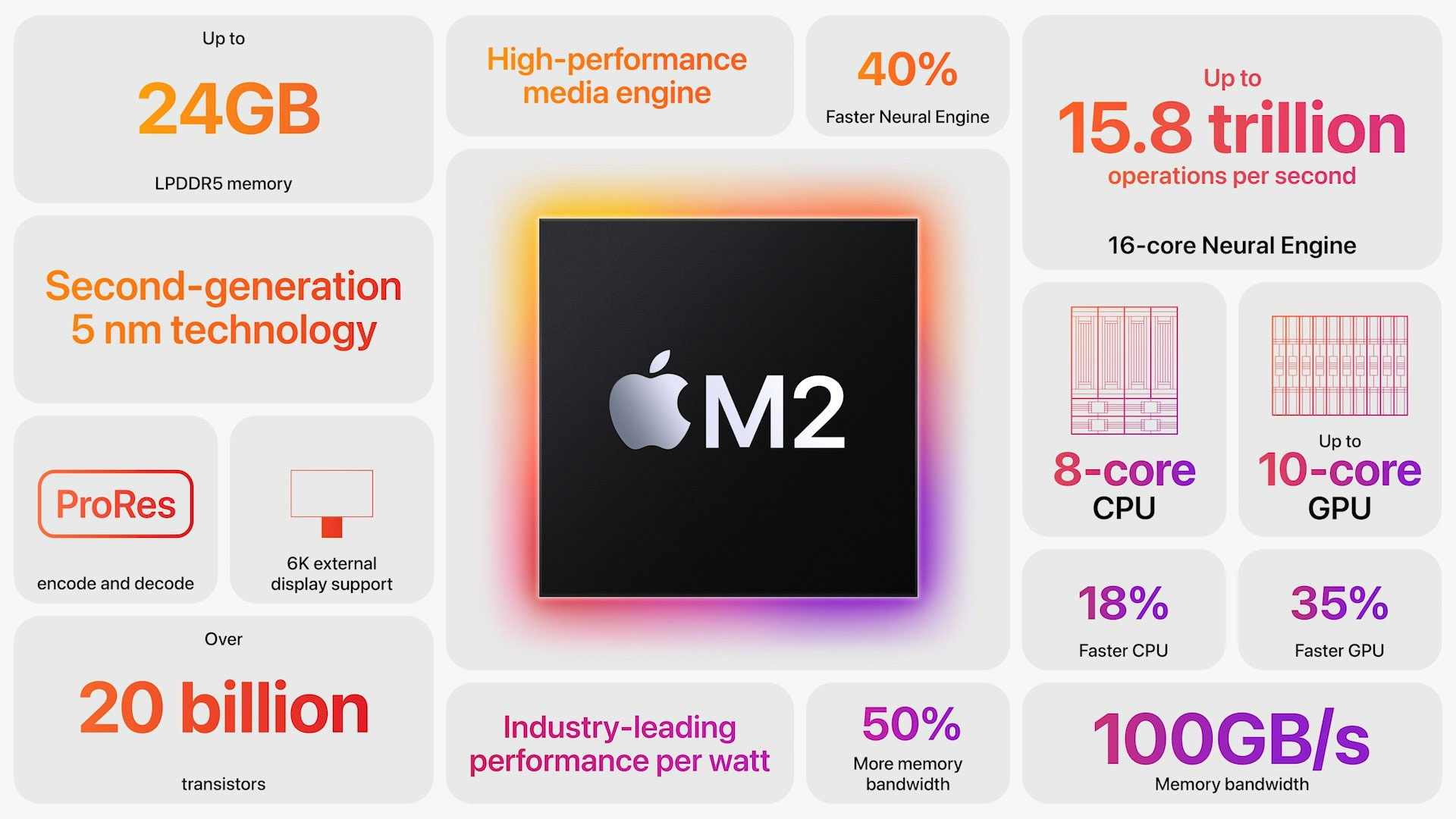
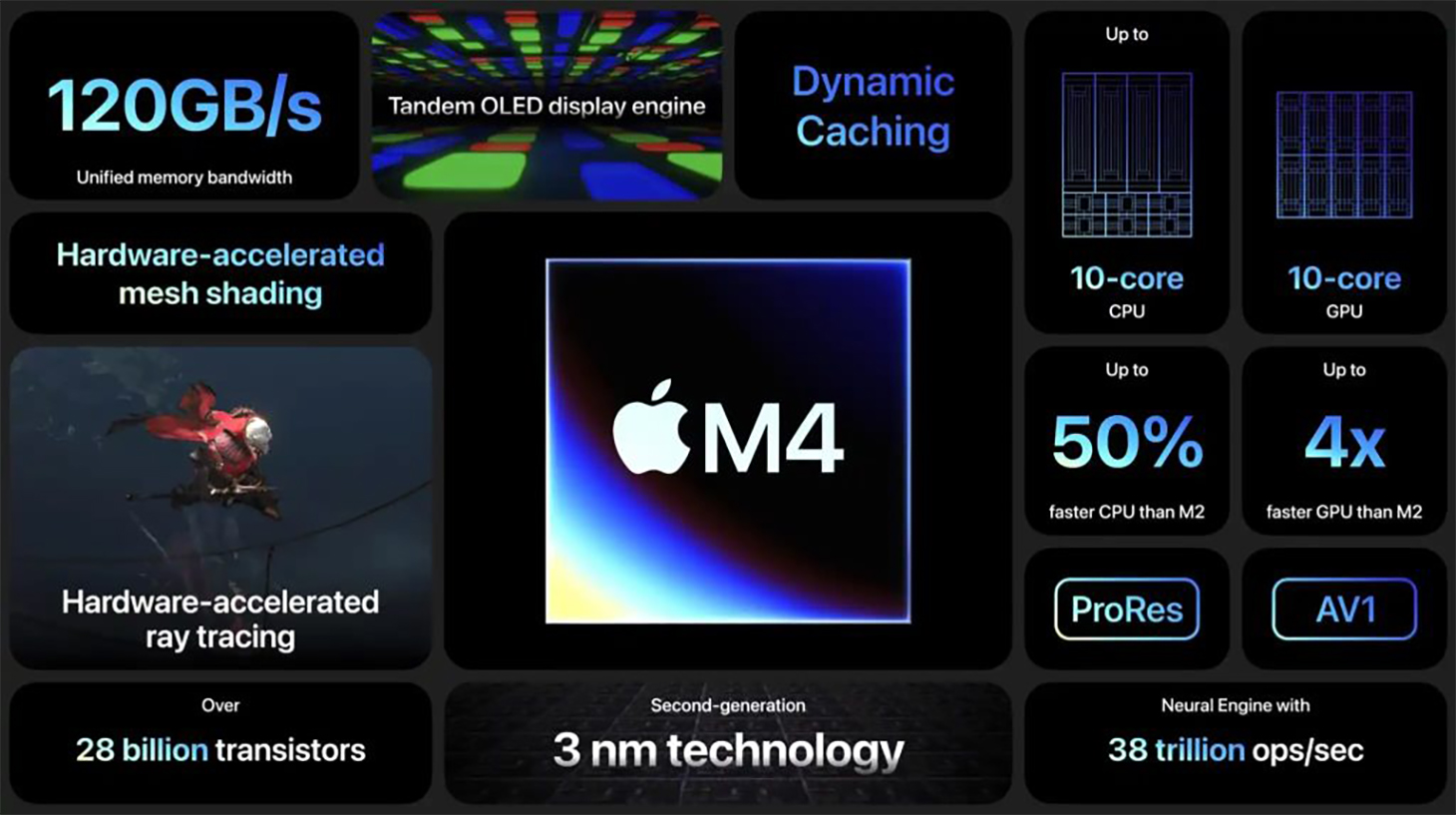
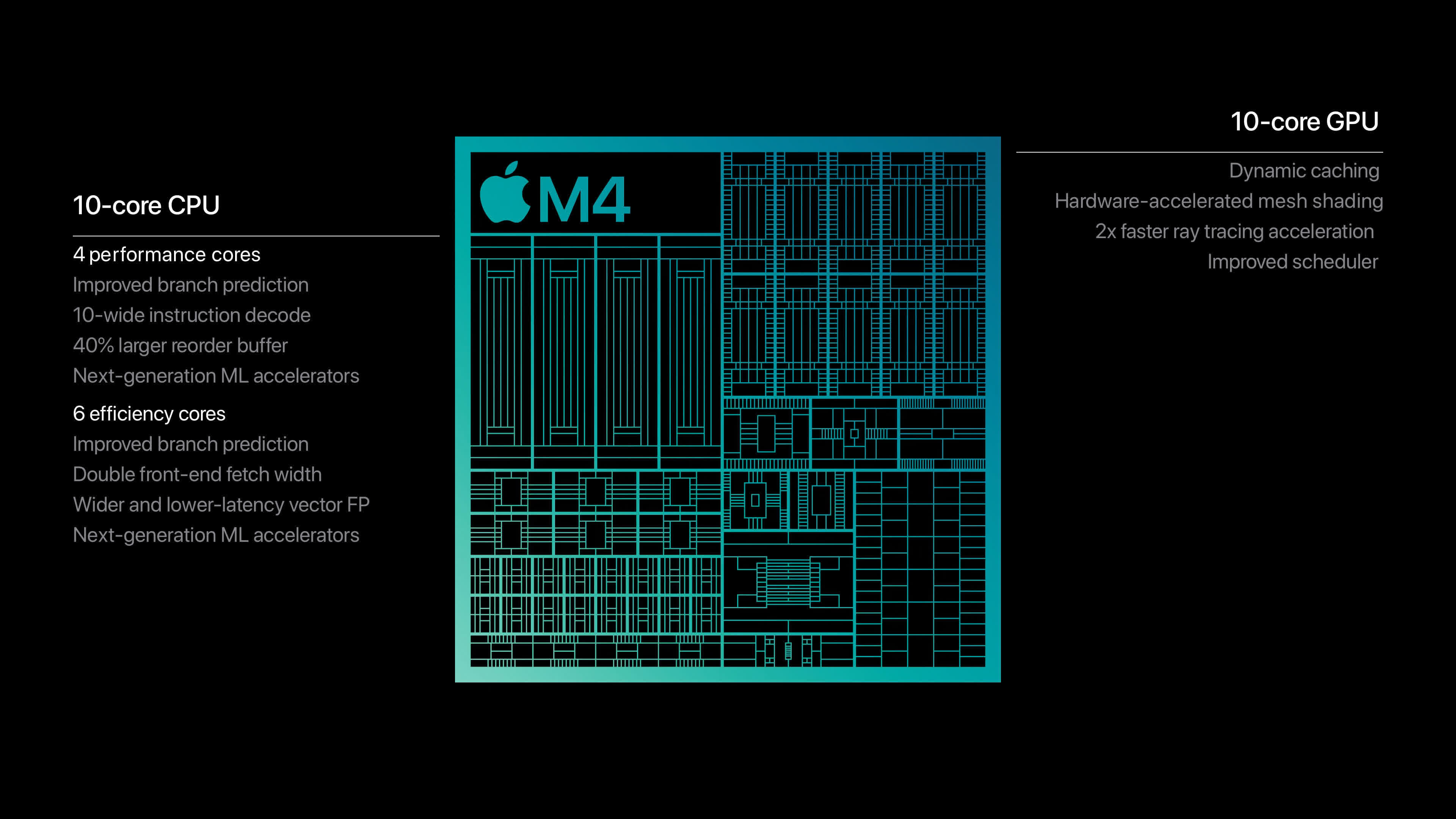
The M4 MacBook Air introduces Apple’s latest chip, featuring a 10-core CPU with 4 performance cores and 6 efficiency cores, as well as up to a 10-core GPU. This new architecture, based on the 3nm manufacturing process, promises up to 1.5x faster CPU performance than the M2. What’s even more impressive is the addition of 28 billion transistors, delivering a significant leap in both raw power and energy efficiency.
The M4's GPU provides improved graphical performance, making it an excellent choice for users looking to do tasks like video editing, gaming, or 3D rendering. Even everyday tasks like web browsing, multitasking, and content creation feel faster with the M4 chip.
M2 Chip: Still a Beast
The M2 MacBook Air isn’t far behind with its 8-core CPU (4 performance cores and 4 efficiency cores), offering a strong performance boost over the previous M1 chip. Its 10-core GPU (on higher-end models) is capable of handling light video editing, graphic design, and multitasking without breaking a sweat. While the M2 chip is impressive, it doesn’t reach the raw power that the M4 provides, especially in demanding tasks.
2. Memory Architecture: Unified Memory and SSD Impact
M2 MacBook Air: Single Memory Architecture and SSD Performance
The M2 MacBook Air uses a unified memory architecture, where the CPU and GPU share the same pool of memory. This means the device can handle multitasking more efficiently, as data doesn’t need to be transferred between separate memory pools. However, this design does have a downside—if the system uses up all its memory, it relies on the SSD for swap space, potentially slowing down performance. This is particularly noticeable in models with lower memory configurations, where the SSD might be accessed more frequently for memory swapping, which can wear out the SSD and cause slower performance over time.
Additionally, there is a significant performance difference in SSD speeds between the 256GB and 512GB or 1TB storage models. The 256GB SSD version of the M2 MacBook Air uses a single NAND flash chip, which results in slower I/O performance when compared to the 512GB and 1TB models. The larger storage configurations typically have multiple NAND chips, which allows for better parallelism and faster read/write speeds, making tasks like file transfers and data-heavy applications run smoother on the higher storage models.
M4 MacBook Air: Improved Memory with More Options and Optimized SSD Design
The M4 MacBook Air also features a unified memory architecture, continuing Apple's design trend that combines the CPU and GPU memory for greater efficiency. However, the M4 supports up to 32 GB of unified memory, giving users more headroom for demanding tasks, reducing the need to rely on the SSD for swap space. With more memory, the M4 can handle intensive workflows, like video editing, 3D rendering, and multitasking, much better than the M2.
One of the key improvements in the M4 MacBook Air is its SSD design. While the 256GB model still likely uses a single NAND chip, similar to the M2 MacBook Air, the M4's chip architecture and enhanced memory controller provide improved overall system performance and efficiency. This means the SSD in the M4, even at the 256GB capacity, benefits from better I/O management and potentially faster read/write speeds compared to the M2's 256GB SSD. The M4’s chip optimizes how the system accesses storage, reducing bottlenecks and improving reliability over time. However, if you're looking for the best SSD performance, the 512GB or 1TB models with multiple NAND chips will still outperform the 256GB configuration.
3. Design and Display: Sleek and Stunning
M4 MacBook Air: New Design and Display Upgrades
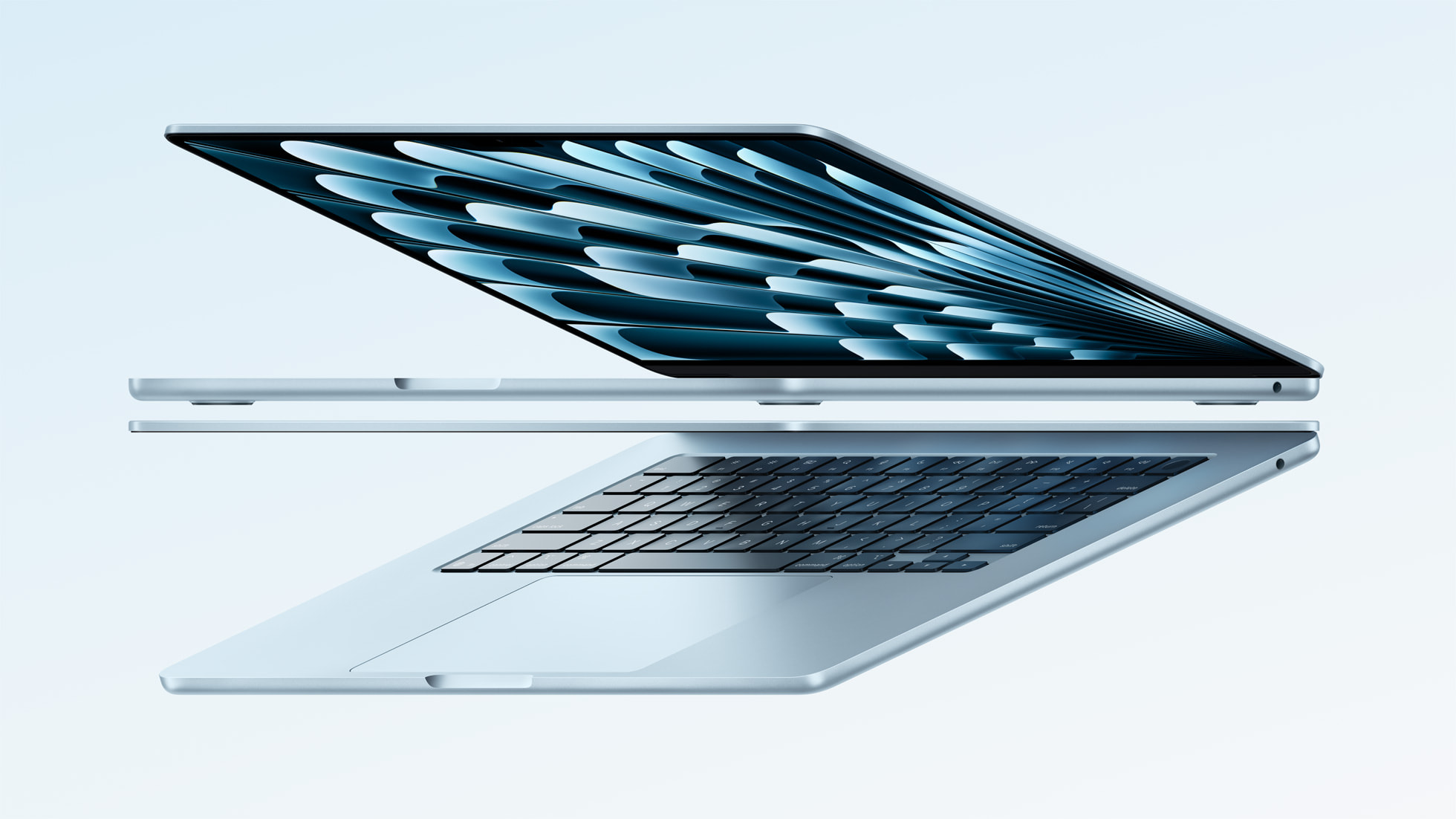
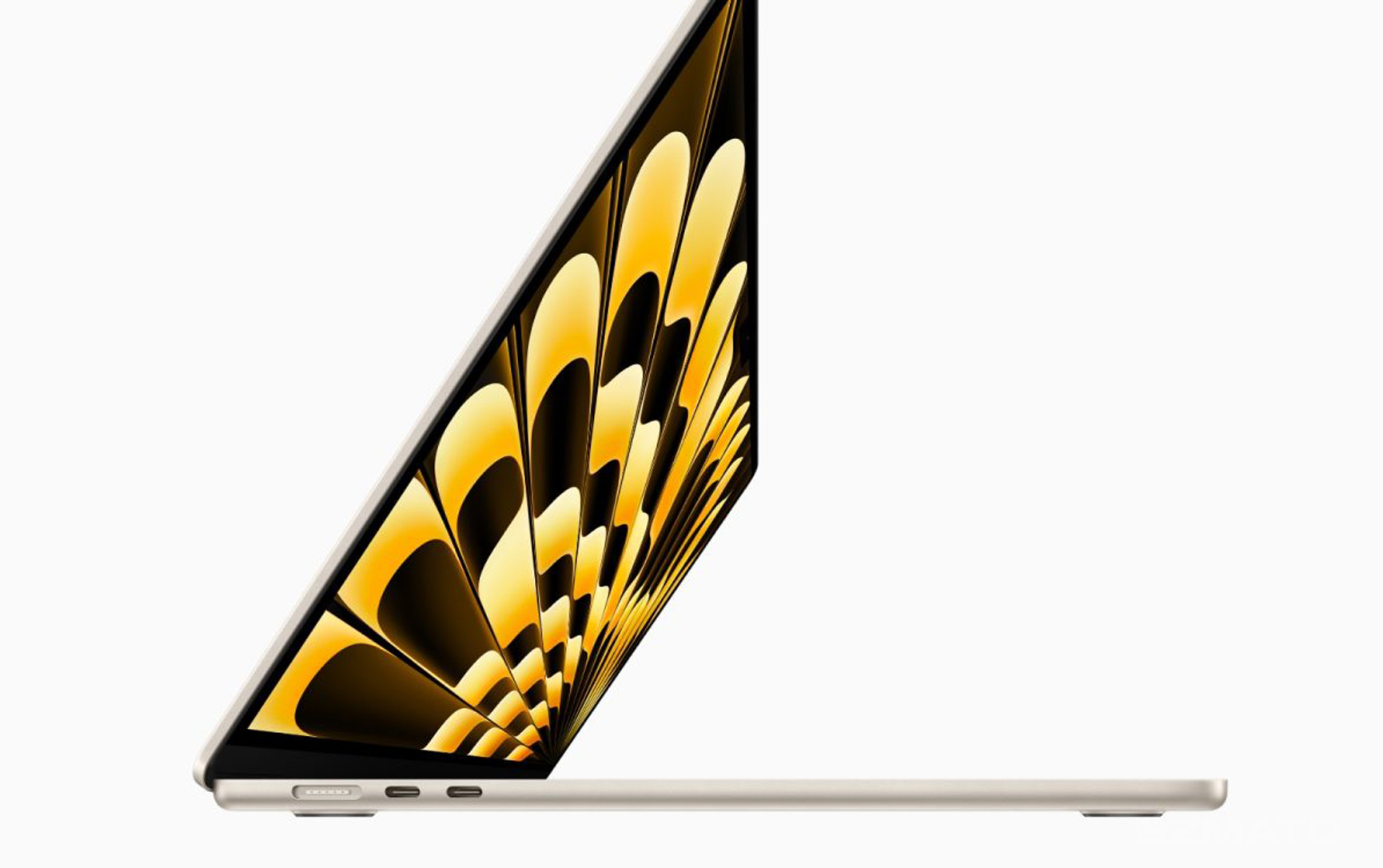
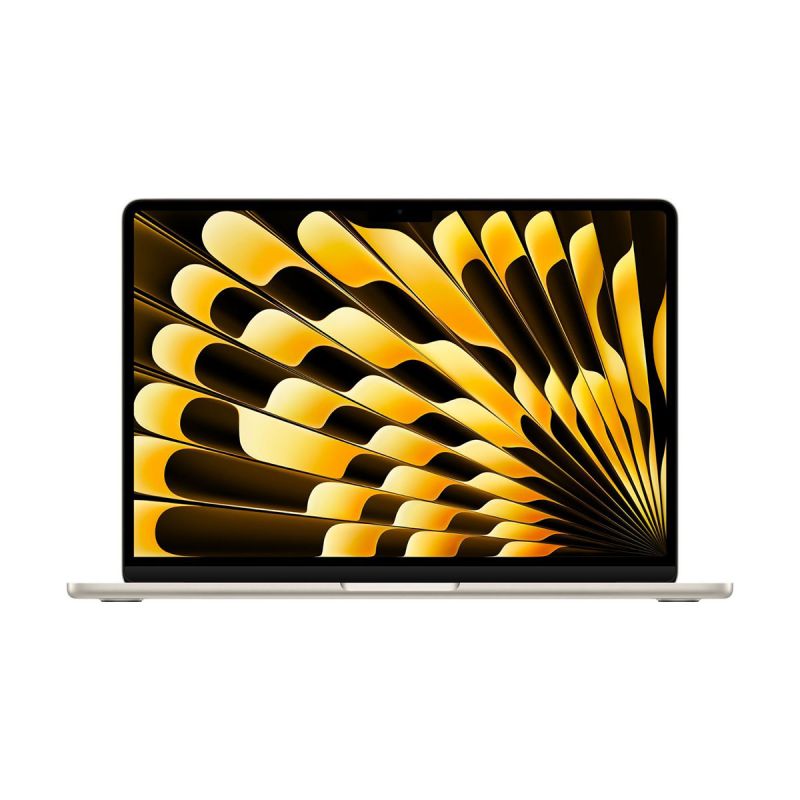
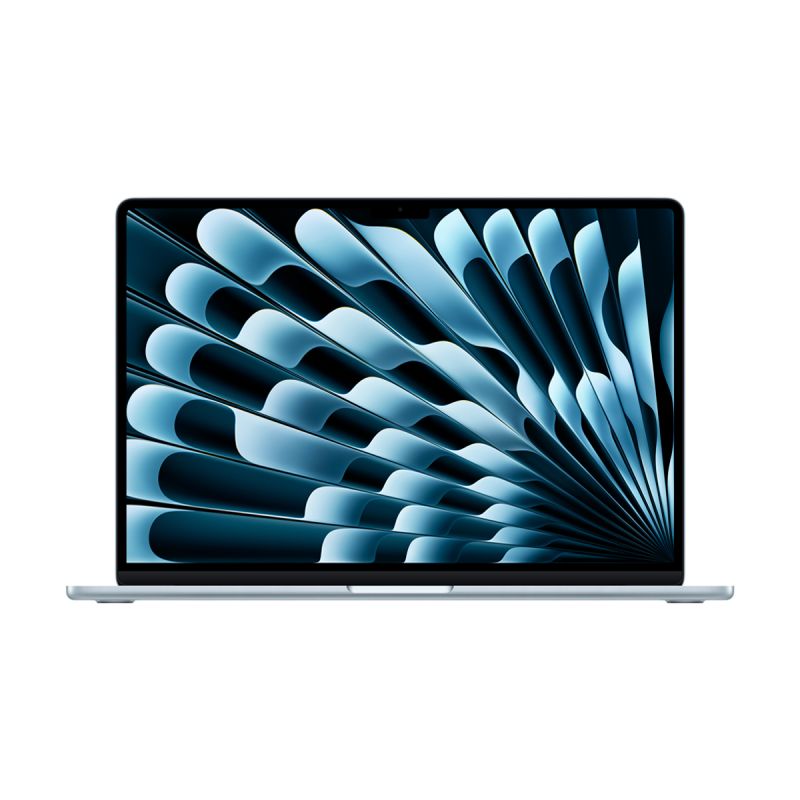
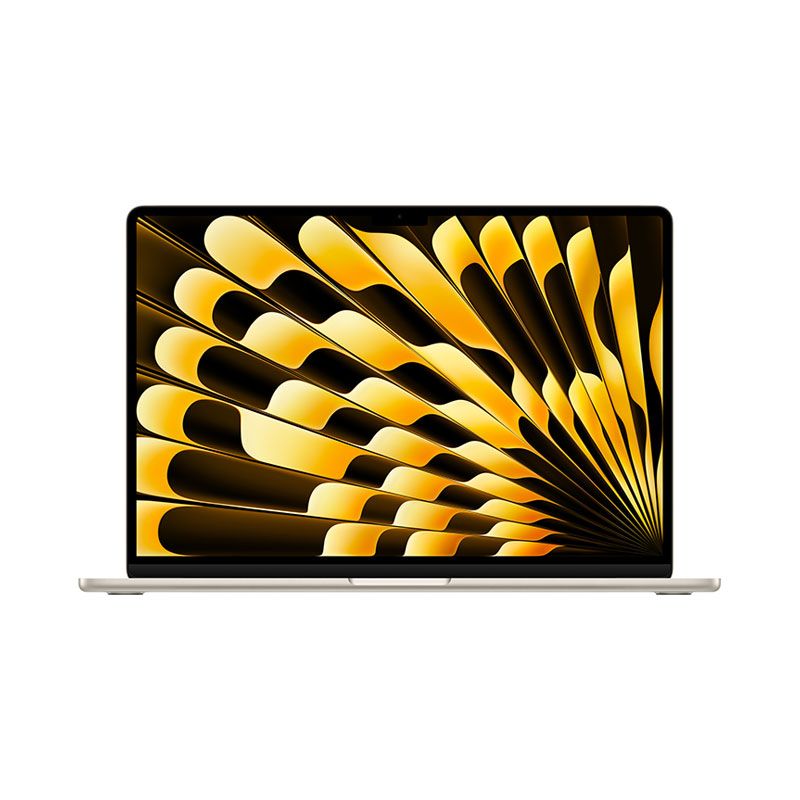
The M4 MacBook Air retains the familiar ultra-slim design with a 13-inch or 15-inch Liquid Retina display that’s 224 PPI and supports True Tone and P3 color gamut. The M4 model also offers a new Sky Blue color, alongside traditional shades like Silver, Starlight, and Midnight.
While the display specs remain similar to the M2 version, the M4’s display has been slightly tweaked for better brightness and color accuracy, making it a fantastic option for professionals in creative fields who need accurate colors on-the-go.
M2 MacBook Air: Sleek and Thin
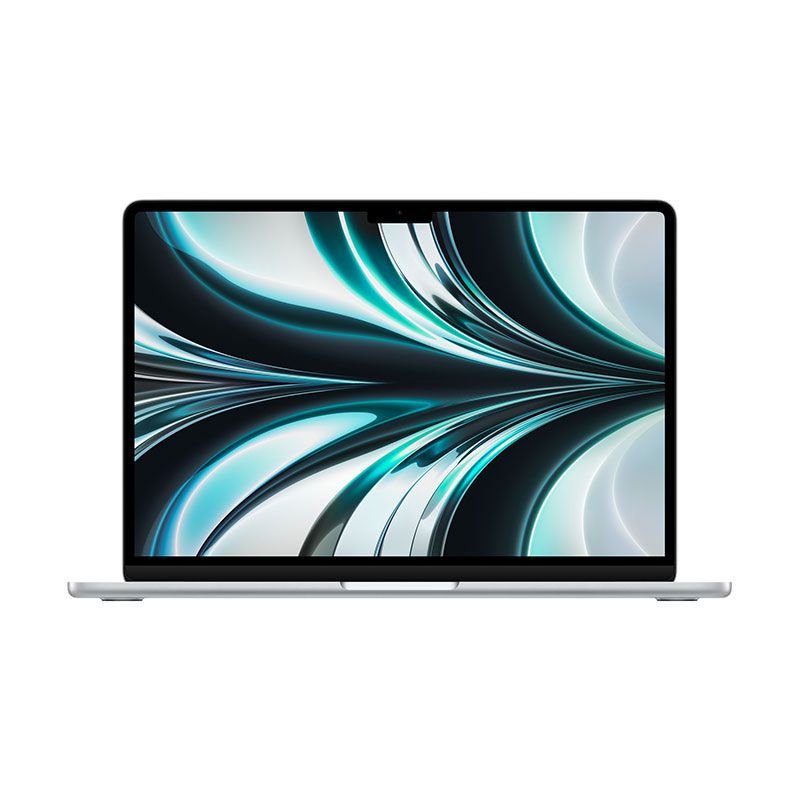
The M2 MacBook Air was a significant upgrade from the M1 in terms of design. It introduced the flat-edge design, making it more visually modern and adding to its thin profile. The 13.6-inch Liquid Retina display with True Tone is slightly bigger than the M1, but the visual experience is incredibly similar to the M4.
In terms of portability, both MacBooks weigh in at around 2.7 pounds, meaning there's little difference when it comes to carrying them around day-to-day.
4. Battery Life: Staying Power
M4 MacBook Air: Efficient and Long-Lasting
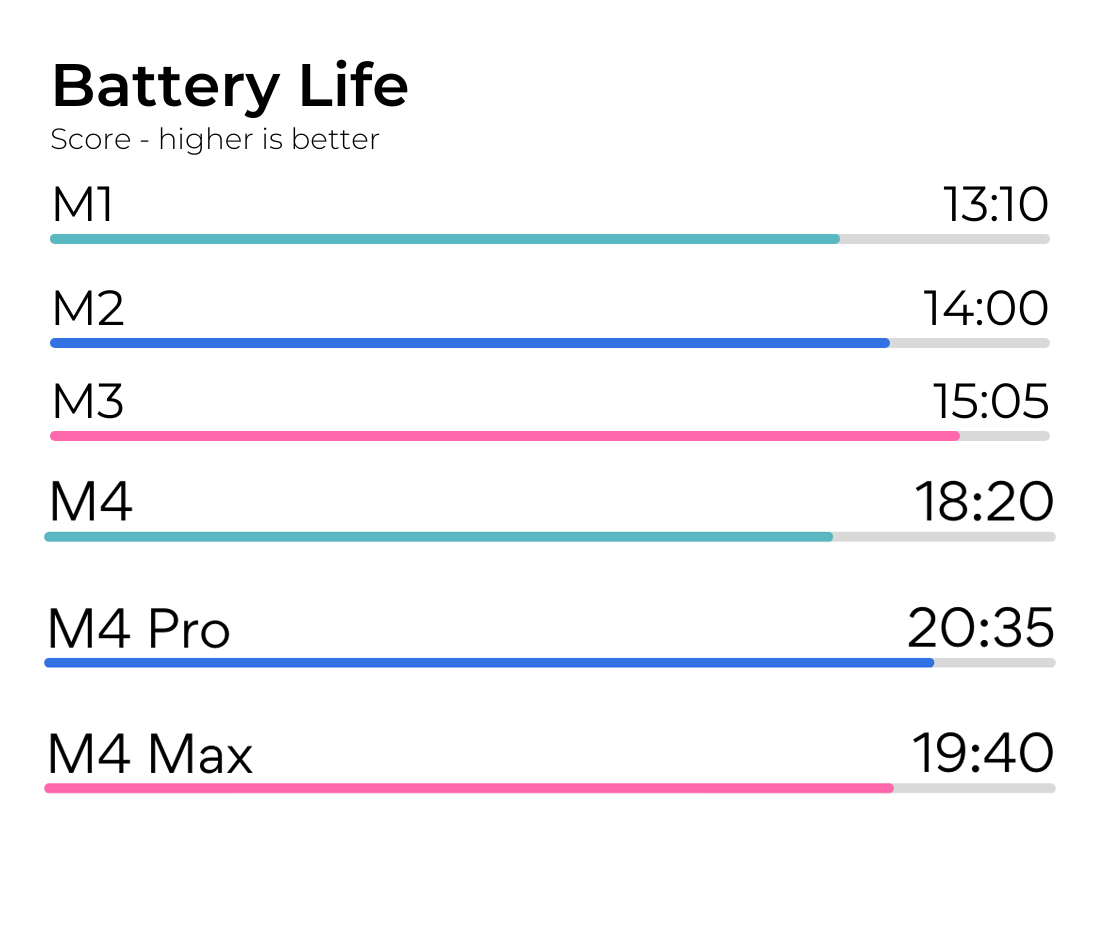
Apple claims the M4 MacBook Air can last up to 18 hours of video playback, a slight improvement over the M2 model, thanks to the chip’s enhanced energy efficiency. This makes the M4 an excellent choice for people who need all-day battery life for work, school, or travel.
M2 MacBook Air: Still Impressive Battery Life
Despite not featuring the next-gen M4 chip, the M2 MacBook Air offers up to 18 hours of battery life as well. While the chip isn’t as efficient as the M4, the difference in battery life is minimal for everyday users. The M2’s battery still holds up well for tasks like browsing, word processing, and streaming.
5. Connectivity: The Next Level
M4 MacBook Air: Wi-Fi 6E and More Ports
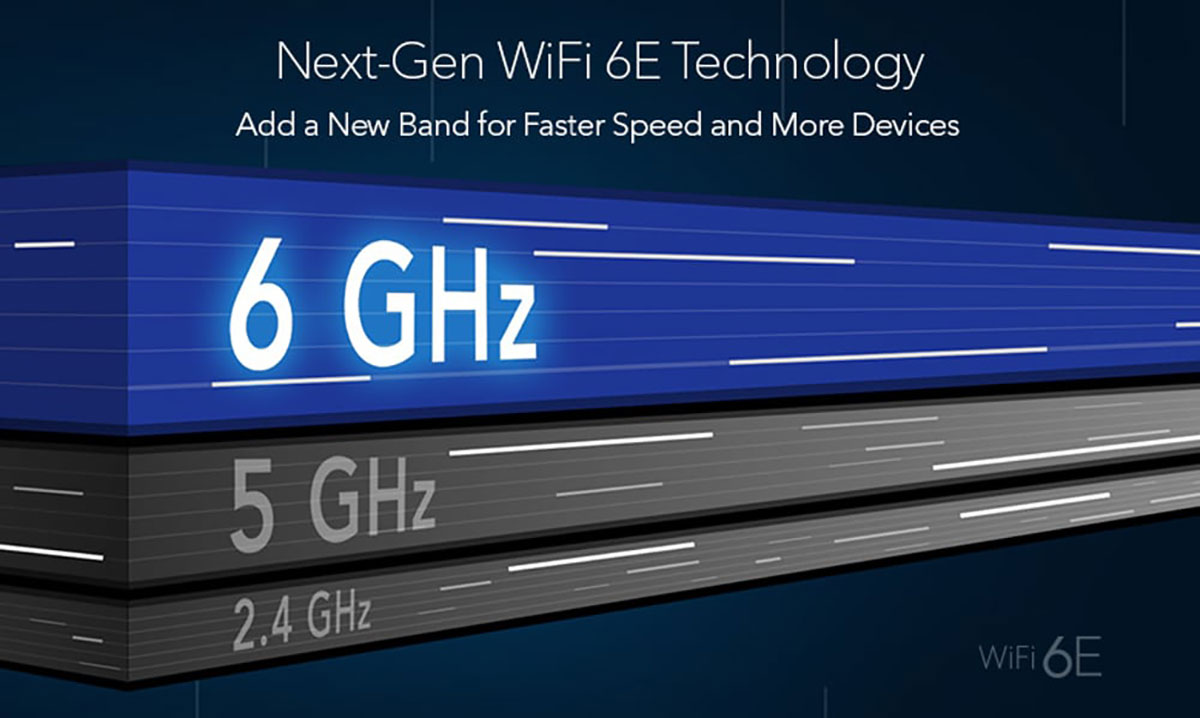
One of the key upgrades in the M4 MacBook Air is its Wi-Fi 6E support, providing faster and more reliable wireless performance, especially in crowded networks. The M4 model also offers two Thunderbolt 4 ports for faster data transfer and MagSafe charging for a more secure connection.
M2 MacBook Air: Solid Connectivity
The M2 MacBook Air supports Wi-Fi 6 and has two Thunderbolt 3 ports, which are still fast, but not as fast as the M4’s Thunderbolt 4. It also features MagSafe charging, similar to the M4. While the M2 is well-equipped, the M4’s Wi-Fi 6E support and Thunderbolt 4 make it a more future-proof device.
6. Price and Value: Is It Worth the Upgrade?

M4 MacBook Air: A Premium Choice
With all the new upgrades, including the M4 chip, better GPU performance, and new color options, the M4 MacBook Air comes with a higher price tag, typically starting at $1,399. While it's a more expensive option, it is worth it for users who need maximum performance, especially in demanding tasks like content creation or software development.
M2 MacBook Air: Affordable and Powerful
The M2 MacBook Air, with its still-powerful M2 chip, remains an excellent value for those who want a powerful, lightweight laptop for everyday tasks at a lower price point. The starting price of $1,199 makes it a more budget-friendly option compared to the M4, while still offering strong performance and efficiency.
Final Thoughts: Which One Should You Choose?
The M4 MacBook Air is the superior choice if you need top-tier performance for demanding tasks like video editing, gaming, or professional-level content creation. It offers better performance, efficiency, and connectivity compared to the M2 model. However, the M2 MacBook Air is still an outstanding device for general use, and its lower price makes it an excellent option for those on a budget or for those who don’t need the most powerful machine.
Both models offer excellent value for different use cases, but if you’re after the latest and greatest, the M4 MacBook Air is the one to beat.
Source: ChatGPT

-
 -4%
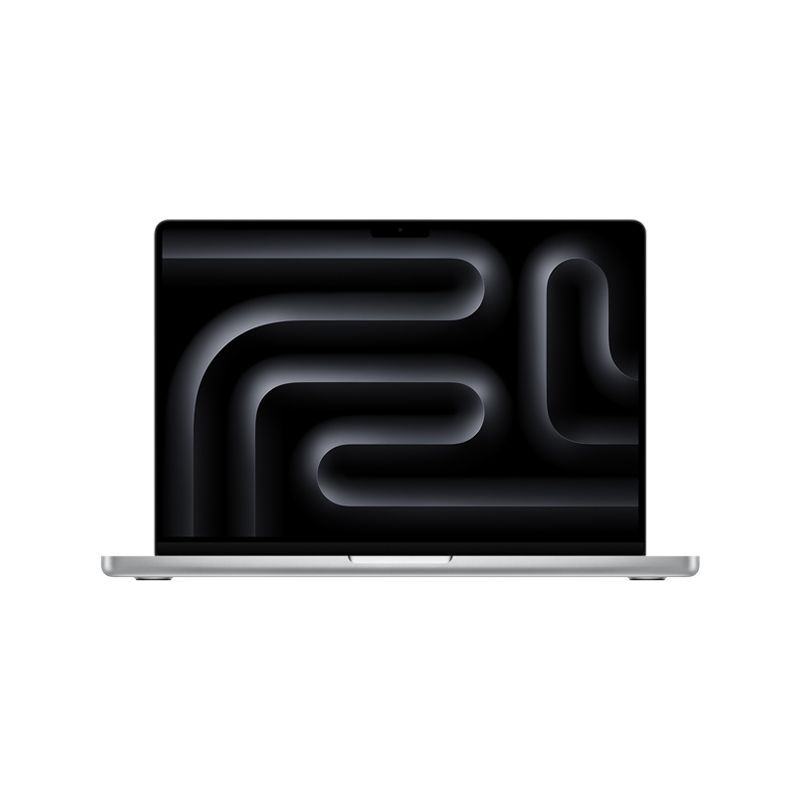
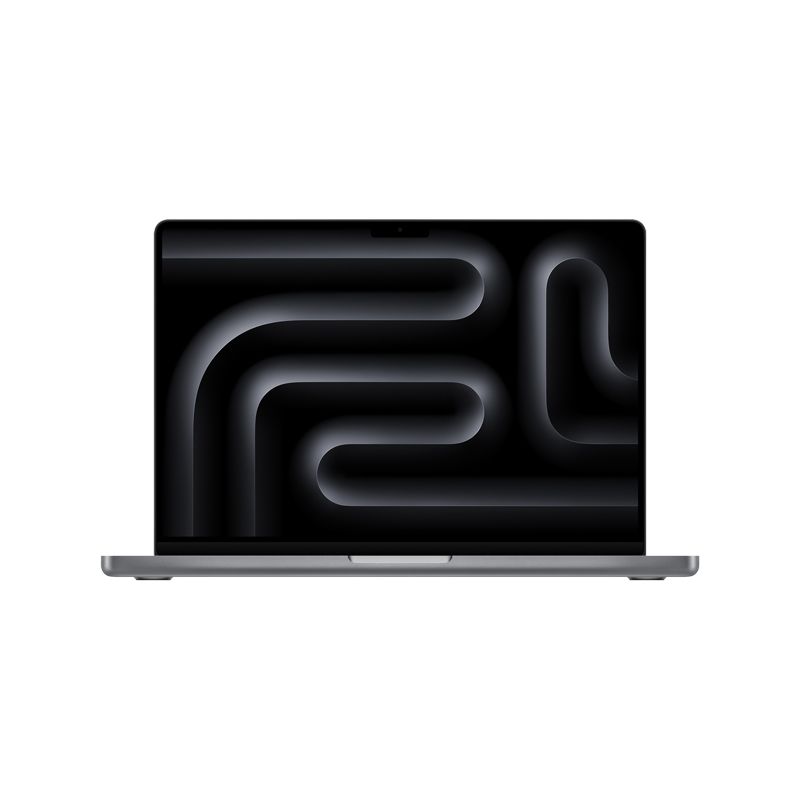
MacBook Pro 14-inch 512GB SSD - Apple M4 chip 10-Core CPU - 10-Core GPU - 16GB Memory - Built for Apple IntellegenceAs low as $1,759.00 Regular Price $1,826.95
-4%
MacBook Pro 14-inch 512GB SSD - Apple M4 chip 10-Core CPU - 10-Core GPU - 16GB Memory - Built for Apple IntellegenceAs low as $1,759.00 Regular Price $1,826.95 -
-3%
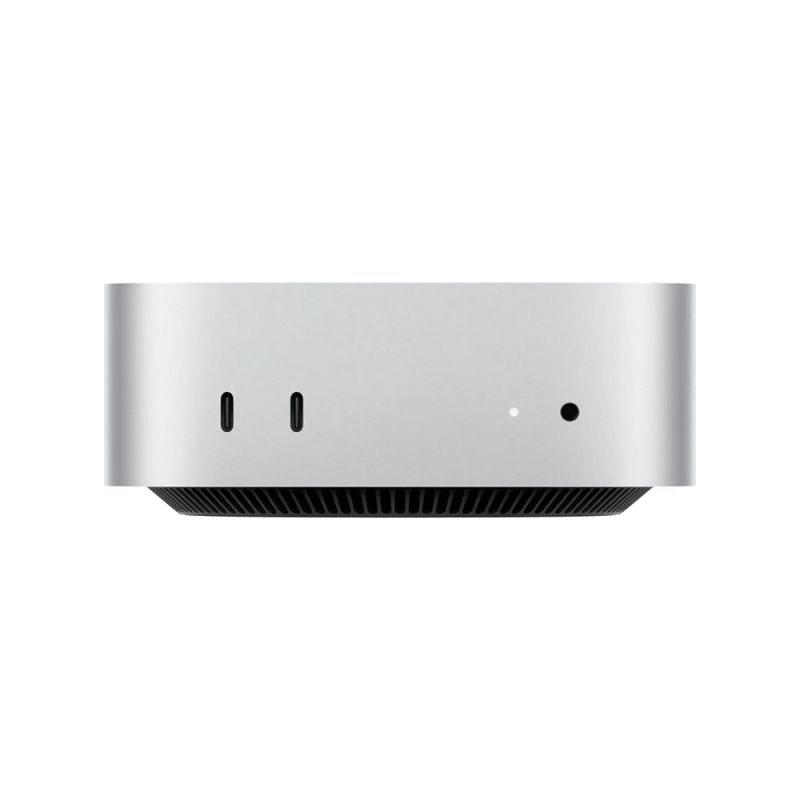
Apple - Mac mini Desktop - M4 chip - 512GB SSD - 10-Core-CPU - 10-Core-GPU - Built for Apple Intelligence - SilverAs low as $813.00 Regular Price $841.28
-
-3%
Apple - iMac 24-inch All-in-One 256GB SSD 16GB Memory - M4 chip - 8-Core CPU - 8-Core GPU Built for Apple Intelligence - (Latest Model)As low as $1,499.00 Regular Price $1,540.12
-
-6%
Apple - MacBook Air 15" Laptop - M2 chip - 8GB Memory - 256GB SSD - 512GB SSDAs low as $1,382.55 Regular Price $1,476.48
-
-19%
MacBook Air 13.6" Laptop - Apple M2 chip - 8GB Memory - 256GB - Official RefurbishedAs low as $1,086.90 Regular Price $1,341.02
-
-4%
MacBook Pro 14-inch 1TB SSD - Apple M4 Pro chip 14-Core CPU - 20-Core GPU - 24GB Memory - Built for Apple IntellegenceAs low as $2,700.17 Regular Price $2,808.64
-
-4%
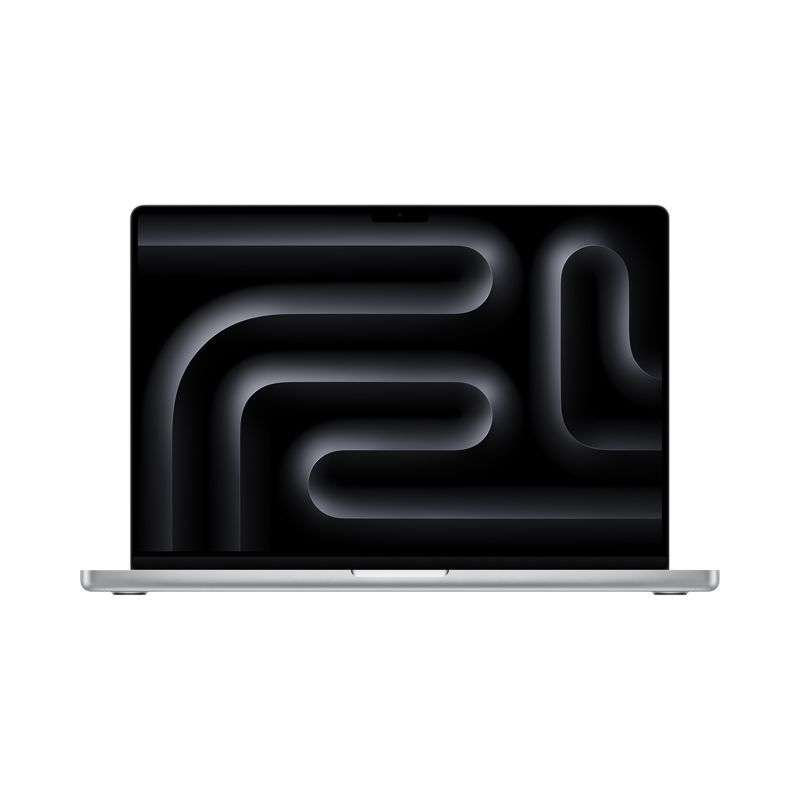
MacBook Pro 16-inch 512B SSD - Apple M4 Pro chip 14-Core CPU - 20-Core GPU - Built for Apple IntellegenceAs low as $2,700.17 Regular Price $2,808.00


- M4 MacBook Air
- M2 MacBook Air
- MacBook Air 2025
- M4 chip
- M2 chip
- MacBook comparison
- Apple MacBook
- MacBook Air performance
- MacBook Air memory
- Apple laptop comparison