The Ultimate Data-Driven Guide to Configuring Your Apple Silicon Mac (M-Series)
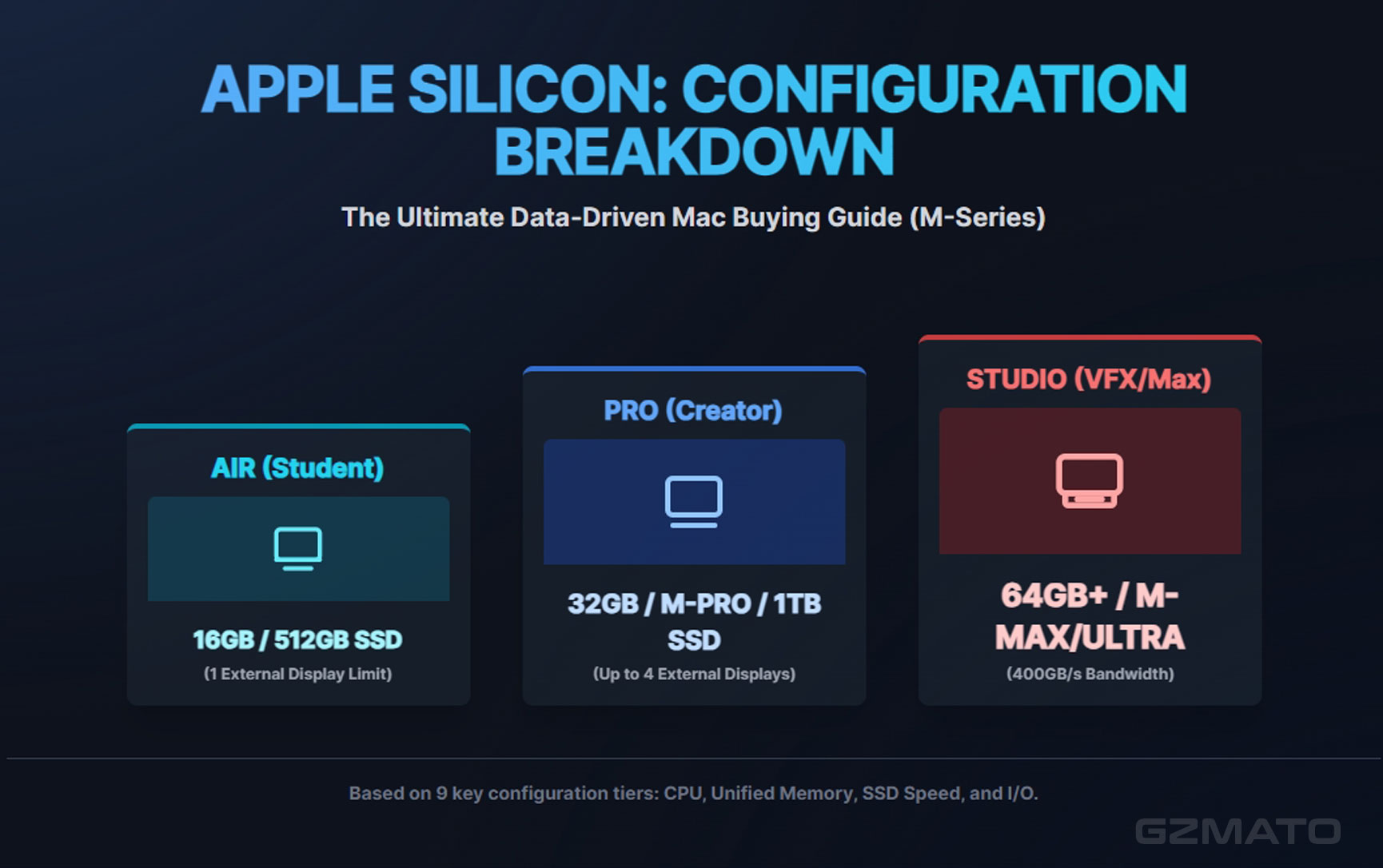
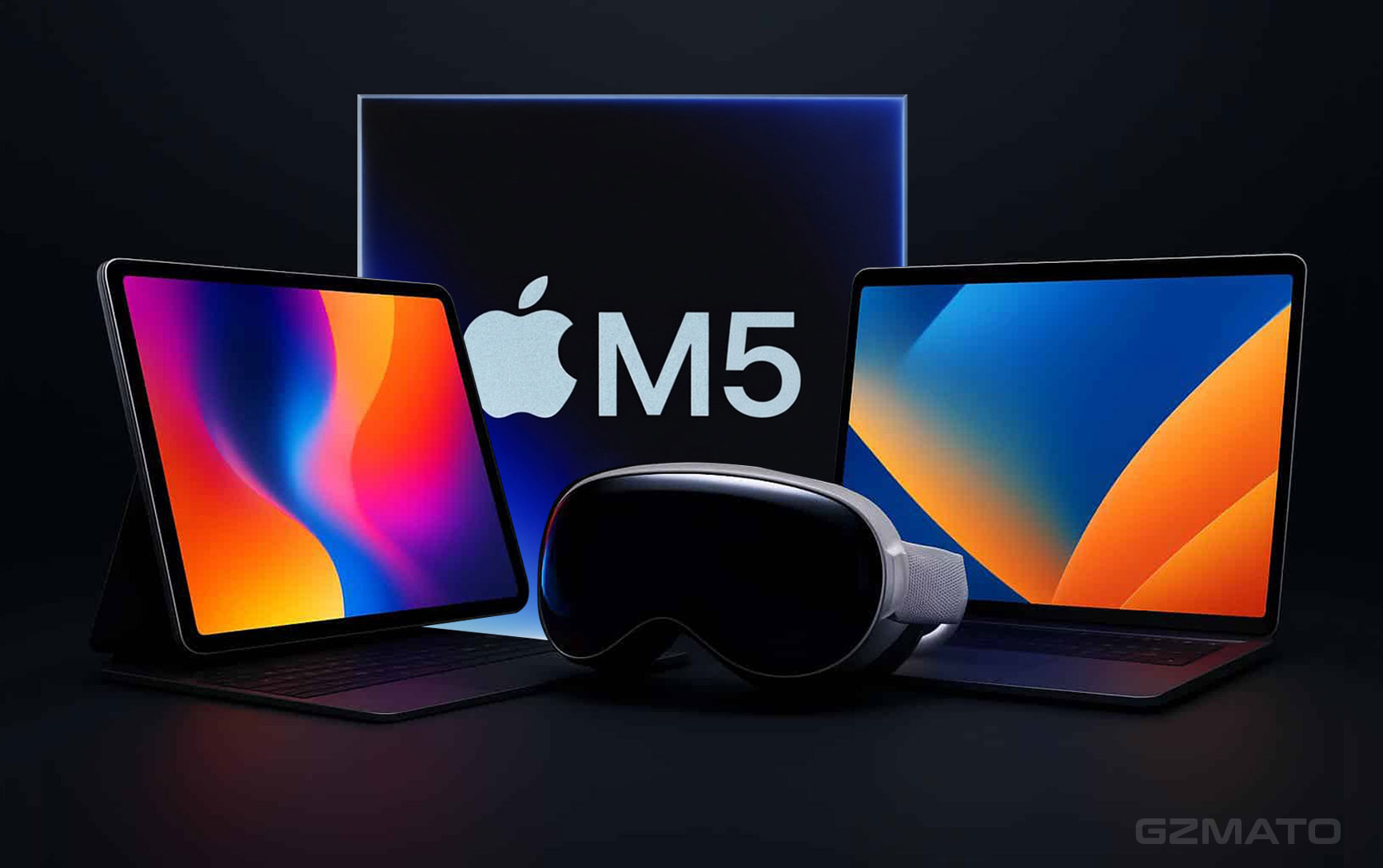
October 23, 2025 – This guide is designed to help you select the optimal Mac device based on your individual use case, core performance requirements, and budget constraints across the Apple M-series silicon lineup.
Preamble: Why Choose the Apple M-Chip Mac Platform?
Choosing a Mac is about adopting a highly integrated, efficiency-driven ecosystem. The key driver for this platform choice is Apple's custom-designed M-series silicon, which has fundamentally redefined the computing experience.
| Core Advantage | Description | User Benefit |
|---|---|---|
| Extreme Power Efficiency | M-chips utilize a Unified Memory Architecture (UMA) and ARM design, delivering top-tier performance at dramatically reduced power consumption. | All-Day Battery Life: MacBook Air/Pro models offer extensive battery longevity. |
| High Performance & Silence | The efficient architecture allows M-series devices to handle demanding workloads with minimal to no fan noise. | Quiet Operation: Whether editing 4K video or compiling complex code, your computer remains cool and quiet. |
| Deep Integration | Apple controls both the hardware (M-chip) and the software (macOS), achieving unparalleled optimization. | Stability & Fluidity: System crashes and slowdowns are minimized, leading to high operational efficiency and excellent long-term device value. |
| Unified Memory Mandate | In 2025, the M-chip's power means the true bottleneck is often the RAM. Never purchase less than 16GB. | Future-Proofing: Ensures your Mac can handle the increasingly complex demands of modern applications for its entire lifespan. |
Part I: User Needs Analysis & Chip Positioning
Identify which user category best describes your main workflow to narrow down the appropriate M-chip family.
| User Tier | Typical Workflow/User Scenario | Recommended Chip Range (2025) | Core Factors to Prioritize |
|---|---|---|---|
| I. Casual/Basic User | Web browsing, documents, email, basic photo touch-ups, streaming video, student use, light coding. | M3, M4, or Base M5 | 16GB RAM (Absolute Minimum), Portability, Value. |
| II. Creator/Advanced User | 4K video editing, heavy photo post-processing, UI/UX design (Figma), mid-sized application development, running VMs. | M4 Pro or M4 Max | 32GB RAM (Recommended), GPU Performance, Dedicated Media Engines. |
| III. Pro/Workstation User | 8K video production, large 3D modeling/animation, complex machine learning training, compiling massive codebases. | M4 Max & M3 Ultra | 64GB+ RAM (Essential), Raw Performance, Maximum Memory Bandwidth, I/O ports. |
Part II: Chip Generation Comparison and Key Advice
| Chip Model | Core Advantage | Ideal Scenario and Advice |
|---|---|---|
| M1 | Still powerful, fantastic efficiency and value for money. | Budget-Conscious Buyers. Best for low-cost used or refurbished machines. Advice: Must have 16GB RAM for a modern user experience. |
| M2 | Improved GPU and Media Engines over M1, higher memory bandwidth, up to 24GB Unified Memory Architecture (UMA). | Value Entry-Level. A balanced choice for new students or users who want the latest form factors without the M5 premium. |
| M3 / M4 | 3nm/4nm process jump brings huge efficiency gains, better GPU architecture with hardware Ray Tracing support. | Efficiency Priority. Excellent choice if your budget doesn't stretch to the M5, but you want modern GPU features and long battery life. |
| M5 (Base) | Current generation peak performance-per-watt. The new standard for base models. | Current Baseline. The M5 is the definitive choice for Tier I (Casual/Basic) users, offering the longest lifespan and best all-round efficiency. |
| M Pro Series | Balance of power and efficiency, dedicated Pro Media Engine, greater I/O (more ports and external display support). | Creators' Starting Point. The M Pro fluidly handles multiple 4K video streams, professional UI/UX design, and complex development tasks. |
| M Max/Ultra Series | Absolute performance, highest CPU and GPU core counts, doubled Media Engines, massive memory ceiling (up to 128GB+). | Dedicated Workstation. Essential for extreme workloads like 8K video production, advanced industrial design (CAD/3D), and large-scale machine learning training. |
Part III: Specific Mac Model Recommendations (By User Tier)
Casual/Basic User (Tier I)
| Recommended Model | Recommended Configuration | Core Selling Point | Ideal User Profile |
|---|---|---|---|
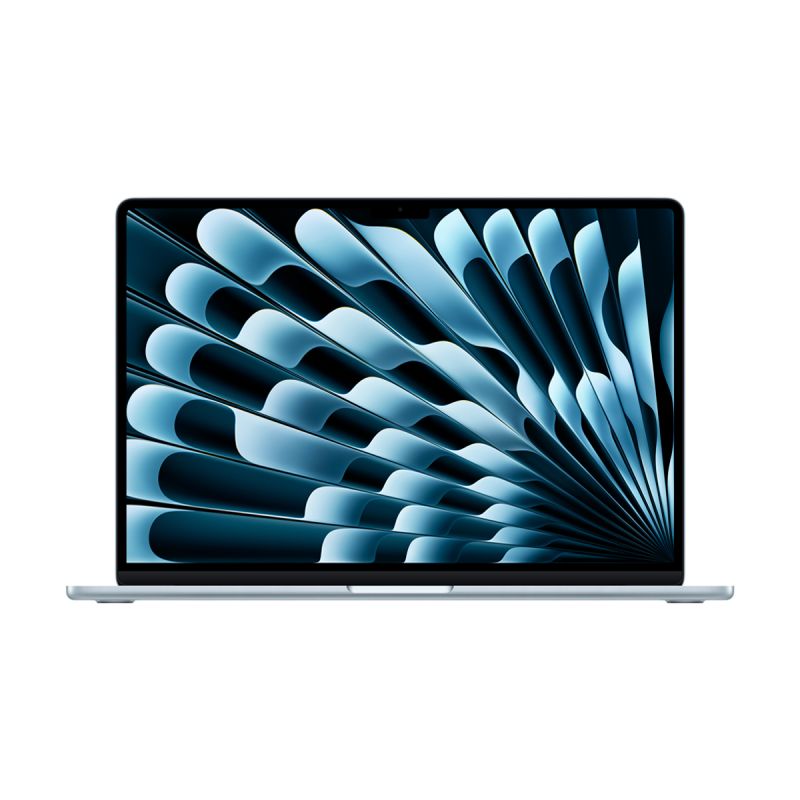
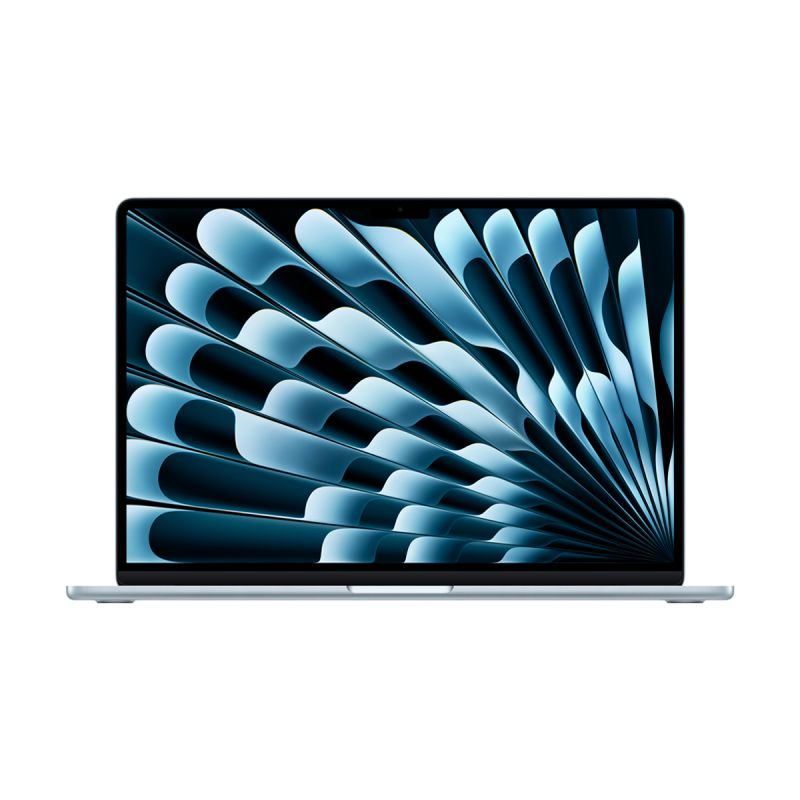
| MacBook Air 15-inch (M3) | M3 Chip (16GB RAM, 512GB SSD) | The best all-day battery life and quiet, fanless performance in a large, portable display. | General users, students, or traveling professionals who prioritize screen size and endurance. |
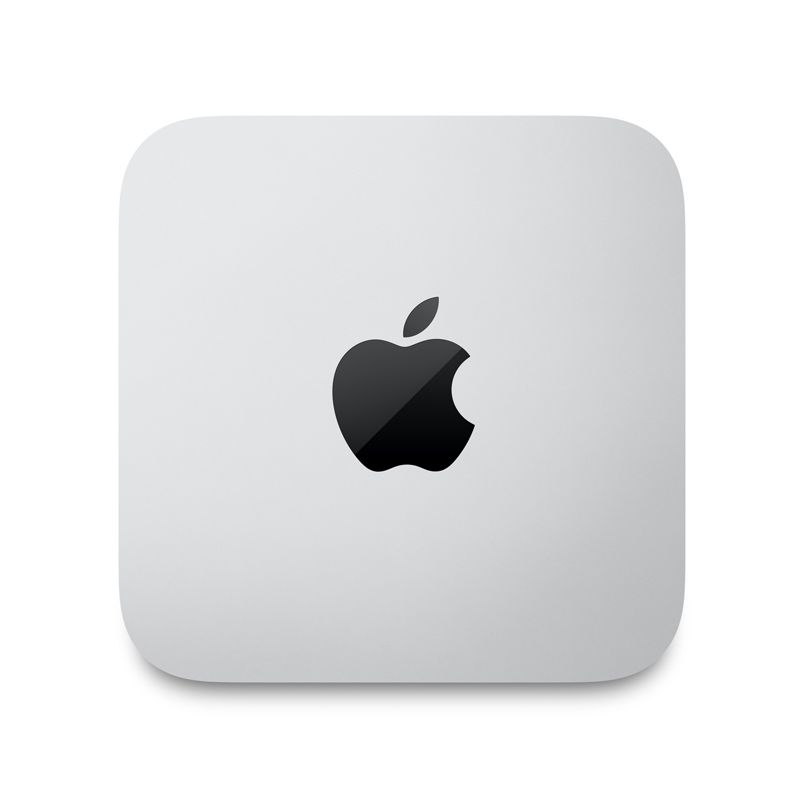
| Mac mini (M4) | M4 Chip (16GB RAM, 512GB SSD) | Desktop value champion. Better performance than M3, highly competitive pricing for a fixed setup. | Home users or SOHO developers who already own external monitors and prioritize desk space and value. |
Creator/Advanced User (Tier II)
| Recommended Model | Recommended Configuration | Core Selling Point | Ideal User Profile |
|---|---|---|---|
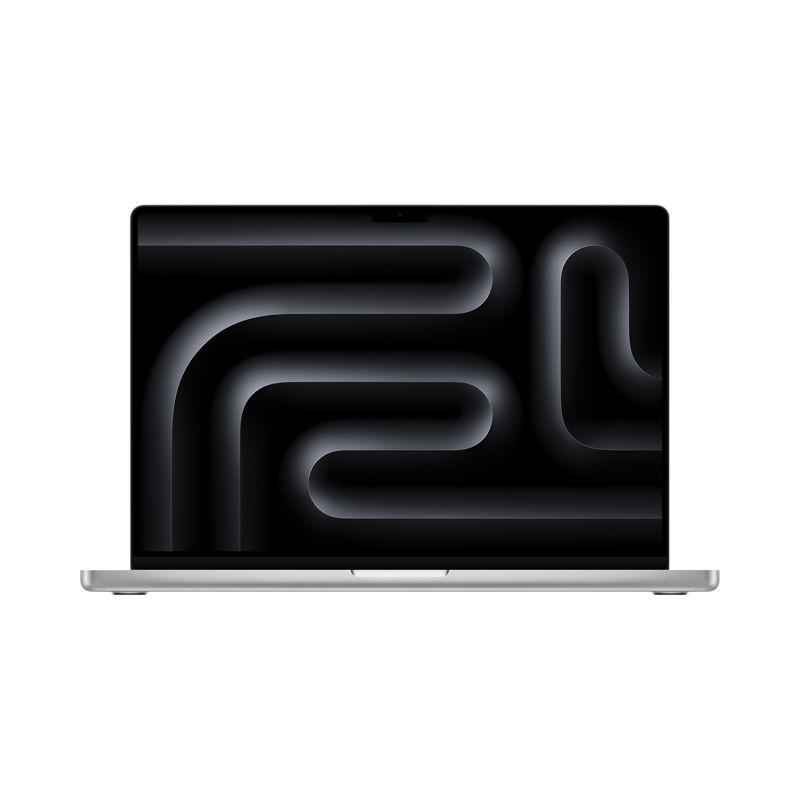
| MacBook Pro 14-inch (M4 Pro) | M4 Pro (32GB RAM, 1TB SSD) | Perfect balance of power, portability, and efficiency. The ProMotion display and high-bandwidth ports are essential. | 4K video editors, full-stack developers, graphic designers, professional photographers who need mobility. |
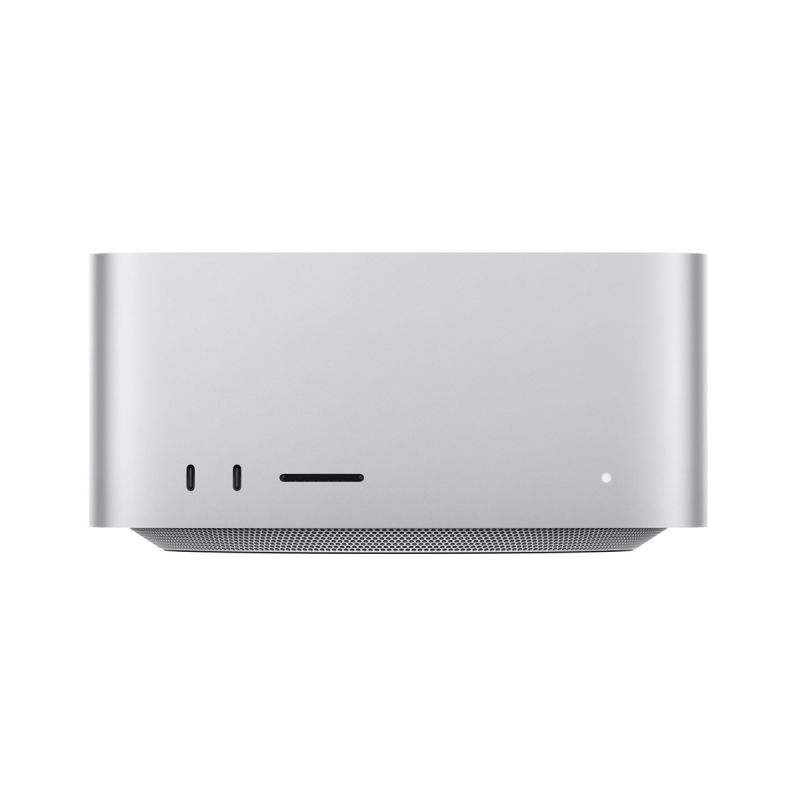
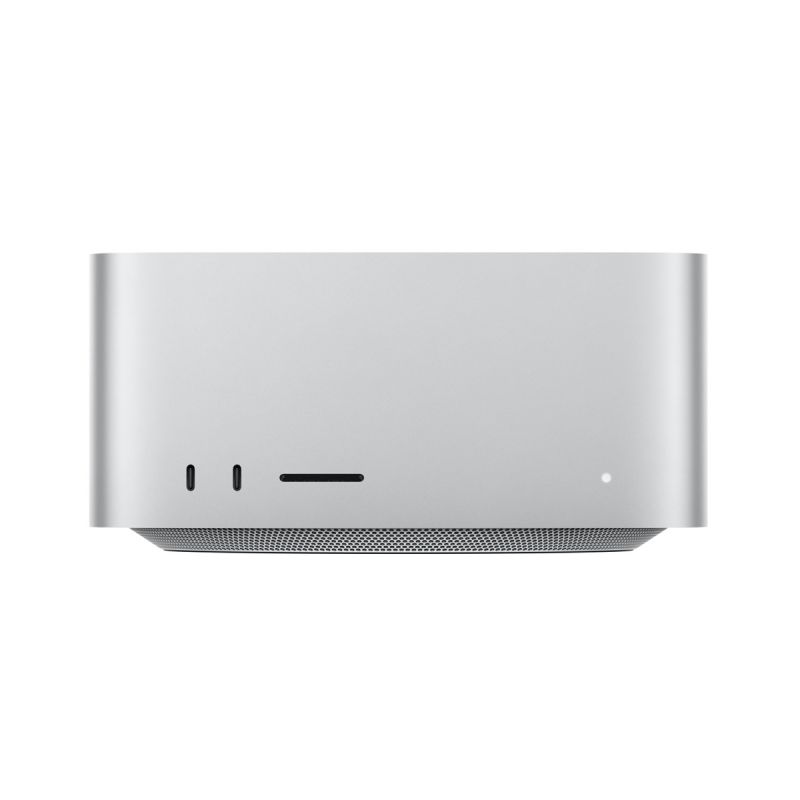
| Mac Studio (M4 Pro) | M4 Pro (32GB RAM, 1TB SSD) | Excellent value pick for a fixed workstation. Powerful desktop performance for multi-screen setups. | Users needing high sustained performance in a fixed location, with complex I/O requirements. |
Pro/Workstation User (Tier III)
| Recommended Model | Recommended Configuration | Core Selling Point | Ideal User Profile |
|---|---|---|---|
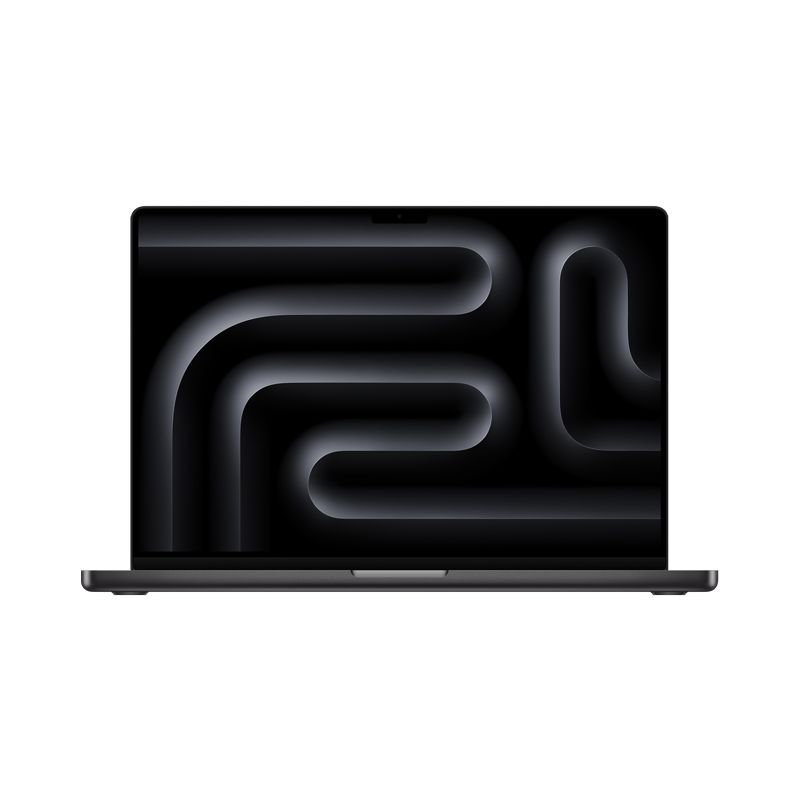
| MacBook Pro 16-inch (M4 Max) | M4 Max (64GB RAM, 2TB SSD) | The most powerful portable machine. Largest display, best cooling, and highest mobile memory ceiling (supporting multiple displays). | 8K video production, large 3D rendering, machine learning engineers who need maximum power on the go. |
| Mac Studio (M3 Ultra, M4 Max) | M3 Ultra or M4 Max (128GB RAM, 4TB SSD) | Absolute non-mobile workstation power. Stacked dual-chip design provides the highest core count and memory limit. | Post-production studios, data centers, or labs requiring extreme parallel computing power. |
Part IV: The Three-Step Purchase Decision Flow
Step 1: Determine Unified Memory Capacity (RAM) - Not Upgradable!
This is the most critical decision when buying an M-chip Mac, as running out of RAM forces the system to aggressively use the SSD for swap, slowing the system and reducing SSD lifespan.
| Your Workflow Requirement | Recommended RAM Capacity | Key Configuration Rule |
|---|---|---|
| Web, documents, light multitasking. | 16GB | ABSOLUTE MINIMUM. Do not buy 8GB. This is the new entry-level baseline. |
| 4K editing, UI design, front-end dev, running virtual machines. | 32GB | Tier II Standard. Ensures future-proofing and zero swap under heavy load. |
| Large 3D rendering, professional programming, scientific computing. | 64GB or higher | Tier III Essential. Required for large datasets, massive codebases, and 8K media. |
Step 2: Determine Storage Space (SSD) - Avoid the Speed Trap!
| Configuration Rule | Implication |
|---|---|
| 512GB SSD is the Minimum. | Crucial for performance. 256GB SSDs in base models typically use fewer NAND chips, resulting in significantly slower read/write speeds. Always upgrade to 512GB or higher. |
| Pro Advice: 1TB or 2TB is Standard. | High-performance workflows (video, coding) rely on the internal SSD's speed for caching and virtual memory. The larger the capacity, the better the sustained performance. |
Step 3: Determine Graphics Capability (GPU) and Media Engine
- Light/Office: The 8–10 core GPU in the Base M3/M4 is sufficient for general use and casual gaming.
- Creative/Gaming: Choose at least the M4 Pro series to benefit from the dedicated Pro Media Engine, which dramatically accelerates encoding/decoding for video formats like H.264, HEVC, and ProRes.
- Extreme Pro: M4 Max/Ultra chips are essential, as they feature multiple Media Engines, providing unmatched video processing speed and significantly higher core counts for 3D and machine learning tasks.
Part V: The Professional I/O and Display Barrier
For Tier II and Tier III users, the choice of Mac model often boils down to physical I/O ports and external display support, rather than the raw chip performance.
| Feature / Model | MacBook Air (M3/M4/M5) | MacBook Pro (M-Pro/Max) | Mac Studio (M-Max/Ultra) |
|---|---|---|---|
| External Display Limit | 1 external display (up to 6K) | Up to 2-4 external displays (depending on Pro/Max tier) | Up to 5 external displays (4 x 6K + 1 x 4K) |
| Dedicated Ports | 2 x Thunderbolt/USB 4 | 3 x Thunderbolt 4, HDMI, SDXC Card Slot, MagSafe 3 | 4-6 x Thunderbolt 4, HDMI, 10Gb Ethernet, Front USB-C/SDXC |
| I/O Implications | Limited for designers and developers needing dual monitors. | Creator essentials: Direct media transfer (SDXC) and easy external display/TV connection (HDMI). | Workstation necessity: High-speed front I/O and multi-display support for complex desktop setups. |
The Bottom Line: If you require more than one external display, you must upgrade to a MacBook Pro, Mac mini, or Mac Studio. The MacBook Air is physically limited to a single external display.
Part VI: Long-Term Value and Upgrade Strategy
6.1 Longevity and Software Support
Apple typically provides full macOS feature support for 6-8 years after a chip's initial release. An M3 Mac purchased a few generations ago will likely receive major macOS updates for several more years, meaning its performance remains viable for a significant period.
6.2 The Upgrade Sweet Spot
- M3 Users: If your machine still meets 80% of your needs, we recommend waiting for the M6 or M7 generation. While the M5 offers significant gains in efficiency and performance, the M3 is still a powerful chip.
- M4 Users: Your device is still in its prime. Focus on upgrading peripherals or displays before considering a performance-driven upgrade. You should easily be able to wait for the M7 generation.
- M5 Users: You are at the current peak, ensuring the maximum possible useful lifespan for your machine.
6.3 Software Compatibility (Rosetta 2)
The Rosetta 2 translation layer is incredibly efficient but introduces a slight performance overhead (typically
Shop Your Mac at Gzmato
MacBook Air/Pro, Mac mini, iMac, Mac Studio – all models & configs
Browse Mac Products →
Data Sources & Methodology (as of Oct 23, 2025):
- Apple Official Specifications
- MacRumors, AnandTech – performance analysis
- User workflow surveys & real-world testing
This guide is designed to help you select the optimal Mac device based on your individual use case, core performance requirements, and budget constraints across the Apple M-series silicon lineup.
Preamble: Why Choose the Apple M-Chip Mac Platform?
Choosing a Mac is about adopting a highly integrated, efficiency-driven ecosystem. The key driver for this platform choice is Apple's custom-designed M-series silicon, which has fundamentally redefined the computing experience.
| Core Advantage | Description | User Benefit |
|---|---|---|
| Extreme Power Efficiency | M-chips utilize a Unified Memory Architecture (UMA) and ARM design, delivering top-tier performance at dramatically reduced power consumption. | All-Day Battery Life: MacBook Air/Pro models offer extensive battery longevity. |
| High Performance & Silence | The efficient architecture allows M-series devices to handle demanding workloads with minimal to no fan noise. | Quiet Operation: Whether editing 4K video or compiling complex code, your computer remains cool and quiet. |
| Deep Integration | Apple controls both the hardware (M-chip) and the software (macOS), achieving unparalleled optimization. | Stability & Fluidity: System crashes and slowdowns are minimized, leading to high operational efficiency and excellent long-term device value. |
| Unified Memory Mandate | In 2025, the M-chip's power means the true bottleneck is often the RAM. Never purchase less than 16GB. | Future-Proofing: Ensures your Mac can handle the increasingly complex demands of modern applications for its entire lifespan. |
← *On mobile, swipe left/right to see the full table content.* →
Part I: User Needs Analysis & Chip Positioning
Identify which user category best describes your main workflow to narrow down the appropriate M-chip family.
| User Tier | Typical Workflow/User Scenario | Recommended Chip Range (2025) | Core Factors to Prioritize |
|---|---|---|---|
| I. Casual/Basic User | Web browsing, documents, email, basic photo touch-ups, streaming video, student use, light coding. | M3, M4, or Base M5 | 16GB RAM (Absolute Minimum), Portability, Value. |
| II. Creator/Advanced User | 4K video editing, heavy photo post-processing, UI/UX design (Figma), mid-sized application development, running VMs. | M4 Pro or M4 Max | 32GB RAM (Recommended), GPU Performance, Dedicated Media Engines. |
| III. Pro/Workstation User | 8K video production, large 3D modeling/animation, complex machine learning training, compiling massive codebases. | M4 Max & M3 Ultra | 64GB+ RAM (Essential), Raw Performance, Maximum Memory Bandwidth, I/O ports. |
← *On mobile, swipe left/right to see the full table content.* →
Part II: Chip Generation Comparison and Key Advice
| Chip Model | Core Advantage | Ideal Scenario and Advice |
|---|---|---|
| M1 | Still powerful, fantastic efficiency and value for money. | Budget-Conscious Buyers. Best for low-cost used or refurbished machines. Advice: **Must** have **16GB RAM** for a modern user experience. |
| M2 | Improved GPU and Media Engines over M1, higher memory bandwidth, up to 24GB Unified Memory Architecture (UMA). | Value Entry-Level. A balanced choice for new students or users who want the latest form factors without the M5 premium. |
| M3 / M4 | 3nm/4nm process jump brings huge efficiency gains, better GPU architecture with hardware Ray Tracing support. | Efficiency Priority. Excellent choice if your budget doesn't stretch to the M5, but you want modern GPU features and long battery life. |
| M5 (Base) | Current generation peak performance-per-watt. The new standard for base models. | Current Baseline. The M5 is the definitive choice for Tier I (Casual/Basic) users, offering the longest lifespan and best all-round efficiency. |
| M Pro Series | Balance of power and efficiency, dedicated **Pro Media Engine**, greater I/O (more ports and external display support). | Creators' Starting Point. The M Pro fluidly handles multiple 4K video streams, professional UI/UX design, and complex development tasks. |
| M Max/Ultra Series | Absolute performance, highest CPU and GPU core counts, **doubled Media Engines**, massive memory ceiling (up to 128GB+). | Dedicated Workstation. Essential for extreme workloads like 8K video production, advanced industrial design (CAD/3D), and large-scale machine learning training. |
← *On mobile, swipe left/right to see the full table content.* →
Part III: Specific Mac Model Recommendations (By User Tier)
We recommend the 1-2 most representative and value-driven models for each tier.
1. Casual/Basic User (Tier I)
| Recommended Model | Recommended Configuration | Core Selling Point | Ideal User Profile |
|---|---|---|---|
| MacBook Air 15-inch (M3) | M3 Chip (16GB RAM, 512GB SSD) | The best all-day battery life and quiet, fanless performance in a large, portable display. | General users, students, or traveling professionals who prioritize screen size and endurance. |
| Mac mini (M4) | M4 Chip (16GB RAM, 512GB SSD) | Desktop value champion. Better performance than M3, highly competitive pricing for a fixed setup. | Home users or SOHO developers who already own external monitors and prioritize desk space and value. |
← *On mobile, swipe left/right to see the full table content.* →
2. Creator/Advanced User (Tier II)
| Recommended Model | Recommended Configuration | Core Selling Point | Ideal User Profile |
|---|---|---|---|
| MacBook Pro 14-inch (M4 Pro) | M4 Pro (32GB RAM, 1TB SSD) | Perfect balance of power, portability, and efficiency. The ProMotion display and high-bandwidth ports are essential. | 4K video editors, full-stack developers, graphic designers, professional photographers who need mobility. |
| Mac Studio (M4 Pro) | M4 Pro (32GB RAM, 1TB SSD) | Excellent value pick for a fixed workstation. Powerful desktop performance for multi-screen setups. | Users needing high sustained performance in a fixed location, with complex I/O requirements. |
← *On mobile, swipe left/right to see the full table content.* →
3. Pro/Workstation User (Tier III)
| Recommended Model | Recommended Configuration | Core Selling Point | Ideal User Profile |
|---|---|---|---|
| MacBook Pro 16-inch (M4 Max) | M4 Max (64GB RAM, 2TB SSD) | The most powerful portable machine. Largest display, best cooling, and highest mobile memory ceiling (supporting multiple displays). | 8K video production, large 3D rendering, machine learning engineers who need maximum power on the go. |
| Mac Studio (M3 Ultra, M4 Max) | M3 Ultra or M4 Max (128GB RAM, 4TB SSD) | Absolute non-mobile workstation power. Stacked dual-chip design provides the highest core count and memory limit. | Post-production studios, data centers, or labs requiring extreme parallel computing power. |
← *On mobile, swipe left/right to see the full table content.* →
Part IV: The Three-Step Purchase Decision Flow
Your decision should always follow this order of priority, as performance is non-negotiable and components are non-upgradable.
Step 1: Determine Unified Memory Capacity (RAM) - Not Upgradable!
This is the most critical decision when buying an M-chip Mac, as running out of RAM forces the system to aggressively use the SSD for swap, slowing the system and reducing SSD lifespan.
| Your Workflow Requirement | Recommended RAM Capacity | Key Configuration Rule |
|---|---|---|
| Web, documents, light multitasking. | 16GB | ABSOLUTE MINIMUM. Do not buy 8GB. This is the new entry-level baseline. |
| 4K editing, UI design, front-end dev, running virtual machines. | 32GB | Tier II Standard. Ensures future-proofing and zero swap under heavy load. |
| Large 3D rendering, professional programming, scientific computing. | 64GB or higher | Tier III Essential. Required for large datasets, massive codebases, and 8K media. |
← *On mobile, swipe left/right to see the full table content.* →
Step 2: Determine Storage Space (SSD) - Avoid the Speed Trap!
| Configuration Rule | Implication |
|---|---|
| 512GB SSD is the Minimum. | Crucial for performance. 256GB SSDs in base models typically use fewer NAND chips, resulting in significantly slower read/write speeds. Always upgrade to 512GB or higher. |
| Pro Advice: 1TB or 2TB is Standard. | High-performance workflows (video, coding) rely on the internal SSD's speed for caching and virtual memory. The larger the capacity, the better the sustained performance. |
← *On mobile, swipe left/right to see the full table content.* →
Step 3: Determine Graphics Capability (GPU) and Media Engine
- Light/Office: The 8–10 core GPU in the Base M3/M4 is sufficient for general use and casual gaming.
- Creative/Gaming: Choose at least the M4 Pro series to benefit from the dedicated Pro Media Engine, which dramatically accelerates encoding/decoding for video formats like H.264, HEVC, and ProRes.
- Extreme Pro: M4 Max/Ultra chips are essential, as they feature multiple Media Engines, providing unmatched video processing speed and significantly higher core counts for 3D and machine learning tasks.
Part V: The Professional I/O and Display Barrier
For Tier II and Tier III users, the choice of Mac model often boils down to physical I/O ports and external display support, rather than the raw chip performance.
| Feature / Model | MacBook Air (M3/M4/M5) | MacBook Pro (M-Pro/Max) | Mac Studio (M-Max/Ultra) |
|---|---|---|---|
| External Display Limit | 1 external display (up to 6K) | Up to 2-4 external displays (depending on Pro/Max tier) | Up to 5 external displays (4 x 6K + 1 x 4K) |
| Dedicated Ports | 2 x Thunderbolt/USB 4 | 3 x Thunderbolt 4, HDMI, SDXC Card Slot, MagSafe 3 | 4-6 x Thunderbolt 4, HDMI, 10Gb Ethernet, Front USB-C/SDXC |
| I/O Implications | Limited for designers and developers needing dual monitors. | Creator essentials: Direct media transfer (SDXC) and easy external display/TV connection (HDMI). | Workstation necessity: High-speed front I/O and multi-display support for complex desktop setups. |
← *On mobile, swipe left/right to see the full table content.* →
The Bottom Line: If you require more than one external display, you must upgrade to a MacBook Pro, Mac mini, or Mac Studio. The MacBook Air is physically limited to a single external display.
Part VI: Long-Term Value and Upgrade Strategy
A Mac purchase is an investment, and M-series devices are known for their longevity and excellent residual value.
6.1 Longevity and Software Support
Apple typically provides full macOS feature support for 6-8 years after a chip's initial release. An M3 Mac purchased a few generations ago will likely receive major macOS updates for several more years, meaning its performance remains viable for a significant period.
6.2 The Upgrade Sweet Spot
- M3 Users: If your machine still meets 80% of your needs, we recommend waiting for the M6 or M7 generation. While the M5 offers significant gains in efficiency and performance, the M3 is still a powerful chip.
- M4 Users: Your device is still in its prime. Focus on upgrading peripherals or displays before considering a performance-driven upgrade. You should easily be able to wait for the M7 generation.
- M5 Users: You are at the current peak, ensuring the maximum possible useful lifespan for your machine.
6.3 Software Compatibility (Rosetta 2)
The Rosetta 2 translation layer is incredibly efficient but introduces a slight performance overhead (typically <20%). Most major creative and development apps (Adobe, Final Cut Pro, Xcode) now run natively on Apple Silicon. Before buying, check any niche applications (e.g., specific engineering tools or legacy virtualization software) you depend on for native support, or budget for a fast virtualization solution like Parallels Desktop.
Conclusion
Choosing the right M-chip Mac requires a strategic balance between your workflow, budget, and configuration priorities. The MacBook Air (16GB/512GB) remains the top choice for Tier I users, offering a premium blend of performance and portability. For serious professionals (Tier II/III), the guiding principle is: always prioritize Unified Memory, followed closely by SSD and I/O specifications. By following these tiered recommendations and avoiding the critical 256GB SSD trap, you will purchase an M-chip Mac that not only meets your needs today but provides powerful, efficient computing for years to come.
-
 -3%
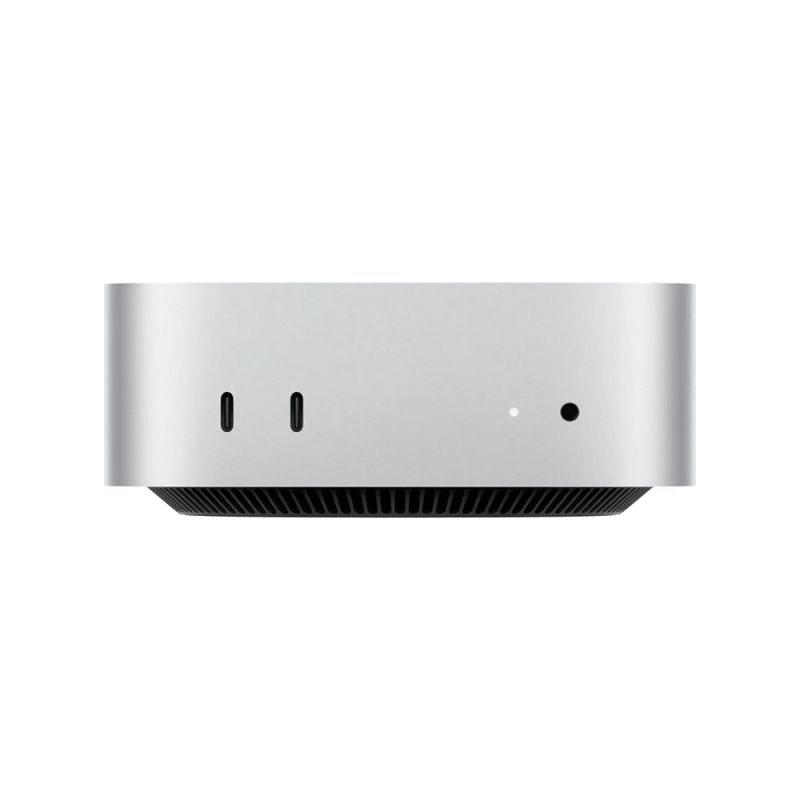
Apple - Mac mini Desktop - M4 chip - 512GB SSD - 10-Core-CPU - 10-Core-GPU - Built for Apple Intelligence - SilverAs low as $813.00 Regular Price $841.28
-3%
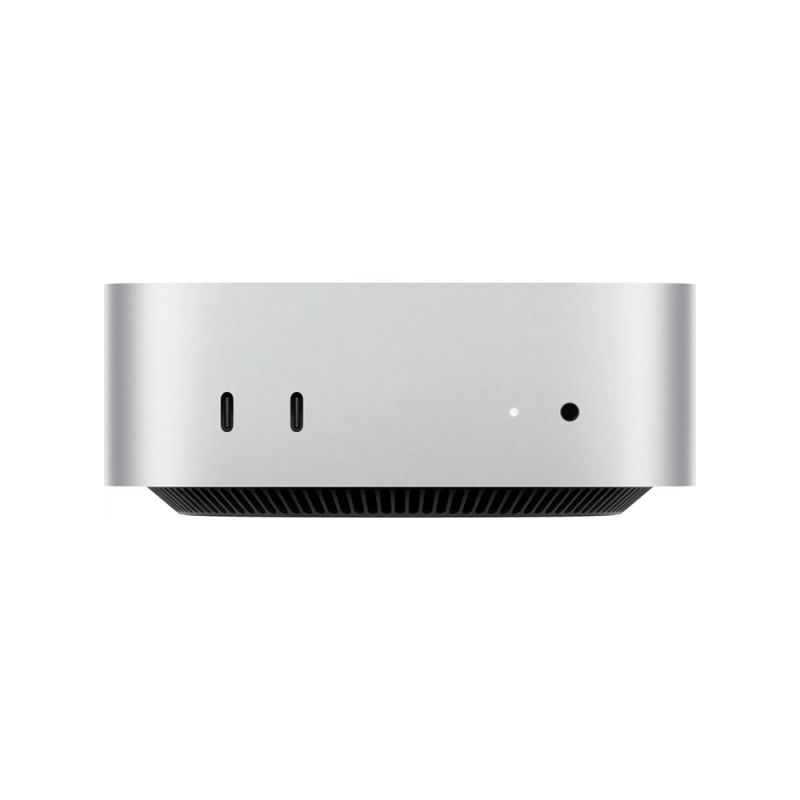
Apple - Mac mini Desktop - M4 chip - 512GB SSD - 10-Core-CPU - 10-Core-GPU - Built for Apple Intelligence - SilverAs low as $813.00 Regular Price $841.28 -
-4%
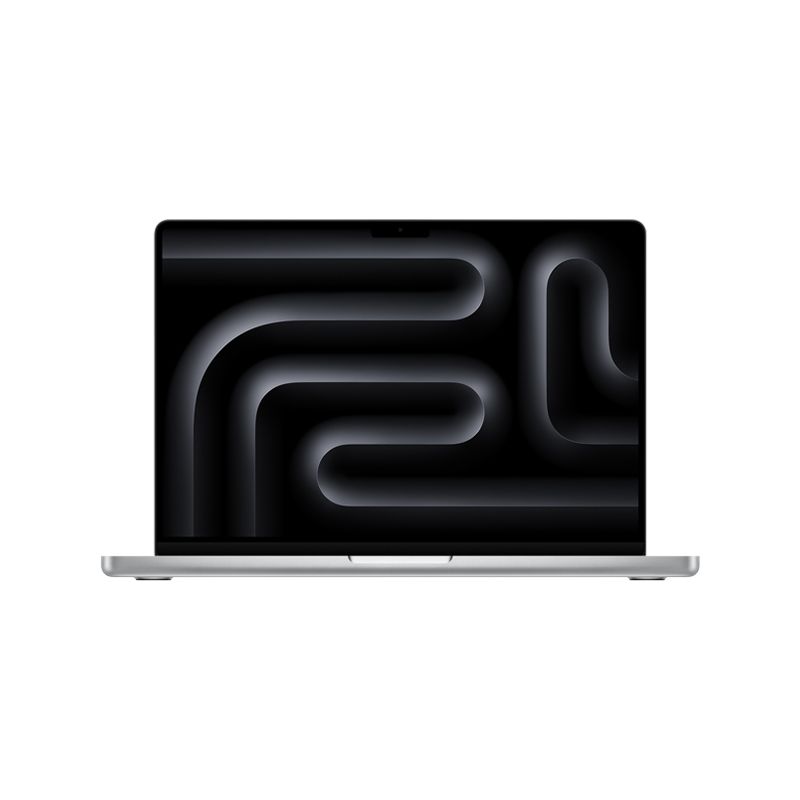
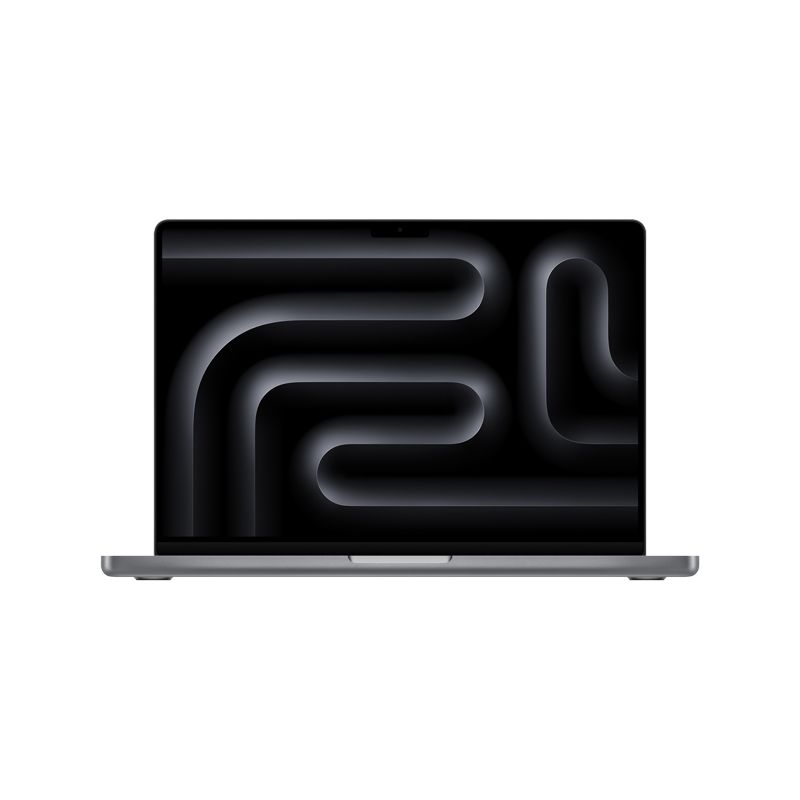
MacBook Pro 14-inch 1TB SSD - Apple M4 Pro chip 14-Core CPU - 20-Core GPU - 24GB Memory - Built for Apple IntellegenceAs low as $2,700.17 Regular Price $2,808.64
-
-4%
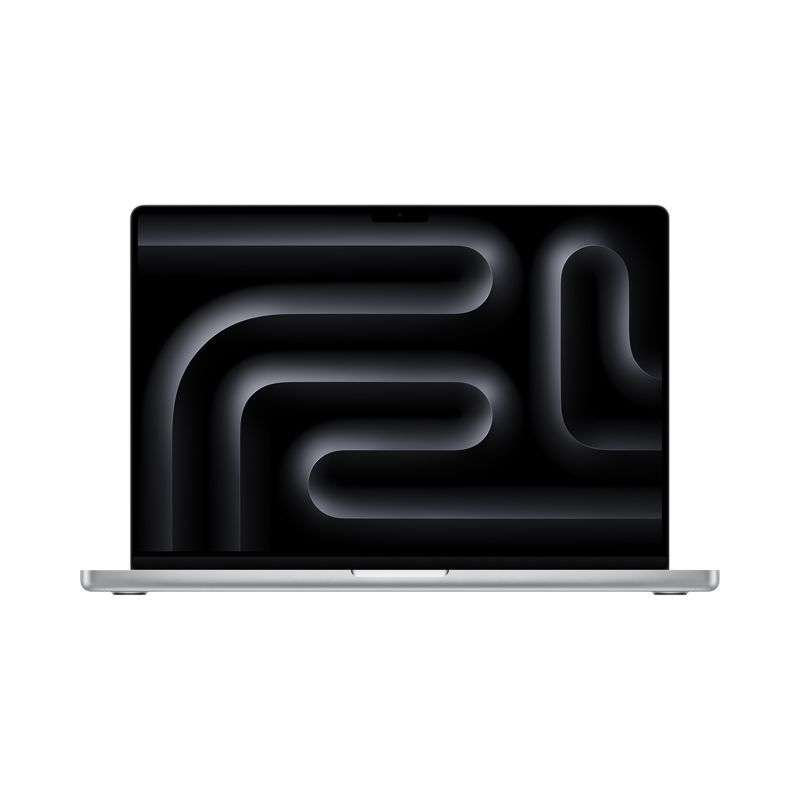
MacBook Pro 16-inch 512B SSD - Apple M4 Pro chip 14-Core CPU - 20-Core GPU - Built for Apple IntellegenceAs low as $2,700.17 Regular Price $2,808.00
-
-3%
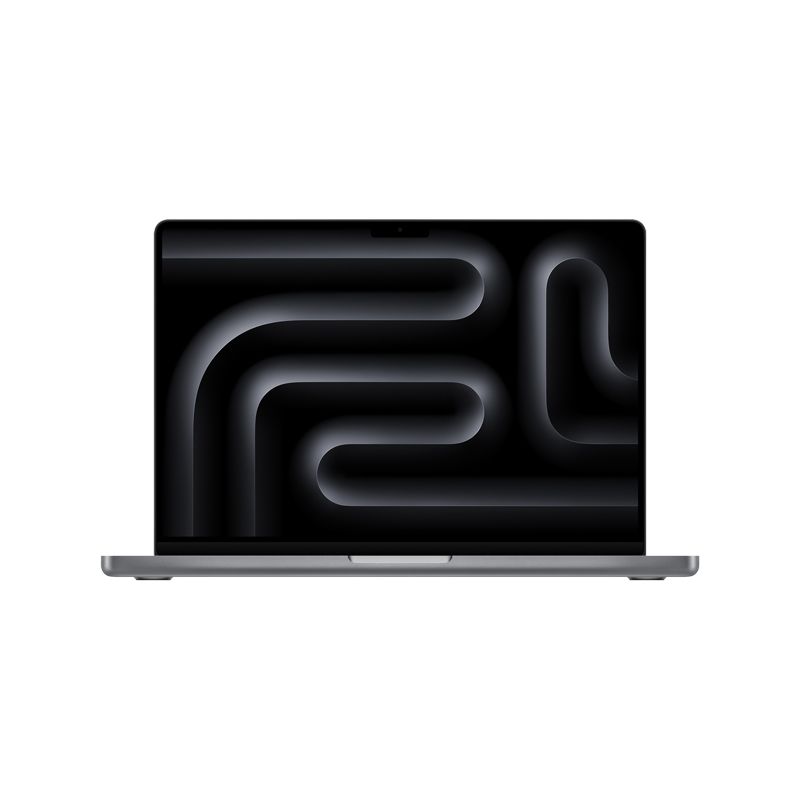
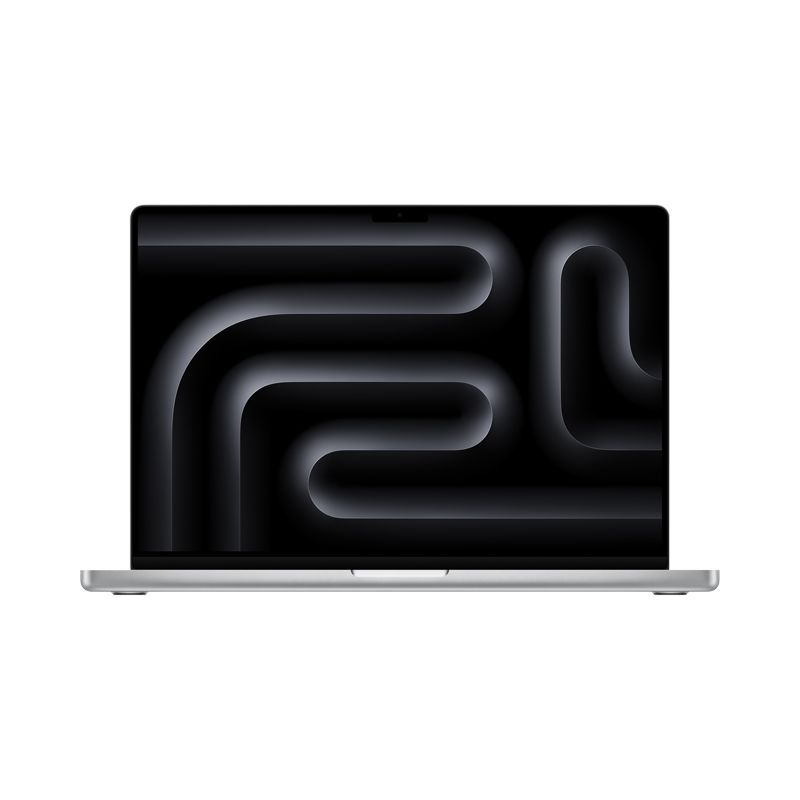
MacBook Pro 16-inch 1TB SSD - Apple M4 Max chip 16-Core CPU - 40-Core GPU - 48GB Memory - Built for Apple IntellegenceAs low as $4,336.71 Regular Price $4,493.87
-
-23%
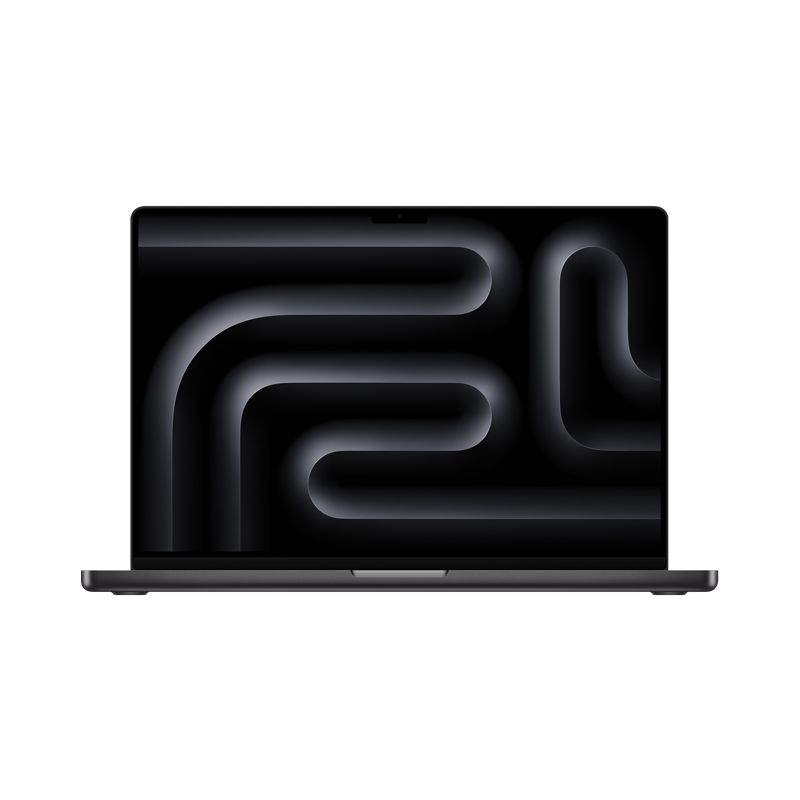
Apple - MacBook Pro 16" Laptop - M3 Max Chip 128GB Unified Memory 8TB SSD Storage - SilverSpecial Price $5,934.00 Regular Price $7,727.99
- apple silicon mac buying guide 2025
- m series mac configuration
- macbook air pro mini studio imac m4 m5
- apple m chip comparison
- mac ram ssd recommendations