
How to Block Problematic Windows Updates: A Guide to the wushowhide.diagcab Tool
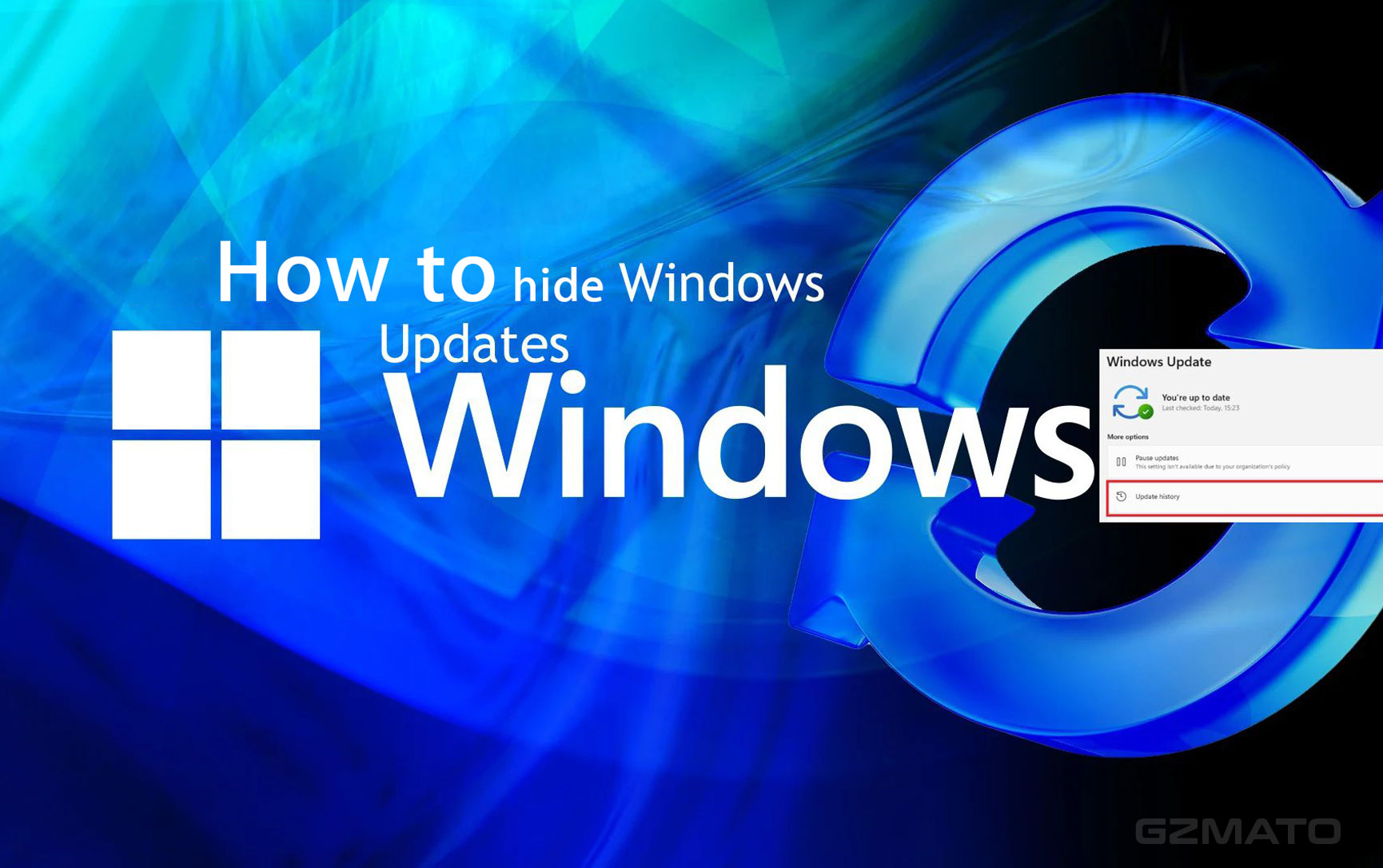
In the era of "Windows as a Service," Microsoft removed the familiar option to selectively hide updates, forcing many users to install every patch and driver delivered via Windows Update. While this ensures everyone gets critical security fixes, it creates a serious problem when a mandatory update is buggy, unstable, or, as some of us have experienced, causes an incorrect system warning.
Fortunately, Microsoft provides a simple, standalone utility to restore this functionality: the "Show or Hide Updates Troubleshooter," packaged as wushowhide.diagcab.
This guide explains what this tool is, when it is absolutely necessary to use it, and how to get the official file.
What is wushowhide.diagcab?
The wushowhide.diagcab file is a Microsoft official diagnostic tool that allows users to regain granular control over the Windows Update service. It functions by:
- Scanning for updates that are ready to download or install.
- Allowing the user to select specific updates to "Hide" (block).
- Writing a specific instruction into the local Windows Update client, which tells the service to ignore that specific update permanently (or until the user chooses to "unhide" it).
This allows you to stop a problematic update or driver from automatically reinstalling every time you restart your PC or check for new patches.
When Do You Need This Tool?
The wushowhide.diagcab is a temporary, "break-glass" solution, and should only be used in specific scenarios:
| Scenario | Example / Description | Why `wushowhide` is Needed |
|---|---|---|
| Driver Instability | A new graphics, network, or printer driver delivered via Windows Update causes your system to crash (BSOD) or malfunctions with peripheral hardware. | You need to revert to a stable driver, and `wushowhide` prevents Windows from instantly reinstalling the faulty version during the next update cycle. |
| System Malfunction | A non-security Cumulative Update (CU) introduces bugs like network dropouts, reduced game performance, or instability in critical business applications. | You must uninstall the problematic CU to restore system function. You then hide the KB number to stop Windows Update from immediately re-downloading it. |
| Incorrect Status/Warning | The update is functionally correct, but contains erroneous code that incorrectly flags your specific system version (e.g., LTSC) with a severe "End-of-Life" (EOL) or "Unsupported" warning. | Blocking the patch (like KB5066791 in this context) serves as a necessary, temporary measure to remove the false warning trigger until Microsoft releases a corrected fix. |
← *On mobile, swipe left/right to see the full table content.* →
How to Use the Tool to Hide an Update
Using the troubleshooter is a straightforward, click-through process:
- Run the Tool: Double-click on the downloaded
wushowhide.diagcabfile. - Start Scan: Click "Next" to allow the utility to scan your system for available updates.
- Select Action: Choose "Hide updates."
- Block the Patch: A list of pending updates will appear. Select the specific KB number (e.g., KB5066791) or driver you wish to block.
- Finish: Click "Next" to apply the change. The selected update is now hidden and will not be offered again.
If you later need to install the patch (e.g., after Microsoft releases a fixed version), simply run the tool again and choose "Show hidden updates."
Related: Windows 10 Reaches End of Support: What the Final Patch Means for Your PC
Official Download Link (Microsoft)
While Microsoft has occasionally moved the location of this tool, the direct link remains the most reliable source, having been shared across numerous support articles:
Download the Show or Hide Updates Troubleshooter (wushowhide.diagcab)
Important Note: You may receive a warning from your browser or Windows Defender about this file. As it is a direct download from the download.microsoft.com domain, you can proceed safely, but always ensure the URL matches the official source.
Using this tool responsibly ensures that you maintain control over your PC's stability while only temporarily pausing a specific patch, allowing you to prioritize security and functionality until a permanent fix is released.

- wushowhide.diagcab
- Windows Update Block
- Hide Updates
- Windows 10 Troubleshooter
- Block Driver Update
- KB5066791 Fix











