World Cup 2026 Viewing Guide: Knockout Stage Schedule, Streaming, TVs, Sound, and More
- World Cup 2026: The Biggest Tournament in History Is Here
- Key Dates: What's Still Left to Watch
- Step 1 — Get the Right TV
- Step 2 — Pick Your Streaming Service
- Step 3 — Upgrade Your Sound
- Step 4 — Go Big with a Projector
- Step 5 — Watch on Your Phone or Tablet
- Step 6 — Keep Every Device Charged
- Step 7 — Hosting a Watch Party
- Shop World Cup Tech at Gzmato
- Key Takeaways
World Cup 2026: The Biggest Tournament in History Is Here
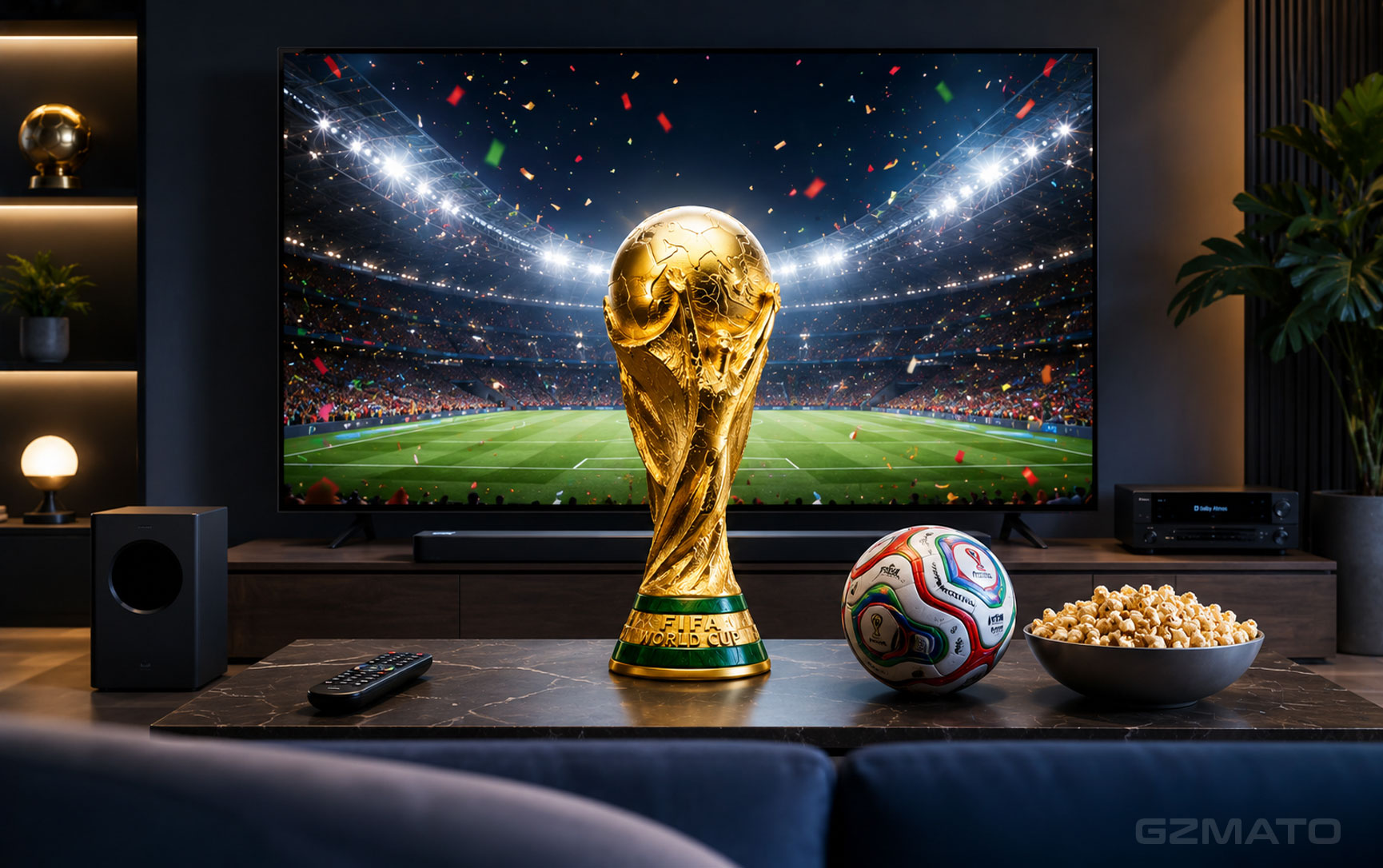
The 2026 FIFA World Cup is not just the biggest football tournament ever — it is the biggest sporting event in human history. Forty-eight teams, 104 matches, 16 host cities across the United States, Canada, and Mexico, and an estimated 5 billion viewers worldwide. The knockout stage is already underway, with England, USA, Argentina, France, Spain, and Portugal all fighting to reach the Round of 16 this week.
If your TV setup, streaming service, or sound system is not ready for this, you are missing out. The difference between watching a World Cup match on a small laptop screen with tinny speakers and watching it on a properly set-up big screen with great audio is enormous. This guide covers everything — from choosing the right TV to streaming options, sound upgrades, mobile viewing, and making sure every device stays charged through a full day of back-to-back matches.
Key Dates: What's Still Left to Watch
The group stage is over. The knockout rounds started June 28 — and from here every match is elimination football. Here is what is still ahead:
| Stage | Dates | Key Matches |
|---|---|---|
| Round of 32 | June 28 — July 7 | England vs DR Congo (July 1), USA vs Bosnia-Herzegovina (July 1), Spain vs Austria (July 2), Argentina vs Cabo Verde (July 3), France vs Sweden (June 30) |
| Round of 16 | July 5 — July 7 | TBD — winners from Round of 32 |
| Quarter-Finals | July 9 — July 10 | TBD — best 8 teams in the tournament |
| Semi-Finals | July 14 — July 15 | TBD — final 4 nations |
| Third Place | July 18 | TBD — Miami Stadium |
| World Cup Final | July 19, 3:00 PM ET | MetLife Stadium, East Rutherford, New Jersey |
Step 1 — Get the Right TV
For most people, the TV is the most important part of the World Cup viewing experience. Watching football on a 55-inch or larger screen with a high refresh rate makes a real difference — fast movement on the pitch, wide camera angles across a full stadium, and the energy of a crowd all come alive on a big display in a way that simply does not happen on a laptop or phone.
What Screen Size Do You Need?
As a general guide for viewing distance and screen size:
| Room Size / Seating Distance | Recommended Screen Size | Best For |
|---|---|---|
| Small room, 6-8 feet from screen | 55-inch | Bedroom, small living room |
| Medium room, 8-10 feet from screen | 65-inch | Standard living room |
| Larger room, 10-12 feet from screen | 75-inch or 85-inch | Large living room, open plan |
| Watch party with 8+ people | 85-inch or projector | Group viewing, garage, patio |
What Display Technology Should You Choose?
- OLED: Best picture quality available — perfect blacks, infinite contrast, outstanding motion handling. Sports look spectacular on OLED. The trade-off is brightness in a very bright room, but for evening matches it is unbeatable. Samsung S95H OLED and LG C4 series are the top picks right now
- QLED / Neo QLED: Brighter than OLED — ideal if you watch in a very bright room or sunlit lounge. Samsung's QN90H Neo QLED delivers excellent sports performance with high peak brightness and fast motion clarity
- Micro RGB (2026's new tech): Samsung's newest display technology uses RGB LEDs instead of white backlights for outstanding colour accuracy and brightness — featured in the 130-inch S8900 series. More affordable than OLED at larger sizes
Key Features to Look For in a Sports TV
- 120Hz refresh rate: Smooths fast movement on the pitch — essential for football viewing. Any good 2025-2026 TV should have this
- Game Mode / Sports Mode: Reduces input lag and sharpens motion — makes a noticeable difference during fast counter-attacks and set pieces
- HDR support: HDR10+ or Dolby Vision makes stadium lighting, grass texture, and kit colours richer and more realistic
- Built-in streaming apps: The ability to run Fubo, YouTube TV, FOX Sports, or your preferred streaming service directly on the TV without needing an extra device
Step 2 — Pick Your Streaming Service
Every match of the 2026 World Cup is available to stream — you do not need a cable subscription to watch. Here is a clear breakdown of your options in the US:
| Service | Price | What You Get | Best For |
|---|---|---|---|
| FOX One | Subscription required | All 104 matches in English (FOX and FS1) | English speakers wanting every single game |
| Fubo | From $45.99/month | FOX, FS1, FS2, Telemundo — full coverage. 5-day free trial available | Most comprehensive option — free trial covers multiple Round of 16 matches |
| YouTube TV | From $72.99/month | FOX, FS1, Telemundo — full coverage | Existing YouTube TV subscribers |
| Sling TV | From $45.99/month or Day Pass from $4.99 | FOX, FS1 via Sling Blue. Flexible day/week passes | Budget viewers — buy just a 1-day pass for a big match |
| Peacock Premium | $10.99/month | Spanish commentary via Telemundo and Universo. "Catch-Up Fast Forward" for late joiners | Spanish-language fans |
| Tubi (FREE) | Free | Opening match replay, USMNT first match vs Paraguay — limited free content | Catching free highlights and replays |
- Fubo offers a 5-day free trial with full access to FOX, FS1, and Telemundo
- Time it right — start the trial before a quarter-final week and you cover two to three crucial matches for free
- Cancel before the trial ends and you pay nothing
- Fubo also offers Multiview — watch two or three simultaneous group stage matches on the same screen, which is perfect when multiple games are running at the same time
Best Streaming Devices If Your TV Is Not Smart Enough
- Amazon Fire TV Stick 4K Max: Excellent value, supports 4K HDR streaming, has a dedicated World Cup experience powered by FOX One built into the home screen. Works on any TV with an HDMI port
- Apple TV 4K (3rd gen): Best option for iPhone users — AirPlay from your phone to your TV is seamless, Siri voice search finds matches instantly
- Roku Ultra: Simple interface, supports every major streaming app, 4K and Dolby Vision capable
- Google Chromecast with Google TV: Best for Android users — cast from your phone or use the remote for voice search
Step 3 — Upgrade Your Sound
The roar of 80,000 fans at MetLife Stadium. The crowd erupting after a last-minute goal. The stadium atmosphere that makes the difference between a match feeling like a live event and feeling like background noise. Your TV's built-in speakers — no matter how good the TV is — cannot reproduce that. A soundbar or speaker system changes everything.
What to Look For in a World Cup Sound Setup
- Dolby Atmos: Creates a three-dimensional sound field — crowd noise comes from above and around you, commentary stays centre stage, and the ball hit sounds like it happens in the room. Essential for the best experience
- Wide soundstage: Football broadcasts use a wide stereo mix — a soundbar with good left-right separation makes the pitch feel wider
- Dialogue clarity: Commentary needs to be crisp and clear — look for soundbars with a dedicated centre channel or dialogue enhancement mode
- Minimum 2.1 configuration: A soundbar with a separate subwoofer delivers the low-end impact of a crowd and stadium atmosphere far better than a single-unit bar
Step 4 — Go Big with a Projector
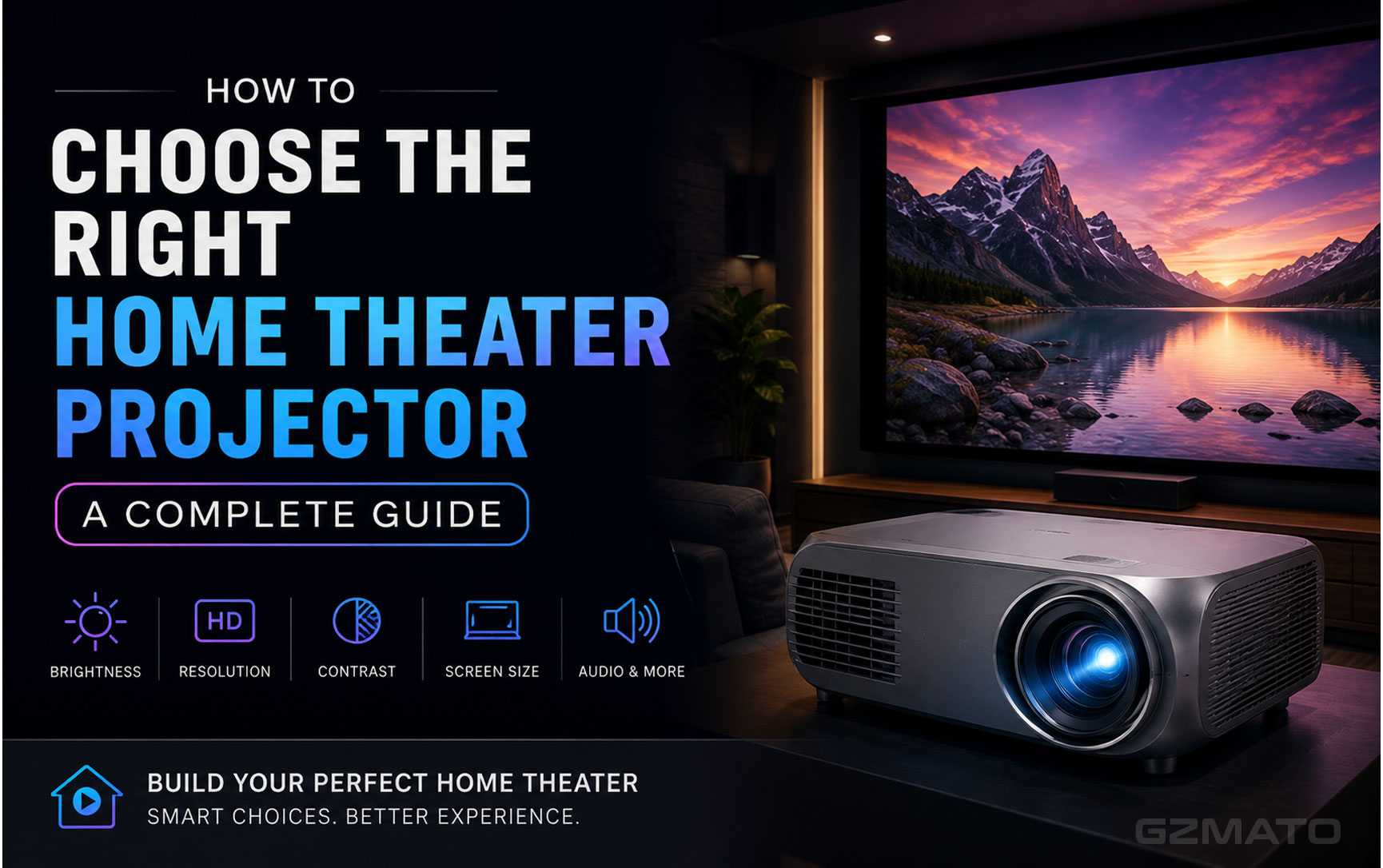
If you want the true stadium experience at home — or you are hosting a watch party in a garden, garage, or large room — a portable projector is the answer. A projector can fill a wall with a 100-inch or larger image for a fraction of the price of an equivalent TV, and they are easy to set up outdoors for evening matches.
- For outdoor evening matches: You need at least 300 verified ANSI lumens. The BYINTEK U Series (500-800 ANSI) and BL-360 (400 ANSI) both work well at dusk. The Magcubic HY450 is dark-room only at 120-150 ANSI
- For indoor rooms with some ambient light: The Wanbo T2 Max (250-450 ANSI) is reliable and delivers true 1080p — good for a living room with blinds drawn
- Screen size: Most portable projectors can fill a 100-120 inch image at 8-10 feet distance — significantly larger than any TV at the same price point
- Sound: Most portable projectors have built-in speakers adequate for small groups — pair with a Bluetooth speaker for larger gatherings
Step 5 — Watch on Your Phone or Tablet
Not every match happens at a convenient time — some kick off while you are commuting, at work, or on the move. All the major streaming services have fully-featured mobile apps that let you watch every match live on your phone or tablet. A few tips for the best mobile experience:
- Download the app before the match: Fubo, FOX Sports, YouTube TV, and Peacock all have iOS and Android apps. Download and log in before the game starts — do not try to set up during the kick-off rush
- Use Wi-Fi when possible: Live HD streaming uses 1.5-3GB per match on 1080p. Switch to 720p if you are on mobile data to cut consumption nearly in half without losing much picture quality
- Enable background audio: iOS and Android both allow audio from streaming apps to continue when the screen locks — useful for listening while commuting
- Fubo's "Catch-Up Fast Forward": If you join a match late, Fubo automatically generates a brief 5-minute clip of all previous goals and red cards before sliding you into live play — so you are never lost on the score
- Cast to your TV: AirPlay (iPhone to Apple TV), Chromecast (Android to Chromecast), or screen mirroring from your phone to a smart TV lets you start watching on your phone and instantly move to the big screen when you get home
Step 6 — Keep Every Device Charged
Match days during the knockout rounds can involve four to five hours of football — especially when two matches run back to back with extra time and penalties. Nothing kills the atmosphere faster than a phone dying during a penalty shootout. Here is how to keep everything powered through a full match day:
| Device | Problem | Solution |
|---|---|---|
| iPhone / Android phone | 4-5 hours of streaming drains the battery completely | Keep a 10,000mAh+ power bank within reach. Charge between matches |
| iPad / tablet | Larger battery but streaming still takes its toll | Keep plugged in during long match days. USB-C cable to a wall charger |
| MacBook / laptop | Running streaming apps plus chat, stats, and notifications | 65W USB-C charger keeps it topped up without throttling |
| Multiple devices | One charger per device means running out of sockets | A multi-port GaN charger (65W or 100W) charges phone, tablet, and laptop simultaneously from one plug |
| Outdoor / garden watching | No wall sockets available outside | A high-capacity power bank (20,000mAh+) can run a projector and charge phones simultaneously |
Step 7 — Hosting a Watch Party
Watching the World Cup with friends and family is a completely different experience from watching alone — and the bigger the group, the more important your tech setup becomes. Here are the essentials for a great watch party:
Screen and Sound
For groups of 6 or more, a 75-inch or larger TV — or a projector with a 100-inch image — means everyone gets a clear view without crowding around the screen. A soundbar or external speakers are essential for groups, since TV speakers cannot fill a room with people in it. Aim for at least 40W total output so commentary cuts through conversation.
Multiple Streams
If you want to cover simultaneous matches in different rooms, you need either Fubo's Multiview feature (two or three games on one screen) or separate streaming accounts on separate devices. Fubo's Multiview is the cleanest solution — it keeps everything on one TV without needing multiple subscriptions.
Network Speed
Multiple people streaming on phones while the main TV streams in 4K puts pressure on your home Wi-Fi. If possible, connect your streaming device or smart TV to your router via Ethernet cable rather than Wi-Fi — it eliminates buffering during peak moments like a penalty kick. If you are on Wi-Fi, make sure your router is within good range of your TV.
Backup Power
Set up a charging station — a multi-port USB charger on a side table so guests can top up their phones without hunting for sockets during a match.
Shop World Cup Tech at Gzmato
Whether you are upgrading your TV setup for the knockout rounds, getting a projector for an outdoor watch party, or just making sure every device stays charged through a full match day, Gzmato has the accessories you need.
Fast Chargers | USB-C Cables | Power Banks | Wireless Chargers | Screen Protectors | Portable Projectors
Special Offer: Use code TECH2026 for a discount on your first order!
Shop at GzmatoKey Takeaways
| # | Your World Cup 2026 Tech Setup Checklist |
|---|---|
| 1 | 32 matches still to go — the knockout stage runs until the World Cup Final on July 19 at MetLife Stadium, New Jersey. Plenty of time to upgrade your setup |
| 2 | Choose the right screen size — 65-inch for a standard living room, 75-inch or larger for groups, projector for outdoor watch parties or 100-inch+ image |
| 3 | OLED for the best picture — Samsung S95H OLED or LG C4 deliver the richest football viewing experience. QLED/Neo QLED for bright rooms |
| 4 | Every match is streamable — FOX One and Fubo cover all 104 matches in English. Fubo's 5-day free trial is the smart move for the knockout rounds |
| 5 | Sling TV Day Passes from $4.99 — the most budget-friendly option for watching a single big match without a full subscription |
| 6 | Amazon Fire TV has a built-in World Cup hub — powered by FOX One, with direct access to live matches, highlights, and replays from the home screen |
| 7 | Add a soundbar — stadium atmosphere requires more than TV speakers. A 2.1 soundbar with Dolby Atmos transforms the experience |
| 8 | Keep devices charged — a multi-port GaN charger and a 20,000mAh power bank handle a full match day for your whole household |
| 9 | Use Fubo Multiview for simultaneous matches — watch two or three games on one screen when multiple matches kick off at the same time |
| 10 | Connect your TV via Ethernet — eliminates buffering during penalty shootouts and crucial moments when your Wi-Fi is under load from multiple devices |
- FIFA.com — Official 2026 World Cup knockout stage schedule and match results
- ESPN — World Cup 2026 fixture schedule, scores, and knockout bracket
- CBS Sports — Complete World Cup 2026 schedule and streaming guide
- Fubo.tv — Official streaming coverage details, Multiview feature, free trial information
- Amazon — Fire TV FIFA World Cup 2026 experience and FOX One integration
- Goal.com — Best apps for watching World Cup 2026 on mobile devices
- TechRadar — How to watch World Cup 2026 free from anywhere, TV recommendations
- 1001TVs — How to watch World Cup 2026 on big screen, streaming device guide
- Yahoo Shopping — World Cup 2026 gadgets and home tech guide
- Engadget — Samsung 4th of July TV sale, Micro RGB display technology
- World Cup 2026
- watch World Cup online
- World Cup streaming
- Fubo World Cup
- World Cup TV setup
- knockout stage schedule
- World Cup final July 19